
Contents
First impressions of the Cubot X17S
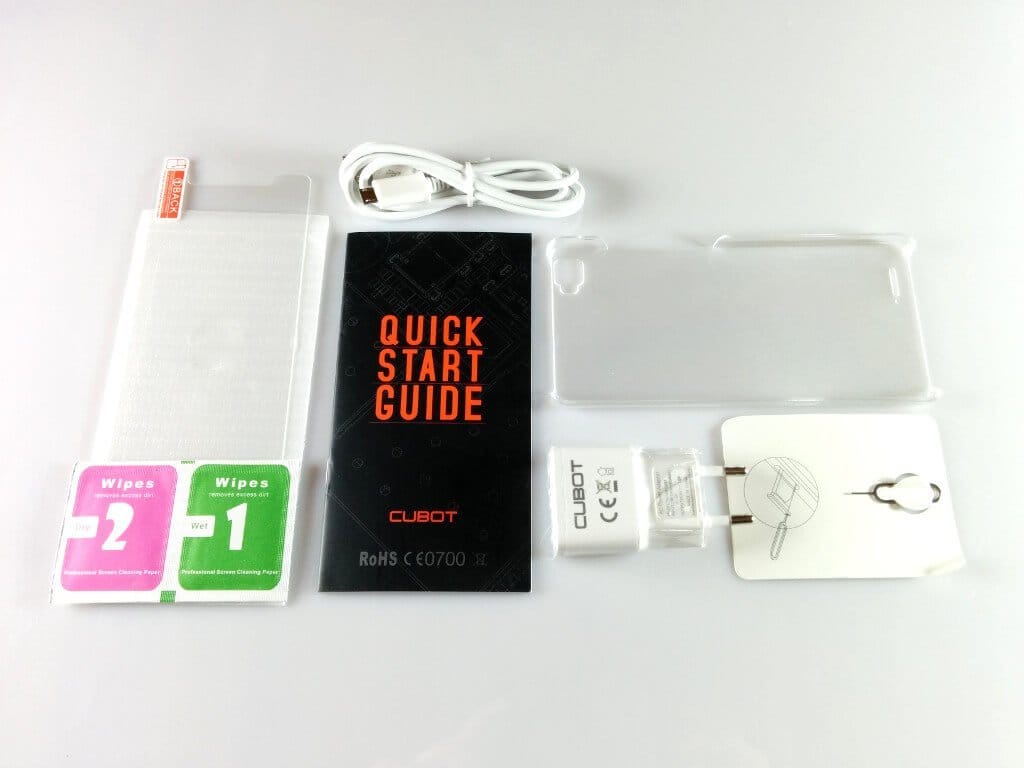
The Cubot X17S also comes in the typical Cubot cardboard box, which includes the smartphone along with a substantial range of accessories. Included were a plastic protective case, a glass screen protector with cleaning cloths, a SIM pin, a charger (5V, 1A), a USB data/charging cable, and a multilingual user manual.
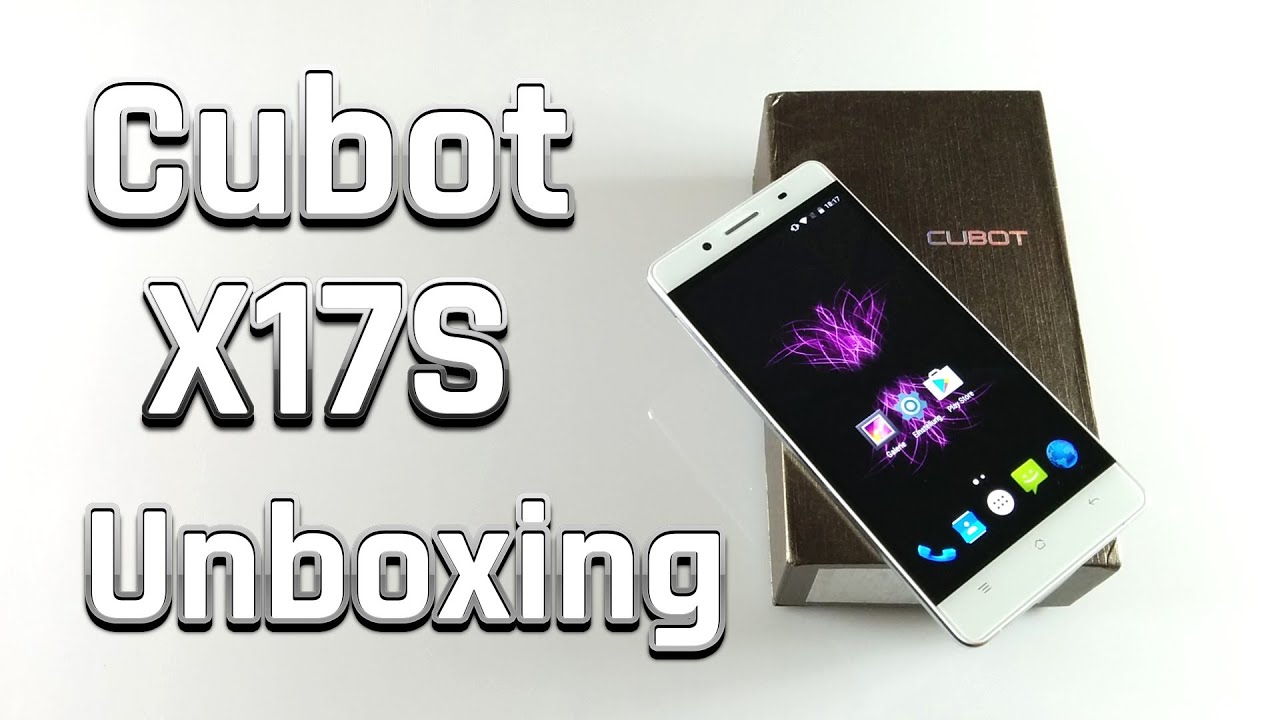 Play video on YouTube


The front of the X17S is no different from its predecessor. Below the 5-inch full-HD display are three unlit, capacitive buttons. Above the display is a notification LED, next to which are the 8-megapixel front camera, the earpiece and the proximity sensor.
The smartphone's frame is made of aluminium. On the left edge of the casing is a hybrid SIM slot that can be fitted with a micro SIM and a nano SIM card. To use the expandable storage option with such a hybrid slot, you must forgo the dual-SIM function. The second SIM slot alternatively serves as a storage expansion slot. On the right edge of the casing are the volume rocker and the power button. In addition, the smartphone features a micro-USB port and a 3.5mm audio output.
The crucial difference between the Cubot X17S and the conventional X17 is the back. While it continues to use a non-removable unibody back, the X17S's back is made of glass rather than aluminium like its predecessor. The shape of the 16-megapixel camera has also changed slightly. The square frame of the X17 camera cover has been replaced here by a simple border. At the bottom edge of the back, there is a relatively small speaker, which was located in the same position on the X17.
My first visual impression of the Cubot X17S is quite positive. The smartphone is well-made, and I personally find the glass back more appealing than that of the predecessor. In addition, the device feels much better in the hand. With the Cubot X17, I constantly had the feeling that the smartphone might slip out of my hand at any moment.
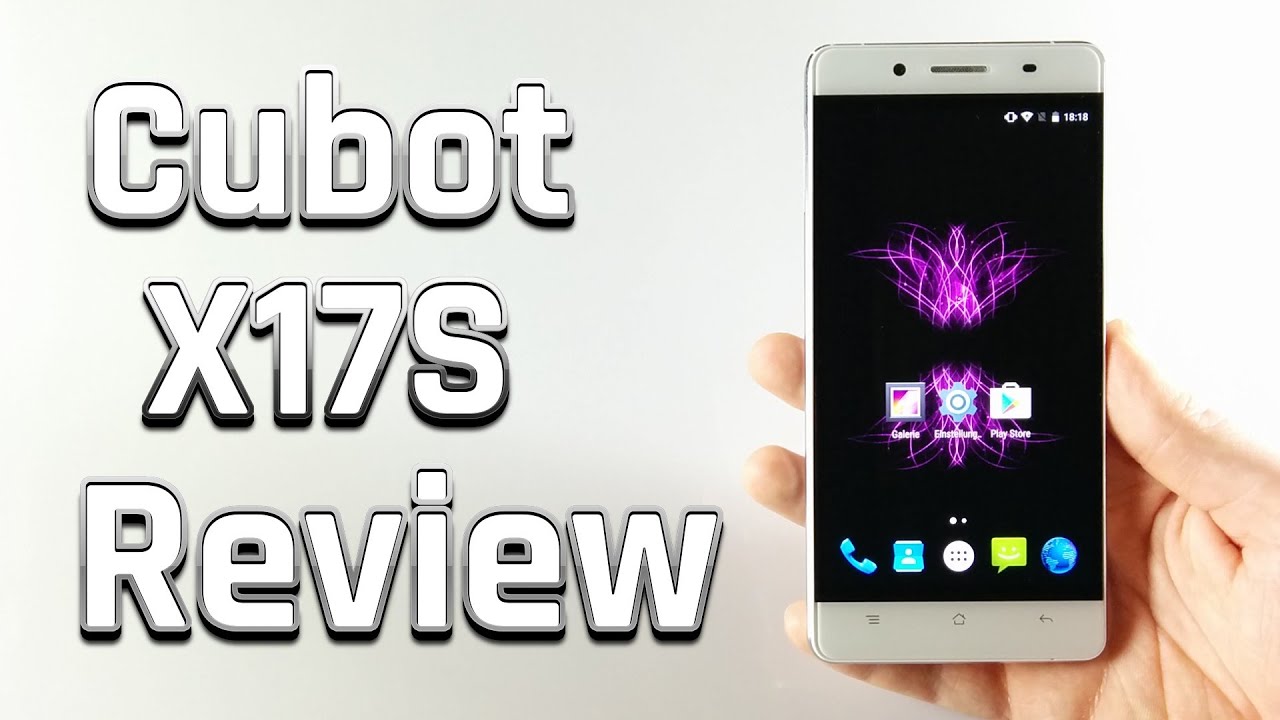 Play video on YouTube


Display
The Cubot X17S features a 5-inch Full-HD display with a resolution of 1920x1080 pixels. The display is manufactured by JDI (Japan Display Inc.), a joint venture between the Japanese companies Sony, Toshiba, and Hitachi. The pixel density is 441 DPI. Individual pixels are therefore hardly recognisable to the naked eye.
Colors are displayed very vividly on the X17S display. However, the color temperature is somewhat cool, resulting in a very nice white point. The display’s viewing angle stability is also very good. No matter how you tilt or rotate the smartphone, color accuracy remains consistent and text is still legible even from a shallow angle. The maximum display brightness also proved convincing during the test. Even under strong sunlight, the display remained clearly readable.
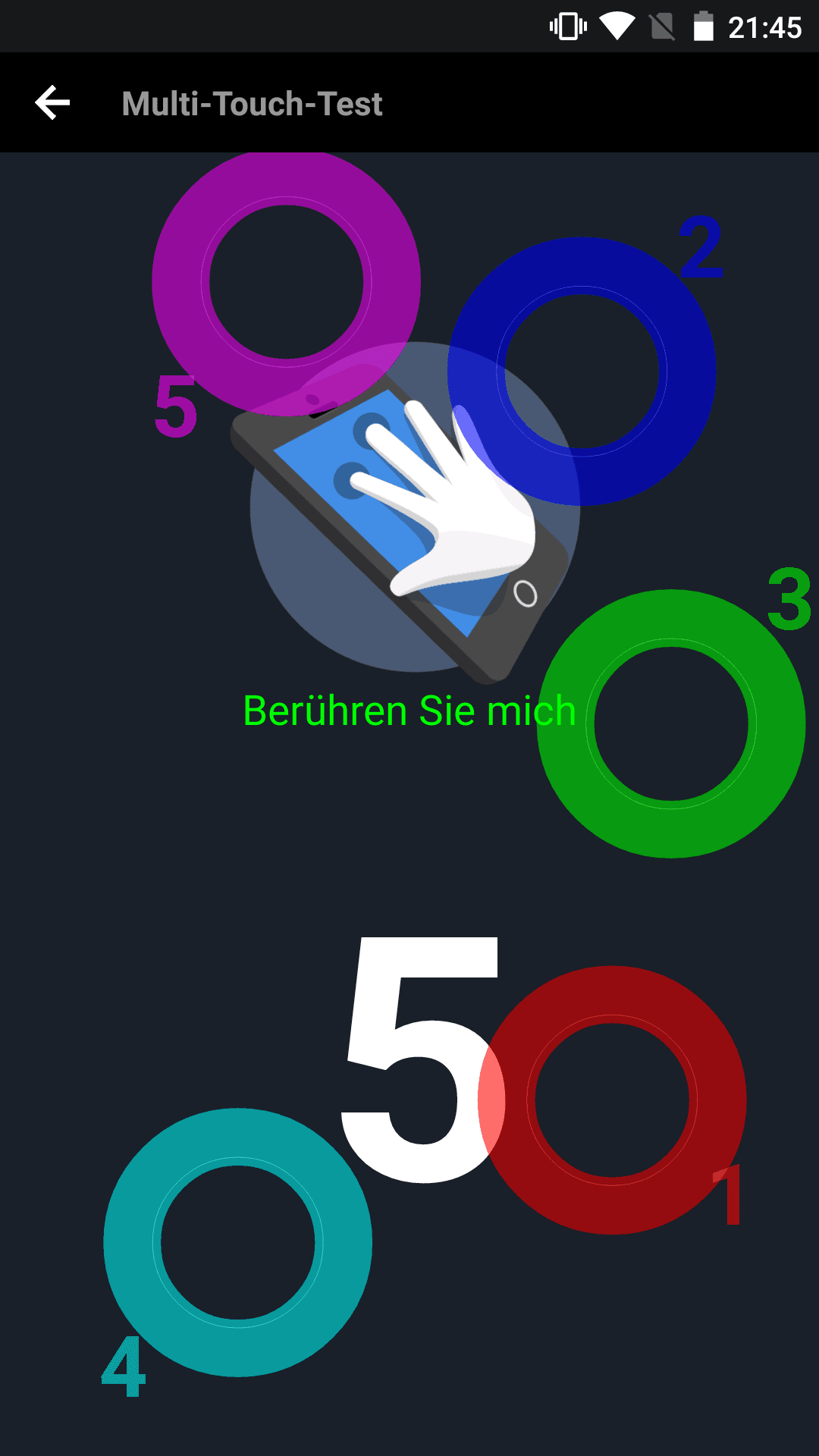
For those who want to individually adjust the display representation afterwards, "MiraVision" has been integrated under the display settings. In addition to saturation, contrast and brightness, colour temperature and image sharpness can also be manually corrected. Alternatively, you can choose between several pre-defined profiles. The Cubot X17S touchscreen supports five-finger multitouch. The touchscreen accuracy is good and all inputs were recognised cleanly.

Performance
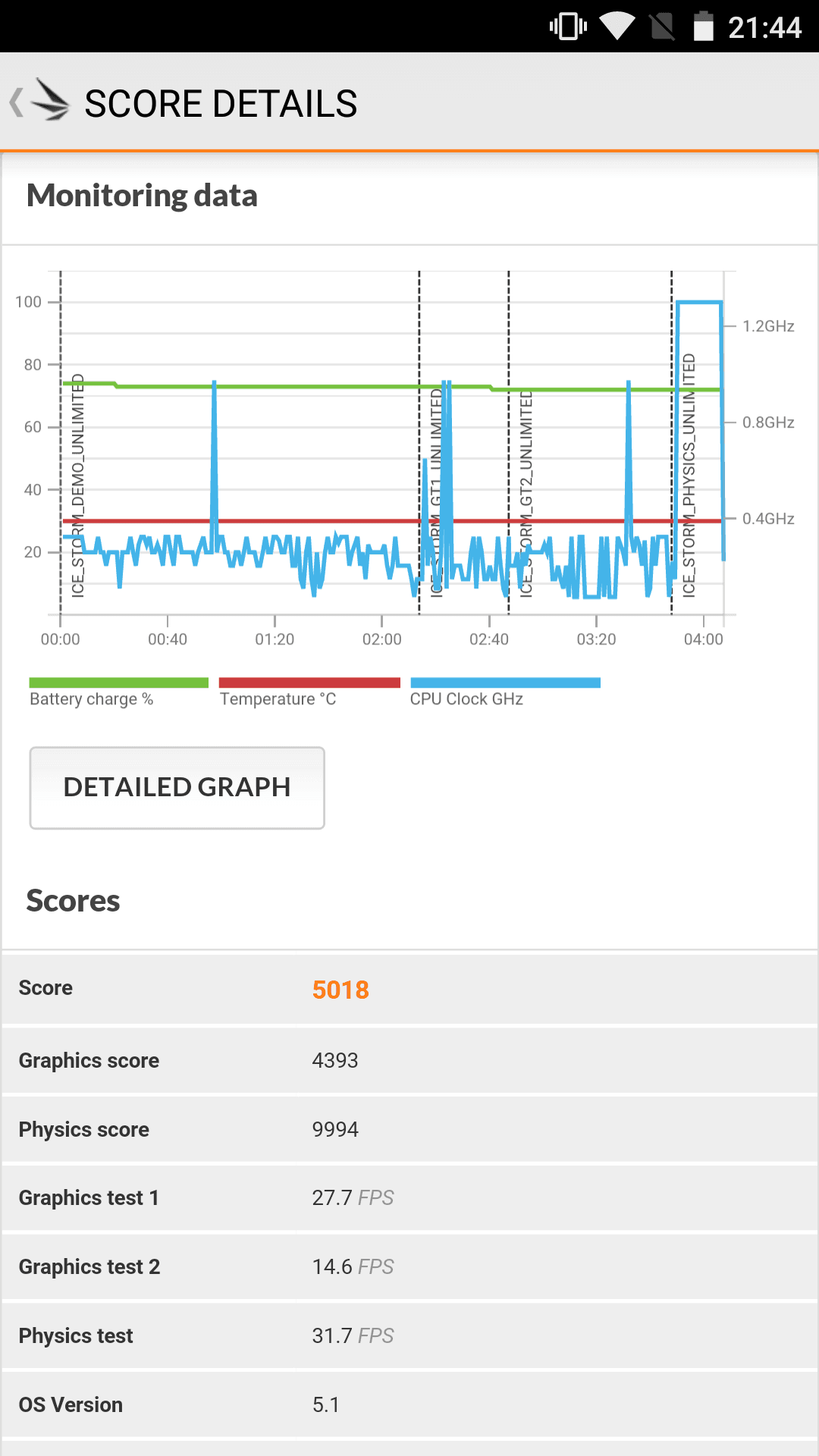
Regarding the processor, Cubot has shown little originality over the course of the X series and has also installed the somewhat older MediaTek MT6735A processor in this smartphone. This quad-core processor clocks at a maximum of 1.3GHz and is supported by a Mali T720 GPU. In addition, the device has 3GB RAM and 16GB of internal storage, which can be expanded with a Micro SD memory card.
In everyday use, the Cubot X17S convinced with responsive operation. Apps open quickly and multitasking is also no problem for this smartphone. However, anyone who wants to play demanding games on their smartphone will be slowed down by the now older processor and the Mali T720 GPU contained in the SoC. I could only run the game Asphalt 8 smoothly on this smartphone after adjusting the graphics details.


User interface
The Cubot X17S was delivered with Android 5.1. This is a largely clean version of Android, very closely based on stock Android. Nevertheless, several third-party apps were pre-installed. In addition to the “Cleaner App” by Cheetah Mobile, which is common on Cubot smartphones, an app called “Ant Keyboard” and “Opera Mini” were also pre-installed. These apps can, however, be uninstalled via the app manager.
In the settings, the system has been expanded with “HotKnot” for wireless data transfer between two devices, and gesture control. In addition to so-called “Off Screen Gestures” (gestures when the display is off), there are also “On Screen Gestures” and “Air Gestures”.
Another and quite useful feature is the overview of all open apps. This also displays the battery level, temperature, available RAM and output voltage. A small cleaning icon allows you to close all recently opened apps with one click.
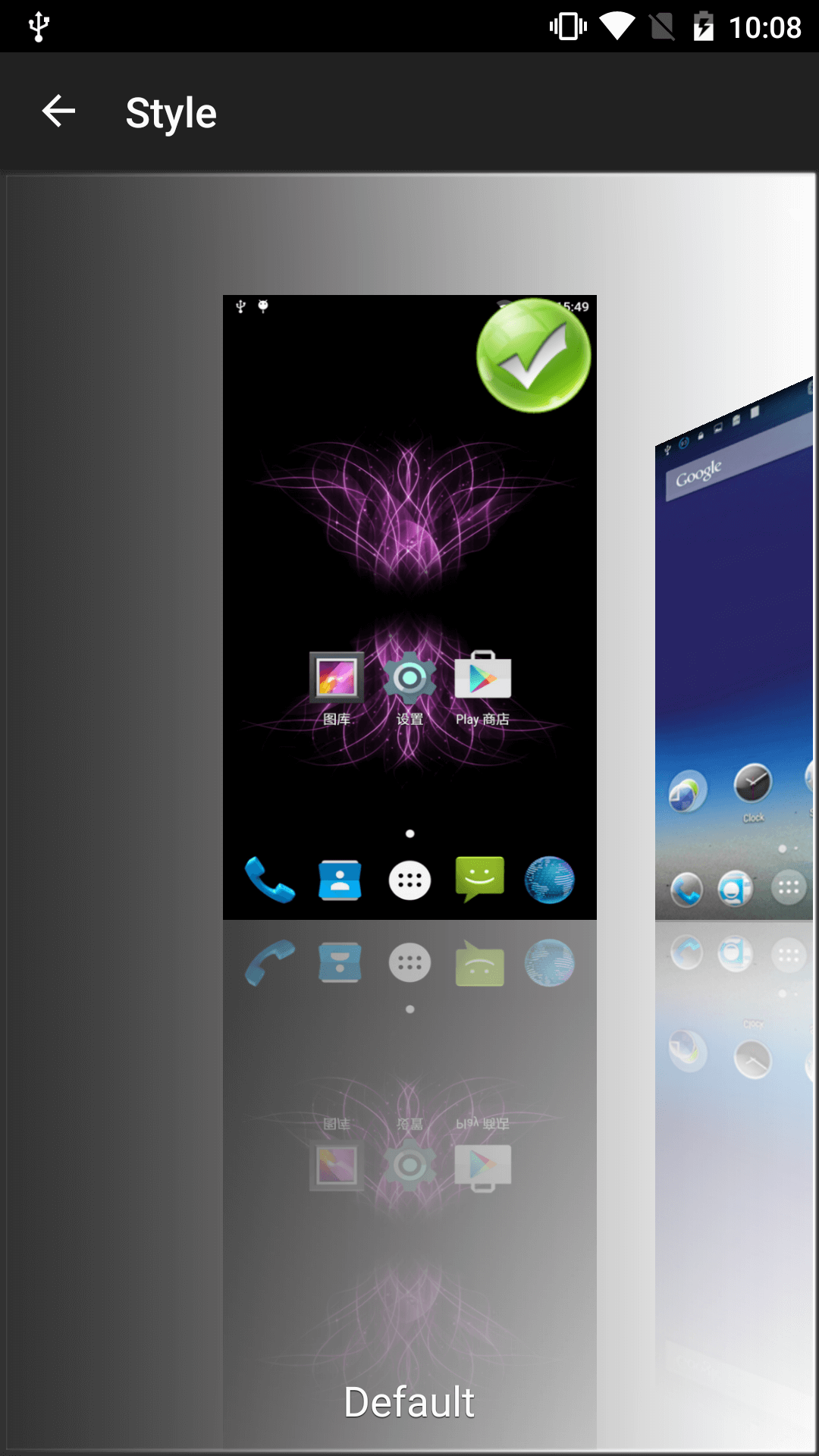
A theme launcher is already pre-installed on the Cubot X17S. It allows you to choose from six different styles.
The smartphone receives updates "OTA" (over the air). It is highly unlikely that Android 6 will ever run on the X17S.


Camera
Like its predecessor, the Cubot X17S has a main camera that enables image captures with a maximum of 16 megapixels and a front camera that captures images with a maximum of 8 megapixels. However, these values are interpolated, which is why the main camera's image sensor has a native resolution of only 13 megapixels and the front camera's image sensor has 5 megapixels.
In addition to autofocus, the main camera also has a dual LED flash. The aperture value for both cameras is f/2.2. The camera app is the standard MediaTek camera app, which has been slightly modified.
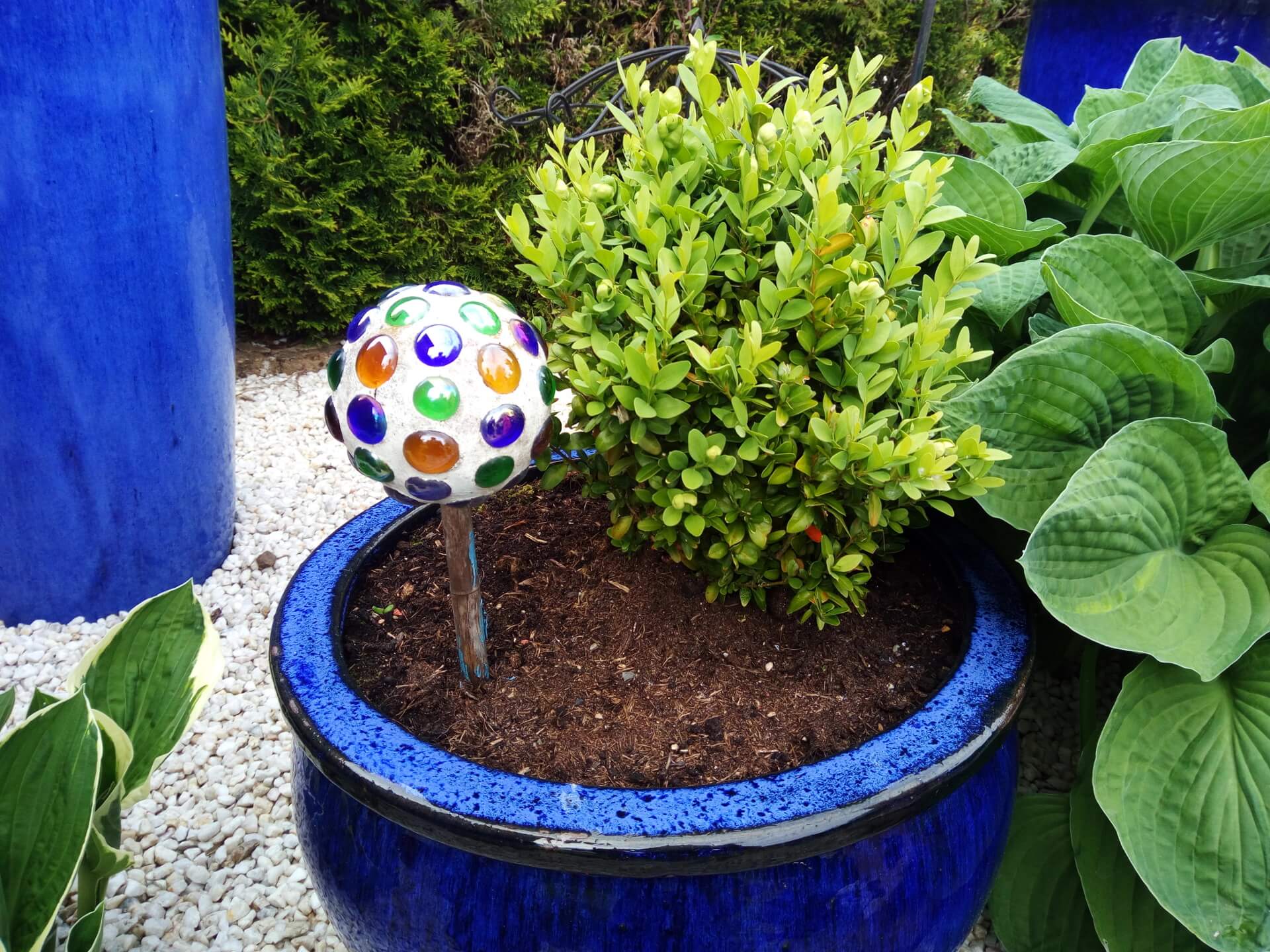
Images taken with the main camera feature rich colours and plenty of detail. Image noise is barely noticeable under good lighting conditions. However, slight image noise is visible under poorer lighting conditions. Autofocus speed and shutter speed are average.





Telephony, Wi-Fi, Bluetooth
The Cubot X17S supports all common network standards. LTE is also possible with this smartphone, and the LTE band 20 widely used in Germany is also supported. The voice quality was convincing in testing. Both my conversation partner could understand me clearly and distinctly, and I could understand him perfectly well both via the earpiece and the hands-free function.
The Wi-Fi of the Cubot X17S is limited to the 2.4 GHz network. Dual-band support is not available. The connection was always stable and the range was good.
I encountered no problems when using a Bluetooth speaker and a Bluetooth hands-free system either. The transmission was consistently stable.
GPS and sensors
Navigation with the Cubot X17S works quite well. GPS lock was acquired within a few seconds, and position determination was accurate to within 2 metres. I clearly miss the gyroscope among the sensors. Here, the manufacturer has only installed an accelerometer, a proximity sensor and a brightness sensor.
Battery
With a capacity of 2,500mAh, the Cubot X17S battery is neither among the largest nor among the most powerful. After a day of standard use, I still had about 30% of the capacity left, but I had to charge the smartphone immediately the next morning. Overnight, the smartphone lost approximately 12% of its capacity. Compared directly to its predecessor, power consumption has only improved minimally. A full charge took about 2 hours using a fast charger.
Our verdict
The Cubot X17S offers no hardware innovations compared to its predecessor. Only the design of the back has been adapted to that of the Cubot X16, making the X17S a mix of the X17 and X16. In testing, I was particularly convinced by the smartphone's display. Despite the older processor, the device is highly performant. Both the main camera and the front camera enable clean and detailed image and video recordings. However, the smartphone's biggest criticism remains the weak battery.
Specifications
General
- OS
- Android 5.1
- CPU
- MTK6735, Quad-Core, 1.3GHz (64-bit)
- ROM
- 16GB
- RAM
- 3GB
- Diagonal
- 5 inches
- Type
- JDI AH-IPS capacitive touch screen
- Resolution 1080 x 1920 pixels
- DPI
- 440
- 2G
- GSM 850/900/1800/1900 MHz
- 3G
- WCDMA 900/2100MHZ
- 4G
- FDD 1/3/7/20
- Dual SIM card dual standby
- (1 x Micro SIM card / TF card, 1 x Nano SIM card)
What’s included
1x Cubot X17S 1x protective case 1x glass display protection film 2x cleaning cloths 1x charger 1x USB cable 1x SIM pin 1x user manual

Comments (6)
I have the phone. Everything is fine so far, but the GPS is a disaster. I have hardly any reception – outdoors after waiting ages, then occasionally a signal. But that is not enough for navigation.
I have already reset the phone to factory settings, but that did not help either.
Does anyone have any ideas on what can be done? Has anyone else experienced the same problem?
How do you insert the SD card into this device? I'm desperate. I have a nano SIM inside, but how do I get the expansion into the second SIM slot? Help.
Hi Kenan, here is an image showing how to insert the SD card correctly.
https://www.techreviewer.de/wp-content/uploads/2016/06/IMG_20160620_190545.jpg
Hi, I need some help. Apps and the like are not being saved to the SD card, even though I have set it as the primary storage location. Is this possible somehow? Otherwise, not enough apps fit on it...
Hi Nicole, there’s an app called “Link2SD” that lets you move all your apps to the memory card. You can even transfer system apps with it. However, your smartphone must be rooted, and the memory card must have two partitions in the ext2, ext3, ext4, or f2fs file system format.
Hello everyone,
I want to know if you are also having problems with Cubot.de.
In April, I bought the X17 from cubot.de via eBay.
I was very satisfied at first, but after less than three months, the X17 would sporadically lose its charge very quickly or could no longer be charged. The repair then took more than six weeks
and the replacement that came back was damaged and quite worn. In addition, all the accessories sent along disappeared. I filed a complaint and wanted my money back.
cubot.de did not agree to this and only offered another repair after sending the replacement. After three weeks, I asked about the status of the repair and was told that the device had already been returned to me. I received no answer when I asked when the replacement had been sent and whether there was a tracking number.
Has any of you had similar bad experiences with Cubot or the X17?
hgee1