Contents
Test: devolo WiFi 6 Repeater 5400
Although WiFi 6 was already introduced at the end of 2019, the current Wi-Fi standard has not yet reached many households. If the router works and continues to receive updates for years, many see no reason to switch.
After all, the AVM FRITZ!Box 7590 (without AX), released in 2017, is still one of the most widely used routers in Germany in 2023. For the test, I chose exactly this scenario and asked myself whether it was worthwhile to upgrade the ageing home network to WiFi 6 using the devolo WiFi 6 Repeater 5400.
Design, ports and contents
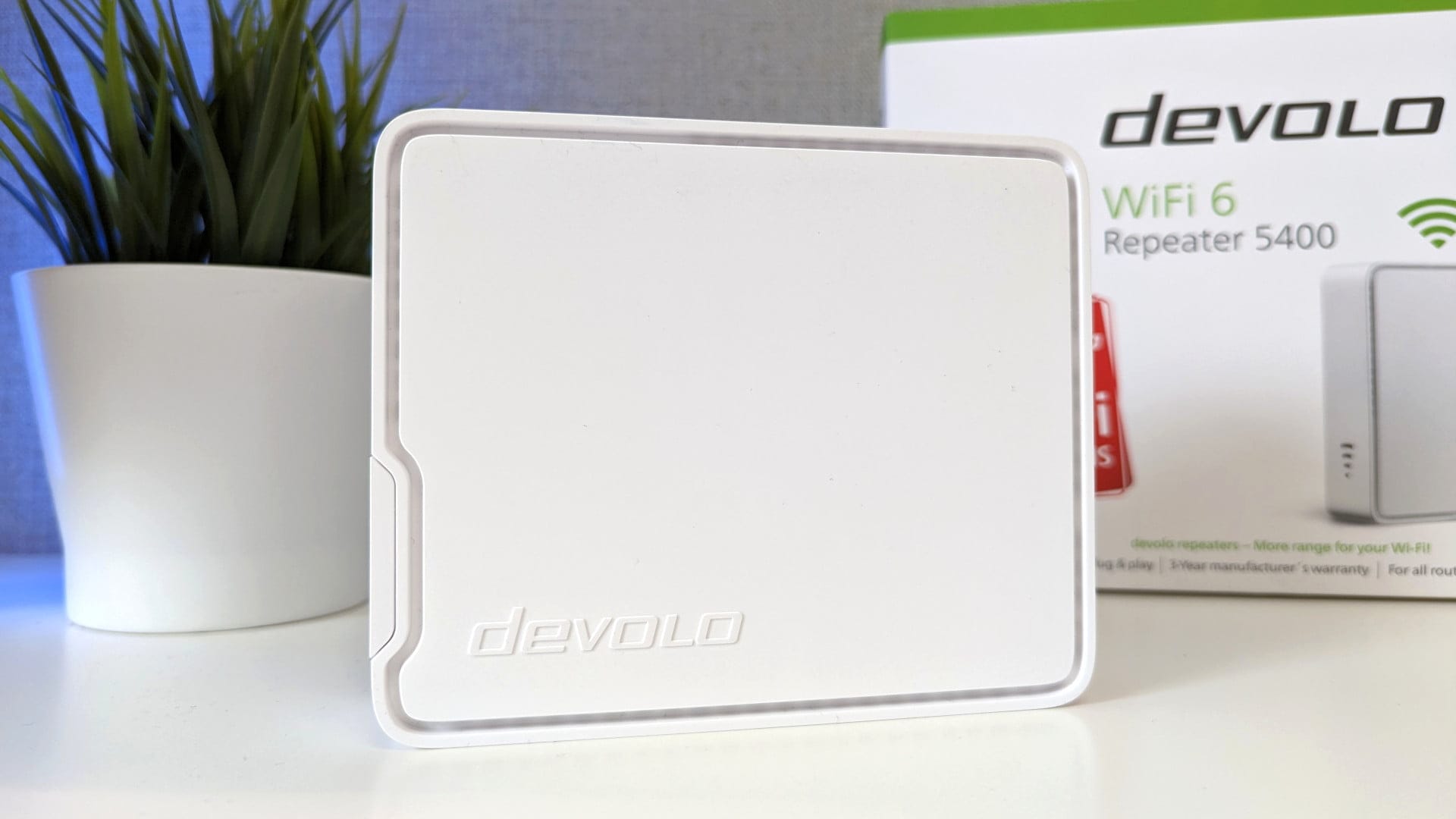
Repeaters are often plugged directly into the power socket, which often leads to space issues with adjacent sockets. Instead, the 188 x 231 x 92 mm large devolo WiFi 6 Repeater 5400 stands upright and is powered via an external 12V 1.5A power supply. This provides more options for positioning it in the room.
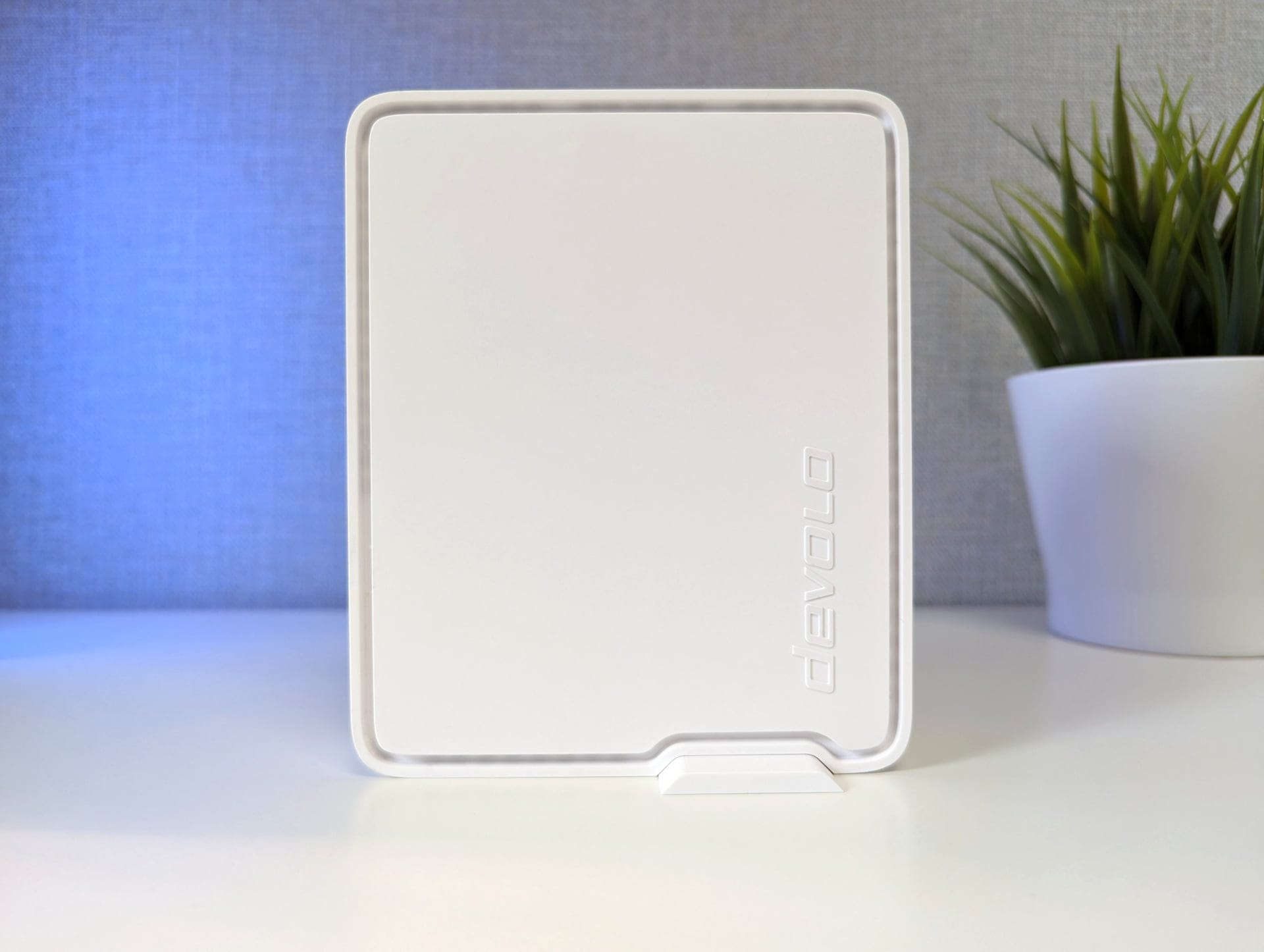
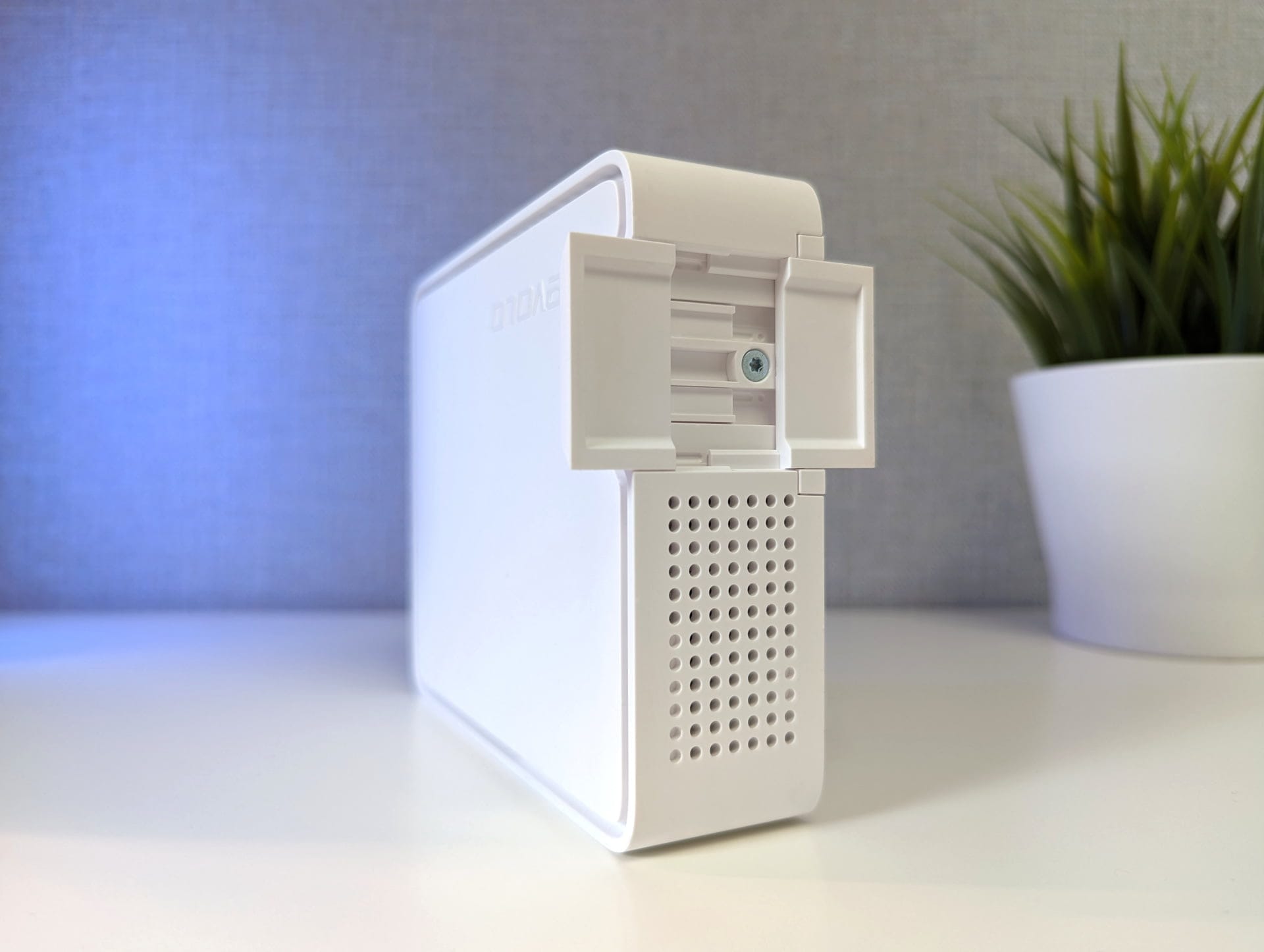
The casing is plain and blends well with various interior styles. The repeater can be placed either standing or lying down. Two pull-out feet are located on one of the shorter sides to provide the narrow repeater with more stability. There is no option for wall mounting.
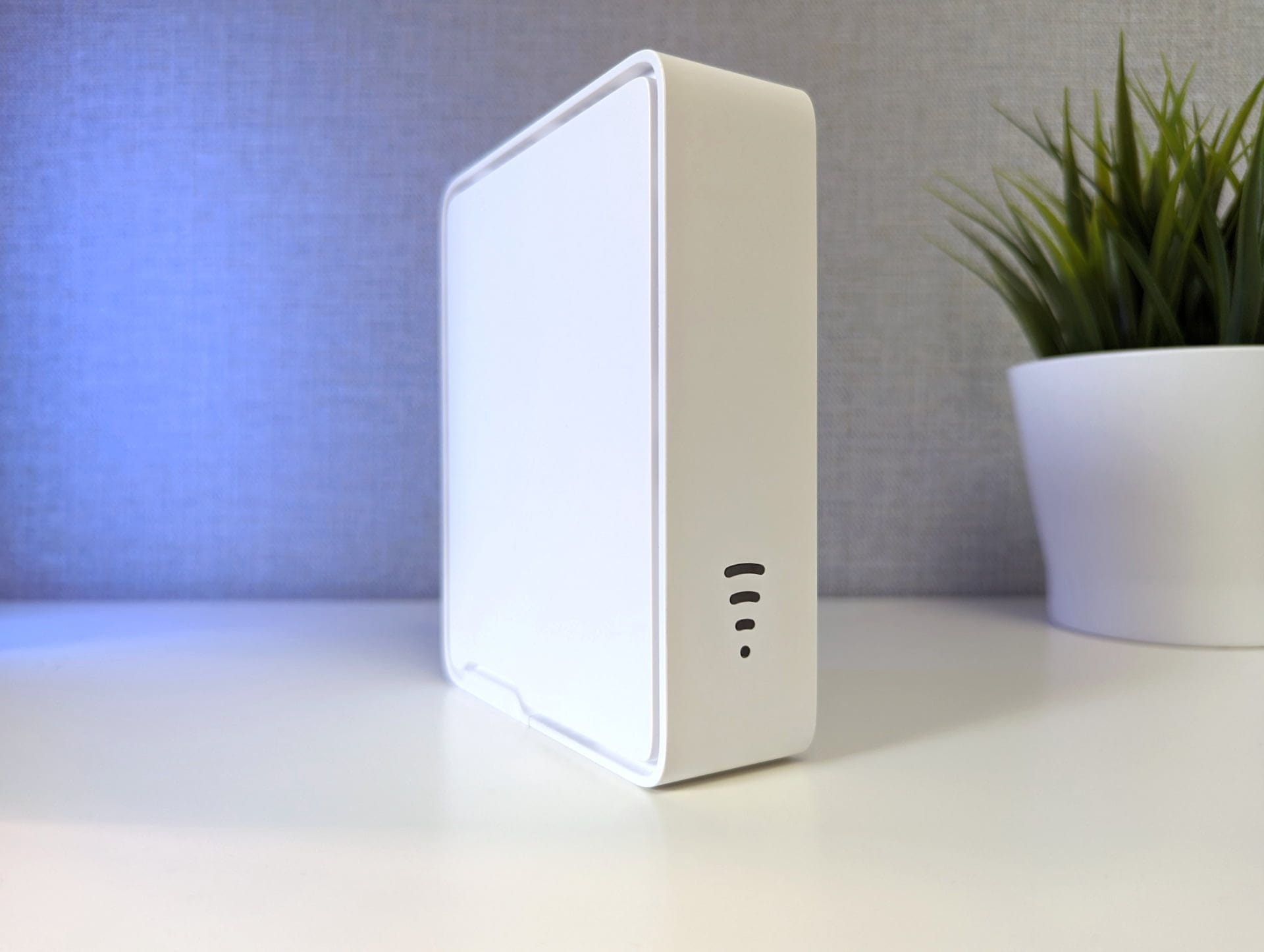
On the front, there is a 4-stage LED status indicator that shows, among other things, the signal strength to the router. The rear view reveals the reset button, the add button, two Gigabit Ethernet ports and the power jack.

The scope of delivery includes only the essentials. It contains the repeater and the power supply. Unfortunately, a LAN cable, which would have been advantageous for use as an access point, is missing. A printed user manual is also omitted. Instead, a minimalist quick start guide is included. devolo provides the comprehensive user manual in digital format (Link).
Setup
The WiFi 6 Repeater 5400 can be operated as either a repeater or access point. In repeater mode, an existing Wi-Fi signal is received and amplified. As an access point, the devolo WiFi 6 Repeater 5400 is connected to the network (typically the router) via cable and creates its own Wi-Fi access point.


An easy and quick way to set up the repeater is the devolo Home Network App. The app is available for download from the respective stores for Android and iOS devices.
The setup steps are clearly explained in the app, and the repeater is up and running in 2 minutes.

As an alternative to the app, there is the devolo Cockpit software for Windows, Mac and Linux, with which all devolo network devices can be managed. However, the software offers only a few functions and serves more as a shortcut for the web interface. Configuration as a repeater or access point, as well as all other settings, are carried out via the web interface.
Finally, there is the "Add button", which adds the repeater to the existing WLAN via WPS. Here is a brief overview of the key features of the WiFi 6 Repeater 5400:
- Wi-Fi 6 reception: High speed of up to 5400 Mbit/s
- Cross-band repeating: Parallel use of 2.4 GHz and 5 GHz Wi-Fi frequencies
- Beamforming: Focusing the Wi-Fi signal on specific devices
- Mesh Wi-Fi: Consistent data transfer rates throughout the area (only with other devolo devices)
- WPA3 encryption: Increased security through a modern encryption standard
- Access Point Mode: Parental controls, guest Wi-Fi, scheduling and config sync
Practical test
To "upgrade" my existing WiFi 5 network to WiFi 6, I connected the devolo WiFi 6 Repeater 5400 via cable to one of the LAN ports on my FRITZ!Box 7590 and configured it as an access point via the web interface.
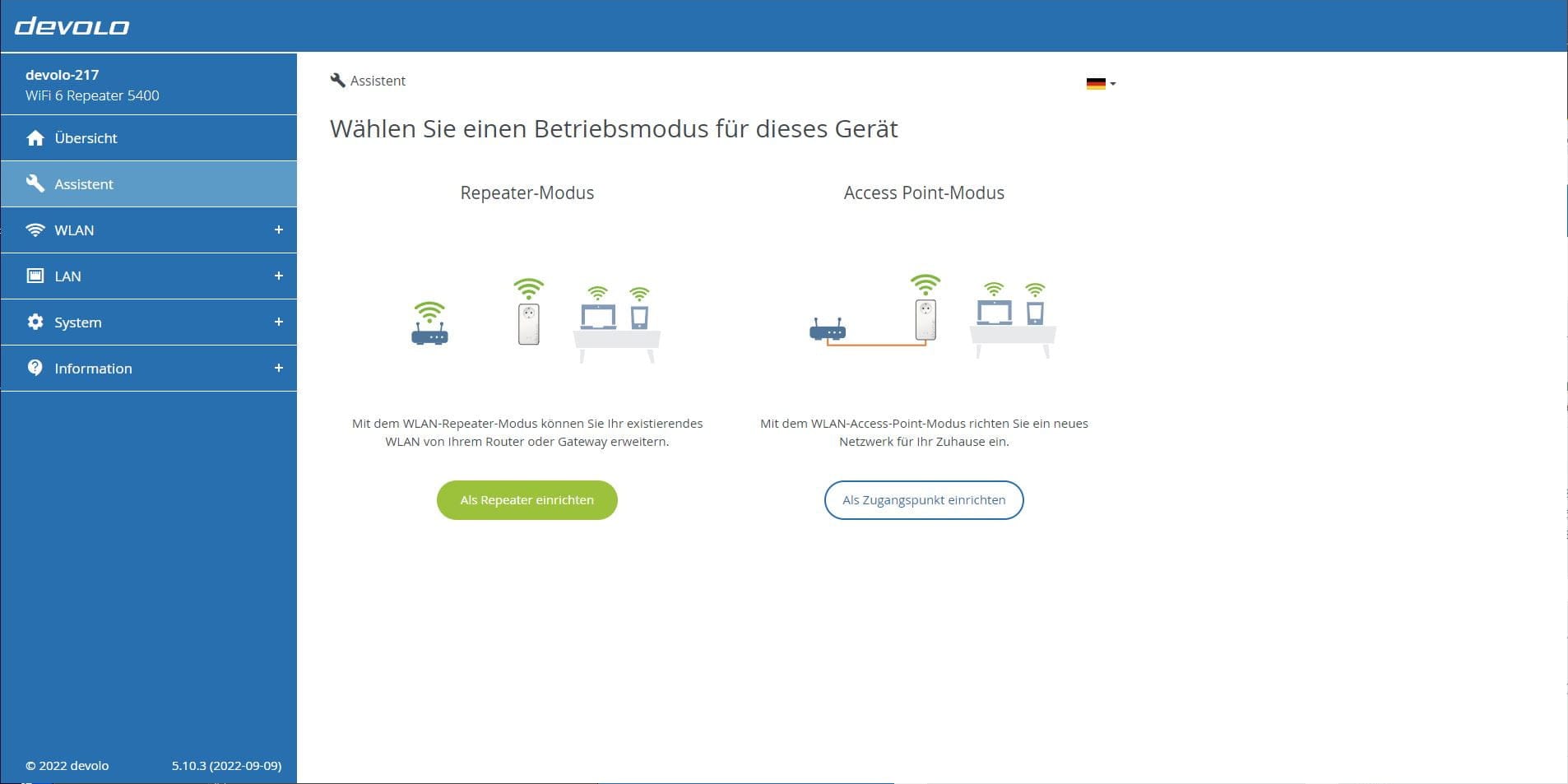
Due to the backward compatibility of WiFi 6, the repeater could also be integrated into an existing WiFi 5 network in repeater mode to boost it, although one would then not benefit from the advantages of the WiFi 6 standard.
I used the network analysis tool "iPerf" to compare the performance of the FRITZ!Box 7590 with the devolo WiFi 6 Repeater 5400. The iPerf server was run on the FRITZ!Box and a WiFi 6-capable Google Pixel 7 Pro was used as the iPerf client.
The tests ran for 120 seconds at an interval of 10 seconds. Here are the average measurements after 3 test runs each, categorised by room and WLAN frequency.
| devolo WiFi 6 Repeater 5400 | FRITZ!Box 7590 | |
| 5 GHz (office) | 586 Mbit/s | 279 Mbit/s |
| 2.4 GHz (Office) | 103 Mbit/s | 110 Mbit/s |
| 5 GHz (living room) | 538 Mbit/s | 225 Mbit/s |
| 2.4 GHz (living room) | 87 Mbit/s | 97 MBit/s |
| 5 GHz (bedroom) | 525 MBit/s | 139 Mbit/s |
| 2.4 GHz (bedroom) | 80 Mbit/s | 94 Mbit/s |
The results show that the devolo WiFi 6 Repeater 5400 can indeed improve network bandwidth. If the end device uses WiFi 6, the transmission speed on the 5 GHz network increases by more than double and the signal strength is also higher. The situation is different on the 2.4 GHz network. Here, the FRITZ!Box 7590 has the lead.
Bandwidth measurement with a WiFi 5 device on the 5 GHz network yields very similar values. The speed of the WiFi 6 Repeater 5400 is on par with the FRITZ!Box 7590.
The power consumption is also worth mentioning. On average, it was 7 watts, which is even below the power consumption stated by devolo. With an electricity price of 0.34 cents per kWh, the annual cost in continuous operation would be around 21 euros.
Our verdict
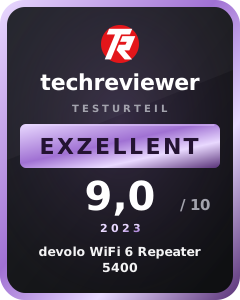
The devolo WiFi 6 Repeater 5400 is a good interim solution for upgrading an existing WiFi 5 network to the current WiFi 6 standard without buying a new router.
This is worthwhile particularly when Wi-Fi 6 devices are connected to the network. That is when you benefit from the significantly increased bandwidth, lower latency and higher signal strength that Wi-Fi 6 brings.
But with an eye on the future, buying the devolo Repeater can be worthwhile, because anyone considering a repeater purchase now should ignore the outdated WiFi 5.
Specifications
Wi-Fi
- Standard
- Wi-Fi 4/5/6 (IEEE 802.11 a/b/g/n/ac/ax/k/v/r)
- Channels
- 2.4 GHz 1–13, 5 GHz 36 – 48 (Indoor), 52–64 (DFS+TPC), 100–140 (DFS+TPC)
- Channel widths
- 20/40/80/160 MHz
- Streams
- 2x2 + 4x4 Multi-User-MIMO
- Data rates 2.4 GHz up to 574 Mbit/s, 5 GHz up to 4800 Mbit/s
- Mode
- Access point mode
Ethernet
- Standards
- IEEE 802.3 u/ab/x/az
- Data rate
- 10/100/1000 Mbit/s
- Auto MDI-X
- Yes
- QoS
- Yes
- IPv4 / IPv6
- Yes
Ports
- Ethernet
- 2x RJ45
- Plug
- Plug type C (CEE 7/16), plug type G (BS1363)
Software features
- Guest Wi-Fi
- AP only
- WLAN timer switch
- Yes
- Child lock
- Yes
- Mesh Wi-Fi
- Yes
- Airtime Fairness
- Yes
- Access Point Steering
- Yes
- Fast Roaming
- Yes
- Band Steering
- Yes
- Wi-Fi encryption
- WPA/WPA2/WPA3 Personal
- WPS
- PBC
Administration
- Device website
- Web browser
- Home Network App
- Android / iOS
- Cockpit software
- Windows / macOS / Linux
Other
- Power consumption
- Max: 13W, Typical: 8.2W
- Power supply
- 100–240 V (50/60 Hz)
- Size
- 188 x 231 x 92 mm
- Weight
- 657 g
What’s included
1x Repeater 5400 1x Power adapter 1x Installation manual
Price comparison
| Store | Price | Link |
|---|---|---|
| MediaMarkt | 89,90 € | Go to store |
| Amazon | 124,65 € | Go to store |

Comments