Contents
First impressions of the Ryze Tello
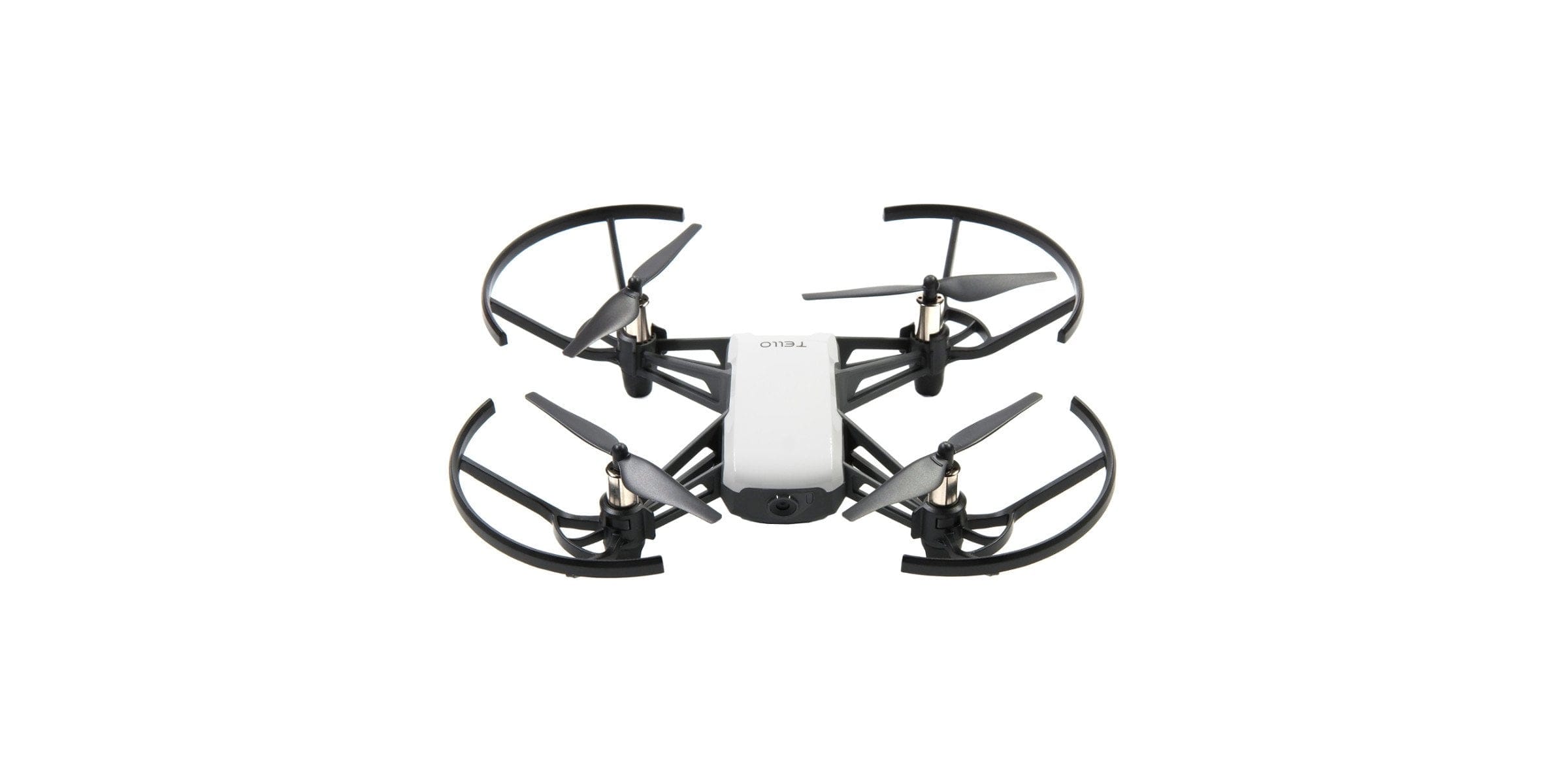
At this year’s Consumer Electronics Show 2018, the well-known drone manufacturer ‘DJI’ and the startup ‘Ryze Technology’, founded only in 2017, presented the Ryze Tello. The resemblance to the DJI drone series is undeniable, as the Tello also uses technologies from DJI and Intel. The target audience for this drone, which strongly resembles a toy, is primarily experimental drone beginners.

Unboxing
The packaging already makes it clear that the Tello drone is not an official DJI product. Mistakenly, however, many people still refer to the drone as the DJI Tello. Instead of the classic white DJI box, the Tello comes in a narrow cardboard carton. The transparent front allows a first look at the drone. Two small DJI and Intel logos point accordingly to the technologies used.
As a ‘Ready-to-Fly’ device, the drone is ready to launch straight out of the box. All motors, propellers, and the propeller guards are pre-assembled. Spare propellers, a tool for removing the propellers, and the battery are included separately in the delivery. Covers in different colours, prop guards, propellers, and batteries are available individually. A (spare) battery costs around 25€.

An instruction manual that indicates the steps necessary for commissioning is included. If you decide on the Chinese model of the Ryze Tello, which is often available for less, the instruction manual is written in the respective (country) language depending on the drone's country of origin!
Design and build quality
Optically, the Tello somewhat resembles a "Light version" of the DJI Spark. The top cover contributes significantly to the comparable design. This is interchangeable and available in various colours. The dimensions are 98 x 92.5 x 41 mm and a weight of just 80g. Therefore, the Tello is not subject to the labelling requirement under the drone regulations. However, insurance is mandatory!
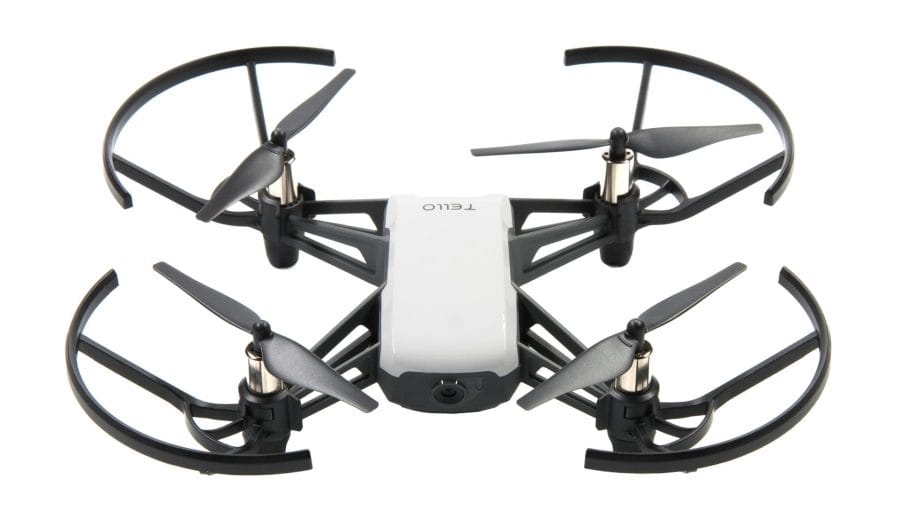
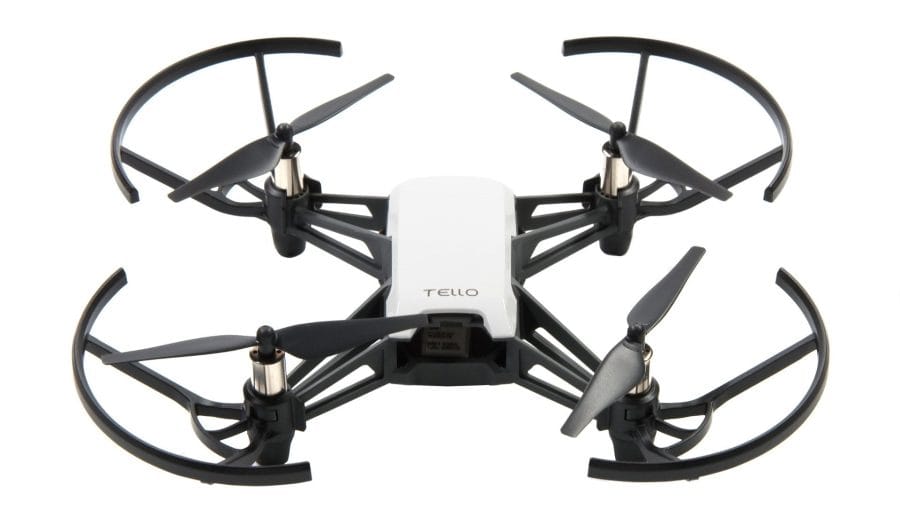
The drone is largely made of robust plastic. The propeller arms are fixed to the housing and are neither folding nor collapsible. The drone housing houses the forward-facing, fixed 5-megapixel camera, a status LED located next to it, a side power button opposite a micro-USB port, and the rear battery compartment. On the underside of the Tello drone are distance sensors or the optical vision system. The build quality and choice of materials leave nothing to be desired. Light to moderate crashes should be easily survived by the Tello.
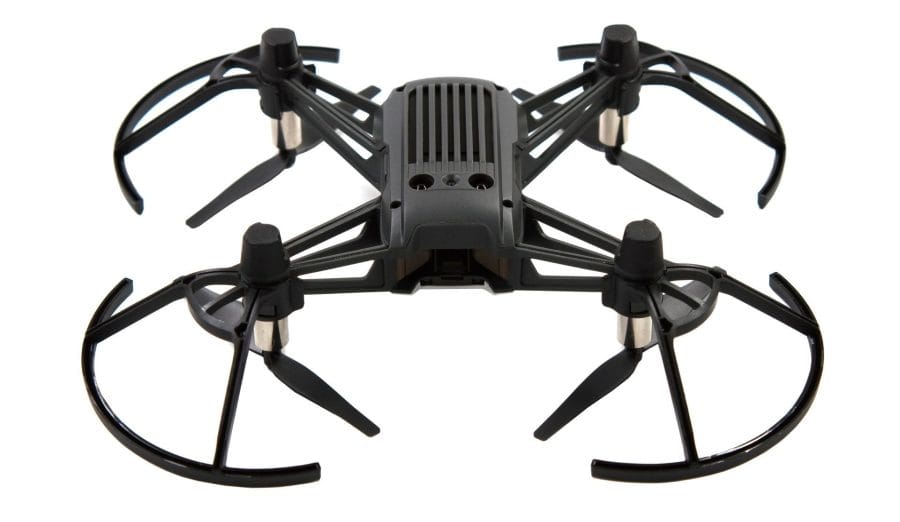
The propellers (3 inches) can be replaced with a few quick motions. They are neither quick-release nor self-locking propellers. The propellers are simply pushed onto the motor shaft. The propeller guards are clipped on and removable. The landing legs are equipped with rubber dampers.
Setup
Before the first flight, you should ensure that the Tello's battery is charged. To charge it, simply insert the battery and connect the drone to a power source via the micro-USB port. A dedicated charger is not included. Instead, you can easily use a smartphone charger, a PC or laptop, or a power bank.
To set up the drone, you need the Tello app, which is available in the respective app stores for both Android and iOS mobile devices. When the app is started for the first time, you are guided through a setup assistant that, among other things, explains the WiFi connection between the drone and the mobile device. To connect, the Tello builds its own, initially unencrypted WiFi network. An individual SSID and password protection can be set up later via the settings.
Practical test of the Ryze Tello
Tello app
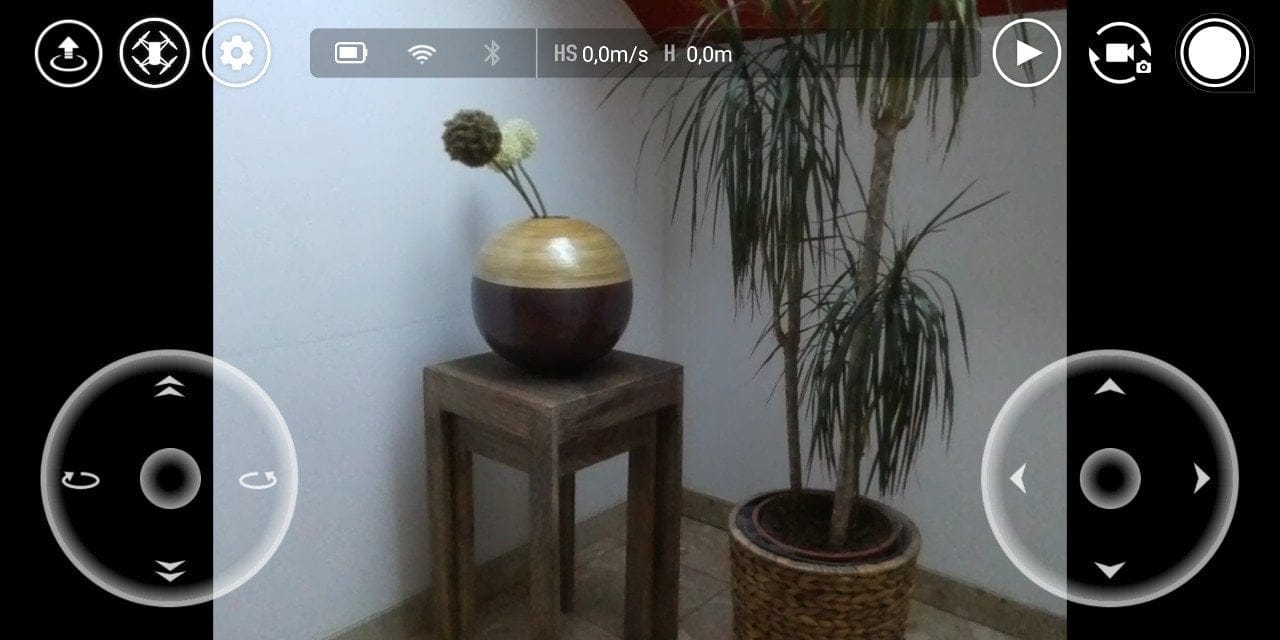
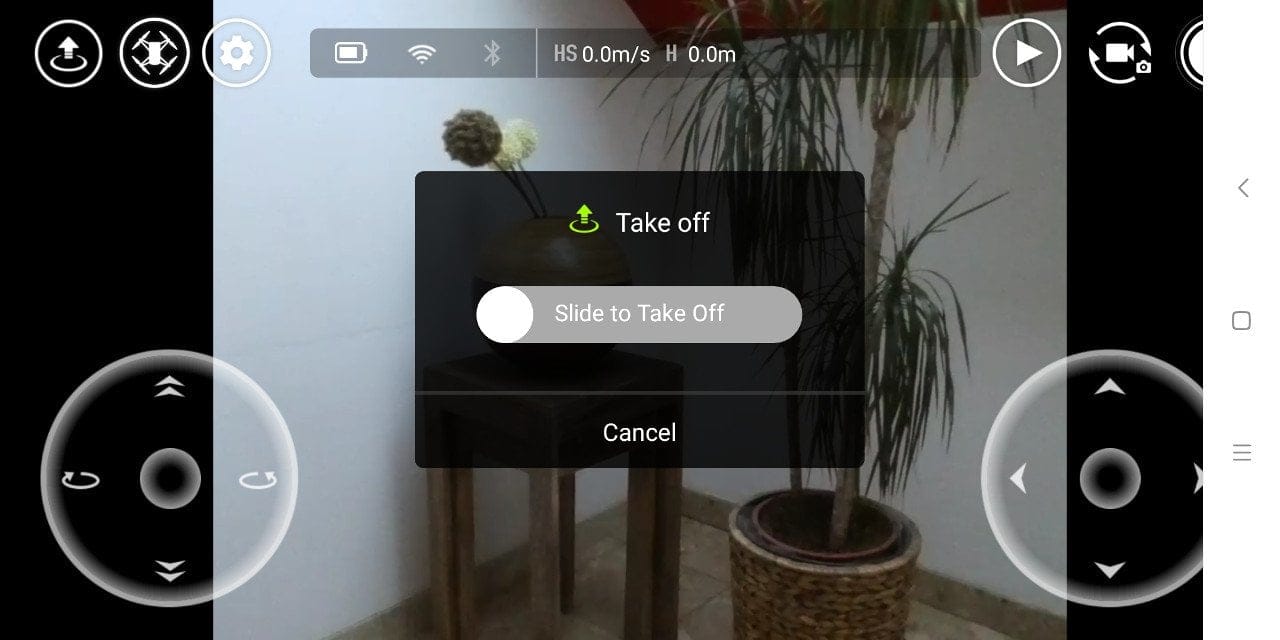
The structure of the Tello app somewhat resembles the DJI Go app. After starting the app and connecting the drone, you receive a live image output with overlay. The lower section of the image contains virtual joysticks. The upper section contains various shortcuts to flight modes, settings or camera modes. Furthermore, the upper part features a status display providing information on remaining battery, WiFi, Bluetooth, as well as speed and altitude.
The app settings are straightforward. Here is an overview:
-
- Flight speed - “Slow” and “Fast”
- VR mode
- Bluetooth controller settings – Diagram and How To
- WiFi - SSID and password
- Advanced settings
- Unit system - metric / imperial
- Image quality – normal / high
- Low battery warning – 10% - 50%
- Stick-Mode – Mode 1 / Mode 2
- Light value – -3 / 3
- Bitrate – Auto up to 4 MB
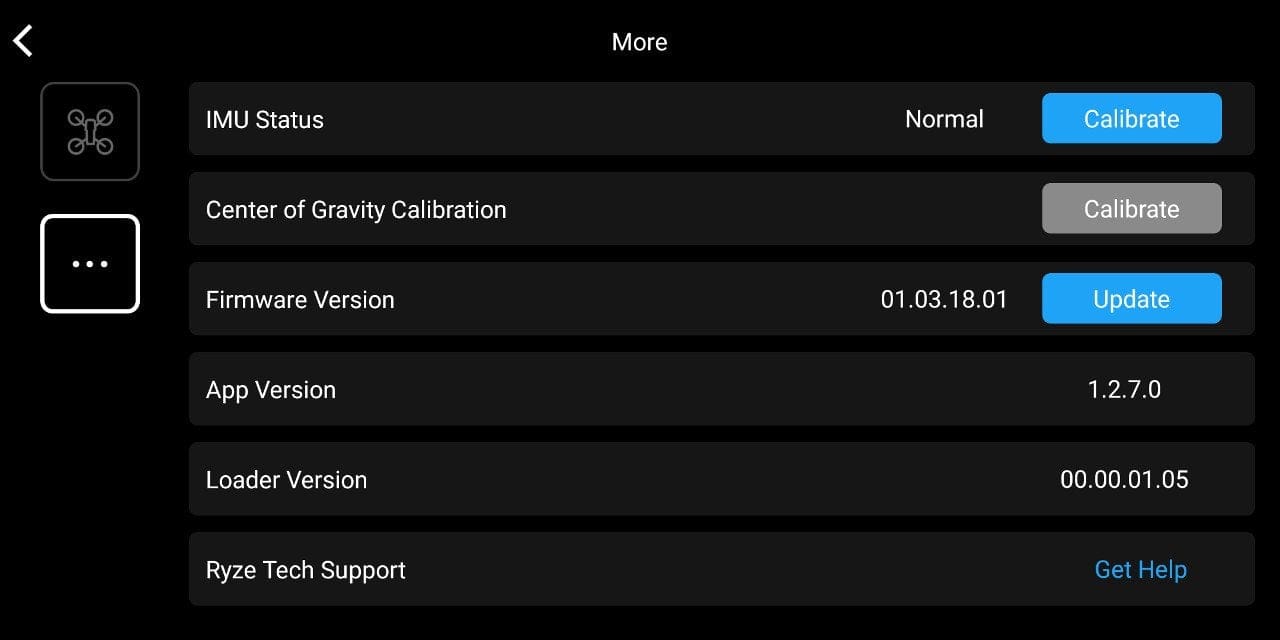
- IMU Status – Calibrate
- Gyro – Calibrate
- Firmware – update
- App version
- Loader version
- Support

Control
The drone is controlled either via the mobile device's touchscreen or optionally via a Bluetooth gamepad. Touchscreen control uses virtual joysticks. As with a mobile game, touch inputs are transmitted to the drone. There is no input latency. The controls are not quite as precise as with a real controller, but they are sufficient to keep the Tello safely airborne and steer it. Operation is made easier by automatic take-off and landing at the press of a button and automatic altitude maintenance (Altitude Hold).
More precise control is possible via a GamePad. The Tello is compatible with various Bluetooth controllers. Ryze Technology recommends the GameSir T1s GamePad. An iPega PG-9025 GamePad used in testing also worked, but required the “Octopus” app for detection or key mapping. The connection between the controller and the drone is not direct, but relayed via the mobile device as an intermediary. All inputs are merely transmitted via Bluetooth to the mobile device, which then forwards them to the Tello via WLAN. Thus, the potential flight range is not affected. No adverse input latency occurs even in the GamePad setup.
Safety, flight characteristics and manoeuvres
Visual Positioning System and failsafe
High flight safety, good flight behaviour and long-lasting flight duration are particularly crucial for a good quadcopter. Ryze describes the Tello as “Super Safe”. In cooperation with DJI, Ryze has created a drone that uses a "Visual Positioning System", as found in DJI drones. This vision system consists of a camera and two 3D infrared sensors. This allows the Tello to hold its position precisely and compensate for height differences. The small Tello drone does not have an integrated GPS module.
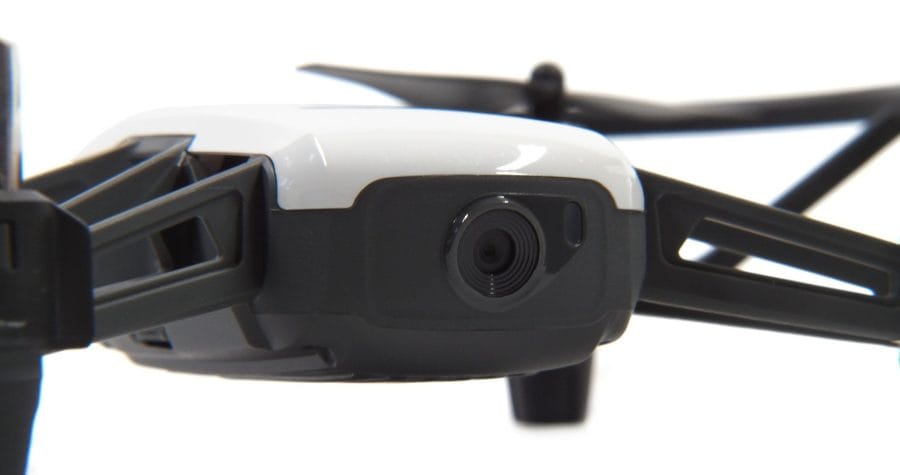
In testing, the vision system proved surprisingly precise. When flying outdoors, the Visual Positioning System accurately compensates for minor gusts of wind. However, this requires that the drone is not flying over reflective surfaces and that there are sufficient lighting conditions. The vision system did not work reliably when flying indoors with dimmed evening light, causing the drone to drift more frequently. The status LED located next to the camera indicates whether the vision system is active.
In addition, the drone features a failsafe that warns of low battery or automatically and safely lands the quadcopter in the event of a connection loss. The failsafe works reliably. A critical battery level can be detected via the status LED, battery indicator and warning signals. In the event of a connection loss, the Tello automatically initiates a landing.
Flight range, flight speed and flight duration
The maximum flight range is limited to 100 metres, the altitude to 10 metres. The (safe) flight range achieved in practice was approximately 40 metres. Beyond approximately 40 metres, transmission interruptions increased outdoors. In heavily populated areas with many interference signals, interference can occur after just a few metres. A corresponding overlay on the drone's live feed indicates this.

The flight speed can be adjusted in two stages. In "Slow" mode, the Tello accelerates relatively slowly and reaches a maximum flight speed of 4 m/s under ideal conditions. This mode is suitable for indoor flights and for beginners. For sporty drone pilots, there is "Fast" mode, in which the Ryze Tello flies through the air at up to 8 m/s.
Ryze Technology states the maximum flight time as 13 minutes. This value is also plausible. On average, the flight time is between 9 and 13 minutes. The possible flight duration depends on various factors, such as connection strength, whether recording is active, and also the flight behaviour. The fun of flying is dampened by the long charging time of the battery. This is approximately 90 minutes. The charging progress can be recognised via the status LED.

Flight modes
The Tello is equipped with a total of 6 intelligent flight modes.
- Bounce mode: The drone automatically flies up and down. The flight altitude is limited to 0.5 to 1.2 metres.
- 360 mode: The drone rotates around its own axis and records a 360° video.
- Throw & Go Mode: This mode facilitates the drone's take-off by automatically transitioning it into a stable flight via a skilled throw.
- 8D Flips: Using swipe gestures, the pilot can determine the direction in which the Tello performs a flip.
- Up & Away Mode: The drone flies upwards and backwards away from the subject, recording a video. The flight is, of course, controlled.
- Circle Mode: The Tello drone orbits the pilot or an object and captures an aerial shot.
All flight modes work reliably and can be executed safely. Many of the flight modes are only suitable for outdoor flying. It is hardly possible to accidentally activate one of these flight modes indoors. Each mode must be confirmed individually with appropriate prompts and can also be aborted at the touch of a button.
Camera
Another feature is the front-facing 5-megapixel camera. The camera is fixed and not tiltable. Photos are taken at a resolution of 2592 x 1936 pixels. Videos are recorded by the camera in HD (1280 x 720) at 30 frames per second. The field of view is 82.6 degrees. Processing of the recordings is carried out using an Intel processor.

The recording quality is acceptable for the price. Particularly photo shots impress with pleasant detail and colour reproduction. Before each flight, it is recommended to adjust the exposure value (EV) according to the respective environmental conditions. By default, both photo and video recordings are often underexposed. It is worth criticising that the camera settings are not saved and reset after each start of the app.
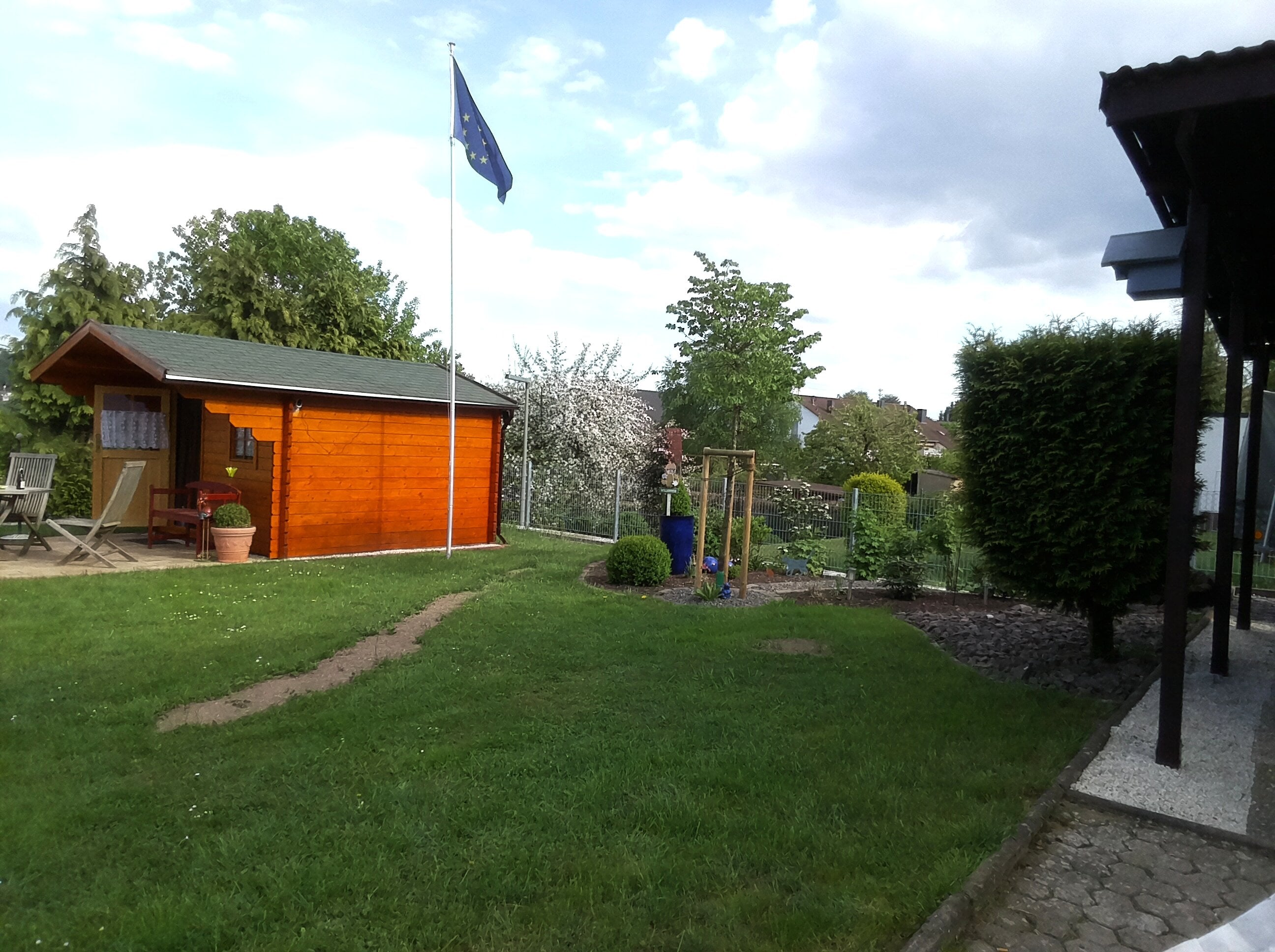
Producing acceptable video recordings with the Tello is significantly more difficult. All recordings are transferred directly to the connected mobile device. The option to write to a memory card is missing. It therefore saves what is seen via the live image transmission. Transmission interruptions are captured in the recording, just like interference. If the connection to the drone is poor, the bitrate drops, which can lead to significant artefact formation.
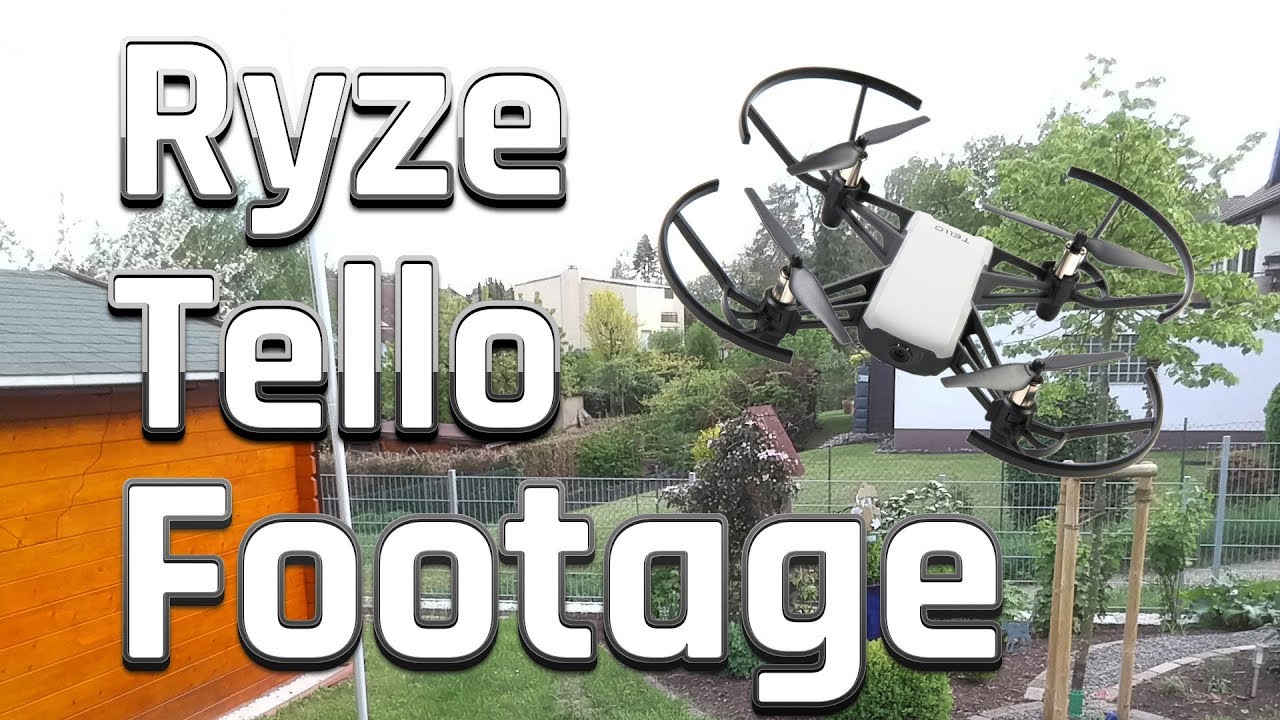 Play video on YouTube
The individual clips of the test recording were recorded under the same conditions. With the standard light value, the recording appears underexposed. The exposure correction requires a deft touch!
Unlike the significantly more expensive DJI models, the Ryze Tello uses no gimbal stabilisation. Instead, footage is electronically stabilised (EIS). Stabilisation performance depends heavily on environmental conditions. Flying the Tello outdoors often results in image distortions in the form of the “Jello effect”. Vibrations and shocks that the image stabilisation cannot compensate for lead to outright distortion of image information.
Programmability
One of the most significant features of the Ryze Tello is the free programmability of the drone. To this end, the manufacturer provides a ready-made Software Development Kit (SDK), which was developed in part in collaboration with researchers at MIT. To make it easier for children, especially, to get started with programming, the visual programming language “Scratch” is supported alongside the Tello SDK. Ryze promises that there are hardly any limits regarding programmability, which means that users with existing programming skills are also offered a truly interesting drone.
Our verdict
The Ryze Tello is a fun drone that convinces both in terms of appearance and technology. The security features are particularly interesting, especially the well-functioning visual positioning system, which many fun drones currently do not offer. At the same time, the Tello costs around 109 euros, only slightly more than comparable toy drones. Operation is very simple, and the various flight modes executable at the push of a button also offer varied flying fun. The recording quality of the 5-megapixel camera corresponds to the price, but attracts criticism due to the lack of option to record to an SD memory card. All in all, the Ryze Tello is a recommended mini-drone for drone beginners, but also for experienced drone pilots.
Specifications
Drone
- Size
- 98 x 92.5 x 41 mm
- Weight
- 80g (with battery)
- Flight speed
- up to 8 m/s
- Flight range
- up to 100 m
- Flight time
- up to 13 minutes
- Hardware
- *Range Finder
- *Barometer
- *LED
- *Viewing system
- *WiFi 802.11n - 2.4 GHz
Battery performance
- Battery type
- LiPo
- Capacity
- 1100 mAh
- Tension
- 3.8V
- Energy
- 4.18 Wh
- Weight
- 26g
Camera
- Sensor
- 5 megapixels
- Field of view
- 82.6°
- Stabilization
- EIS
- Image resolution
- up to 2592 x 1936
- Video resolution
- HD 1280 x 720
- Photo format
- JPEG
- Video format
- MP4
Functions
- *Programmable
- SDK / Scratch
- *Control
- App / Bluetooth controller
- *Flight modes
- 6 intelligent flight modes
- *VR support
- *Failsafe
Price comparison
| Store | Price | Link |
|---|---|---|
| MediaMarkt | 99,99 € | Go to store |
| Saturn | 99,99 € | Go to store |
Price history
| Store | Price | Link |
|---|---|---|
| MediaMarkt | 149,99 € | Go to store |
| Saturn | 149,99 € | Go to store |
Comments (2)
Simply WOW. An amazing device that I will definitely buy. I have been searching for a long time for a quadcopter that is safe to fly and doesn't require registration. I am really keen on it. With that price and DJI's backing, it could become a real bestseller.
Unfortunately, it doesn’t work as described here. I gave my husband the drone for Christmas, and after downloading the app (there was no tutorial as described above during the initial setup!!), the drone did respond, but after the battery ran out and we had charged it again (2 days later), it stopped responding altogether. The drone just flashes yellow and won’t connect to the phone. We had the same problem after deleting and reinstalling the app (also on a second iPhone)! We also held it down for 5 seconds so the drone would supposedly reset to “factory settings”… No response 🙁 Is the thing already defective??