Contents
Review of the Dragon Touch X10
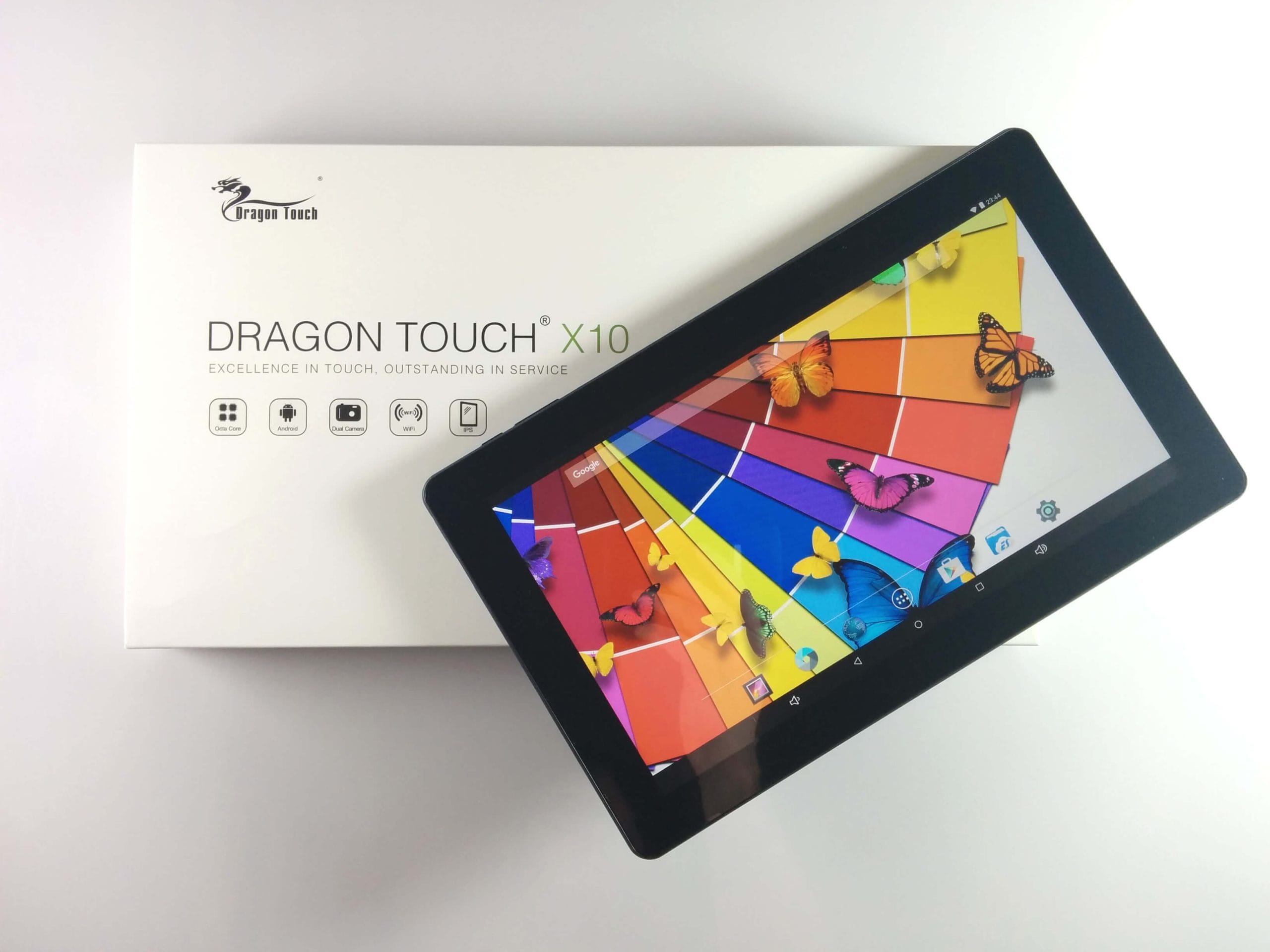
The Dragon Touch X10 (DragonTouch_Direct) came with a universal tablet power adapter (2.5mm, 5V – 2A), an illustrated English user manual and a micro USB data or charging cable. A screen protector was already applied to the tablet.
 Play video on YouTube
After the initial inspection, the Dragon Touch X10 left a very good impression on me. The build quality of a Chinese phone or tablet is often already apparent from the screen protector, which comes pre-applied on most devices from China. Often it is applied poorly and with dust inclusions, but on the Dragon Touch X10, it was applied almost entirely flawlessly.
The back of the Dragon Touch tablet is made of plastic and additionally rubberised, which makes the tablet very comfortable to hold. Two speakers are visibly located on the back. Interestingly, this tablet does not compromise on connectivity options. In addition to the usual micro USB port (Type-B), the Dragon Touch X10 has a HDMI port (Type-C), another USB port (Type-A), a 2.5mm DC port and a 3.5mm audio output. By the way, the X10 can be charged via either the power connector or the micro USB port! All ports are also labelled on the back. In addition, the tablet has a micro SD card slot concealed behind a cover.
The function keys are located on the upper left edge of the housing. Here you will find a volume rocker and the power button. Both buttons are easy to reach and have good pressure points.
The Dragon Touch X10 also has two cameras. The front camera has a resolution of 2 megapixels, the rear camera 5 megapixels. We will discuss the cameras in more detail later.


Display
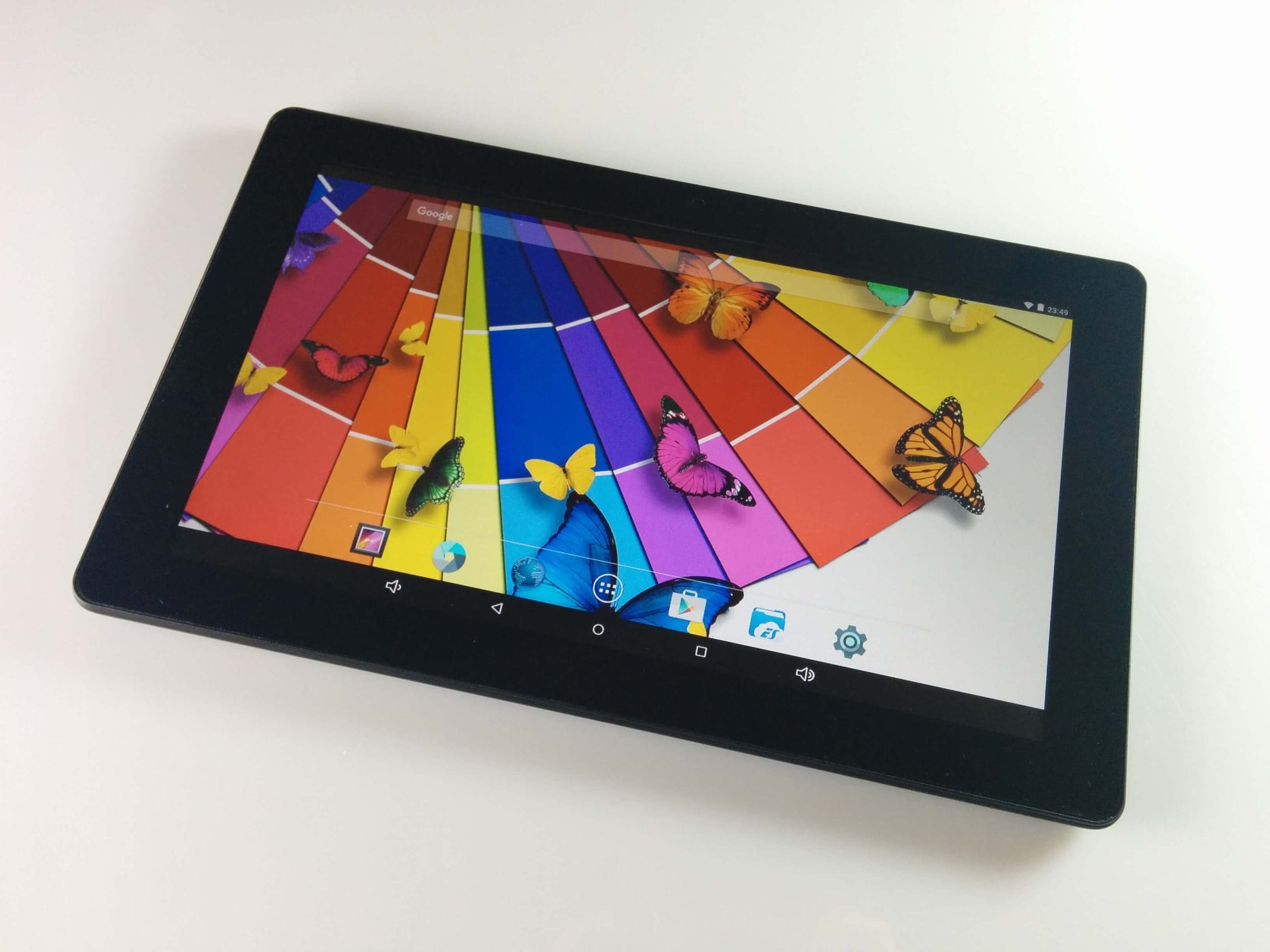
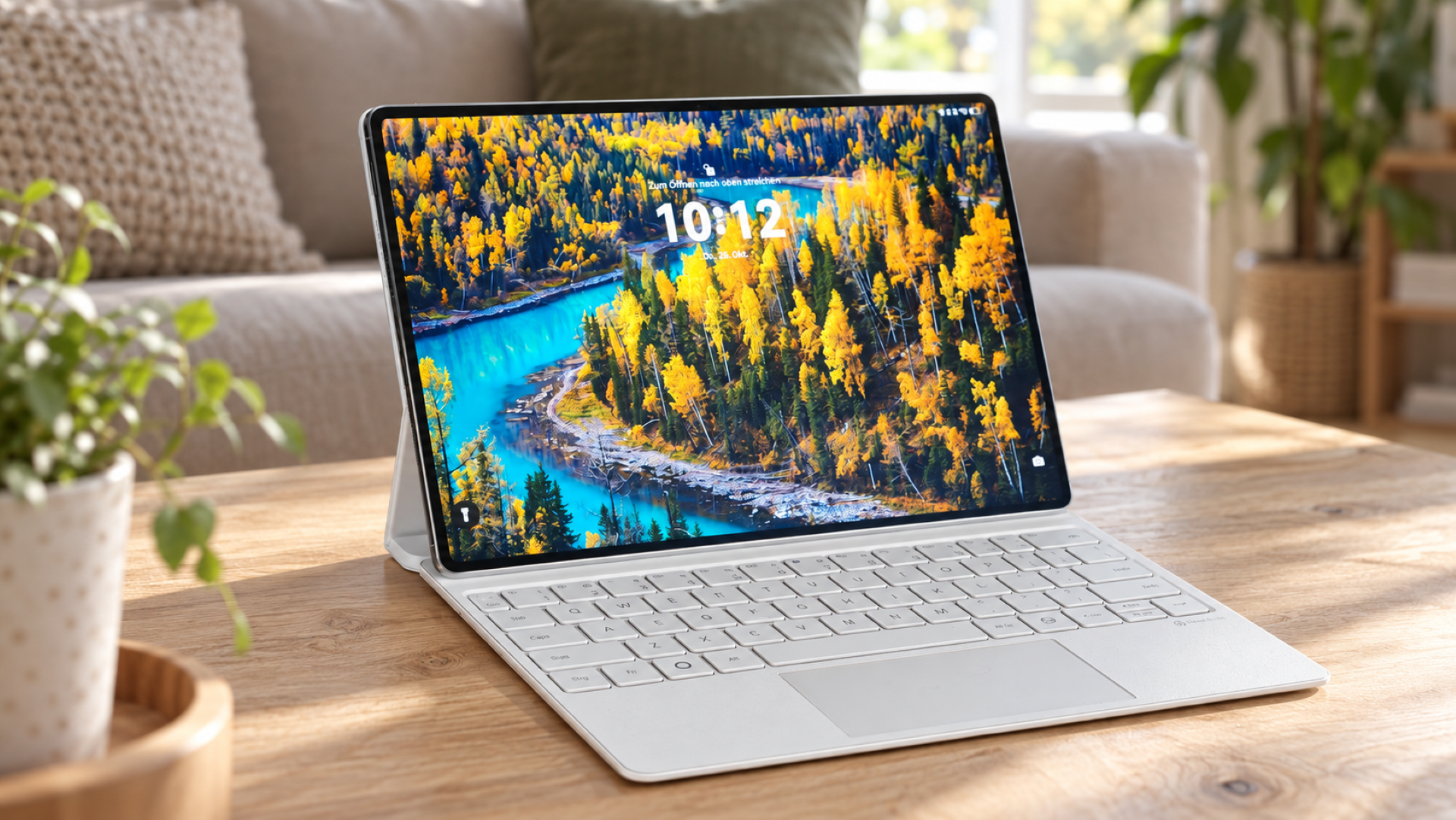
The Dragon Touch X10 display features a rather uncommon resolution of 1366x728 pixels. TabletExpress uses a 10.6-inch IPS panel here, which convinced me with its vivid, natural colours and excellent viewing angle stability. I would describe the maximum display brightness as average. This tablet has a pixel density of 160 DPI. Individual pixels are clearly visible when looking closely, but considering the price, you are offered a truly fantastic display.
For colour correction, the device has an additional menu item "Smart Color" in the display settings. This additionally corrects the colours, making them appear slightly more vibrant. Unfortunately, advanced settings such as those found in "Miravision" cannot be made here.
Since IPS displays are known to consume slightly more power, an additional feature called “Intelligent Backlight” has been added. This feature dims the tablet to save power.


Performance
The Dragon Touch X10 features an Allwinner A83T octa-core processor. This 32-bit processor runs at a maximum clock speed of 2.0 GHz. The A83T achieves this clock speed simultaneously across all 8 cores. The GPU is a PowerVR SGX 544MP.
Unfortunately, RAM was cut on the X10, resulting in a below-average 1GB. However, multitasking and gaming remain possible without issue. Apps open quickly, and I rarely noticed any performance drops.
I could play games like “Asphalt 8” or “Real Racing 3” almost consistently smoothly. Only “Asphalt 8” didn’t always run smoothly in my opinion, but this did not negatively affect the gaming pleasure.


User interface
Android 5.1.1 Lollipop was already installed on the Dragon Touch X10. Encouragingly, the Android version used here has been changed very little, apart from additional menu items. No third-party apps were installed except for "ES File Explorer", and only a minimum of Google apps were preinstalled. Thus, you get to enjoy a clean stock Android experience.
The 16GB internal storage can be additionally expanded with a micro SD memory card. This allows larger apps and games to be installed on the X10 without concern.
What I miss on this tablet, however, is the ability to update the system OTA (over-the-air). This feature has been completely removed here. Nevertheless, system updates can be downloaded from the manufacturer's website. The tools required for flashing are also available there.
Camera
The tablet features a 5-megapixel rear camera and a 2-megapixel front camera. An LED flash is not included. The stock Android camera app is pre-installed as the camera app. Those expecting much from these cameras will be disappointed. Buyers should not have overly high expectations of the Dragon Touch X10 cameras. In line with the price, you can take images where you can recognise something, but for usable shots you are better off using a better smartphone or a different camera. Especially in poor lighting conditions, image noise is very noticeable. But even in good lighting conditions, it is extremely difficult to take reasonably good pictures. However, both cameras are perfectly adequate for video calls on holiday or for 'emergency' photos.
Camera (rear)


Camera (front)


Wi-Fi and Bluetooth
The Dragon Touch X10 can impress with a stable and also strong-signal WLAN. The 5GHz band is not supported. For Bluetooth, the X10 already uses Bluetooth 4.0. Here, too, I could not notice anything negative regarding the connection. The tested connection to a BT speaker and a gamepad was stable, without delays, and the range was also good.
Sound
The two rear-mounted speakers produce a clean and clear sound. Even at full volume, I could not hear any rattling or static. Unfortunately, the maximum volume is relatively quiet. This tablet is definitely not suitable for filling a room with sound! If you have the tablet with you, the maximum volume via the speakers is perfectly sufficient, for example, to watch a film. The sound via the 3.5mm audio output is also good and free of interference.
Battery
With 7200mAh, the Dragon Touch X10 has a fairly large battery. I was able to fully charge it in approximately 4 hours using the included charger (5V 2A). The screen-on time (SOT) is approximately 6 hours under normal use.
Our verdict
Given the price, the Dragon Touch X10 is a solid tablet that convinced me primarily with its display. Although I would have wished for at least 2GB of RAM, I hardly noticed any performance drops despite the 1GB of RAM. I would describe the two cameras as a nice extra feature. They are sufficient for Skype, but these cameras are not recommended for usable photo or video recordings. I was also surprised by the numerous connectivity options. Those who want to connect the tablet to an external screen via HDMI will have no problems with the X10.
Specifications
General
- OS
- Android 5.1 Lollipop
- Display
- 10.6-inch 1366x768 IPS screen, 10-point touch
- CPU
- Allwinner A83T 8 core up to 2.0 GHz, 8-core GPU
- Storage
- 1 GB RAM, 16 GB internal storage
- Camera
- Rear 5.0MP, front 2.0MP
- Other
- Bluetooth 4.0, mini HDMI, Wi-Fi, standard USB, micro USB
- Battery
- 7200 mAh
What’s included
1x Dragon Touch X10 tablet 1x USB connection cable 1x 5V charger (2A) 1x user manual


Comments (2)
Sounds good. I'm still torn between the Excelvan and this one. If the display really is that good, it'll be the Dragon Touch.
Hello Martin, I personally prefer the Dragon Touch tablet. You simply get more for your money. The basic equipment is almost the same, but the display of the Dragon Touch X10 is worlds better!