Contents
Esslinger VexelLine: Introduction
Before the Esslinger VexelLine, I had an IKEA TROTTEN in my office. It’s not a bad desk: it’s sturdy and simple, and even offers height adjustment via a crank. I hardly ever used that feature, though—not because it didn’t work well, but because you had to crank it every time.
On the Esslinger VexelLine, all it takes is a press of a button. That alone, however, does not make for a special desk. Electrically height-adjustable models are now available from IKEA, FlexiSpot and countless other manufacturers.
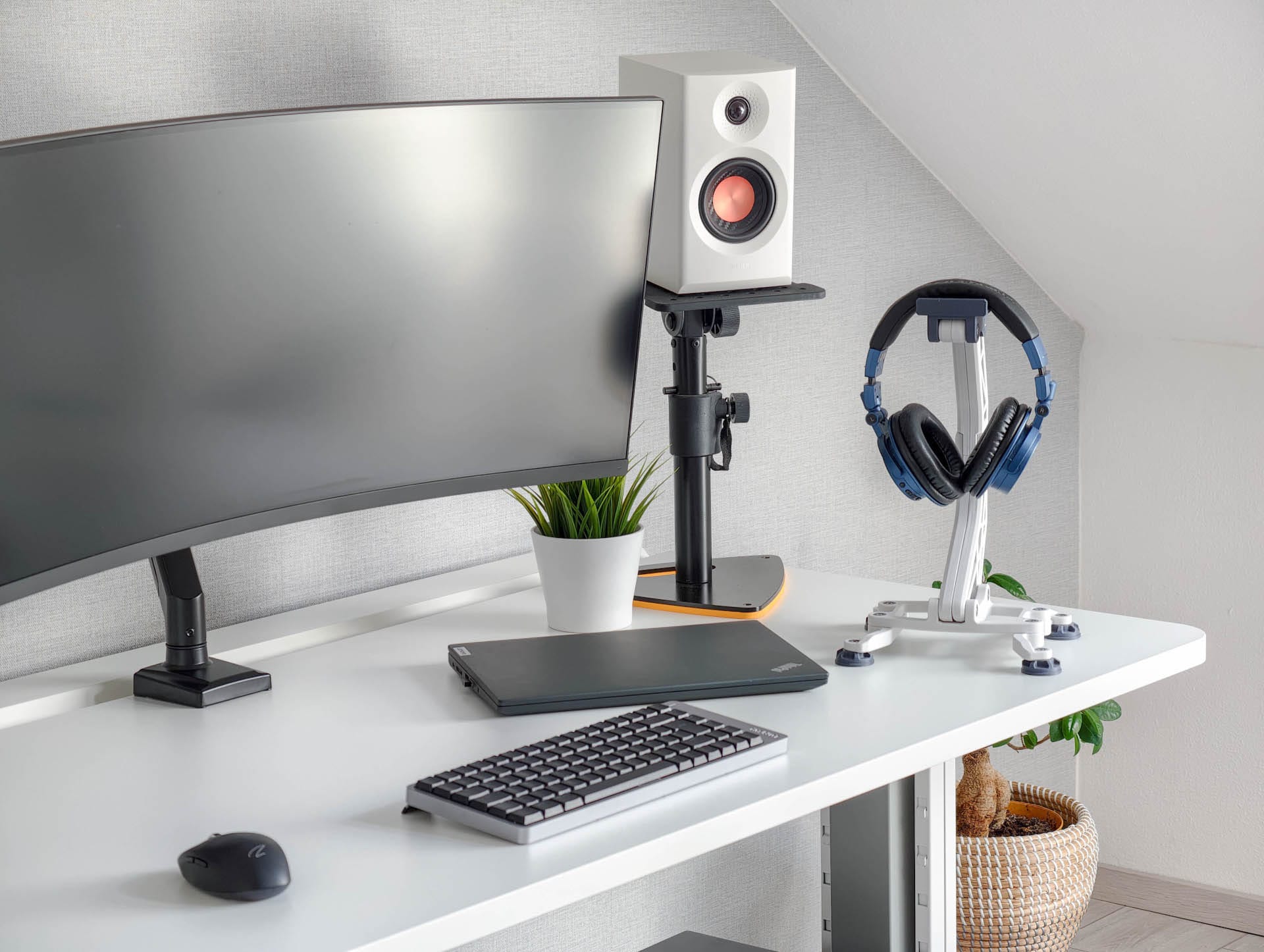
That’s why Esslinger focuses not just on motors and memory presets, but on creating as complete a workstation system as possible. It includes a large integrated cable tray, several desktop sizes, various color combinations and matching accessories, from a monitor arm to a PC holder.
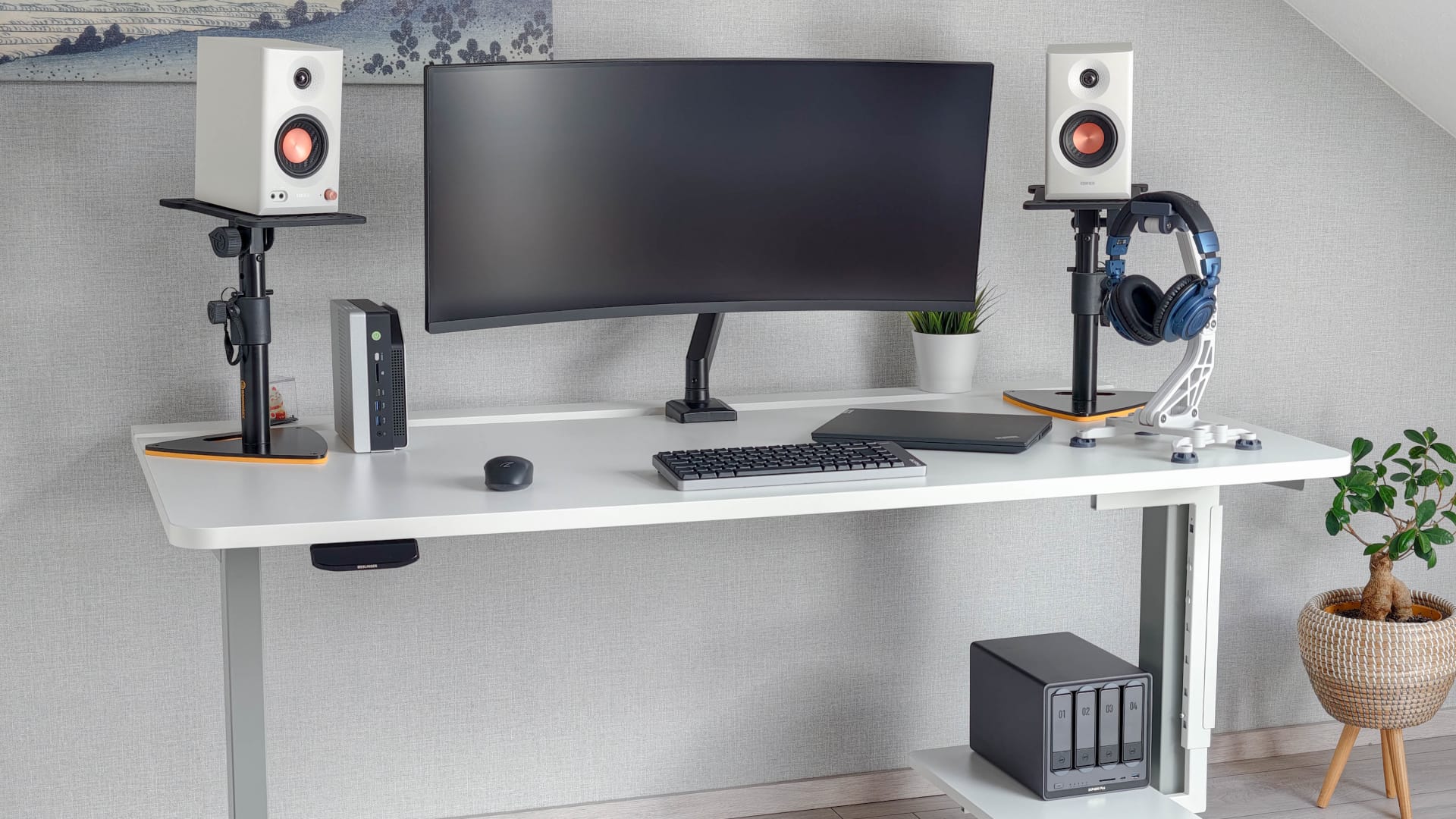
I tested the VexelLine with a white desktop and a gray, two-stage frame.
Esslinger VexelLine: Three packages, three delivery routes
The tabletop, frame and cable tray are shipped separately with DHL and DPD. This is understandable in principle, as it avoids expensive freight costs. The downside, however, is that the parcels may not arrive at the same time.
In my case, the tabletop and cable tray had already arrived, while the frame was still on its way. So I couldn't get started with the assembly just yet.
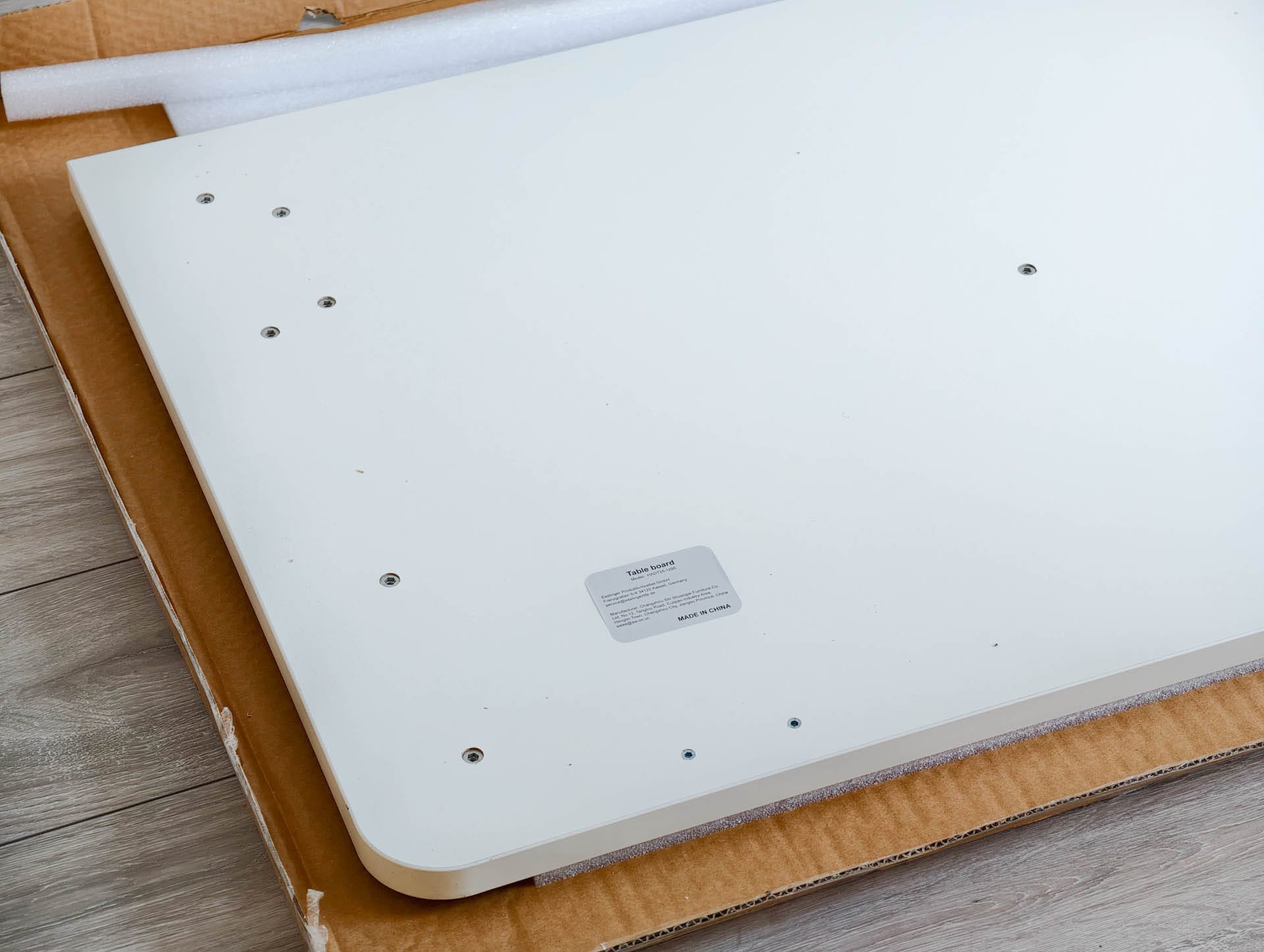
The desktop arrived well protected. Some adhesive residue was left on the foam corner protectors, which were taped together, but it was easy to remove without leaving any visible traces. There was also a little dust on the white surface, which disappeared after a quick wipe. There were no signs of damage, deep scratches, poorly positioned holes or other defects.
Esslinger VexelLine: Assembly without major hurdles
After unpacking, there is initially a substantial pile of metal parts, cables, screws and covers on the floor. Assembly is still quite manageable.
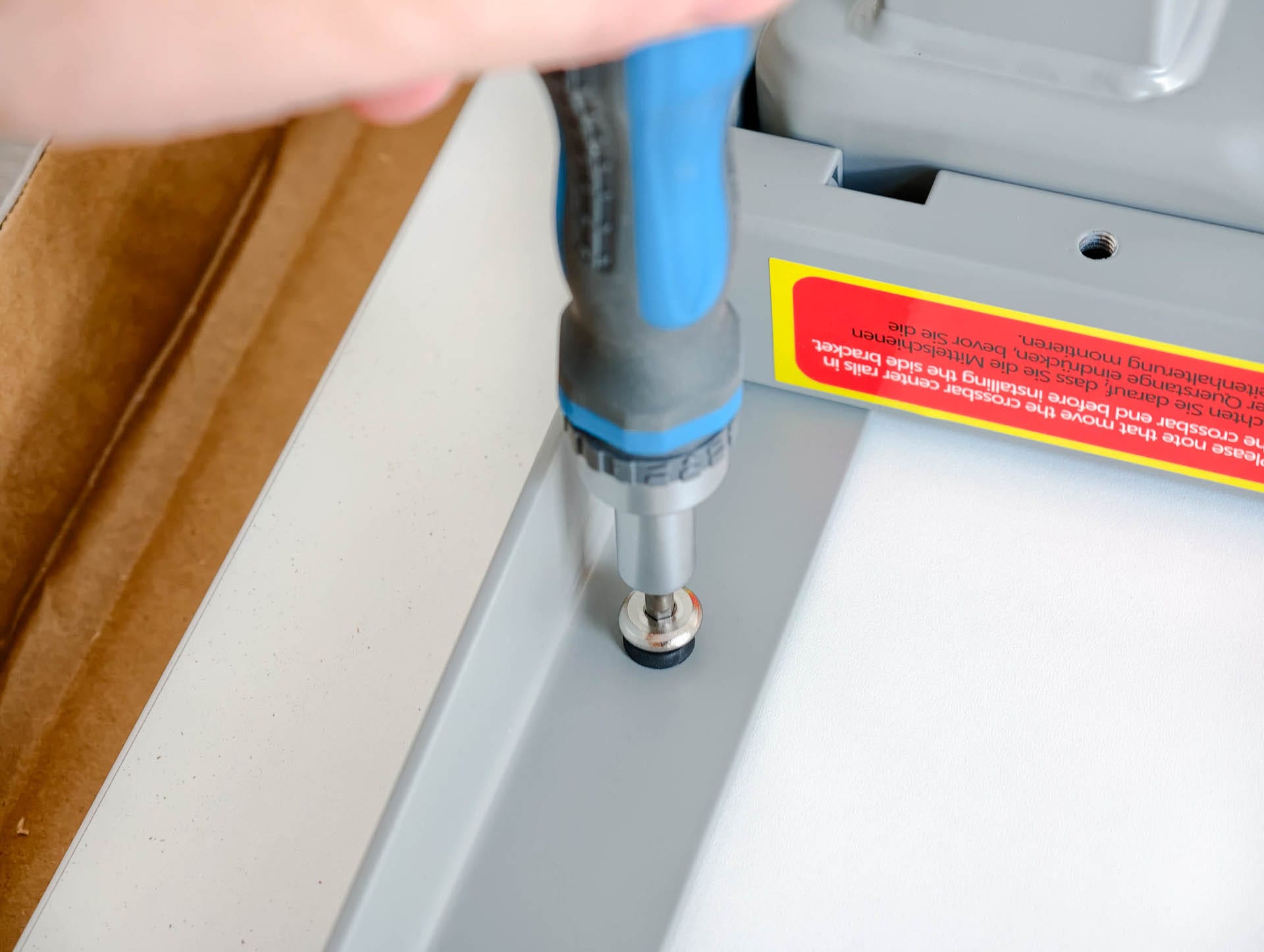
Esslinger sorts the screws by letter and packs them in separate bags. The instructions refer to these labels at every step. This saves you from the usual guessing game of figuring out which of the almost identical-looking screws you need.
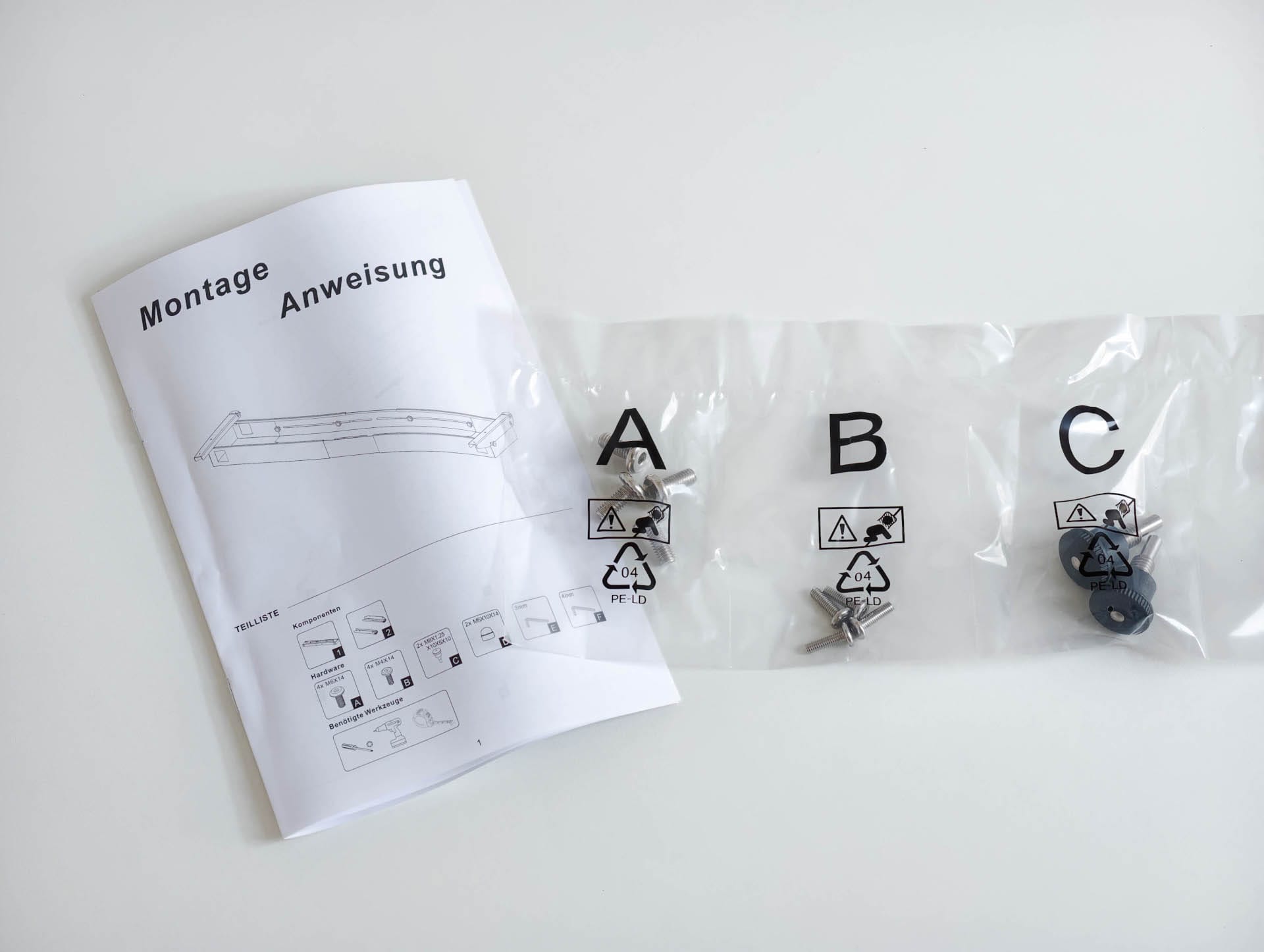
The instructions clearly guide you through each step. There are a few minor translation errors here and there, but they won't leave you baffled in front of the frame. The required tools are included. Having your own cordless screwdriver speeds things up, but it isn't essential.
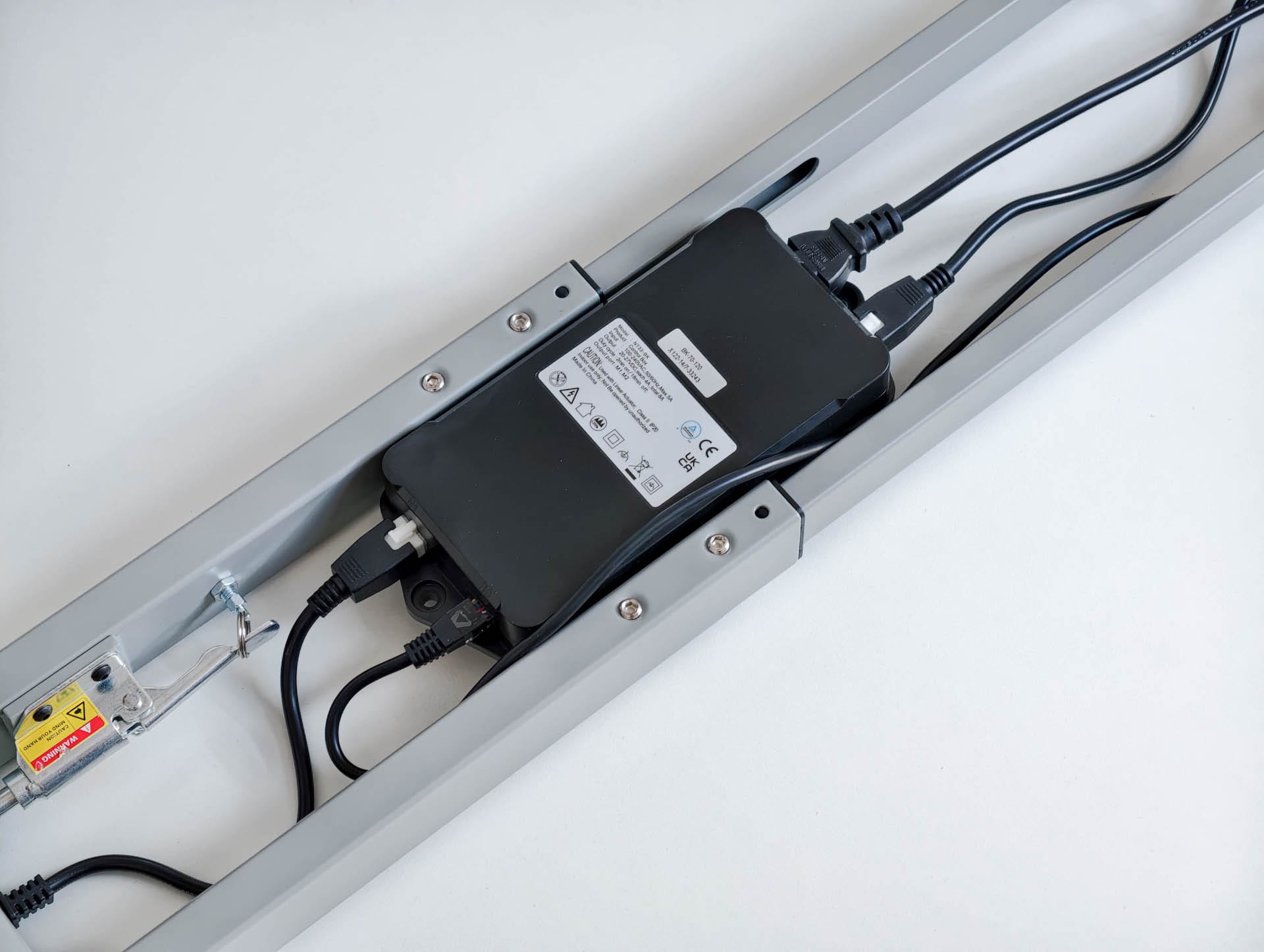
First, the central frame is assembled and adjusted to the width of the desktop. Next come the lifting columns, feet, motors, power supply and cable tray. The two motors connect to the power supply via pre-installed plug connections; the power supply is mounted under the desktop later.
The control panel can be mounted on the left or right. This flexibility avoids unnecessary compromises later on, for example if there is a cabinet on one side or you want the controls within reach of your preferred hand.
It took me around 45 minutes on my own. The actual assembly is possible without help, but you should get a second person to help turn over and set up the finished table. It's no lightweight!


Esslinger VexelLine: three sizes and twelve colour combinations
Esslinger offers the VexelLine in 140 × 80 centimetres, 160 × 80 centimetres and 180 × 80 centimetres. The tabletops are available in white, black, beige and walnut. The frame comes in black, white and grey. This gives a total of twelve colour combinations.
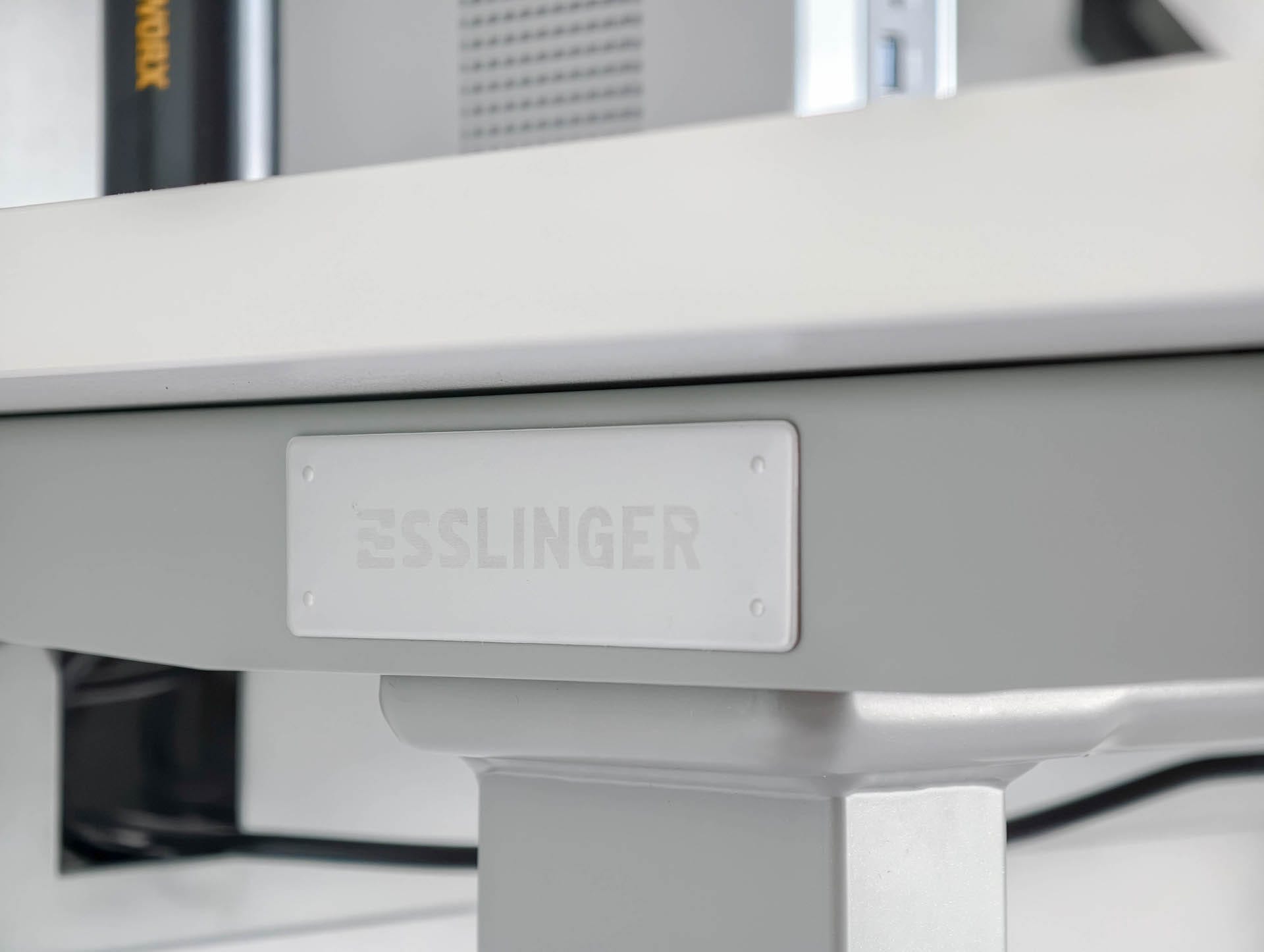
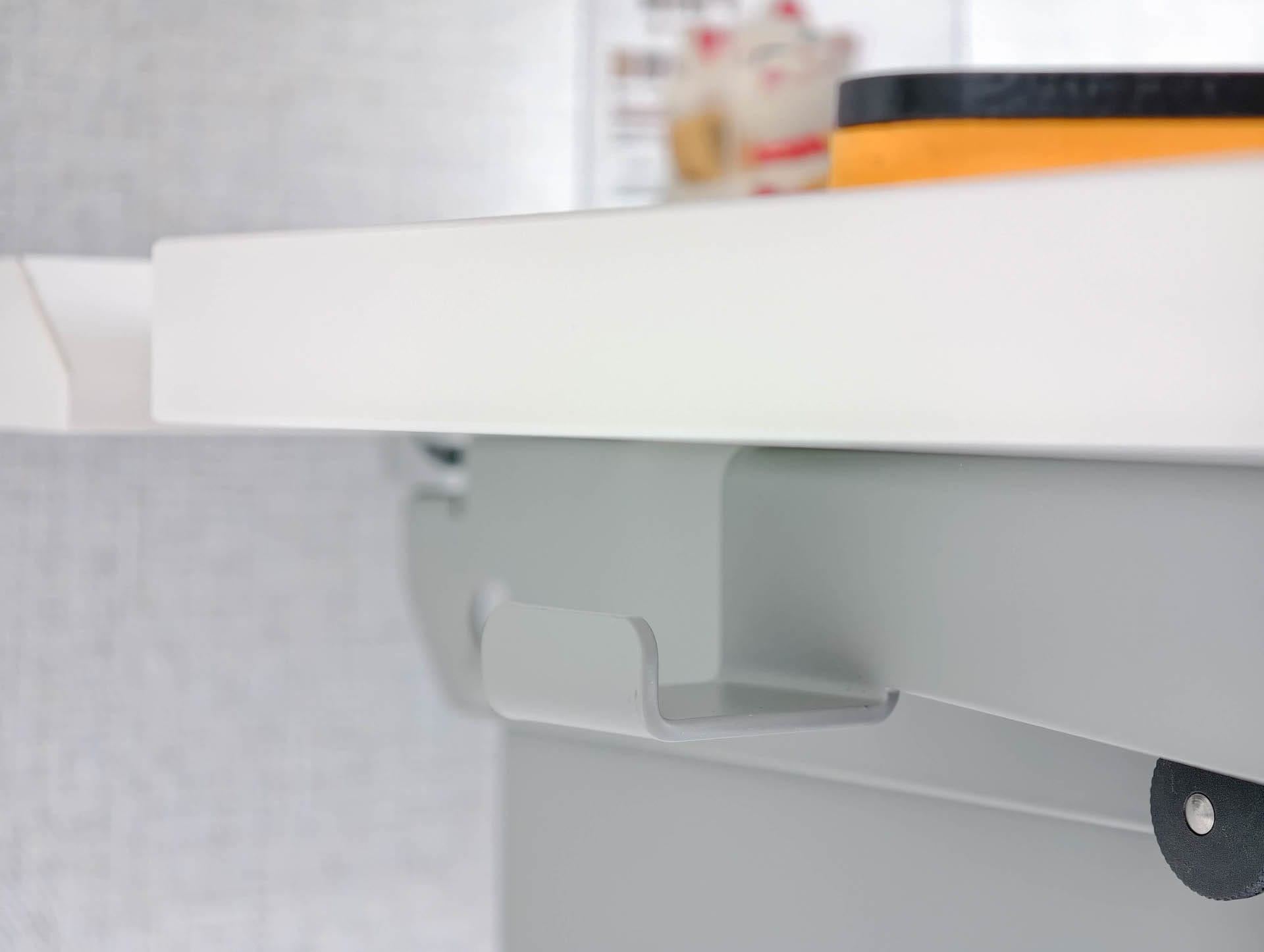
My test model, with its white desktop and gray frame, has a calm, modern look and fits well in brightly furnished home offices. The rounded corners soften the large surface and make the desk feel less bulky.

The tabletop is made of MDF with a matt finish that is easy to clean. Fingerprints are barely visible on the white surface, while dark dust shows up more quickly. After a month of use, there were no scratches, pressure marks or other visible signs of wear.
All three desktops are 80 centimetres deep. This means the screen does not sit directly behind the keyboard, and there is still room in front of the monitor for documents, a notebook or other work equipment.
The right width depends on your setup. At 140 centimetres, you can create a classic workspace with one large monitor or two more compact displays. 160 centimetres leave more room for speakers, a laptop, chargers and a little decoration. The 180-centimetre version is particularly interesting for wide multi-monitor setups or workspaces where additional devices are regularly placed alongside the PC.
My desk had room for a monitor, mini PC, work equipment and decorations without looking cluttered. The cable tray plays a big part in that, since neither power strips nor power supplies are on the desktop or visible underneath it. You can access the tray through a flap from above and below. There’s room inside for up to five power strips side by side.


However, the cover takes up part of the rear edge of the desk. As a result, monitor arms and other accessories with clamp mounts cannot be attached at just any position. Before installation, it is worth planning roughly where the monitor arm should go, how the cables will run and which devices need direct access to the rear opening.
Esslinger VexelLine: stable footing and quiet motors
At regular sitting height, the VexelLine is very steady. The frame barely gives when typing, moving the mouse or leaning lightly on the edge of the desk, and the monitor mounted on the arm also remained largely steady.
Esslinger specifies a load capacity of up to 120 kilograms for the desk. That should provide enough headroom for a workstation with multiple monitors, a computer, speakers and other accessories.

The higher an adjustable desk rises, the more the extended columns act as levers. The VexelLine moves a little more when standing, but remains within the normal range. At maximum height, hardly any model stays completely motionless.
Two motors handle the height adjustment. The desk moves up and down smoothly, without any visible jerking or one side getting ahead of the other. It also stays pleasantly quiet, with only a subtle hum from the motors. Once the desired height is reached, the desktop stops cleanly without bouncing.
If the desk encounters resistance when being adjusted, the anti-collision protection responds and automatically stops the movement.
Esslinger VexelLine: Touch panel with four memory presets
The desk is controlled via a touch panel on the front edge. The display shows the height in centimetres, including one decimal place.
There are four memory slots. Two were already enough for me: one position for sitting and one for standing. The remaining slots can be used for a second person, a lower typing position or a particular height for video calls. Those who prefer to set the height manually can use the up and down buttons.

There’s a USB-C port on the left side of the controller. It can charge a smartphone, headphones or smaller devices, but isn’t intended for high-power devices.
An acoustic reminder can alert you after a set period to change position. The desk does not raise or lower itself; it simply emits a signal. Personally, I find this more of a nice gimmick than a feature I would actually use.
Esslinger VexelLine: two- or three-stage frame?
The VexelLine is available with a two-stage or three-stage frame.
The two-stage model has a height range of 70 to 120 centimeters, excluding the desktop. The three-stage frame offers a range of 60 to 125 centimeters.
At first glance, the extra five centimetres at the top stand out. However, the bigger difference is at the bottom, as the three-stage version lowers by an additional ten centimetres, which may particularly benefit shorter people.
The two-stage model was more than sufficient for my height (1.81 metres). Anyone who wants as much flexibility as possible or needs a low seating position should opt for the slightly more expensive three-stage frame.
Esslinger VexelLine: accessories from one system
Esslinger offers various add-ons for the VexelLine. These include monitor arms, a PC mount, power strips, a focus light and other desk accessories.
The advantage lies in the coordinated design. The colours, fittings and dimensions match the desk. Anyone looking to build a complete workstation does not have to combine products from several manufacturers. However, the accessories are not cheap. Since the VexelLine itself is already at the higher end of the price range, a fully equipped setup can quickly become considerably more expensive. I was also not equally impressed by every accessory.
Esslinger monitor arm
The monitor arm uses a gas spring and can be adjusted continuously for height, tilt and rotation. It supports monitors weighing between 1 and 9 kilograms, with VESA 75 × 75 or 100 × 100 millimetres. The VESA plate attaches via Quick Release, making installation much easier.
The arm is mounted using a desk clamp, which fits surfaces between 10 and 70 millimetres thick. The screen can rotate 360 degrees and swing a long way to the side. An adjustable limit restricts how far it can swing towards the wall, preventing the monitor from accidentally hitting it.

The cable routing is also neatly handled. The cables run through clip-on covers along the arm and through a retractable channel in the lower section. This keeps them close to the frame, so they do not hang loose over the desk when the arm moves.
In testing, the monitor was quick to adjust and position flexibly. However, the gas spring could have used more resistance with my heavier display. The tension can be increased using a screw, but even at the tightest setting, the screen felt a little looser than expected in some positions.
Although the monitor did not sink uncontrollably and the arm worked reliably overall, I would not fully push the stated load limit of 9 kilograms. The arm offers plenty of freedom of movement, decent cable management and pleasantly straightforward assembly for lighter and medium-weight displays.
Esslinger PC mount
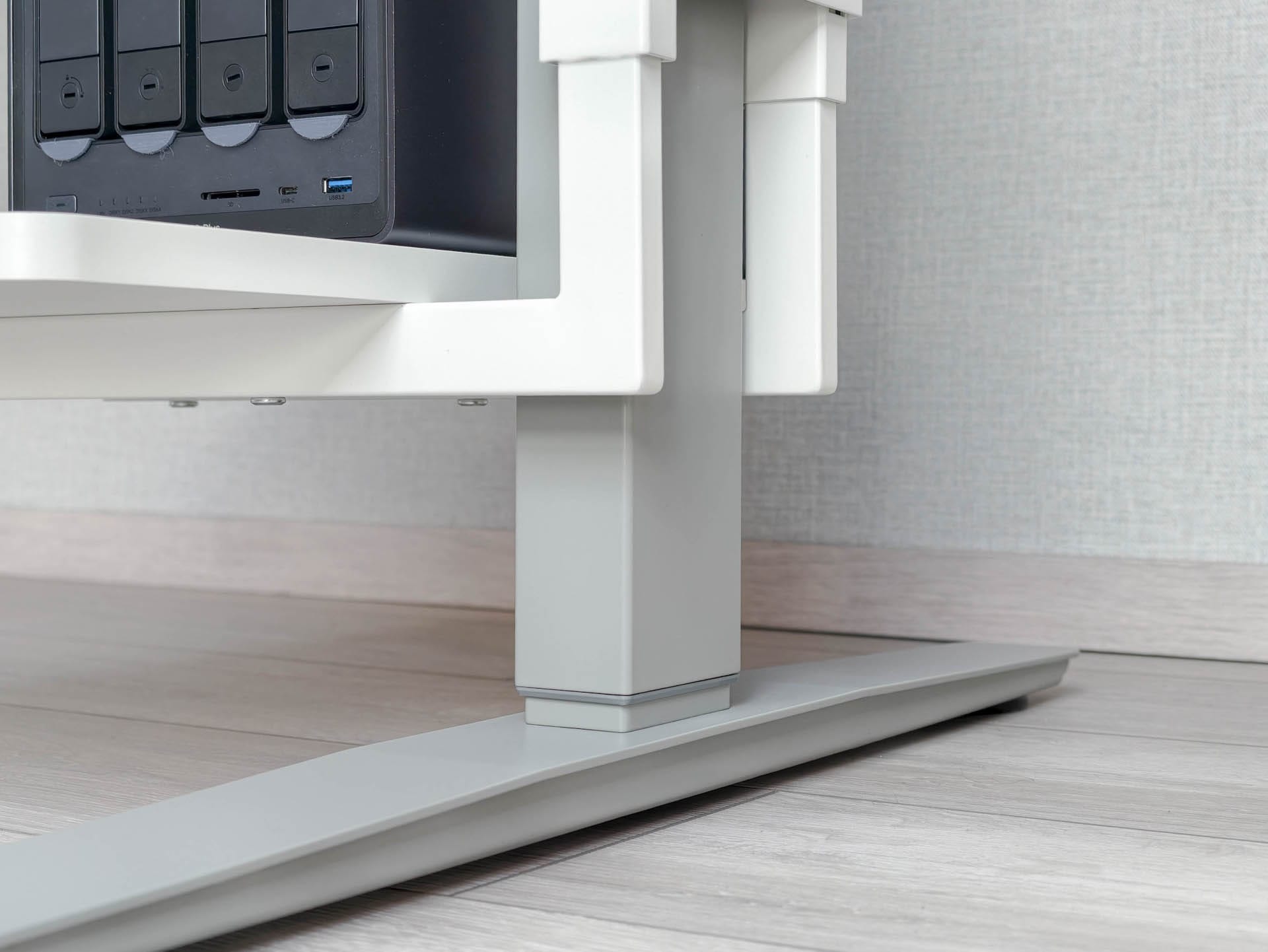
The PC holder attaches directly to the desk frame and moves with it whenever you adjust the height. This keeps the computer at the same height as the desktop. Cables connecting the PC, monitor and accessories won’t be stretched or left unnecessarily slack when switching between sitting and standing.

Esslinger specifies a load capacity of up to 40 kilograms, and the 250-millimeter-wide support surface provides plenty of stability for even larger towers. Its length and orientation can be adjusted to suit the case and available space. For example, you can mount the PC so that the ports and power button remain easy to reach.
Since my mini PC was already on the desktop, I quickly repurposed the mount for my NAS. In principle, it can also be used as a small side shelf, for snacks or drinks, for example.
Esslinger power strip
The matching power strip fits entirely inside the cable box and centrally supplies power to several devices. It has six earthed sockets, three USB-A ports and one USB-C port with up to 18 watts of power.

At just under 48 centimetres, the strip is relatively long, but fits easily in the spacious cable box. Compared with a standard power strip, its main advantages are its consistent appearance and directly integrated USB ports. Otherwise, it is a solid but fairly conventional power strip.
Our verdict
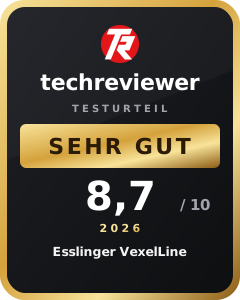
The Esslinger VexelLine impresses with quiet height adjustment, a sturdy construction and well-thought-out cable management. With three tabletop sizes, twelve colour combinations and two- and three-stage frames, the desk can be adapted well to the room, setup and user’s height. While the two-stage model is sufficient for many users, the three-stage version offers more flexibility for particularly short or tall people thanks to its wider height range. Minor shortcomings in delivery and accessories do little to detract from the very good overall impression.
Anyone looking for a high-quality, tidy and flexibly expandable workspace will find a strong alternative to IKEA and FlexiSpot here. The price is high, but still seems reasonable given the build quality and coherent overall concept.
Specifications
General
- Product type
- Electric height-adjustable desk
Desktop
- Material
- FSC-certified wood-based MDF
- Surface
- – Walnut
- Silk matt
- – Solid colors
- Matte and light-diffusing
- Sizes
- – 140 × 80 cm
- – 160 × 80 cm
- – 180 × 80 cm
- Colors
- – Walnut
- – Black
- – White
- – Beige
- Frame colours
- – Black
- – White
- – Gray
- Edge profile
- – Straight edges
- – Rounded corners with an R20 radius
- Rear access
- – Hinged cover at the rear
- – Access to cables and power from above
2-stage frame
- Height range without tabletop
- 70–120 cm
- Adjustable width
- 100.6–170 cm
- Depth when assembled
- 57.5 cm
- Column profiles
- – 75 × 45 mm
- – 70 × 40 mm
- Weight capacity
- Up to 120 kg
3-stage frame
- Height range without tabletop
- 60–125 cm
- Adjustable width
- 100.6–170 cm
- Depth when assembled
- 65 cm
- Column profiles
- – 80 × 50 mm
- – 75 × 45 mm
- – 70 × 40 mm
- Weight capacity
- Up to 120 kg
Drive and construction
- Motors
- 2, synchronised
- Noise level
- ≤ 45 dB
- Vibration
- ≤ 0.20 m/s²
- Tested service life
- More than 20,000 lifting cycles
- Frame material
- Cold-rolled steel (SPCC)
- Surface
- Powder-coated
- Certification
- TÜV GS
- Certification number
- ID 1111268735
Operation
- Control unit
- Touch panel with 8 functions
- Altitude display
- Centimetre measurement to one decimal place
- Memory positions
- 4
- Functions
- – Upwards
- – Down
- – Sitting and standing reminders
- – Anti-collision protection
- Charging ports
- – 1× USB-C
- Mounting position
- – Left or right under the tabletop
Electrical system
- Input
- 100–240 V at 50/60 Hz
- Output
- 29 V
- Power adapter
- Mounted under the tabletop
- Motor connection
- Plug connections to the central power supply
Cable management
- Variant
- Integrated cable box
- Access
- – Rear access via the back panel
- – Fold-down access from below via side pull pins
- Capacity
- – Space for multiple power strips
- – Suitable for power supplies, chargers, and excess cable lengths
- Features
- – Ventilation openings to prevent heat buildup
- – Star knobs for securing
- – Cable box secured with pull pins
What’s included
Tabletop Table frame Cable box Touch controls Power supply Mounting materials Assembly tools Assembly instructions
Price comparison
| Store | Price | Link |
|---|---|---|
| Esslinger Life | 645,99 € | Go to store |

Comments