Contents
First impressions
The tablet features an LCD widescreen with a resolution of 1024x600 pixels and 170 dpi. It is powered by an Allwinner A83T octa-core processor running at 1.8GHz (up to 2 GHz). It also includes 1GB of RAM and 16GB of internal storage. The battery has a capacity of 6000mAh.
 Play video on YouTube
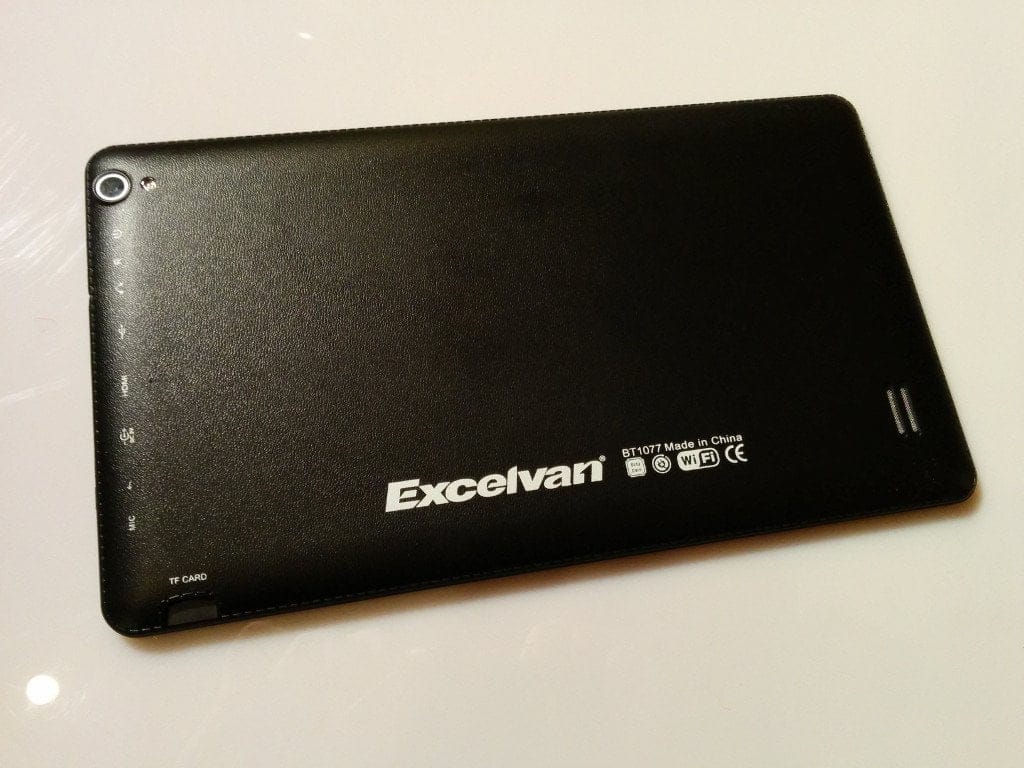
The tablet also supports WLAN and Bluetooth and has 2 cameras installed (2 megapixels and 0.3 megapixels). Unfortunately, a GPS module is missing. For connections, the BT1077 has an SD card slot (up to 32GB), a microphone input, a 5V power connector, an HDMI input, a USB port, and a headphone jack.
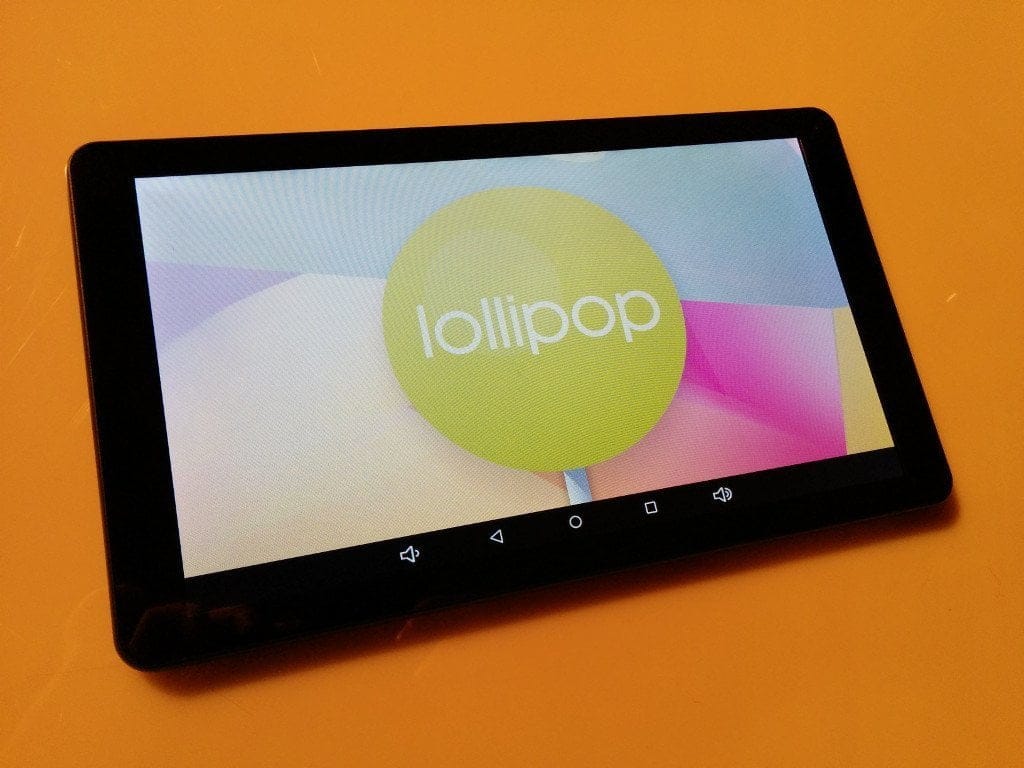
The tablet was delivered with Android 4.4.4.
First impressions
The tablet relies on “almost” stock Android. Only three third-party apps (a QR code scanner, a task manager and an operating manual as an app) were pre-installed. Among other things, an Update app was pre-installed, which unfortunately did not work. I then did some searching and actually found Android 5.1.1 for this tablet. Updates can be installed via an SD card, which you insert into the SD card slot. Afterwards, you reboot the tablet and the update is installed fully automatically. Incidentally, new updates are released for this tablet almost weekly.
Android runs really smoothly on this tablet. Apps start almost instantly and input on the touchscreen is recognised without issue. The Google Play Store is also pre-installed, so new apps can be installed directly.
I initially installed several benchmark apps on the tablet, and the results are really good for a tablet costing under €100.
AnTuTu: 28629
Geekbench: Single-Core 355; Multi-Core 1836
The tablet's WLAN is fast, and there is nothing to complain about regarding range either.
Our verdict
6,3 out of 10 pointsThe Excelvan BT1077 is quite good for such a low price. However, the biggest problem with this tablet is the display. An LCD display has been fitted here, which has a really poor viewing angle. If you hold the tablet even slightly at an angle, almost nothing can be seen anymore. In addition, the display is very sensitive to scratches. The top layer of the display consists only of plastic and not glass. Therefore, it is advisable to apply the included screen protector film immediately after unpacking.
For the tablet's low price, its internals are really impressive. It runs smoothly and responds quickly thanks to the 8-core processor. Five-finger touch is no problem.
What I particularly like is that it has almost stock Android installed. You don't get unnecessary spam apps or a forced user interface on this tablet. New updates are also released almost weekly. So you always have the latest Android. It is also interesting that the tablet can be expanded with mobile internet via a 3G dongle.
If Excelvan were to upgrade this tablet with a better display, the BT1077 would be a really very good low-budget tablet.
Specifications
General
- *SoC
- Allwinner A83T Octa-Core Cortex A7 @ 2.0GHz
- *OS
- Android 5.1.1
- *Display
- 10.1-inch multi-touch HD screen with 1024x600 resolution
- *RAM and ROM
- 1 GB RAM, 6 GB ROM (expandable)
- *Camera
- Dual camera 2.0MP and 8.0MP
- *Bluetooth
- Yes
- *WIFI
- 2.4G, 802.11b/g/n
- *AC adapter
- Input AC110-240V, Output DC 5V 2A
- *Battery
- 6000mAh/3.7V Lithium
What’s included
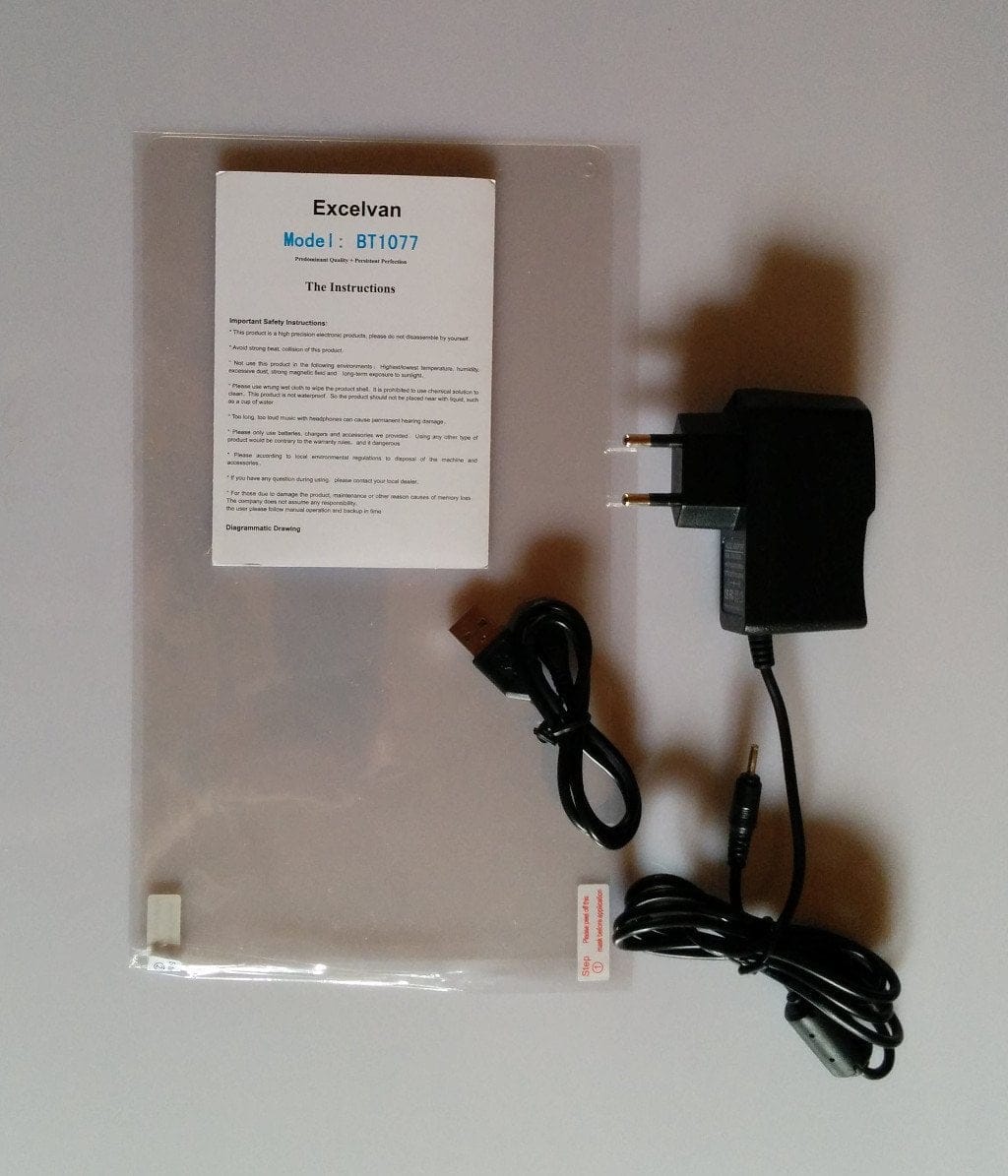
*The BT1077 *One screen protector *One power adapter with EU plug *One USB data / charging cable *One instruction manual (German and English)
Comments (3)
Which would you recommend more, the Excelvan or the Dragon Touch X10?
I would invest a bit more and get the Dragon Touch X10. The display is significantly better, but the rest of the hardware is hardly different. Here is the test report for the X10: https://www.techreviewer.de/dragon-touch-x10-test/
Hello, can anyone tell me how to perform a hard reset using the physical buttons on this device?