Contents
First impressions
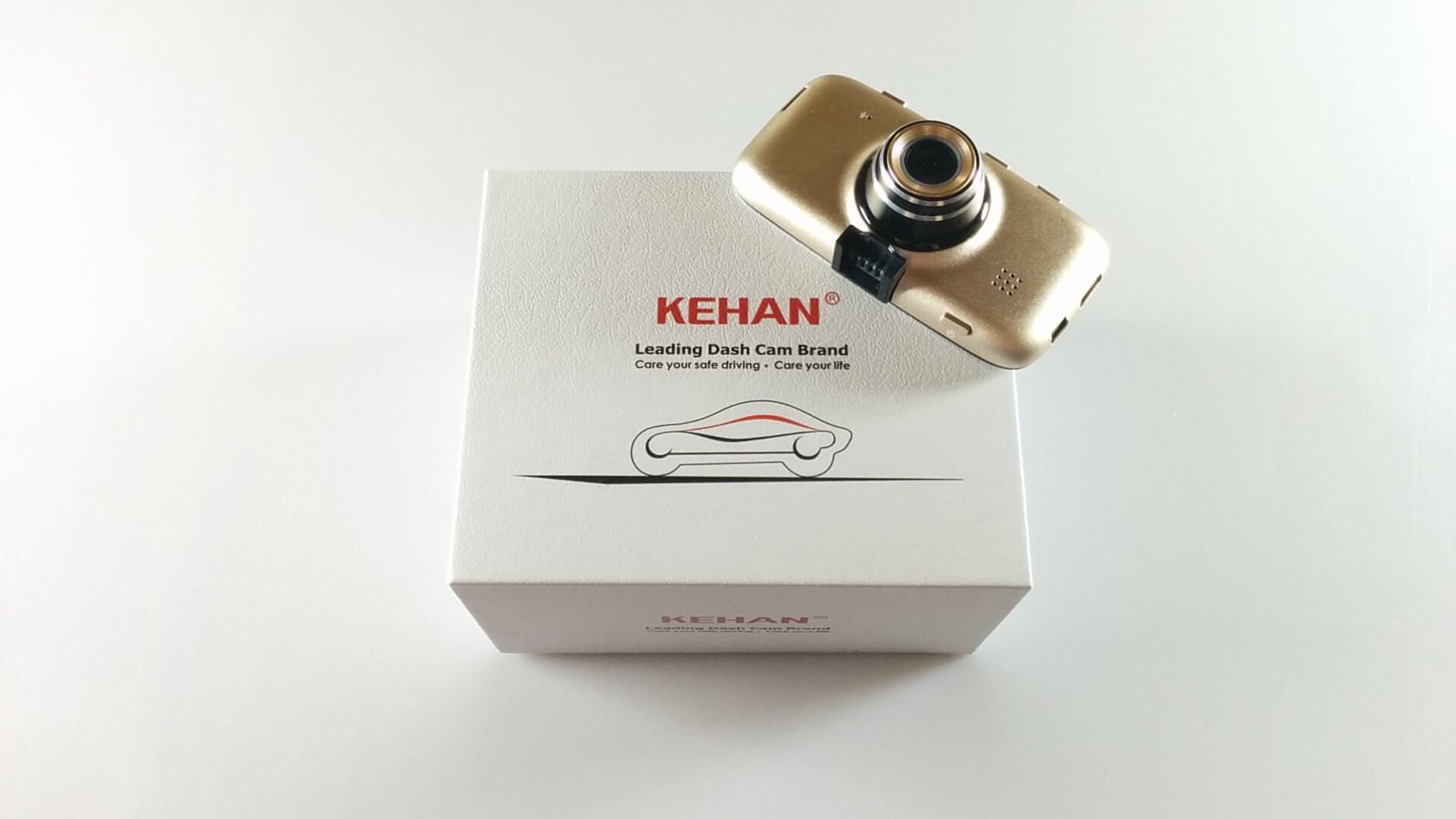
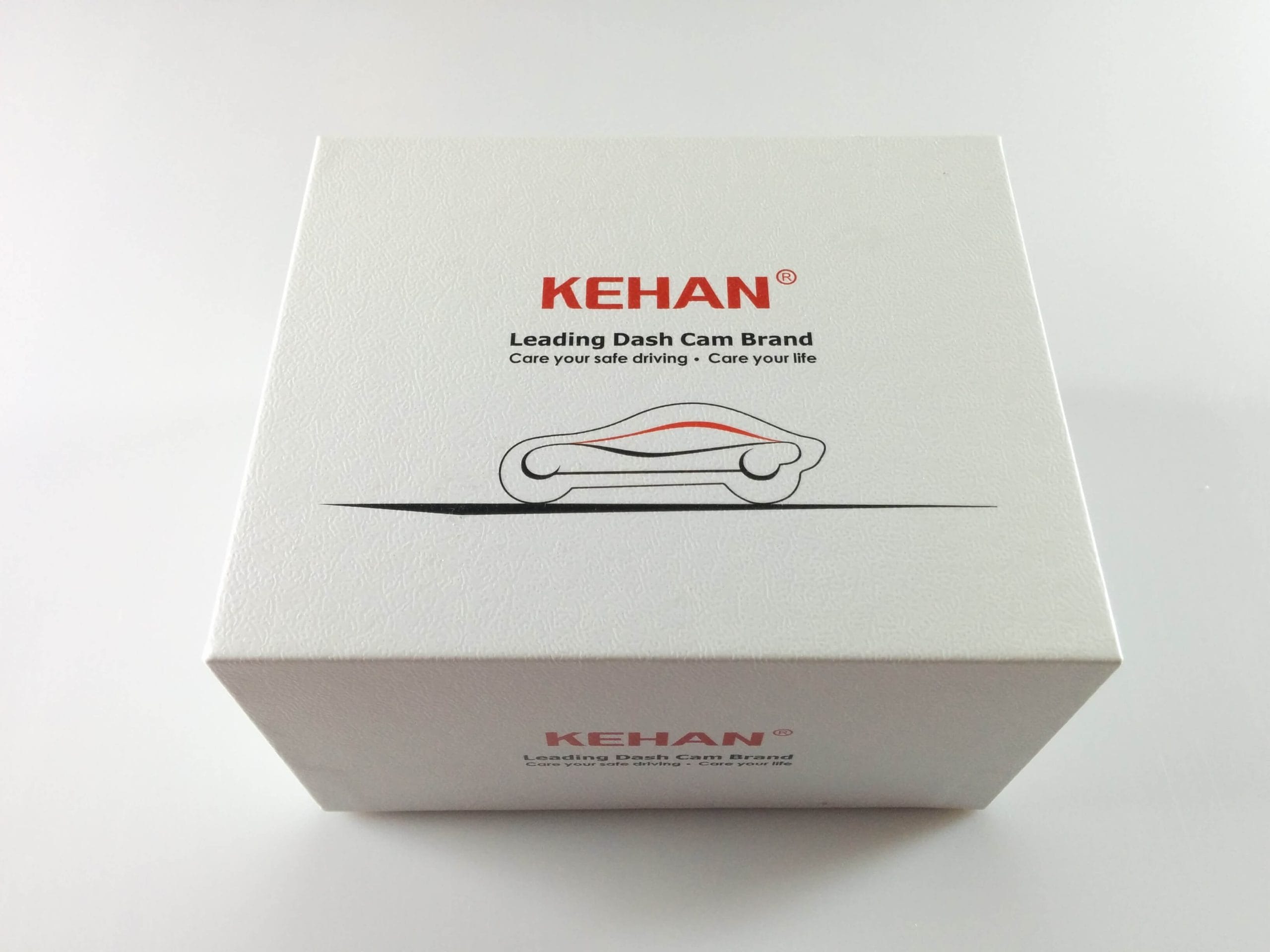
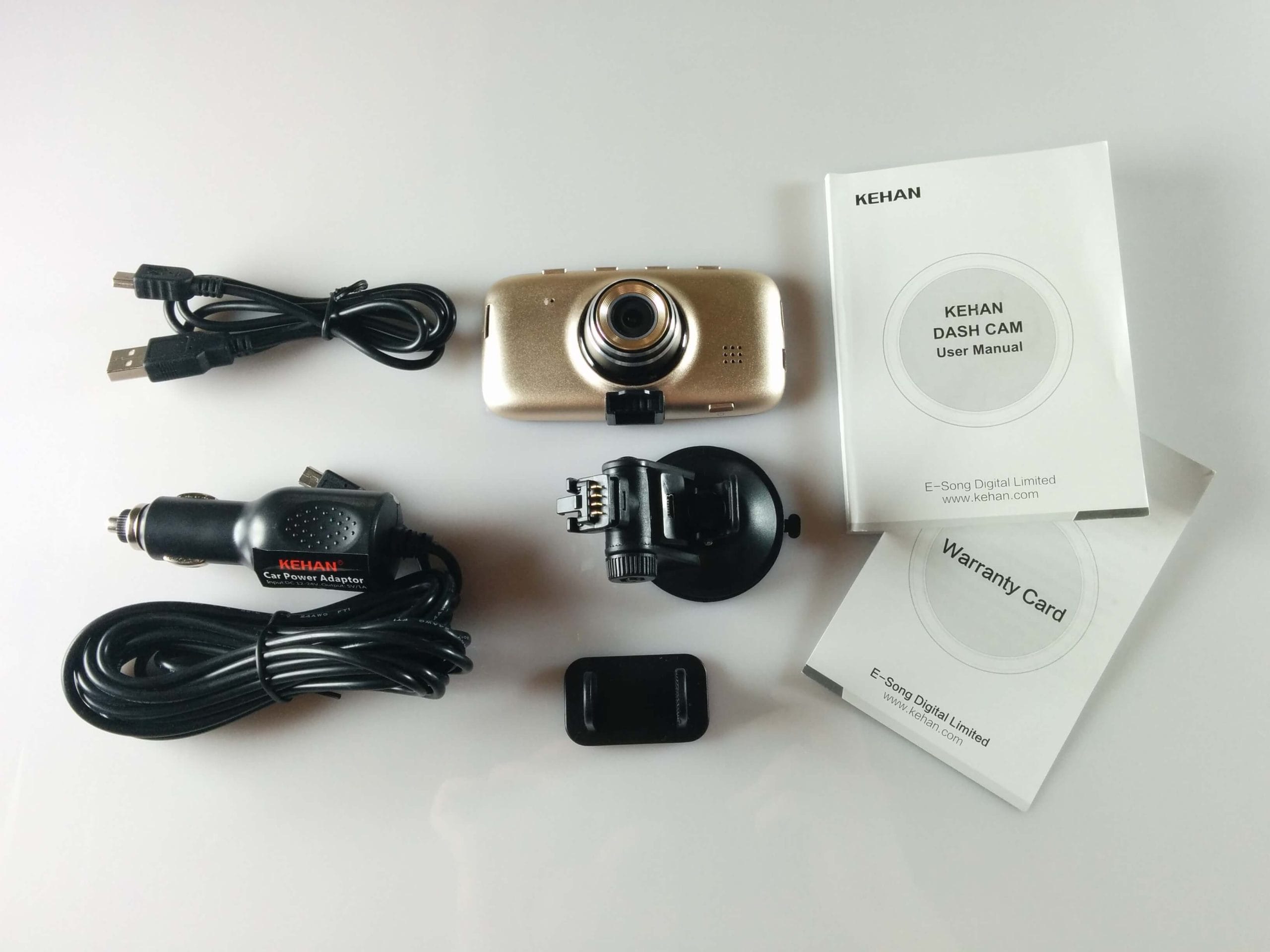
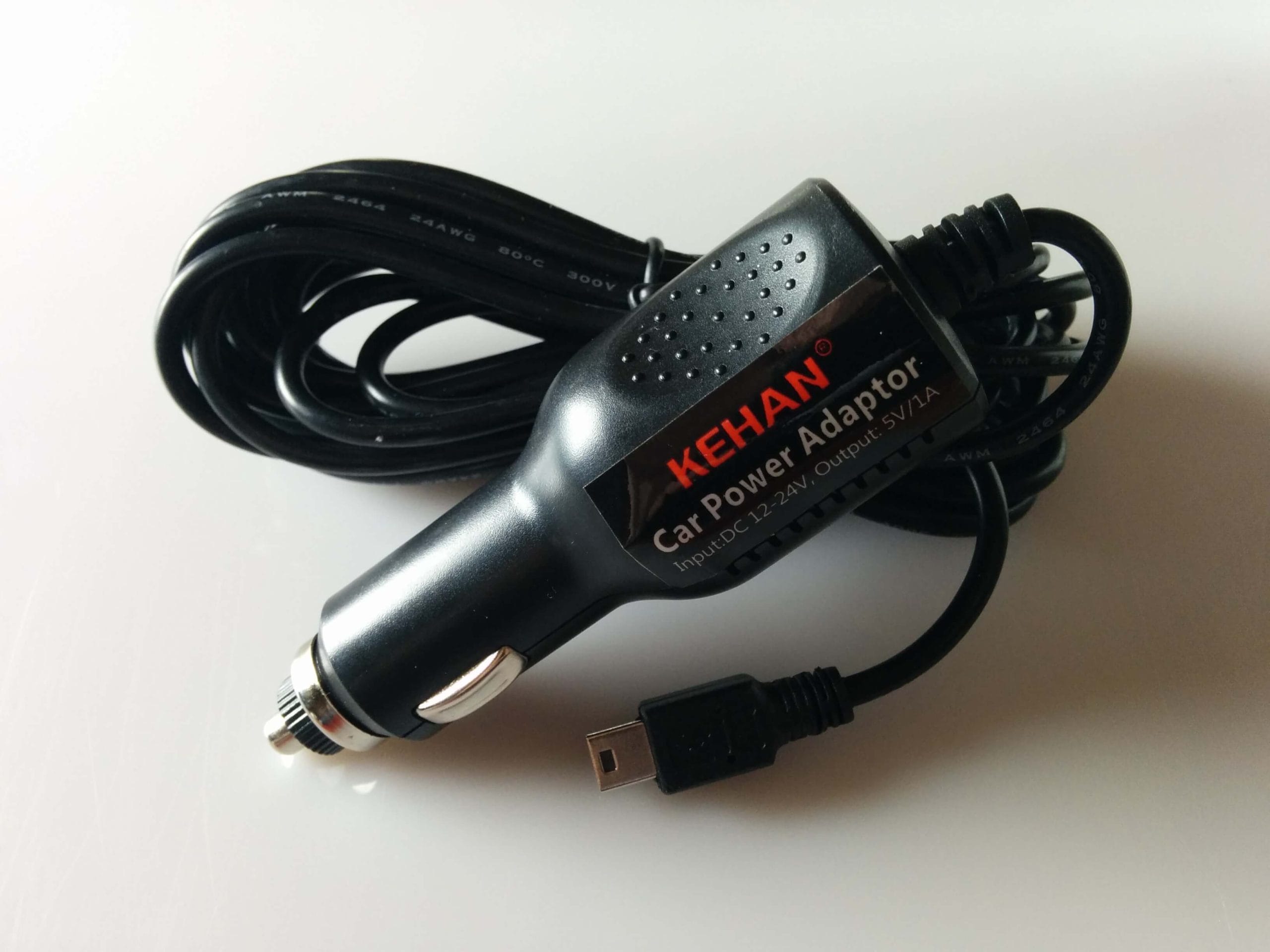
The Kehan K800 was delivered including a suction cup mount with integrated GPS module, a mini-B USB cable, a 12V car charger, and a very detailed operating manual in several languages (including German). A micro SD card required for operation was not included in the scope of delivery.
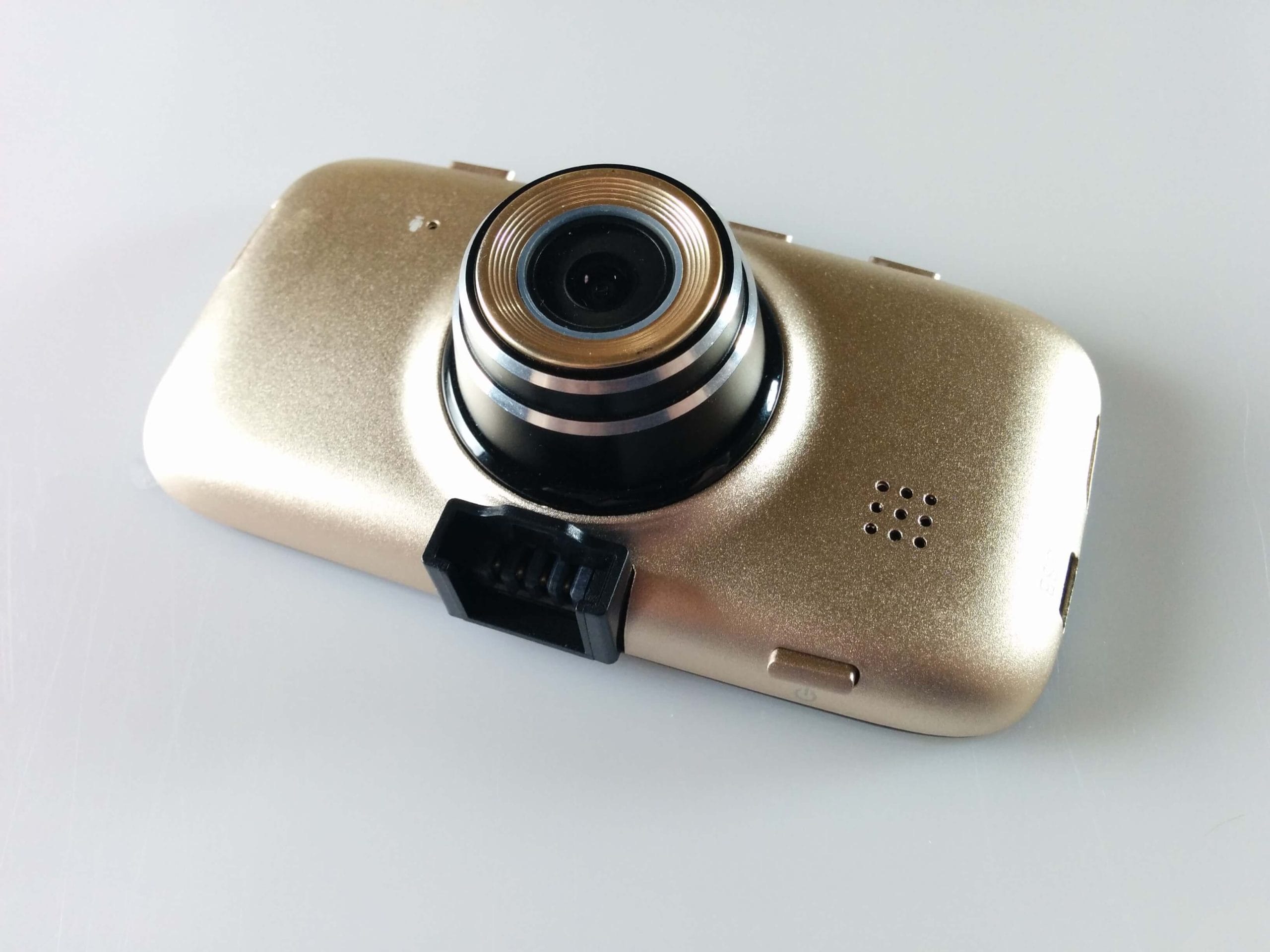
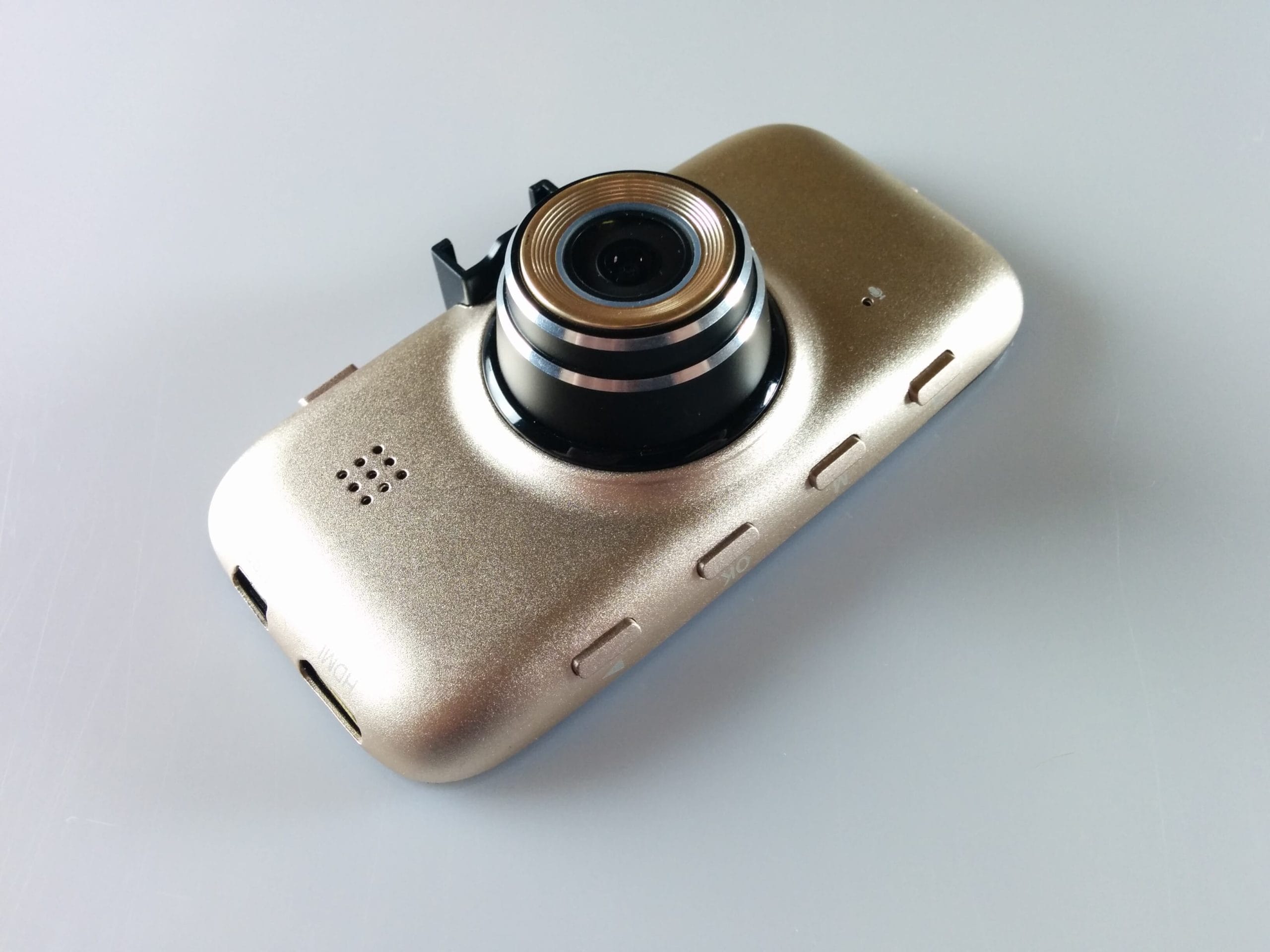
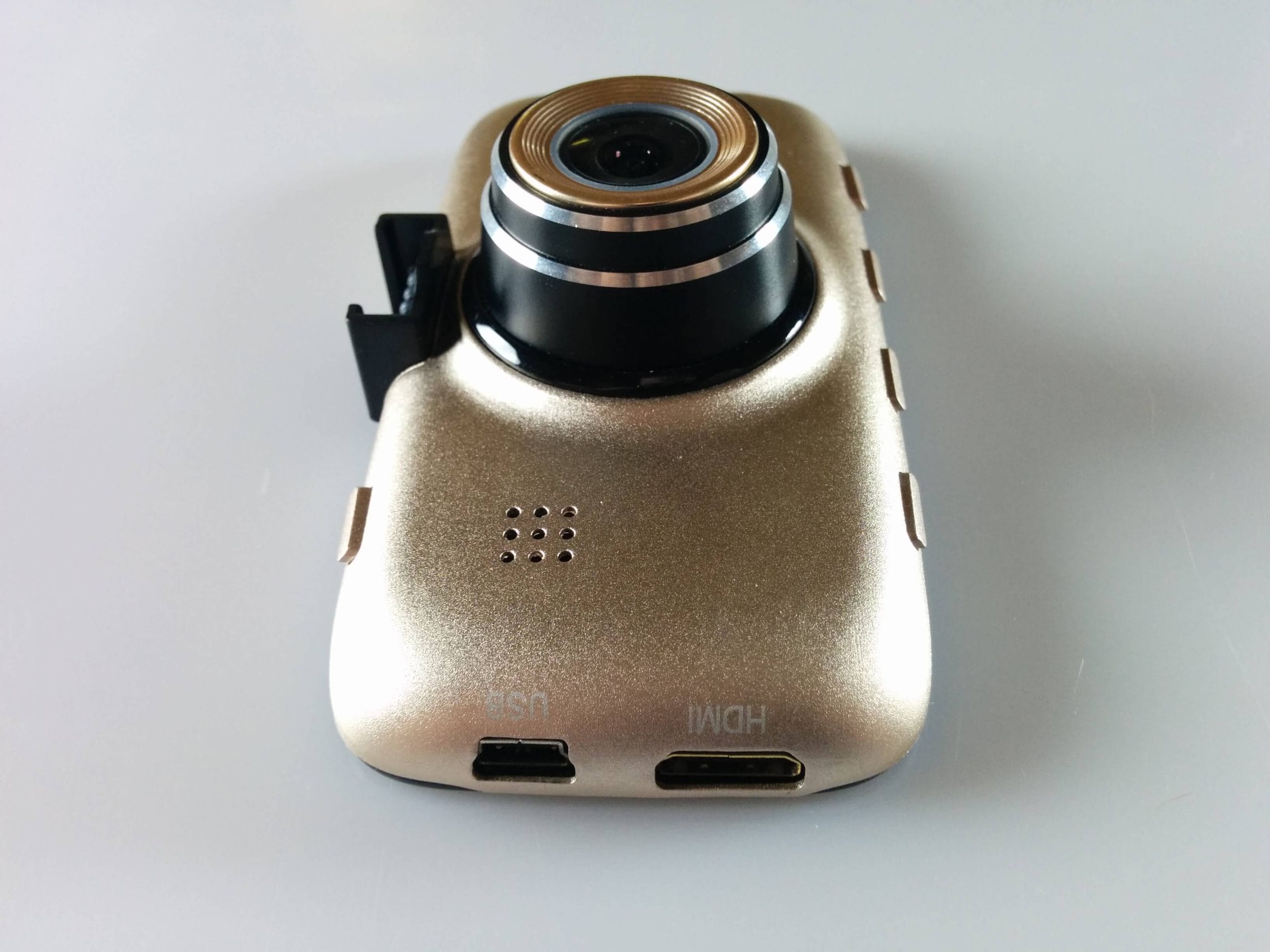
The gold-coloured housing of the K800 dash cam is made of aluminium and is very well processed overall. The individual control buttons are firmly integrated into the housing and do not rattle unpleasantly even on bumpy drives. Connection options such as USB and HDMI are located on the side of the housing and are easily accessible. Furthermore, the camera has a 3-inch HD display, on which both the text and the live image are clearly visible.
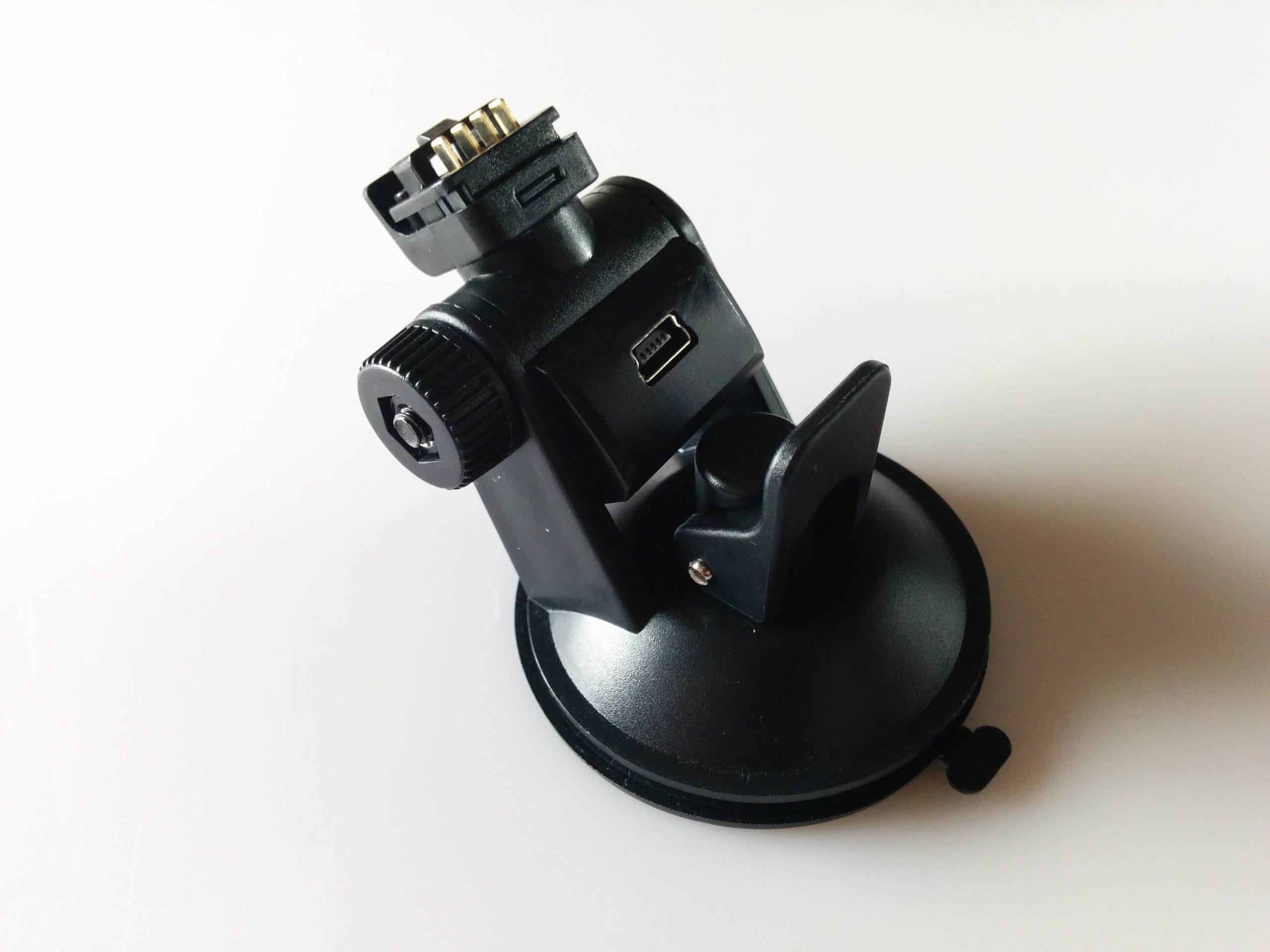
The suction cup mount of the Kehan K800 is also well-made and has a permanently integrated GPS module. This module additionally features a mini-B USB port, allowing the dash cam to be charged or operated via this connection. The camera connects to the mount via a 4-pin connector. The dash cam with its mount is also horizontally swivelling (230°) and vertically tiltable. The mount is attached using a comparatively reliable suction cup.
Setup
Setting up the Kehan K800 is quite easy thanks to the well-written operating instructions. Despite the numerous adjustment options, it is easy to keep track of things.
If the dash cam is connected to the mount and the Kehan K800 is additionally powered, the camera starts automatically when the vehicle ignition is turned on. According to the product description, the camera also has a small 240mAh battery. This lasted just two minutes for me, which is why I was inevitably reliant on an external power source. You can tell (if the display is switched off) whether a recording is running by the LEDs on the housing of the K800. If you park your vehicle and turn off the ignition, the dash cam also switches off automatically. You can do without setting up the Kehan K800, since all necessary functions were already enabled by default. Nevertheless, it is advisable to familiarise yourself with all the functions, as settings such as the resolution and features like the lane assistant can be individually adjusted.
Menu
The settings menu of the Kehan K800 offers a wide range of configuration options. The system language can also be switched to German here. An overview of the settings options:
Video menu
Video format (HDR 1920x1080@30, 2560x1080@30, 2304x1296@30, 1920x1080@45, 1920x1080@30, 1280x720@60, 1280x720@30) | Quality (Super/Good/Normal) | WDR | Watermark | G-Sensor | Loop recording | Motion detection | LDWS calibration | ADAS settings (LDWS, FCWS, FCMD, LLW)
Camera menu
Quality (Super/Good/Normal) | Watermark | Frequency (50/60 Hz) | White balance | Light meter | Exposure compensation
General
Language | Card capacity | TV output | Driver ID | Time/Date | GPS | Formatting | Factory settings | Auto power-off | LCD | Delayed shutdown | Version info
At first glance, the menu navigation seems a bit complicated due to the many control buttons, but you get used to it quickly.

GPS
The GPS of the Kehan K800 stores additional data or GPS coordinates, which can be synchronised with the recording afterwards. For this, additional software is required, which can either be downloaded from third-party providers on the internet or you can use the included software, which is automatically written to the SD card by the K800.
The GPS module of the Kehan K800 caused me constant headaches during my test. When I used the camera for the first time, the GPS signal was only found after 30 minutes of driving. However, once the dash cam has found the signal, it is quite stable and accurate. After several drives, I can conclude that the Kehan K800 finds the GPS signal at varying speeds. Sometimes the signal was available after several seconds, but other times only after a longer drive. It is a matter of luck how quickly the signal is found with this camera. For example, if you want to use the lane assistant or collision warning, a GPS connection must be present.
Video and image quality
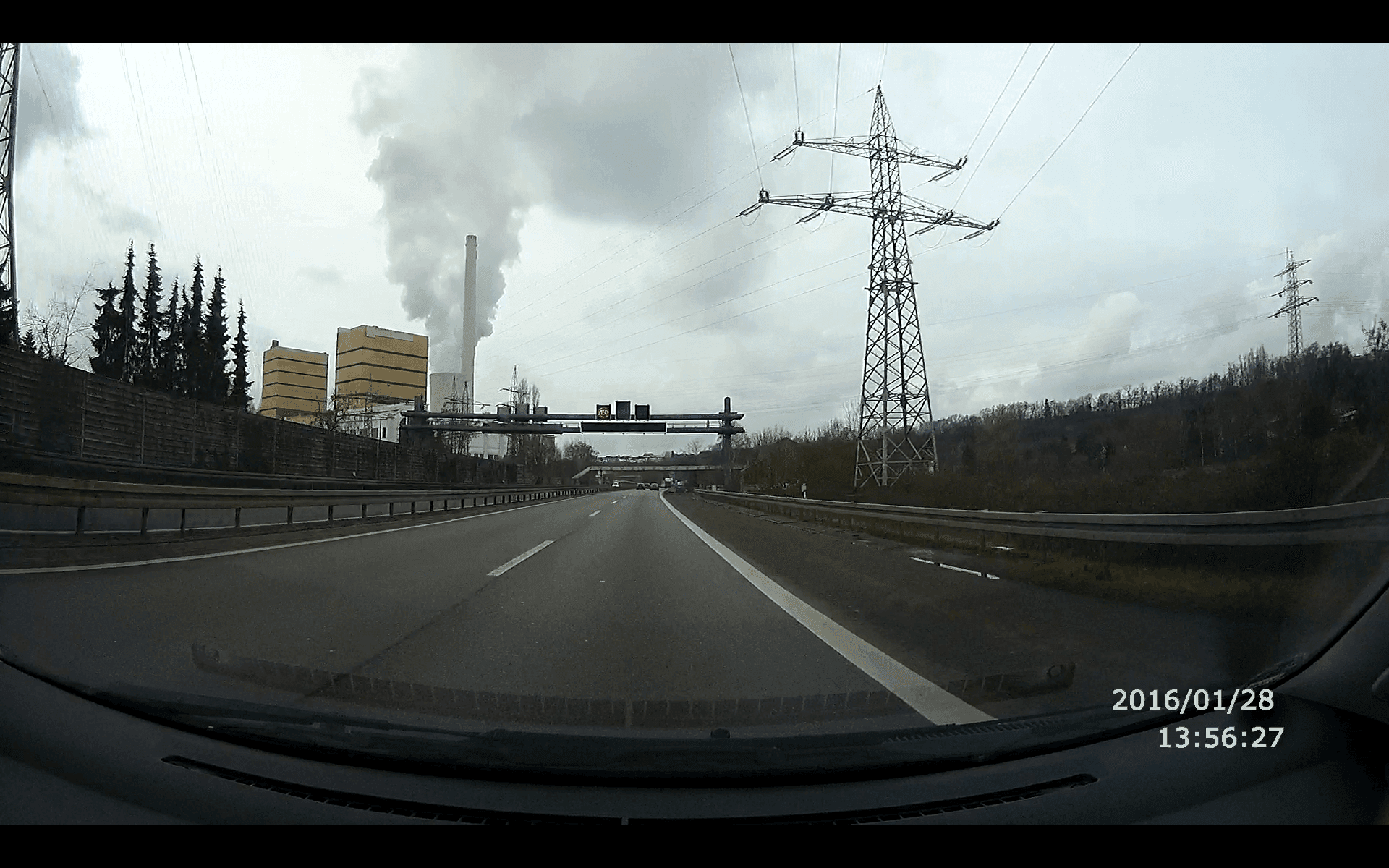
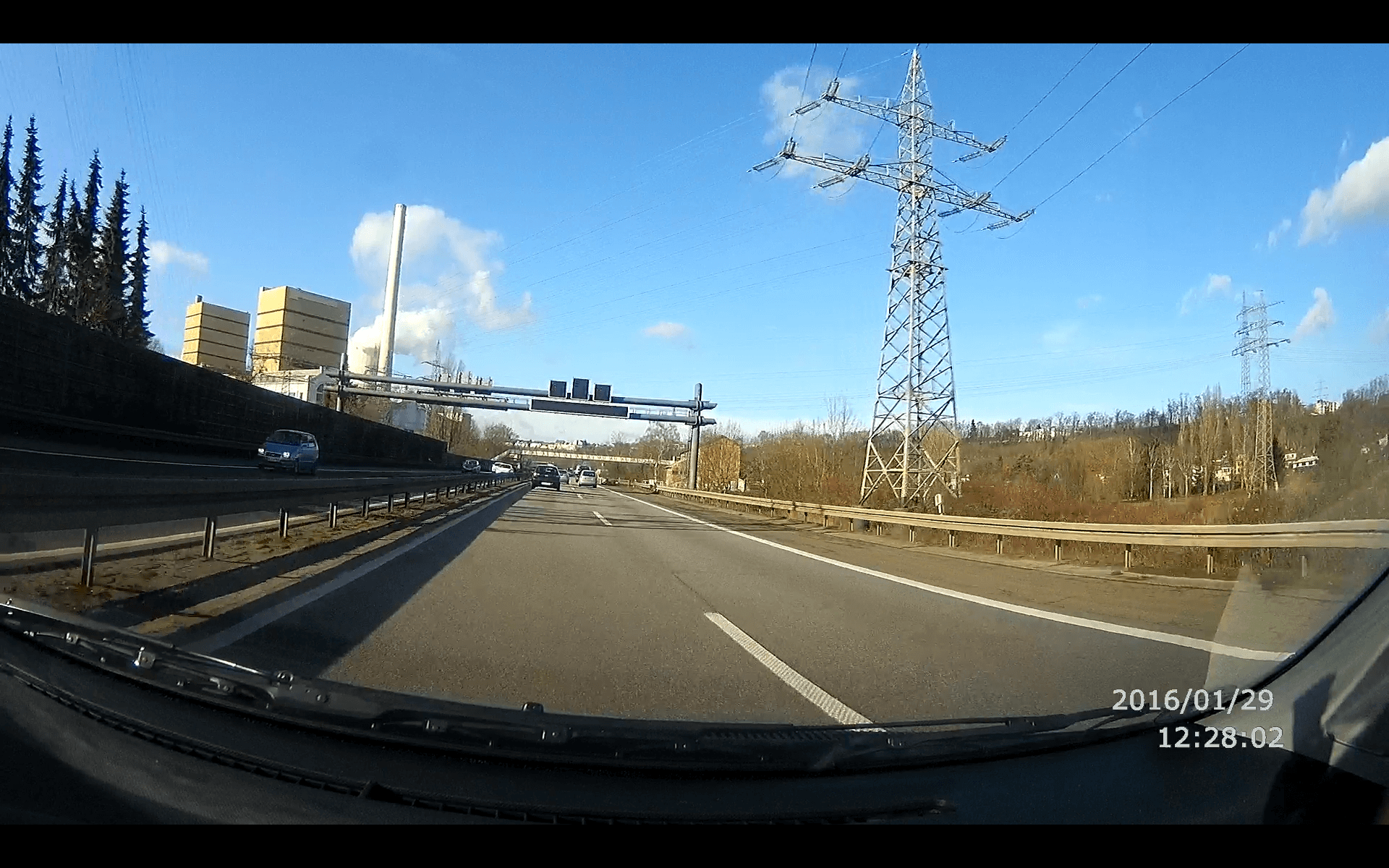
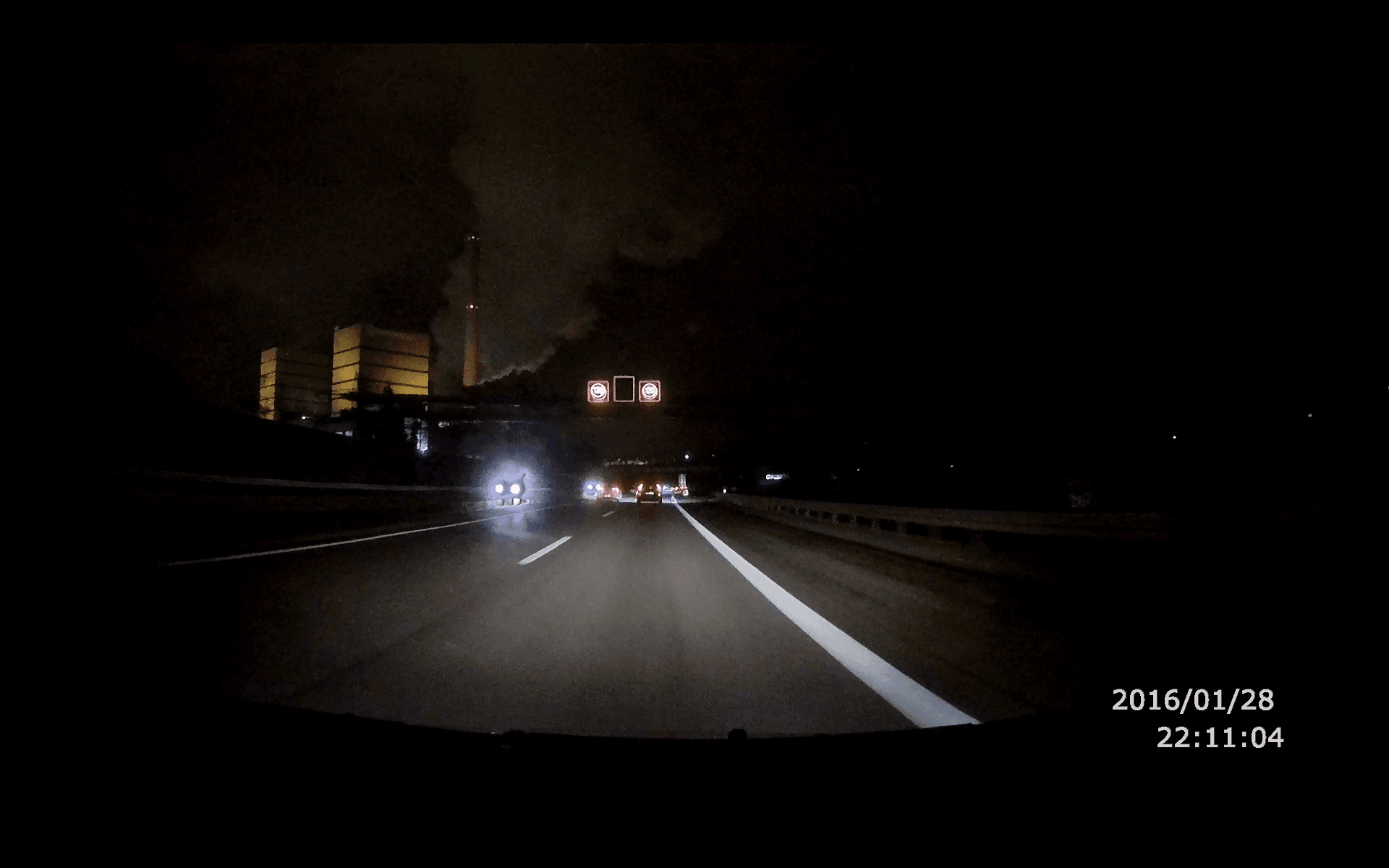
The video and image quality is above average, which is partly thanks to the OV4689 image sensor, but also to the Ambarella A7LA50 image processor. Regardless of the conditions, the footage is consistently watchable and individual details are rendered sharply. I hardly noticed any image noise, both during the day and at night.
The wide variety of different resolutions with different frame rates leaves little to be desired. This is rounded off by the WDR (Wide Dynamic Range) function, which compensates for strong contrast and brightness differences, as well as the HDR (High Dynamic Range) function, which represents brightness differences in detail.
Our verdict
The Kehan K800 impresses with excellent image and video quality, perfect audio recording, and high-quality build. It offers a wide range of settings, yet remains easy to navigate, allowing the dash cam to be used without extensive prior knowledge.
The only drawback of the camera is the rather weak GPS, which at least on my unit did not work straight away and whose functionality is a gamble. The integrated battery is also just sufficient to make settings. For continuous operation, the dash cam must inevitably be connected to a power source.
Nevertheless, the Kehan K800 offers an above-average dash cam that fully met my expectations.
Specifications
General
- Chipset
- Ambarella A7LA50
- Sensor
- OV4689 1/3-inch CMOS digital image sensor
- Lens
- 6 layers of glass + 1 IR filter
- Image resolution
- 4M
- Aspect ratio
- JPEG
- Video format
- MOV
- Codec
- H.264
- Interface
- AV, HDMI, USB
- Card
- micro SD
- Battery
- 240mAh
- Mic
- Yes
- Speakers
- Yes
What’s included
1x Dash cam 1x Suction cup mount 1x USB-B cable 1x Car charger
Comments