Contents
First impressions of the NO.1 G3
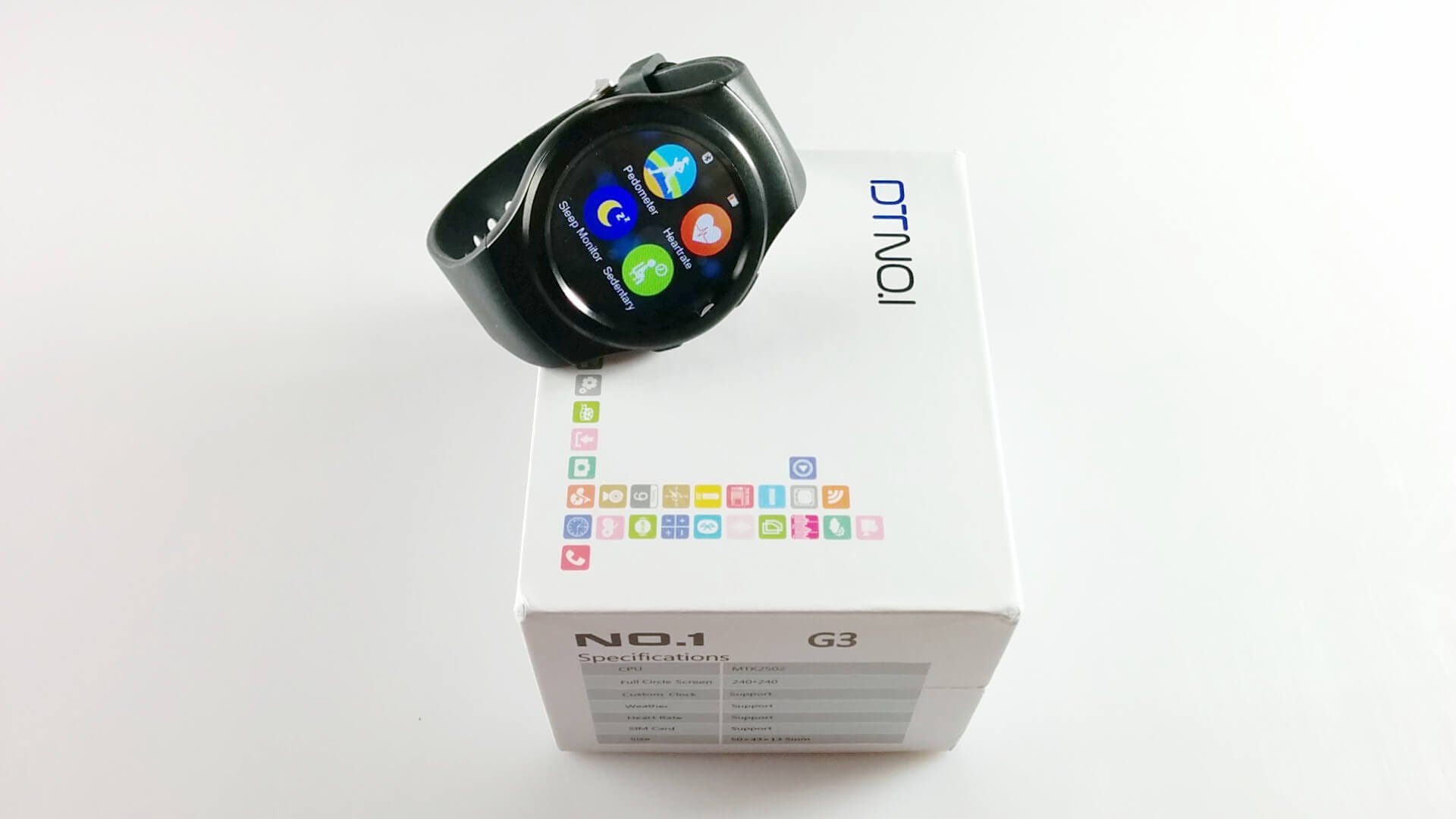
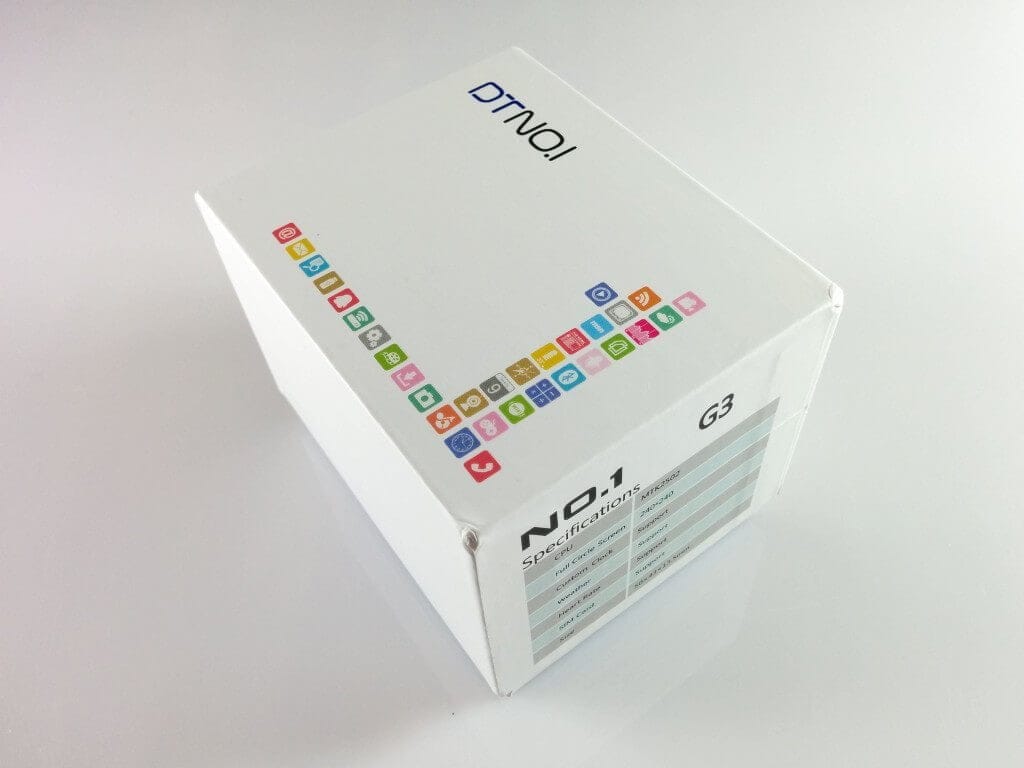
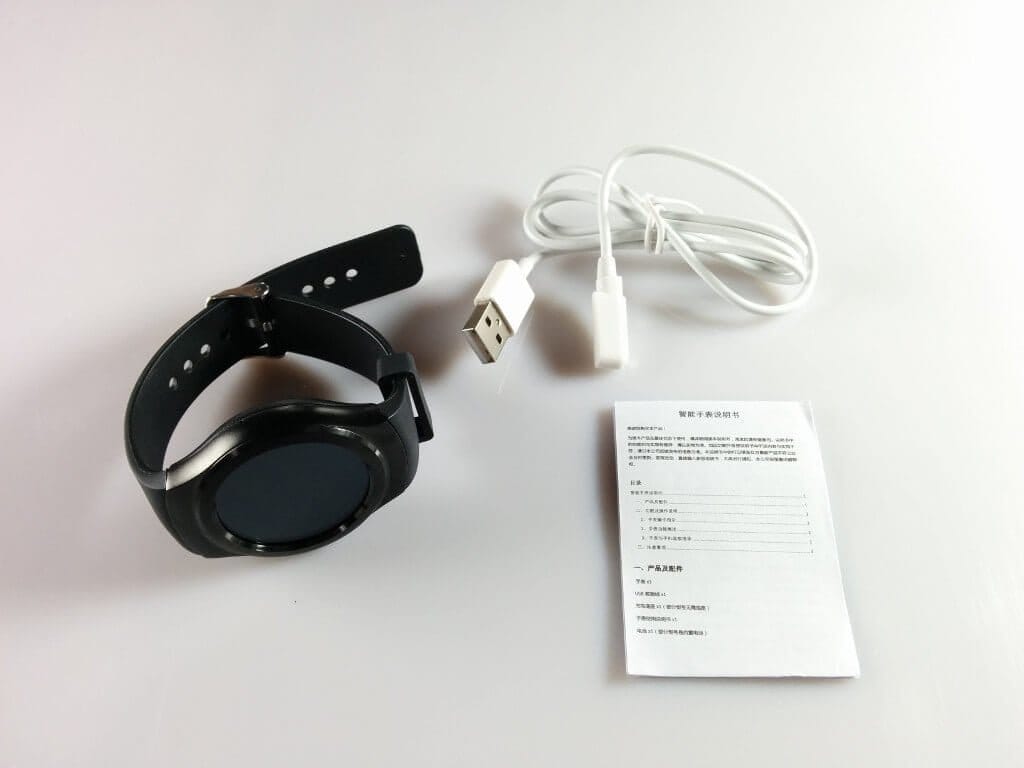
The NO.1 G3 smartwatch was delivered in a simple watch box, on which the most important technical data were already printed. The scope of delivery included, in addition to the smartwatch, a 4-pin magnetic charging cable and a user manual in Chinese and English.
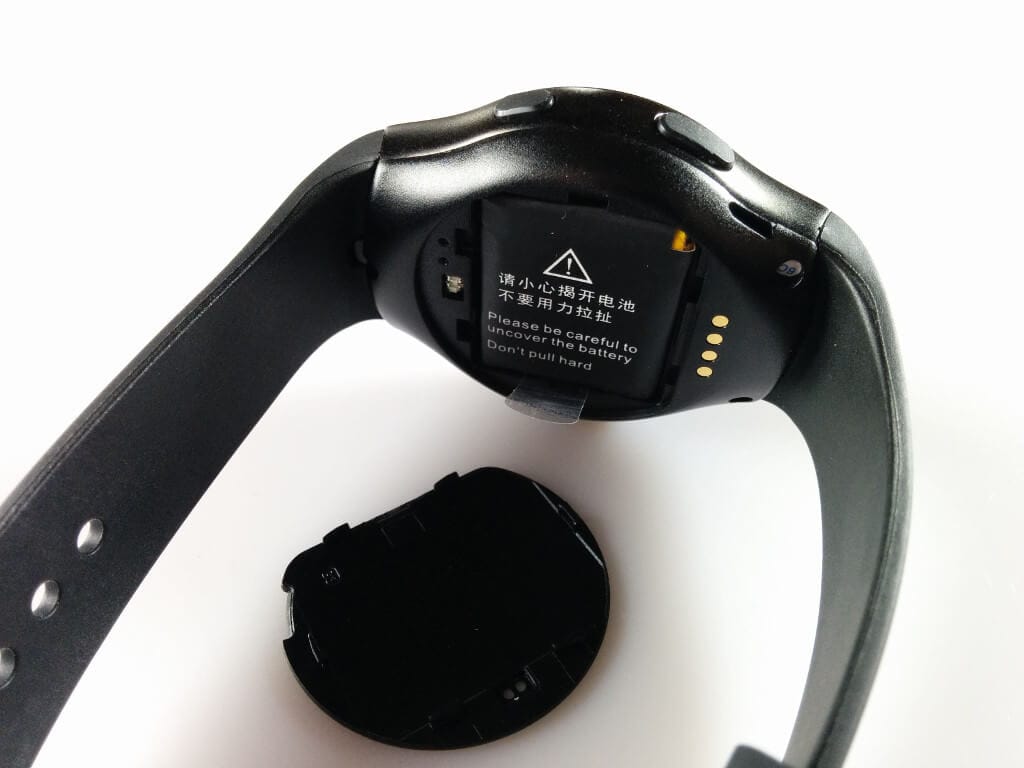
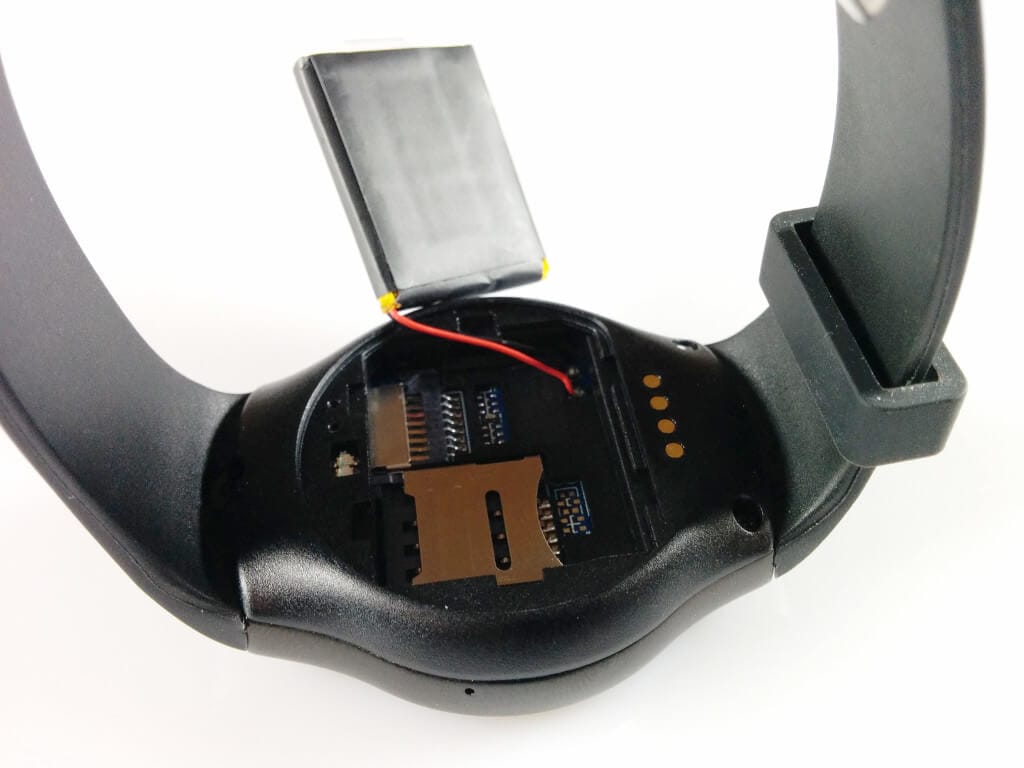
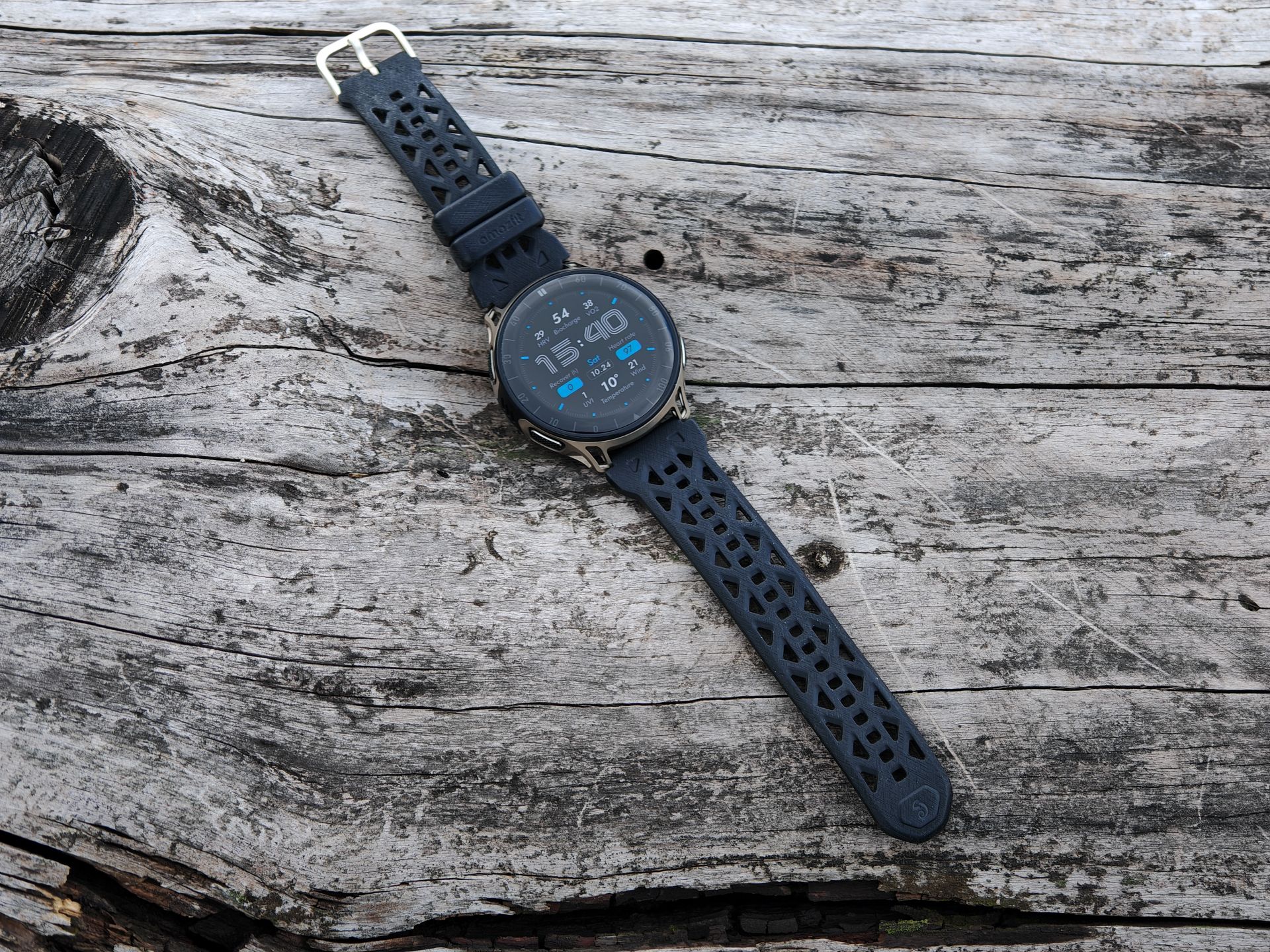
Externally, the NO.1 smartwatch strongly resembles a Samsung Gear S2. One could almost claim that this watch has been brazenly copied. The housing is partly made of metal (visible side), while the wearing side is made of plastic. The back is removable. Behind it is the 350 mAh battery, which is soldered to the circuit board and can therefore only be replaced with manual dexterity. Under the battery are the micro SIM slot and the micro SD memory slot. The NO.1 G3 supports GSM as a network standard, allowing telephony with the smartwatch. Storage expansion is possible with up to 16GB.
 Play video on YouTube
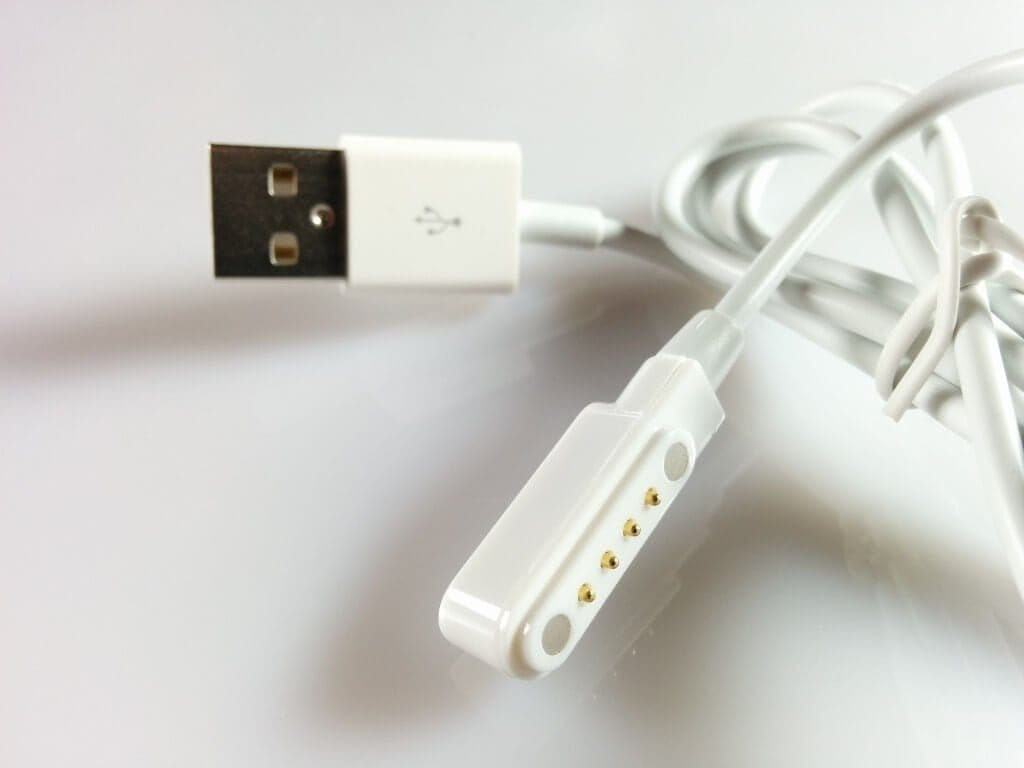
On the back are the pulse meter and the 4-pin charging connector for data transfer and charging the smartwatch. The adjustable strap of the NO.1 G3 is made of TPU (thermoplastic polyurethane) and is well-made so far. Two control buttons are located on the side of the case. These are made of plastic and have some play within the metallic part of the case. Especially during quick movements, the buttons make a slight rustling noise.
Display
The display of the NO.1 G3 has a diagonal of 1.3 inches, and the resolution is 240x240 pixels. Colours are displayed vividly, and the maximum brightness is also good. The brightness can additionally be adjusted later in the settings. The display remains clearly readable in direct sunlight, and the viewing angle is also decent. In the display settings, you can adjust how long the display should remain active. In the more specific "Motion" settings, you can determine whether the display should activate as soon as you bring the watch into your field of view.
Performance and usability
The processor used here is a MediaTek MTK2502, which is quite commonly used not only by NO.1 but also by other Chinese smartwatch manufacturers. The RAM is 64 MB, and the internal storage is 128 MB.
Usability can be described as good. Apps open quickly, and the menu navigation is largely smooth. Motion detection also works quite accurately.
NO.1 G3 apps
All necessary apps were already pre-installed on the NO.1 G3. However, the smartwatch is not comparable to Android Wear, which means no additional apps can be downloaded later. With a total of 36 apps covering a wide range of categories, however, users are well served.
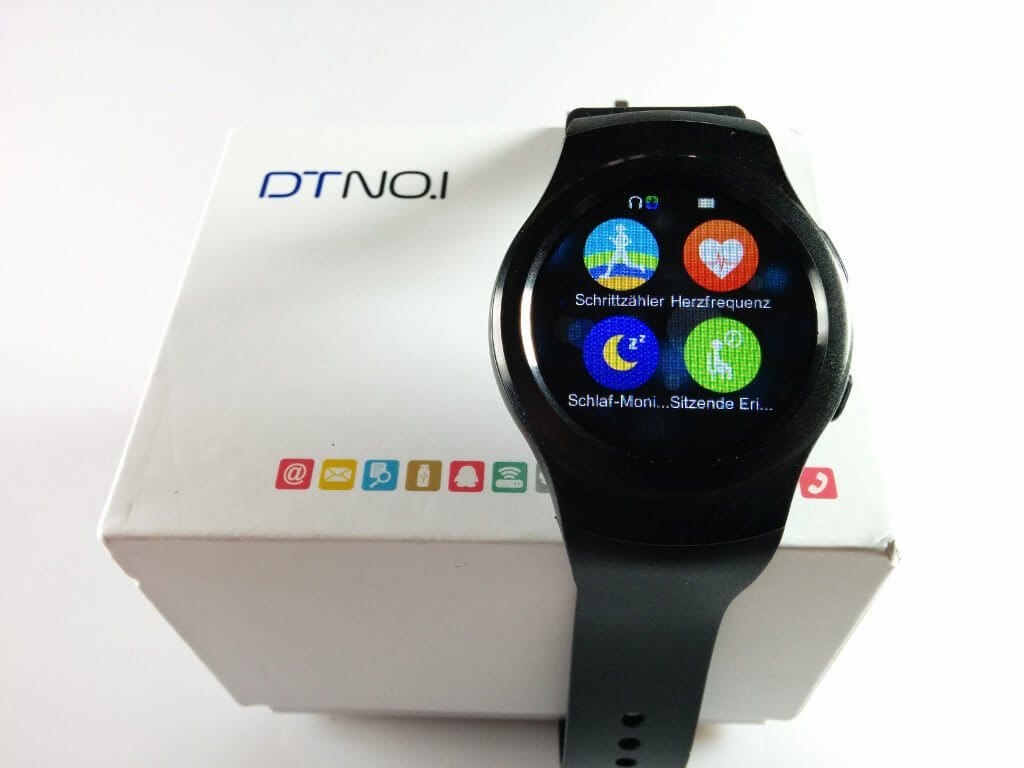
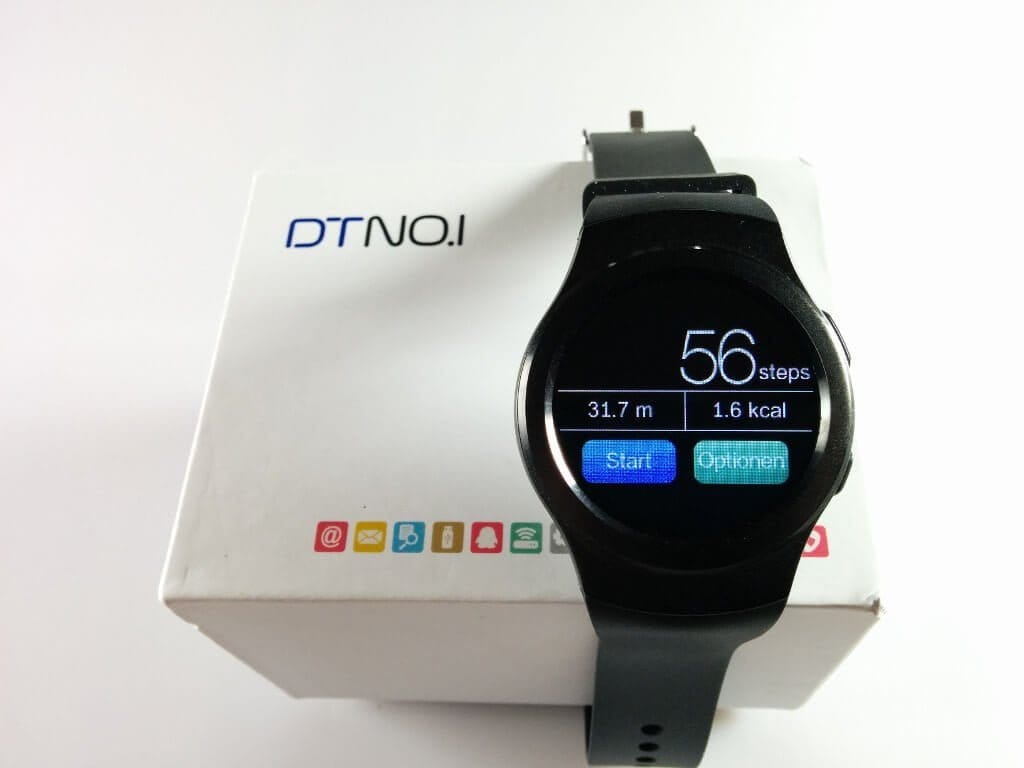
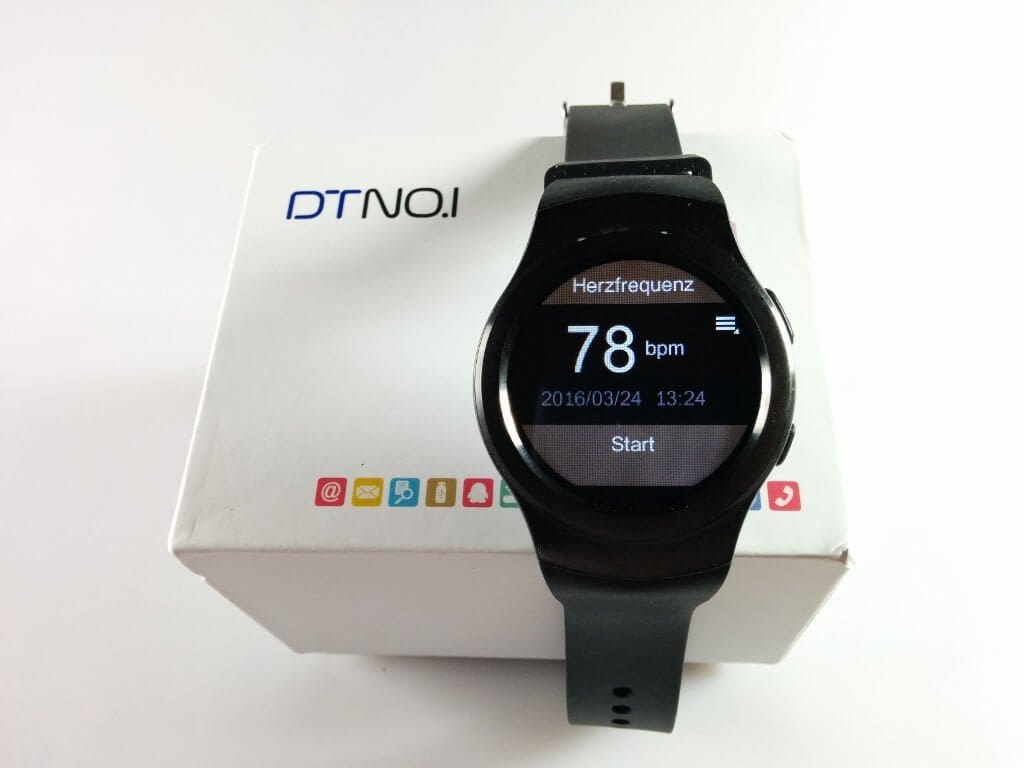
As the watch is intended to be a sports smartwatch, numerous fitness apps are also pre-installed. In addition to a pedometer, the watch also has a heart rate monitor, a sleep monitor, a activity reminder, a thermometer, UV detection, an ECG, and an app for creating a health index.
Besides this, there are also other useful apps on the watch, such as a file manager, an app for music playback, an app for creating audio recordings, a calculator, and many more.
The programs are well implemented, but one should not expect high-quality apps like Android Wear. I would consider the heart rate monitor to be reasonably accurate. The step counter, however, deviates slightly from the values of a Xiaomi Mi Band. It is hardly possible to determine which wearable counts more accurately.
Telephony
The telephony function of the NO.1 G3 is a nice addition, as the wearable can be controlled via its own SIM card and has its own microphone. The microphone's recording range is good, but the recordings sound quite tinny. The watch can also be used as a "hands-free device" via Bluetooth. Personally, I wasn't convinced by the feature. I still prefer making calls with my smartphone.
Watchfaces of the NO.1 G3
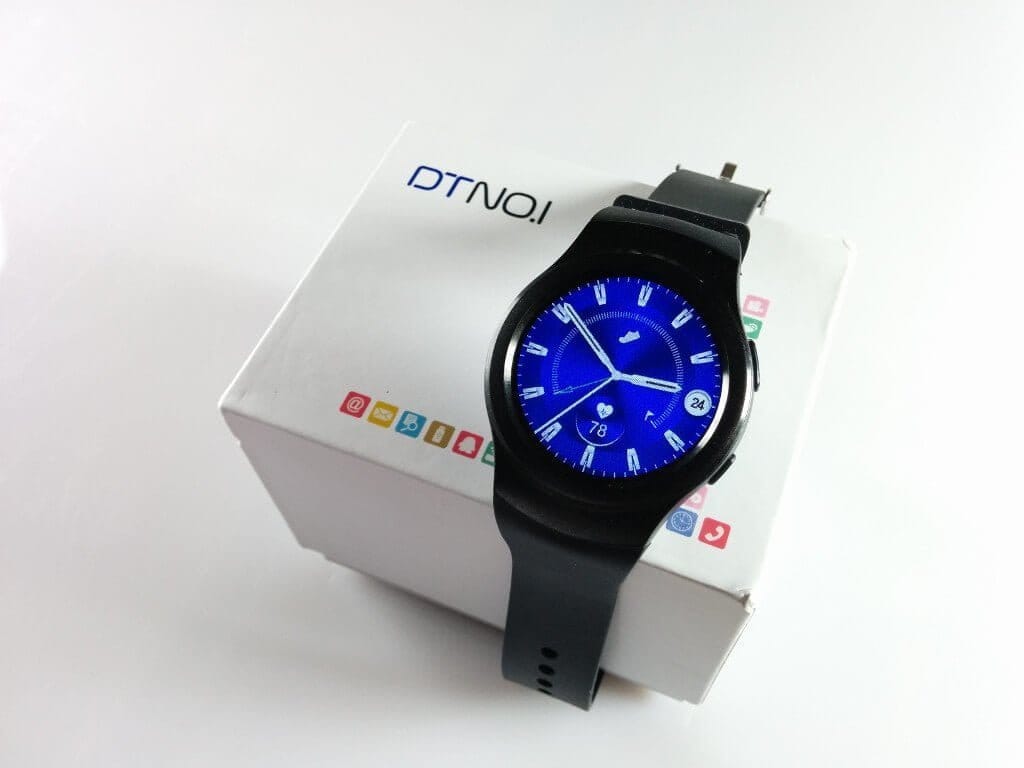
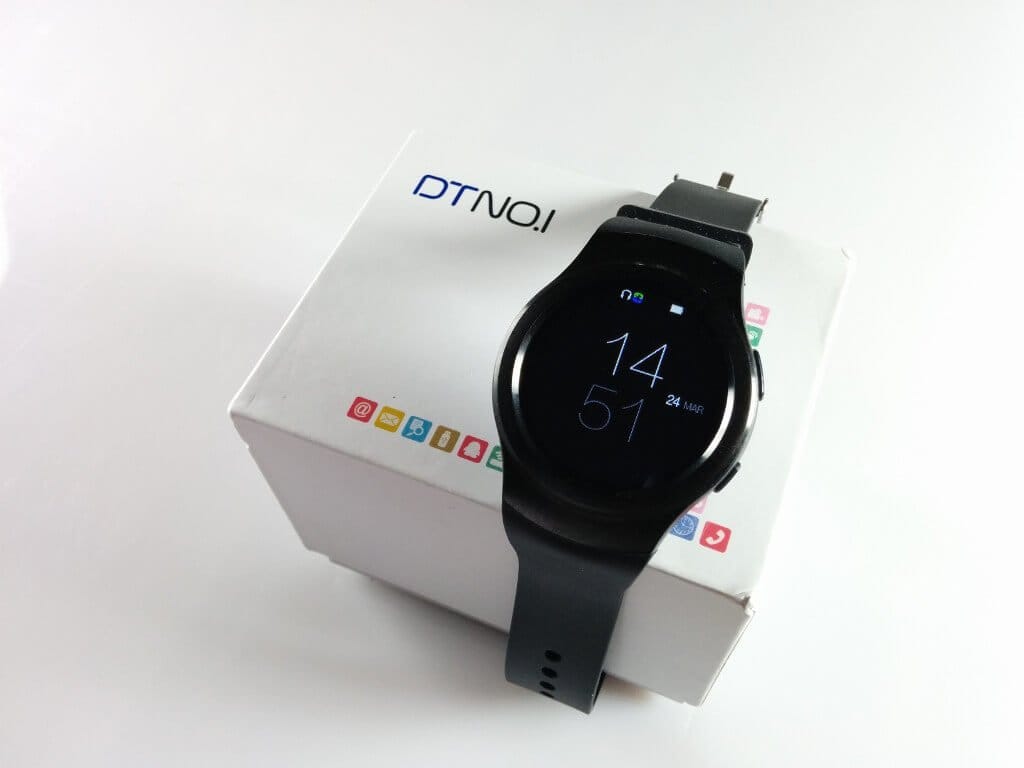
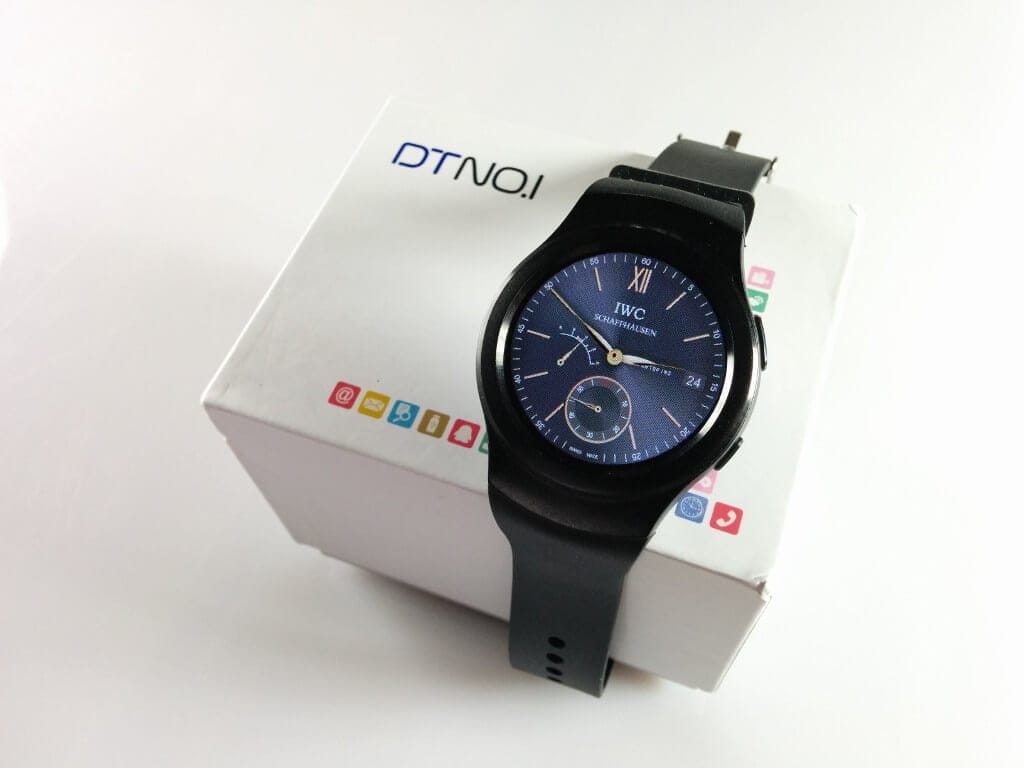
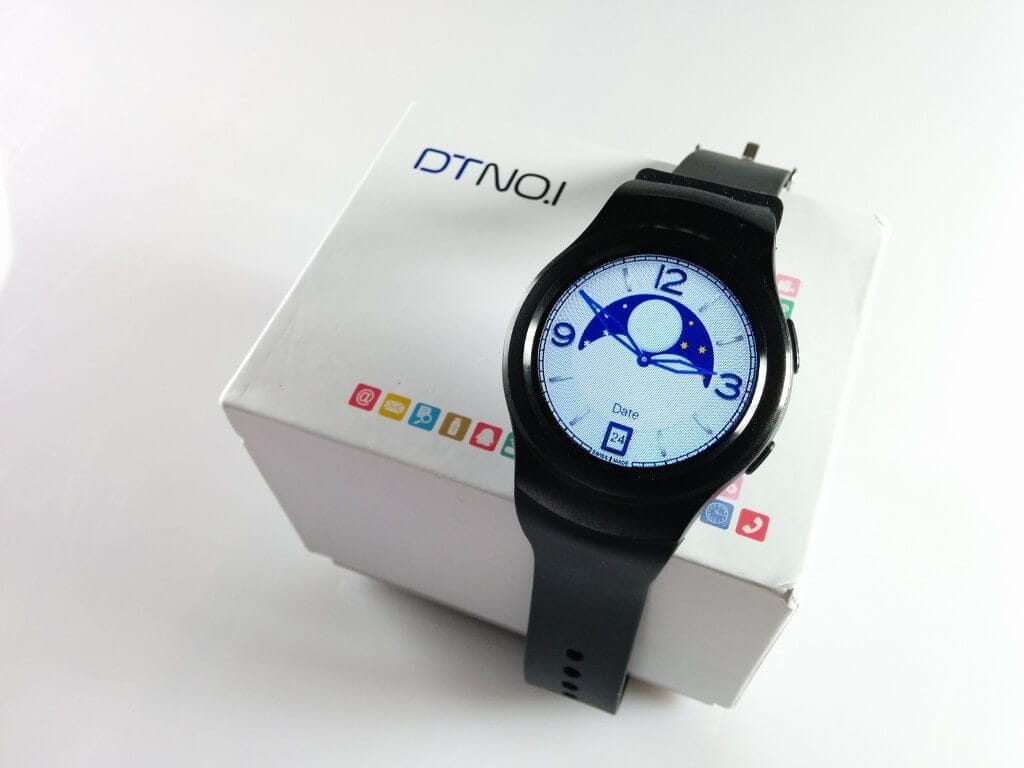
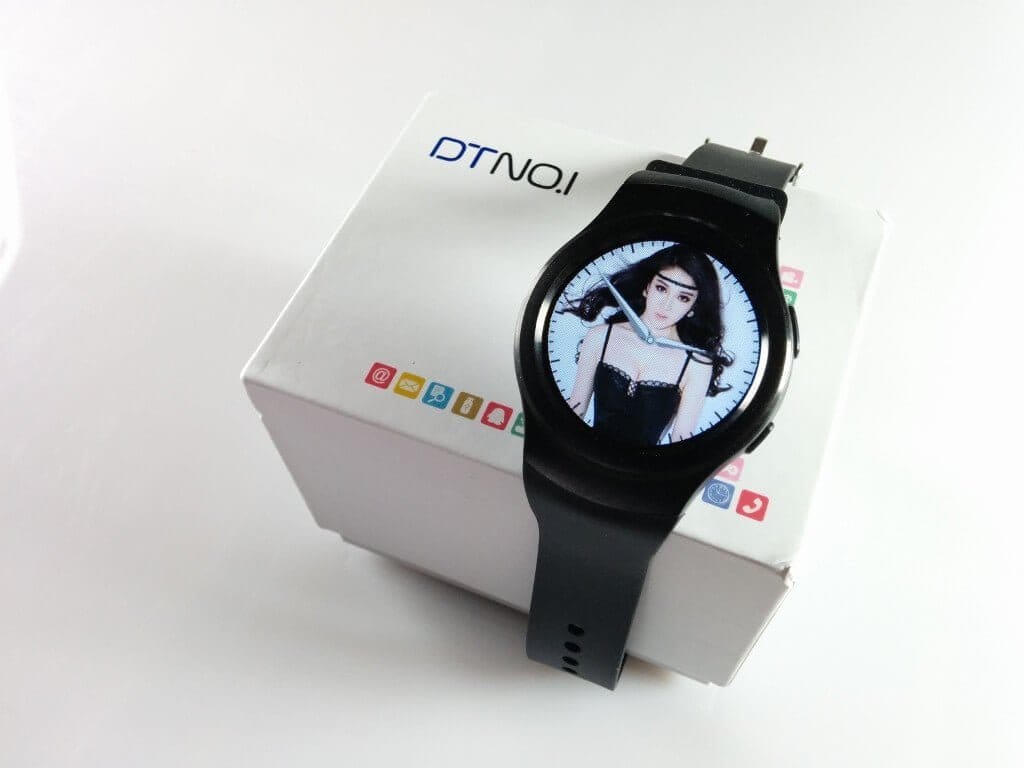
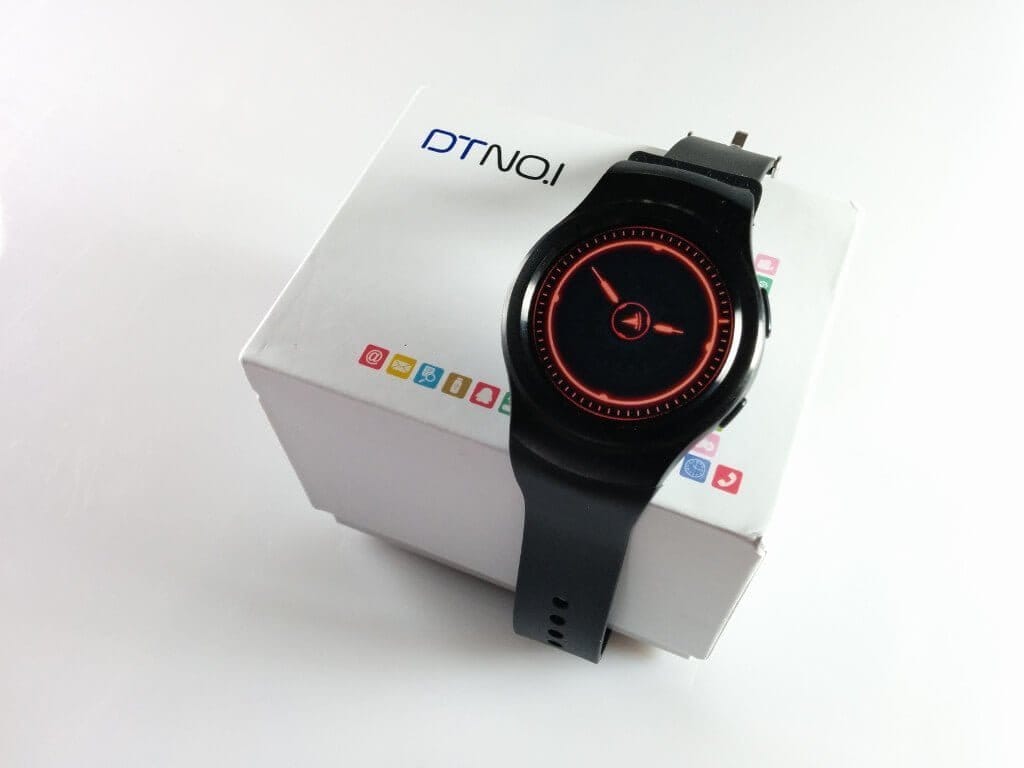
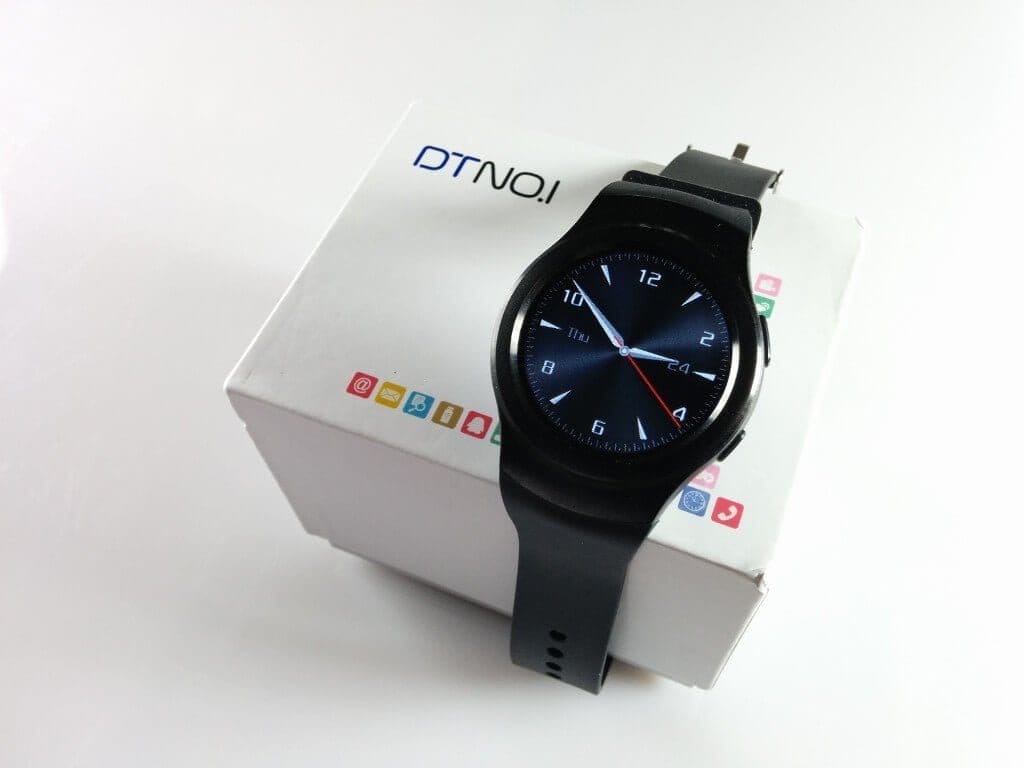
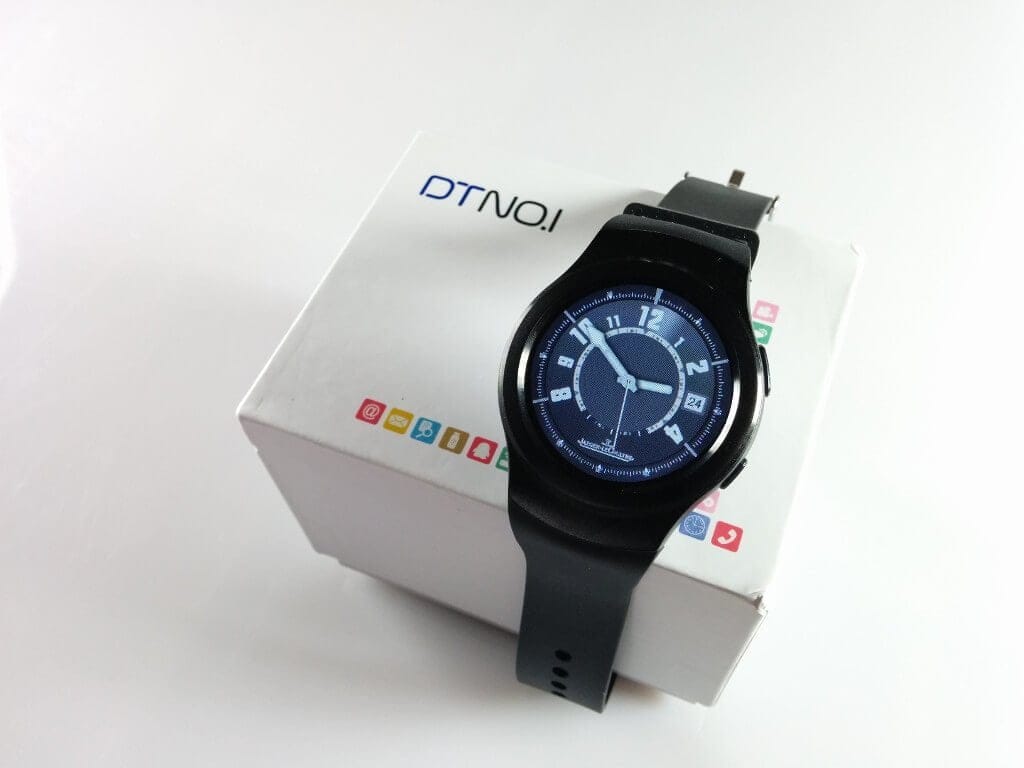
There are seven watch faces pre-installed in total. A very interesting feature is that you can also load custom-made watch faces onto this watch. A watch face consists of 5 images in total. You only need to modify these according to your preferences, load them onto the 'clock' folder on the smartwatch via PC, and the assembly of the individual parts happens automatically upon restarting the G3.
Connectivity and “Fundo Wear”
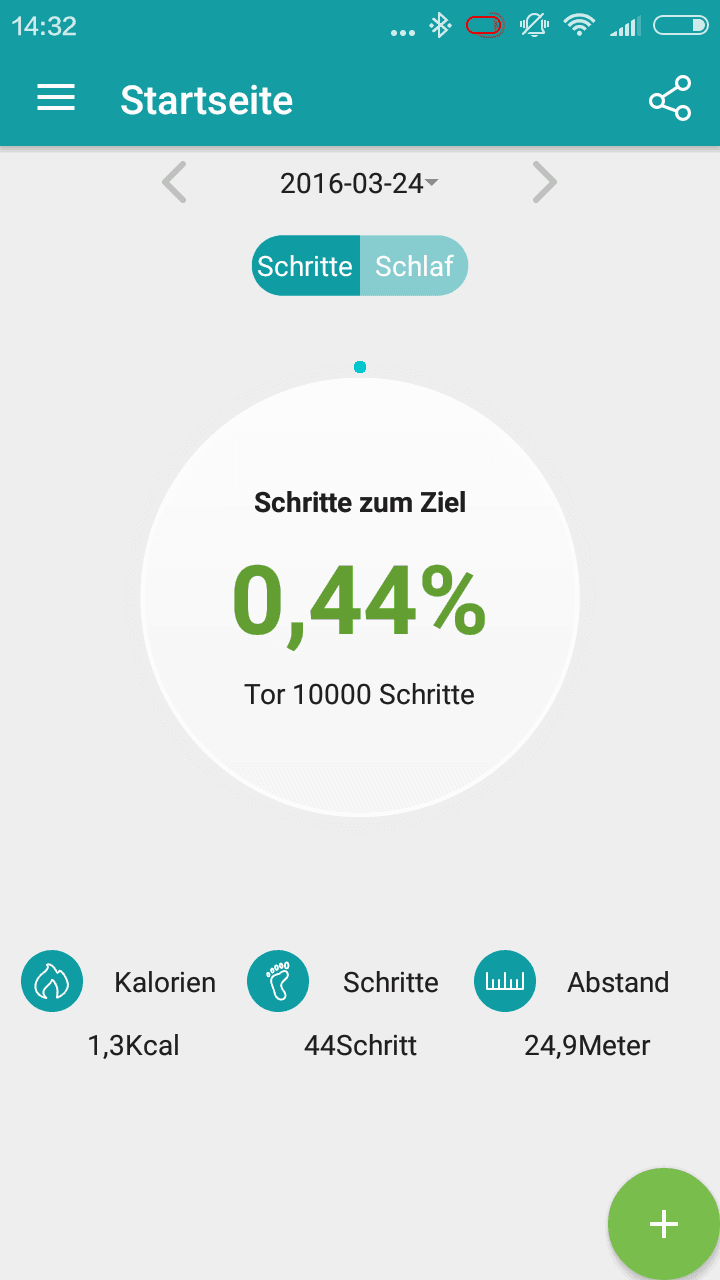
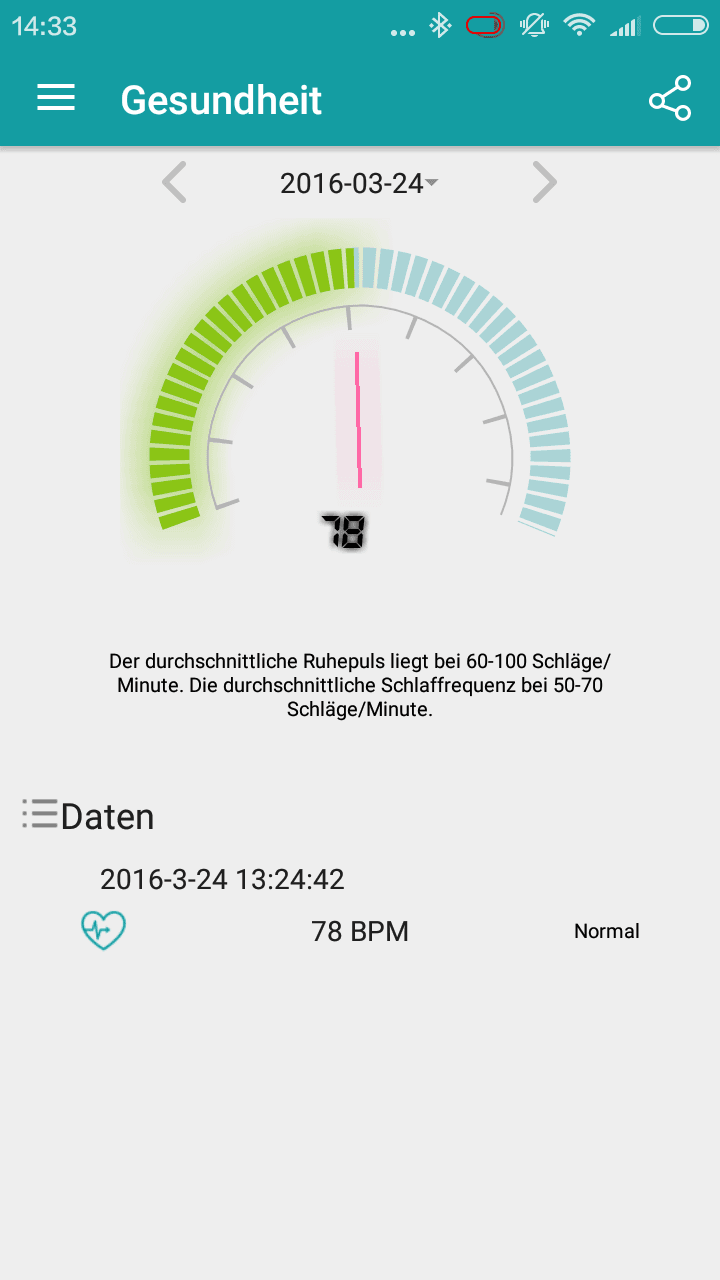
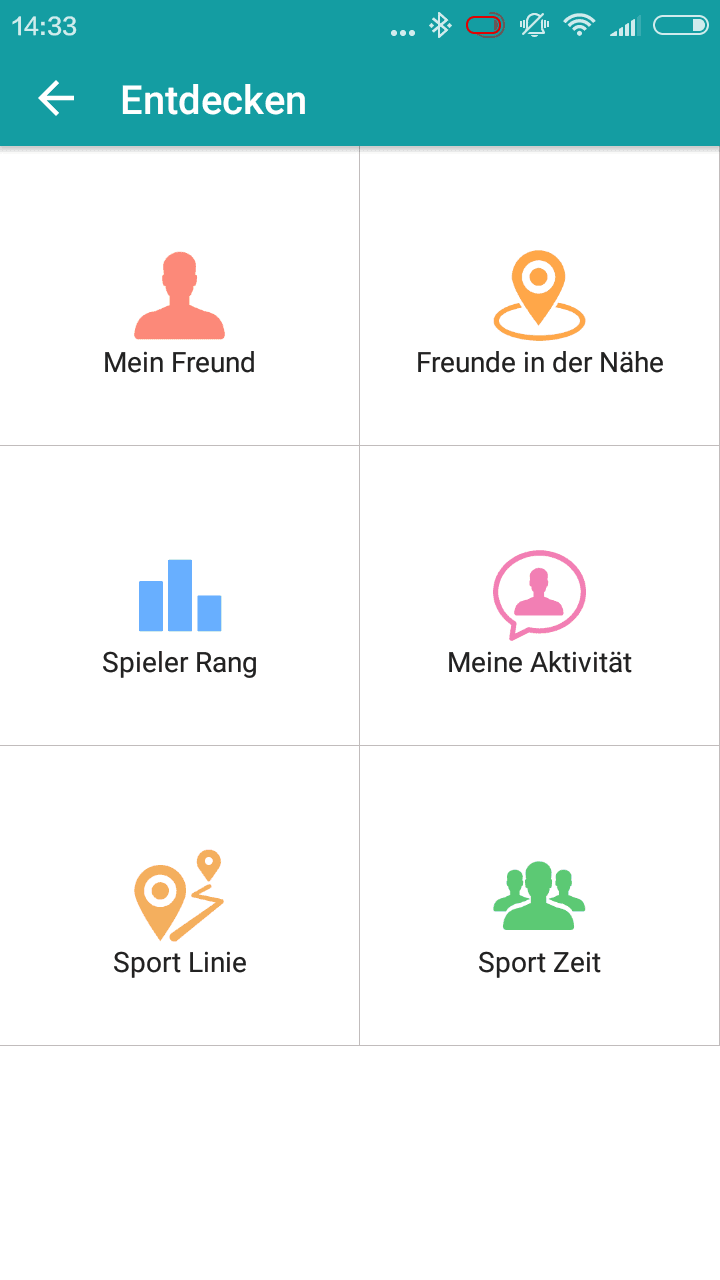
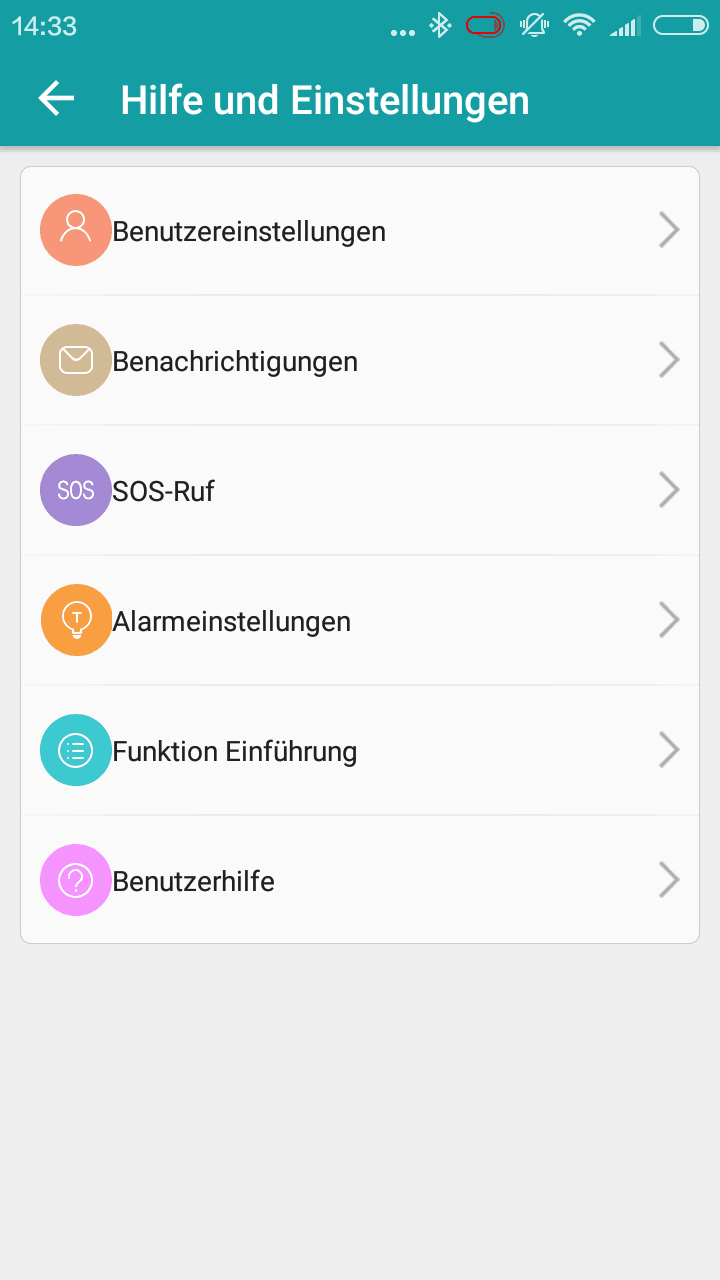
The NO.1 G3 can be used "out of the box" on the one hand, but on the other hand, the watch can also be connected to an Android or iOS compatible smartphone. The app required for this, "Fundo Wear", can be found in both the Google Play Store and the App Store. This app is a fitness app with which the smartwatch can be synchronised (pulse, pedometer, sleep monitor etc.), but it also serves for transferring notifications. To be able to fully utilise the app, creating a user account is required. WhatsApp notifications and other notifications were transferred accurately in testing.
The Bluetooth standard is Bluetooth 4.0. Unfortunately, WiFi was omitted from this smartwatch.
Battery
The battery capacity is 350 mAh, allowing the watch to achieve good runtimes in practical testing. Power consumption is particularly low in standby. A power-saving mode further dims the display and can slightly extend the runtime. After one day of intensive use, I had to recharge the smartwatch in the evening, but with normal usage and Bluetooth connection disabled, two days of use should also be very well achievable.
The implementation of the 4-pin charging cable is less successful. The magnets are very weak, and the recesses are missing, which is why the connector sits loosely. Even the slightest movement of the cable causes the connector to shift, requiring it to be placed accurately again. The charging time is also proportionally long. In testing, I could only measure a charging current of 190 mA with a multimeter. This results in a charging time of just under 2 hours.
Our verdict
The NO.1 G3 is a sporty wearable at a fair price. The display has very good resolution and remains legible even on sunny days. The design resembles that of a Samsung Gear S2, but the function of the rotating bezel has not been replicated. Build quality is good and battery life was convincing in testing. Smartphone notifications were received accurately and quickly by the smartwatch. The highlight of the smartwatch is the ability to install watch faces retrospectively. However, additional apps cannot be installed.
Specifications
General
- SoC
- MTK2502
- RAM
- 64 MB
- ROM
- 128MB
- Storage expansion
- SD card up to 16GB
- Display
- 1.3-inch IPS
- Resolution
- 240x240
- Mains
- 2G
- Bluetooth
- 4.0
- Battery
- 350 mAh
What’s included
1x Smartwatch 1x Charging cable 1x User manual
Comments (12)
Does it show WhatsApp messages on the watch, and can I reply directly from the watch when connected to the smartphone? Does the watch work with Android 6.0?
Hello JJ Schwede, yes, the smartwatch displays WhatsApp messages, although I couldn't reply to them. I was able to connect the NO.1 G3 without any problems to my Nexus 5 (Android 6.0). All you need is the “Fundo Wear” app.
Great, thanks! So can I read the entire message or is it just the notification that I have received an email on my phone? I'm excited, the item should arrive this week 🙂
Here's an image showing what a received notification looks like. https://www.techreviewer.de/wp-content/uploads/2016/04/g3-message.jpg
Unfortunately, smileys aren't displayed. The message said “NO.1 G3 WhatsApp Test :)”.
I see the same thing here, but I have problems when multiple messages come in. It then just says "2 messages," but I can't read them anymore 🙁
Hello. The watch signals an incoming call, and I answer it with my phone.
Nevertheless, the watch is then active as a speakerphone, which isn't great due to the tinny sound.
Can I configure it so that the watch only displays calls and does not act as a speakerphone??? Thanks
Hello, how do I set the language to German?
The smartwatch's system settings include a menu item called “Language”.
Hi. Can I listen to music via Bluetooth headphones?
Hello Yvonne, yes, that works!
Thank you very much and have a pleasant evening
Hi. I finally got the watch and also bought Bluetooth headphones. But when I try to listen to my music through them, the app says “Not available.”
What am I doing wrong?