Contents
First impressions of the SJCAM M20
Scope of delivery & certificate
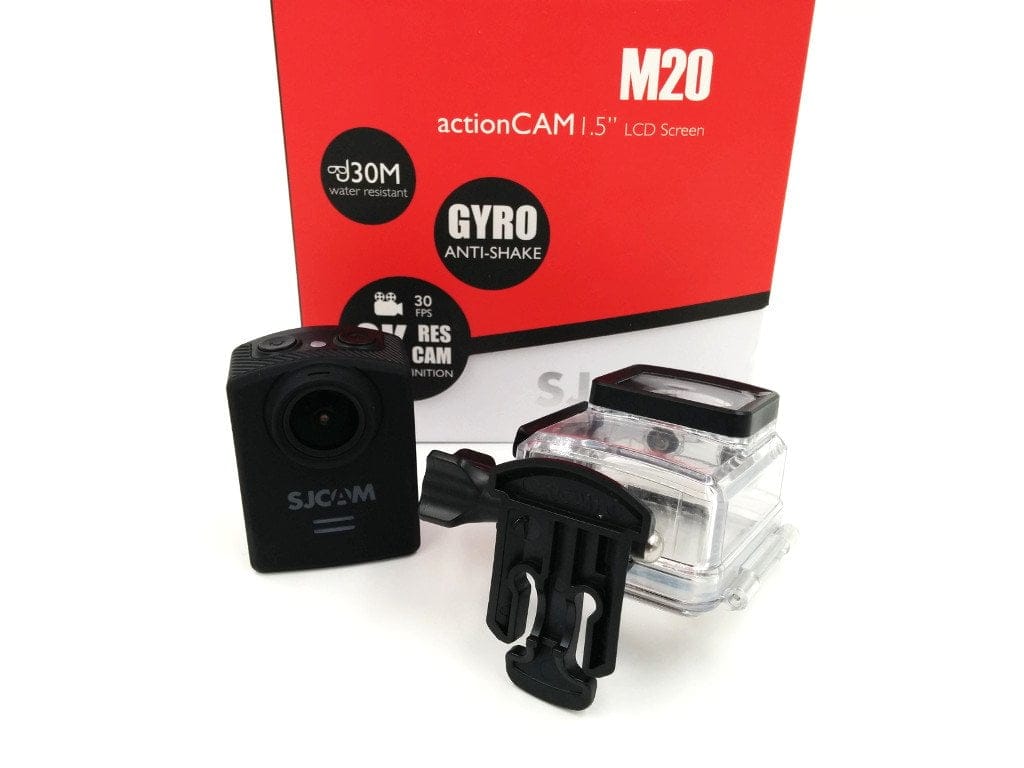
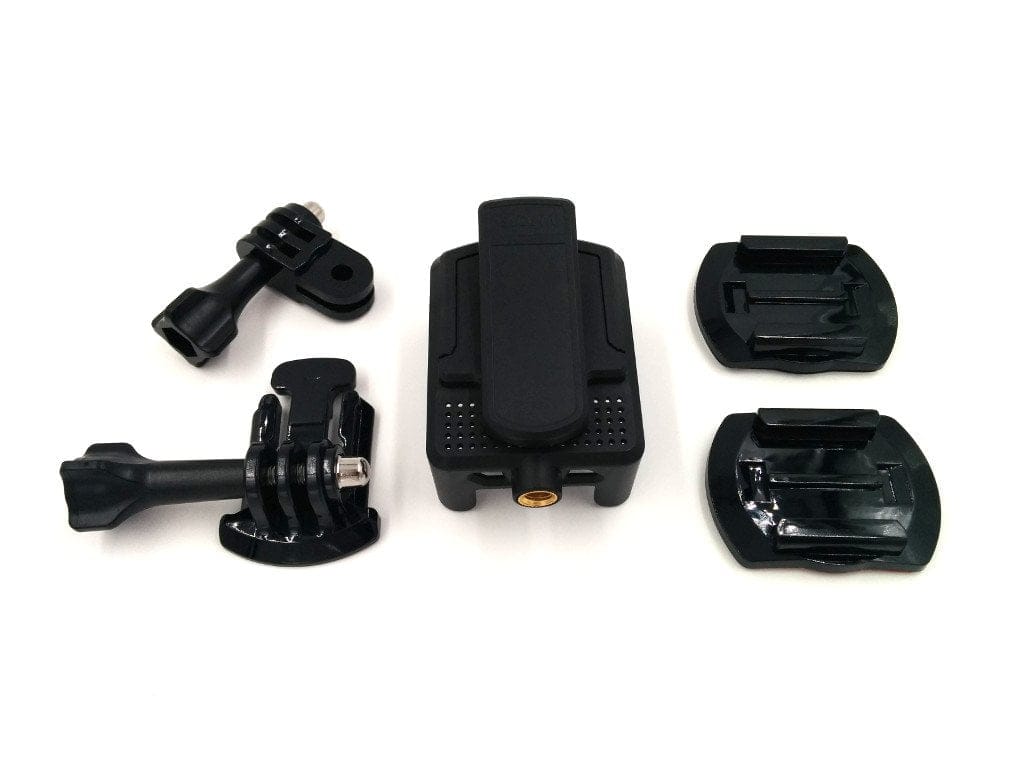
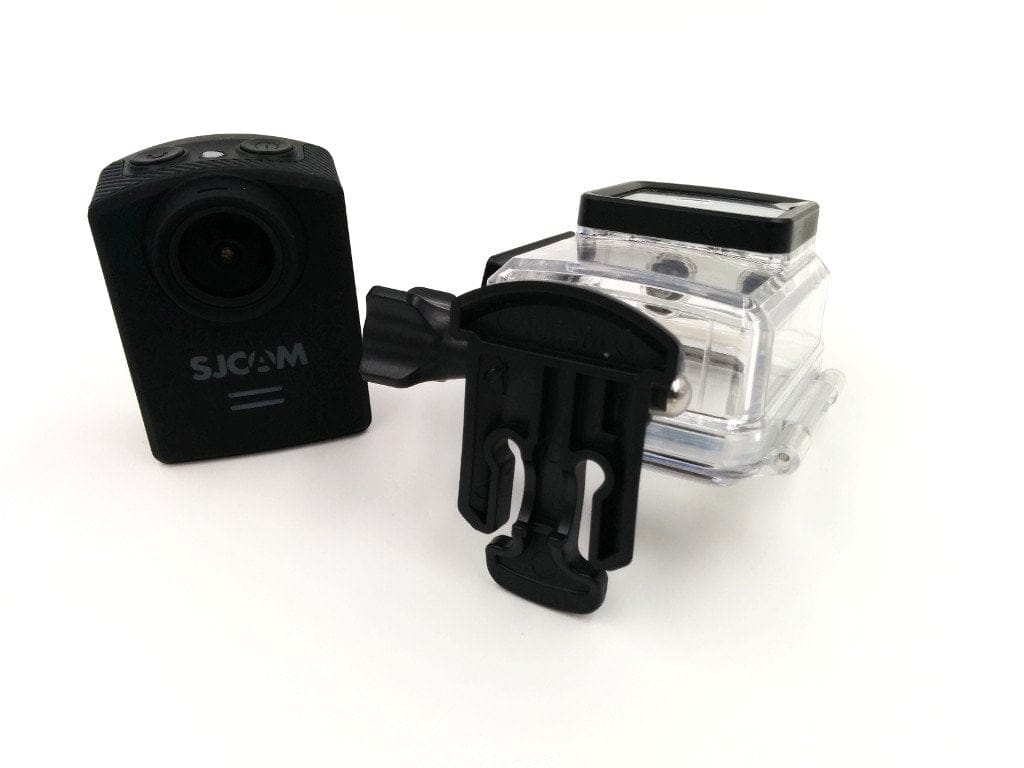
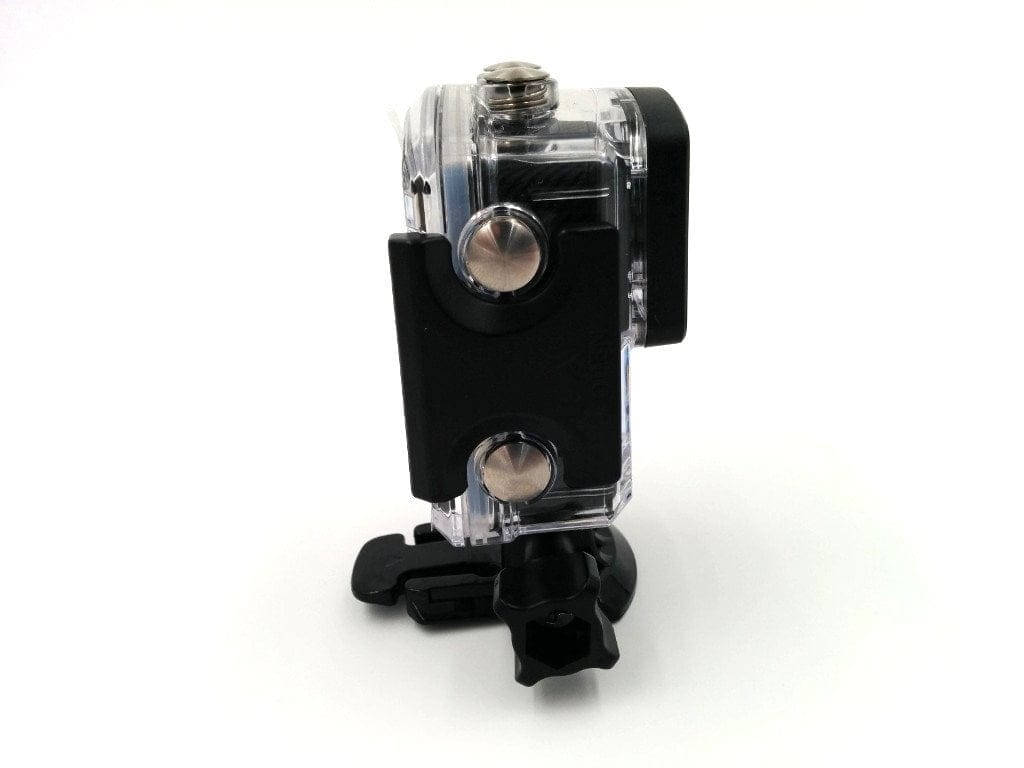
The SJCAM M20 comes with a wide range of accessories. In addition to various mounts, which allow the action camera to be attached to helmets, bikes, or other objects using the included adhesive pads, the package also includes a battery required for operation, a USB charging/data cable, a cleaning cloth, SJCAM stickers and a multilingual manual. A waterproof housing (up to 30 m) is also included. However, the remote control advertised with the action camera must be purchased separately.
I particularly like the included clip mount. This mount is multifunctional and offers two tripod threads as well as a clip, allowing the camera to be used as a body cam.
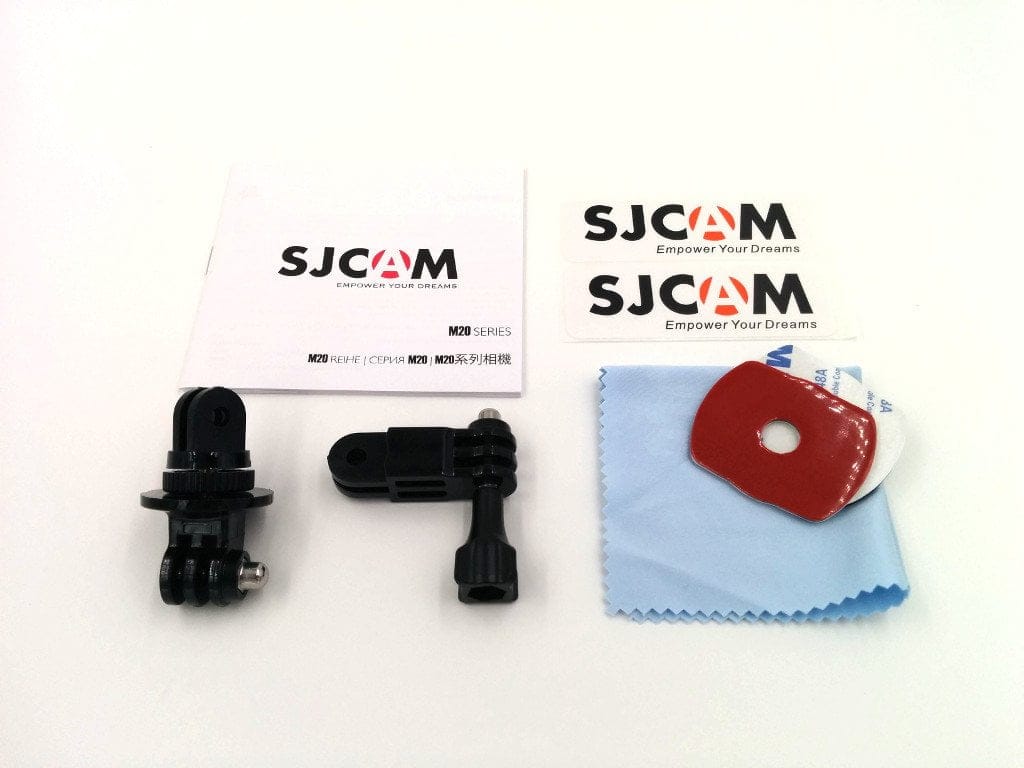

Anyone wishing to verify the authenticity of their SJCAM will find a scratch-off certificate attached to the outside of the packaging by the manufacturer. The authenticity can then be verified via the SJCAM website using the scratch-off code. No counterfeits of the M20 are currently known or have been found so far.
Design and build quality
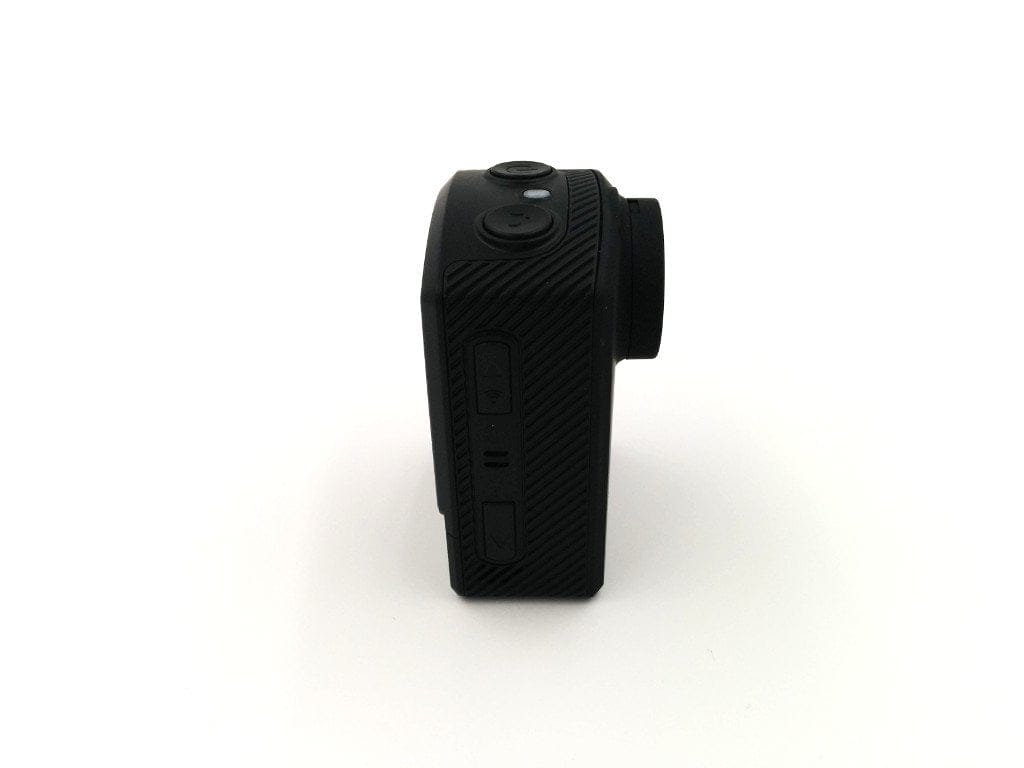
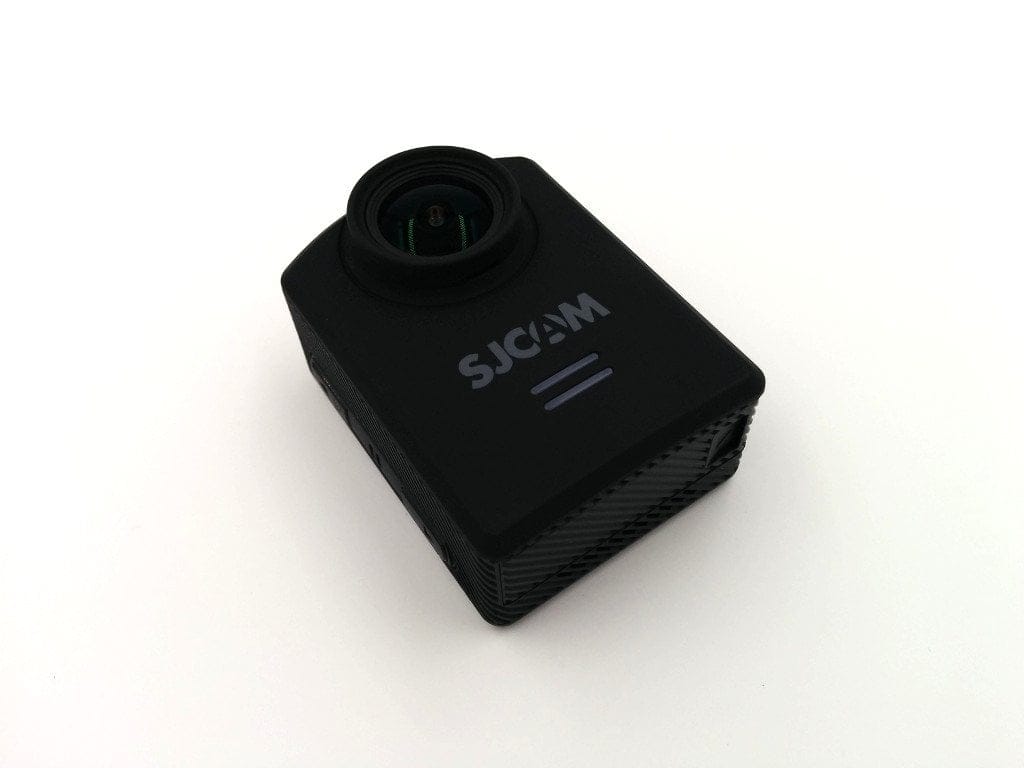
With a size of 5.4x4x2.9cm, the SJCAM M20 is one of the most compact action cams on the market. The very low weight of just 55g including battery is also impressive. By comparison, the weight of the SJ5000 series including battery is around 74g. This makes the SJCAM M20 ideal for model building and particularly for quadcopter pilots, where every gram counts.
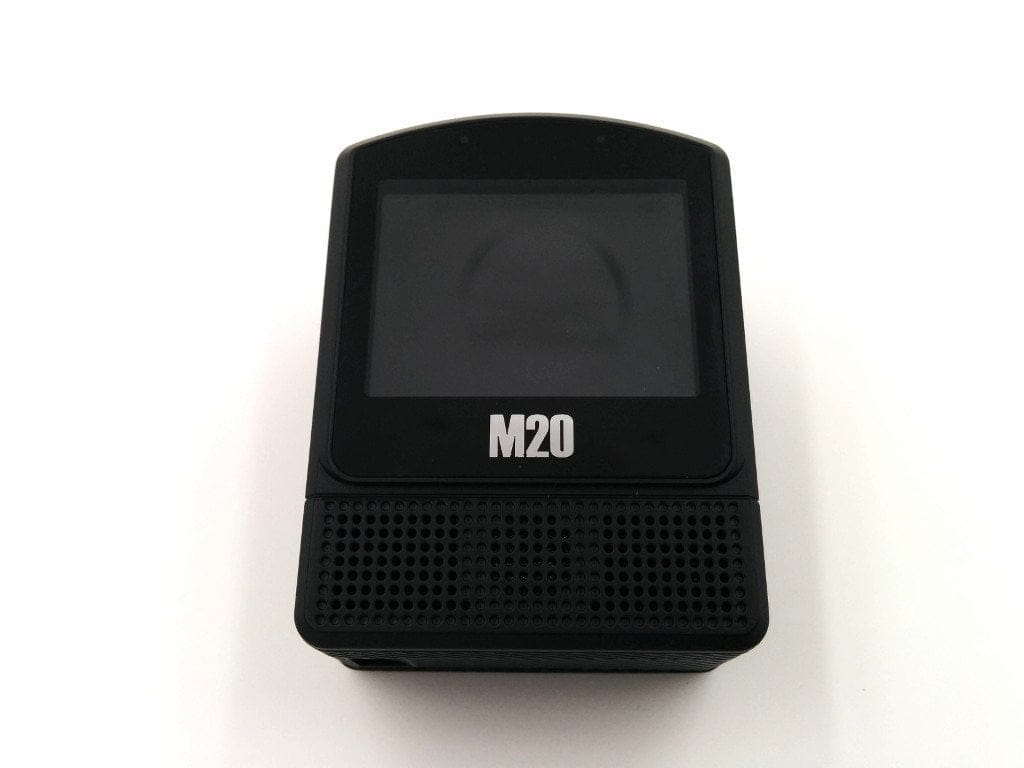
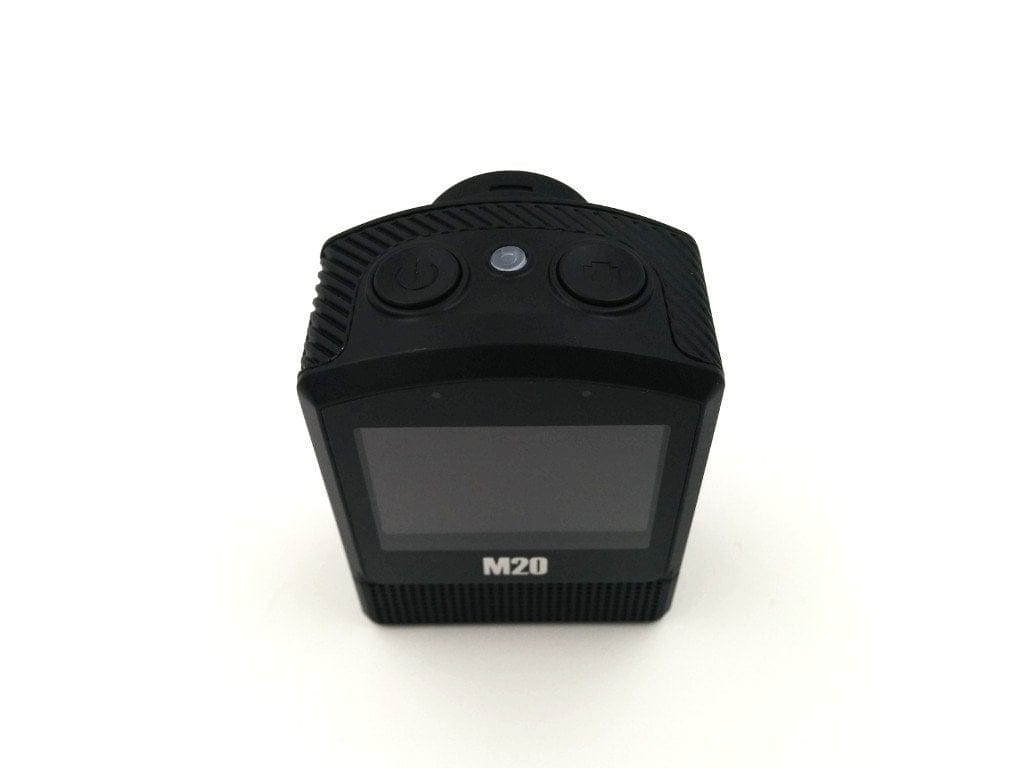
The M20 is operated in an upright position. On the front are notification LEDs and the lens with the 166° wide-angle lens. The 1.5-inch colour display is located on the back of the housing. The camera has a total of four control buttons. On the top of the housing are the power button, the shutter button and another LED. On the side, the buttons for menu navigation and Wi-Fi activation are located.
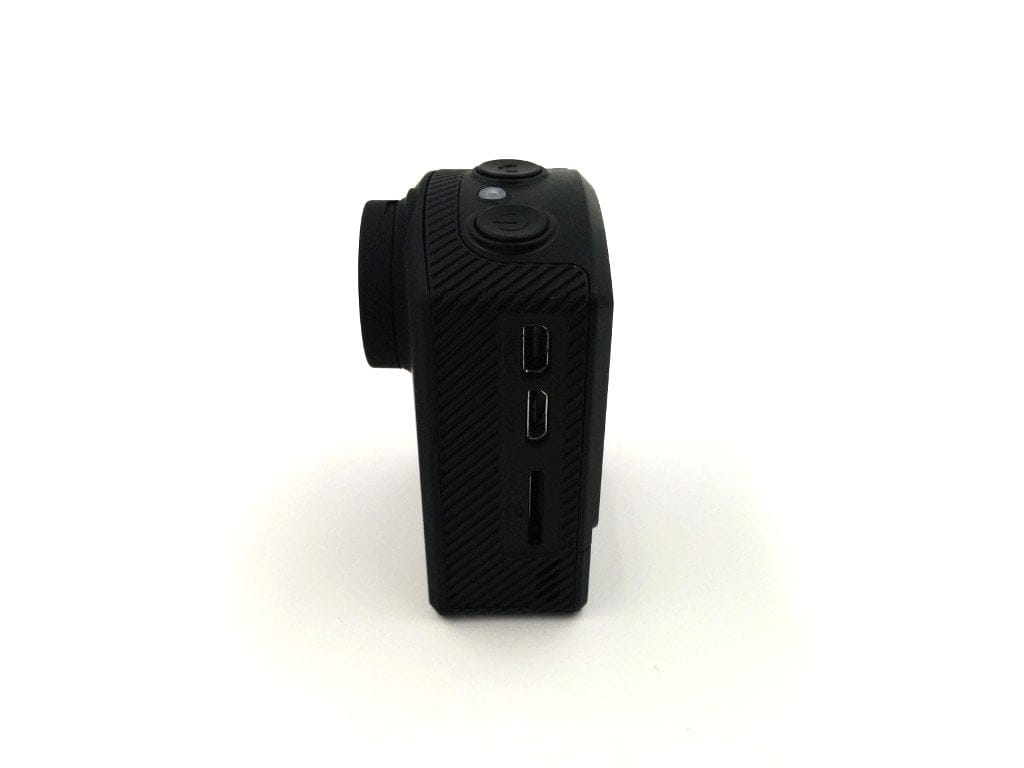
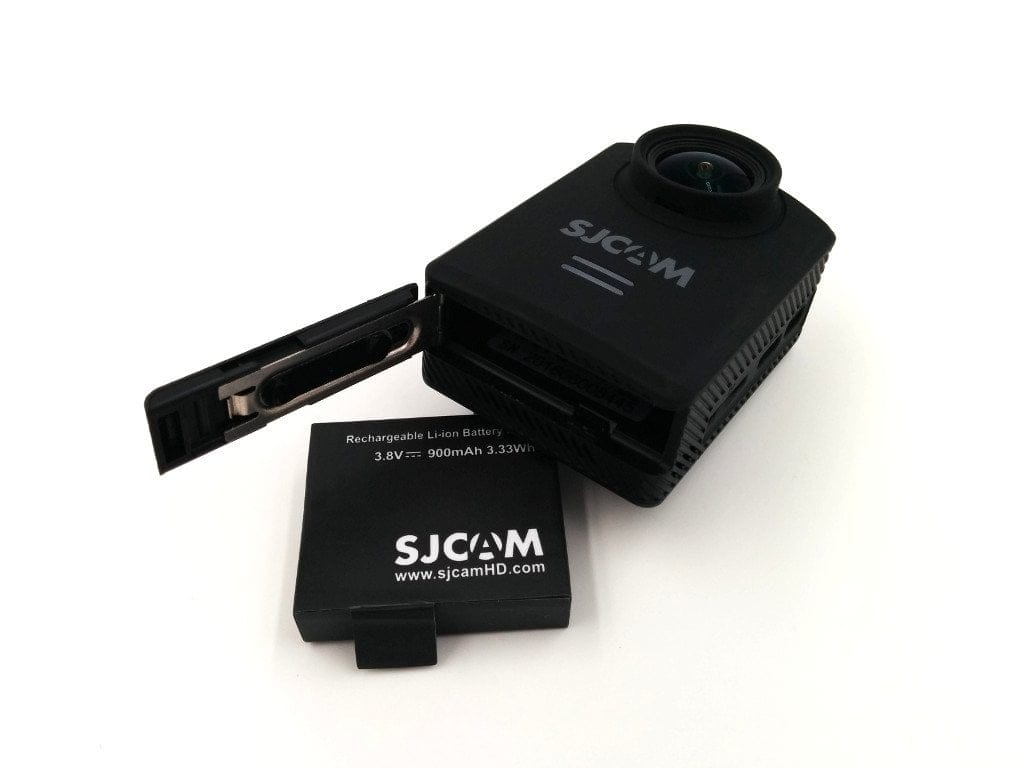
The connection options include a micro USB port, used for charging and data transfer, as well as a micro HDMI port. Below the ports, there is also a micro SD card slot. The 900mAh battery occupies almost the entire underside of the housing.
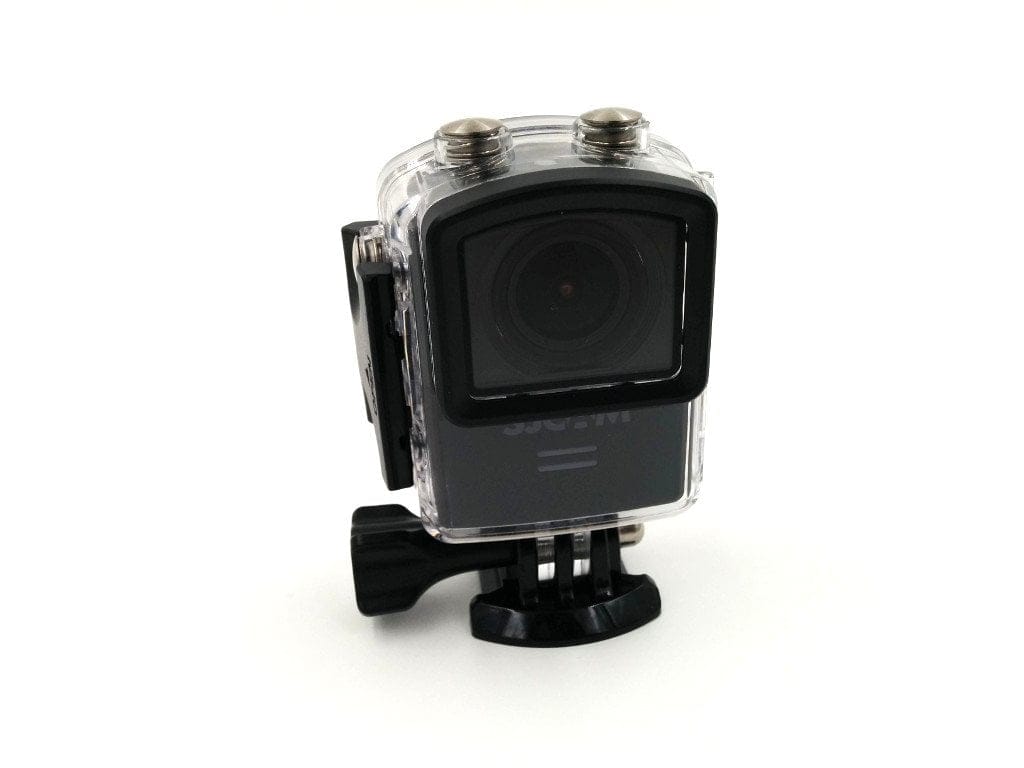
The build quality of the SJCAM M20 is successful. The control buttons have a good pressure point and are very easy to operate through the waterproof housing. The battery compartment is easy to open and closes securely. The display is also neatly embedded, and overall, the build quality of the housing, as well as the included accessories, is very good.
Setup and user interface
With the battery and SD memory card inserted, the SJCAM M20 is ready for immediate use. The user manual explains the individual functions in great detail.
The SD memory card slot is by default compatible with micro SD cards up to 32GB (Class 10 or higher). However, SJCAM also provides a compatibility list for 64GB or even 128GB memory cards.
Upon switching on the action camera, you are greeted by the SJCAM logo and the live view is displayed directly on the display. The display also shows the current settings, such as the current shooting mode, date and time, battery level, remaining recording time along with available storage, or whether the microphone is on. The power button also serves for menu selection. Using this button, you can switch to photo mode or access the “Setup”.
In the so-called “Setup”, various recording modes (e.g., FPV, Car Mode, Motion Detection, Burst Mode, Photo / Video Lapse, Slow Rec, etc.) can be selected. Recorded videos and captured images can be output via the playback function via the M20.
The configuration options are numerous. Here is a list of all the choices available.
Video settings
- Resolution (video): 4K@24fps (interpolated), 2K@30fps, 1080p@60/30fps, 720p@120/60/30fps, VGA@240fps
- Loop recording: Off, 3 min, 5 min, 10 min
- FOV: Off, Wide, Middle, Narrow
- WDR: Off, On
- Gyro Sensor: Off, On
- Audio: Off, On
- Volume: 1-10
- Date stamp: Off, On
- TV system: NTSC, PAL
- OSD Mode: Off, On
- Video file formats: MP4, MOV
- Bitrate: High, Medium, Low
- Double File: Off, On
- PowerOn Record: Off, On
Photo settings
- Photo resolution: 16M, 14M, 12M, 8M, 5M, 3M, 2MHD, 1.3M, VGA
- Quality: Fine, Normal, Eco
- Sharpness: Strong, Normal, Soft
- White balance: Auto, Daylight, Cloudy, Incandescent, Neon
- Colour: Normal, B&W, Retro, Warm, Cool
- ISO: Auto, 100, 200, 400, 800, 1600
- Exposure: +0.0, -1/3, -2/3, -1.0, -4/3, -5/3
- RAW: Off, On
- Distortion Correction: Off, On
Other settings
- Licence settings
- Date/Time
- Auto off: Off, 3 min, 5 min, 10 min
- Acoustic signal: Off, On
- Light setting: 3, 2, 1, Off
- Screensaver: 30 s, 1 min, 3 min, 5 min, Off
- Frequency: 50 Hz, 60 Hz
- Rotation: Off, On
- LOGO watermark: Off, On
- Language: English, French, German, Spanish, Italian, Portuguese, Chinese, Korean
- WiFi SSID and WiFi password
- Delete
- Formatting
- Factory settings
- Version
Hardware
SJCAM combines the somewhat older Sony IMX206 image sensor with the Novatek 96660 image processor in the M20. The image sensor has a native resolution of 16.35 megapixels and, in combination with the Novatek image processor, enables 4K resolution (interpolated) recordings. The same image processor is also used in the GitUp Git2 and the first model of the Xiaomi Yi action camera.
With the integrated Wi-Fi module, the SJCAM M20 can also be controlled via the manufacturer's app. Recordings can be stabilised using digital gyro stabilisation.
Video and image recording
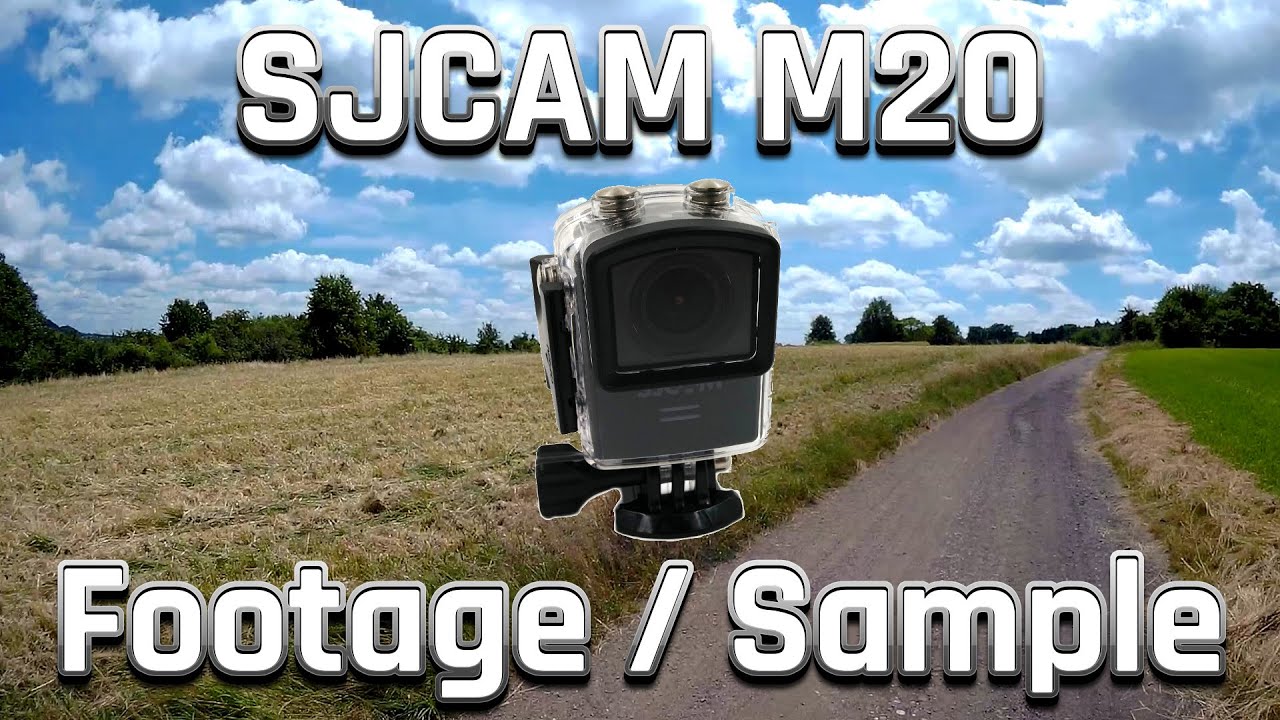
Video recordings with the SJCAM M20
In short, the SJCAM M20 produces attractive video footage. Colours are reproduced naturally yet vividly. Details stand out clearly and image noise is also very low. However, what bothers me, and which is clearly visible in the example video I recorded, is the underexposure in bright conditions. On sunny days in particular, it is advisable to choose an appropriate exposure setting. What the SJCAM M20 does very well is handling transitions from bright to dark. The adjustment is smooth. Low-light shots are also convincing. Only with active gyroscope stabilisation did I notice increasing image noise.
 Play video on YouTube
Gyro stabilisation
Gyro stabilisation is a nice addition but by no means replaces a 3-axis gimbal. Nevertheless, handheld footage is generally smoother. Video quality remains largely unchanged in good lighting, but fine details are lost and the image looks somewhat mushier overall. Gyro stabilisation is not recommended in poor lighting conditions.
Sound quality
Microphone recording quality on action cams is always a bit hit-and-miss. If you use the camera with the waterproof housing, voices or background noises are barely audible. This affects not only the SJCAM M20, but almost every action cam.
Without the waterproof housing, the audio quality is convincing. The foreground sounds are clearly audible. Background noise is adjusted accordingly but remains audible.
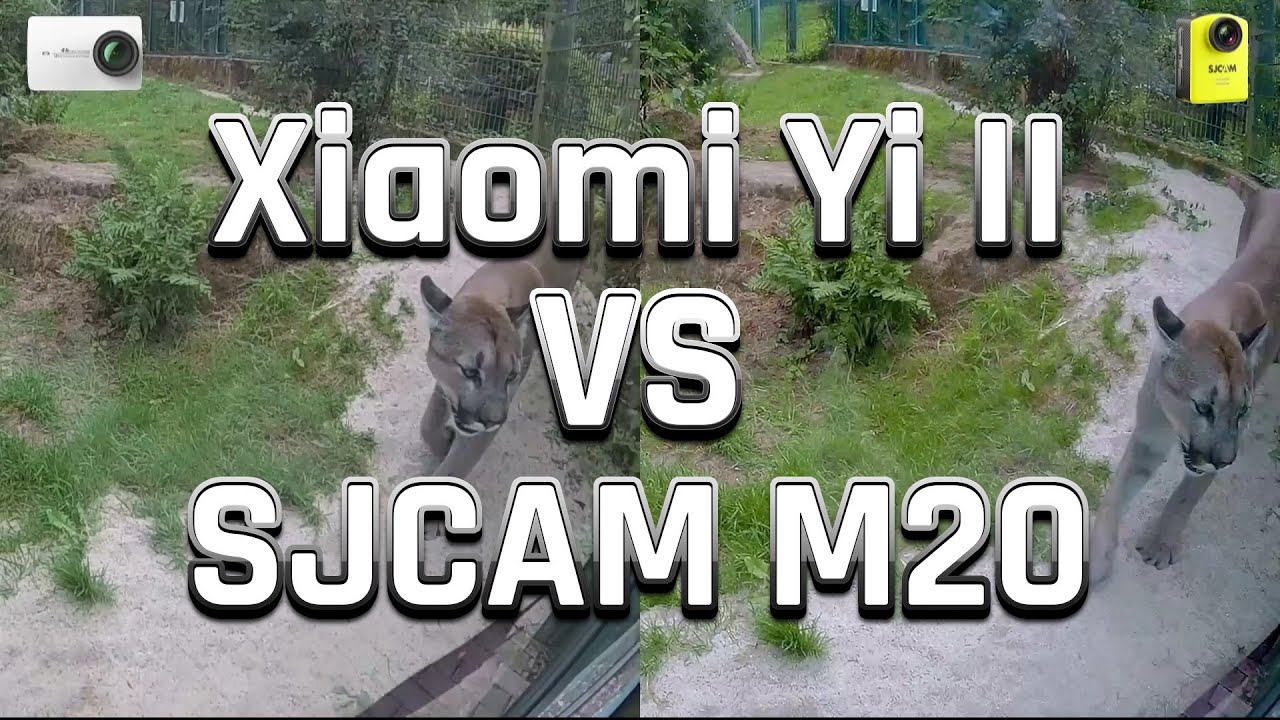
Here is an interesting comparison of the new and more than twice as expensive Xiaomi Yi II action cam with the SJCAM M20.
 Play video on YouTube
Image quality
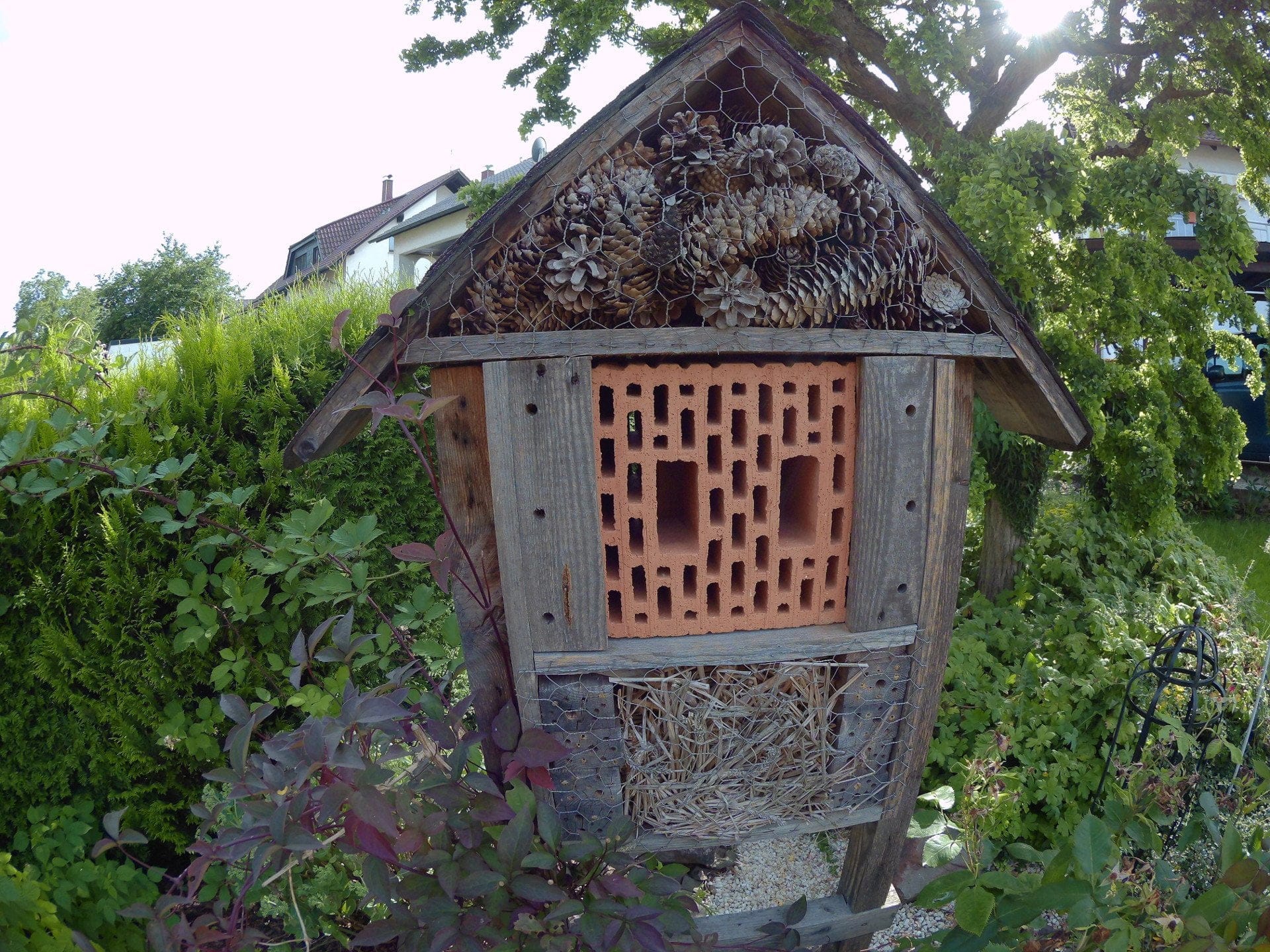
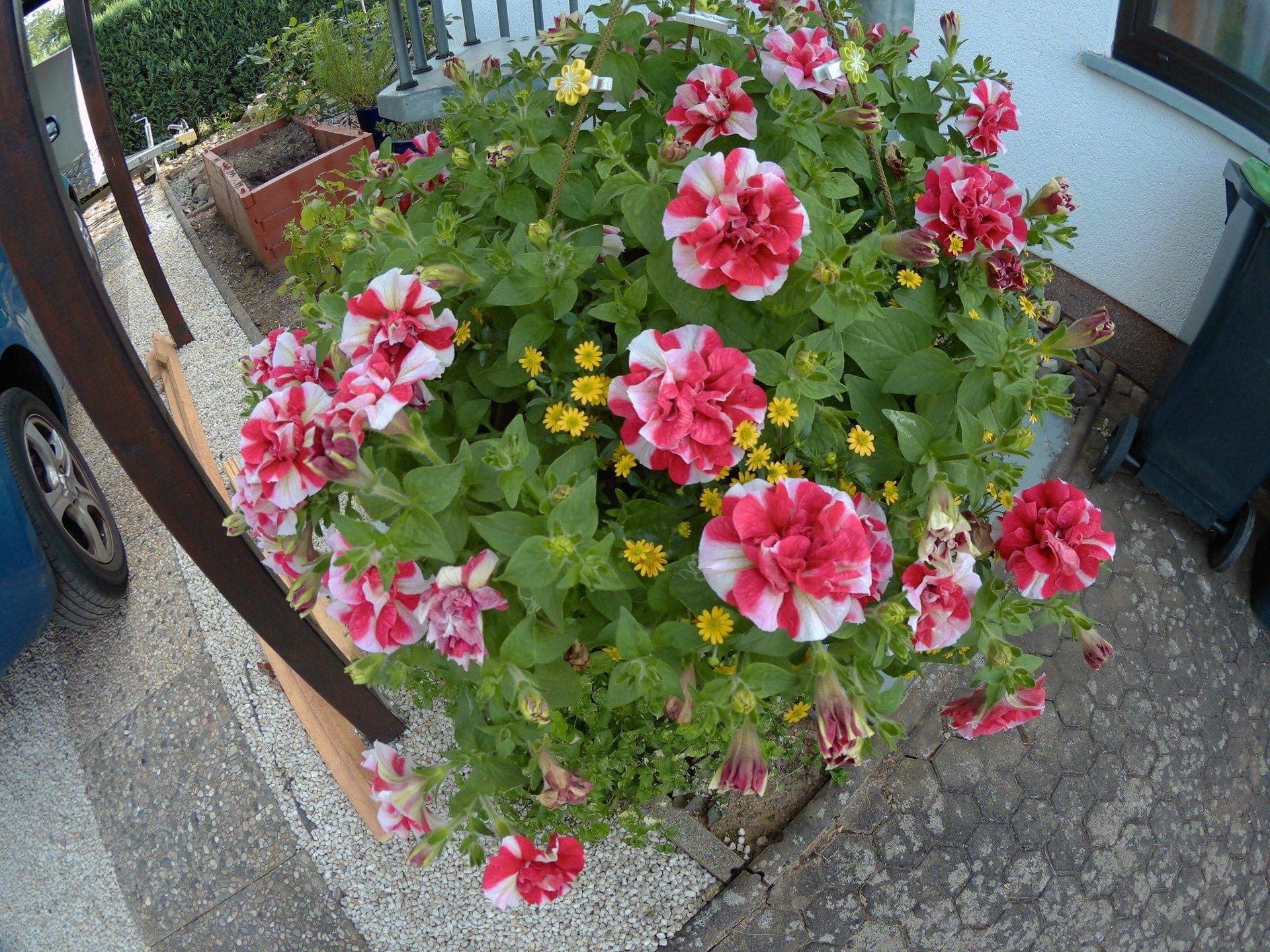
The image quality of the SJCAM M20 is convincing with its high resolution, clean colour reproduction and enhanced details. With the standard settings, lens distortion is recognisable. Image noise is very low in good lighting conditions.

SJCAM App
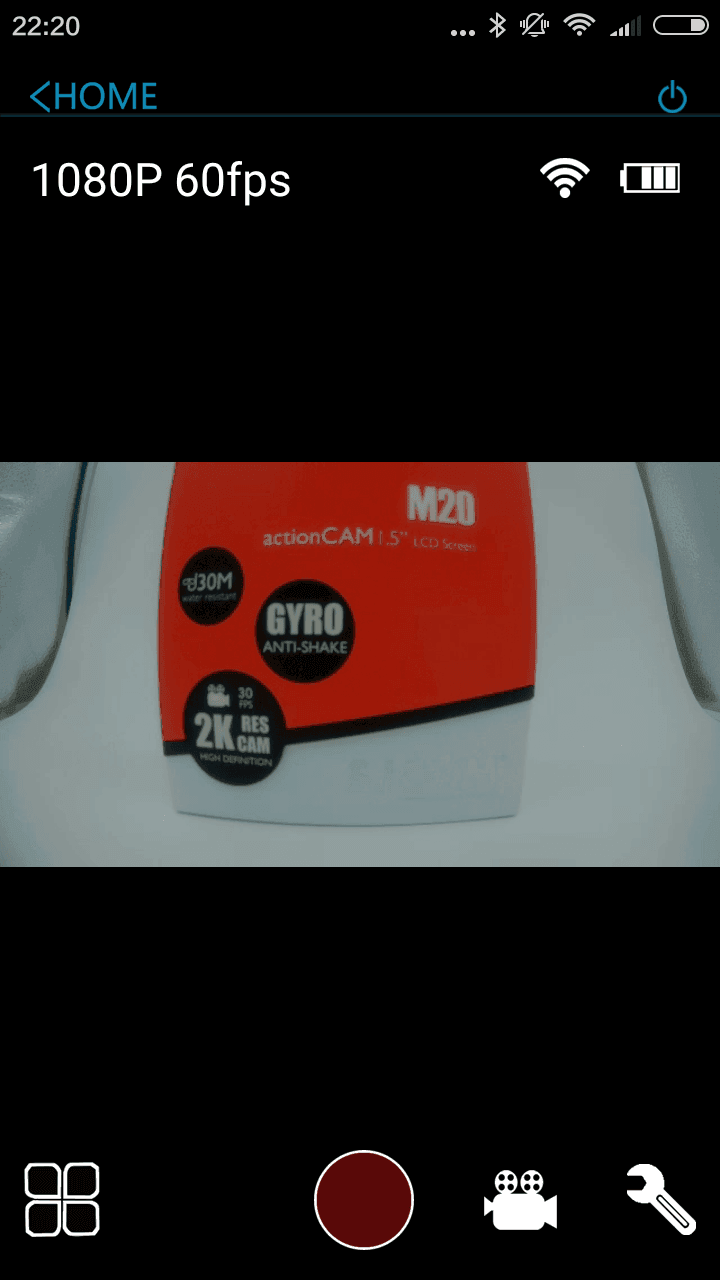
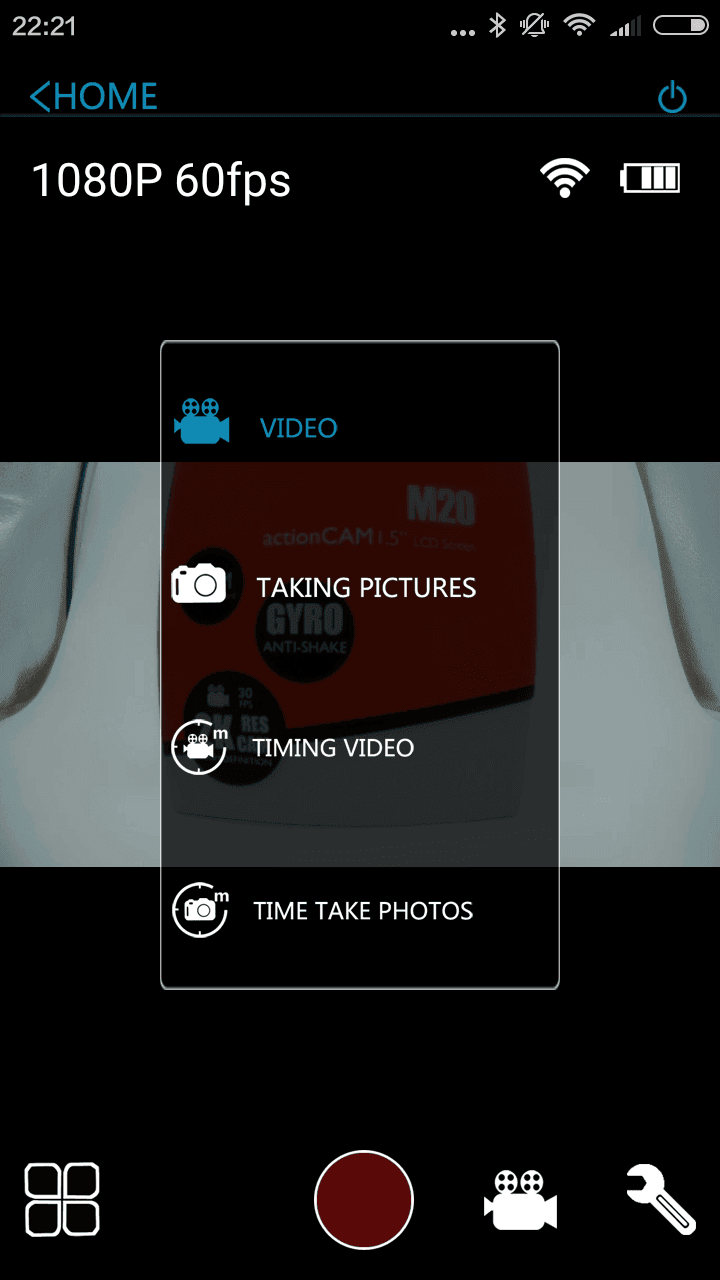
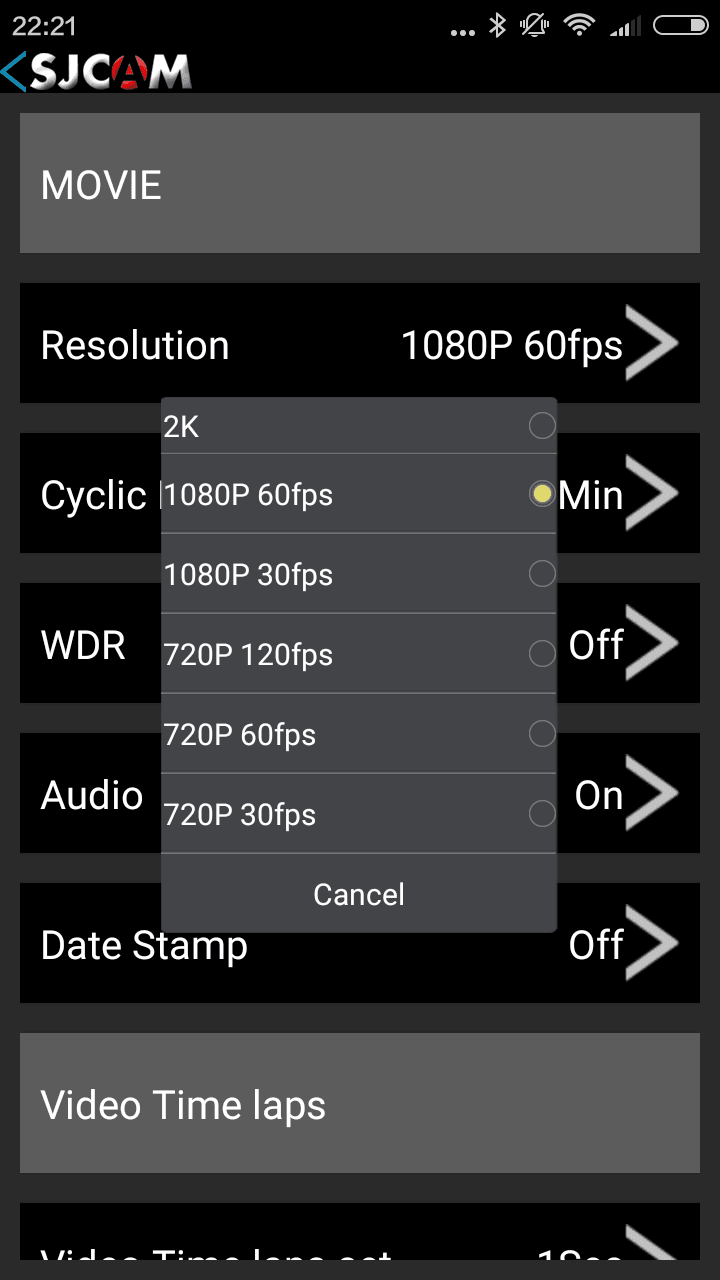
The SJCAM app is available for Google Android devices on the Play Store and for Apple iOS on the Apple App Store. With WiFi enabled, the SJCAM M20 creates its own WLAN network, which can be connected to via a smartphone or tablet. Unfortunately, the app has not been updated since January 2015 (December 2015 SJCAM Zone), and the M20 is not even mentioned in the app description. Nevertheless, the SJCAM app is compatible with the M20. However, only a maximum resolution of 2K can be selected in the settings!
The app allows you to adjust various camera settings, view a live feed, start recordings and even share recordings directly with friends. In testing, the app impressed with easy connection setup and stable image transmission. However, the image is delayed by 1-2 seconds.
Battery
SJCAM remains true to its philosophy and uses a 900 mAh battery in the M20 as well. Due to the compact design of the action camera, this battery has a tailored shape, which means that other batteries from the manufacturer are not compatible with the SJCAM M20.
The manufacturer's battery life claims can be partially adopted. At a resolution of 1080p at 60 frames per second, the targeted 80 minutes of battery life is quite realistic. With 4K resolution, I achieved a good 70 minutes of runtime. The battery recharges in just over 2 hours.
Our verdict
I was particularly impressed by the SJCAM M20 due to its small size and light weight, yet it still delivers decent video and image quality. The camera offers numerous functions and settings and is suitable for many applications.
The firmware, which has not yet been fully optimised, is a point of criticism. Extracting the best possible video and image quality from the camera requires some skill in adjusting the settings. An update for the now outdated Android app would also be desirable.
Specifications
Hardware
- Image sensor
- Sony IMX206
- Image processor
- Novatek NTK96660
- Wide angle
- 166°
- Display
- 1.5-inch LCD
Video resolution
- 4K@24
- 2K@30
- 1080p@60/30
- 720p@120/60/30
- VGA@240
Image resolution
- 16MP
- 14 MP
- 12MP
- 8MP
- 5MP
- 3 MP
- 2 MP
- 1.3MP
- VGA
Other
- *WiFi & App
- *Gyro
General
- Battery
- 900mAh
- Size
- 5.40 x 4.00 x 2.90 cm
- Weight
- 54g
What’s included
1x SJCAM M20 1x waterproof case 13x mounts / adhesive pads 1x battery 1x charging cable 1x cleaning cloth 2x stickers 1x user manual
Comments