Contents
Thermal Master P2: Design and build quality
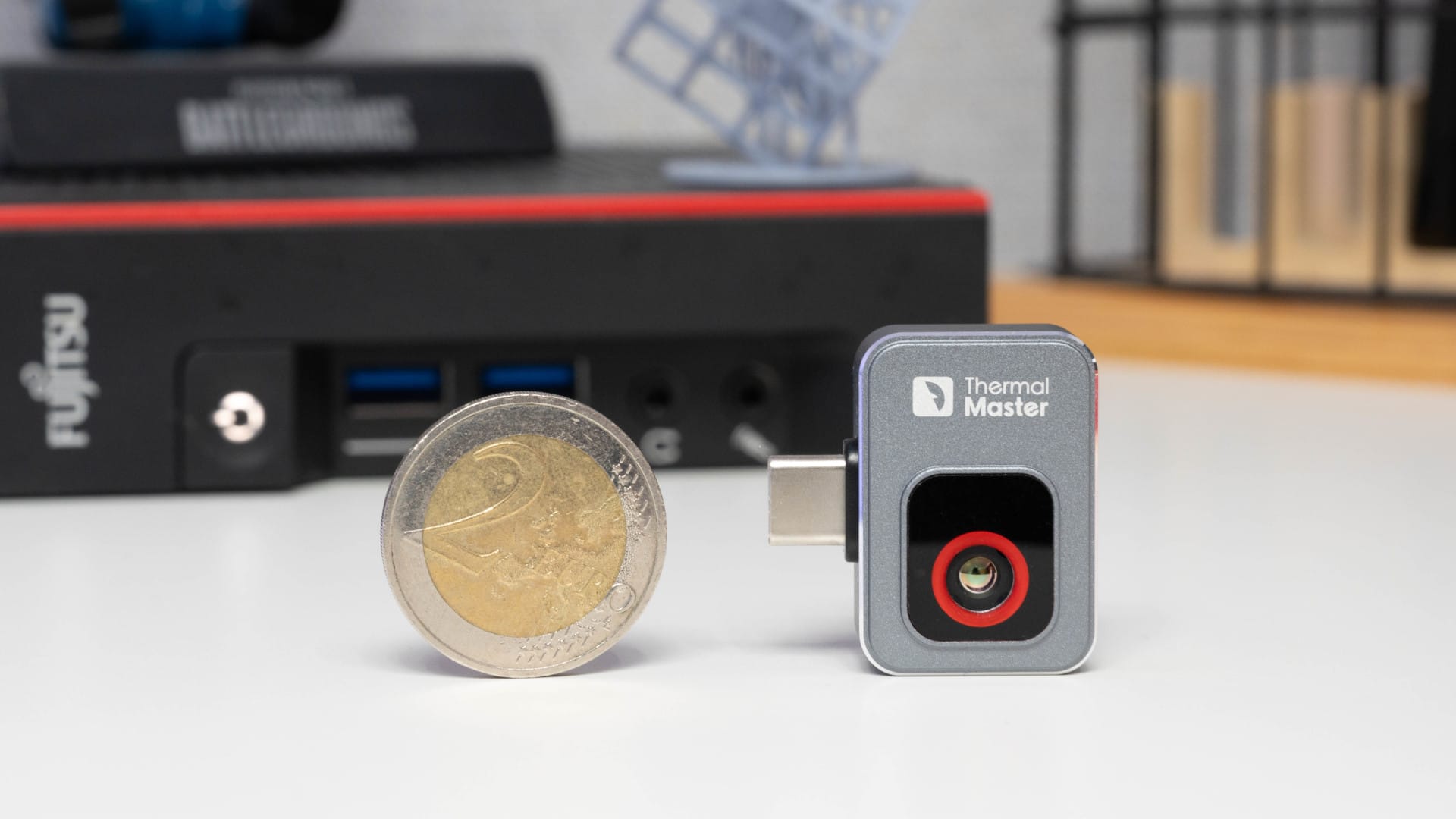
Thermal Master markets the P2 as the “second-smallest thermal camera in the world” and given its size, this is absolutely understandable. Weighing 9.7 grams and measuring a compact 27 × 18 × 9.8 millimetres, it is barely larger and heavier than a two-euro coin. Perfect for on the go, but also small enough to easily disappear in a bag or between tools.
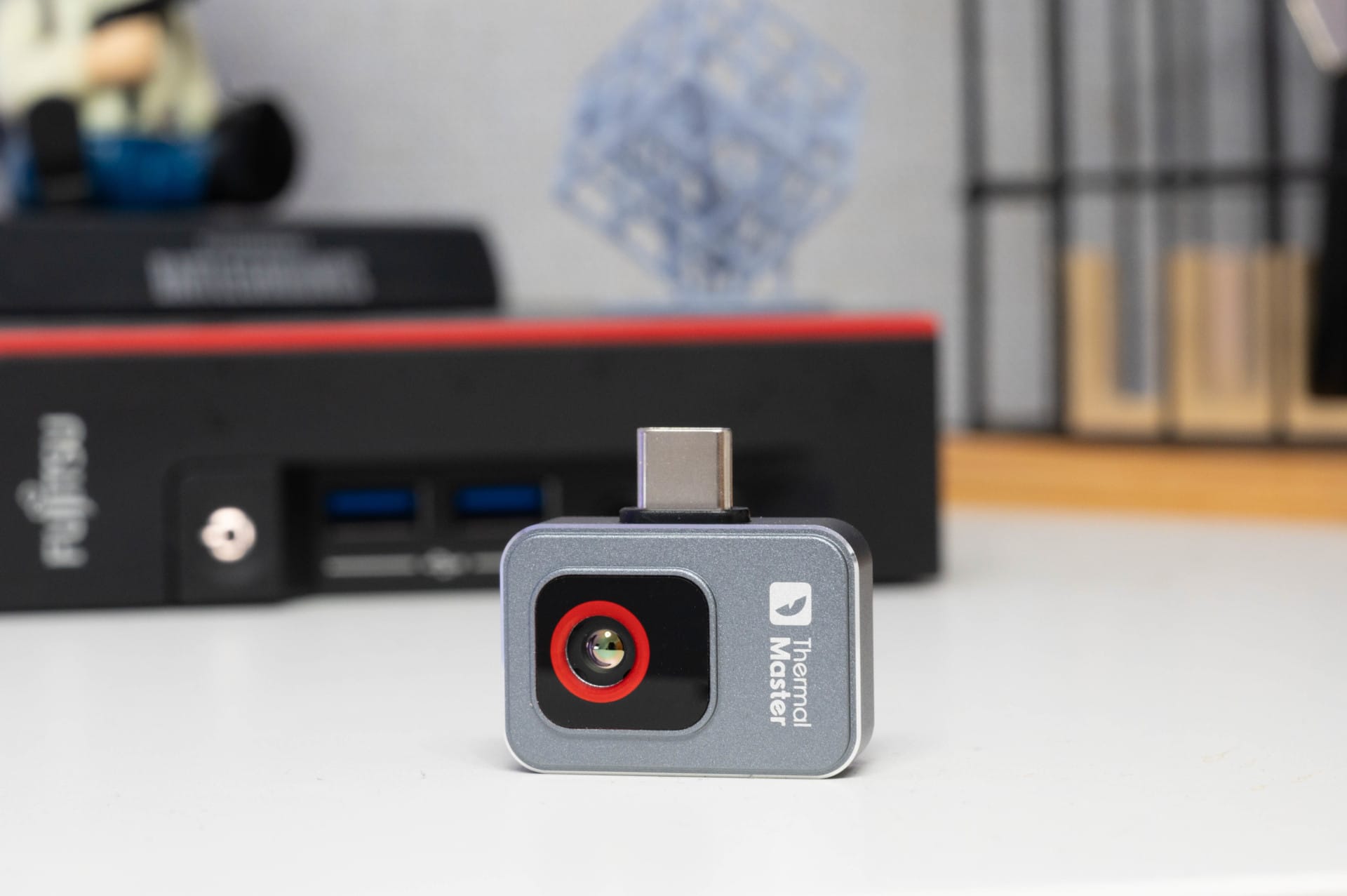
The aluminium casing appears high-quality and stable, but not so rugged that the P2 would pass as a genuine construction site tool. An IP certification is missing, so neither dust nor water protection is guaranteed. Extreme heat sources such as open flames or direct sunlight are also taboo. The app even warns against this if you try anyway.
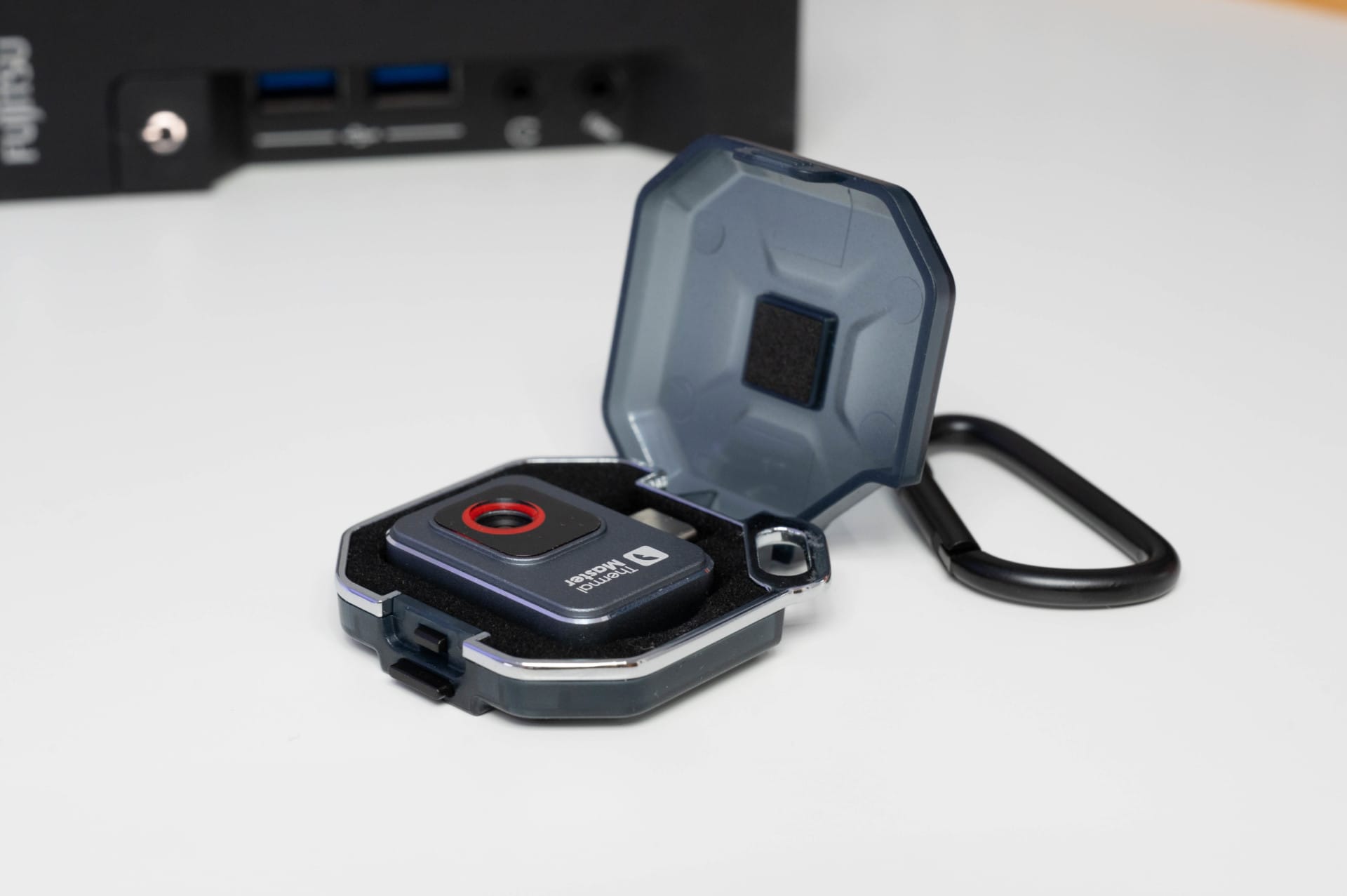
There is, however, a supplied protective case that protects the camera from scratches and minor bumps. A sensible addition, as it allows the P2 to be stored safely. Thanks to the carabiner loop, the case can easily be attached to a tool belt or backpack.
Thermal Master P2: Installation & Compatibility
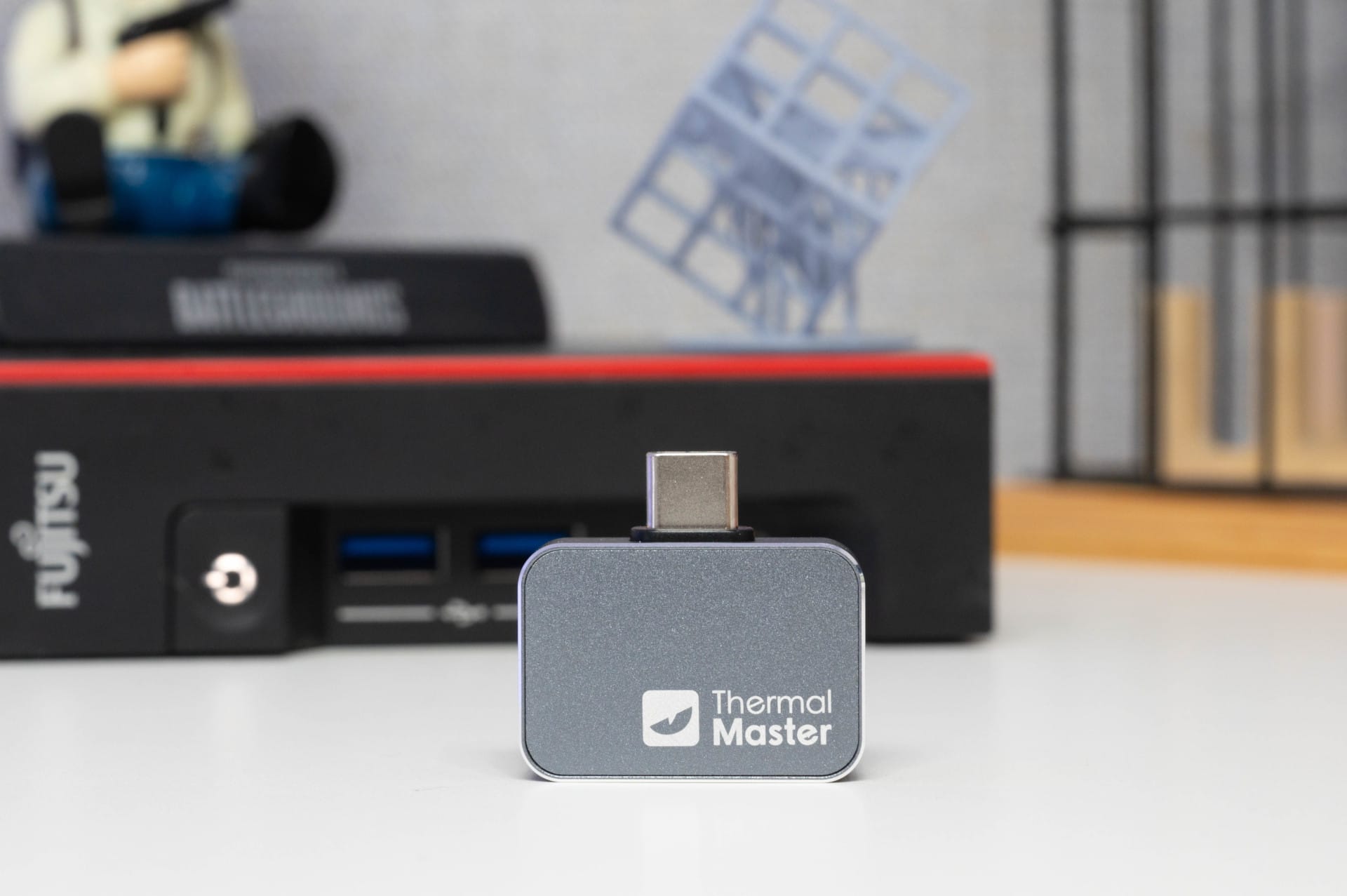
The Thermal Master P2 is ready to go quickly – at least in theory. Simply download the Temp Master app, connect the camera to the smartphone via the USB-C port, and you are good to go. In practice, however, there are a few stumbling blocks.
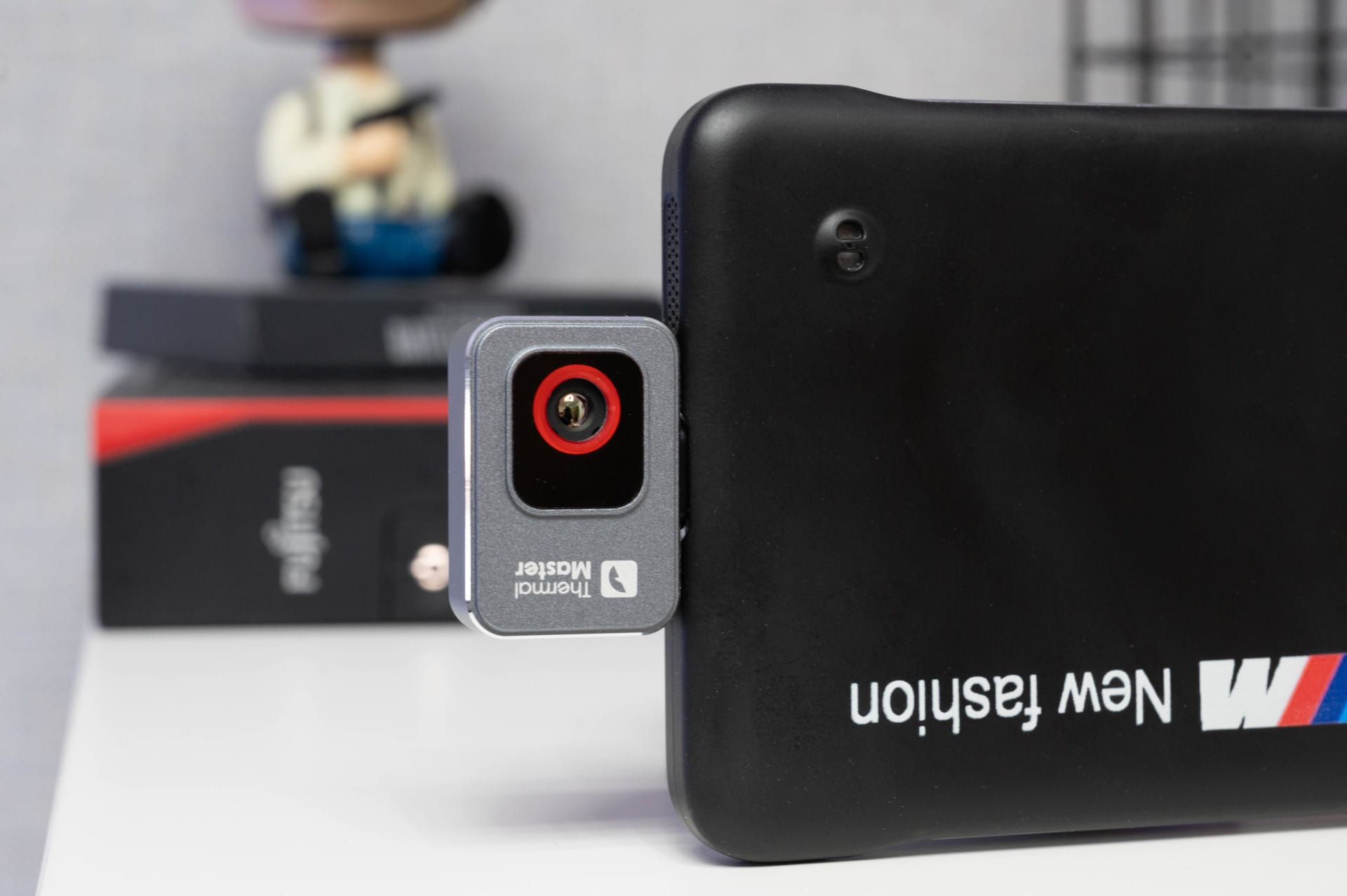
The first issue is smartphone cases. Those using a thicker protective case will quickly notice that the camera often does not snap into place correctly. The only options are to remove the case or use the included USB-C extension cable. This keeps the case on, but handling becomes somewhat fiddly.
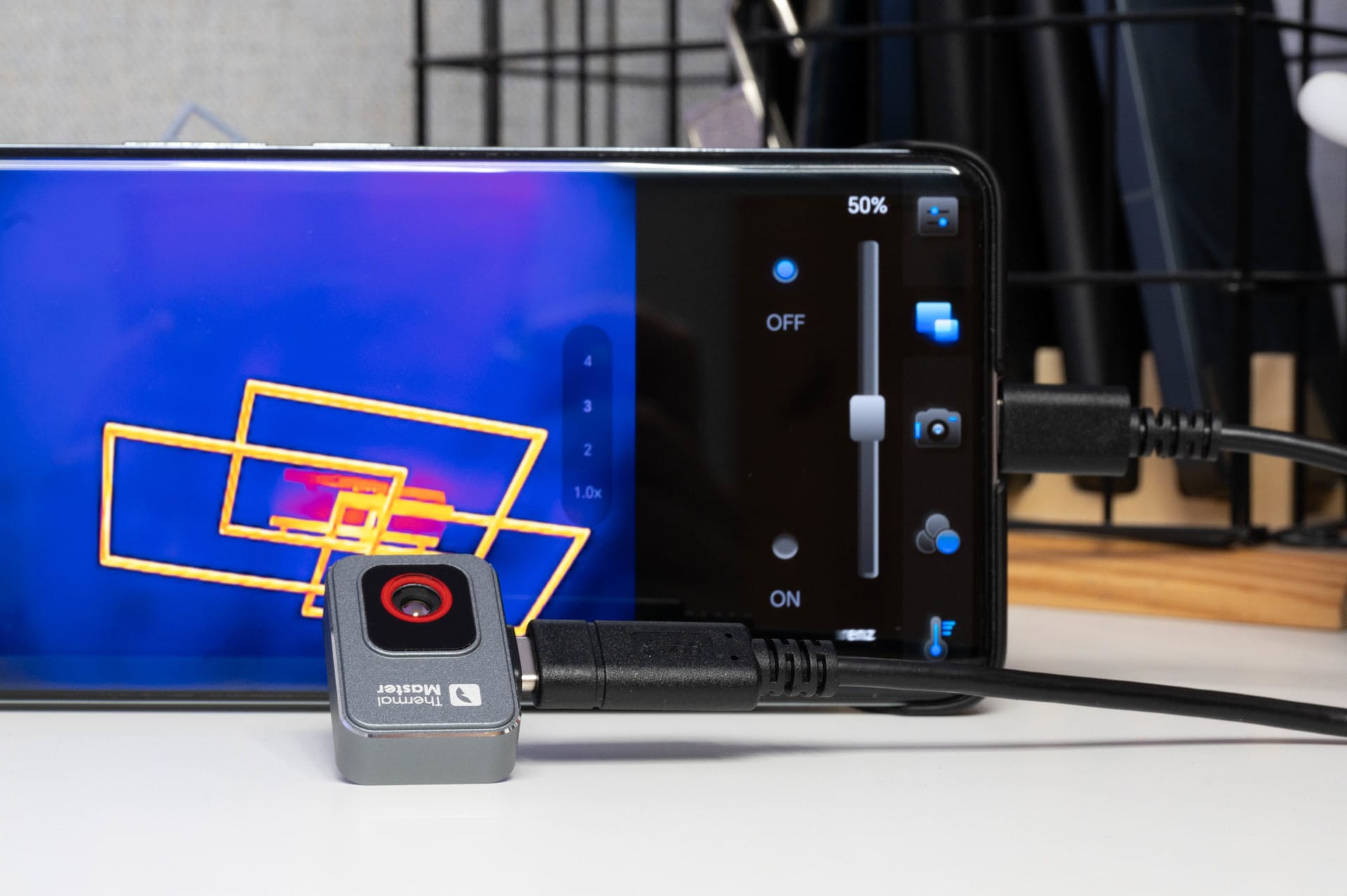
The second shortcoming is compatibility with Android only. iPhone users are out of luck, as iOS is not supported. Anyone hoping to use the thermal camera with an iPhone 16 (regardless of USB-C) is out of luck. Older Android devices may also face issues, as the P2 requires at least Android 6.0.
At least, the setup otherwise works smoothly. The camera is detected immediately and the app launches automatically as soon as the device is connected. No driver chaos, no cumbersome setup. Just plug it in and get started, provided you meet the right requirements.
Thermal Master P2: Software & operation
The app offers a solid range of basic functions. There are 12 colour palettes to better represent temperature differences, a temperature display with markers and the ability to record images and videos. There is even a digital 15x zoom, although this is more of a gimmick, as it simply zooms into the image without providing additional details.
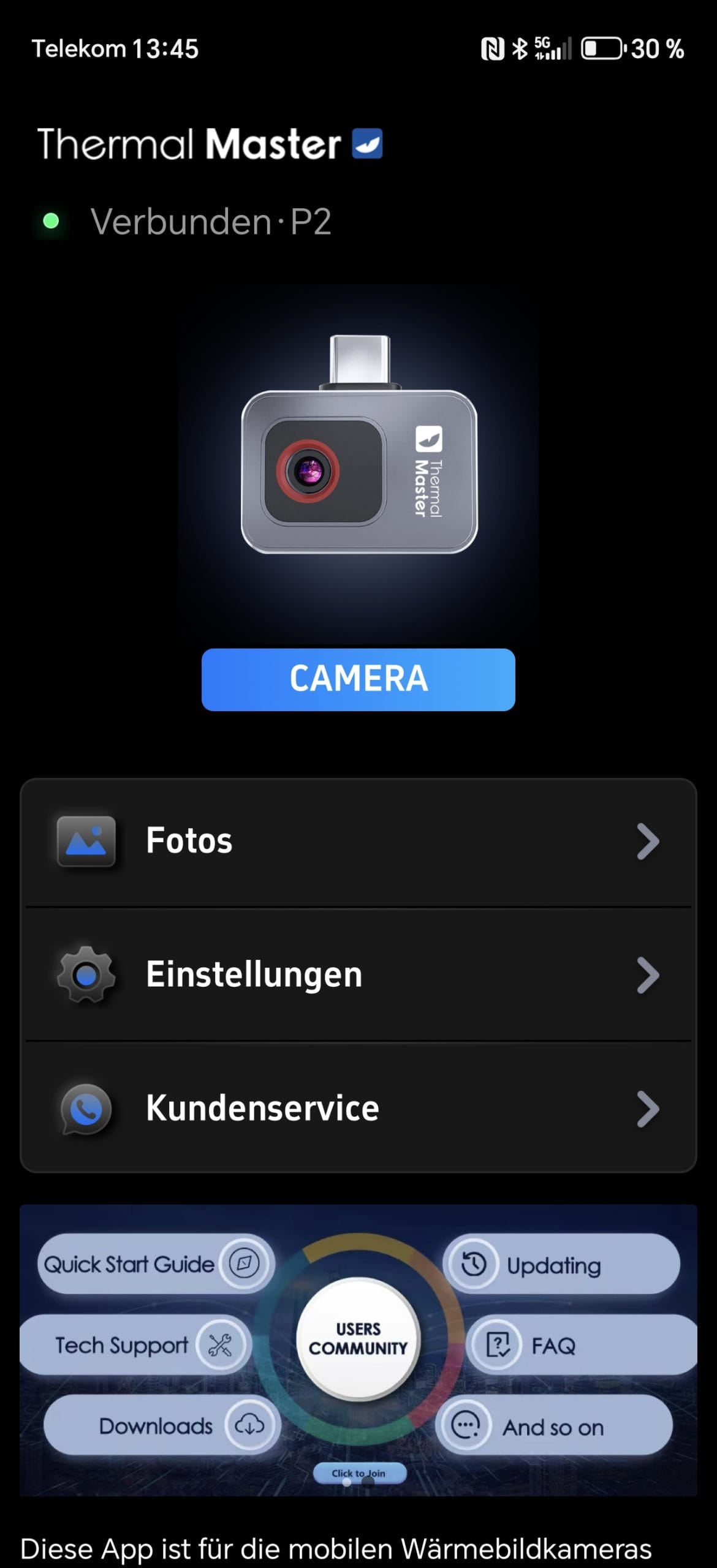
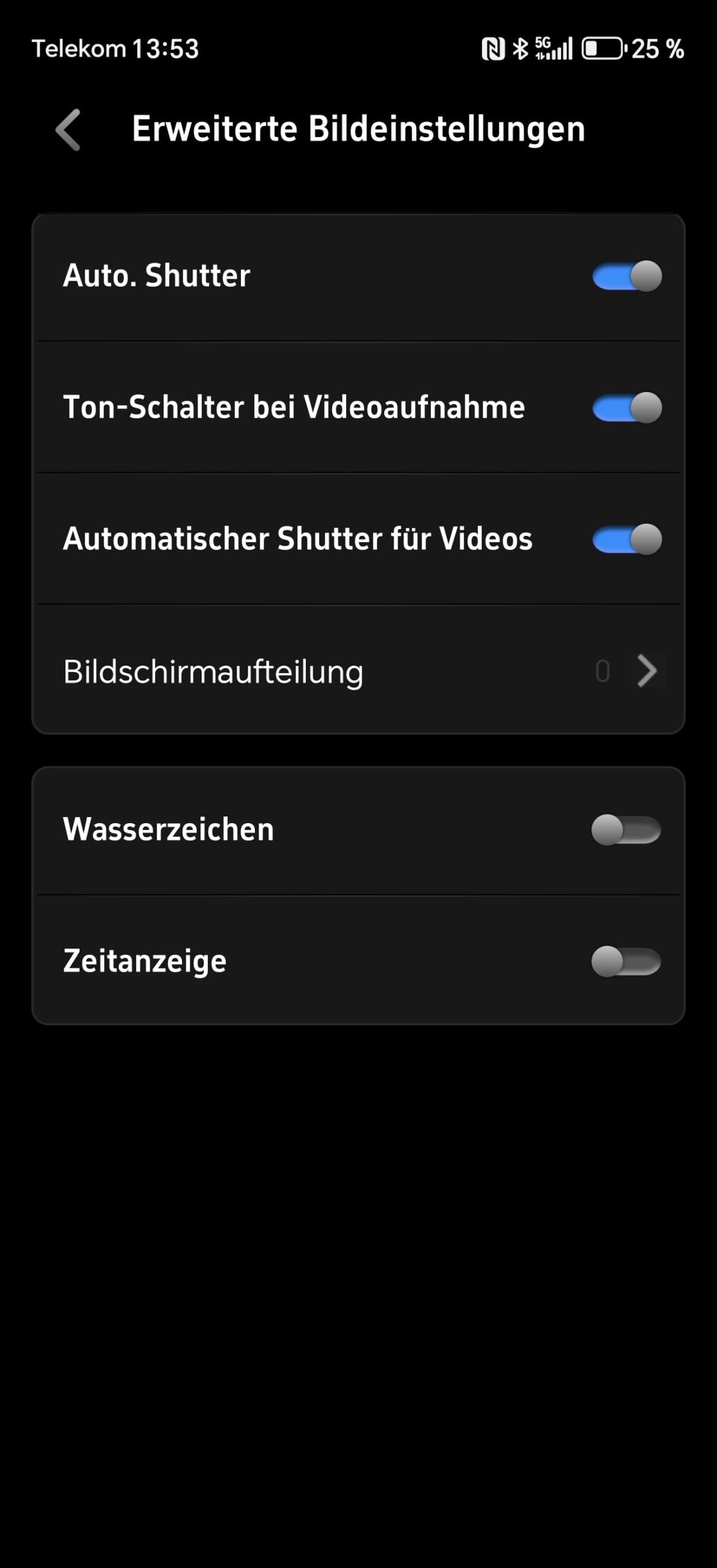
But there are also some annoyances. For example, the menu navigation is not always intuitive. Important functions such as the trigger for photos or videos are hidden in submenus, which is unnecessarily cumbersome. The picture-in-picture overlay is also not optimally solved. Although the camera image can be displayed and adjusted in size, exact overlay is not possible because the image can only be scaled to screen size.
At least, the app runs largely stable on current high-end smartphones such as the Samsung Galaxy S24 or Google Pixel 9. However, testing showed that the “Razor X” algorithm can be a real processor bottleneck.
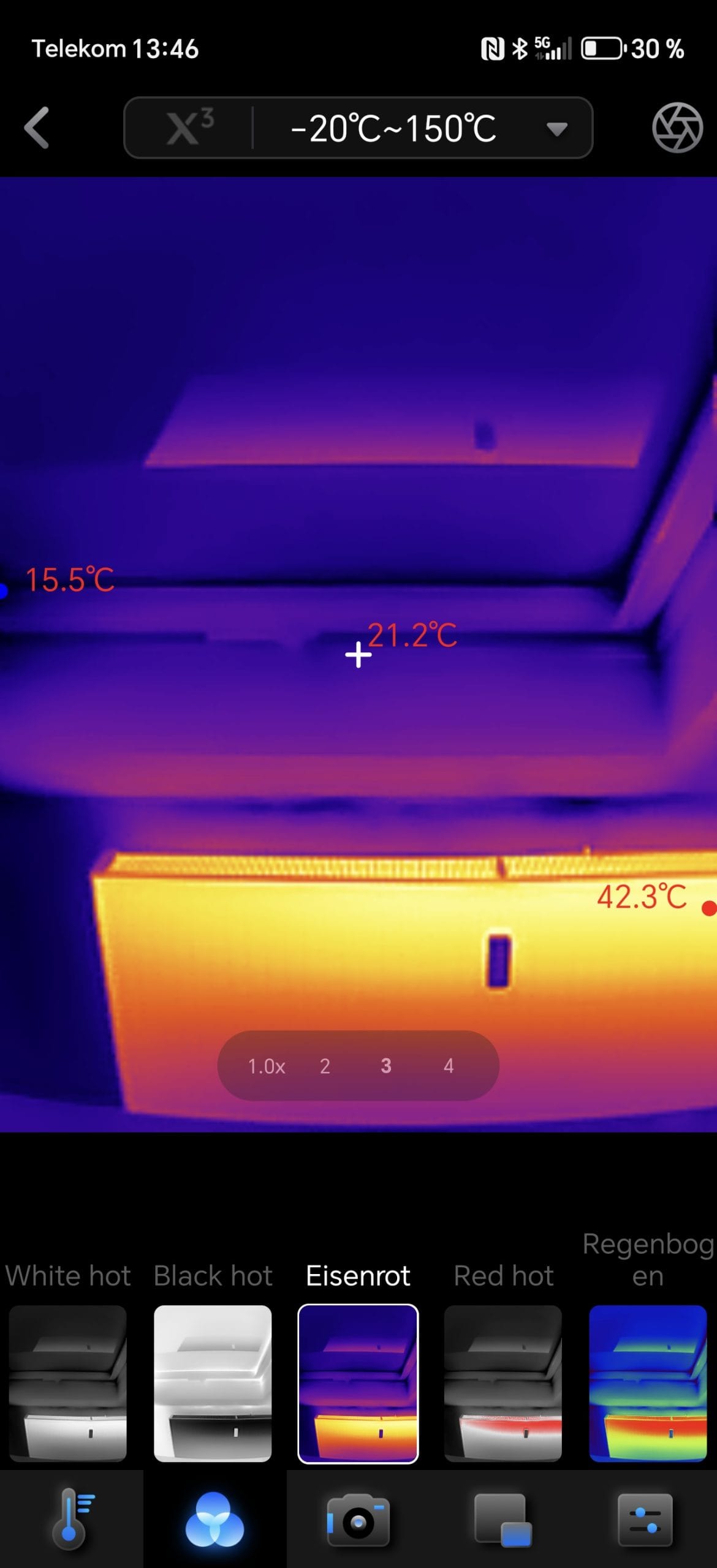
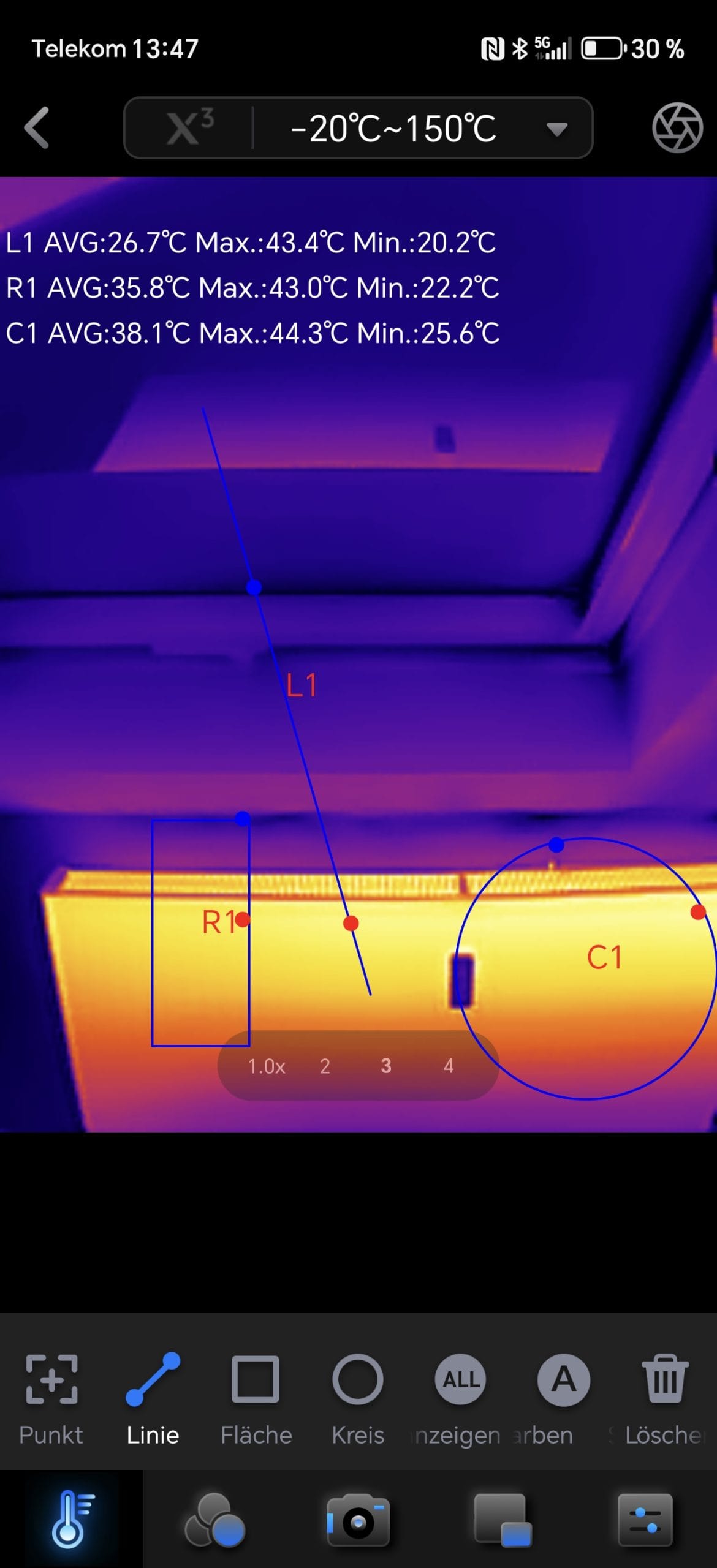
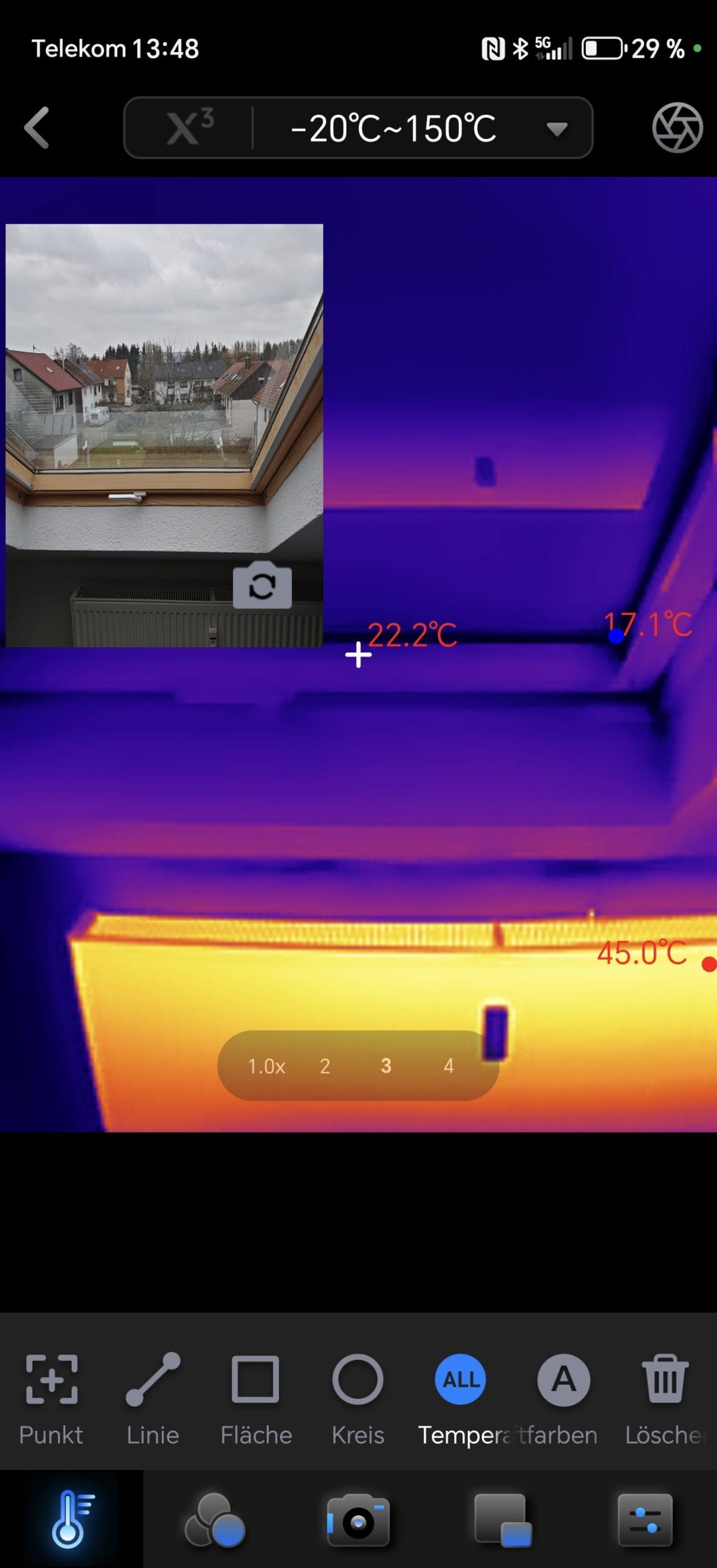
Thanks to software-based upscaling to 512 × 384 pixels, the image appears somewhat sharper, but on lower-powered devices, the function leads to noticeable stuttering, lower frame rates and occasional crashes. Those using an older or weaker smartphone should better leave the function disabled.
Thermal Master P2: Image quality & resolution
The Thermal Master P2 advertises a native resolution of 256 × 192 pixels, which is quite decent for a thermal imaging camera of this size. The Razor X algorithm upscales the image in software to 512 × 384 pixels, which makes it appear overall slightly sharper. Sounds good, but has its limits.
The image is solid but not perfect. In most everyday scenarios, whether detecting heat leaks, checking electronic components or locating hot water pipes, the camera delivers clearly recognisable temperature differences. However, the limits of the resolution quickly become apparent with fine details. Small components on a circuit board or fine cables behind a wall often blur into an indistinct area.
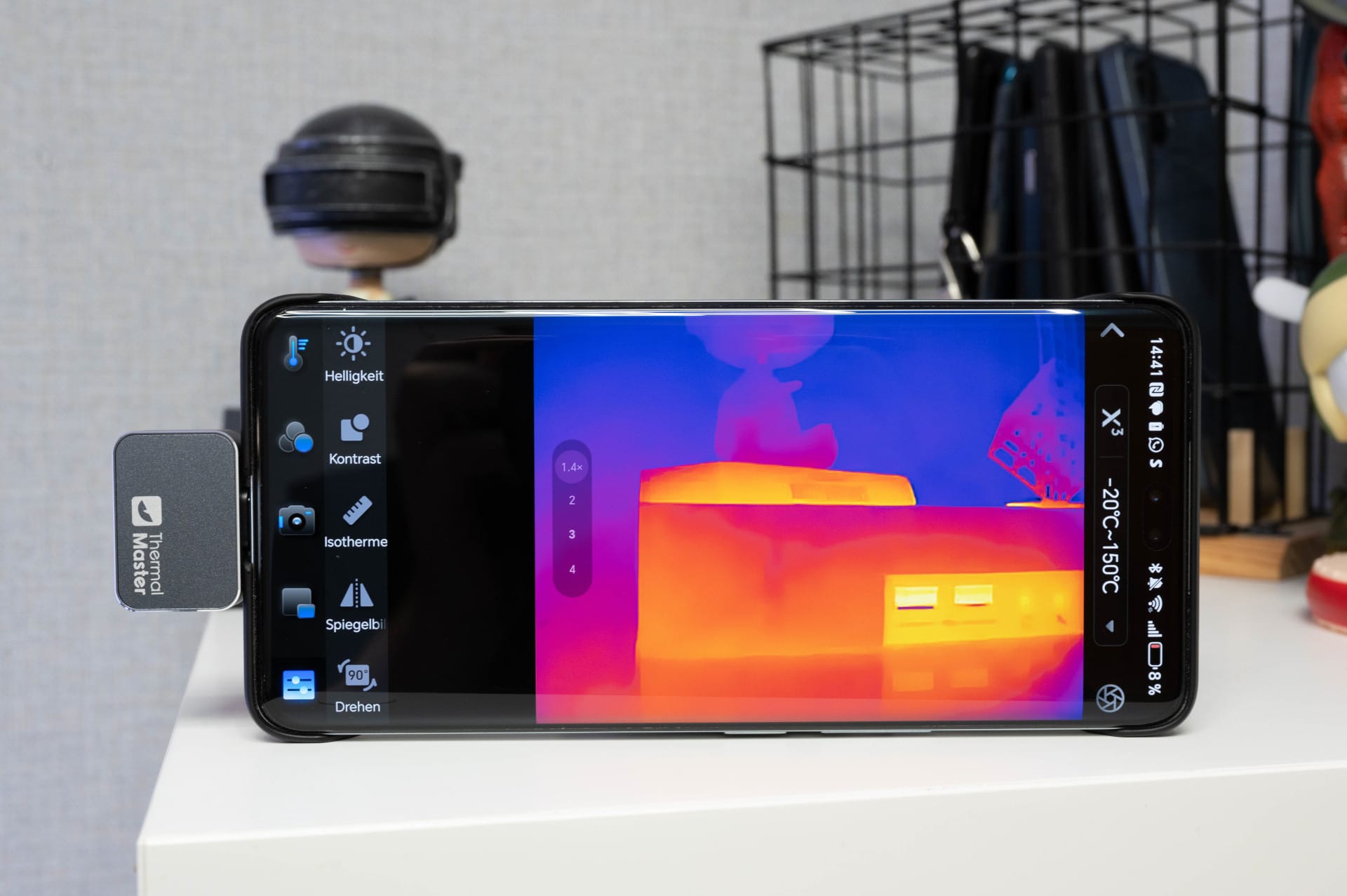
Nevertheless, the P2 performs very well in its class. Professional devices that are often much more expensive frequently lack higher resolution, and the thermal sensitivity of < 40mK is also comparatively good, so that even minor temperature differences are clearly visible.
Thermal Master P2: Practical test
For the practical test, we tried out the P2 in various scenarios:
1. Detecting thermal bridges and insulation problems
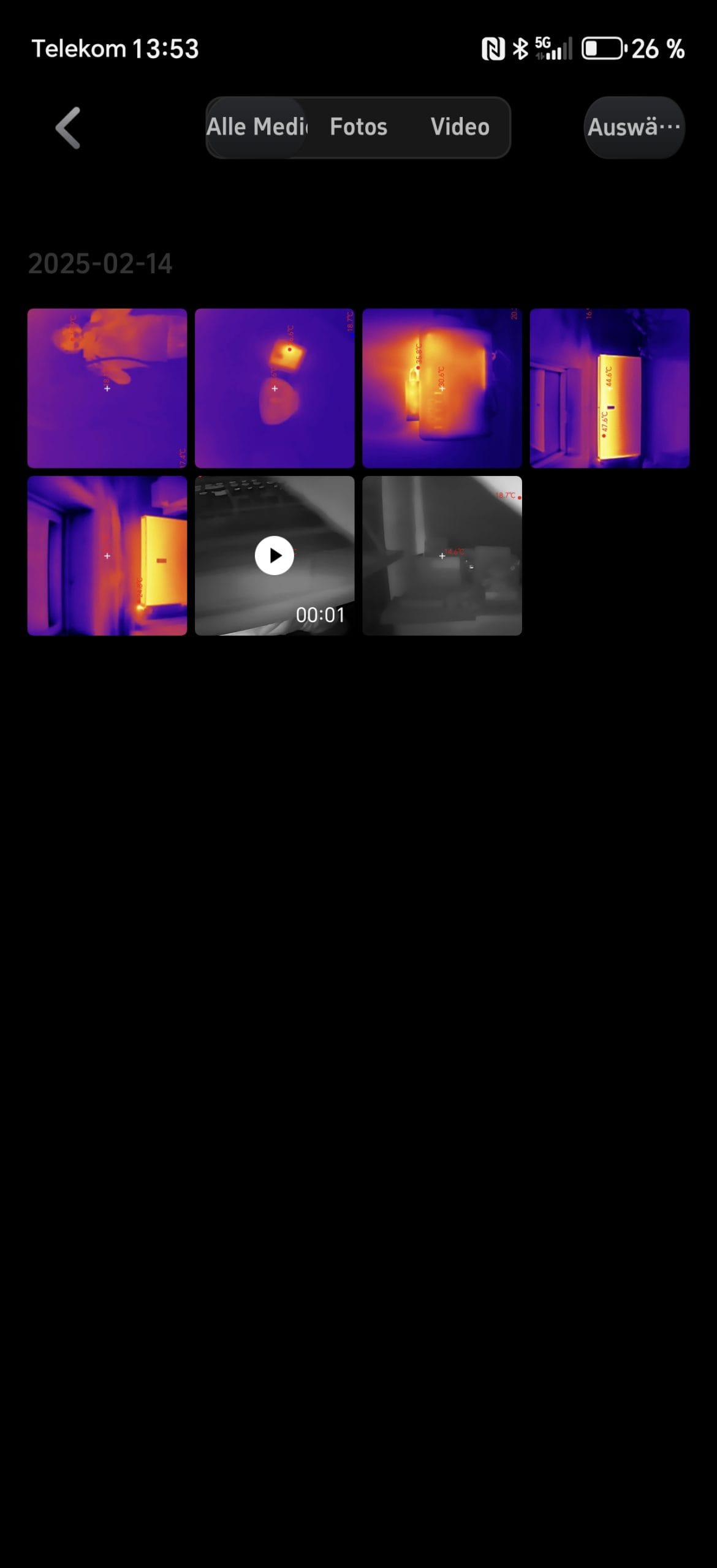
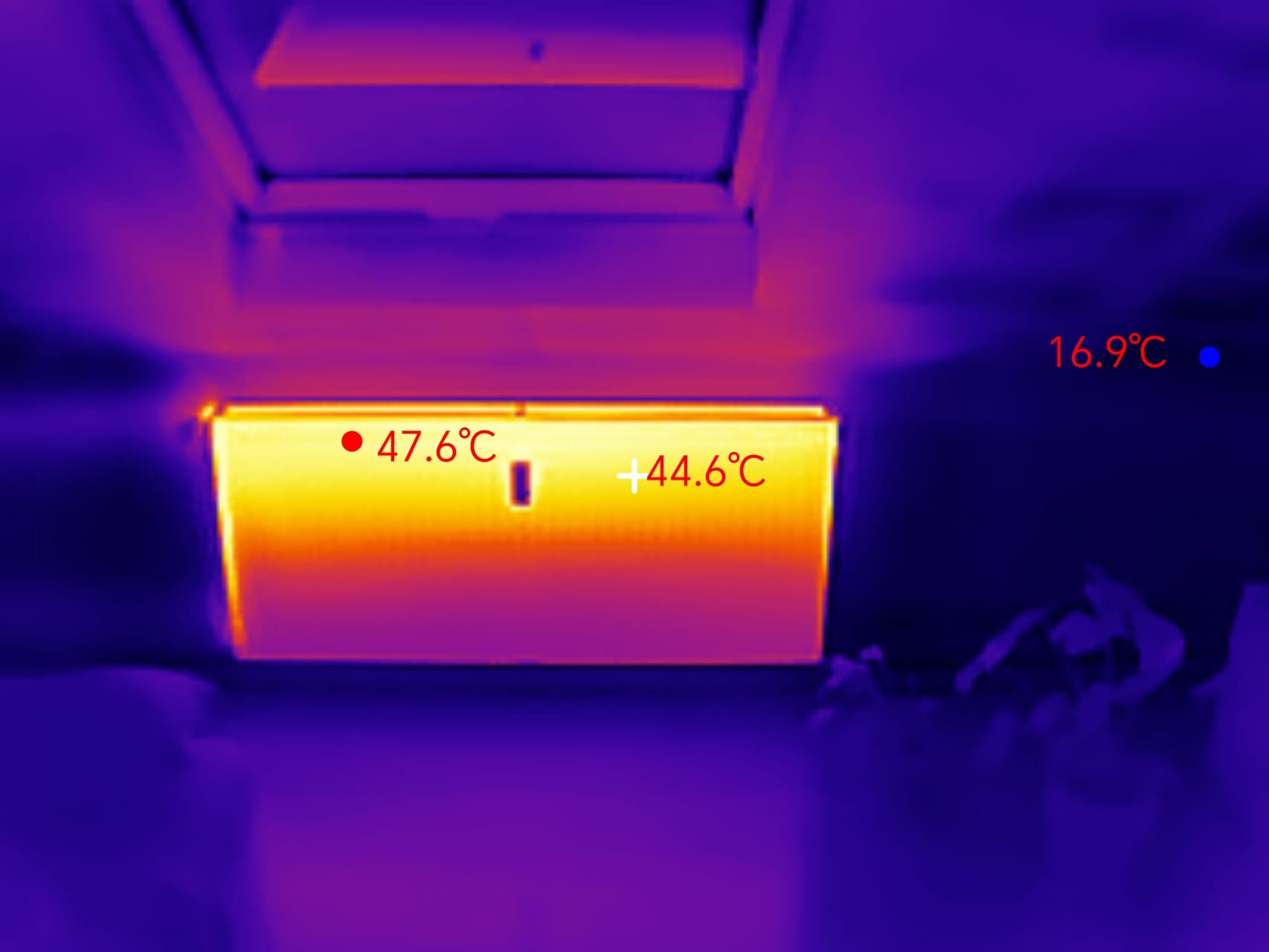
When checking windows, doors and walls, the P2 reliably displays temperature differences. Cold draughts become visible, and poorly insulated areas light up in the thermal image. For DIY enthusiasts and energy consultants, this is a useful function, albeit with limitations. Due to the relatively low resolution, small leaks are difficult to detect, and the measurement points could be somewhat more precise.
2. Electronics & circuit board analysis – Works, but with limitations
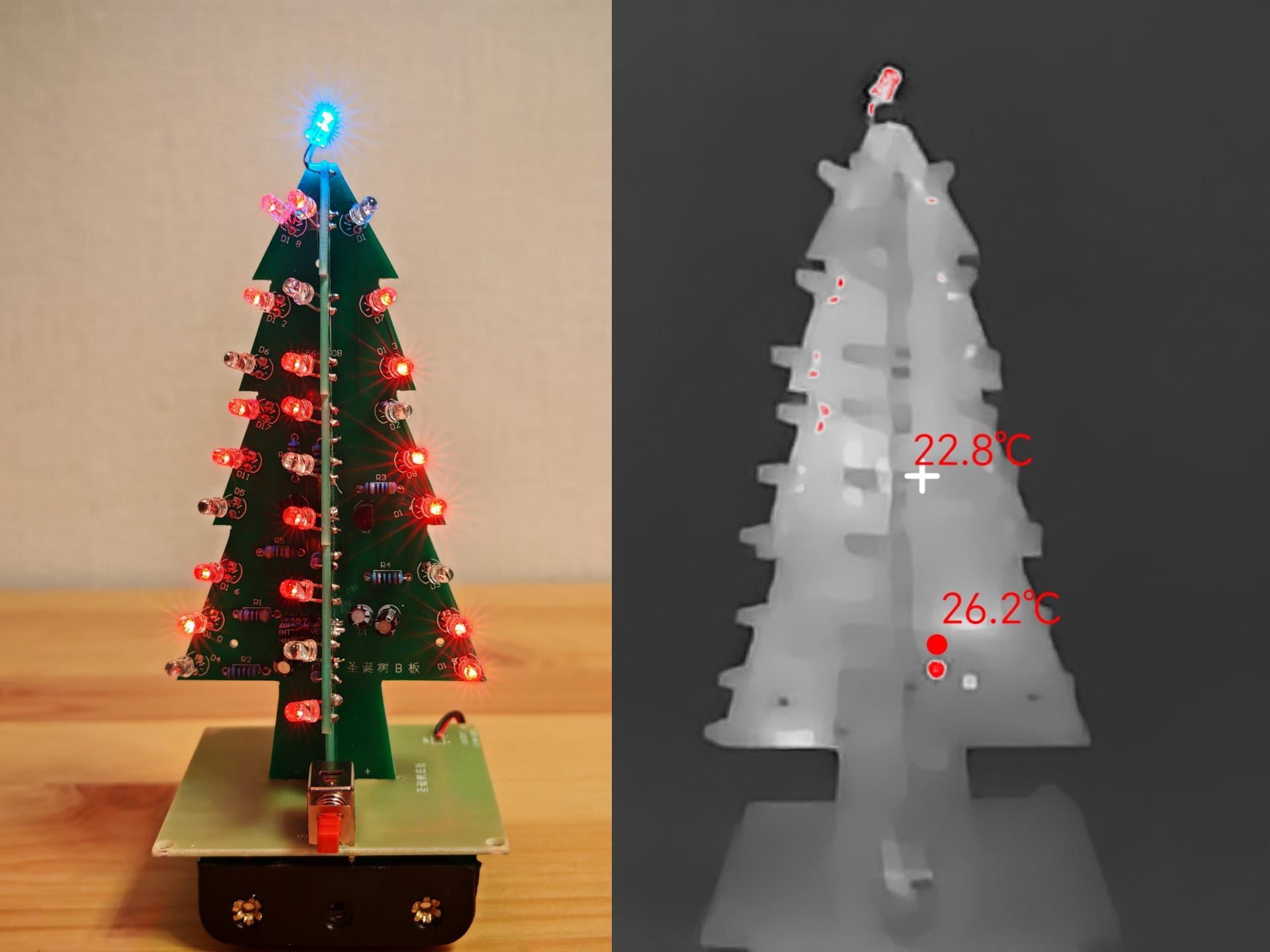
When inspecting circuits and circuit boards, a problem becomes apparent. The P2 has a rather long close-focus distance. If you want to test individual components on a circuit board, you must keep a distance of about 10 cm, which makes precision difficult. This means larger components such as chips or voltage regulators can be identified, but tiny SMD resistors or microcontrollers are difficult to identify.
So the camera is usable for electronics hobbyists, but not the best choice. Thermal Master has the P2 Pro in its range specifically for this application. The Thermal Master P2 Pro (*on Amazon) is the "world's smallest thermal imaging camera", which also features a macro lens.
3. Inspect pipelines & heating systems – Ideal for DIY enthusiasts
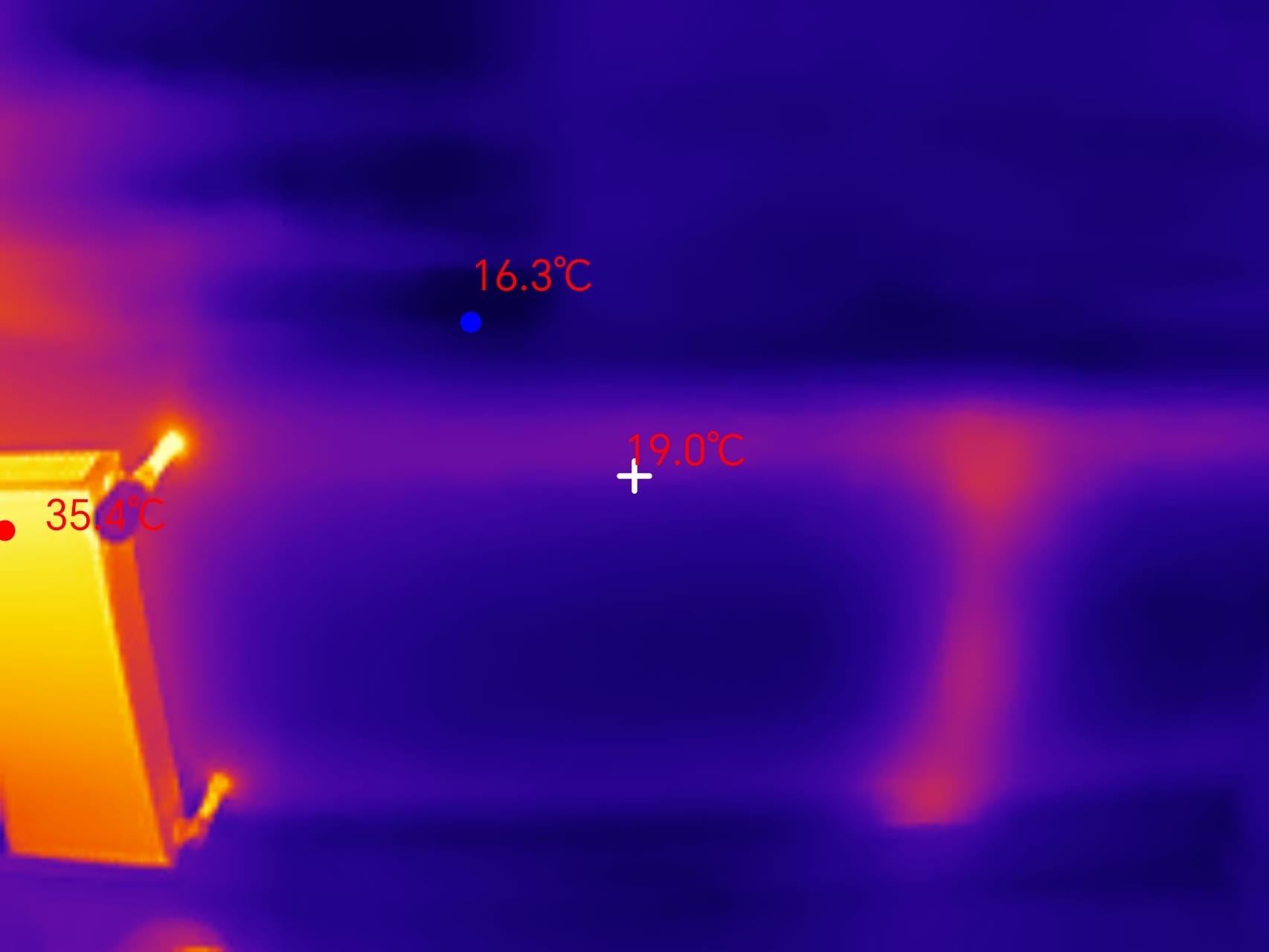
The P2 shines here. Heating pipes, blocked lines or defective underfloor heating can be quickly identified. The camera clearly shows where the heat runs, or does not. This helps to detect problems early on without immediately having to tear up walls.
4. Car & engine analysis – Practical, but not a professional tool
The P2 can also be useful for vehicle mechanics. It can be used to identify overheated brakes, leaking cooling systems or faulty ignition coils. Here, the high temperature tolerance (up to 600 °C) comes into its own. However, here too, it is difficult to make out fine details and the digital zoom is of little help.
5. Everyday use and fun factor – from pet checks to “night vision”
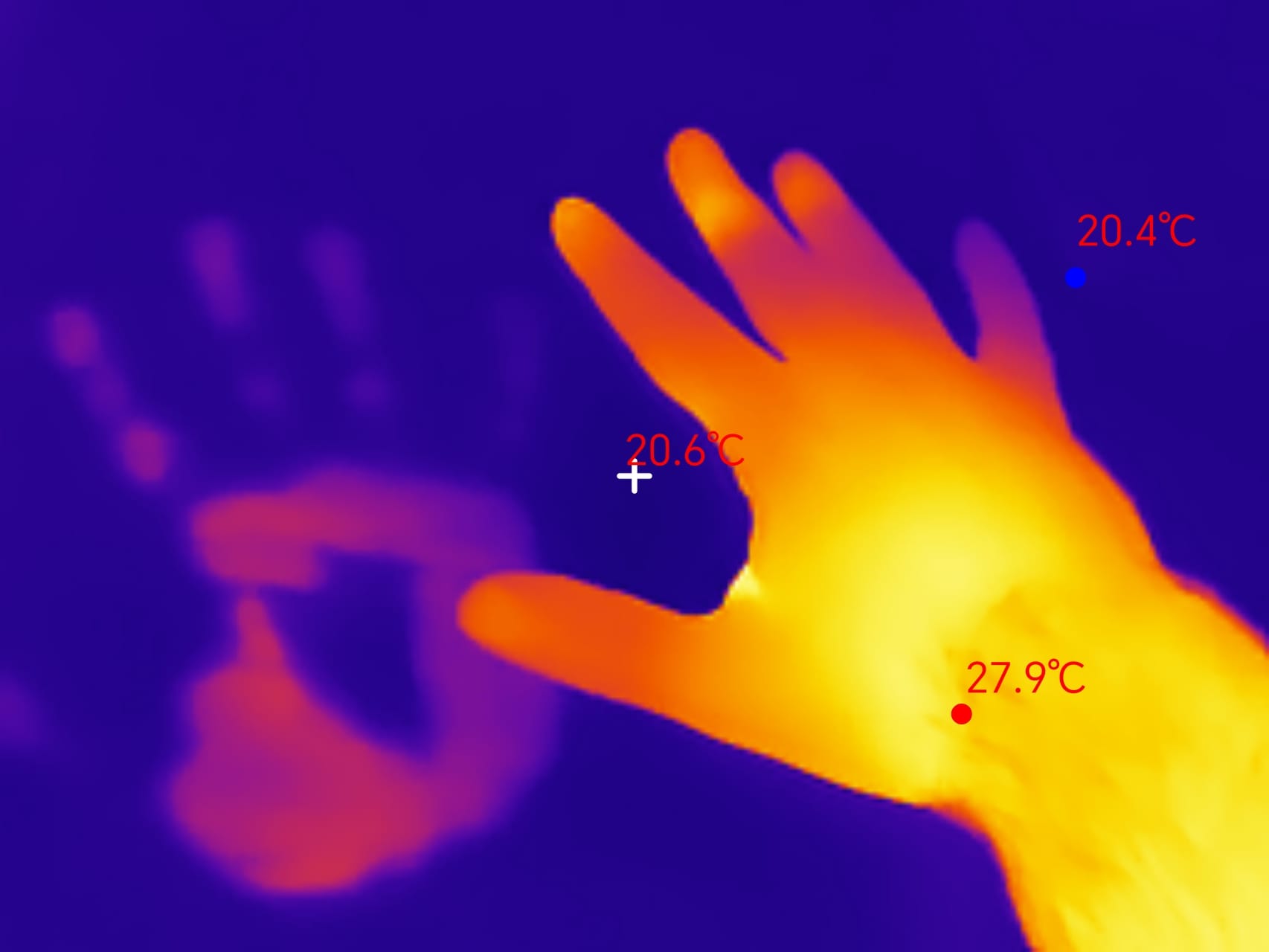
Those who like to experiment can make all sorts of funny and useful discoveries with the P2. Pets that have been resting on a couch leave visible heat prints. A coffee cup recently put down still glows on the table for minutes. Even in the dark, something can be "seen" through body heat. It almost reminds one of Predator vision.
Other comments
During operation, the camera repeatedly makes small adjustments to maintain accurate temperature readings. In doing so, it produces an audible ‘click’ sound. This is normal, but can be irritating if the camera is used in a quiet environment.
The power consumption proved to be extremely low in practical testing. In active operation, the P2 draws only 0.3 watts, which is negligible. Even with an average smartphone battery (e.g. 5,000 mAh), the camera can be used for over 6 hours before the battery runs out. Older devices should also not have any problems with this.
Our verdict
The Thermal Master P2 is one of those gadgets you try once and then constantly discover new ways to use. Whether it's leaky windows, overheating electronics or underfloor heating that doesn't heat evenly, the camera makes invisible temperature differences visible at a glance. For DIY enthusiasts, electronic technicians or just tech fans, it's definitely an exciting tool.
Of course, there were also a few things that bothered me. The app could be more organised overall, and the picture-in-picture mode in particular is not optimally implemented. Instead of a perfect overlay, the image can only be scaled up to the screen size, which is somewhat cumbersome. In addition, the Razor X algorithm consumes a lot of power. On current high-end smartphones everything runs smoothly, but weaker devices suffer from stutters or even crashes. However, these are all points that the manufacturer will hopefully continue to optimise.
Despite these weaknesses, I like the P2 a lot. It is light, consumes very little power and delivers decent image quality. Provided you don't expect professional resolution. Anyone looking for a compact thermal imaging camera for quick checks can buy it without hesitation.
Specifications
Sensor
- Sensor resolution
- 256 × 192 pixels (software-enhanced to 512 × 384)
- Pixel size
- 12µm
- Temperature range
- -10 °C to 600 °C (-14 °F to 1112 °F)
- Temperature accuracy
- ±1,5 °C
- Thermal sensitivity
- < 40 mK
- Frame rate (Framerate)
- 25 Hz
- Zoom
- 15x digital (no optical zoom)
Software
- App
- Temp Master (Google Play Store)
- Compatibility
- Android (from version 6.0), not available for iOS
- Color palettes
- 12 different (e.g. Iron Red, White Hot, Black Hot)
- Image formats
- JPEG (1440 × 1080, scaled by software)
- Video formats
- MP4 (H.264/AAC, 1.2 Mbit/s)
General
- Interface
- USB-C
- Energy consumption
- 0.3 W (directly via the smartphone)
- Protection rating
- No official IP certification, not water-resistant
- Weight
- 9,7 g
- Dimensions
- 27 × 18 × 9.8 mm
- Enclosure material
- Metal
What’s included
1x camera, 1x protective case, 1x USB-C extension, 1x carabiner clip, 1x manual
Price comparison
| Store | Price | Link |
|---|---|---|
| Amazon | 249,00 € | Go to store |


Comments