Contents
Review: Xiaomi Mi TV Stick
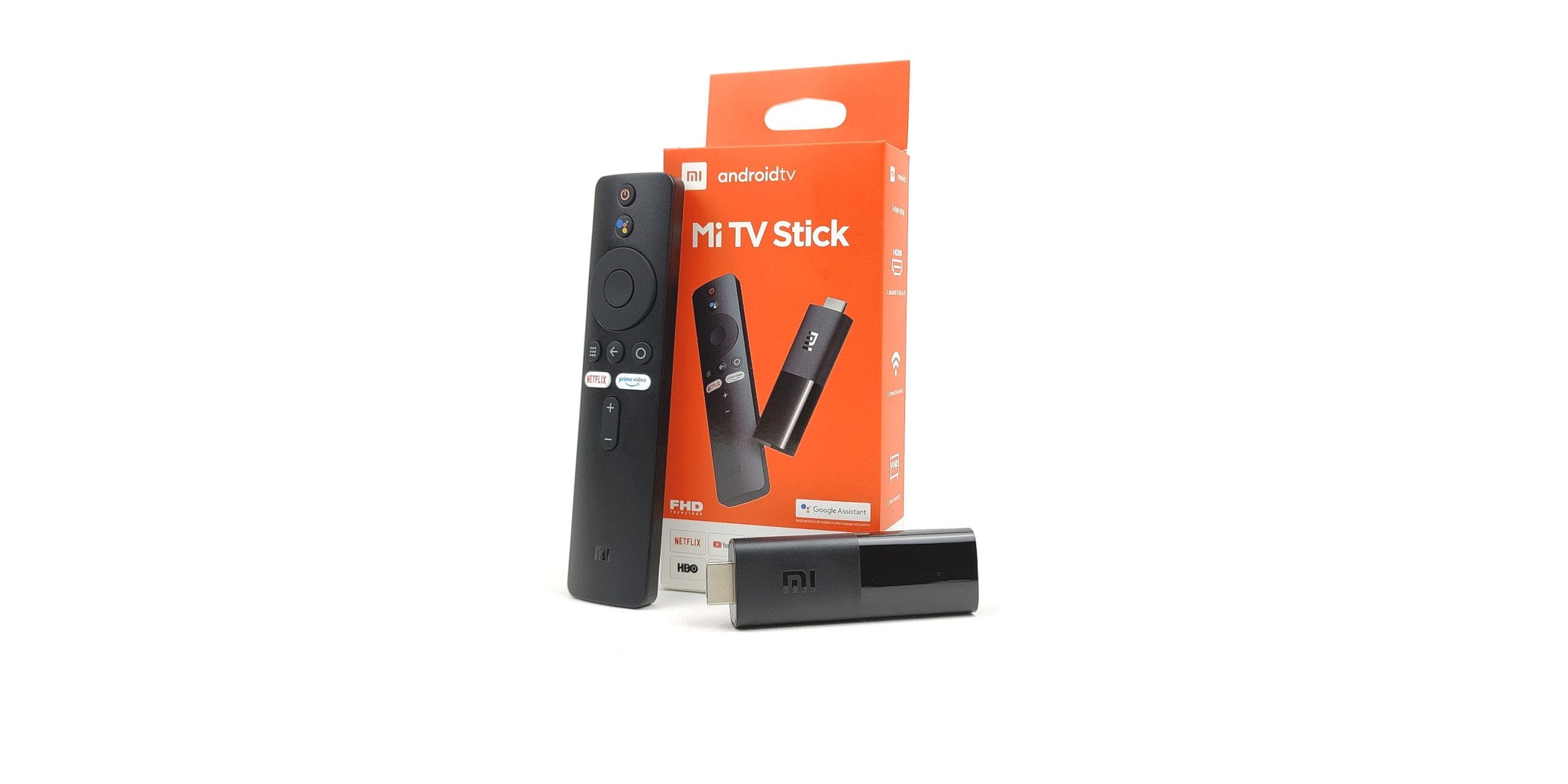
Xiaomi has arrived on the European market and presented many new products in mid-July 2020 as part of the “Xiaomi Ecosystem Product Launch”. Specifically for the western market, the Chinese electronics giant introduced the Xiaomi Mi TV Stick, which competes in the price class up to 40 euros.
Design and build quality
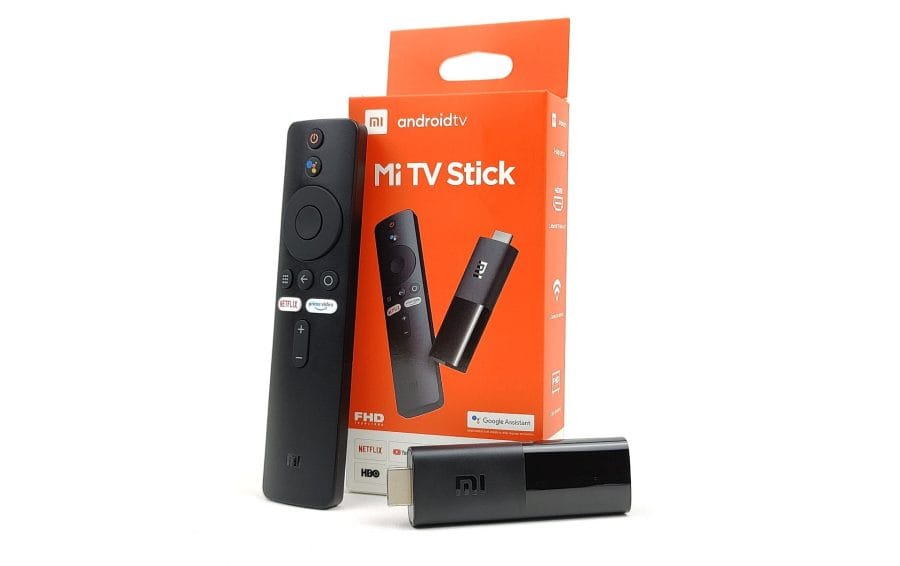
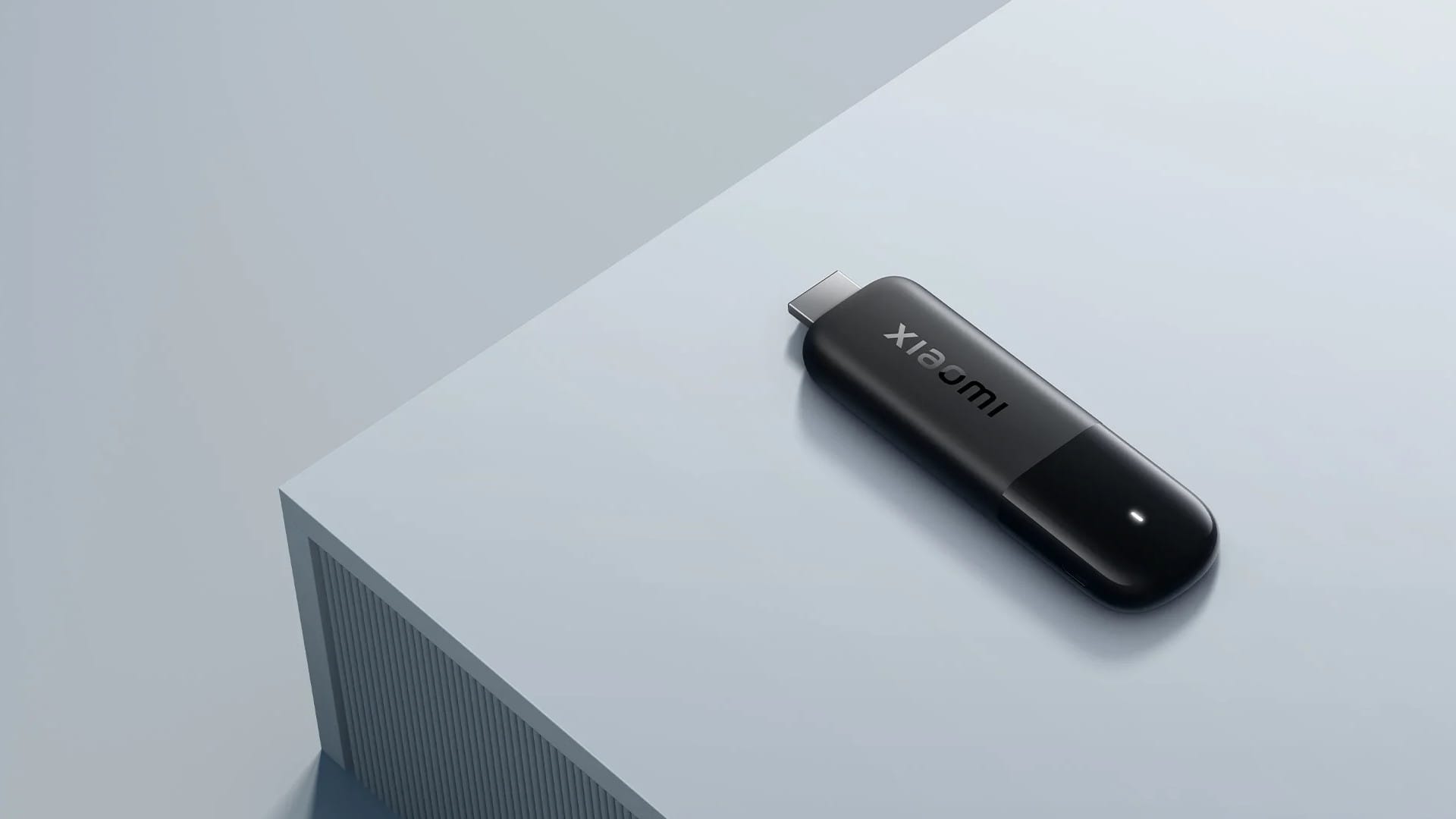
Normally, the design of a streaming stick doesn't play a major role, because after unpacking it usually disappears directly behind the TV. In the case of the Xiaomi TV Stick, however, we have to look more closely at the design. Especially regarding the housing.
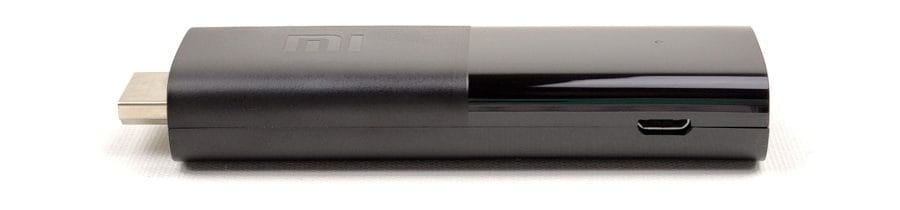
At 15 millimetres, the Xiaomi Mi TV Stick is comparatively thick. At the same time, the HDMI connector is somewhat short at 6 millimetres. Connector lengths of 8 millimetres are common. Depending on how close the HDMI inputs of the television are to each other, or how far the connections protrude from the housing, problems may occur. For the test, the stick was connected to a Samsung and a Philips television. On the Philips television, the HDMI connections were so close to the housing boundary that the stick only fit in the middle input. On the Samsung television, the stick did not protrude deep enough into the housing, resulting in contact problems.

Xiaomi is aware of the problem and has adjusted the contents of the box accordingly. The scope of delivery of our test device, which we received in early October, now also includes a HDMI extension cable, although it is not listed as part of the scope of delivery. The release version did not come with this cable!

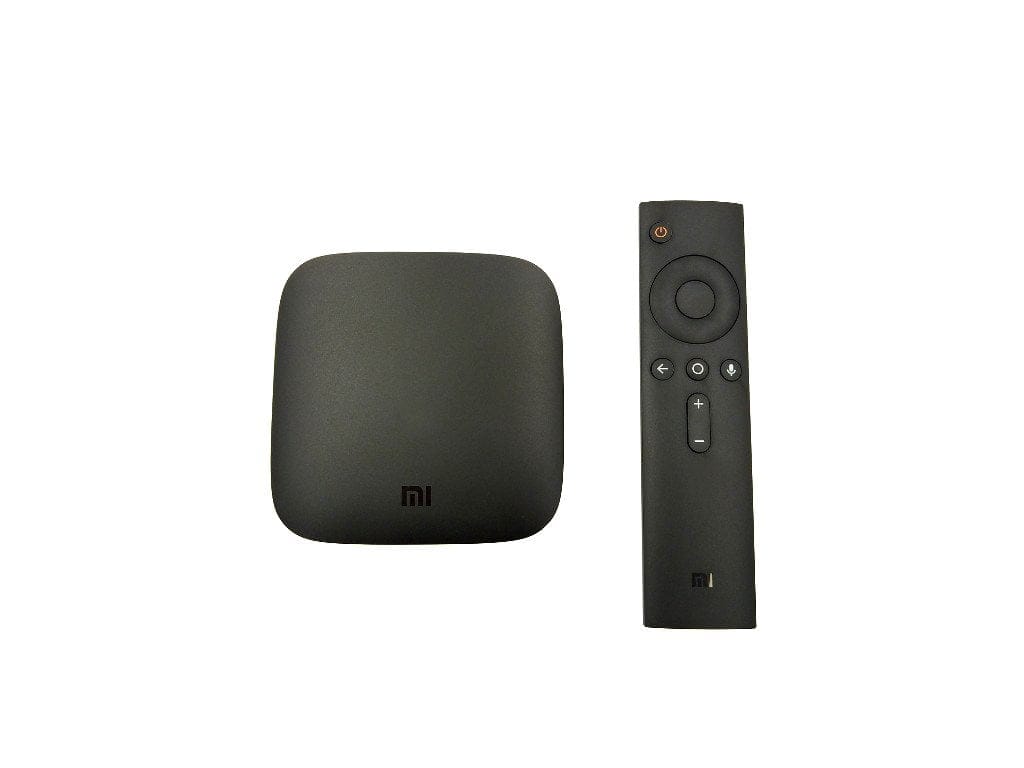
The remote control has also been revised; unlike the release version, it rattles less and features pleasant rubberised buttons instead of hard plastic ones. The remote for the Xiaomi Mi TV Stick largely corresponds to the remote for the Xiaomi Mi Box S. The "Live" button has been replaced by a "Prime Video" button, and the voice assistant logo has been adapted to the new Google Assistant. Here are both remotes side by side:

By the way, HDMI-CEC compatibility also allows the stick to be controlled with the TV remote. However, this also means losing the special/quick-access buttons (Netflix, Prime & Google Assistant), which cannot be mapped to the TV remote.
Hardware
The stick is based on an Amlogic S805Y system-on-chip (SoC), designed specifically for affordable streaming sticks. Although the S805Y SoC is one of the newer Amlogic chip solutions, it largely adheres to the five-year-old Amlogic S905 series. The CPU consists of 4 Cortex-A53 processor cores with a maximum 1.5 GHz clock speed. Graphic calculations are handled by a Mali-450 GPU.
| SoC | S805Y | S805X | S905D | S905X |
| CPU | 4x Cortex-A53 1.5 GHz |
4x Cortex-A53 1.2 GHz |
4x Cortex-A53 1.5 GHz |
4x Cortex-A53 1.5 GHz |
| GPU | Mali-450 750 MHz | Mali-450 650 MHz | Mali-450 750 MHz | Mali-450 750 MHz |
| DDR | DDR3/4, LPDDR3 max 3GB | DDR3/4 Max 1GB | DDR3/4, LPDDR3 max 3GB | DDR3/4, LPDDR2/3 Max 3GB |
| Video Dec. | HEVC/VP9 1080p60 10bit | HEVC/VP9 1080p60 10bit | HEVC/VP9 4k60 10bit | HEVC/VP9 4k60 10bit |
| HDR | HDR10/HLG | HDR10/HLG | HDR10/HLG | HDR10/HLG |
| Output | HDMI 2.0, HDCP 2.2, TF | HDMI2.0, HDCP2.2 | HDMI 2.0, HDCP 2.2, TF | HDMI2.0, HDCP2.2 |
The storage of the Xiaomi TV Stick is divided into 1 GB RAM and 8 GB data storage, almost half of which is already occupied by the system. USB-OTG for connecting external storage devices is not supported. For wireless connections, dual-band AC Wi-Fi (2.4 / 5 GHz) and Bluetooth 4.2 are available.
Xiaomi Mi TV Stick in hands-on test
Setup
The Xiaomi TV Stick is set up quickly. Initial setup does not differ from other Android TV products. At the start, the remote control must be paired. Afterwards, you select the language or region and follow the further steps.
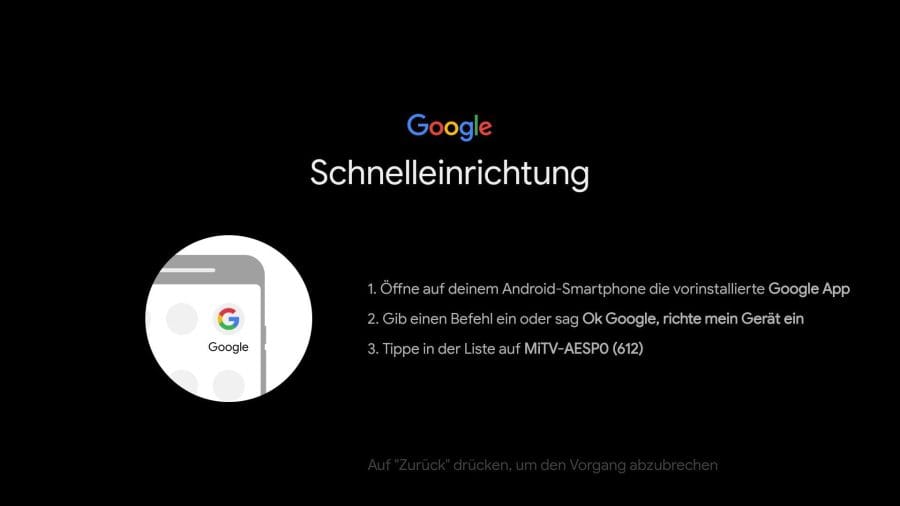
For particularly easy setup, you can use the “Google Quick Setup”. The stick connects to the smartphone and allows for configuration directly from the smartphone. In testing, Google Quick Setup unfortunately did not work. Despite the connection, the stick was not recognised by the Google app. Instead, the Wi-Fi password had to be entered manually using the remote control. During the rest of the setup, you can make an app selection, set up the voice assistant, and receive initial information on Android TV features.
Android TV user interface
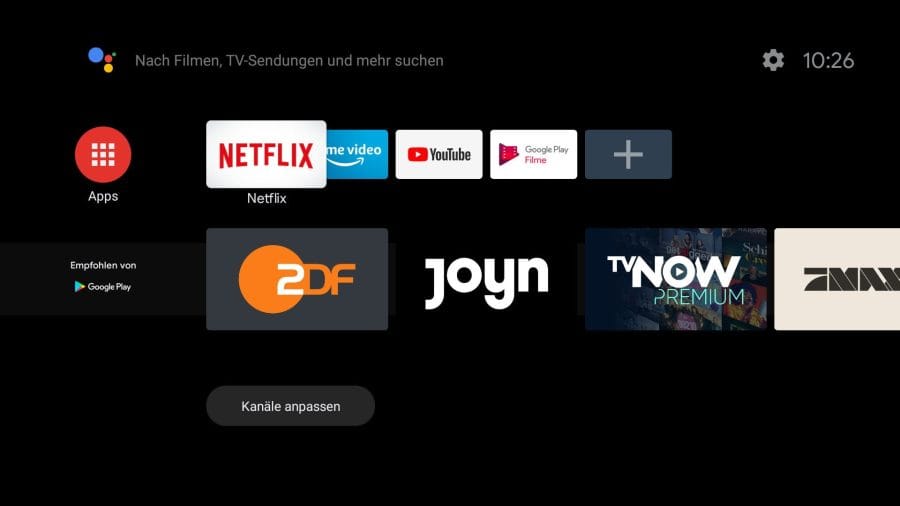
After setup, you land on the tidy Android TV 9 user interface. As of October 2020, it is not yet known whether or when the Xiaomi Mi TV Stick will receive an update to Android TV 11.
The user interface is clearly organised into tiles. Apps can be added to the quick selection and sorted as desired. Favourites can be displayed on the home screen. A preview enables quick switching to personalised content.
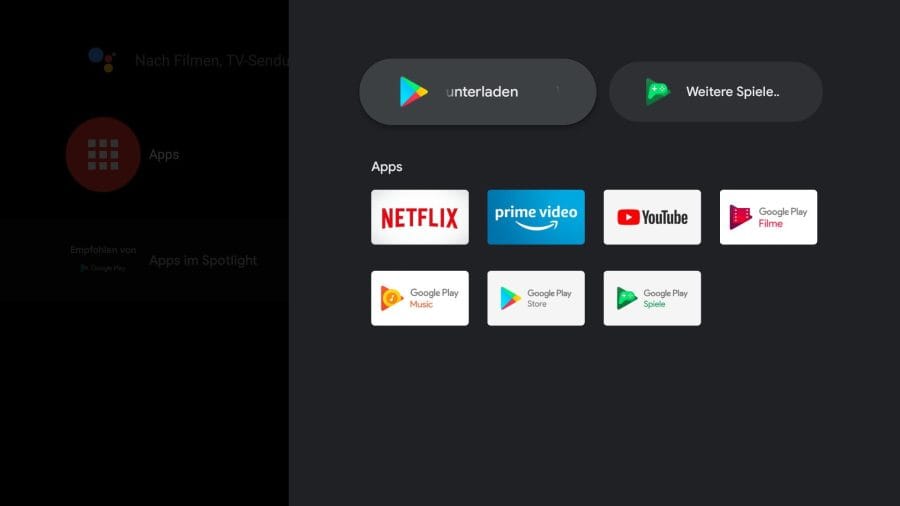
In practical testing, the user interface did not always respond smoothly. Longer loading times can occur when switching between apps, and the loading of tiles does not always happen instantly. Occasional stutters may occur when navigating the user interface. Despite these performance weaknesses, the Mi TV Stick still delivers a good overall Android TV experience.
Google Play Store
One reason to choose Android TV is the Google Play Store. This is comparable to the Play Store on Android smartphones and enables the installation of additional apps. The selection is broad and virtually every streaming provider (e.g. Netflix, Disney Plus, Prime Video, DAZN and others) is represented with a suitable app. In addition, numerous media players (e.g. Kodi, Plex, VLC), widgets and tools are available for download.
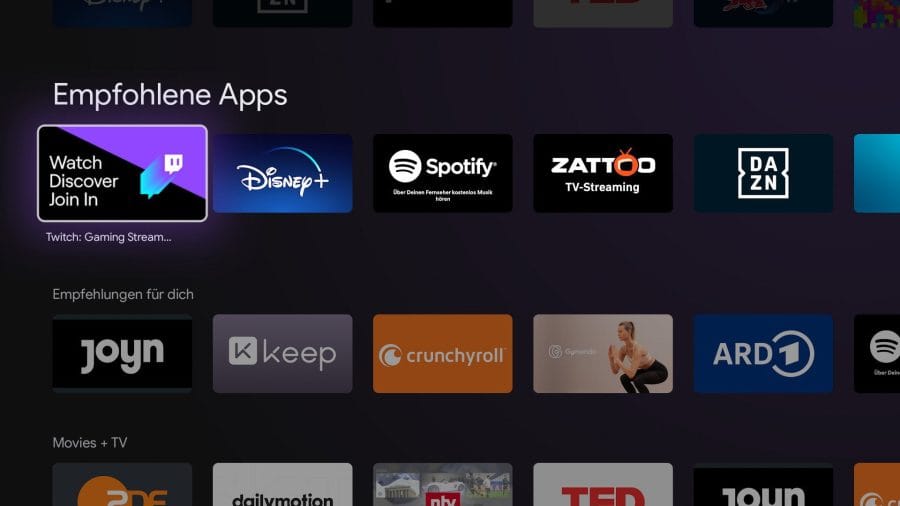
Those who want to use the stick with Sky Go are out of luck. The app is not available in the Play Store. Sky Go can be streamed to the stick from a PC web browser via Google Cast using a workaround.
Google Cast
The Xiaomi Mi TV Stick is Google Cast compatible and functionally comparable to a Google Chromecast. Videos, images and music can be streamed to the TV with a single click from a smartphone, tablet or PC.

Google Assistant
The Google Assistant integrated into Android TV responds to “OK Google” and helps search for films and other content. The Xiaomi Mi TV Stick's remote control has a dedicated Google Assistant button that calls up the voice assistant at the press of a button. Questions and commands are spoken directly into the microphone on the remote control.
Video playback and streaming
Strictly speaking, the Xiaomi TV Stick is a stripped-down Xiaomi Mi Box S. Instead of high-resolution 4K video playback, the stick is limited to Full HD (1080p60).
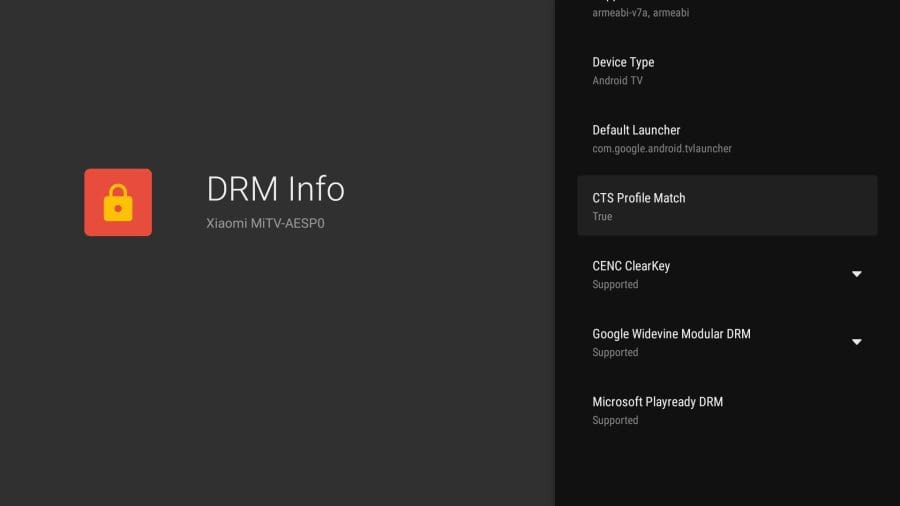
Playback was consistently smooth during testing. It makes no difference whether you are streaming via a streaming provider or casting a video via Google Cast. Supported are the video formats RM, MOV, VOB, AVI, MKV, TS and MP4, as well as the video codecs VP9-10, H.265, H.264, VC-1, MPEG1/2/4 and Real8/9/10. Playback of High-Dynamic-Range (HDR) content was not possible at the time of testing (yet), although the option "Color depth" is already present in the settings.
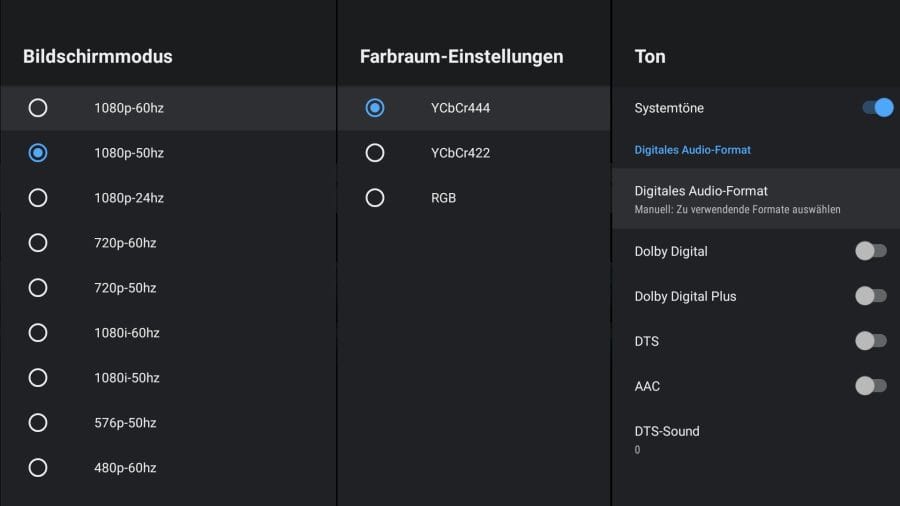
Kodi can be installed on the stick. However, since no external storage device can be connected, the only option remains to stream wirelessly via WLAN. An extensive media library quickly pushes the stick to its limits. The achieved WLAN speeds are perfectly sufficient for 1080p60 transmissions.
Multichannel audio can be passed through as PCM or source-coded in the form of Dolby Digital, Dolby Digital Plus, DTS and AAC. This also works satisfactorily. However, HD audio is not supported.
Xiaomi Mi TV Stick vs. Amazon Fire TV Stick
There is no clear winner in a comparison between the Xiaomi Mi TV Stick and the Amazon Fire TV Stick. Both streaming solutions excel in different areas. The Fire TV Stick is technically somewhat more current. Instead of Bluetooth 4.2, the Fire TV Stick already offers Bluetooth 5.0, supports HDR10+, and with a suitable USB OTG adapter, an external storage device can be connected.
| Model | Xiaomi Mi TV Stick | Xiaomi Mi Box S | Amazon Fire TV Stick (Lite) | Amazon Fire TV Stick (3rd generation) |
| OS | Android TV 9 | Android TV 9 | Fire OS 7 | Fire OS 7 |
| SoC | Amlogic S805Y | Amlogic S905X | MediaTek MT8695D | MediaTek MT8695 |
| CPU | 4x Cortex-A53 1.5 GHz |
4x Cortex-A53 2.0 GHz |
4x Cortex-A53 1.7 GHz |
4x Cortex-A53 1.7 GHz |
| GPU | Mali-450 750 MHz | Mali-450 750 MHz | IMG PowerVR GE8300 | IMG PowerVR GE8300 |
| DDR | 1GB DDR3 | 2GB DDR3 | 1GB DDR4 | 1GB DDR4 |
| Data storage | 8GB eMMC | 8GB eMMC | 8GB eMMC | 8GB eMMC |
| Video Dec. | HEVC/VP9 1080p60 10bit | HEVC/VP9 4k60 10bit | HEVC/VP9 1080p60 10bit | HEVC/VP9 1080p60 10bit |
| HDR | HDR10/HLG | HDR10/HLG | HDR10/HDR10+/HLG | HDR10/HDR10+/HLG |
| Audio PT. | PCM, DD, DD+, DTS | PCM, DD, DD+, DTS | PCM, DD, DD+, DA, DTS (Va) | PCM, DD, DD+, DA, DTS (Va) |
| Output | HDMI2.0, HDCP2.2 | HDMI 2.0a, HDCP 2.2 | HDMI2.0, HDCP2.2 | HDMI2.0, HDCP2.2 |
| Wi-Fi | 802.11b/g/n/ac | 802.11b/g/n/ac | 802.11b/g/n/ac | 802.11b/g/n/ac |
| Bluetooth | Bluetooth 4.2 | Bluetooth 4.2 | Bluetooth 5.0 | Bluetooth 5.0 |
On the software side, Android TV offers more possibilities than Fire OS. A major advantage of Android TV is the Google Cast function, which allows apps, films and music to be cast to the TV with a single click. In favour of Fire OS, however, is the strong Prime ecosystem. For instance, Amazon's Alexa voice assistant is a step ahead of Google Assistant.
Our verdict
Is the Xiaomi Mi TV Stick a recommended streaming solution? Absolutely! Anyone wanting to turn their old FHD TV into a smart TV is in good hands with Xiaomi. The Android TV user interface supports most streaming providers and offers an easy way to stream films, music and apps to the stick via Google Cast.
Nevertheless, the Xiaomi TV Stick remains a cheap entry-level solution. For users with higher demands - whether due to extensive media libraries, 4K streaming or gaming - the performance of the stick is not sufficient. For these users, it is advisable to consider a TV box.
Specifications
Processor and memory
- CPU
- Amlogic S805Y
- RAM
- 1GB DDR3
- Internal storage
- 8GB
- Storage expansion
- No
Ports
- HDMI
- 1x HDMI 2.0
- USB
- 1x Micro-USB (power)
Connectivity
- Wi-Fi
- Dual Band AC (802.11a/b/g/n/ac)
- Bluetooth
- Standard 4.2
Video - Audio
- Video resolution
- up to 1080p 60fps
- Video codecs
- VP9-10, H.265, H.264, VC-1, MPEG1/2/4 and Real8/9/10
- Video formats
- RM, MOV, VOB, AVI, MKV, TS and MP4
- Audio codecs
- DOLBY, DTS
- Audio formats
- MP3, AAC, FLAC, OGG
Other
- OS
- Android TV 9
- Kodi
- Yes
- Size
- 9.24 x 3.20 x 1.52 cm
- Weight
- 18.5g
Price comparison
| Store | Price | Link |
|---|---|---|
| Amazon | 72,20 € | Go to store |
Comments