Contents
First impressions - Xiaomi Mi WiFi Router 3
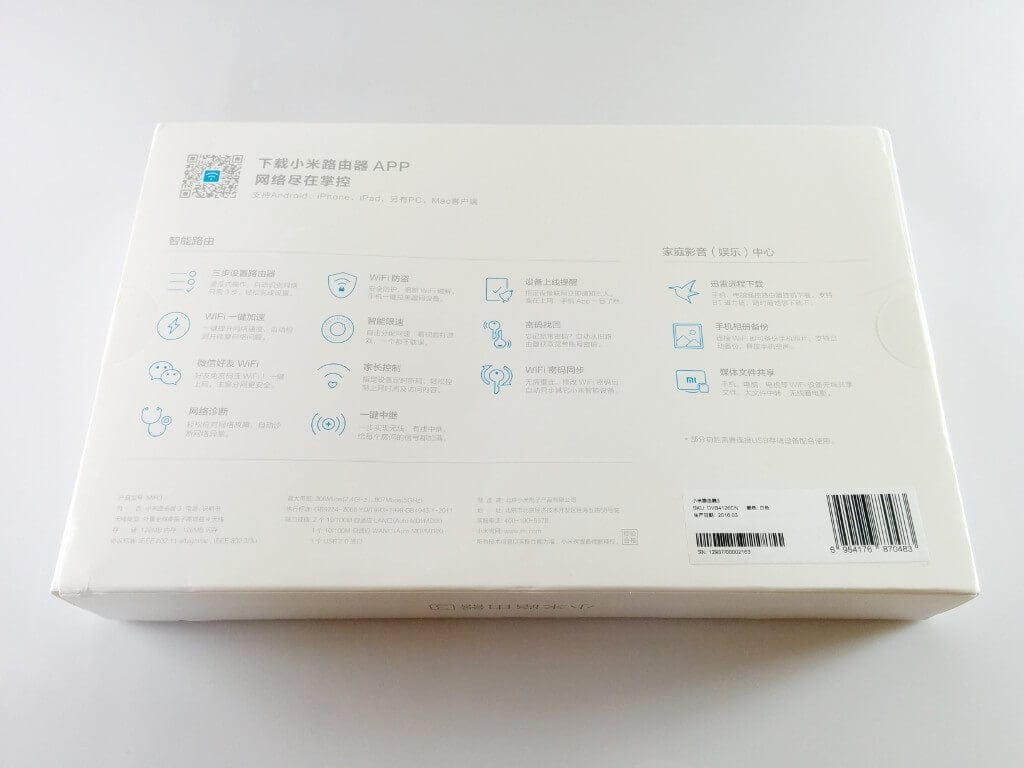
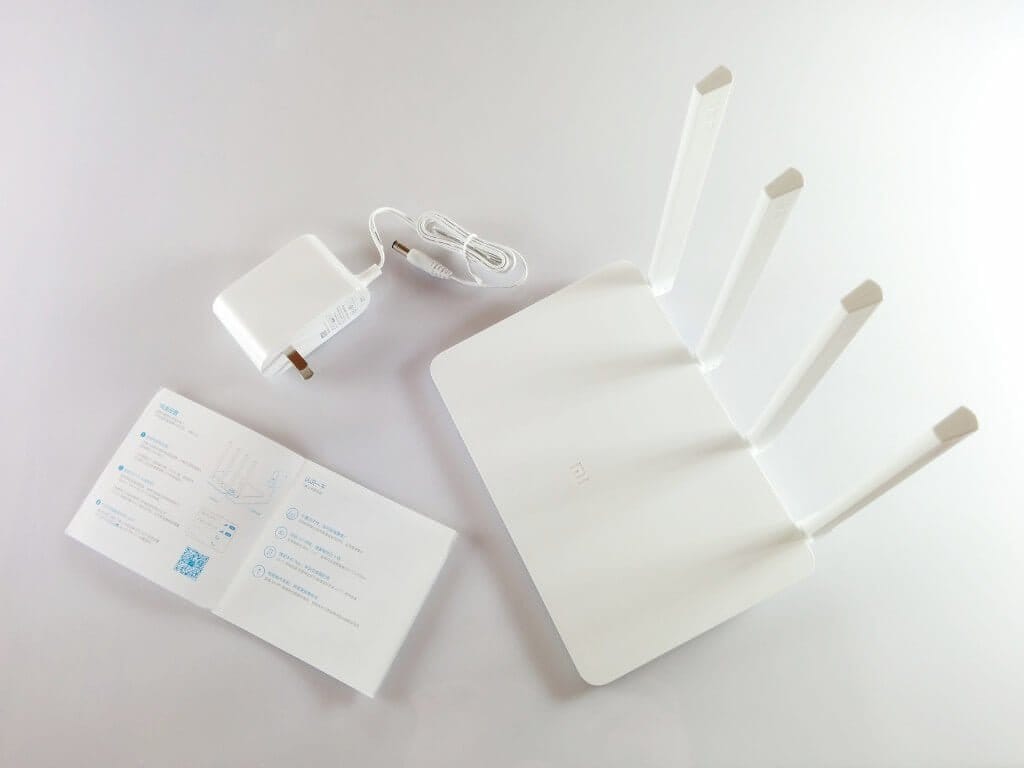
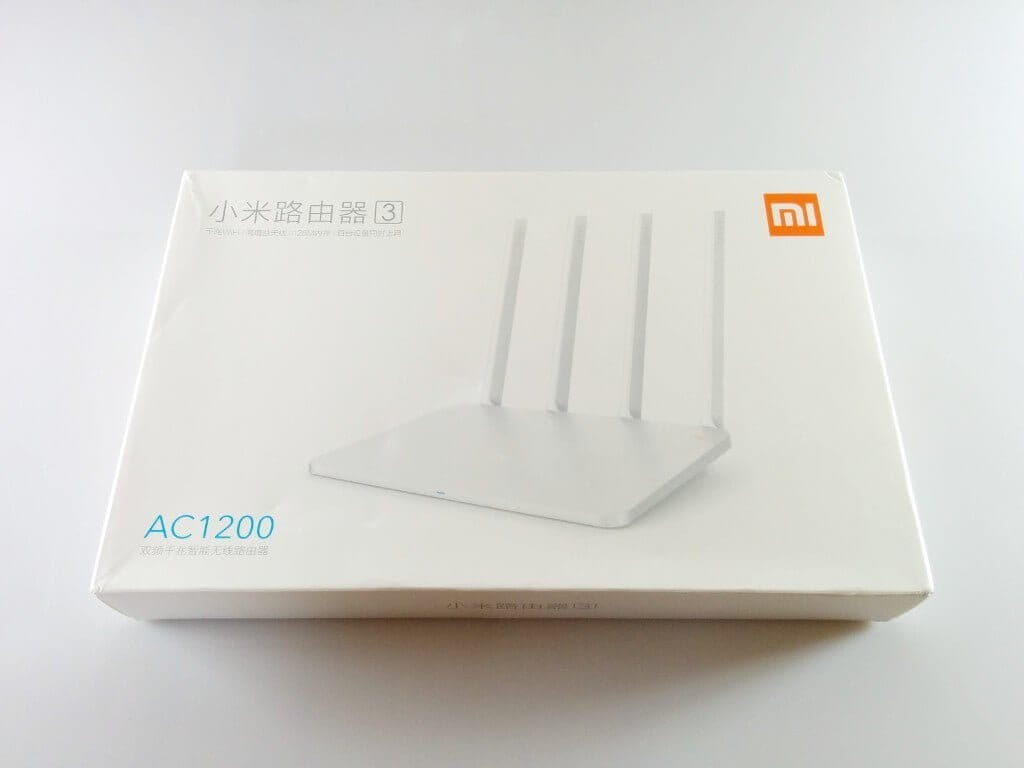
Compared to its predecessor, the Xiaomi Mi WiFi Router 3 is no longer delivered in a compact box but in a much larger one. However, the scope of delivery has remained the same. In addition to the Xiaomi Router 3, a Chinese instruction manual was included, and a 12V power adapter was also included. Before purchasing a Xiaomi product, one should be aware that the version intended for the Chinese market is often sold, which comes without an English or German instruction manual, and the power adapter has a NEMA-1 (Type A) plug. Therefore, an EU adapter is inevitably required, which most Chinese shops include.
Xiaomi Mi WiFi Router 3 Review on YouTube
 Play video on YouTube
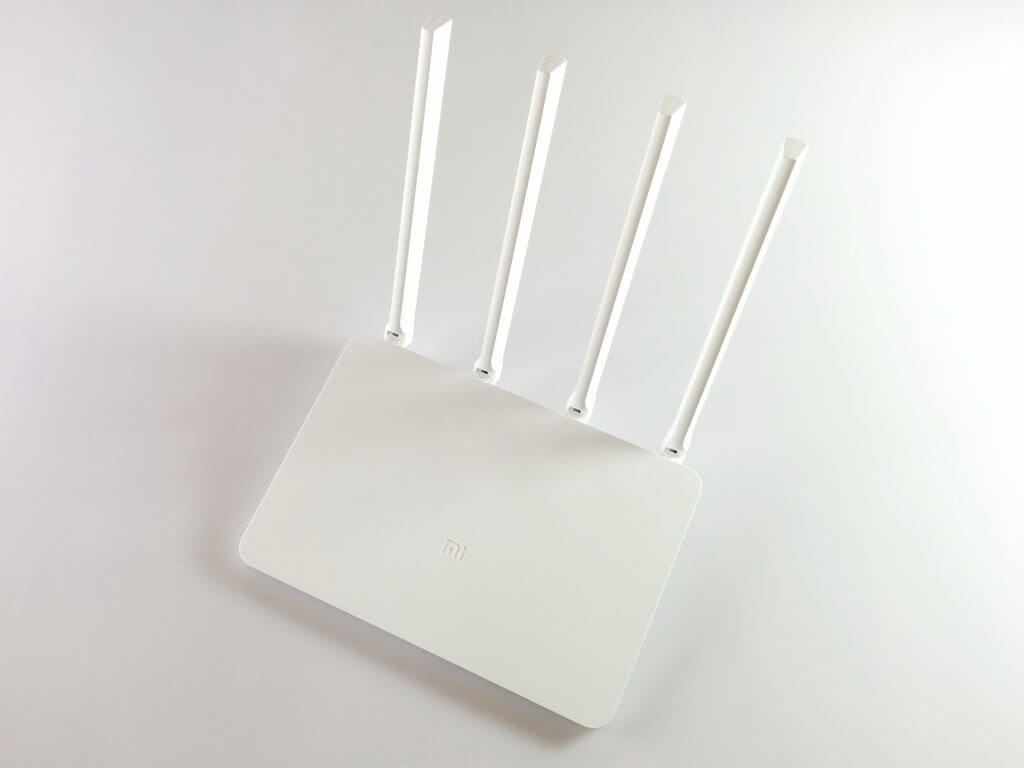
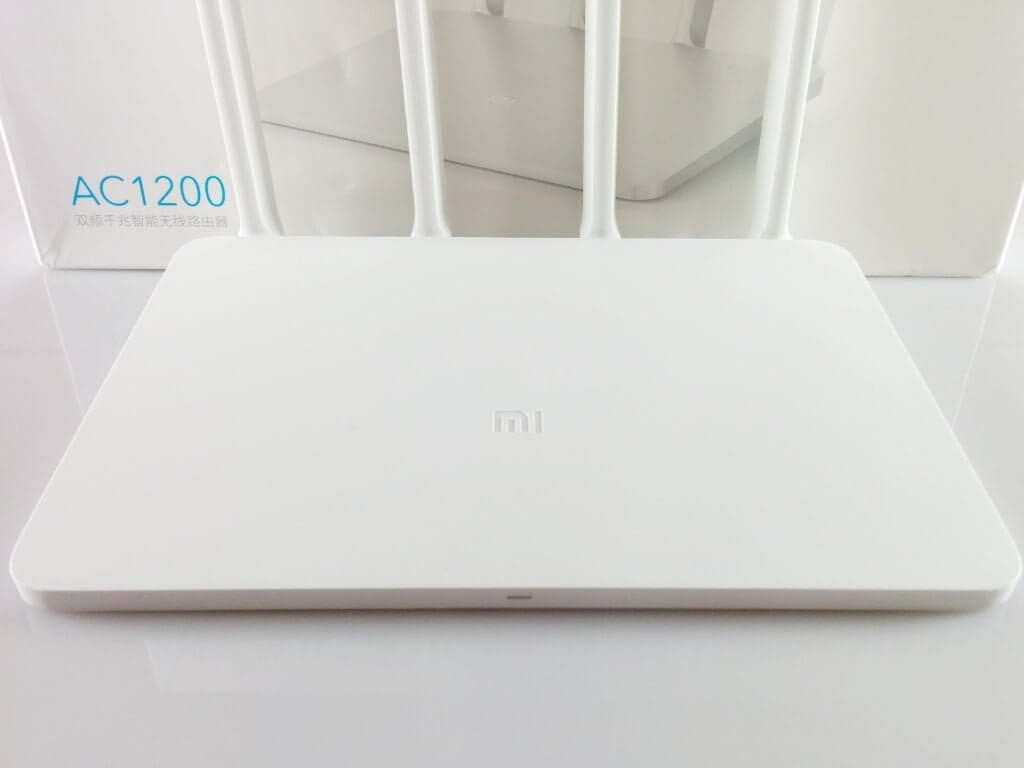
The Xiaomi Mi WiFi Router 3 differs from its predecessor in both size and design. While the new model still features the simple white plastic housing with the LED on the front, the design is no longer quite as compact as the Xiaomi Mini Router, because the Xiaomi Router 3 now has 4 dual-band AC antennas. These antennas can be tilted into three positions and are firmly connected to the device.
Hardware
The hardware of the new Xiaomi router has hardly changed. As a processor, a MediaTek MT7620A processor is used, running at 580MHz, just like in the predecessor. The RAM has also been kept at 128MB. However, the flash memory has been increased from 16MB to 128MB.
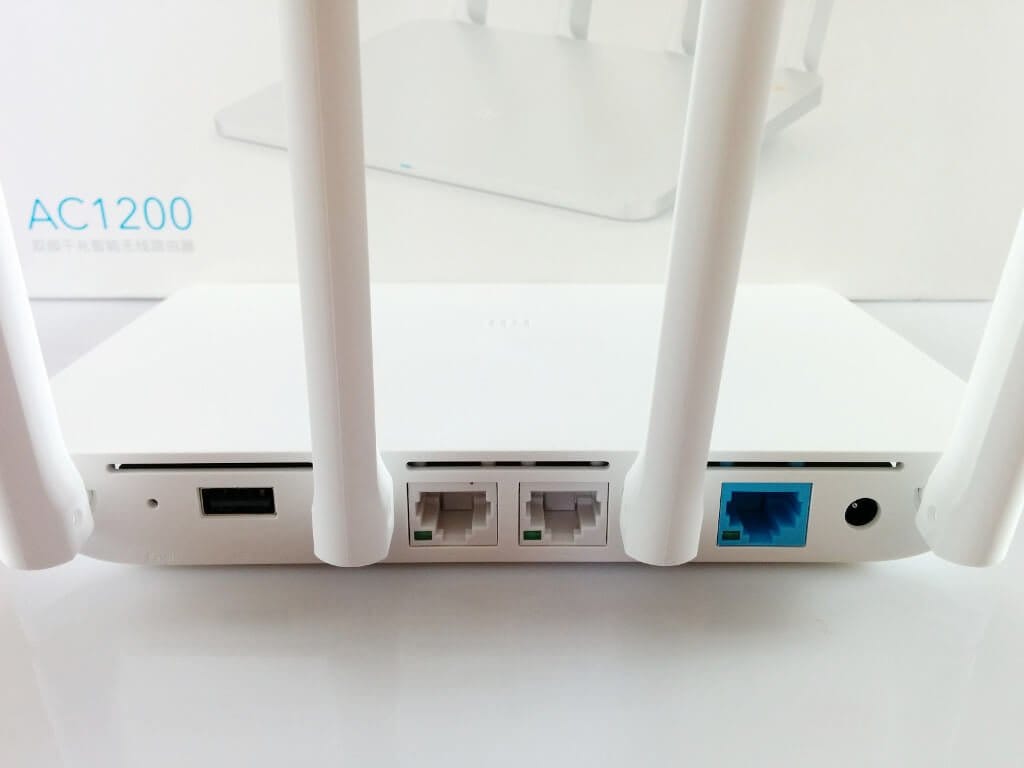
The rear connections have also been retained. The Xiaomi Mi WiFi Router 3 has a WAN port, 2 LAN ports, a USB 2.0 port, a reset button and the 12V power input. Unfortunately, Xiaomi has left the maximum transfer rate at 100Mbit/s for the network ports.
The Xiaomi WiFi Router 3 supports dual band. Two omnidirectional antennas (5 dBi) handle 2.4G transmission with up to 300 Mbit/s, while two omnidirectional antennas (6 dBi) handle 5G transmission with up to 867 Mbit/s. Supported Wi-Fi standards include IEEE 802.11a / b / g / n / ac and IEEE 802.3 / 3u.
Setup
Setting up is quite straightforward despite the Chinese web interface. While you can use your smartphone's Google Translator to help with the setup, the steps required for configuration are largely self-explanatory. It only asks for the WLAN name, the password and the admin password for the web interface, which you can set individually. Once the Xiaomi Mi WiFi Router 3 is set up, a network connection should also be established, which means that the web interface can now be translated via the browser using the Google Translator.
Web interface and features
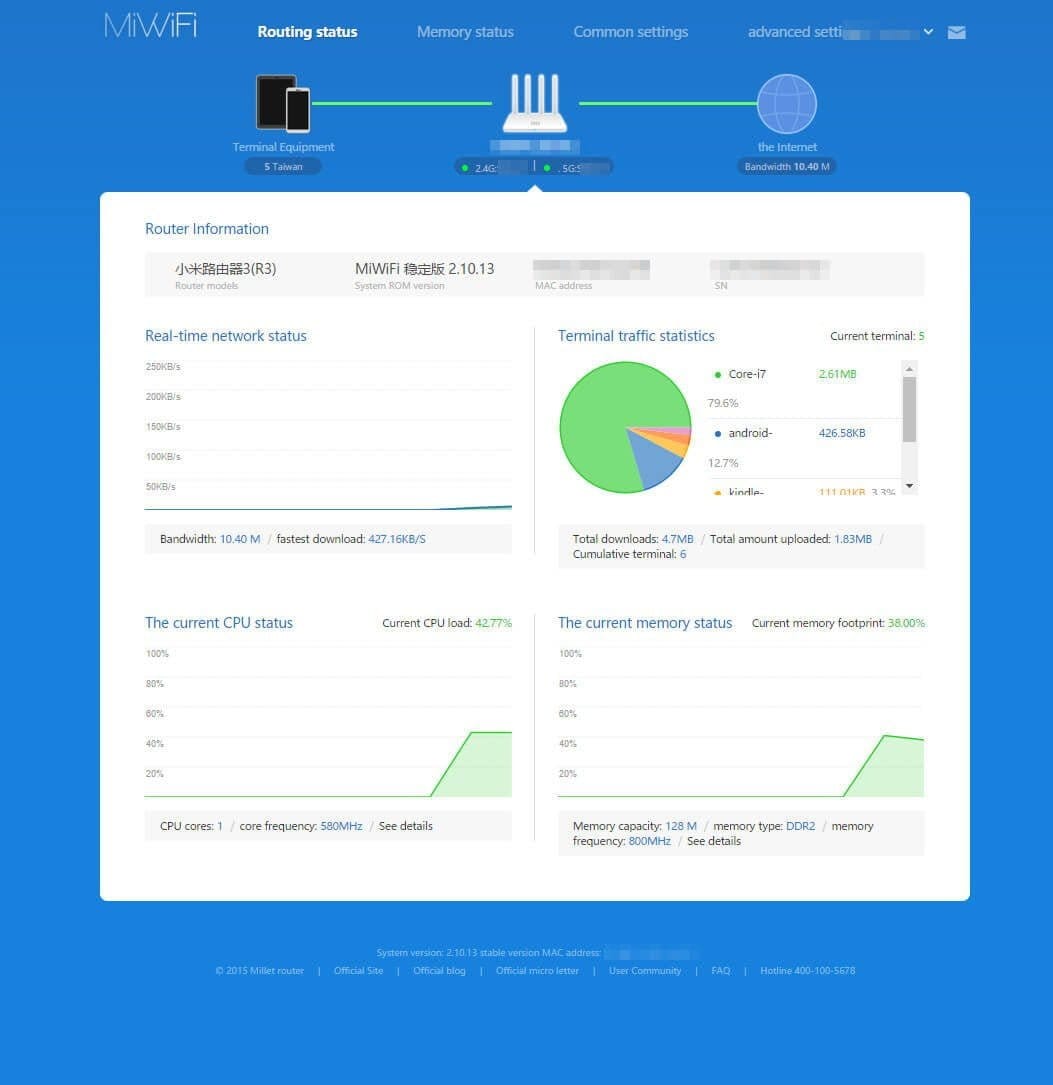
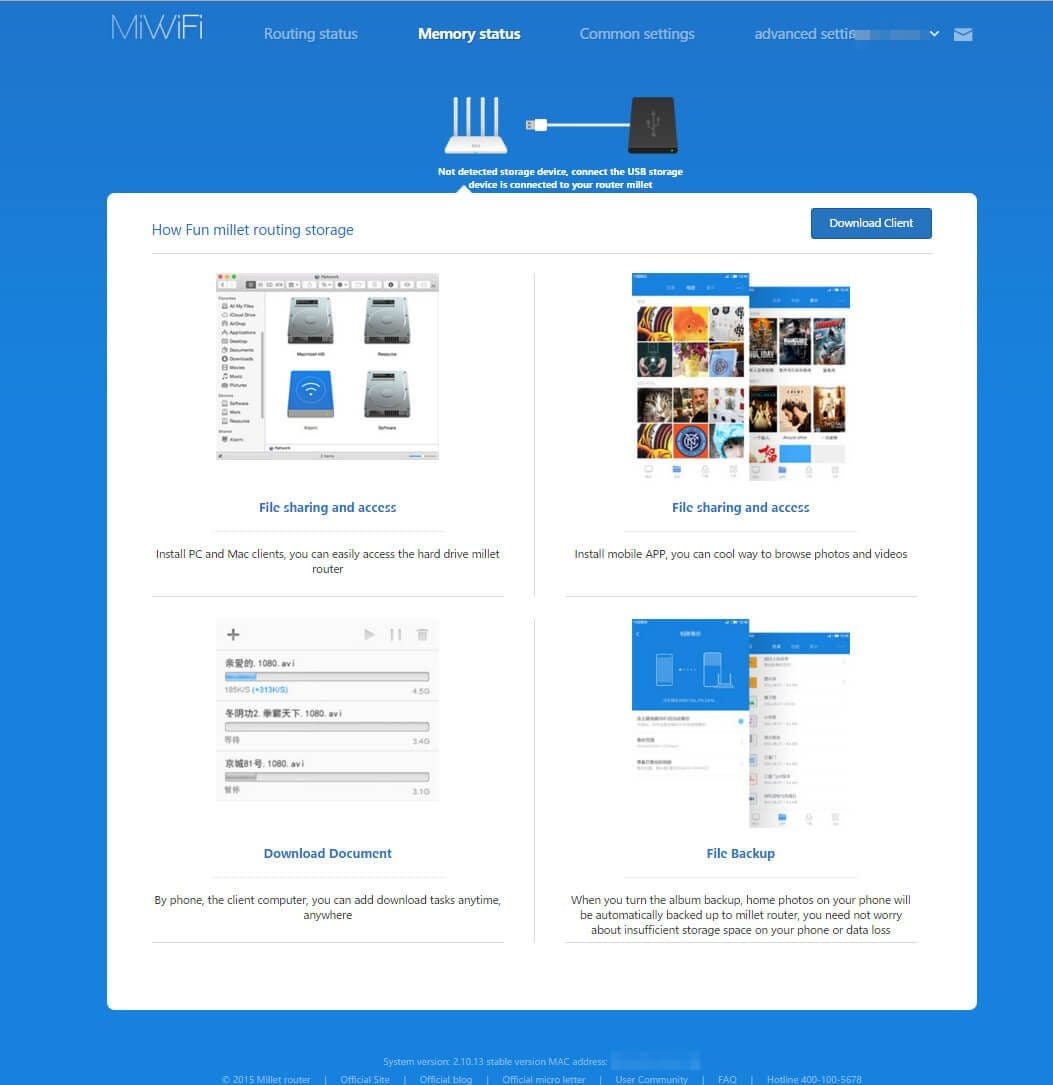
The web interface of the Xiaomi router has a clear layout and offers numerous configuration options. The main overview displays, among other things, currently connected devices along with the amount of data transferred by each device, as well as the current transfer speed, CPU utilisation and memory usage. An external drive can be connected via the router's USB port, allowing files to be shared within the network. This means the Xiaomi Router 3 can be used as a NAS.
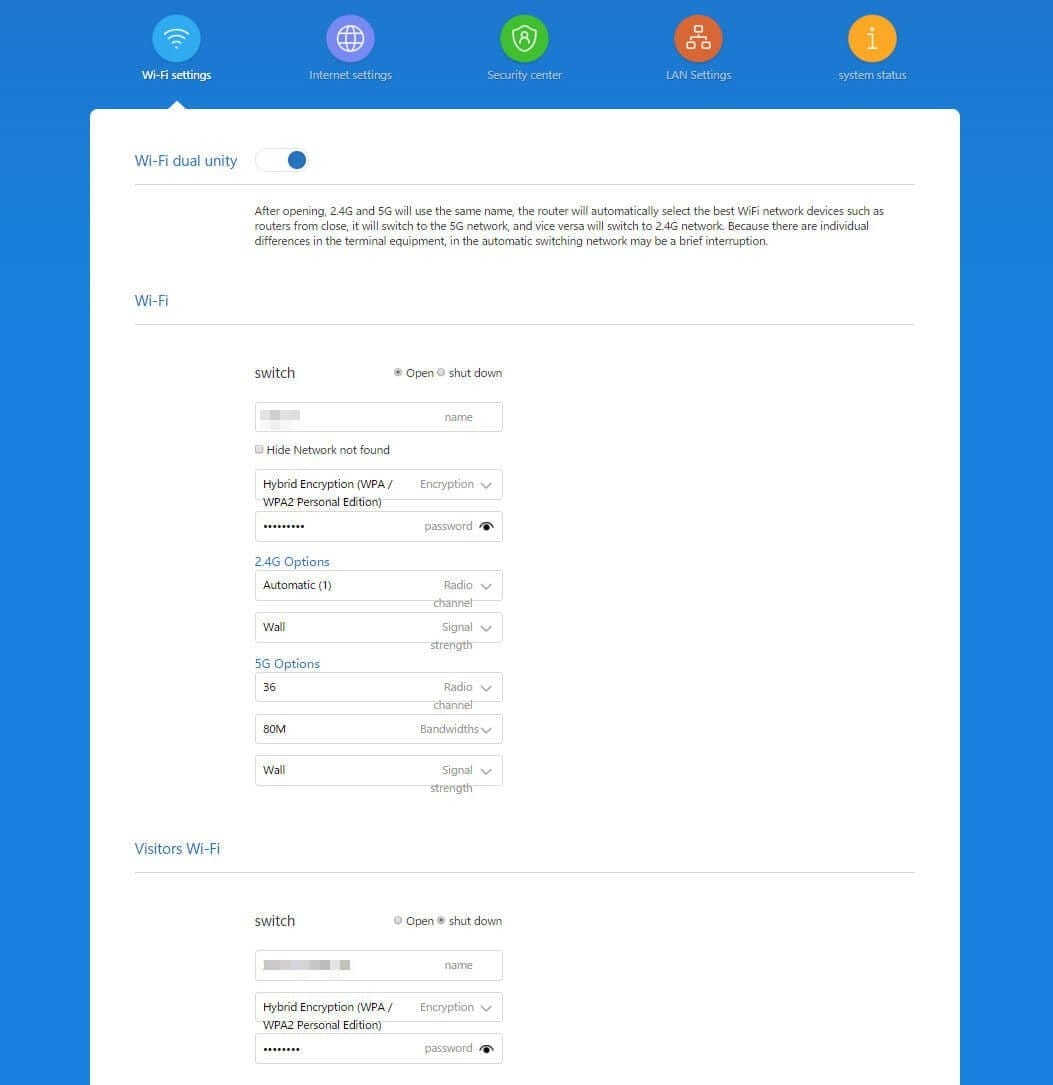
In the WiFi settings, the 2.4G and 5G networks can be combined, so the connected device automatically selects the stronger network. However, both networks can also be separated. For encryption, WPA, WPA2 and WPA + WPA2 Hybrid are available. Of course, it is also possible to set the channel, signal strength and bandwidth. The channels for the 2.4G network range from 1 to 13. Those for the 5G network range from 36 to 165.
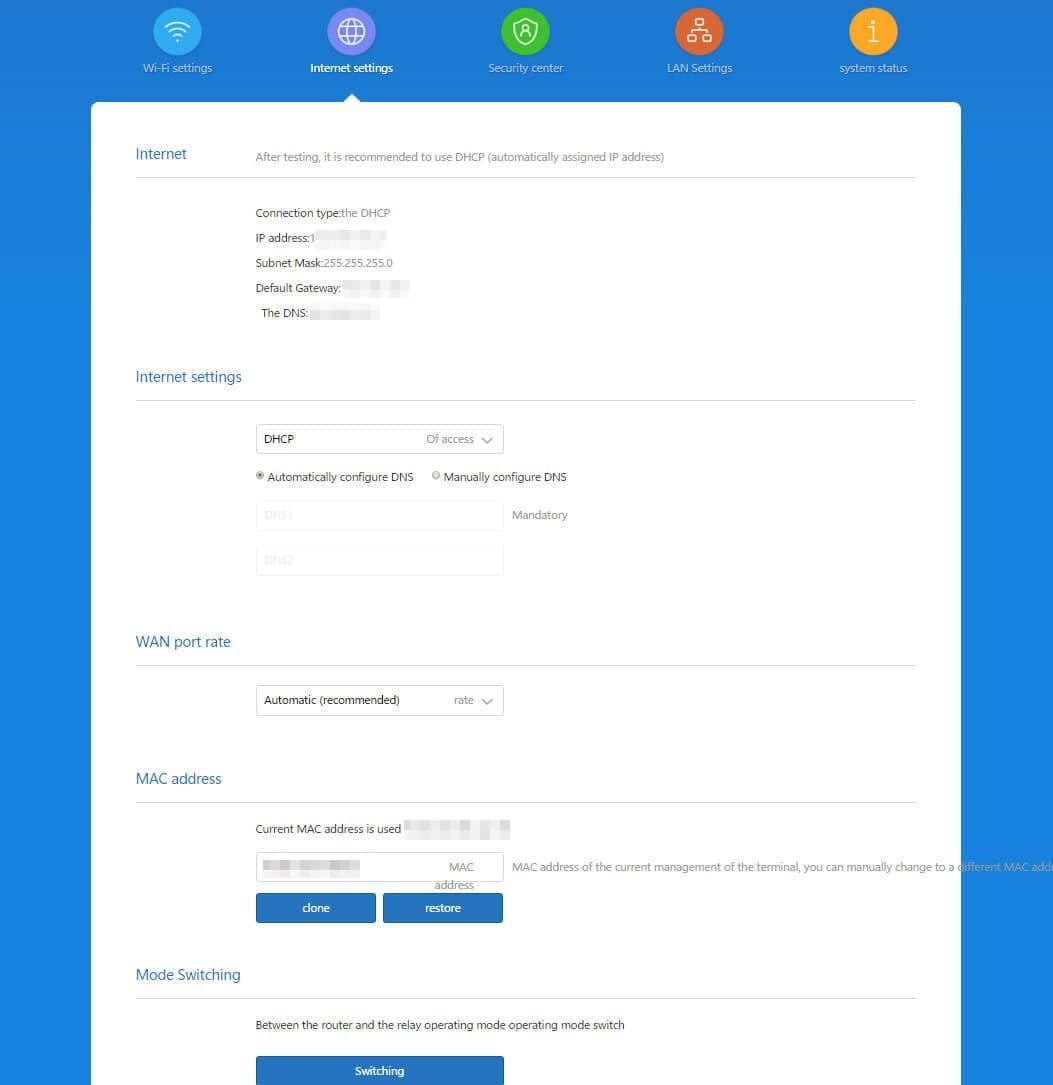
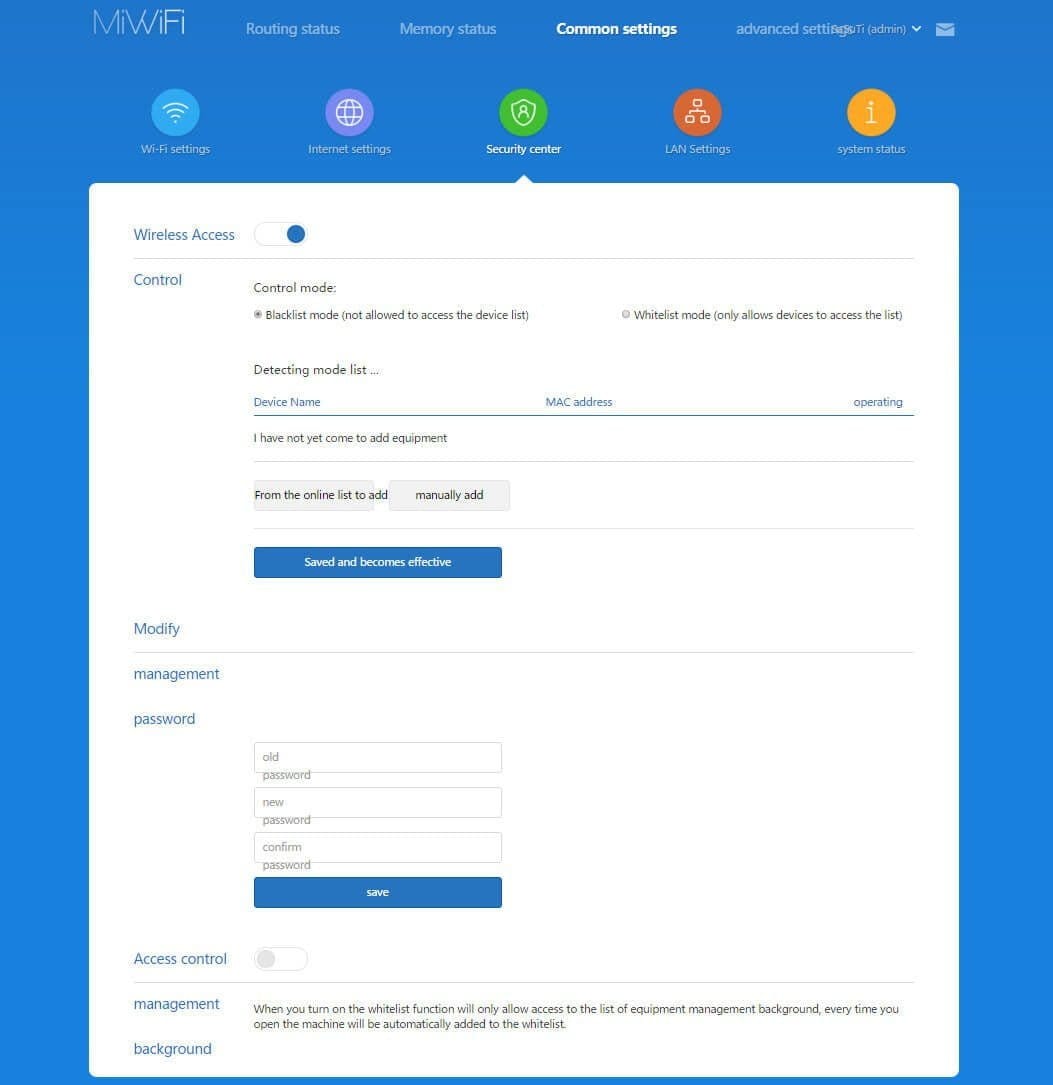
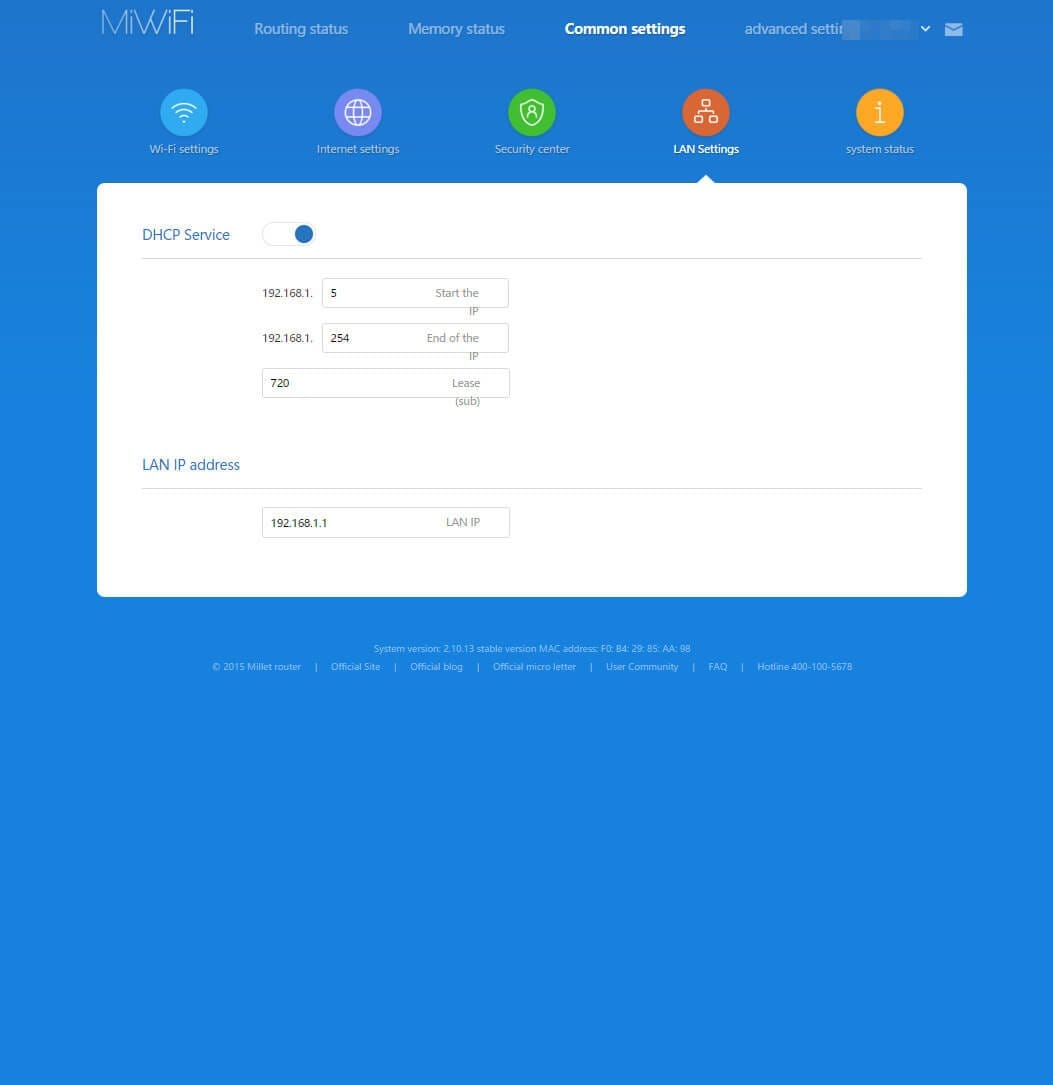
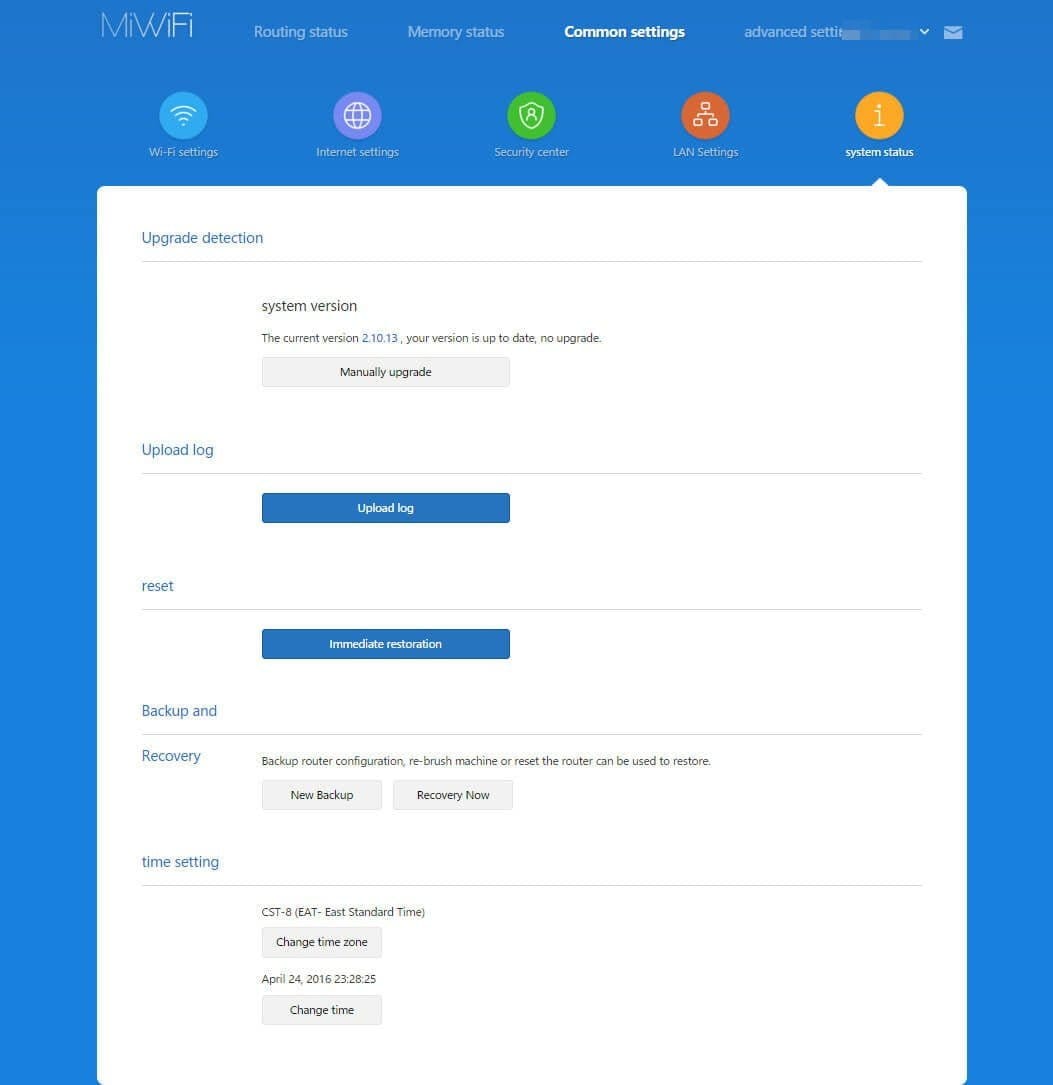
Of course, settings regarding DHCP, DNS, MAC address and WAN port rate can also be made. The router can also be used as a repeater. In the security settings, a MAC filter can be activated, allowing the creation of both a whitelist and a blacklist. Advanced settings include a QoS feature to regulate transfer speed, an entry for DDNS, port forwarding is available, UPnP can be enabled, and a VPN (PPTP or L2TP) can be set up directly on the router.
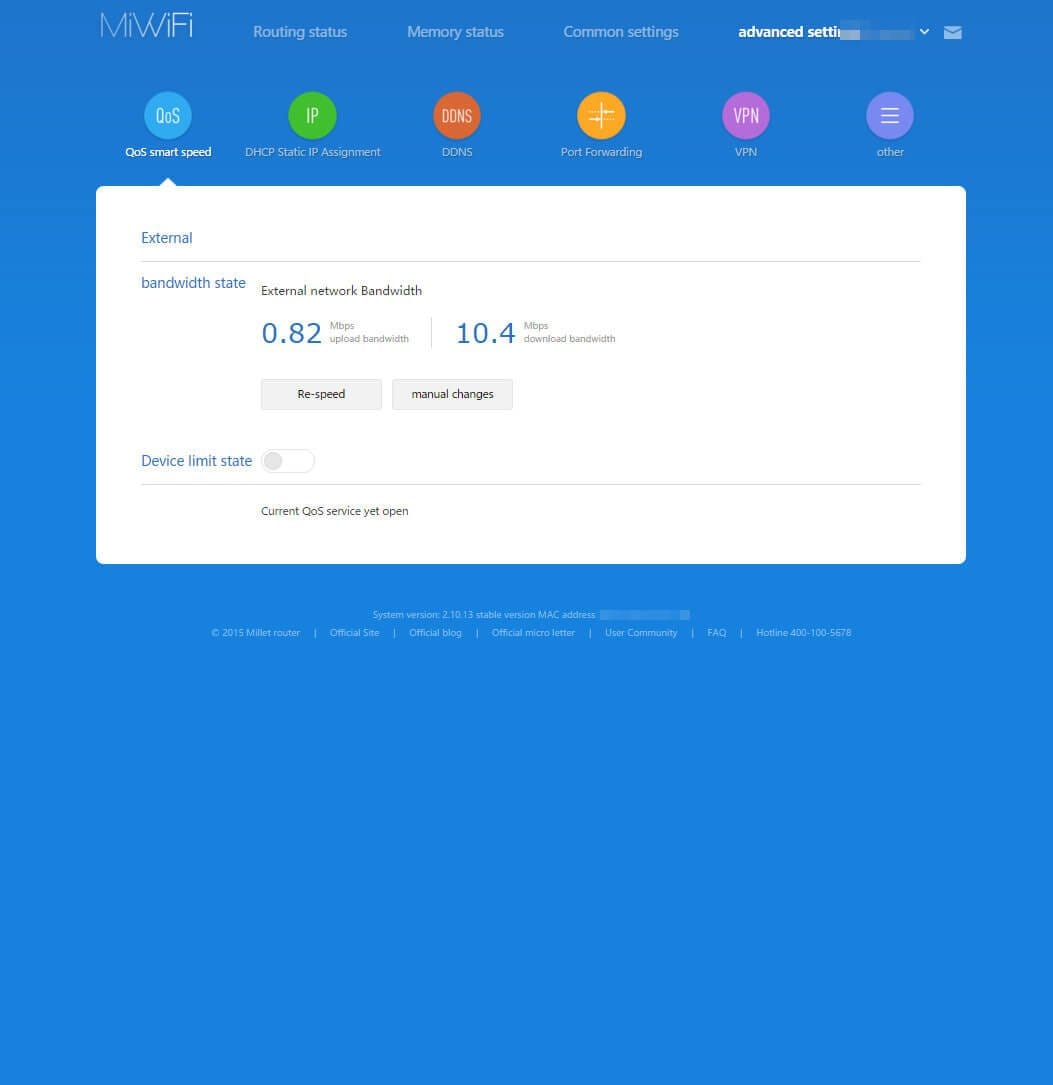
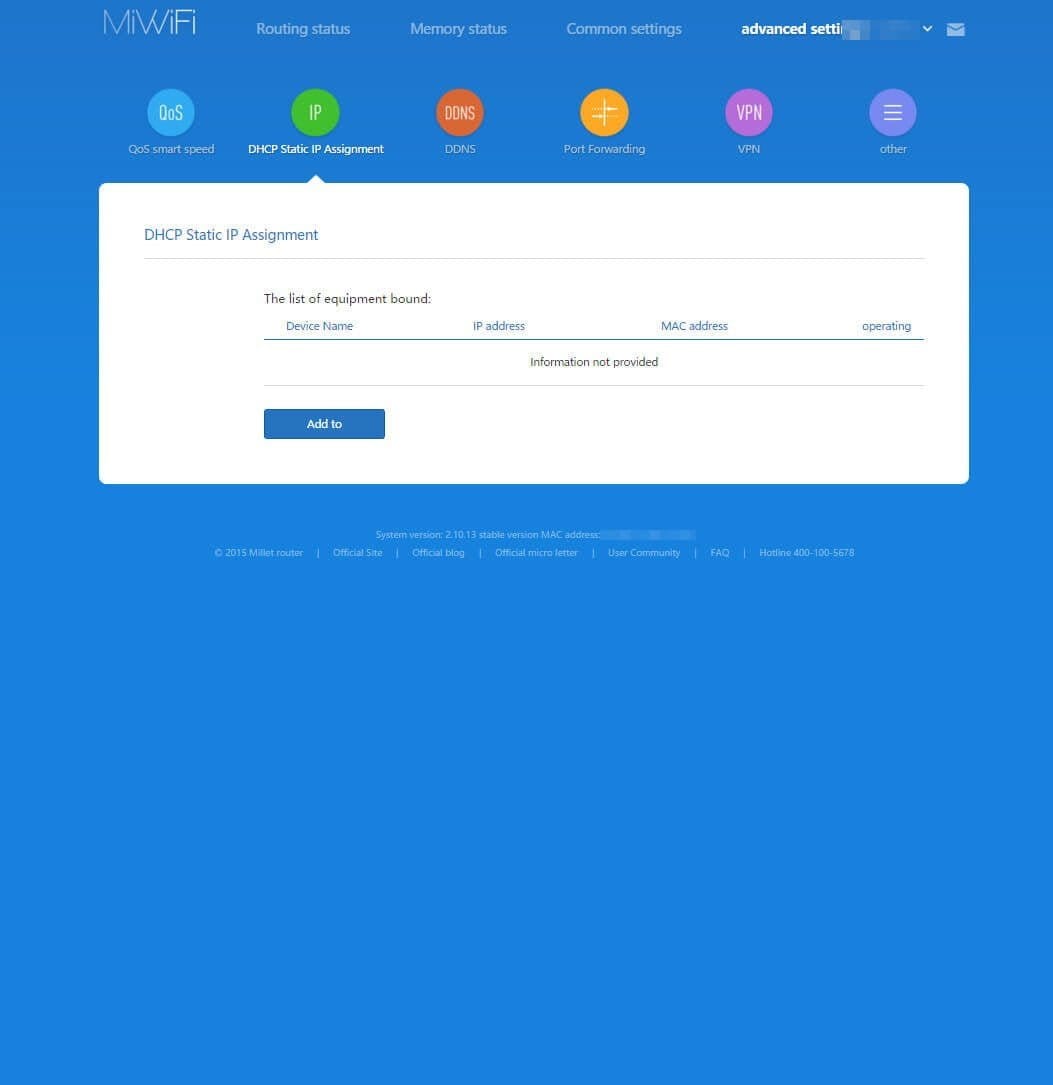
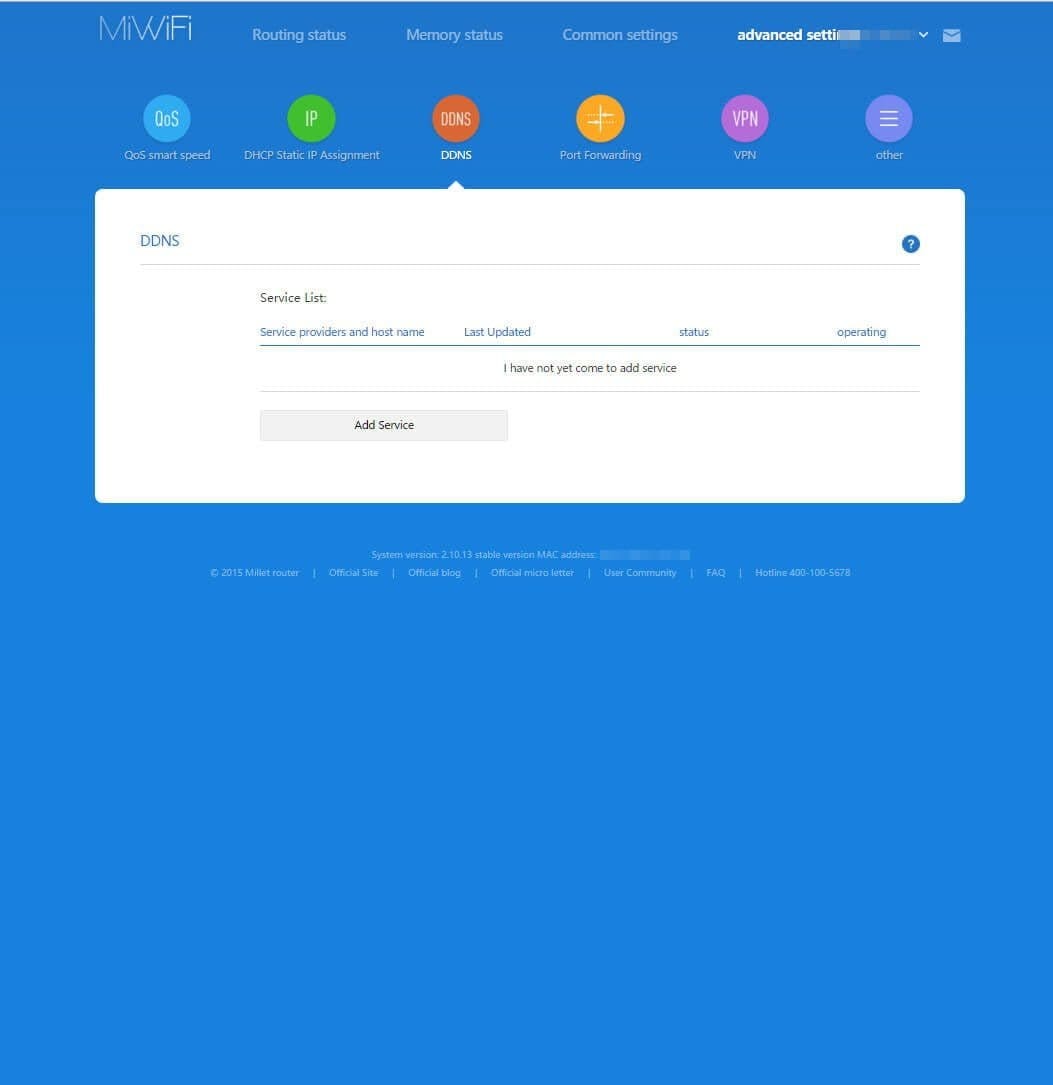
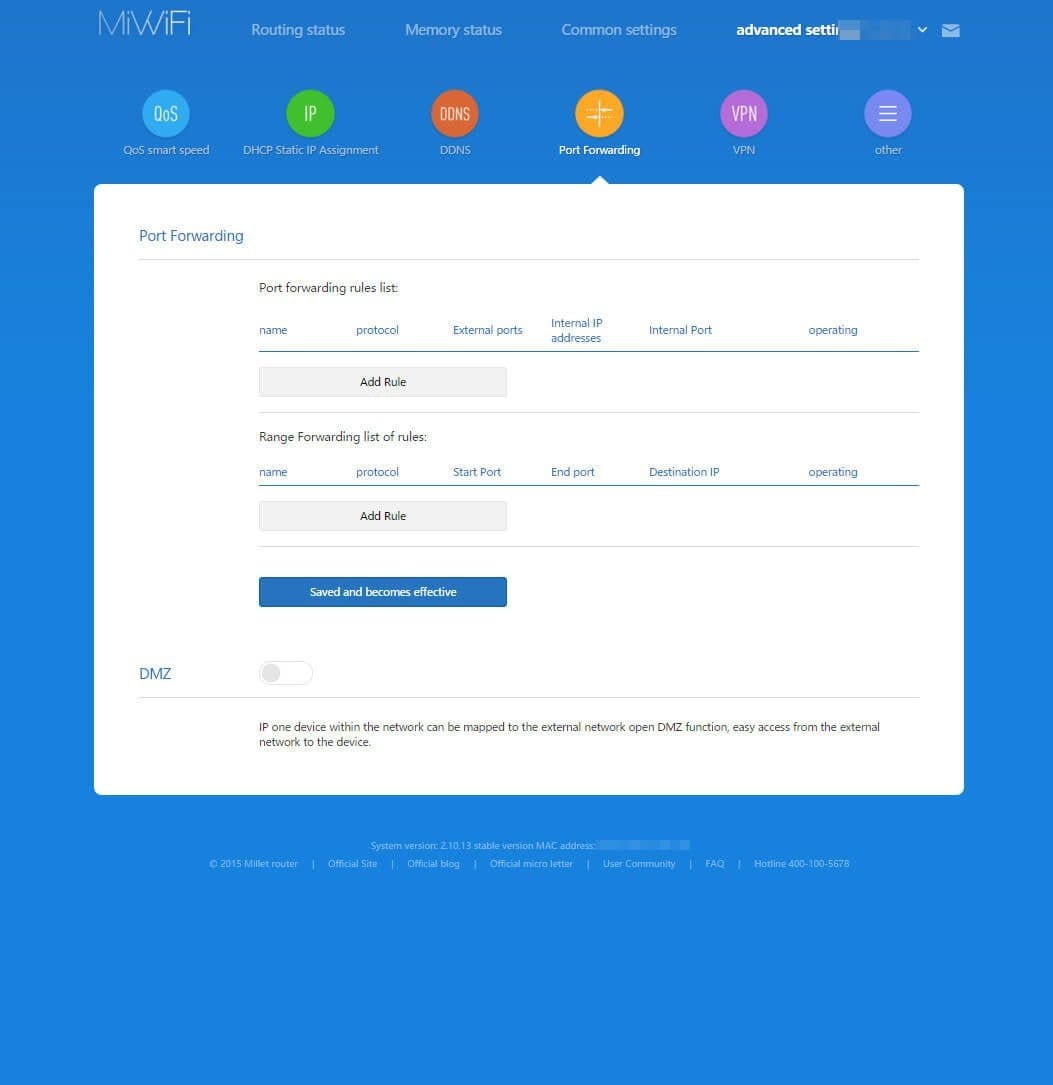
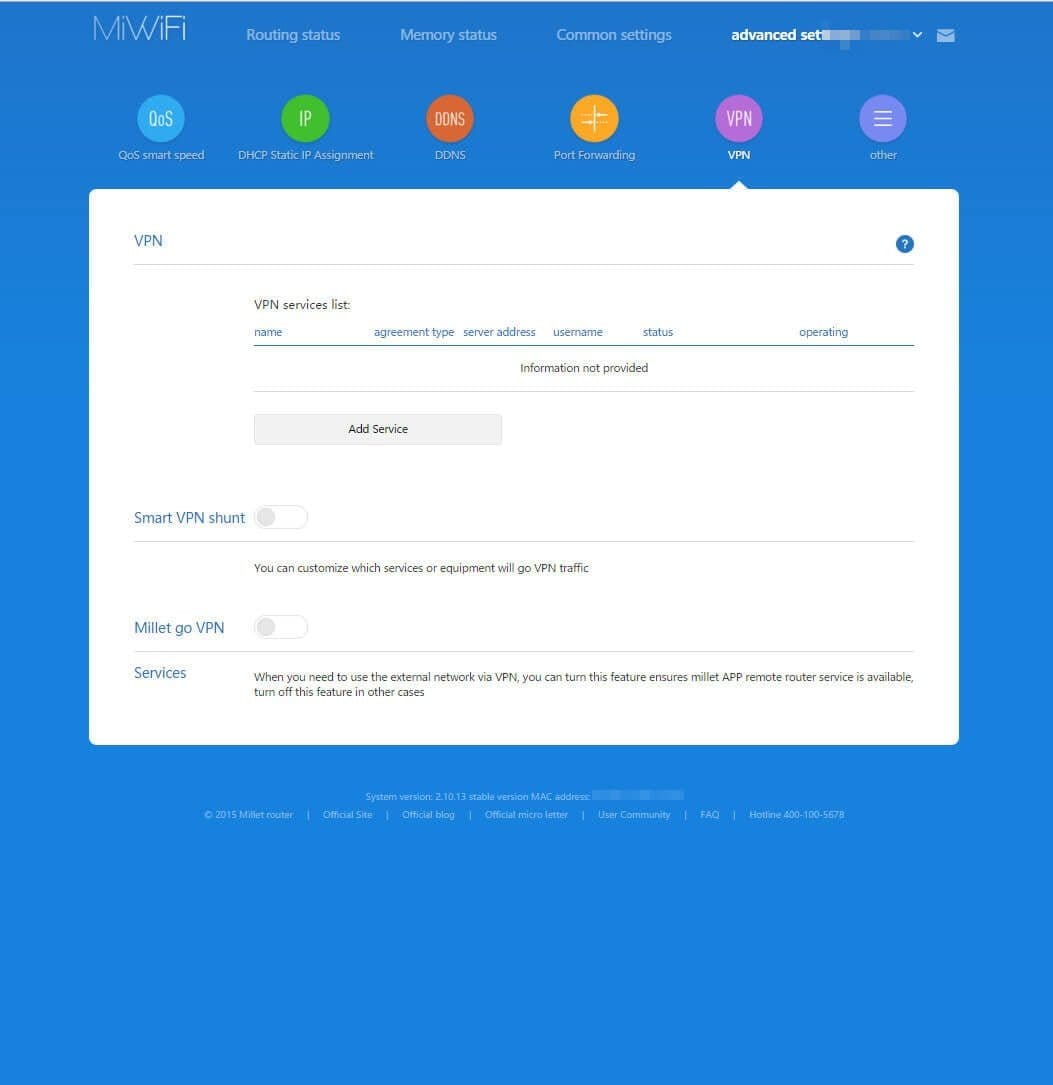
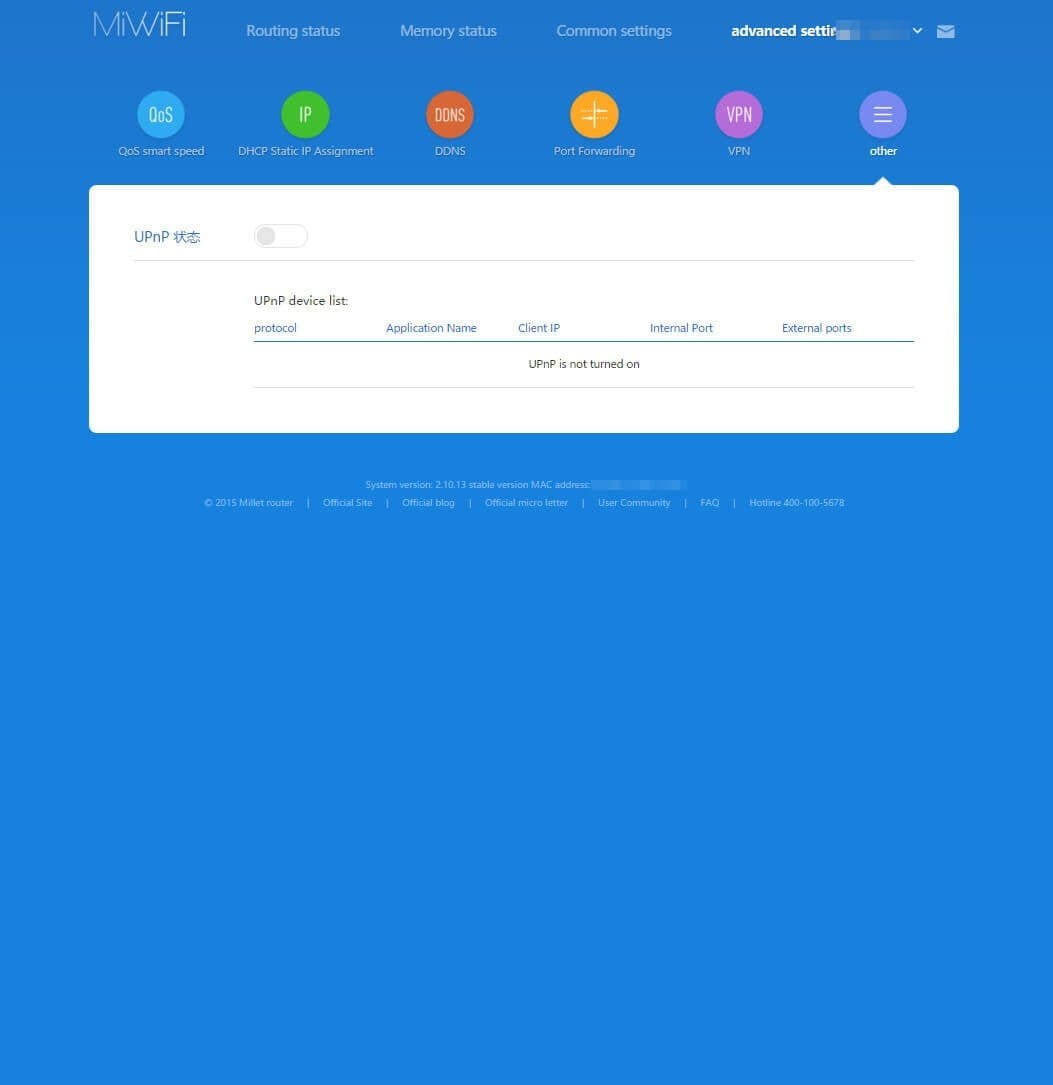
Xiaomi Router App
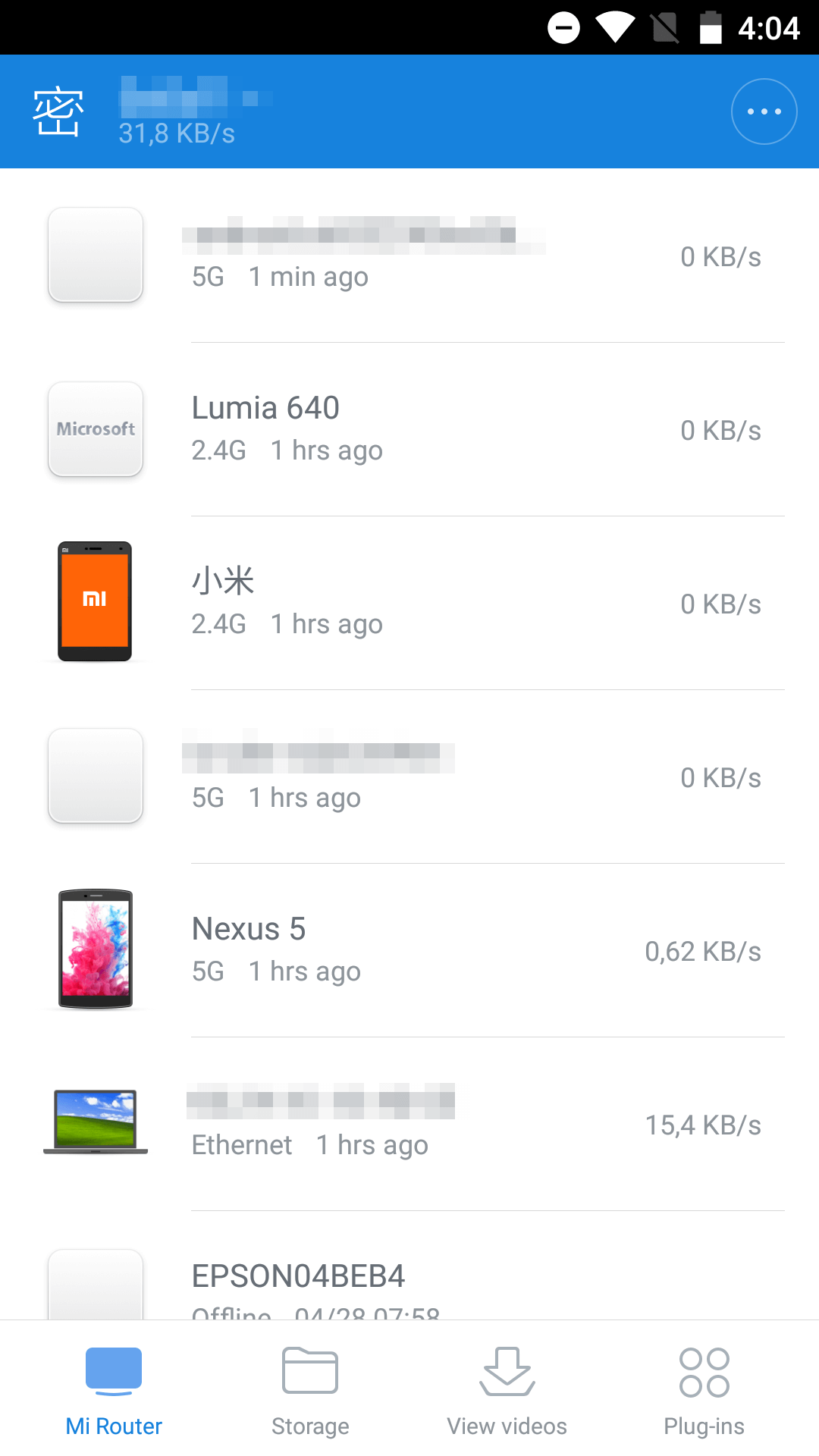
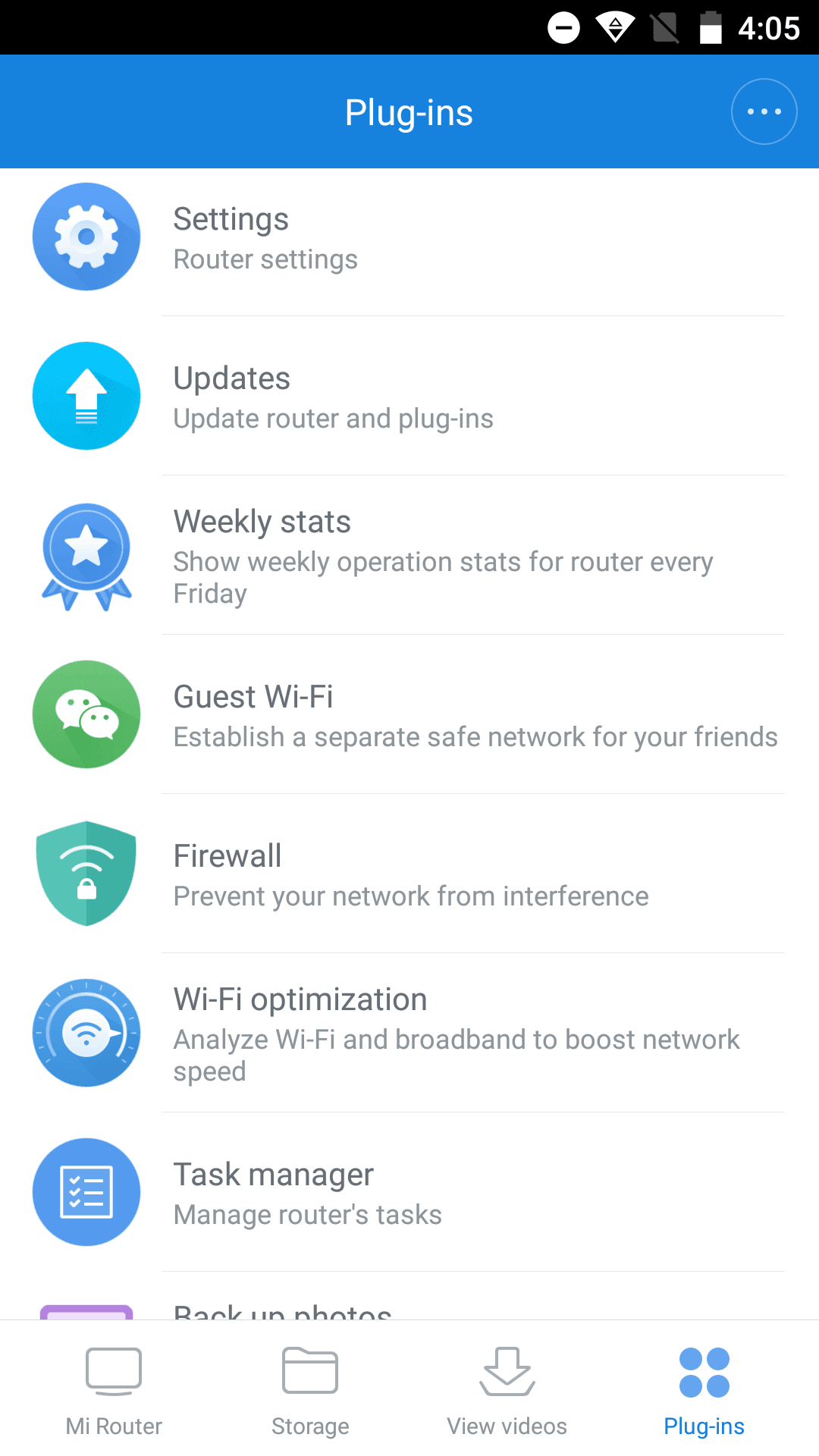
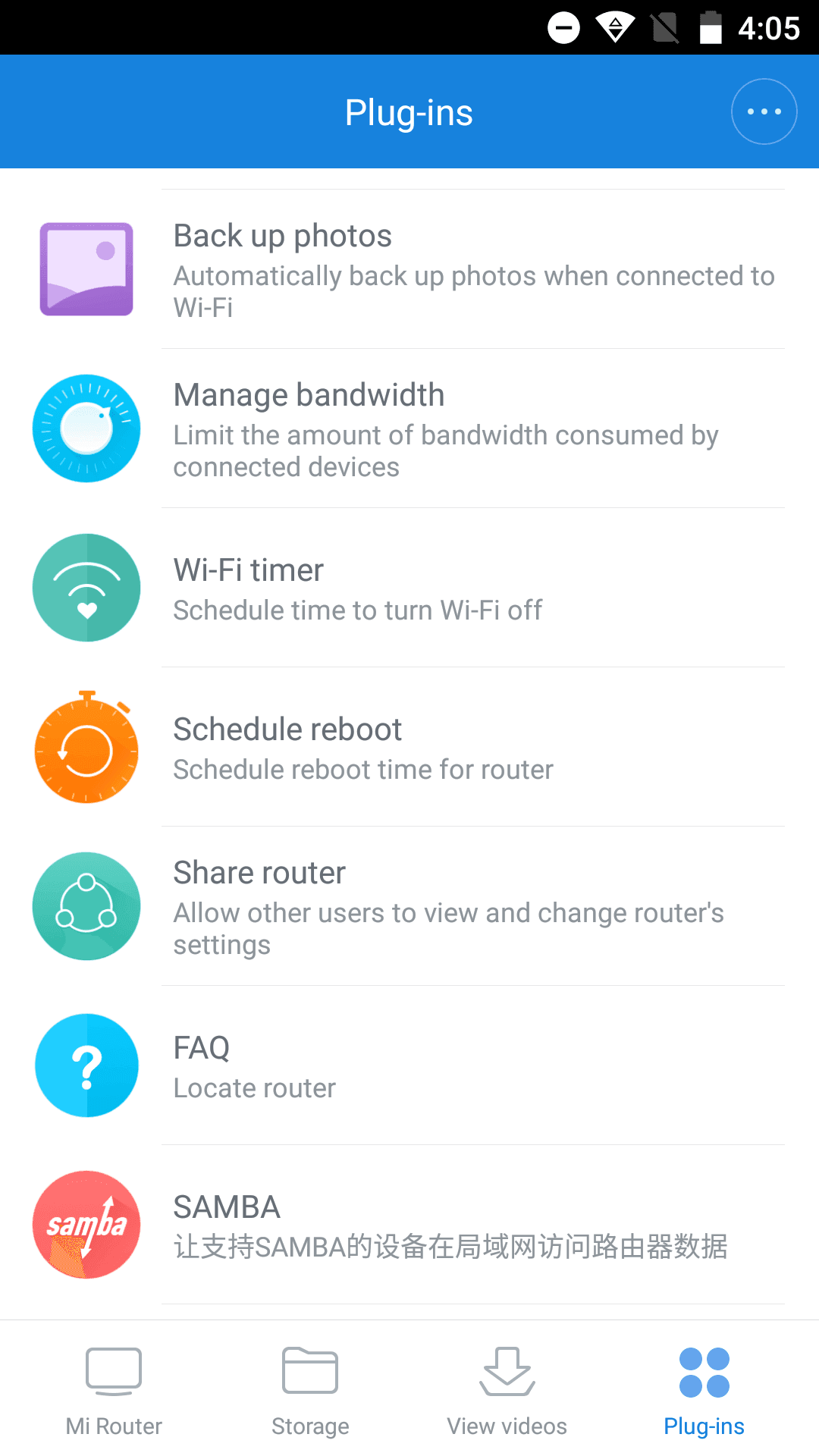
The Xiaomi WiFi Router 3 also has its own Android app, which can be operated similarly to the web interface. Plugins, such as an ad blocker or antivirus protection, can also be installed via the app. However, these are plugins intended for the Chinese market, so it is not recommended to install them.
Practical test
After a longer period of operation, it can be noted that the router runs extremely stably. No crashes occurred during the test. All available functions were tested without errors. Switching between the 2.4G and 5G networks was seamless and barely noticeable. The range and signal strength have improved slightly compared to the Xiaomi Mini Router. The small model was already characterised by excellent transmission range; the Xiaomi WiFi Router 3 adds even more to this.
OpenWrt
So far, there is no flashable OpenWrt for the new Xiaomi Router 3, but due to its similar hardware to the predecessor model, it can be assumed that a flashable OpenWrt for this router will be available shortly. If there are any updates on this, I will update the review at this point.
Our verdict
The Xiaomi Mi WiFi Router 3 introduces few new features and is only recommended for first-time buyers. While signal strength and transmission range have improved, the difference compared to the previous model is minimal. The web interface has also remained unchanged and offers no new features.
The new Xiaomi router is definitely worth recommending for first-time buyers, and as soon as OpenWrt is available for this device, the router is certainly not a bad purchase. If you already own the previous model, I recommend waiting for the next generation.
Specifications
General
- SoC
- MT7620A
- Flash
- 128MB
- RAM
- 128MB
- Dual band
- Yes
- LAN
- 2x
- WAN
- 1x
- USB
- USB 2.0
- Protocols
- 802.11b/n/g, 802.3/3U, IEEE 802.11ac
- Transmission ports
- max. 100 Mbit/s
- WiFi transmission
- Max. 1167 Mbit/s
What’s included
1x Xiaomi Router 1x User manual 1x Power adapter

Comments