Contents
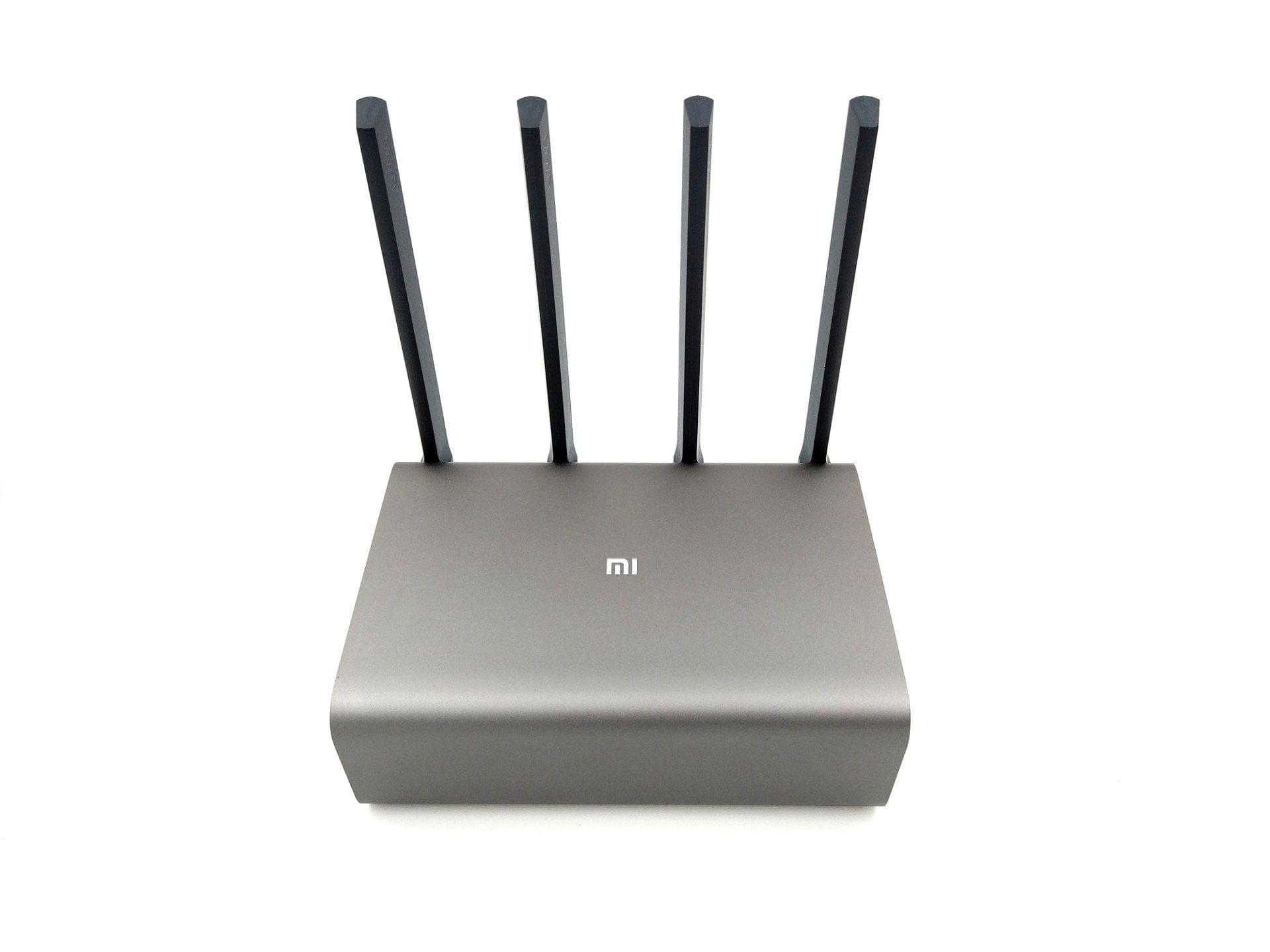
First impression of the Xiaomi Mi Pro (R3P) router
What’s included
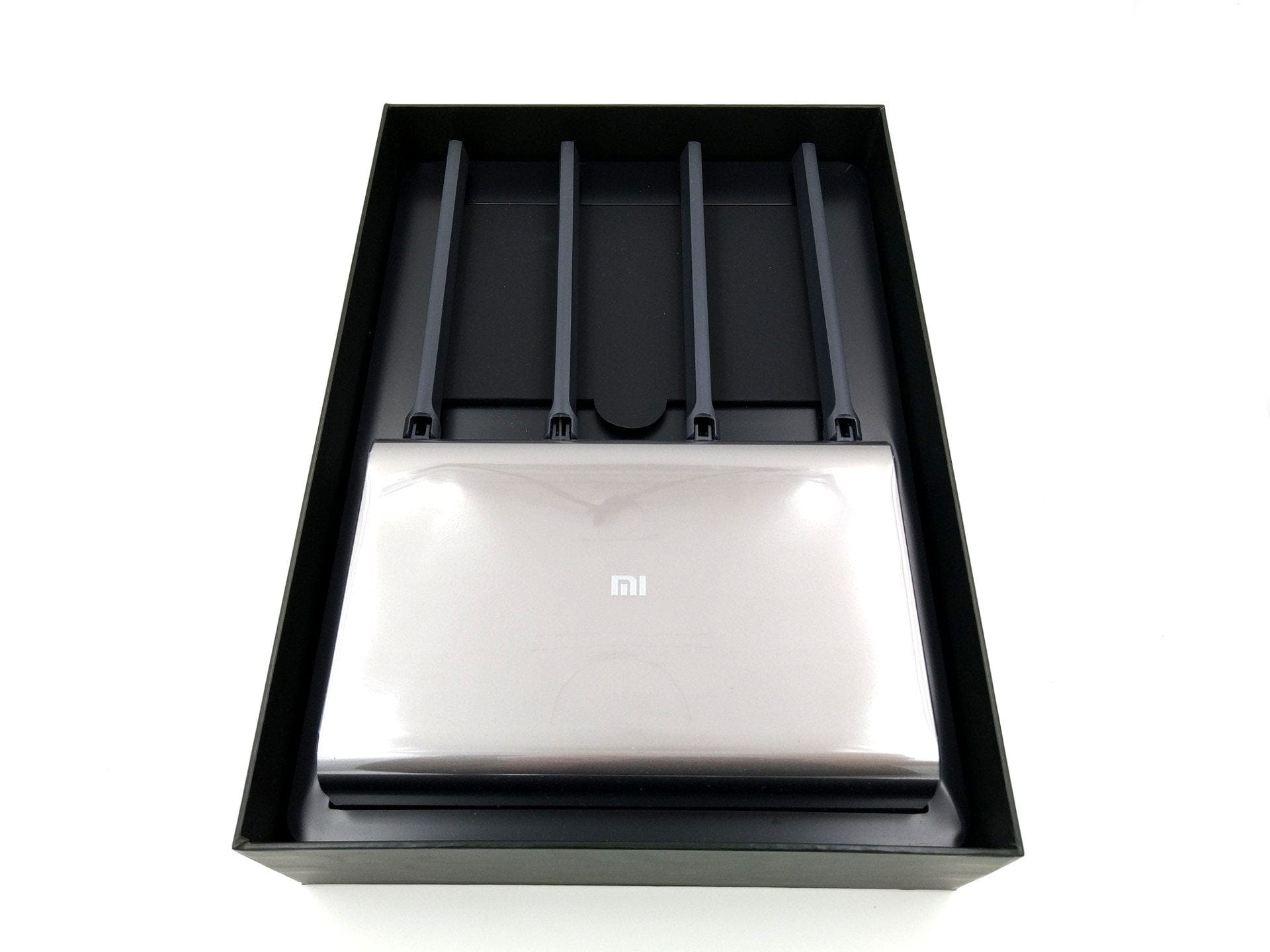
Expectations for the contents of the package should not be too high. In addition to the router, the package contains the power adapter with a NEMA-1 plug and a Chinese user manual. For use in this region, an additional adapter is required, which most online retailers include free of charge with the delivery.

Xiaomi Mi Pro vs. Xiaomi Mi HD
The two routers are visually virtually identical. The only external differences are the casing colour and an additional power button, which is unique to the HD model. One might wonder why the Mi HD Router costs more than double the Mi Pro. The most significant difference is the additional 1 TB hard drive of the Xiaomi Mi HD, which allows this router to be used directly as a NAS. Another difference lies in the processors. The Mi HD uses a Qualcomm IPQ8604 dual-core processor with 1.4 GHz. The Xiaomi R3P, on the other hand, uses a MediaTek MT7621A MIPS dual-core processor with a clock speed of 880 MHz. The memory specifications are the same.
Software-wise, both routers are identical, and there are also no differences in terms of ports or network features. Even a NAS function is available on the cheaper model, provided an external hard drive is connected via the USB 3.0 port. When buying, you should therefore carefully consider whether these marginal differences justify the significantly higher price.
Design and build quality
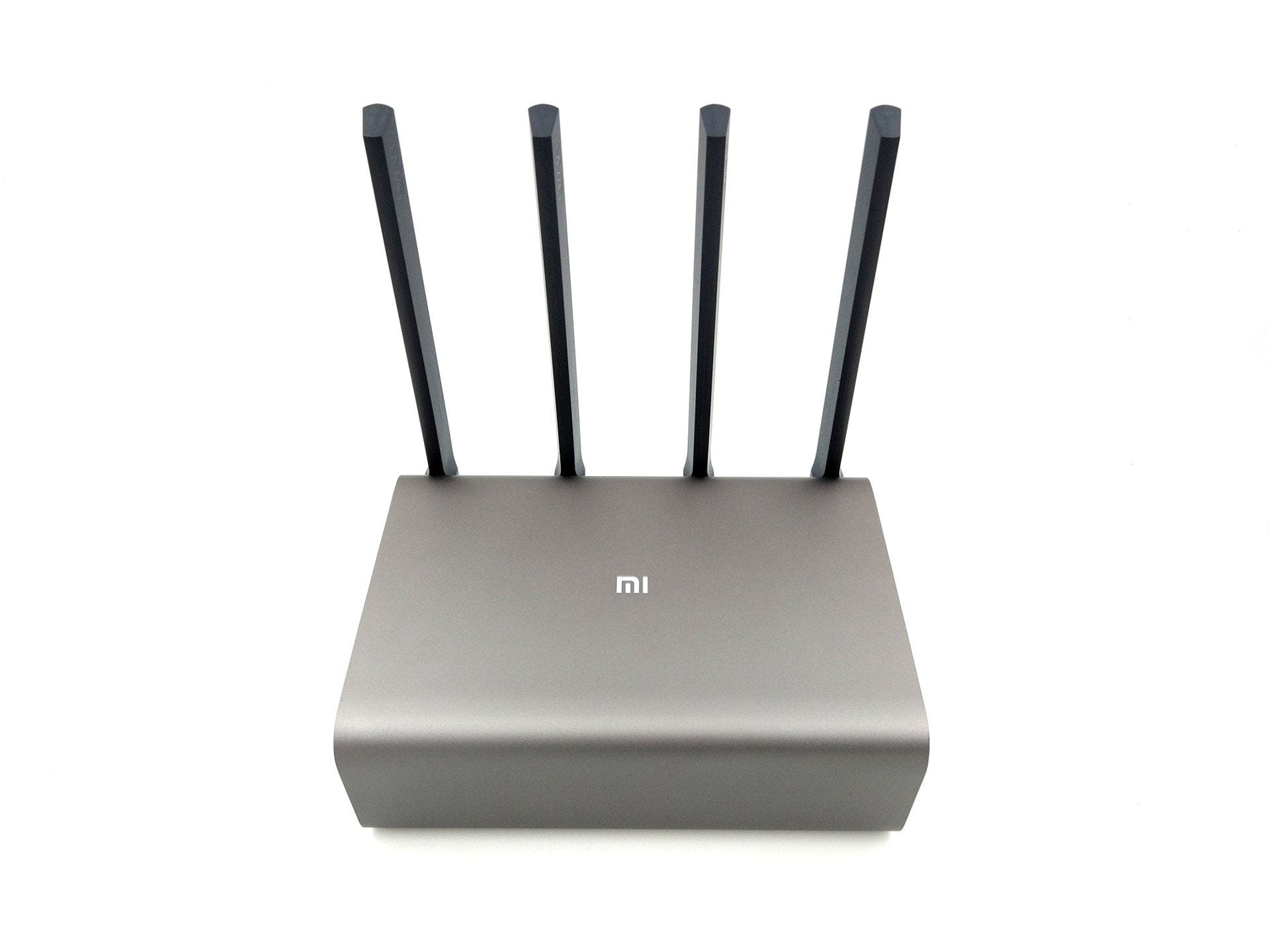
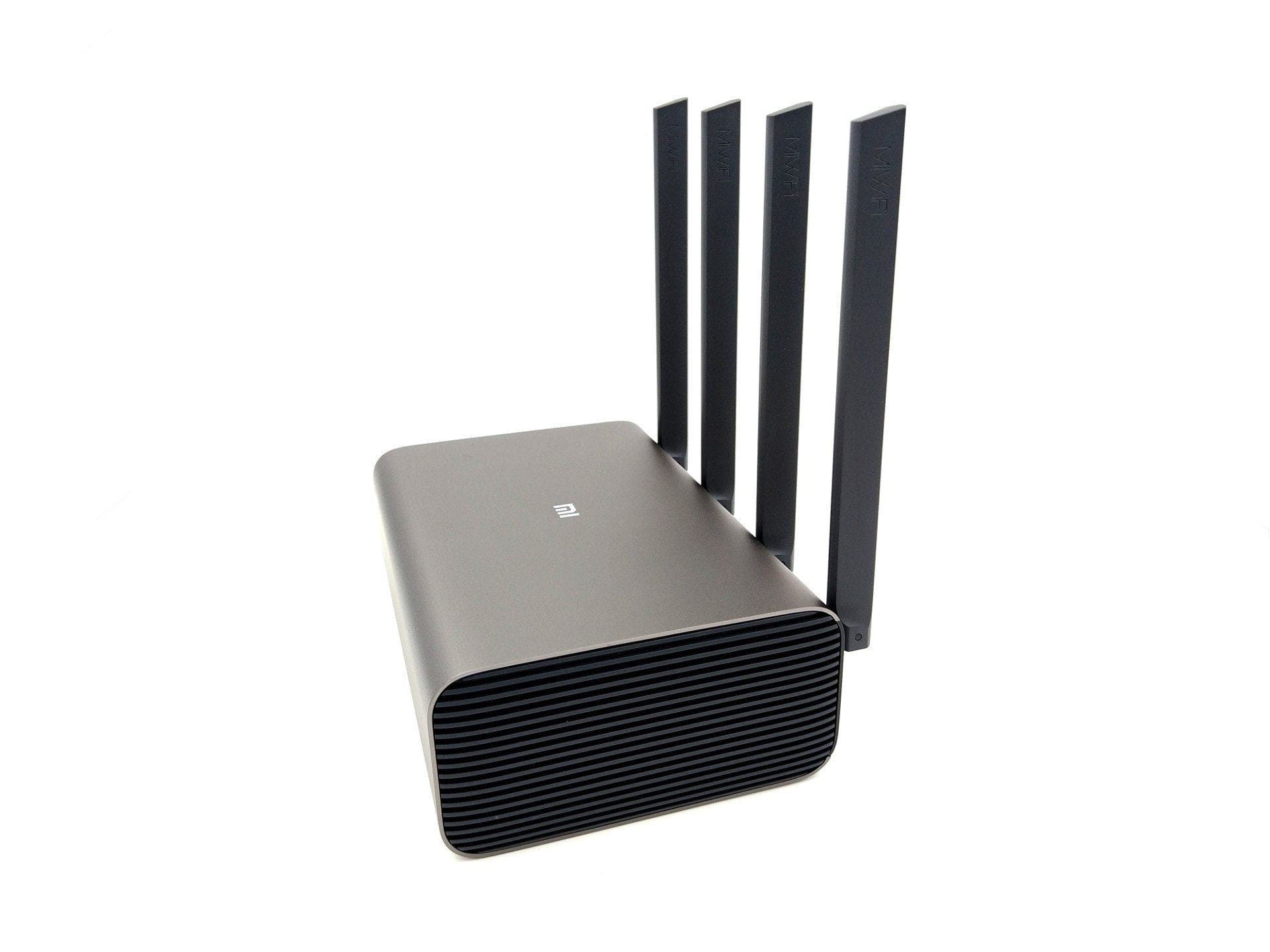
The Xiaomi router model R3P differs from last year's models in terms of both price and appearance. With dimensions of 195 x 145.6 x 66 mm, the housing is significantly larger than that of the compact Xiaomi Mi Router 3. When the four omnidirectional antennas are folded upwards, the router's height increases to 208.33 mm. The housing is made of brushed aluminium, giving it a noticeably more premium look than its predecessor models with full-plastic housings. Four rubber pads on the underside of the housing ensure greater stability. There is no bracket for wall-mounting the router.
All connection options are located on the back and are easily accessible. In addition to a Gigabit WAN port, there are 3 Gigabit LAN ports and a USB 3.0 port. Also on the back are the reset button and the power connection. The router's build quality is solid and unobjectionable.

Hardware
As mentioned earlier, the Xiaomi R3P router uses a MediaTek MT7621A MIPS dual-core processor. The memory configuration consists of 512MB DDR3 RAM and an internal 256MB SLC NAND flash. The 4 omnidirectional antennas are used for both 2.4G and 5G Wi-Fi. The supported Wi-Fi protocols are IEEE 802.11a / b / g / n / ac, IEEE 802.3 / 3u / 3ab. Particularly interesting is the router's MU-MIMO support. Described as next-generation AC Wi-Fi, an MU-MIMO-capable router can communicate with multiple devices simultaneously, reducing data drop rates when many devices are connected at once. Therefore, if you have many devices connected to a Wi-Fi network, communication with the router remains faster and is less affected. Xiaomi states the maximum data transfer rate of the Xiaomi Mi R3P as 800 Mbps on 2.4G Wi-Fi and 1733 Mbps on 5G Wi-Fi.
Setup
The Xiaomi R3P router is only available with Chinese language output by default. When setting up the router, you should use the Google Translate on your smartphone for assistance. However, the configuration steps are easy to follow, and after just a few clicks the router is configured and integrated into the LAN. Afterwards, the user interface can be comfortably translated via the browser.


Web interface and features
The web interface of all Xiaomi routers is identical. It is based on OpenWRT, but offers fewer configuration options than the basic version of OpenWRT. There are hardly any differences in configuration options compared to the affordable models from last year. When accessing the Xiaomi Pro Router locally, you are greeted with a detailed overview. In addition to general information about the router, such as the firmware version, there are also details on connected devices, data throughput, as well as CPU and RAM usage. The management of the externally connected storage medium explains the access options. For use, you need either the Mi WiFi Client (Windows / Mac) or the Mi WiFi App (Android / iOS), which also allows a Samba server to be started.


WLANs can be managed in the general settings. For example, you can change the encryption, hide the SSID, change the channel, or switch off the WLAN completely. The 2.4G and 5G networks are configured separately. Additionally, there is also the option to create a completely independent guest WLAN. Furthermore, the general settings offer configuration options for DHCP, DNS, and the router blacklist.
In the advanced settings, QoS can be configured, DDNS can be added, port forwarding rules can be created, a PPTP or L2TP VPN can be preset and there are UPnP settings.
Xiaomi Mi WiFi App
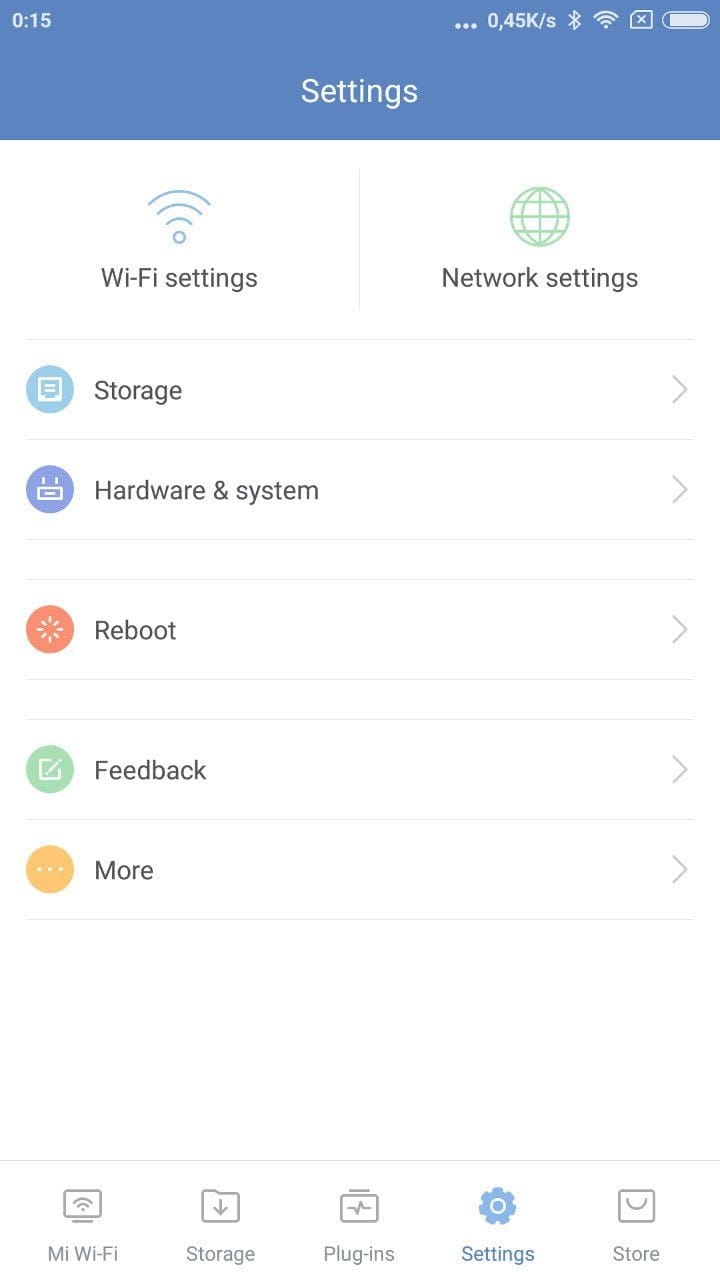
The Mi WiFi App can be easily downloaded for Android devices via the Google PlayStore. In contrast to the web interface, the app is completely available in English. All functions of the web interface can also be operated and configured via the app. Additionally, various plugins, such as an ad blocker or a firewall, can be installed via the app. Access to the data storage connected to the router via USB 3.0 is also possible via the app.

Xiaomi Mi WiFi PC Client
Xiaomi only provides the Windows and Mac clients in Chinese. In any case, the client doesn't offer much. The client only simplifies downloading files. By entering a download link, files can be loaded directly from the web onto the router's connected storage medium. As an alternative to HTTP or FTP downloads, it is also possible to use the Mi WiFi Client to download torrents.
Practical test of the Xiaomi R3P
The Xiaomi R3P router was tested on LAN with a Realtek 8111D network card and on Wi-Fi with an Intel Wireless-AC 8260 module. A Toshiba STOR.E Basics USB 3.0 hard drive was used as the connected storage medium.
Wi-Fi signal strength
Since the Xiaomi Mi Mini Router, I have handled almost every Xiaomi router model to date. Accordingly, I was also curious about the signal strength of the Xiaomi Mi Pro, because the smaller models or predecessors performed excellently, especially with 2.4G signal strength.
The Xiaomi R3P router also impresses with a stable and strong WiFi signal. It is particularly impressive on the 5GHz network, achieving flawless range and good data throughput rates. Only the 2.4GHz network is somewhat disappointing, matching the significantly cheaper Xiaomi Mi Router 3. Switching between the 2.4 and 5GHz networks works seamlessly.
NAS function and data throughput
If an external storage medium is connected to the router, the R3P can be used as a NAS. The connected storage medium can be managed either via the app, or you can set up a network drive. The router already has a Samba server pre-installed.
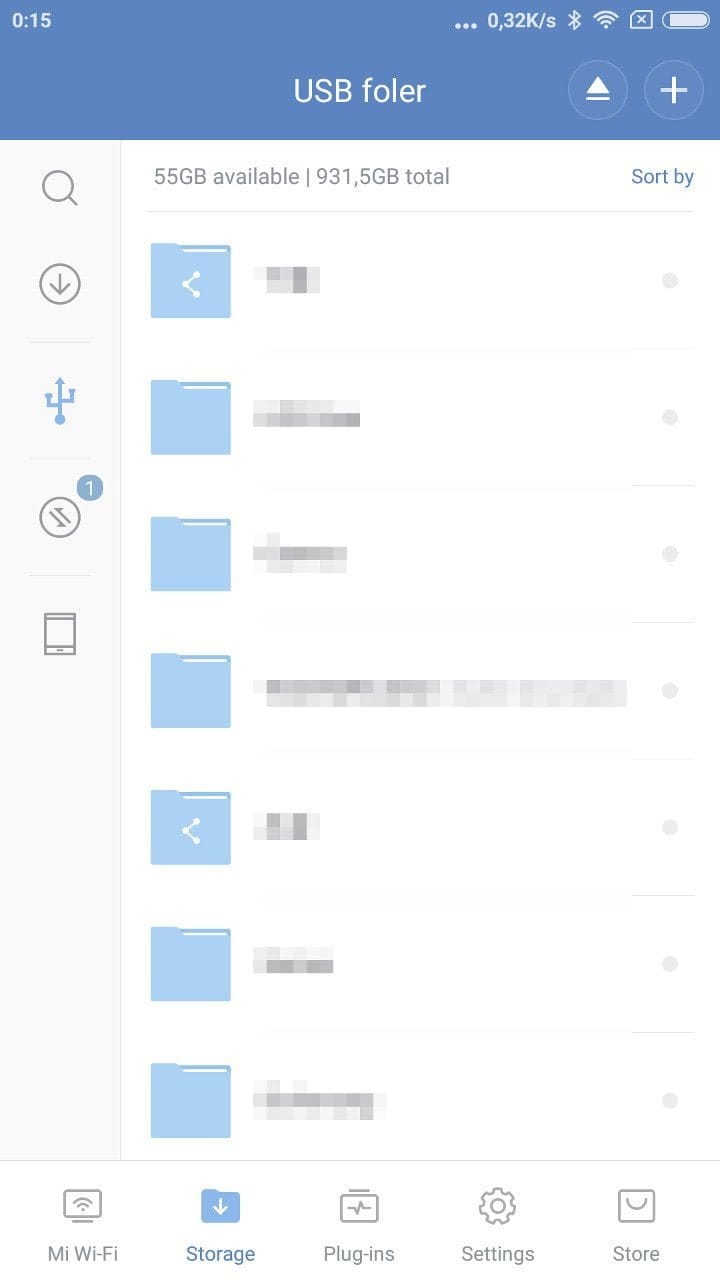
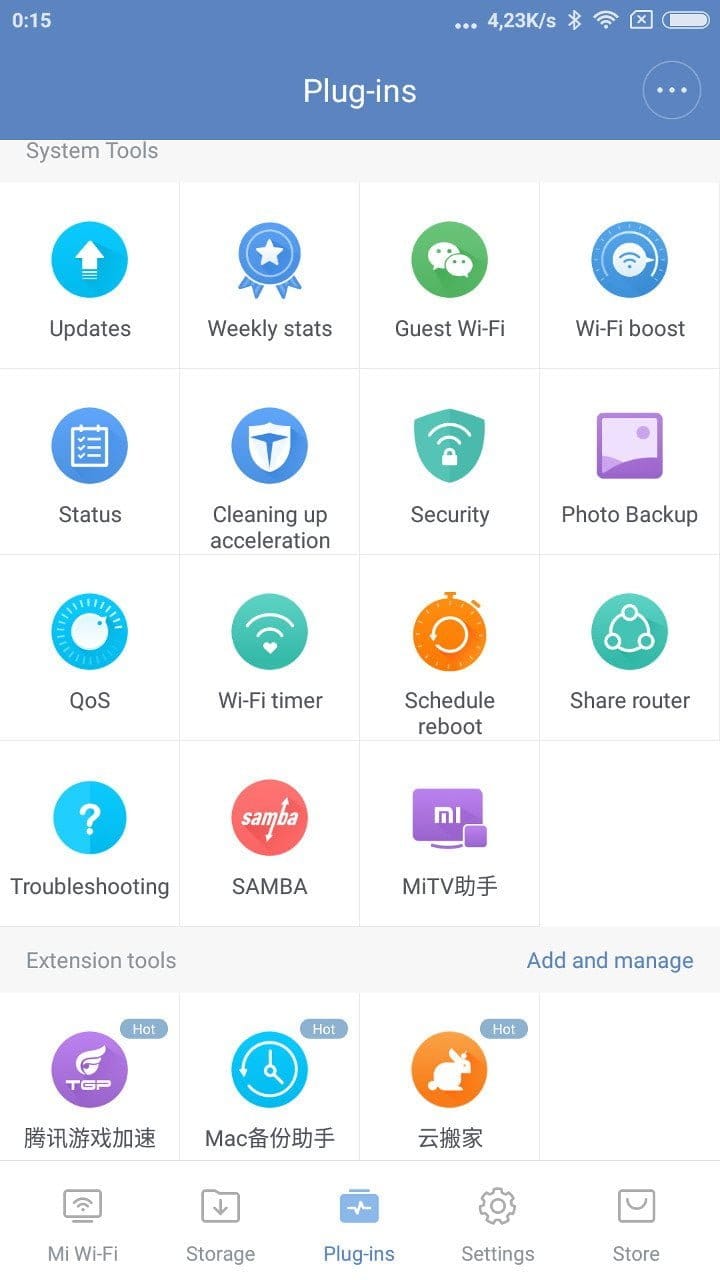
File management via the app is clear and downloading and uploading works flawlessly. Furthermore, it is possible to download HTTP and FTP links as well as torrent files directly to the router's storage medium via the app. But here too, some functions are mainly intended for the Chinese market. For example, various Chinese online video libraries are integrated, via which films can be downloaded from the router at the press of a button.
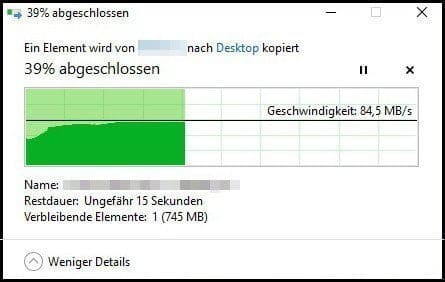
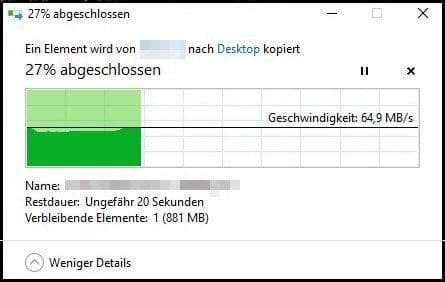
It should also be noted that the USB 3.0 function of the router must be activated separately. The reason for this is that USB 3.0 data transfers can interfere with 2.4G Wi-Fi. In testing, a drop in data throughput on the 2.4G Wi-Fi was indeed observed as soon as USB 3.0 was activated. Here are the measured data transfer rates. A 1.1GB file was transferred in each case, both over LAN and over Wi-Fi.
Transfer via Wi-Fi


LAN transmission
Power consumption
The power consumption of the Xiaomi Pro router is 8.6 watts when idle. During normal use, values of 10.9 watts are reached. If a hard drive is also connected and accessed, consumption rises to 13 watts. It makes no difference whether the USB 3.0 function is enabled or disabled.
Our verdict
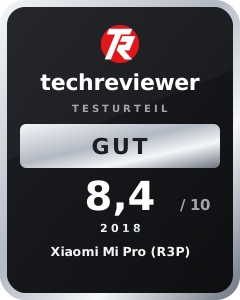
In the test, the Xiaomi R3P was particularly convincing due to decent data throughput rates, a high and stable range in the 5G network, and low power consumption. Unfortunately, the signal quality in the 2.4G network is rather average. I expected more from the range in particular. Here, the Xiaomi Pro delivers no better results than the significantly cheaper Xiaomi Mi WiFi 3 router. However, anyone who is not put off by the Chinese user interface gets an affordable MU-MIMO capable router with decent data throughput, gigabit WAN and LAN, and the option of connecting external storage media via USB 3.0 to the network.
Specifications
Hardware
- CPU
- MediaTek MT7621A MIPS
- RAM
- 512MB DDR3
- NAND
- 256MB flash
Ports
- 1x Gigabit WAN
- 3x Gigabit LAN
- 1x USB 3.0
- 1x Power
Network
- Protocols
- IEEE 802.11a/b/g/n/ac, IEEE 802.3/3u/3ab
- MU-MINO
- Yes
- 2.4G channels
- 1, 2, 3, 4, 5, 6, 7, 8, 9, 10, 11, 12, 13
- 5G channels
- 36, 40, 44, 48, 52, 56, 60, 64, 149, 153, 157, 161, 165
- 2.4 GHz WiFi
- 4x4 up to 800Mbps
- 5G WiFi
- 4x4 up to 1733Mbps
Other
- NAS
- Yes
- OS
- Mod. OpenWRT
- Size
- 195 x 145.6 x 66 mm
- Weight
- 932.2g

Comments (14)
Wow, I've been waiting for this review. Do you think it would be worth upgrading from the small 3 to this one? I only found MU MIMO routers here with transfer rates beyond €150. I would use the router for streaming over Wi-Fi, and the 3 is simply too slow for me.
Hi, compared to the Xiaomi WiFi Router 3, you definitely get better data throughput here, both in the LAN and in the WLAN. If you are frequently on the 5G network, the Pro or R3P is recommended. For me, it comfortably covers the whole house and half the garden. With the small Router 3, I already have problems with 5G in the basement. I don't know what you are streaming, but with the small Xiaomi router, I had no problems with streaming :D.
I stream a lot of 4K content. That is why I need a high transfer rate. A strong 5GHz WLAN would suit me well. I will simply order the router. Your images of the transfer rates give me confidence :).
Is the Padavan firmware for the router available yet? That would be a reason for me to buy it, because I don't really like this Chinese OS.
Hi, no, Padavan isn't available yet. However, some people in the Russian forum are already dumping and analysing the firmware. I suspect that we will see something regarding Padavan / OpenWRT in the coming months.
Can QoS be configured based on MAC addresses or IPs?
HeyHo,
Thanks very much for the review.
One more question: is it possible to install an internal hard drive in the “PRO”?
And if not (meaning NAS is only supported via USB 3.0),
what significant advantage does the “PRO” offer over the “3G”?
And for a layperson like me: what functions can be performed using the USB or internal hard drive interface?
Is it limited to backups, or does music and video playback work, etc.?
Thanks in advance
Hi MichGer, the Xiaomi Router “PRO” (R3P) does not support an internal HDD/SSD. Only the Xiaomi Router “HD” does. What you can do is connect an external hard drive via USB 3.0 and make it available as a network drive to all connected network devices.
You can then access it over the network from your PC, smartphone or tablet, reading, saving and copying files (music, films and others). For example, I have connected my TV box to the network drive and can stream the films/music stored on it to the TV box. In a sense, it is a local cloud. This is implemented via the SMB protocol.
Advantages of the PRO over the 3G include slightly faster data transfer, MU-MIMO and an additional LAN port. However, data transfer is already fast enough with the 3G, and whether MU-MIMO is effectively utilised also depends on the connected devices, which must also support MU-MIMO. I recommend going for the cheaper 3G. The minor added value of the R3P does not justify the higher price.
Understood, thank you very much for the detailed response!
What is the address you enter to access the router's USB from the TV box?
Can a telephone be connected to this router, as with a Fritz!Box?
Hi Dennis, no, that doesn't work.
Hey Timo,
is it possible to replace a Fritzbox (for example for 1&1 internet) with this router?
I've been using the m3p for a while, hoping for an alternative firmware, but so far it serves well on numerous WiFi devices in the house.
Especially 5GHz is really great!
It's rather annoying that the Guest Wi-Fi settings have disappeared; research shows I'm not alone 🙁
I had enabled this specifically for devices that should only have internet access, not access to the home network (e.g. light bulbs) – but now these devices require a password for connections. Hmm, bad luck there. The neighbours are happy.
Whereas the limitation of the guest wifi bandwidth is still there 😉