Contents
xTool F2: Unboxing and first impressions
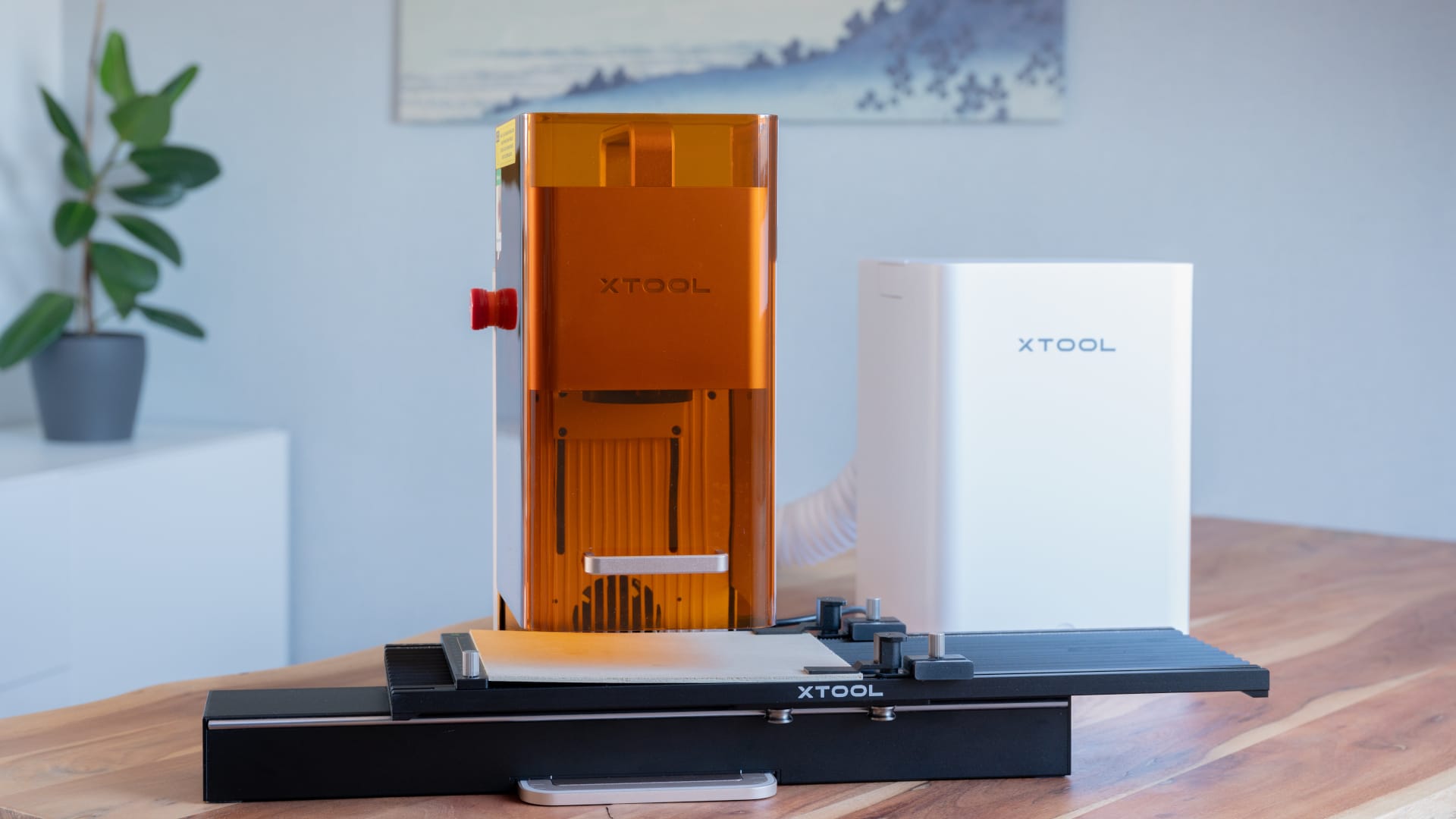
Measuring just 175 × 237 × 334 millimeters, the xTool F2 is significantly more compact than the manufacturer’s larger systems. While the xTool S1, which we’ve already tested (read our review here), for example, needs a permanent spot in the workshop, the F2 can easily be put away in a cupboard or on a shelf after use.
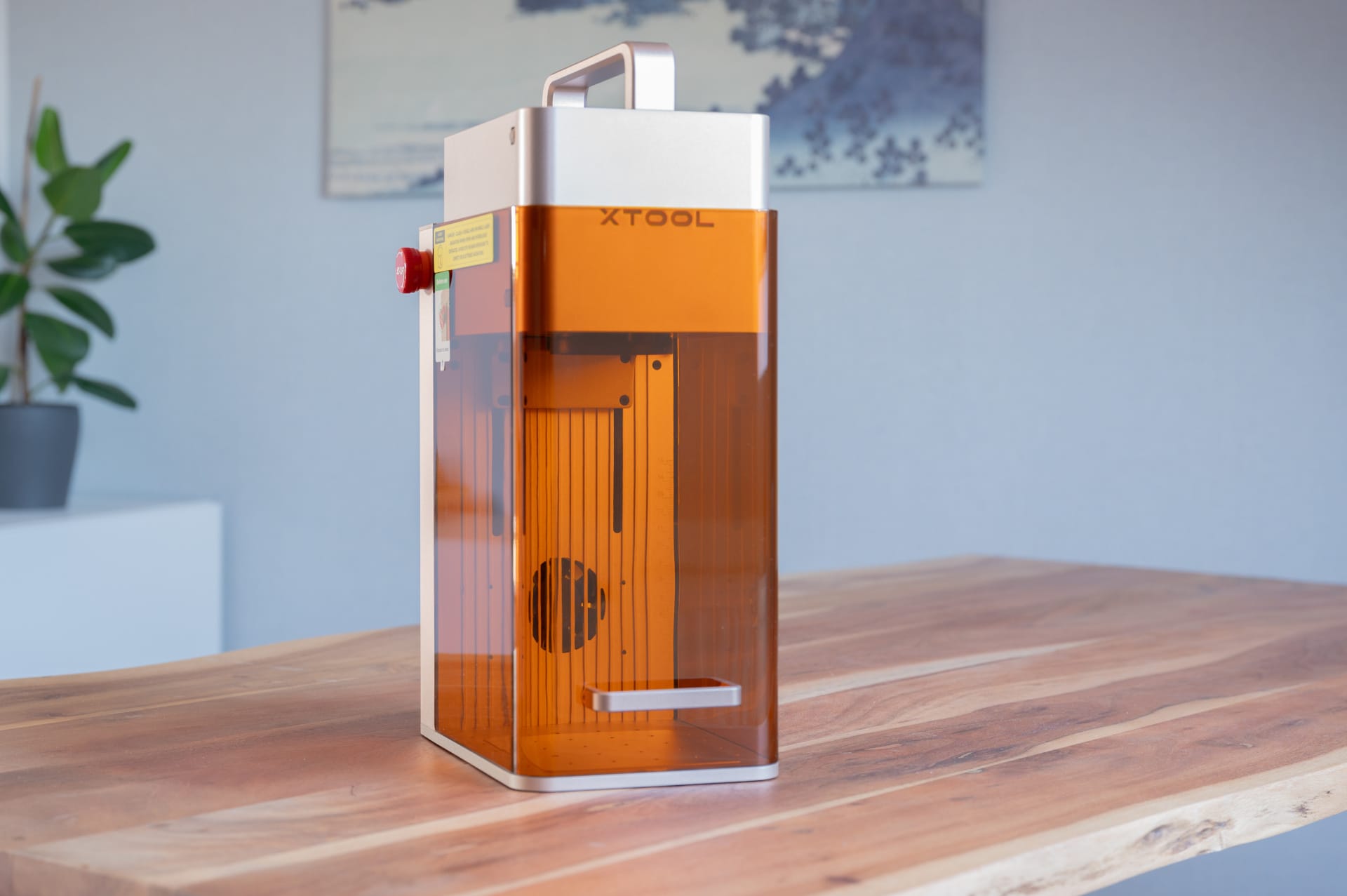
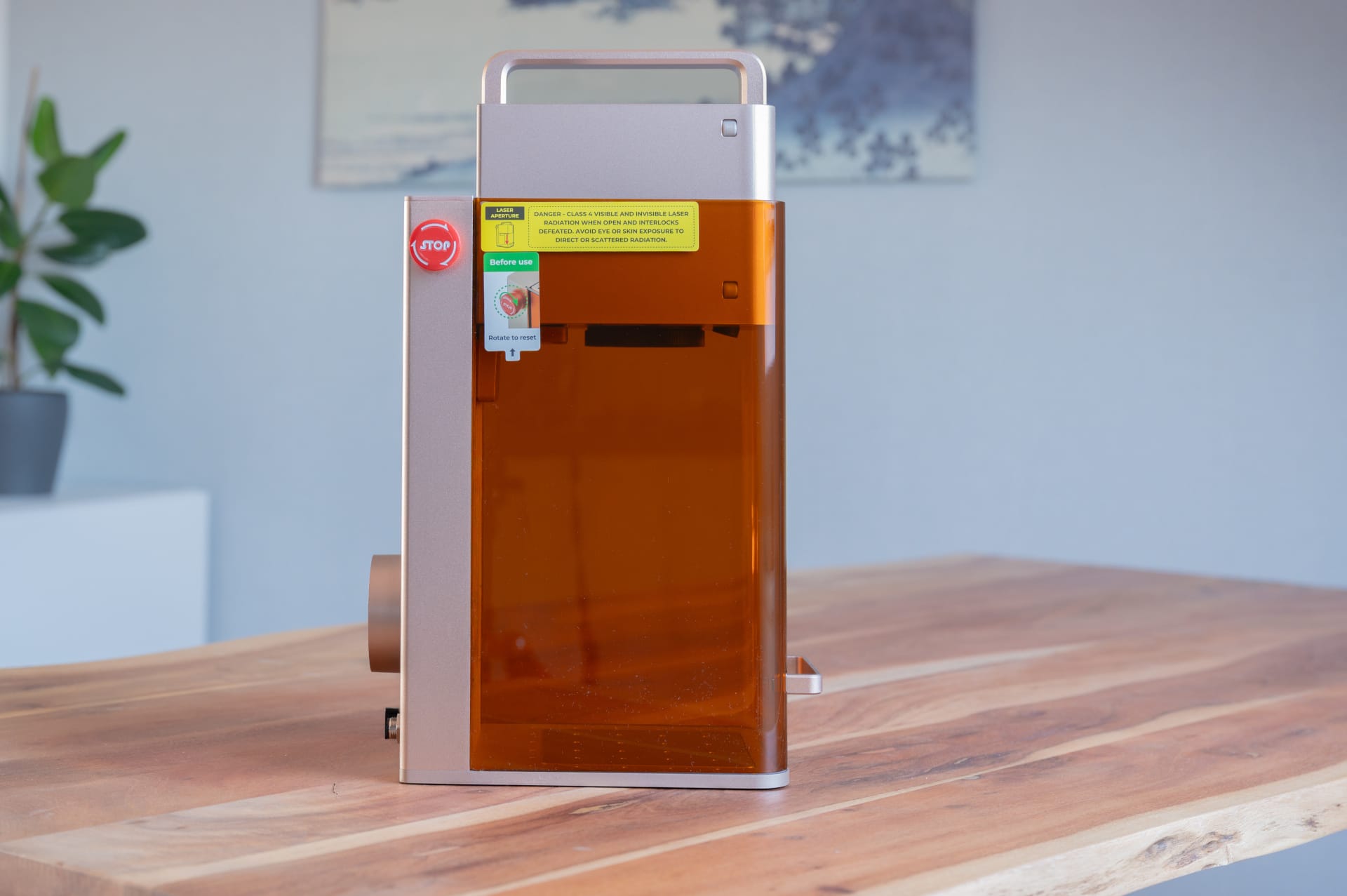
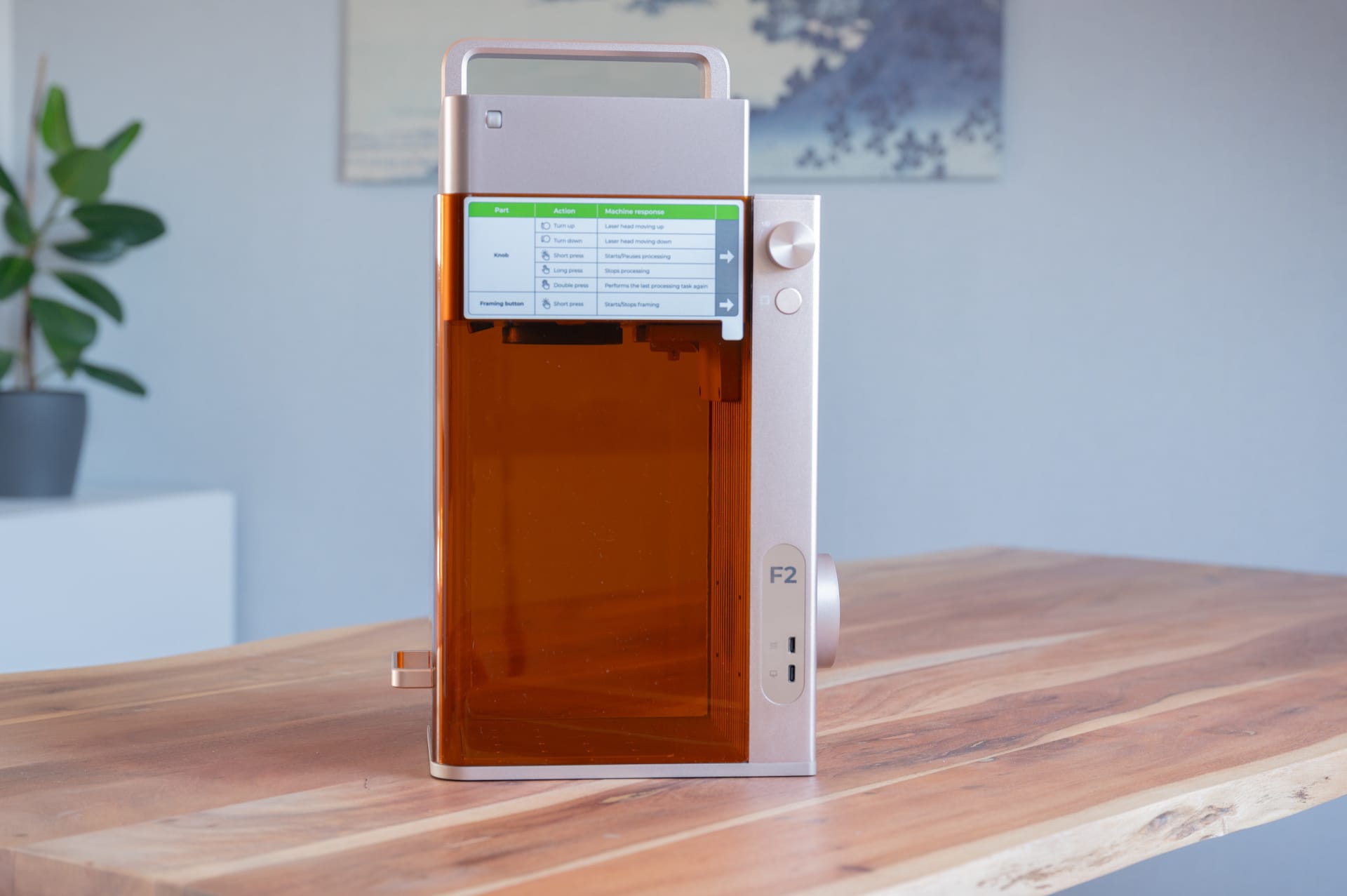
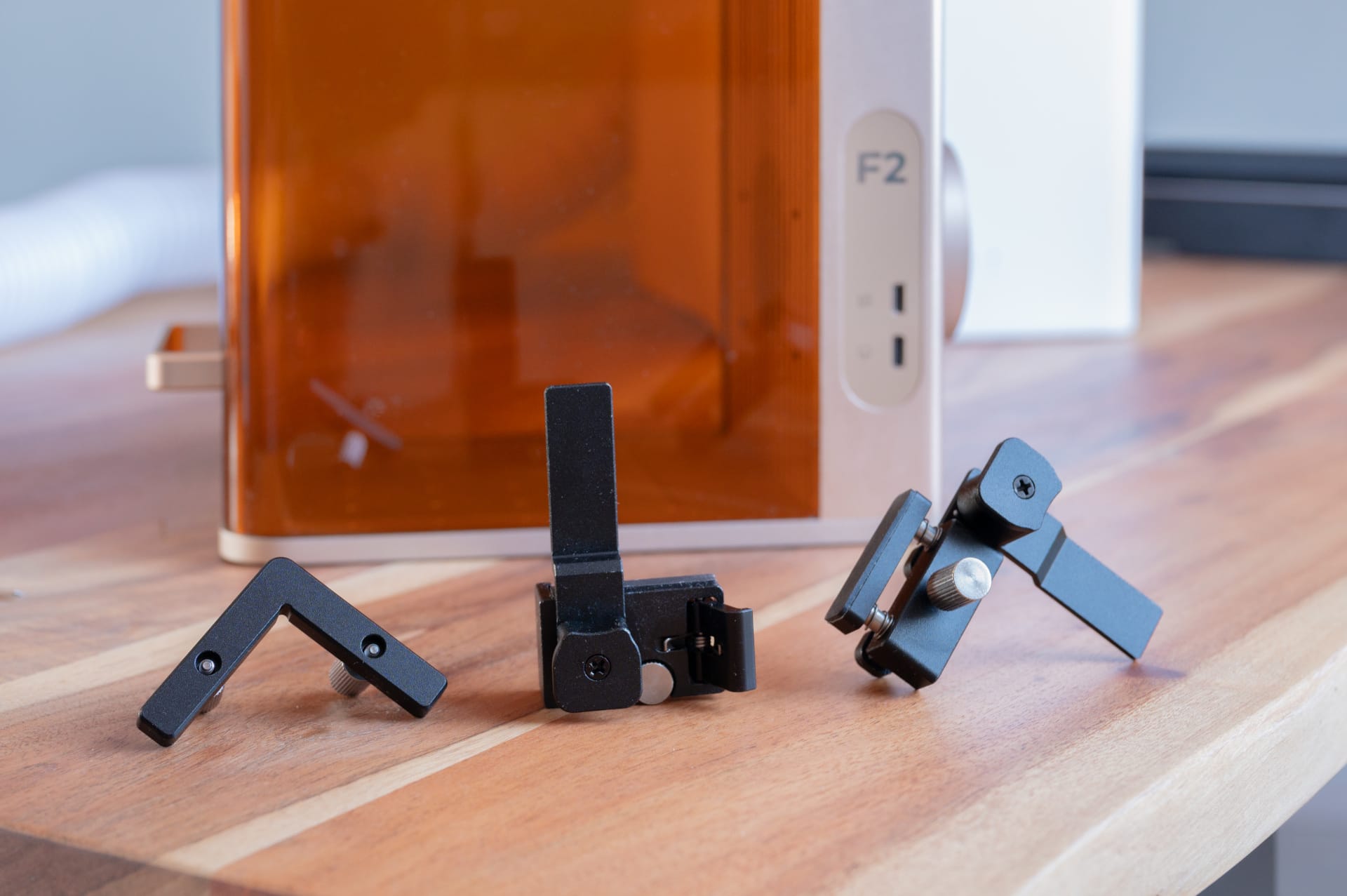
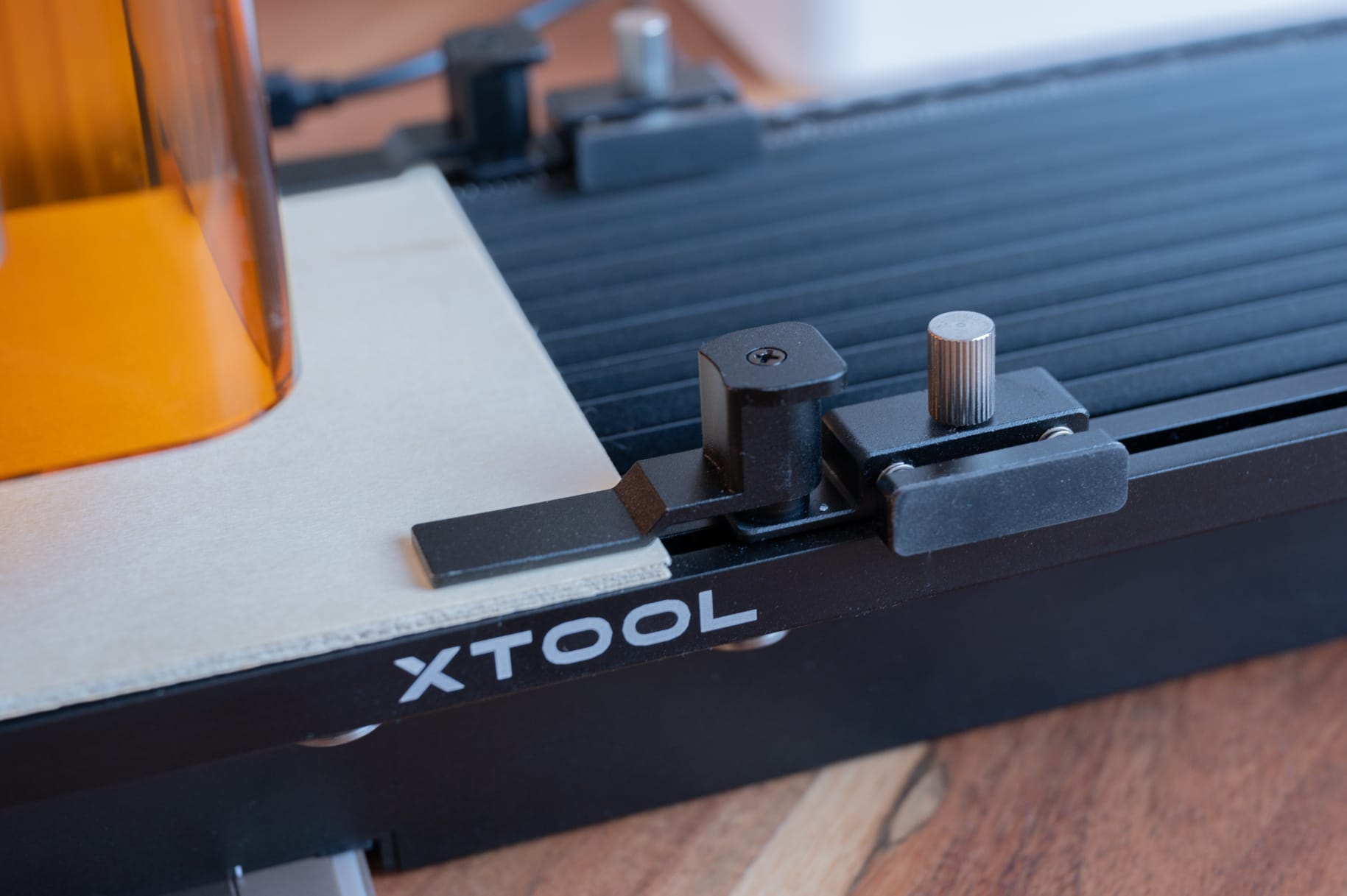
In addition to the device itself, the box includes the power adapter, a removable work plate, a positioning angle, material samples and the necessary accessories for exhaust ventilation. The build quality makes a high-quality impression. The housing is made primarily of aluminium, all the controls feel robust, and the integrated carrying handle emphasises the laser's portable nature.
Another plus is that the F2 is delivered fully preassembled. Once the shipping restraints have been removed and the power supply connected, setup can begin right away.

xTool F2: Two lasers, diode and IR
To work with different materials, the xTool F2 uses a 15-watt diode laser and an additional 5-watt infrared laser with a wavelength of 1064 nanometres.
The diode laser handles the classic tasks, including engraving wood, leather, paper, slate or dark acrylic materials. It can also carry out smaller cutting jobs.
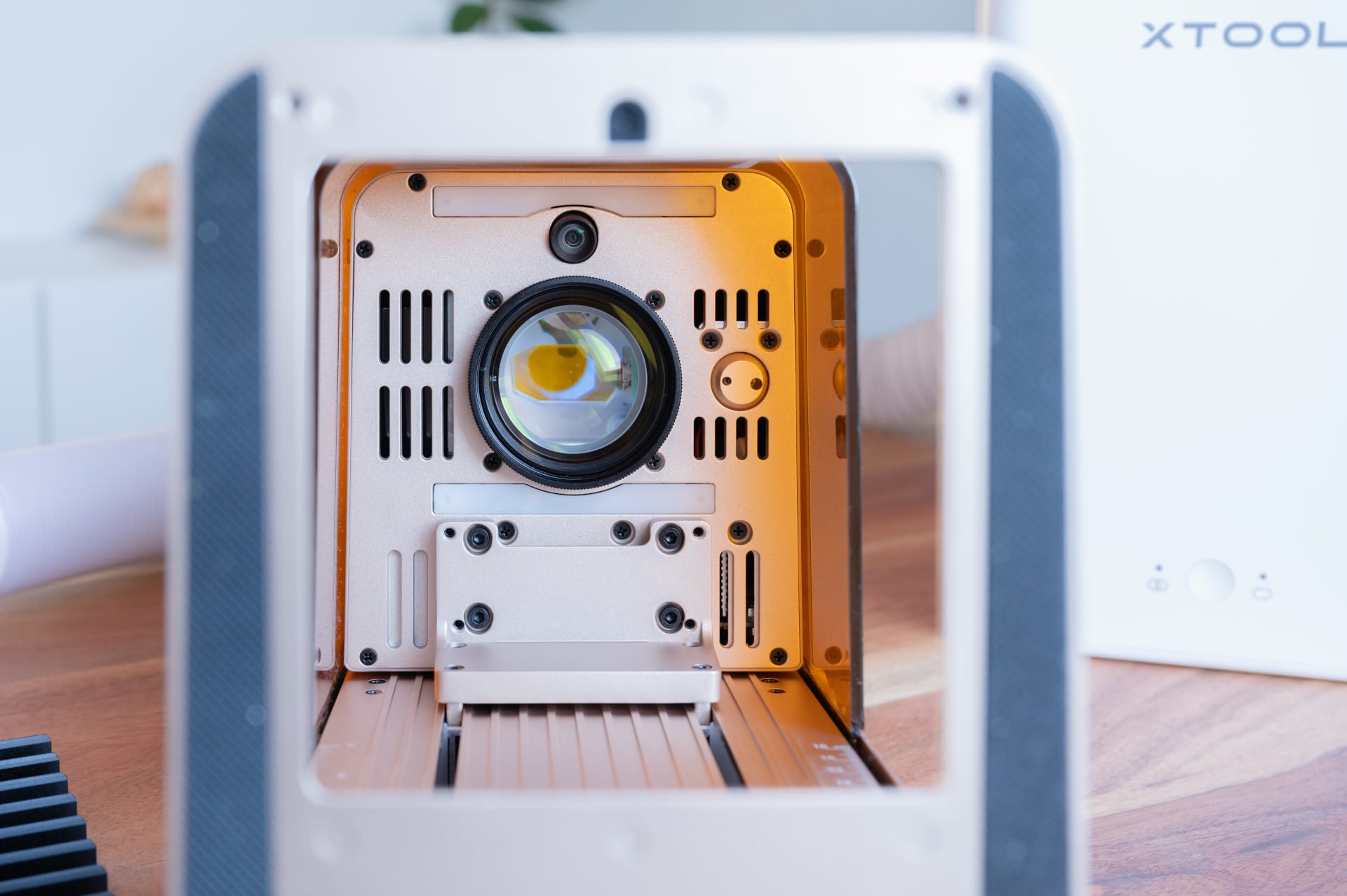
The infrared laser expands the range of applications to metals such as stainless steel, aluminum and brass, as well as various plastics that the diode laser cannot process. There’s no need for complicated, time-consuming modifications to switch between the lasers. Both lasers are integrated, and the switch happens automatically.
xTool F2: small working area, chosen deliberately
At 115 x 115 millimetres, the work area initially seems disappointingly small. Anyone who has previously worked with an open-frame laser or a larger system such as the xTool S1 will need to adapt. Larger signs, decorations or extensive cutting projects simply cannot be made on the standard work area.
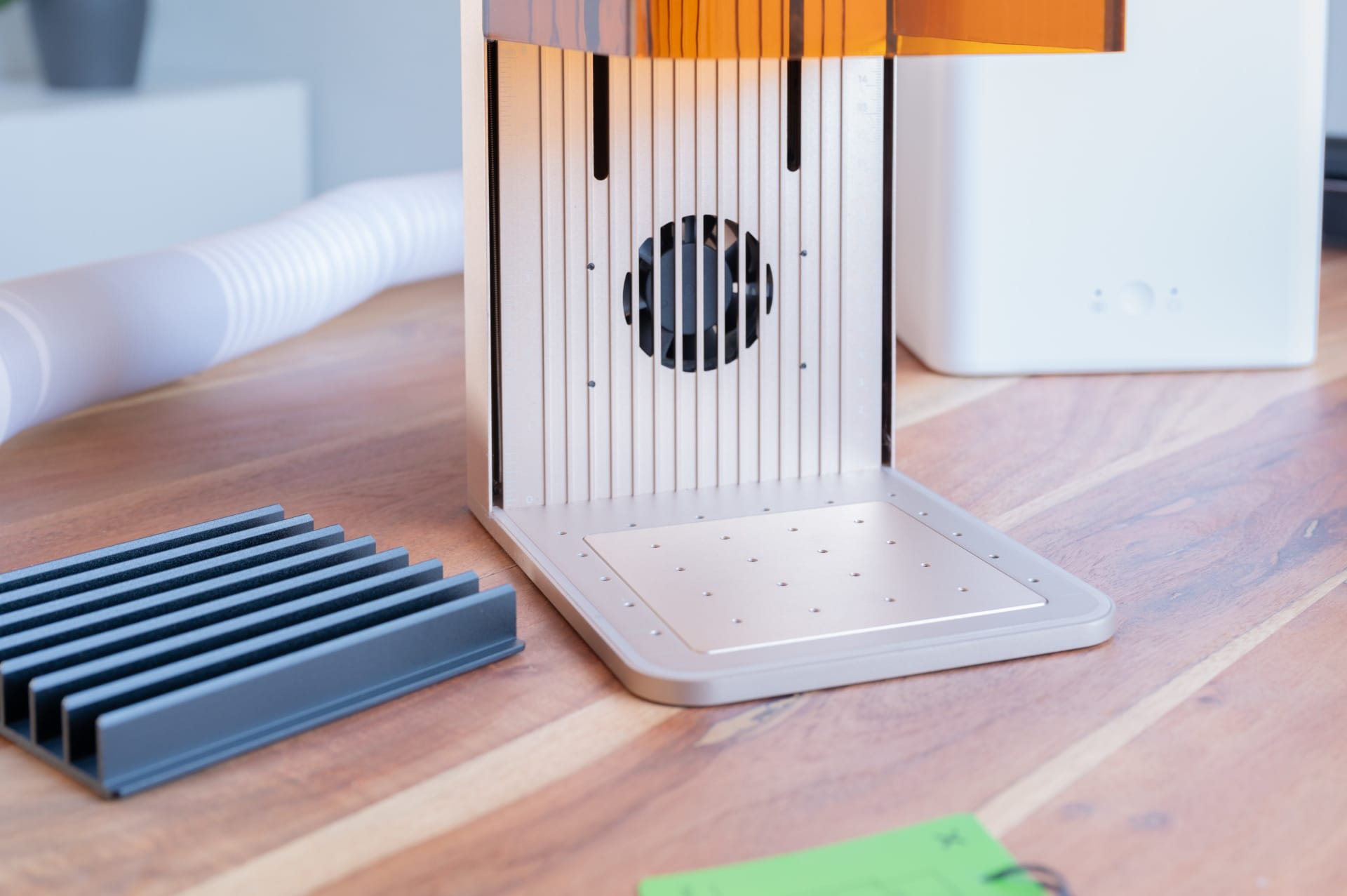
However, the F2 should not be judged by the same criteria as a conventional workshop laser. The work area is more than adequate for typical engraving objects. Dog tags, key rings, knives, ballpoint pens, metal cards, jewellery and business cards all fit easily in the work area.
xTool optionally offers a Slide Extension that expands the working area to 400 x 115 millimetres. This makes it possible to work on longer pieces. Even so, the focus is clearly on smaller objects.
xTool F2: software remains a strong point
The software remains one of xTool's greatest strengths. The xTool Studio user interface is clearly laid out and is suitable for beginners and experienced users alike. Windows and macOS are supported, while Linux is not.
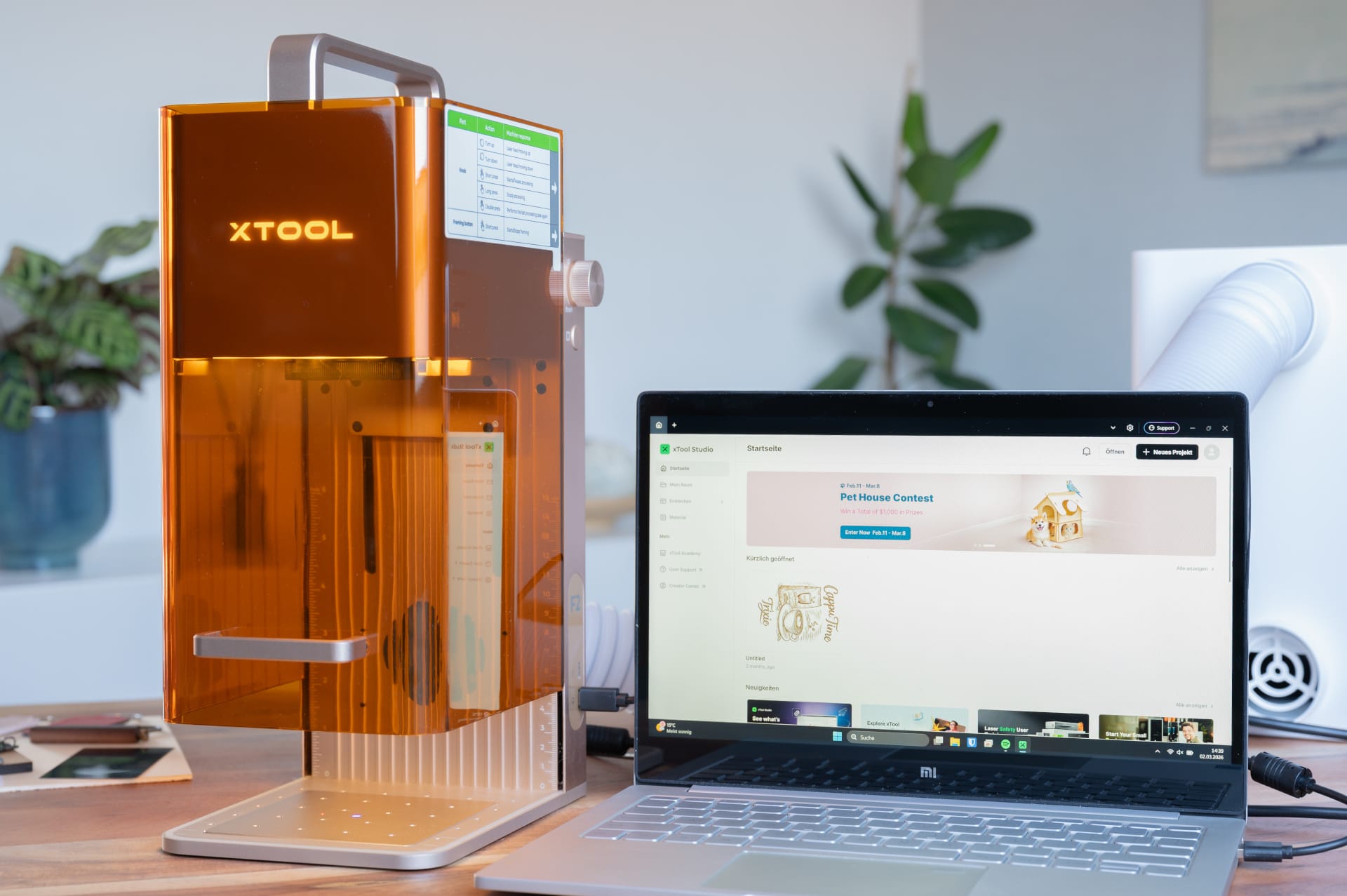
There’s currently no alternative software, such as LightBurn, which also runs on Linux. Anyone who chooses this device is therefore inevitably working with xTool Studio, which is why I like to compare it to Apple. xTool devices stand out above all for their quality, but you trade openness for convenience and ease of use.
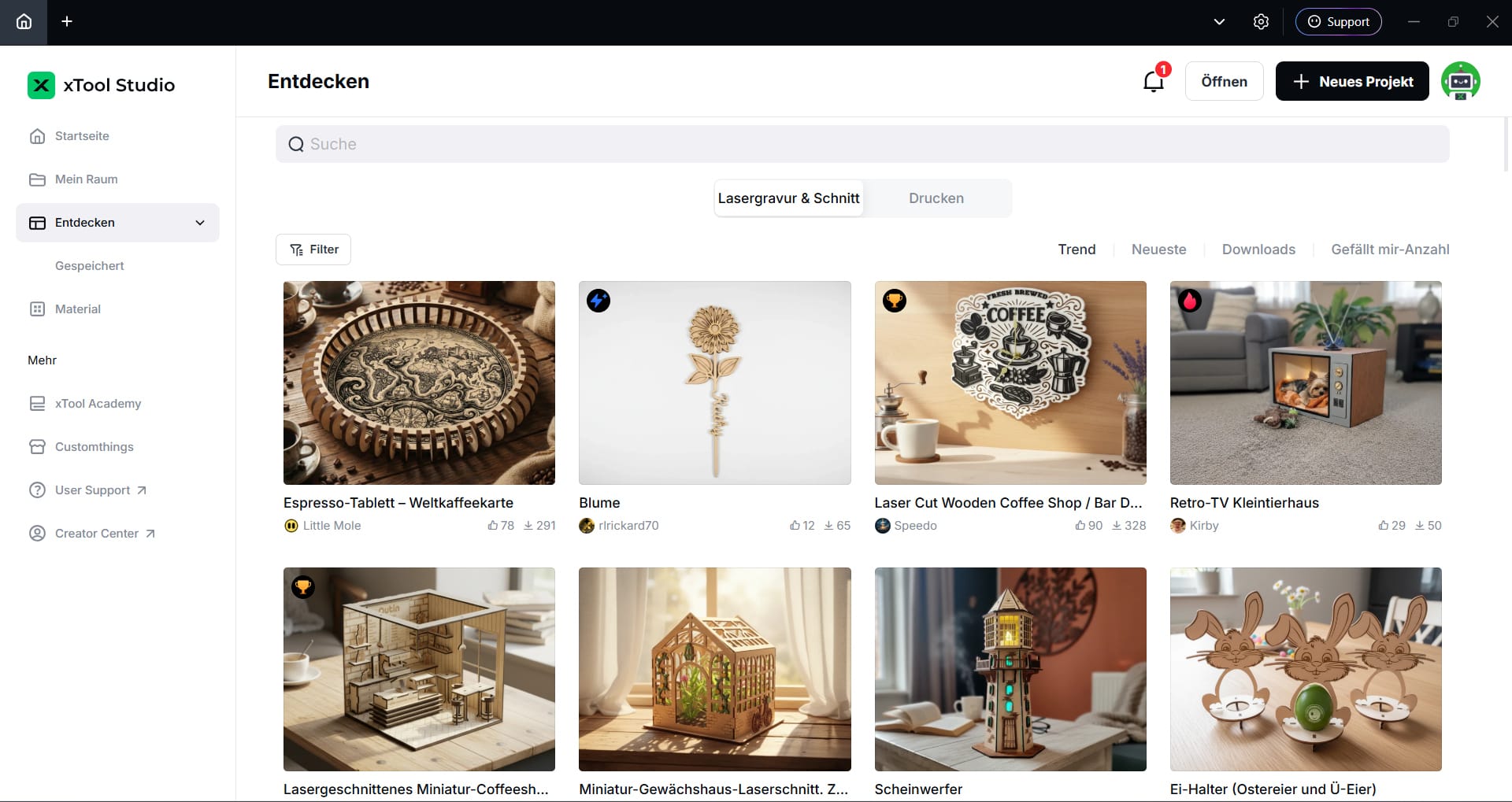
On the other hand, xTool Studio offers a range of features that often requires several programmes from other manufacturers. Project management, a materials library, camera positioning, device control and basic image editing are all combined in a single application.
There’s also an extensive material database with preset settings for numerous materials, as well as a large template library that helps beginners get started and provides inspiration. Your own projects can be easily organized, saved and revisited later.
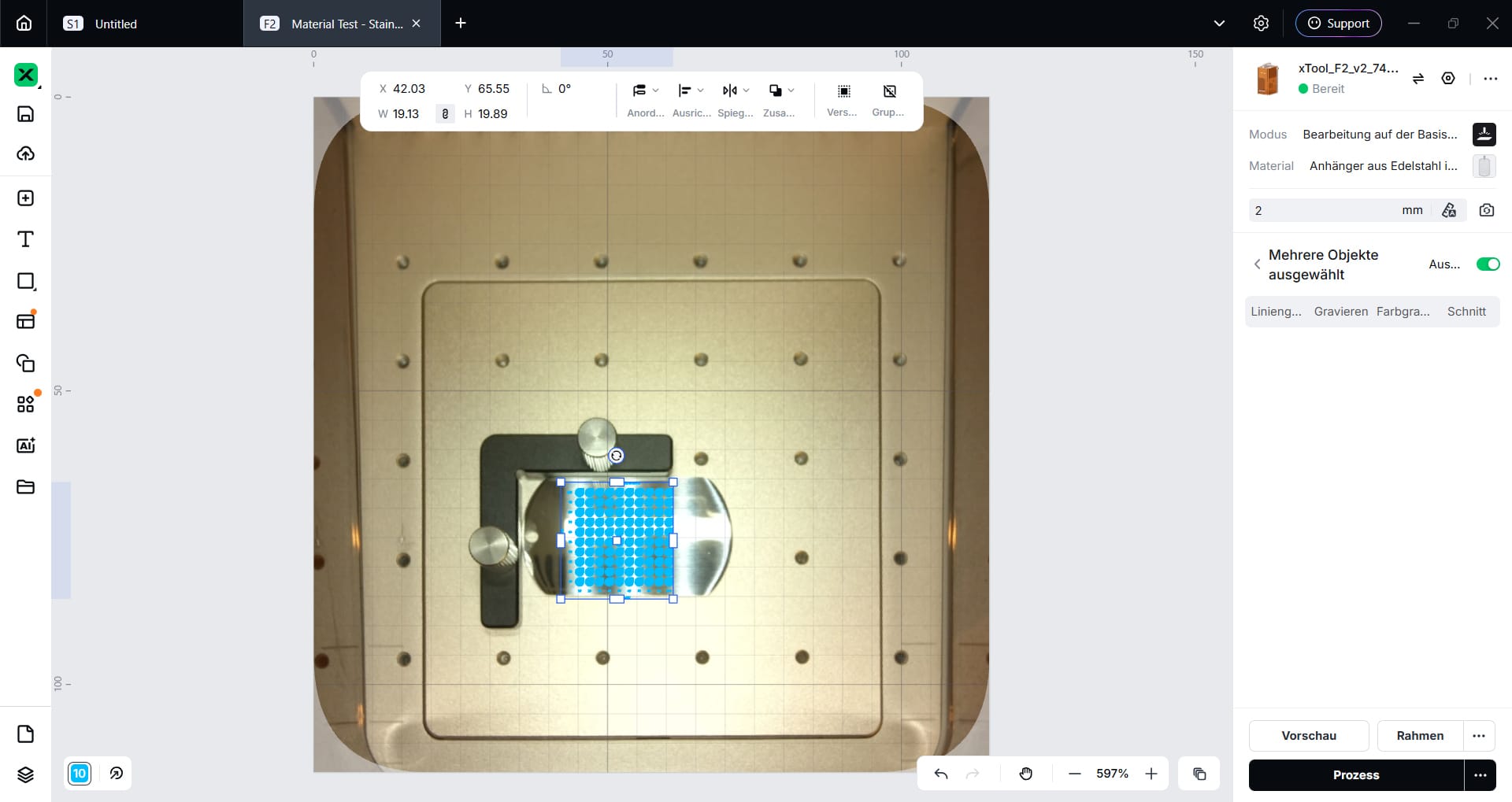
Newer AI features further expand the range of functions. For example, you can remove backgrounds, extend images or create simple graphics from text prompts. In practice, these tools work quite well and can speed up your workflow.
It is a little disappointing that the AI features are not included in the purchase price. Instead, they require credits, which have to be purchased separately. Given that the F2 is far from cheap, I would have liked at least a generous free allowance or permanent access to basic features.
The laser connects to the software via Wi-Fi or a wired USB connection.
xTool F2: Camera and autofocus
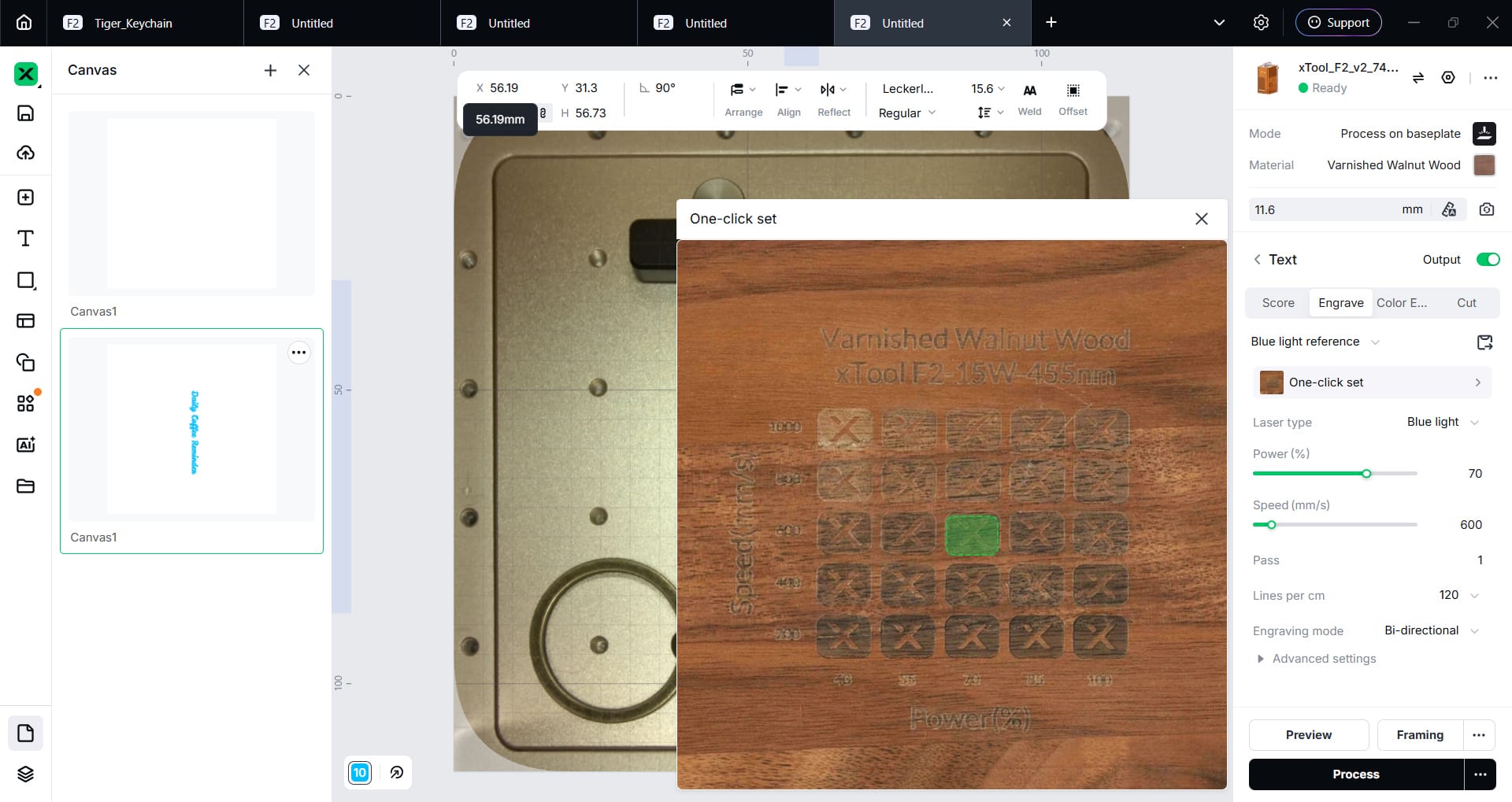
While many less expensive laser engravers still rely on eyeballing when positioning workpieces, the F2 uses a 50 MP camera to create a high-resolution preview of the work area. Graphics and text can then be positioned directly on the camera image.
Instead of measuring positions or carrying out test runs, simply drag the design on the screen to the desired position. The additional autofocus automatically adjusts the laser optics to the height of the workpiece. The combination saves a great deal of time, particularly when working with one-off items and changing materials.
xTool F2: hands-on test
As mentioned, the xTool F2 is primarily an engraving laser. Accordingly, the practical test focused less on cutting projects and more on engraving different materials.
Engraving on wood
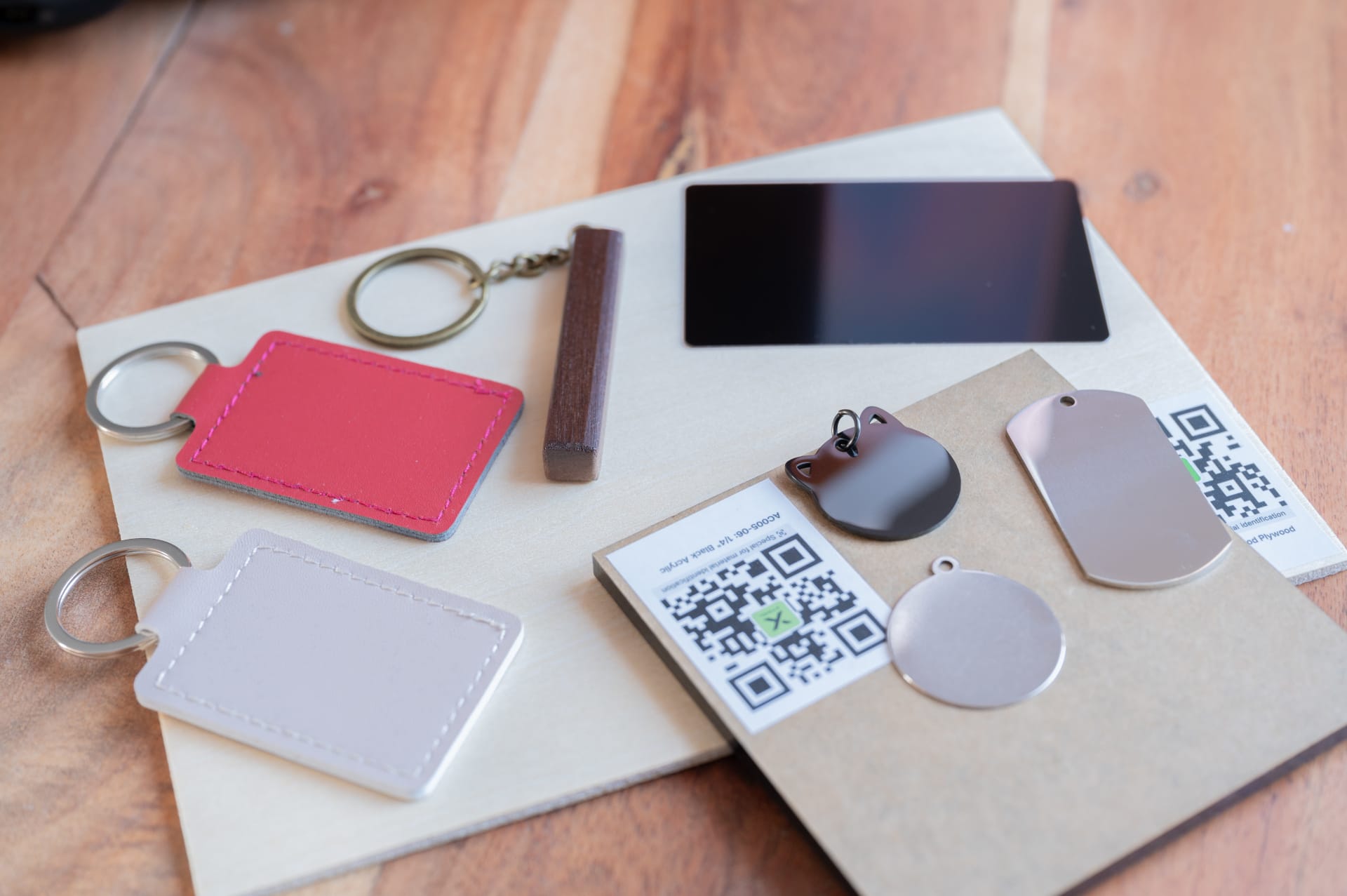
We started with engravings on plywood and solid wood using the 15-watt diode laser. Logos, lettering and intricate graphics are no problem for the xTool F2. It can burn them cleanly and with high contrast onto pretty much any type of wood.


The Galvo system's high working speed is particularly impressive. While conventional diode lasers have to move their laser head along the X and Y axes, the F2's laser beam is directed by mirrors, making it considerably faster. In our test, the F2 engraved a keyring from solid wood in less than a minute, making it quick to produce even small batches.
The F2 can cleanly cut through thin plywood with a thickness of 1.5 millimetres in a single pass, but this is not its strong suit given its relatively small work area. However, the F2’s cutting performance is perfectly adequate for small pendants, name tags or decorative items.
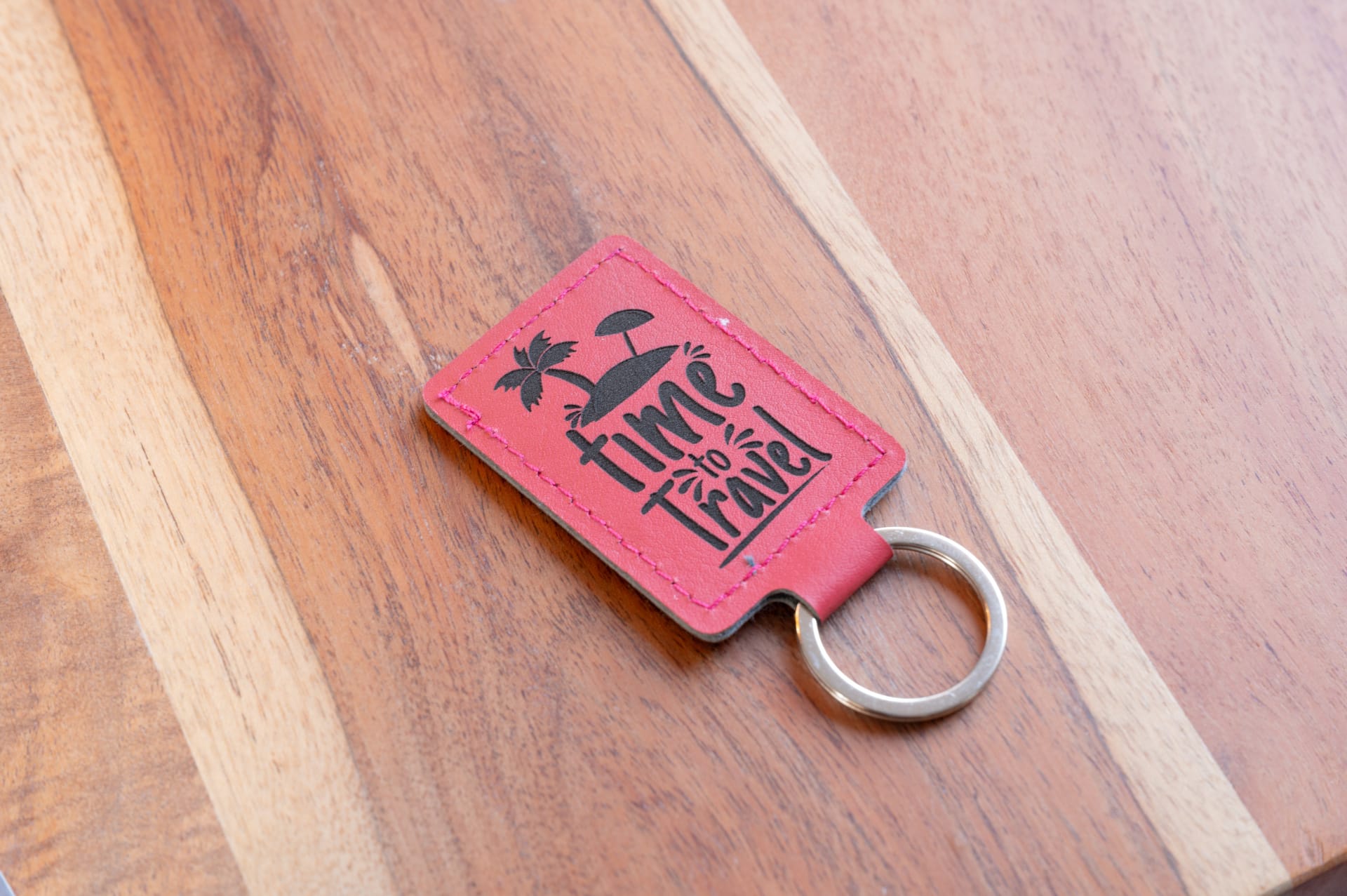
Engraving on leather
Leather is one of the materials that can be processed particularly well with diode lasers. Regardless of its colour and surface, it produces clean, high-contrast engravings with good detail reproduction. Even smaller text and delicate designs are rendered precisely.
Although engraving wood and leather takes little time, it produces a clearly noticeable smell. For indoor use, we therefore recommend venting the fumes outdoors or using the optional xTool air filter.
Engraving on metal
The 5-watt infrared laser is mainly used for engraving metal. One special feature of the infrared laser is so-called annealing colors on stainless steel. By deliberately changing the material’s surface, different shades can be produced depending on speed and power, without the need for paint or a coating.
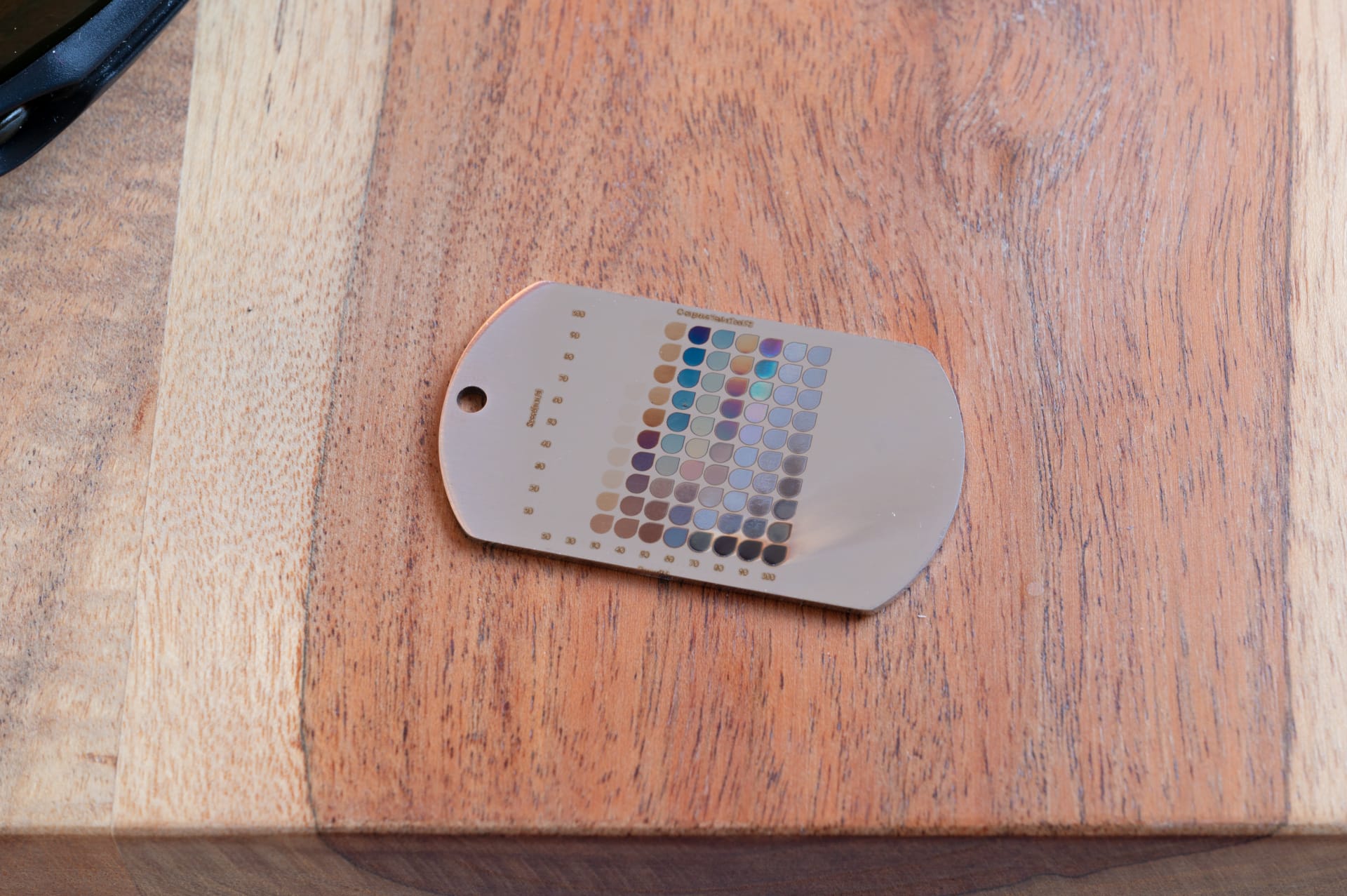
Finding the right settings takes some patience and several test runs, but the results are impressive. Depending on the material, various effects are possible, from gold and bronze tones to shades of blue and violet. The templates in xTool Studio help you find the right settings.
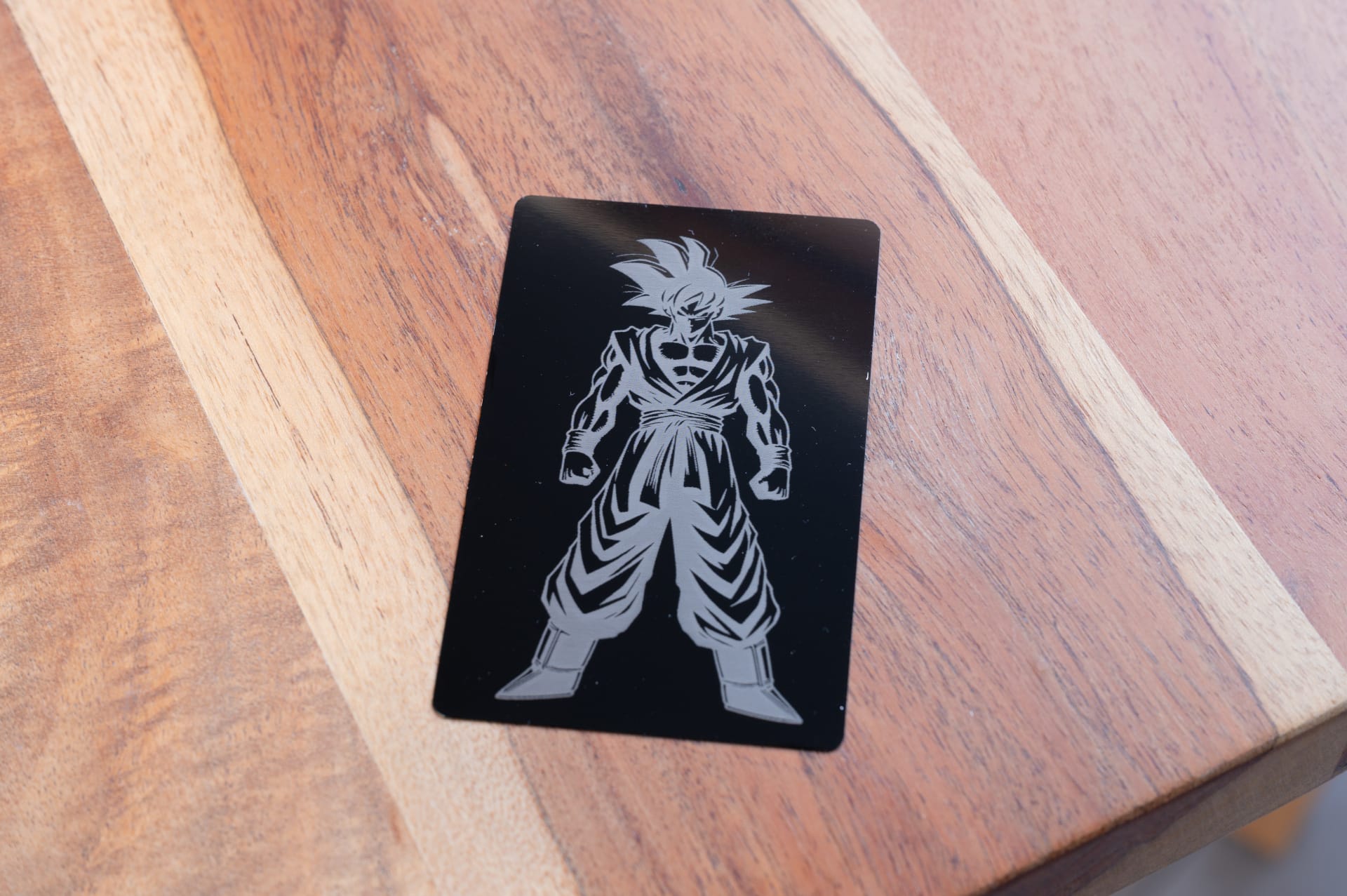
On anodised aluminium, lettering and logos are rendered with exceptional sharpness. Even small text remains easy to read.
Engraving on plastic
The xTool F2 can also process various plastics. The infrared laser is particularly well suited to marking technical components, tools or casings.
As with all lasers, however, not all plastics are the same. The results depend heavily on the material composition and color. It’s therefore a good idea to test on a scrap piece before starting any project.
Engraving glass with the Rotary
To test the optional Rotary module, I also engraved a wine glass. As is well known, glass is not one of the materials that can be processed directly with a diode laser. So I used a special laser marking film, which is applied to the glass before engraving.
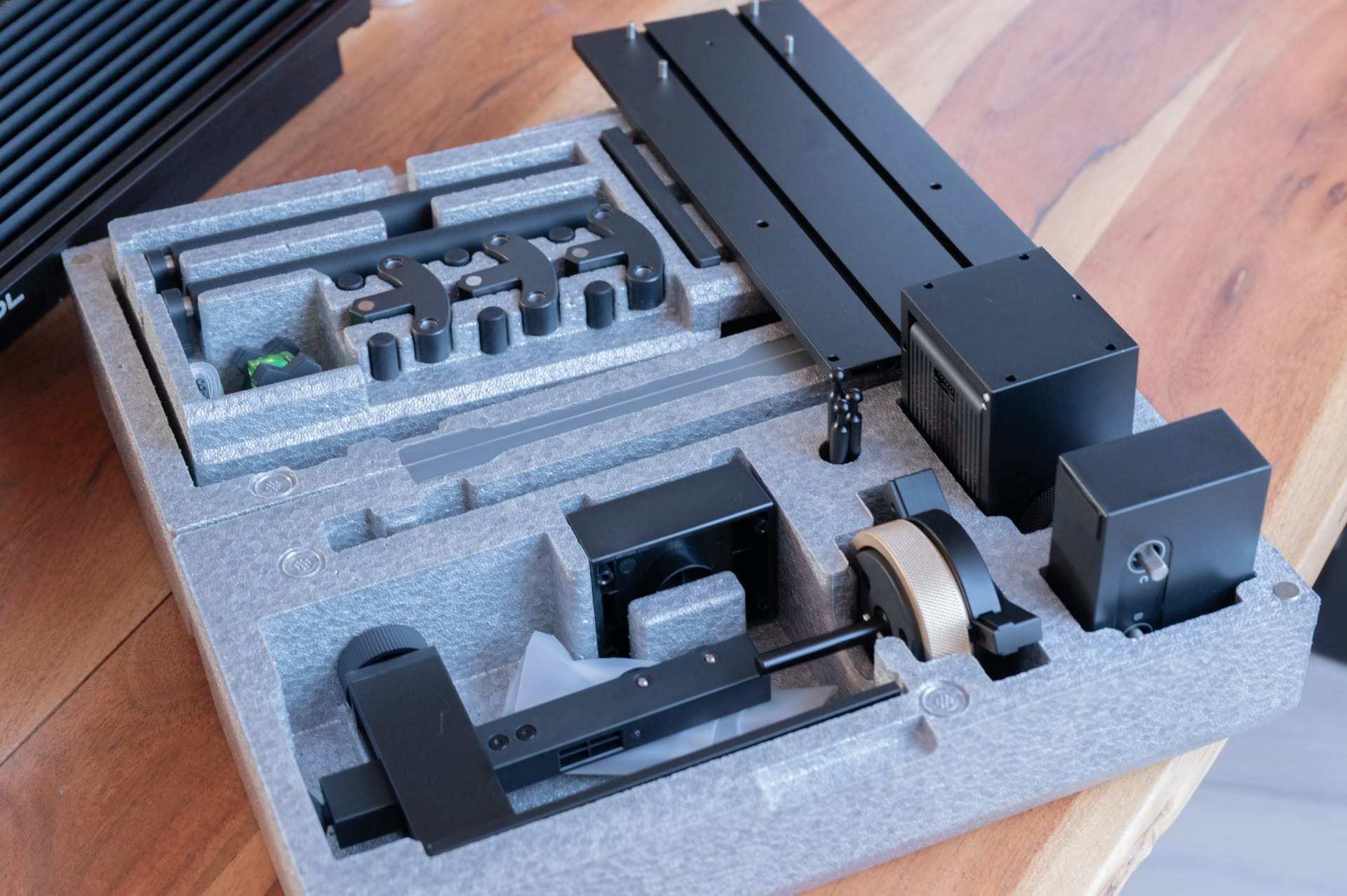
Setting up the rotary attachment was straightforward. After connecting it to the F2 and activating it in the software, the wine glass was secured in place within a few minutes. The camera function is no longer fully available in this operating mode, but positioning was still easy and the engraving was applied to the glass without any distortion.
Anyone who regularly wants to personalize drinking glasses, wine and champagne glasses, bottles or travel mugs should therefore make the rotary module part of their setup. The added capabilities are especially useful for weddings, corporate gifts or events, and suit the F2’s portable design well.
However, this also reveals a limitation of the compact design. With a maximum processing height of 120 millimetres, not all vessels are compatible without difficulty. Depending on their shape, larger water bottles or particularly tall glasses may reach the limit.
xTool F2: Accessories
Overall, xTool offers a wide range of accessories for the F2. In addition to the rotary module, there’s a Slide Extension to increase the work area and an air filter for indoor use. All accessories are supported by xTool Studio and can be set up without any tinkering.
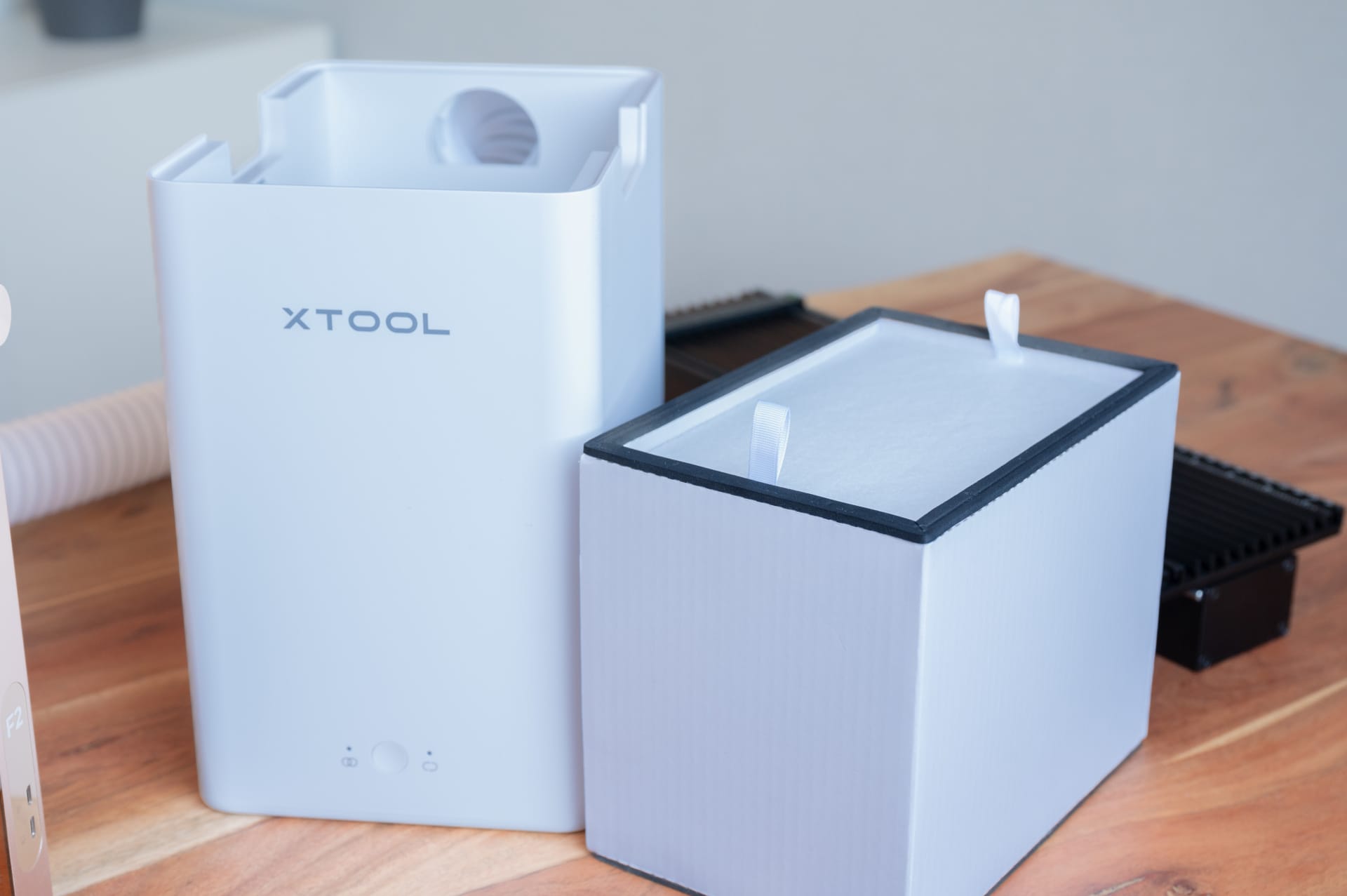
However, as with the software, the downside of the closed ecosystem is also apparent here. The accessories are high-quality and well thought out, but are comparatively expensive. Anyone wanting to make full use of the F2's features should therefore factor in the cost of potential upgrades from the outset.
xTool F2: Safety
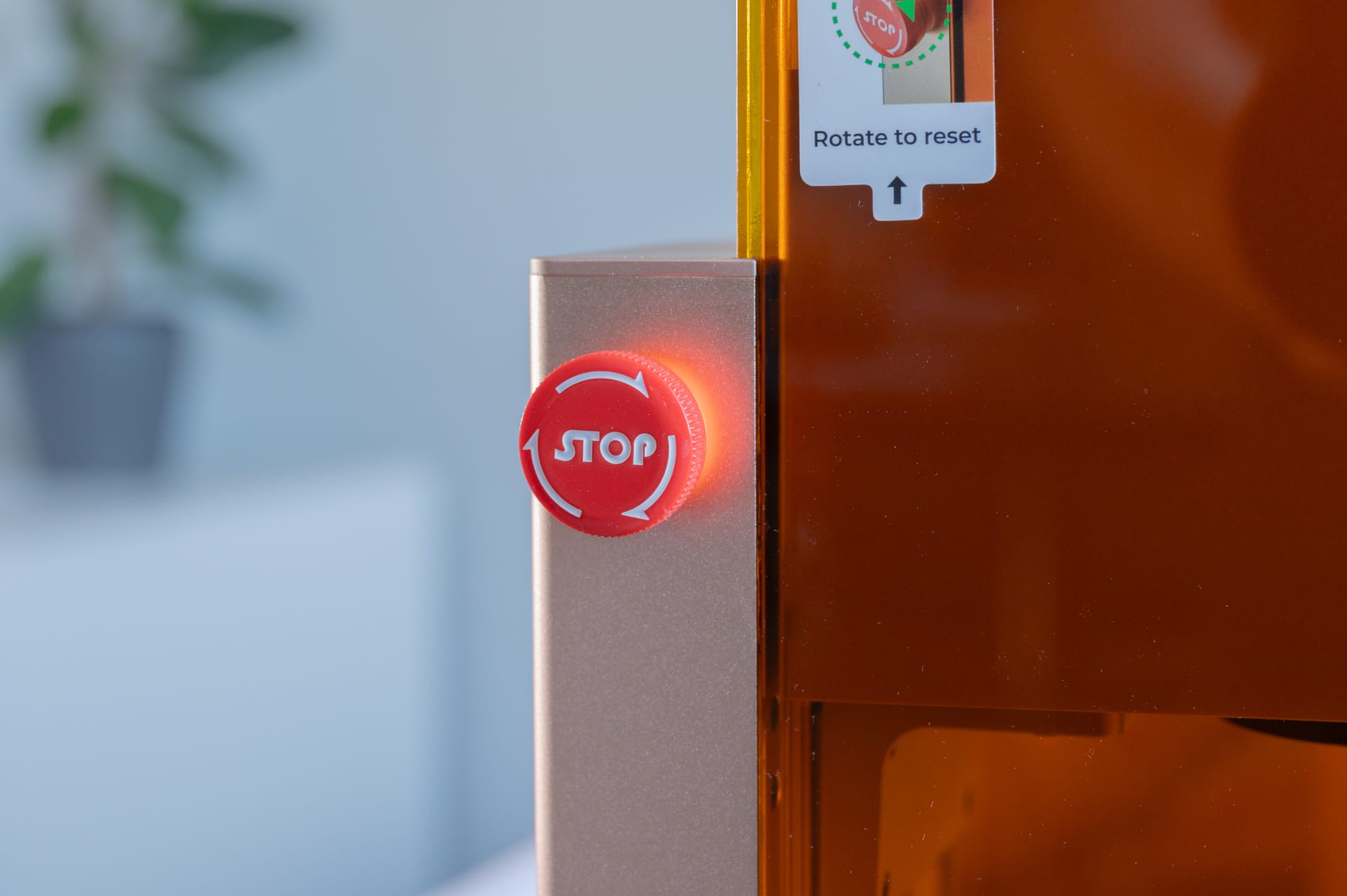
Despite its compact dimensions, the xTool F2 is a Class 4 laser. The device should therefore not be considered a harmless craft tool.
Safety is ensured by a fully enclosed housing, an emergency stop switch and a USB safety key, without which the laser cannot be started.
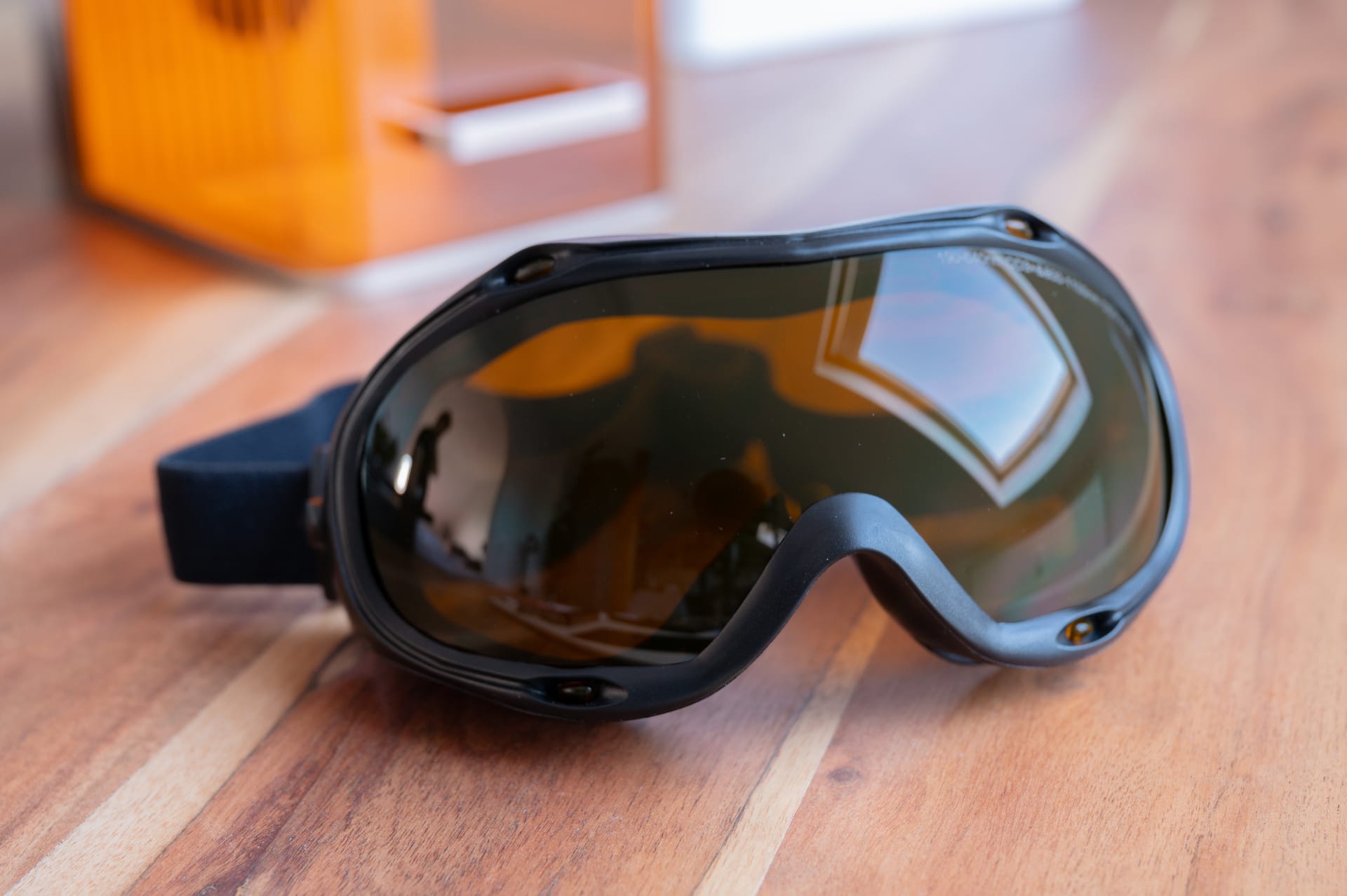
As soon as accessories such as the Slide Extension or Rotary module are used, the protective cover can no longer be closed completely, depending on the workpiece, so additional precautions should be taken. A certified laser safety glasses are recommended here, suitable for both the 455 nm diode laser and the 1064 nm infrared laser. It is a shame that xTool does not include such safety glasses as standard.
Our verdict
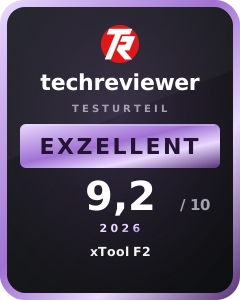
The xTool F2 is not a conventional laser engraver, let alone a scaled-down xTool S1. Rather than handling the largest possible workpieces or cutting thick materials, the device focuses on precise engraving on small to medium-sized objects.
In practical testing, the high working speed is particularly impressive. Wood, leather, metal, plastics and even glass, with the appropriate accessories, can be worked quickly and precisely. At the same time, the F2 also shows its limitations. The small working area restricts larger projects, the lack of support for LightBurn and Linux may not appeal to everyone, and the accessories can quickly push up the total price.
Even so, the overall verdict is very positive. The device offers an excellent combination of portability, functionality and ease of use, particularly for small engraving businesses and for use at markets and events. For hobby workshops focused on larger cutting projects, however, the xTool S1 remains the better choice.
Specifications
Technical specifications
- Laser type
- 15W diode laser + 5W infrared laser (1064 nm)
- Dot size (diode)
- 0.08 x 0.06 mm
- Spot size (IR)
- 0.03 x 0.03 mm
- Work area
- 115 x 115 mm
- Work surface with extension
- 400 x 115 mm
- Maximum working speed
- 6,000 mm/s
- Maximum wood cutting thickness
- 15 mm (multiple passes)
- Max. acrylic cutting thickness
- 12 mm (multiple passes)
- Max. processing height
- 120 mm
- Max. rotary diameter
- 120 mm
Connectivity and software
- Operating systems
- Windows, macOS
- Software compatibility
- xTool Studio
- Supported file formats
- SVG, DXF, JPG, JPEG, PNG, BMP
- Connectivity
- USB, Wi-Fi, IP
- Camera
- 50 MP smart camera
- Focus
- Autofocus / manual focus
- Positioning
- Camera and frame positioning
Physical features
- Weight
- 4.6 kg
- Dimensions
- 175 x 237 x 334 mm
- Power supply
- 24 V / 6 A
- Power consumption
- 150 W
Safety
- Laser class
- Class 4
Certifications
- Safety certification
- Laser class 4
- Power supply input voltage
- 220–240 V AC, 50/60 Hz
Price comparison
| Store | Price | Link |
|---|---|---|
| xTool | 1.319,00 € | Go to store |
Comments