Contents
The key xTool devices compared
The five models differ not only in performance, but in some cases even in their underlying technology. While the M2, F2, and X1 use lasers, the O1 and C1 are primarily designed for printing or cutting.
| Model | Technology | Best suited for | Verdict |
|---|---|---|---|
| xTool M2 | Modular diode laser with optional printing and IR modules | Wood, leather, craft projects, engraving, and cutting | Versatile entry-level option |
| xTool F2 | 15 W diode laser and 5 W infrared laser, Galvo system | Keychains, small metal items, quick personalization | Specialist for small engravings |
| xTool X1 | 55 W CO₂ laser, optionally with Galvo and other laser modules | Wood, acrylic, large cutting jobs, production runs | Advanced and professional use |
| xTool O1 | UV direct printing and, depending on the edition, other printing methods | Colorful gifts, promotional products, textiles | Specialist for color printing |
| xTool C1 | Inkjet printer, scanner, and cutting plotter | Stickers, labels, paper, films, and transfer designs | Creative work without a laser |
Get all the xTool Black Friday deals
Before you buy: What technology do you actually need?
If you don't already own a laser engraver, you should first learn about the main processes, as they determine which materials can be worked with and what the finished result will look like.
Diode lasers: A good choice for wood and many DIY projects
Blue diode lasers are especially popular with hobbyists. They are excellent for engraving wood, leather, and felt. With enough power, they can also cut wood and certain other materials.
However, they also have limitations. For example, transparent acrylic is not as easy to process with a blue diode laser as with a CO₂ laser, because it largely lets blue light pass through.
Laser-cutting wood often also produces dark cut edges. This may be desirable for rustic decorations. If you need the lightest, cleanest edges possible, however, you should consider the advantages of a CO₂ laser.
CO₂ lasers: When cutting is the priority
CO₂ lasers operate at a different wavelength from blue diode lasers and are particularly interesting if you regularly want to cut wood or acrylic.
For comparable cutting jobs, powerful CO₂ systems can also be significantly faster and often produce cleaner cut edges.
This makes them appealing for larger wooden signs, acrylic products, model making, and commercial cutting work.
Galvo lasers: For fast engraving on small surfaces
With a conventional gantry laser, the laser head moves mechanically over the workpiece. A Galvo system, by contrast, directs the laser beam using moving mirrors, enabling very high engraving speeds.
This is especially useful when many small items need to be personalized one after another. Instead of waiting minutes for a simple inscription, short engraving jobs can be completed very quickly.
However, compact Galvo devices often have a limited work area. With thicker materials, the angle of incidence of the laser beam can also easily result in slanted cut edges.
UV printing and cutting plotters: When color matters more than engraving
Engraving is created by changing or removing a material's surface. A printer does something different: It applies color to the material.
A UV printer such as the xTool O1 can, for example, print a multicolor company logo on acrylic or a wooden object.
A cutting plotter such as the C1, in turn, is designed for thin materials. It can precisely cut out the contours of printed stickers without the need for a laser.
xTool M2: A versatile entry into laser engraving
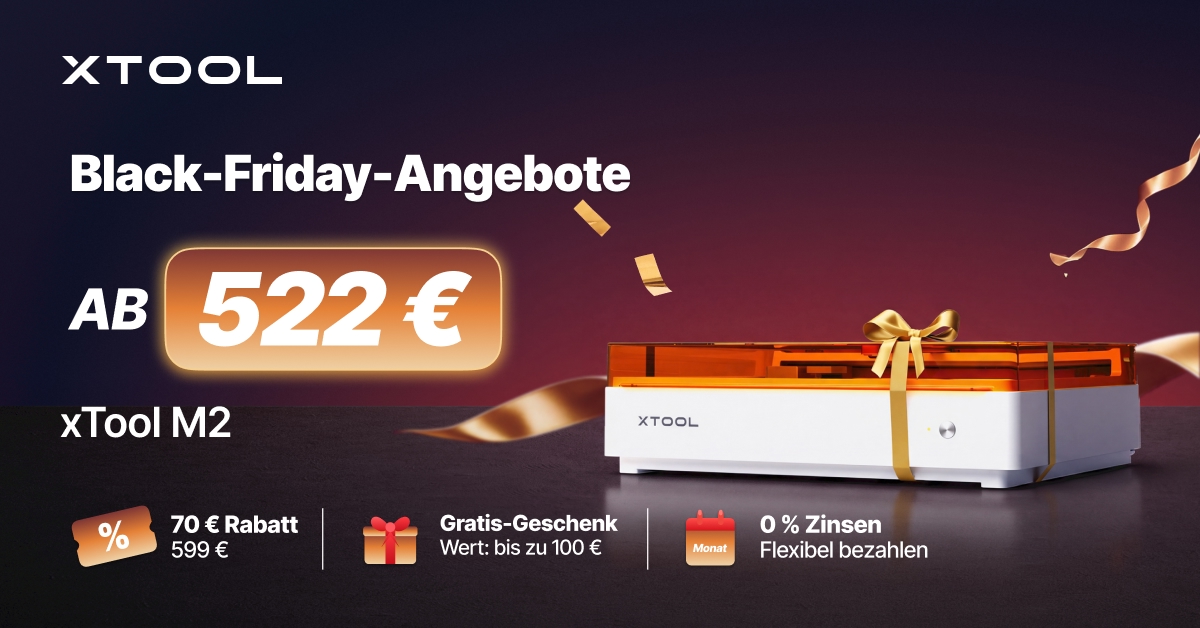
The xTool M2 is particularly well suited to hobbyists and makers who want to engrave and cut a variety of materials.
The machine uses a gantry system and is available with diode lasers in three power classes: 10 W, 20 W, and 40 W. It can optionally be upgraded with a 3 W infrared laser and a CMYK printing module.
This makes a wide range of projects possible, such as nameplates, wooden decorations, keychains, model-making parts, leather accessories, and personalized gifts.
Which power level should you choose?
10 W: For beginners who mainly engrave wood, leather, and other suitable materials. Thin materials can also be cut, but at a lower speed. The smaller laser spot can be an advantage for fine engraving.
20 W: The best compromise for many hobbyists. The additional power makes regular cutting jobs easier, for example with 3 mm-thick plywood. At the same time, the device is still suitable for precise engraving.
40 W: For anyone who cuts wood more frequently. According to xTool, under optimal conditions it can cut through up to 15 mm of basswood in a single pass. Plywood or harder wood types may require multiple passes.
If you only occasionally engrave a name in wood, you don't need 40 W. If, on the other hand, you want to regularly cut out wooden decorations, boxes, or larger shapes, the extra power is worth it.
Optional color printing and metal engraving
The M2's modular design is appealing. The optional CMYK inkjet printer can be used to add color to suitable surfaces. This makes combined printing and cutting projects possible, for example.
The additional 3 W infrared module expands the range of possibilities to include suitable metals and certain plastics.
However, these modules are not automatically included. If you want to use several techniques, you should compare the cost of the complete setup.
What are its limitations?
When engraving many small items, the M2 is slower than a Galvo laser such as the F2. A CO₂ laser is also better suited to regularly cutting thick wooden boards or transparent acrylic.
Cutting with the diode laser can result in significantly blackened cut edges.
Who is the M2 worth it for?
For beginners, hobby workshops, and small DIY shops looking to take on versatile engraving and cutting projects. We would recommend the 20 W model to most users. Those who mainly cut should choose the 40 W version.
xTool M2: Black Friday 2026 prices (Germany)
| Variant | Regular price | BFCM price | Savings |
|---|---|---|---|
| 10 W, standalone | 521,56 € | 27,45 € | |
| 20 W, standalone | 879 € | 70 € | |
| 40 W, standalone | 1.229 € | 120 € |
Explore xTool M2 models and prices
xTool F2: Fast and precise for personalized products
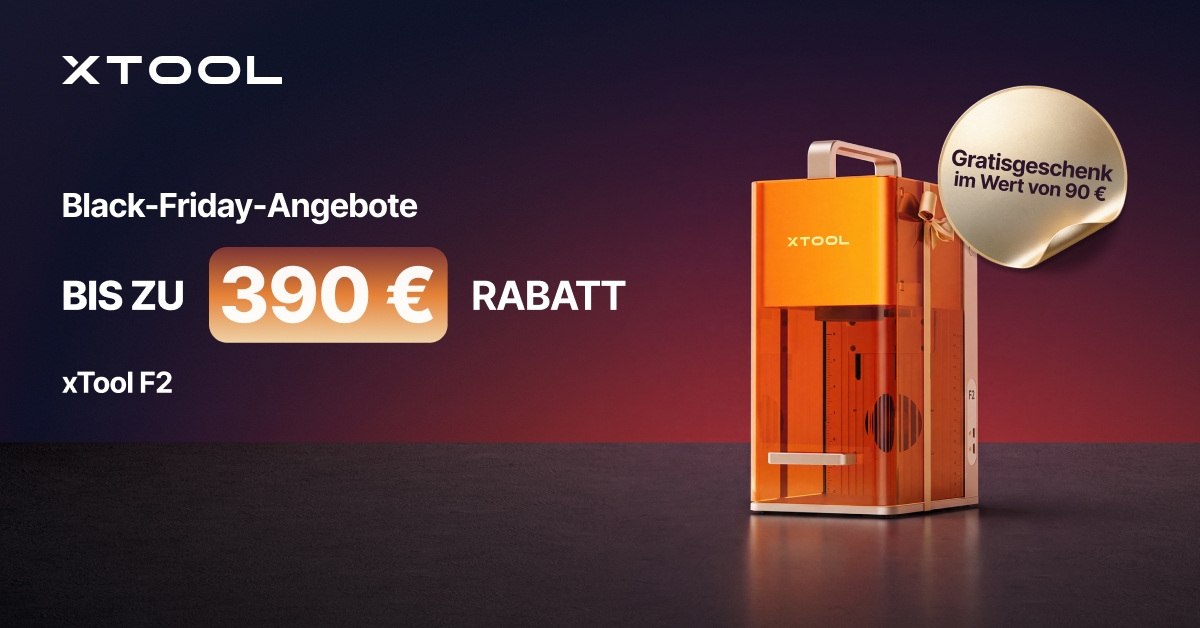
The xTool F2 is primarily aimed at users who want to engrave small items as quickly as possible.
Instead of a traditional gantry system, it uses a Galvo laser. The laser beam is directed by moving mirrors, enabling very high processing speeds.
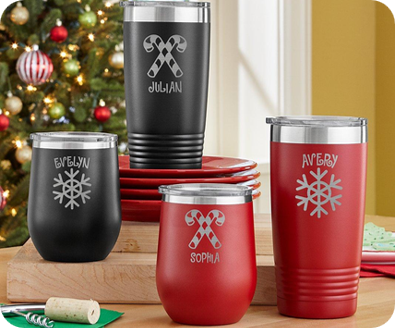
This is especially useful for personalized keychains, jewelry, metal plaques, small wooden products, and gift items.
Two laser sources for different materials
The F2 combines a 15 W diode laser with a 5 W infrared laser.
The diode laser can engrave materials such as wood, leather, and suitable craft materials. The infrared laser is designed for direct marking and engraving of many metals.
For example, names, logos, or serial numbers can be added to compatible metal items.
However, the compact IR laser is no substitute for a powerful fiber laser when it comes to industrial deep engraving.
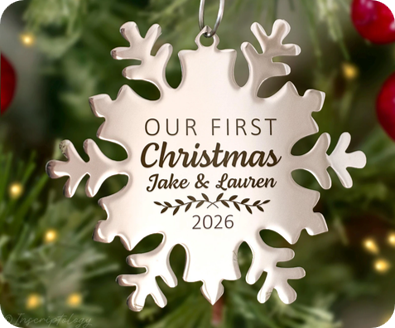
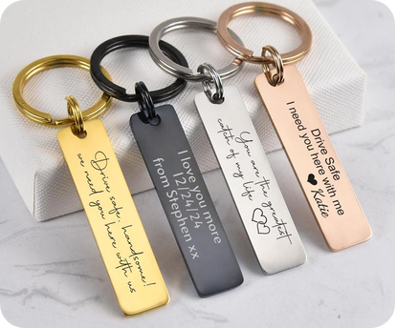
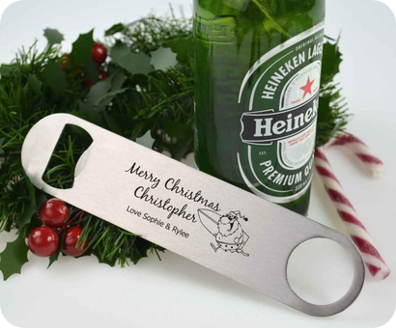
Fast engraving on small areas
The F2 reaches a maximum engraving speed of 6,000 mm/s. The actual processing time naturally depends on the design, material, and settings.
Anyone selling personalized products at markets, events, or in a small shop can complete short engraving jobs much faster.
The standard work area measures 115 × 115 mm. The optional Slide Extension expands it to 115 × 400 mm.
That is often enough for keychains, small signs, and jewelry. Larger wood panels, on the other hand, are not a typical use case.
Can the F2 cut, too?
Yes, the 15 W diode laser can cut suitable thin materials.
However, the F2 is primarily an engraving machine. With thicker materials, the Galvo technology can easily result in angled cut edges. If you need precise vertical edges or mainly cut wood, a gantry laser is the better choice.
Who is the F2 for?
Small businesses, Etsy shops, market sellers, and hobbyists who personalize lots of small items. It is a better choice than the M2 when fast engraving on modestly sized areas is the priority.
xTool F2: Black Friday 2026 prices (Germany)
| Variant | Regular price | BFCM price | Savings |
|---|---|---|---|
| Standalone | 1.199 € | 120 € | |
| with Slide Extension | 1.399 € | 120 € | |
| Deluxe Bundle | 1.819,01 € | 220 € |
Take a closer look at the xTool F2
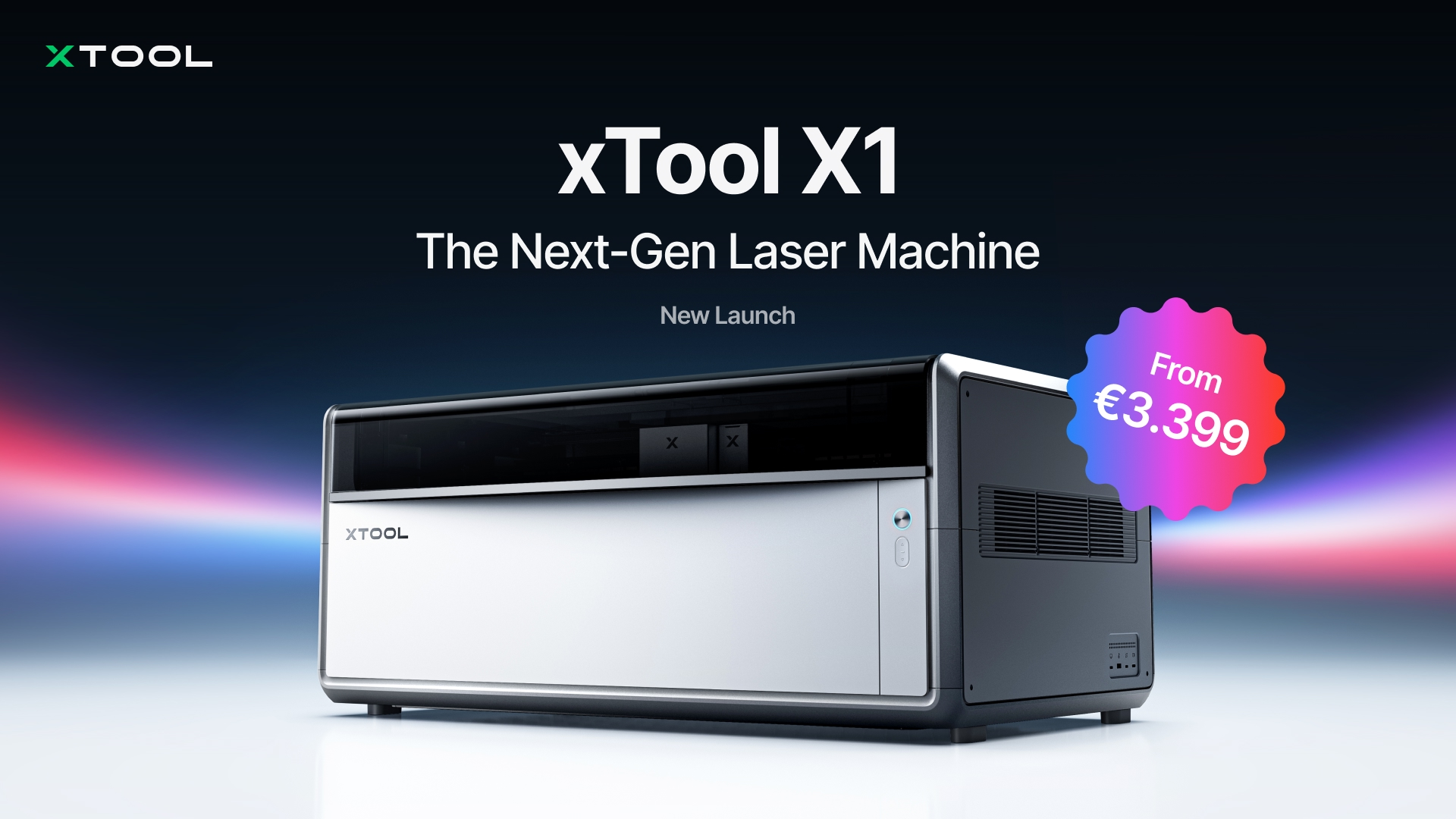
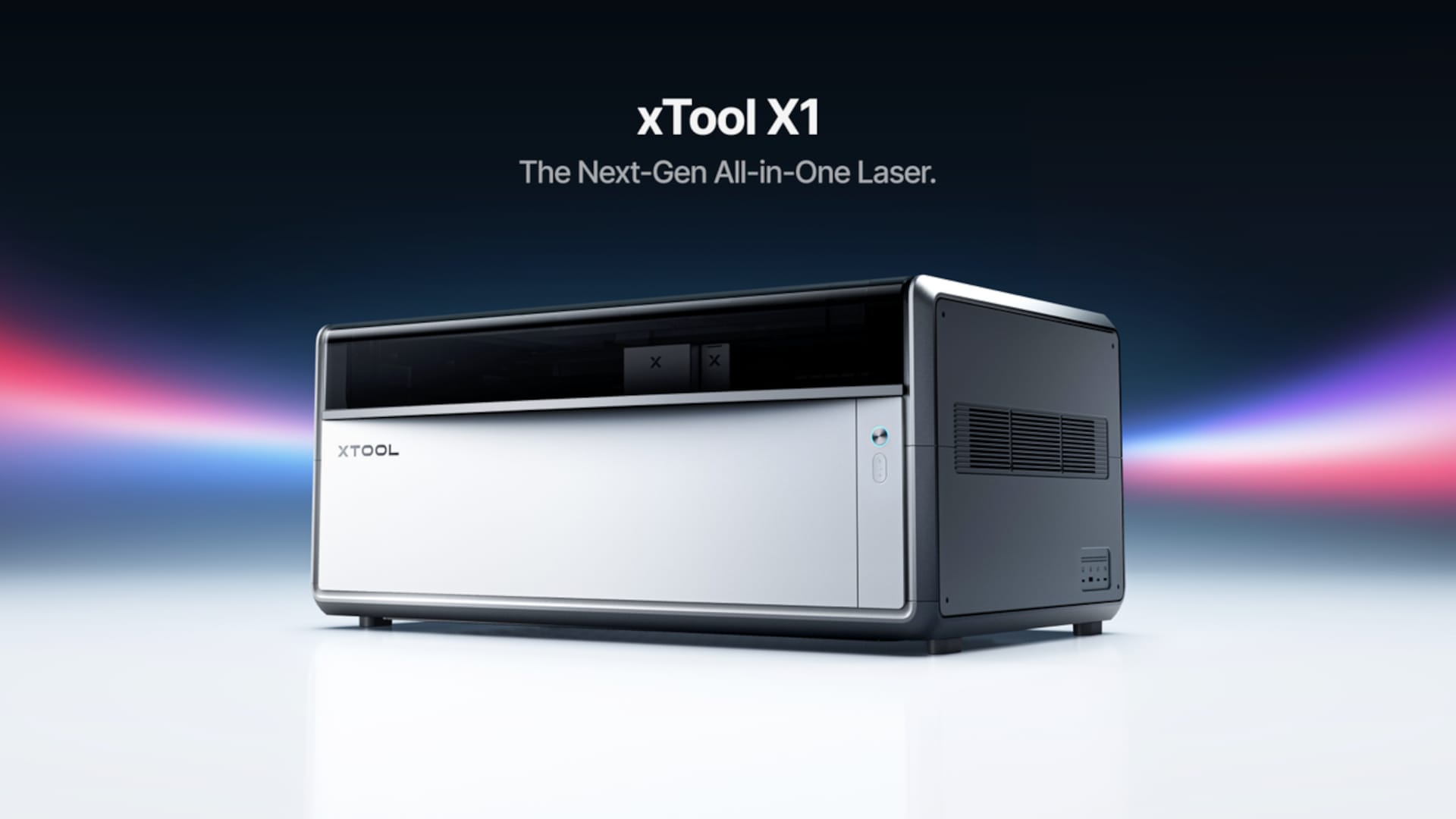
xTool X1: Powerful CO₂ laser for larger projects
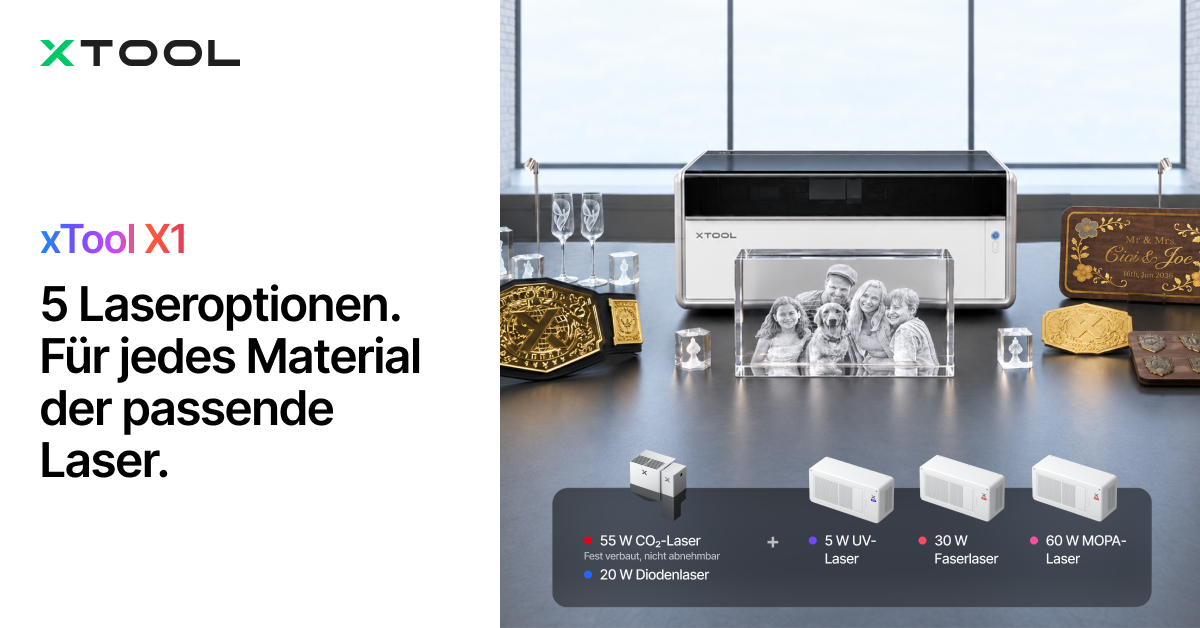
Anyone who regularly cuts wood or acrylic primarily needs sufficient power and a suitable work area. That is exactly why the xTool X1 is worth considering.
The machine has a 55 W CO₂ laser and can be upgraded with additional laser types, depending on the configuration.
This makes the X1 especially suited to demanding makers, workshops, and businesses that regularly work on larger or varied projects.
55 W CO₂ laser for wood and acrylic
The CO₂ laser is excellent for cutting wood, compatible acrylic, and other suitable materials.
According to xTool, under suitable conditions it can cut linden wood panels up to 18 mm thick in a single pass.
It can also process transparent acrylic. This is a major advantage over a blue diode laser.
Possible projects include:
- Larger wooden signs and decorations
- Acrylic signs and displays
- Custom gift boxes
- Model-making parts and templates
- Batch production of small wooden parts
In CO₂ batch mode, the X1 offers a work area of up to 615 × 320 mm. This lets you arrange multiple workpieces on one panel and process them together.
Optional additional laser sources
The X1's modular system is especially interesting.
In addition to the CO₂ base model, configurations are available with an additional 20 W diode Galvo laser. It is suitable for fast engraving at speeds of up to 6,000 mm/s.
For example, the CO₂ laser can cut out a wooden shape while the Galvo module handles the engraving. However, the usable area may be smaller for combined jobs.
Additional upgrades are also available:
- 5 W UV laser: For especially fine markings, glass processing and suitable internal engraving
- 30 W fiber laser: For various metal engravings and markings
- 60 W MOPA laser: For more demanding metal processing, deep engraving and certain color markings
Important: The 20 W diode Galvo module is required for the UV, fiber and MOPA upgrades. The appropriate hardware must also be taken into account for the CO₂-only version.
When is the X1 worth it?
Especially if you regularly take on larger cutting jobs. A CO₂ laser is faster for many wood and acrylic projects and, under suitable conditions, produces cleaner cut edges than a diode laser.
The X1, on the other hand, is often overkill for occasional small engraving jobs. Other considerations include its higher purchase price, space requirements and the need for an exhaust system.
Who is the X1 worth it for?
For ambitious makers and businesses that produce larger wood and acrylic products or want to use different laser sources. If you regularly cut thicker materials, the X1 is a much better choice than a compact Galvo laser.
xTool X1: Black Friday 2026 prices (Germany)
| Variant | Regular price | BFCM price | Savings |
|---|---|---|---|
| 55 W CO₂, standalone | 3.369 € | 3.369 € | 0 € |
| CO₂ + 20 W diode Galvo, standalone | 3.959 € | 3.959 € | 0 € |
Exclusive X1 discounts for members
Depending on your membership tier, the X1 comes with a 8%, 10% or 12% discount on the machine. Separate codes are available for compatible accessories:
| Membership tier | X1 discount | Machine code | Accessory code |
|---|---|---|---|
| Super | 8 % | XCCX1SPECIAL8 |
XCCX1ACC8 |
| Luxury | 10 % | XCCX1SPECIAL10 |
XCCX1ACC10 |
| Premium | 12 % | XCCX1SPECIAL12 |
XCCX1ACC12 |
Unlike the automatic Black Friday tiered discounts, member codes must be entered at checkout. Which code you can use depends on your membership tier; check the shopping cart to see whether it can be combined with other promotions.
Compare all xTool X1 configurations
xTool O1 Omni Printer: Full-color direct printing instead of laser engraving
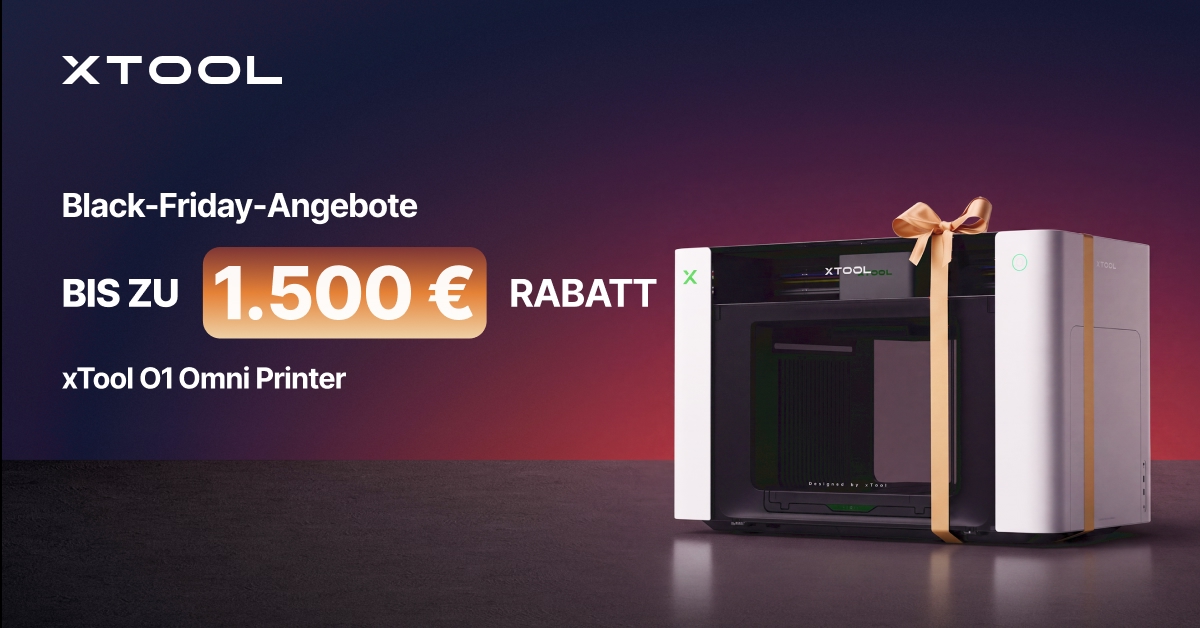
The xTool O1 Omni Printer is fundamentally different from the machines introduced so far. It doesn't engrave surfaces; it prints on them in color.
This is particularly useful for personalized gifts, promotional products, merchandise and decorations.
Instead of engraving a logo into wood or acrylic, the O1 can print multicolored designs directly onto suitable products.
What materials can it print on?
Depending on the material and printing process, options include wood, acrylic, glass, ceramics and metal.
With UV direct printing, ink is applied to the workpiece and cured with UV light. This makes it possible to create, for example, colorful logos, illustrations and textured print effects.
Depending on the edition, the O1 also supports UV DTF transfers. Designs are printed onto special films and then transferred onto other objects. This is particularly suitable for products that cannot be printed on directly.
Which O1 version should you choose?
The O1 is available in different editions:
Single UV: For conventional UV direct printing on suitable solid surfaces and related UV DTF applications.
Dual UV: Offers additional printing options, including certain special effects and flexible materials.
UV + DT fabric: Combines UV printing with DTG and DTF textile printing. This lets you customize suitable garments as well as solid products.
The editions differ in their printhead and ink systems. According to the manufacturer, switching between editions later is not straightforward.
So if you also want to print on clothing, look into the corresponding textile printing version right away.
Don’t underestimate ongoing costs
Unlike laser engraving, the O1 requires ink and other consumables.
Depending on the project, you may also need primer for pretreatment, UV-DTF films, laminating accessories, or a heat press for textile printing.
Regular printhead maintenance is also important. Automatic maintenance functions make the job easier, but they don’t make the device maintenance-free.
Who is the O1 worth it for?
For creative businesses and makers who want to sell colorful products. It’s especially interesting for gifts, promotional products, and merchandise. However, it isn’t suitable for cutting wood or acrylic.
xTool O1: Black Friday 2026 prices (Germany)
| Variant | Regular price | BFCM price | Savings |
|---|---|---|---|
| Single UV, Standalone | 2.179 € | 220 € | |
| Dual UV, Standalone | 2.979,01 € | 220 € | |
| DT + UV, Standalone | 3.079 € | 220 € |
Check out xTool O1 Omni Printer deals
xTool C1 Color Cutter: Print and cut with one device
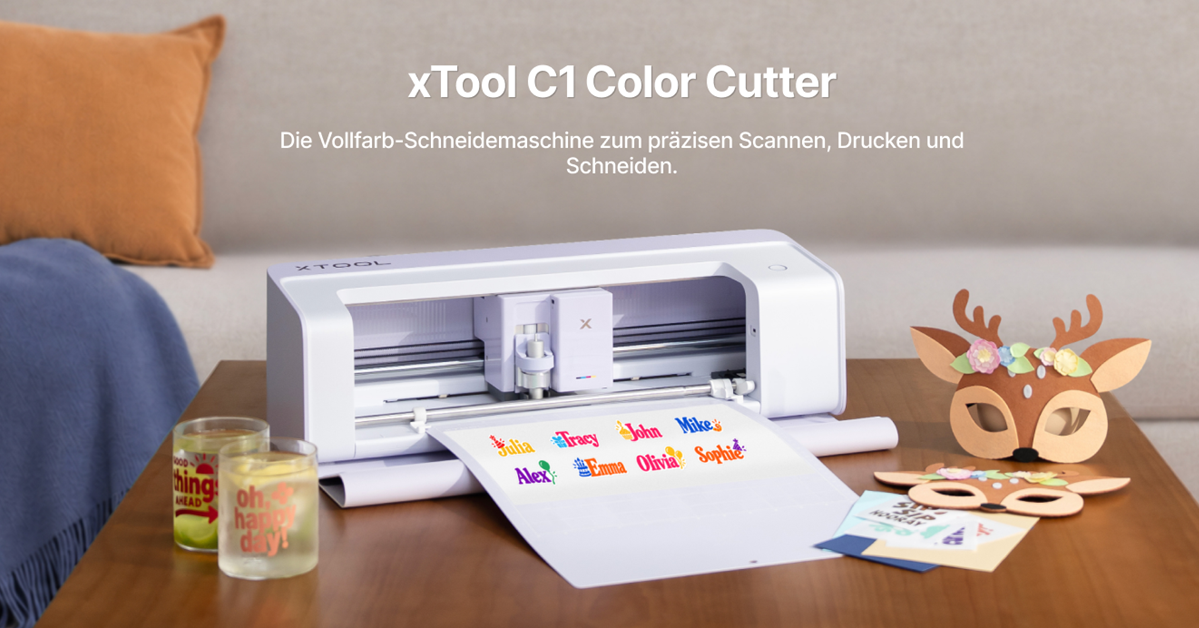
If you mainly make stickers, labels, invitation cards, or film projects, you don’t necessarily need a laser.
The xTool C1 Color Cutter combines a CMYK inkjet printer, a scanner, and a cutting plotter.
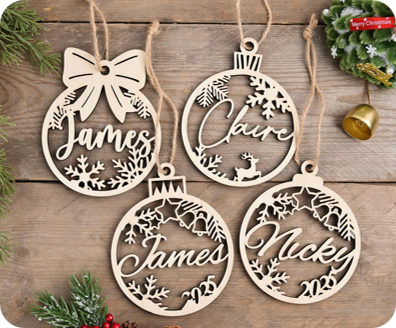
This lets you print designs and then cut them out precisely along their contours using suitable cutting tools.
Ideal for stickers and paper projects
A typical example is making your own sticker sheets.
Create the designs on your computer, print them on suitable material, and then cut along the contours.
Because printing and cutting take place in one device, there’s no need to switch between a separate printer and cutting plotter.
Other typical applications include:
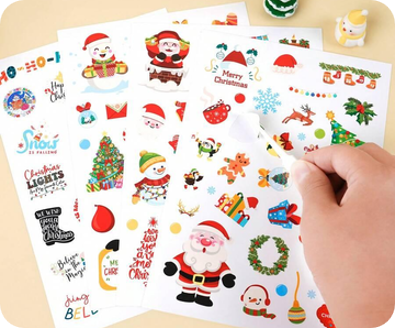
- Labels and packaging stickers
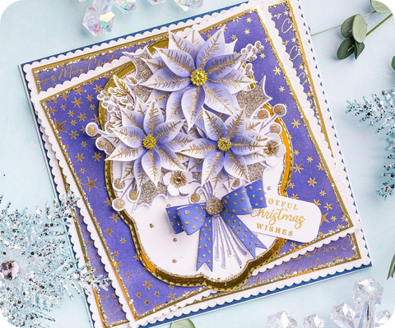
- Greeting and invitation cards
- Scrapbooking and paper decorations
- Personalized iron-on designs
- Vinyl lettering
- Custom gift packaging
This workflow can be especially useful for small creative shops.

What can the C1 cut?
Its main applications are paper, cardstock, sticker and transfer materials, as well as suitable films.
With the right tools, it can also handle certain thin craft materials. For example, xTool lists balsa wood and leather up to 3 mm thick for a specialized blade.
However, it’s no substitute for a laser cutter. The C1 can’t engrave wood in the conventional way and isn’t suitable for cutting thick wood panels.
Instead, it uses mechanical blades. This is an advantage for many film materials that shouldn’t be processed with a laser because of their composition.
What additional costs should you expect?
In addition to ink and printing materials, you may need cutting mats, replacement blades, and suitable transfer films, depending on the project.
Some additional design or software features may also require payment.
For stickers, pay attention to material quality. Not every printing medium is permanently waterproof or suitable for outdoor use.
Who is the C1 worth it for?
For craft enthusiasts, DIY beginners, and small shops that want to make stickers, cards, or film products. If you mainly create colorful paper projects, the C1 is often a better choice than a laser engraver.
xTool C1: Current presale price
The xTool C1 is currently available for presale. According to xTool, the current preorder price is the best offer available for this model right now. It’s unclear whether the C1 will still be available at the same price after presales end. If you’ve already decided on the C1, check the current price and preorder conditions in the official store.
Discover the xTool C1 Color Cutter
Which xTool device is right for which material?
Material choice is often the most important purchasing criterion. Not every laser source can process every material, and sometimes a printer or cutting plotter is the better solution.
| Material / Project | Recommendation | Why? |
|---|---|---|
| Engraving wood | M2 or F2 | M2 for versatile projects, F2 for quick, small engravings |
| Cutting wood | M2 40 W or X1 | X1 for thicker materials and frequent cutting |
| Engraving leather | F2 or M2 | Quick small items or flexible engraving and cutting projects |
| Felt and thin craft materials | M2 | Versatile processing |
| Cutting transparent acrylic | X1 | A CO₂ laser is better suited to this material |
| Printing in color on acrylic | O1 | Multicolor direct printing |
| Engraving metal | F2 or X1 with additional laser | IR, fiber, or MOPA technology |
| Fine engraving on glass | X1 with UV module | Precise processing of suitable glass products |
| Printing in color on ceramic | O1 | UV printing instead of engraving |
| Stickers and labels | C1 | Color printing and contour cutting |
| Cutting paper and cardboard | C1 or M2 | Mechanical cutting or laser cutting |
| Printing in color on textiles | O1 with textile printing edition | DTG and DTF processes |
| Creating transfer designs | C1 | Suitable printing and cutting materials |
Some materials require special preparation. For example, glossy ceramic cannot be engraved easily with a blue diode laser. Special coatings or other laser sources may be needed.
Particular care is needed with plastics and faux leather. PVC and other unsuitable materials can release hazardous fumes when lasered. Unknown material compositions should therefore be checked before processing.
Which xTool is right for your budget and experience level?
The most powerful machine is not always worth it. For many applications, a smaller, suitable device is the more economical solution.
For beginners on a smaller budget
If you want to get some initial experience with laser engraving, consider the xTool M2 with 10 W or 20 W.
For sticker, card, and film projects, the C1 is a better fit. It offers the printing and cutting functions you need without having to buy a laser.
For ambitious hobbyists
If you already engrave or cut regularly, the right choice depends on your priorities.
The M2 with 40 W offers more headroom for woodworking. The F2, on the other hand, is a better choice for fast engraving on small products and compatible metals.
For small businesses
For commercial use, speed and production workflows play a bigger role.
If you personalize keychains or other small items, the F2 is a good fit.
The X1 is worth considering for larger wood and acrylic products. If you want to make colorful gifts or merchandise, take a look at the O1.
A sticker and stationery shop, on the other hand, can be well equipped with the C1.
Factor in accessories and ongoing costs
Depending on the machine, there may be additional costs beyond the purchase price:
- Laser machines: Suitable exhaust equipment, Air Assist if needed, filters, rotary attachments, and maintenance
- O1: Ink, pretreatment products, specialty films, laminating accessories, and a heat press if needed
- C1: Ink, cutting mats, replacement blades, and printing materials
- All devices: Consumables, test pieces, potential software costs, and accessories
Proper fume and vapor extraction is especially important when laser cutting. This is something to take seriously even with small machines.
Get all the xTool Black Friday deals
Three typical applications: Which machine would we choose?
1. Make personalized wooden gifts
For nameplates, Christmas decorations, coasters, or small gift boxes, we’d recommend the M2 with 20 W or 40 W.
It can cut the shapes and then engrave them.
If you plan to process larger wooden panels or many workpieces later on, the X1 is worth considering.
2. Engrave keychains and jewelry at markets
The F2 is particularly appealing for this.
It takes up little space, works quickly, and offers a range of engraving options thanks to its diode and infrared lasers.
That’s a major advantage for personalized products that customers want to take home right away.
However, safe setup and suitable extraction are also essential when using it on the go.
3. Sell stickers, promotional items, or merchandise
We’d choose the C1 for sticker sheets, labels, and stationery.
If you’re looking to print in color on wood, acrylic, ceramic, or other solid objects, the O1 is a more interesting option.
If you also want to print on clothing, the O1’s dedicated textile-printing edition offers more options.
How to get the best xTool Black Friday deals in 2026
For Black Friday, xTool is offering a tiered discount based on qualifying order value. The BFCM prices listed above are already the final prices quoted by xTool, including the applicable discount. If you buy a machine, accessories, and consumables together, compare the final price actually shown in your cart.
| Qualifying order value from | Additional discount |
|---|---|
| 599 € | 70 € |
| 999 € | 120 € |
| 1.699 € | 220 € |
| 3.699 € | 460 € |
| 5.499 € | 780 € |
| 8.799 € | 1.500 € |
| 11.999 € | 2.400 € |
Which products are eligible for the tiered discounts?
The promotion covers xTool machines except the X1 and C1, as well as eligible accessories, materials, and xToolCare. The X1 and C1 may have their own promotional prices, but these machines are not eligible for the additional tiered discount.
Do I need to enter a coupon code?
No. The applicable tiered discount is automatically deducted at checkout once you reach the required qualifying cart value. You don’t need to enter a discount code manually. Compare the final price shown; tiered discounts cannot necessarily be combined with other promotions.
If you already need accessories such as a rotary attachment, Air Assist, or consumables, you can add them to your cart together and see whether that moves you into a higher discount tier. However, additional products should be worth buying even without the discount.
60-day price guarantee: Buy now instead of waiting for Black Friday
If you want to order your device now, you don’t have to wait for Black Friday itself: xTool offers a 60-day price guarantee on orders placed directly through de.xtool.com. If the price of the identical product drops within 60 days of purchase, the price difference may be refunded in accordance with the applicable terms.
The guarantee does not apply to purchases from Amazon or other retailers. Special, limited-time flash deals are excluded. xTool requires proof of the price reduction and your order details to issue a refund. See the official 60-day price guarantee terms for details.
Comments