Contents
First impressions of the Yeelight 1S /V2
The Yeelight Smart LED is a smart home lamp from the manufacturer “Yeelight”, a Xiaomi subsidiary specialising mainly in domestic lighting. As one of the first Yeelight products available internationally, the smart LED lamp has undergone a comprehensive upgrade. In the following test, we also directly compare the new Yeelight V2 (1S) with the first version 1 of the inexpensive Philips Hue alternative.
Design, build quality, and included accessories
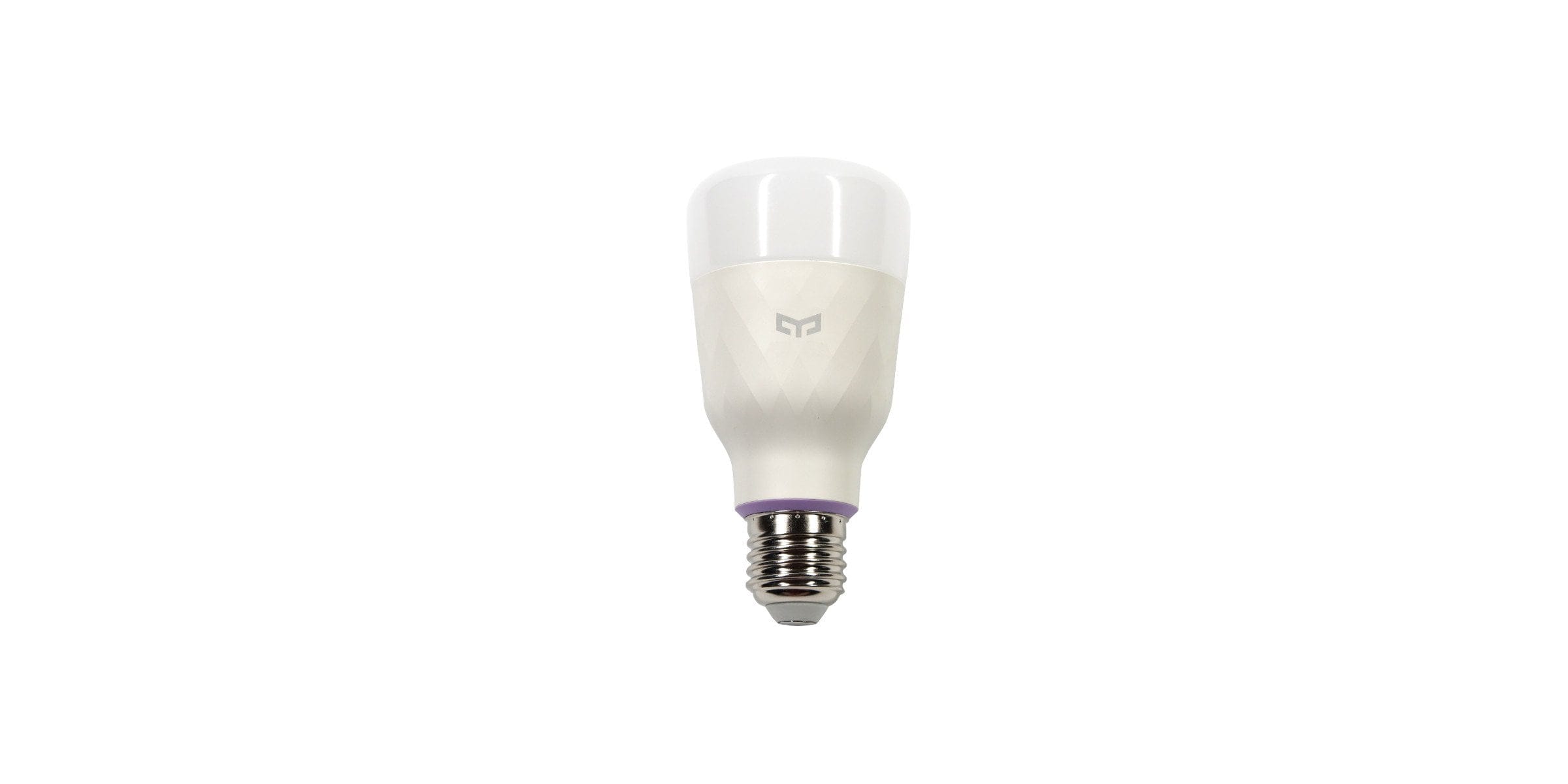
The bulb's design has been revised. Yeelight has moved away from the grey aluminium housing. Instead, the 2nd generation features a modern housing in neutral white with a checkered pattern. The lamp adapts exceptionally well to different interior styles. The LED bulb is available with either an E27 or E26 base. The build quality is flawless. The scope of delivery is unremarkable and includes nothing but the bulb itself and an instruction manual. As expected, a lamp socket adapter is not included.

Setup
The initial setup is simple and does not differ from other Yeelight products with Wi-Fi connectivity. To use the smart features of the Yeelight V2, you need the Yeelight app. It is available for both Android and iOS devices in the respective stores. Within the app, you select the setup of a new device. A setup wizard guides you clearly through the individual setup steps, during which the bulb is connected to the Wi-Fi. You should ensure that the mobile device used for the setup is connected to a 2.4 GHz Wi-Fi network (not 5 GHz!), otherwise the transmission of the Wi-Fi access credentials will not be possible.

Luminous flux and power consumption
According to Yeelight, there is an upgrade regarding luminous flux and power consumption. Instead of 600 lumens (generation 1), the luminous flux of the new generation is supposed to be 800 lumens . In the comparison test, only a slight difference in brightness is shown, which is hardly visible to the naked eye.
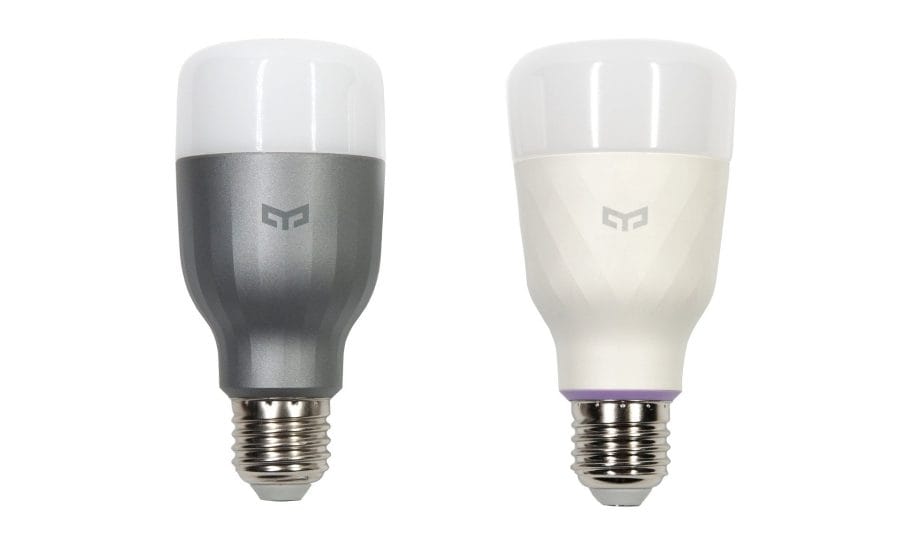
A slight colour deviation is noticeable in the dark tones. Here, version 2 shows a significantly too high white component, which makes colours appear washed out. In particular, the red display is visibly affected by this. According to Yeelight, however, this is only a firmware error that will be addressed in future updates. The colour temperature is between 1700K and 6500K. The manufacturer does not provide information on the colour rendering index (CRI).

According to Yeelight, the power consumption has increased from 9 watts to 10 watts. The slightly increased power consumption is understandable and fluctuates between 2 and 10.3 watts depending on colour and brightness. The manufacturer's promised, lower standby power consumption, which is said to have fallen from approximately 1.2 watts to 0.5 watts, is not understandable. Several test measurements revealed an increased standby power consumption of 1.3 watts. When asked, Yeelight explained the increased standby consumption by saying that the internal design had to be completely revised due to Apple HomeKit integration. Ultimately, they decided on new components that have a higher power consumption. The lifespan is specified as 25,000 hours.

Smart app control
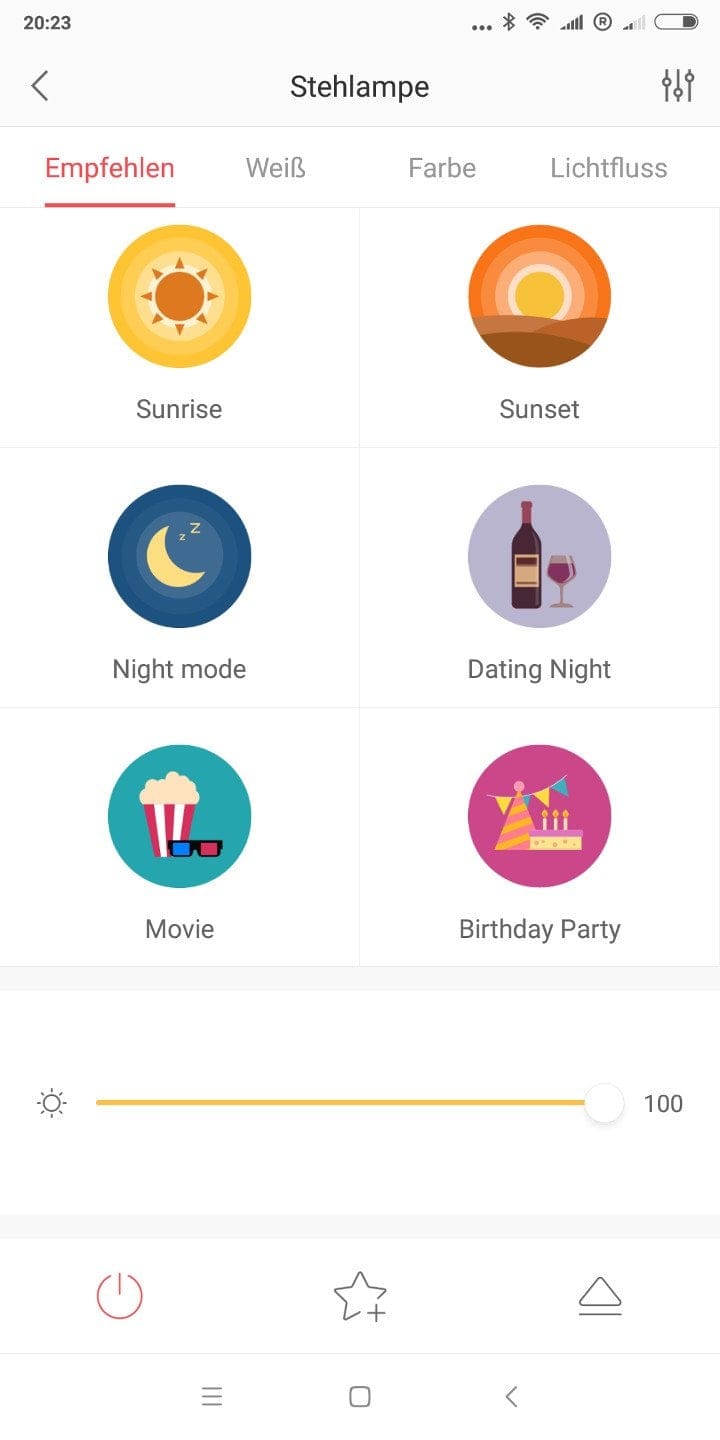
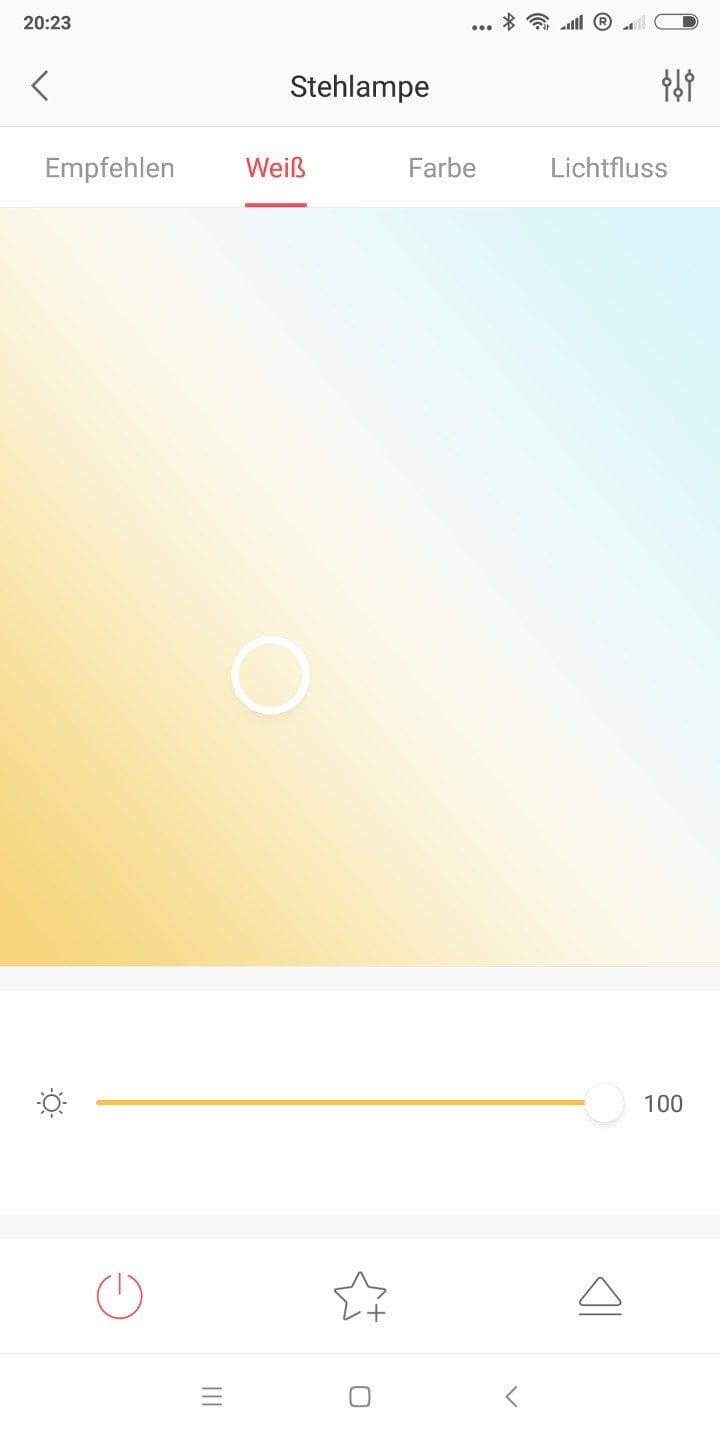
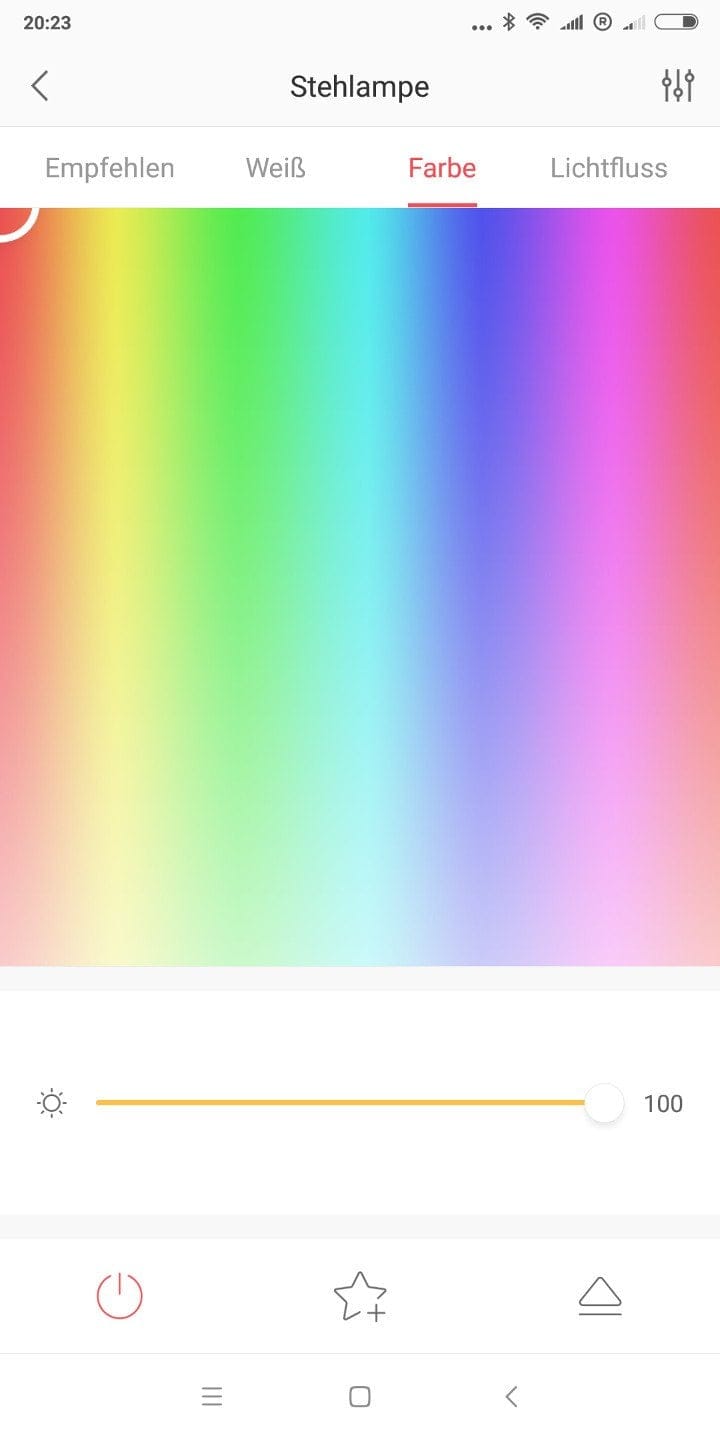
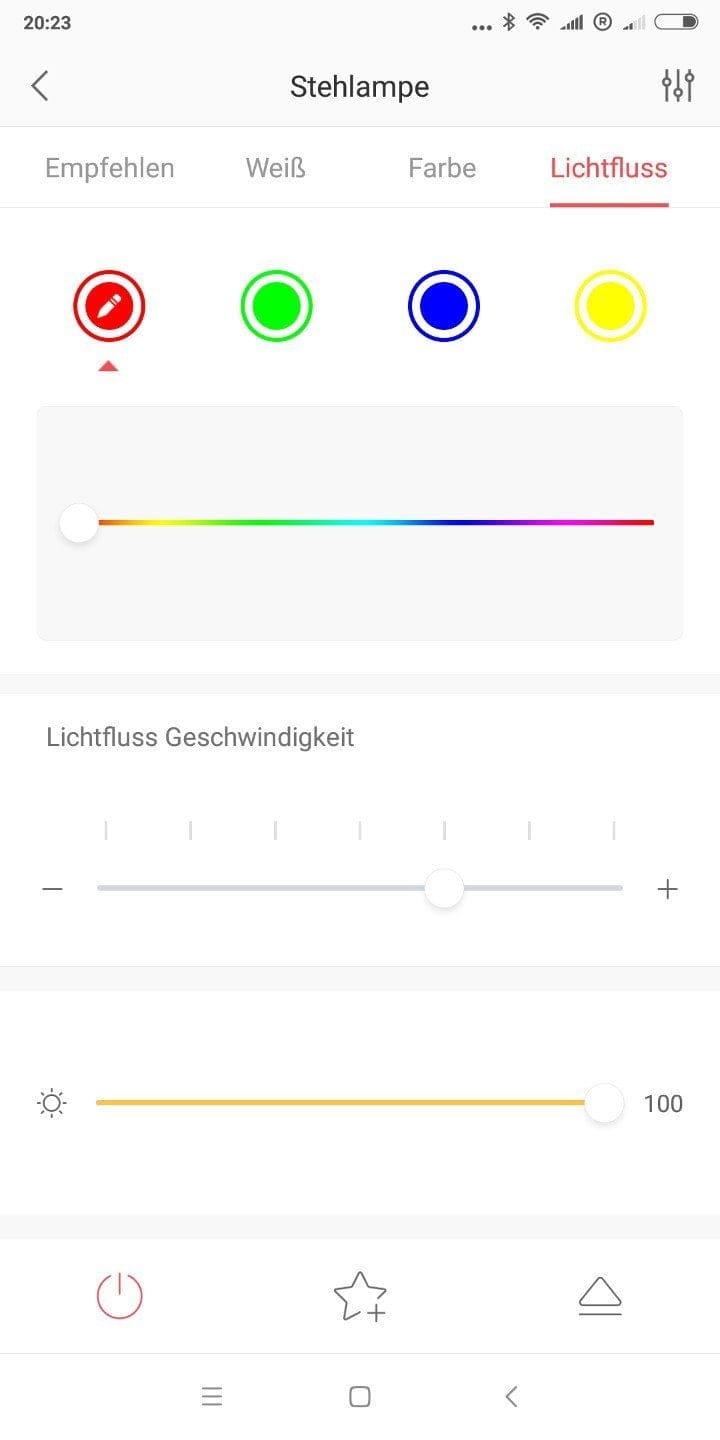
The previously mentioned Yeelight app is the central control unit for all Yeelight products. Functions of the app include remote and time-controlled switching on and off, free selection of brightness and colour, customised colour changes and various scene modes, such as sleep, wake-up or party modes. The lamp responds to inputs via the app with only a slight delay. The Yeelight bulb receives control signals directly from the Yeelight servers, which are located in, among other places, China, Singapore, the USA and Germany. If the Yeelight V2 is connected to a WLAN with internet access, it communicates continuously with the assigned server and can thus be controlled remotely, for example from the mobile network. While this may sound practical, it can certainly become a security risk, because remote access cannot be disabled!
Voice control is provided via Amazon Alexa and Google Assistant. In testing, the Yeelight bulb could be integrated and controlled without problems via the Alexa app. Support for the Apple HomeKit platform will be added with a future firmware update, which is not scheduled for release until autumn 2018!

Our verdict
The Yeelight Version 2 has undergone the most significant upgrade in terms of design. Thanks to its plain white housing, the LED lamp blends in with a wide variety of interior styles. At the same time, the lamp still has to contend with some teething problems. The increased white component within colour reproduction is particularly noticeable. The increase in luminous flux from 600 lumens to 800 lumens is barely perceptible, but still results in higher energy consumption. The same applies to standby power consumption, which is not lower as promised, but even slightly higher.
When choosing between the Yeelight V2 and the older V1, the decision has so far rested solely on design. Apple HomeKit integration, which could otherwise argue for the new Yeelight generation, is not expected until autumn 2018!
Specifications
Lamp
- Brightness
- 800 lumens
- Color temperature
- 1700K - 6500K
- Performance
- 8.5W (1S) 10W (V2) Standby ~0.5W
- Lifespan
- 25000 hours
App
- *Brightness control
- *Colour control
- *Scenes
- *Light group management
- *Timer
Other
- Connection
- Wi-Fi
- Smart Home
- *Amazon Alexa
- *Google Voice
- *Apple HomeKit
- *MIJIA
- *Tasker
- *IFTTT
- Material
- Aluminium and polycarbonate
- Size
- *6 x 6 x 12.4 cm (1S)
- *6.5 x 6.5 x 13 cm (V2)
- Weight
- 180g
Price comparison
| Store | Price | Link |
|---|
Comments (6)
Good evening, can I integrate the new Yeelight into my existing Philips Hue system? Second question: GearBest also offers the YLDP05YL. What is the difference? Kind regards, Ingo
Hi Ingo, Philips Hue uses the ZigBee standard, which the Yeelight does not support. The Hue Bridge and Yeelight bulb will not work together. The YLDP05YL is the model designation for the exclusively white-lighting Yeelight V2 bulb.
Hi Timo, thanks a lot for your quick reply. I already suspected that the Philips Bridge wouldn't work. I've now ordered one new bulb and one old bulb for comparison. Best regards, Ingo.
I have several of the old ones, and two of them emit a whining noise when dimmed or when the colours change. If anyone has the new model, please let me know if they also whine. Otherwise, I would be very impressed by the higher brightness and lower power consumption.
Hi C0d, I know the humming, buzzing or whining sound. It is usually caused by the pre-driver electronics or the dimmer of the LED lamp. I will report on how the new version behaves once my test units arrive.
How do I connect the Yeelight to HomeKit?