Contents
First impressions of the Yi M1
What’s included
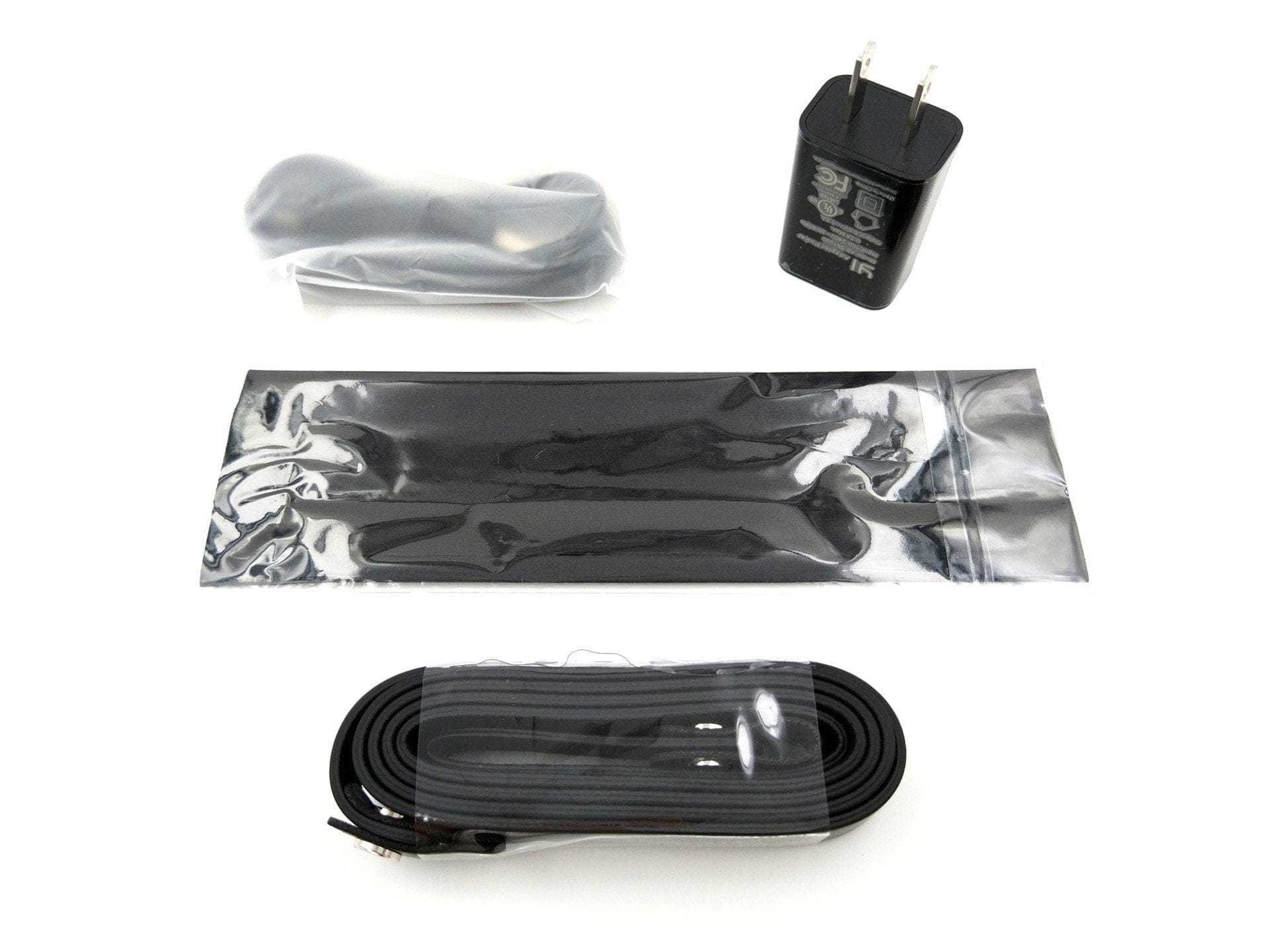
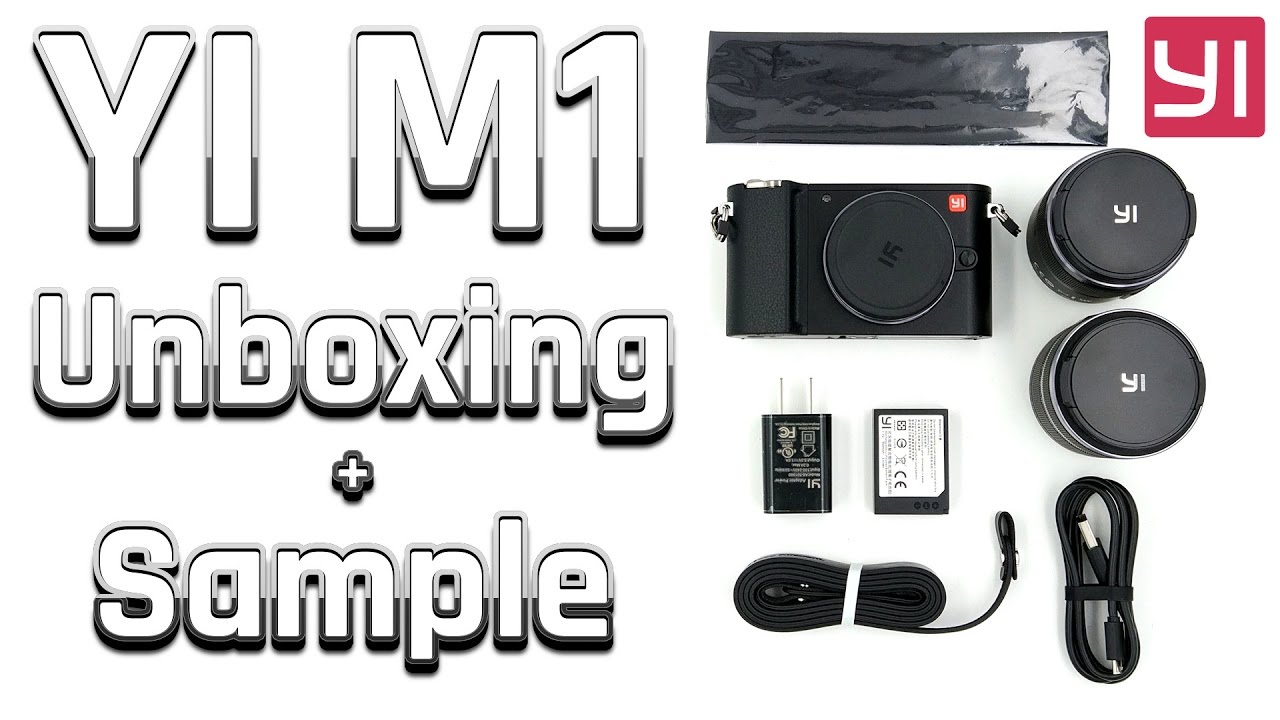
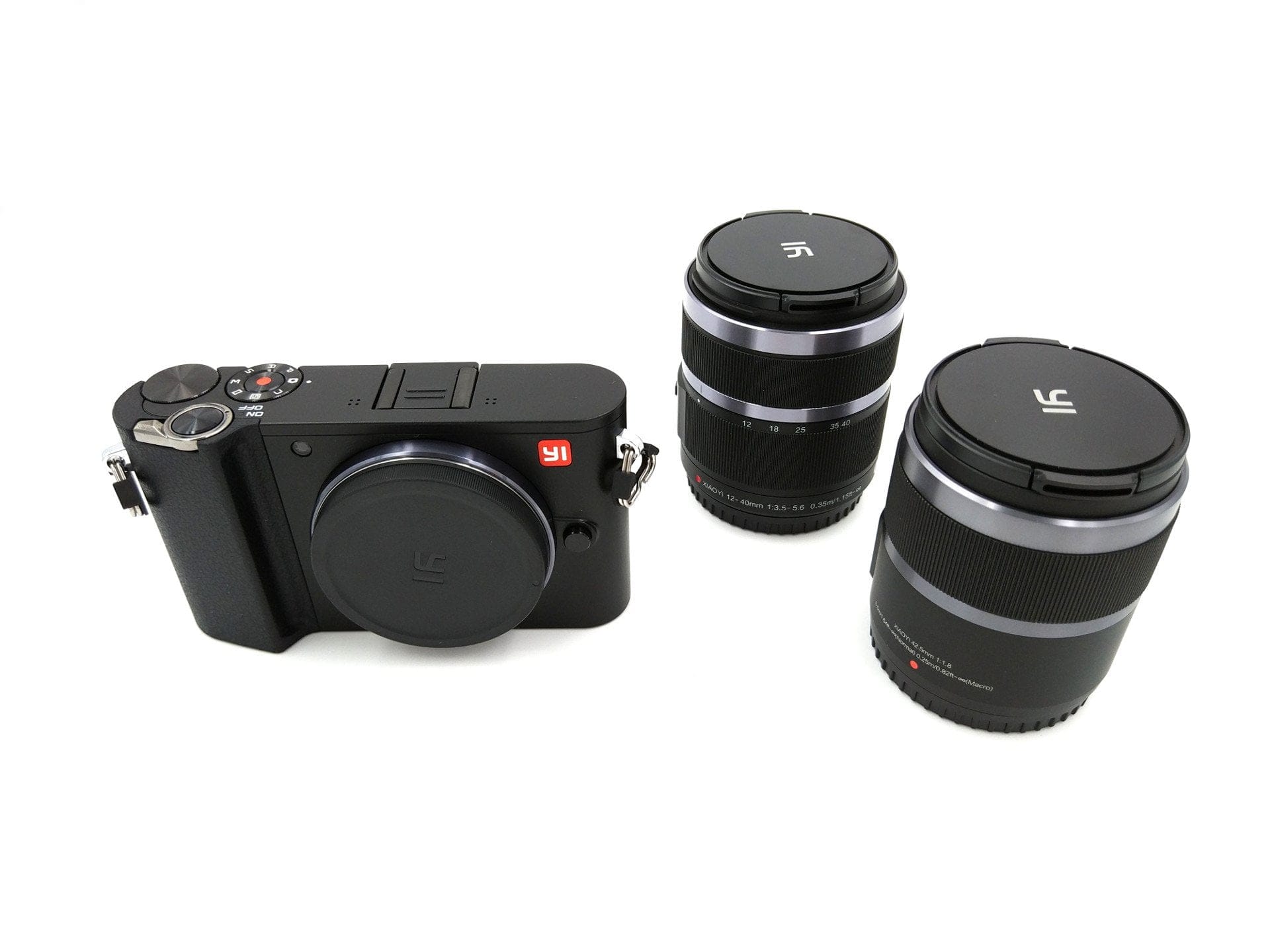
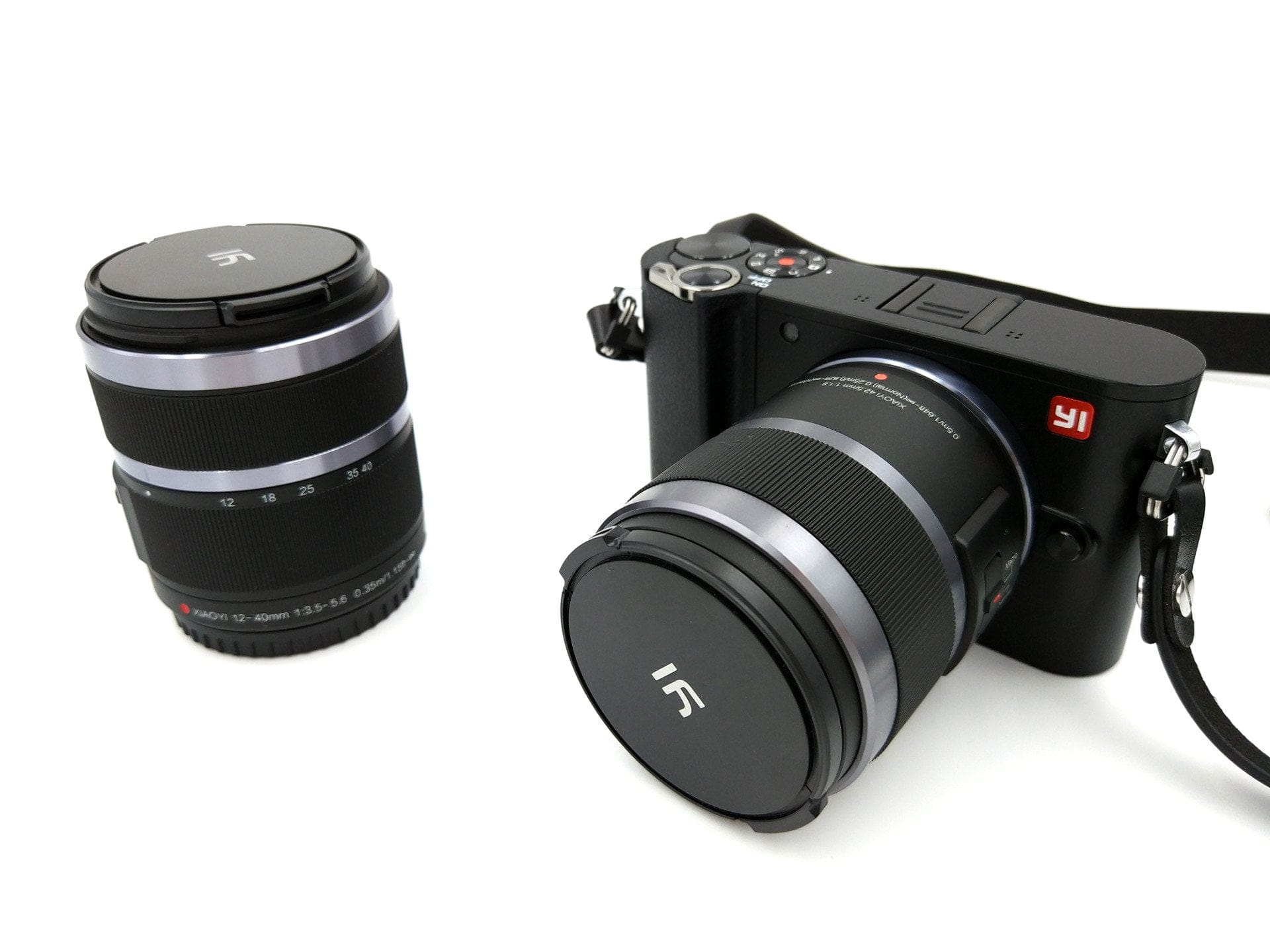
The Yi M1 is available as a “single-lens kit” and as a “dual-lens kit”. Depending on which variant you choose, you receive a “YI 12-40mm F3.5-5.6” zoom lens or, in addition, a “YI 42.5mm F1.8” macro lens. Furthermore, each kit contains a camera strap, a cleaning cloth, a USB cable with a micro connector, a charger with a type-A plug, a 900 mAh battery and a multilingual user manual.

Design, build quality and handling
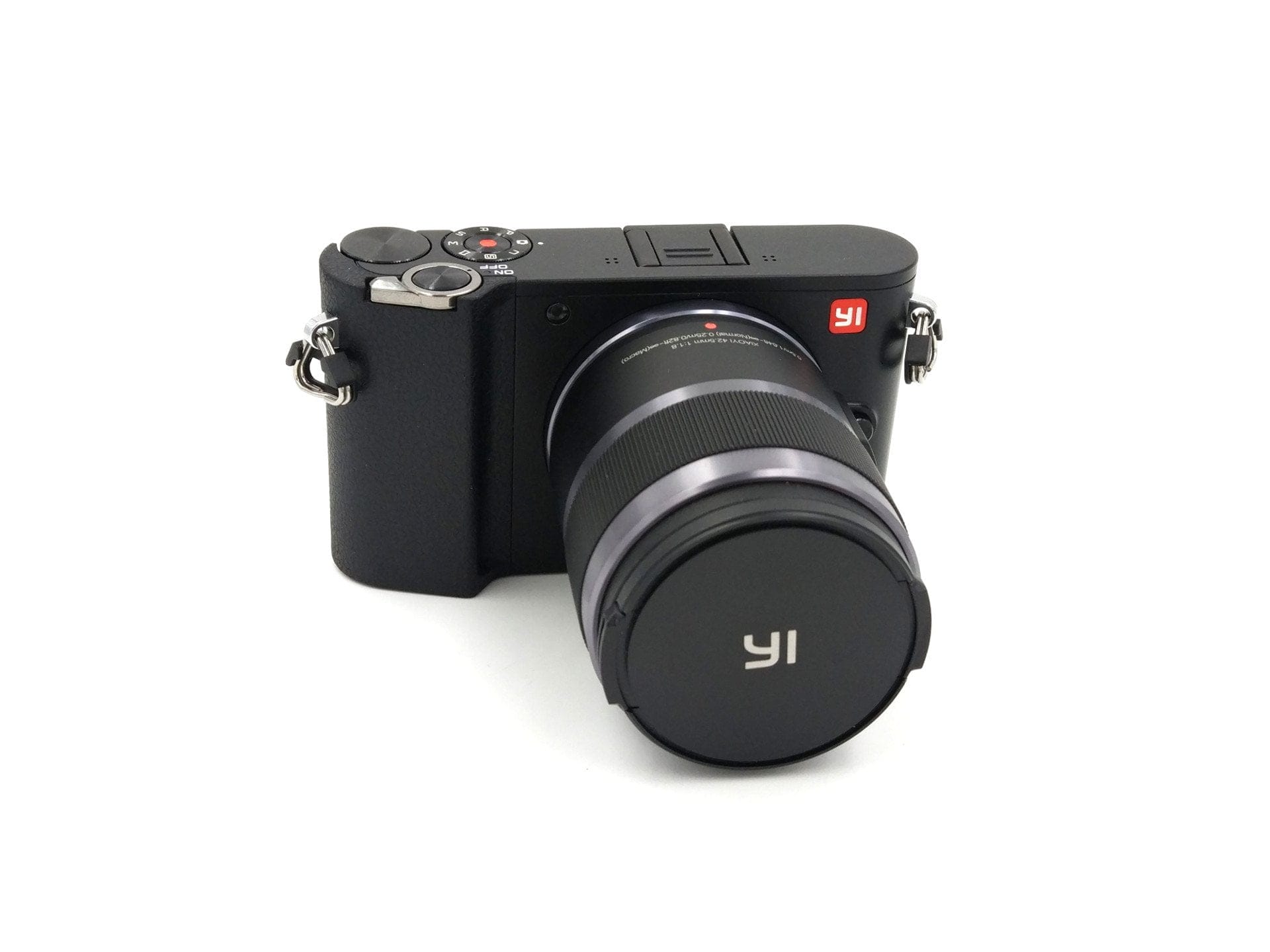
Visually, the Yi M1 strongly resembles the Leica TL design. The Yi system camera measures just 113.5 × 64.3 × 33.6 mm and weighs exactly 300g including the battery. The low weight is primarily due to the housing, which is largely made of plastic. The mount and a few other components, however, are made of metal. The lens housings are also largely made of plastic. Even the lens mount here is made of plastic.
 Play video on YouTube
The camera grip, thumb rest and shutter are positioned close together. Especially with large hands, the small M1 is somewhat difficult to operate, as the thumb rest is somewhat too high and the shutter is somewhat too far to the right. Nevertheless, the grip is not bad. The stepped grip is pleasantly rubberised and the thumb rest offers sufficient hold despite the plastic housing due to its dimpled surface.
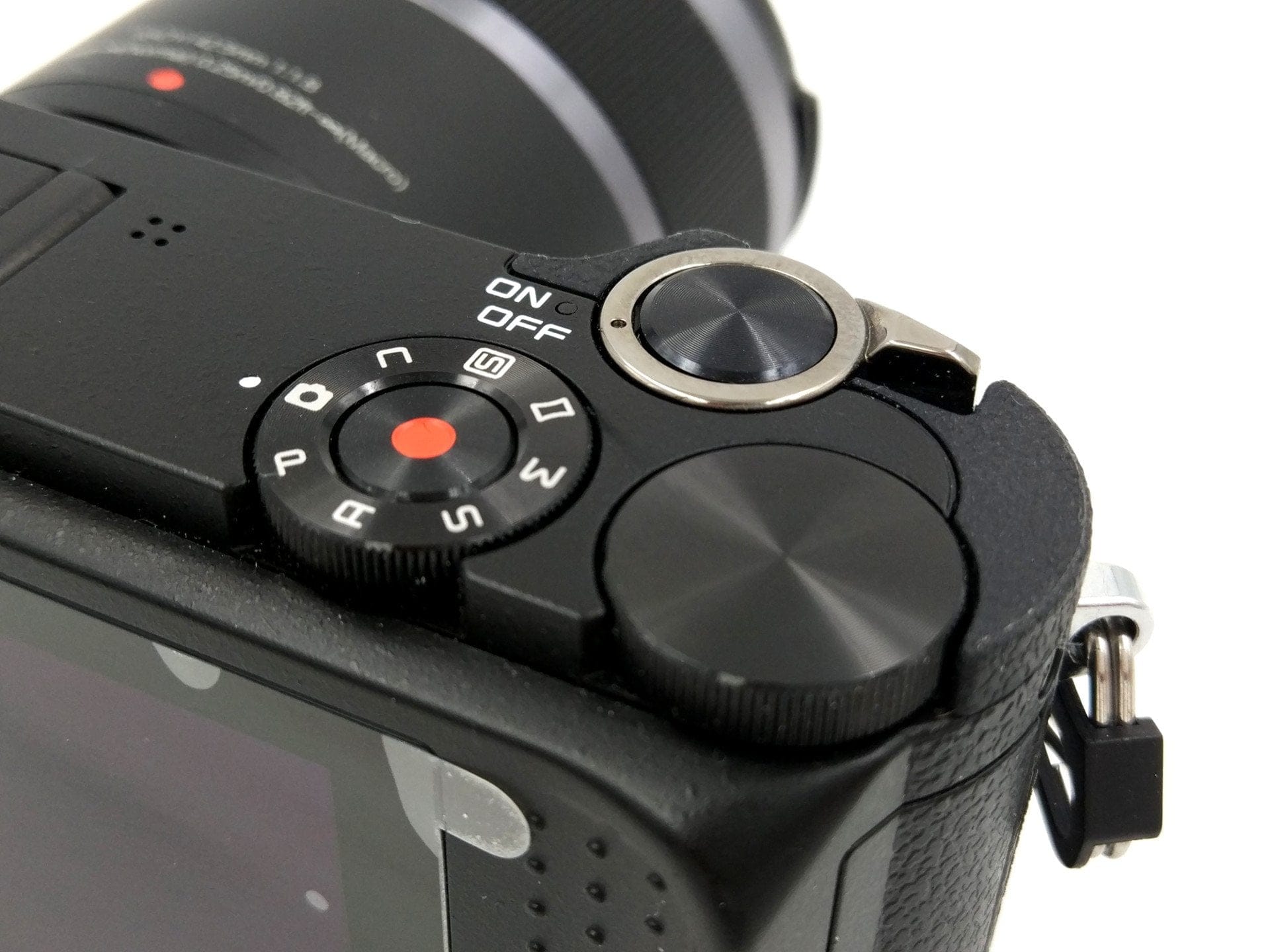
On the rear is the 3-inch colour LCD display, which is used to operate the camera predominantly. To the right of it are two physical control buttons, one of which allows a quick switch to the gallery and the other performs different functions depending on the shooting mode, such as focus or zoom. On the top of the casing, the M1 has a dial for selecting the shooting programme. In the centre is the video recording button. To the right of it is another selection dial. Above the programme dial and the selection dial is the power switch with a central shutter button. The battery compartment with a removable battery is located on the bottom of the casing. In the centre of the bottom of the casing is also a ¼-inch tripod thread. If a quick-release plate is used, access to the battery is blocked. The connections of the Yi M1 are hidden under a hinged cover on the right side of the casing. Next to an easily accessible SD memory card slot are a Micro-USB port to the left and a Micro-HDMI port to the right. There is no viewfinder.
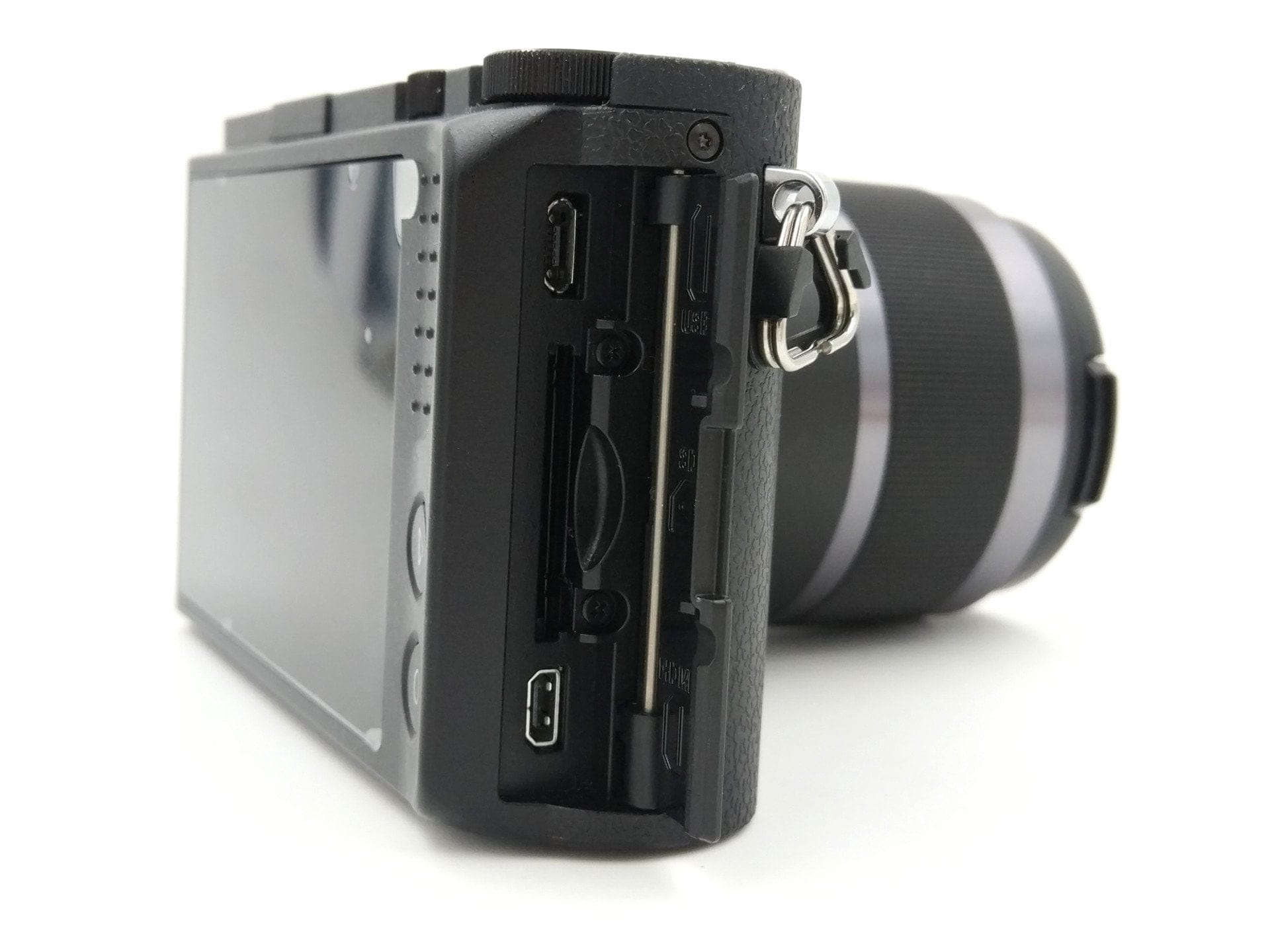
The build quality is impeccable. Unsightly gaps are nowhere to be found; the battery compartment and connection cover fit snugly. The lenses included in the delivery also leave a solid impression, not suggesting a camera from the low-budget segment.
Display
When Yi Technology unveiled the Yi M1 last year, I was astonished at how large the touch display turned out to be. Of course, at that point I had only seen the manufacturer's render images. In reality, the display is a good deal smaller than expected. Measuring diagonally, the display is 3 inches. Accordingly, the entire rear is not filled, but thick black borders surround the display, which are not visible on the render images.
The LCD colour display has a resolution of 720 x 480 pixels. The image is sharp and colours are rendered accurately. The display brightness can be adjusted in 6 steps as required. There is no automatic brightness adjustment, as found on smartphones. Input via the touchscreen is accurately recognised.
Operation and settings
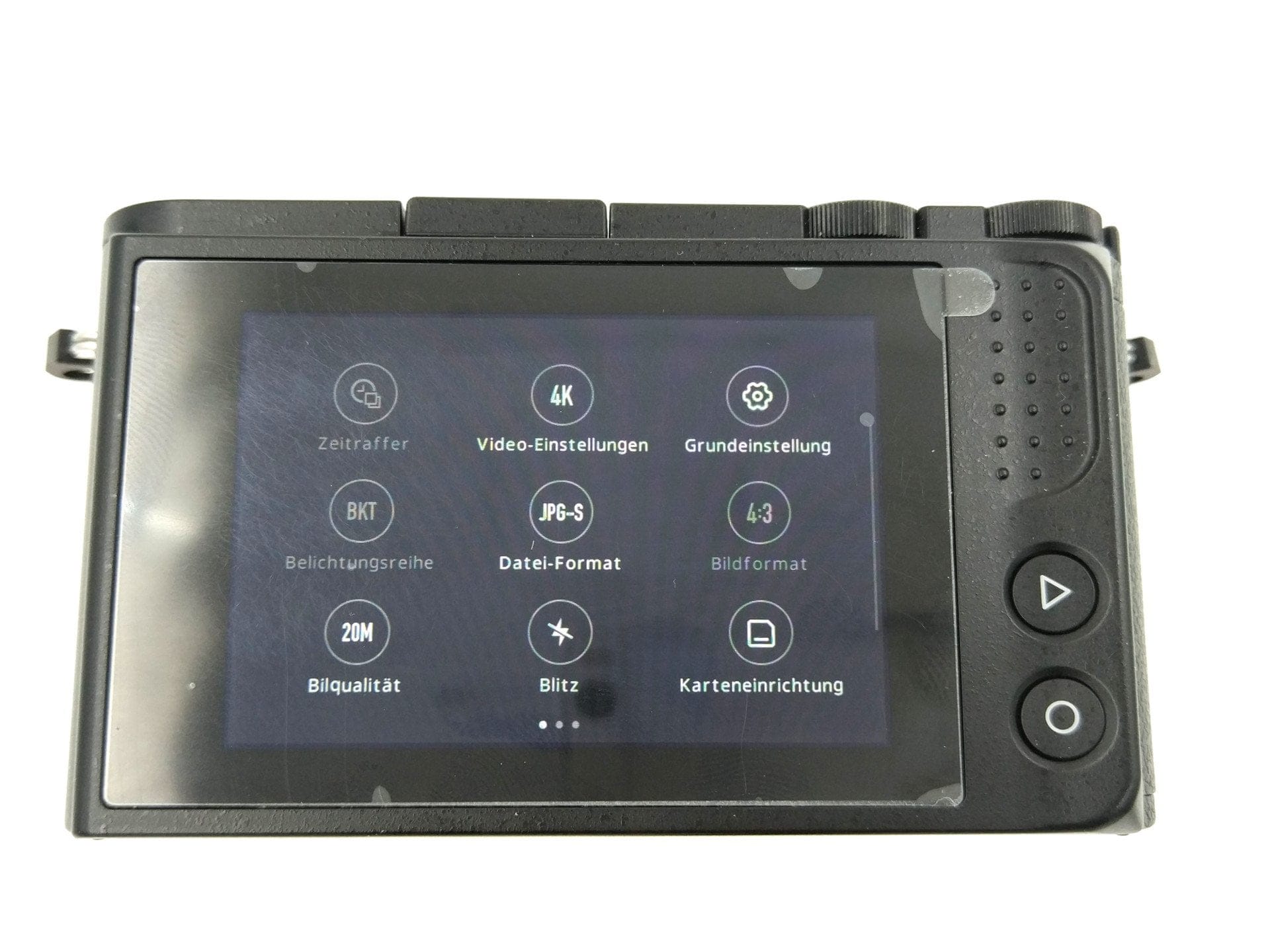
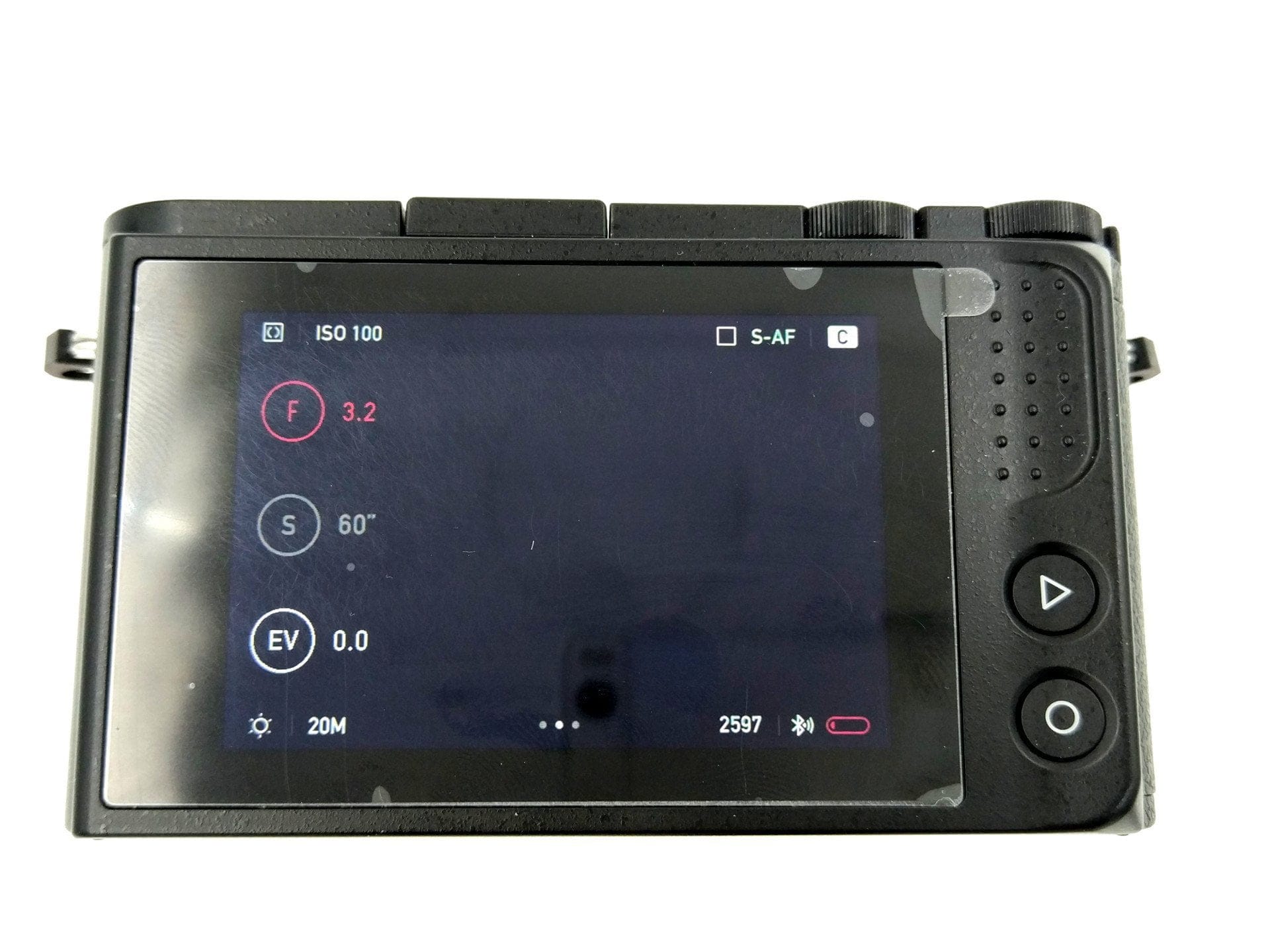
After switching on, you are taken directly to the start screen, which simultaneously outputs the live view. At the top edge, information about the shooting mode, ISO, selected focus and metering method is displayed. On the left edge of the display, information about aperture, shutter speed and light value is shown. Depending on the shooting mode, these can be selected by tapping, and the selection wheel can be used to individually adjust the value. Opposite this on the right is an icon that allows quick access to autofocus, ISO, white balance, metering method, file format and burst mode. The bottom edge of the display contains information about white balance, selected resolution, available storage, whether Bluetooth and Wi-Fi are active, as well as battery level.
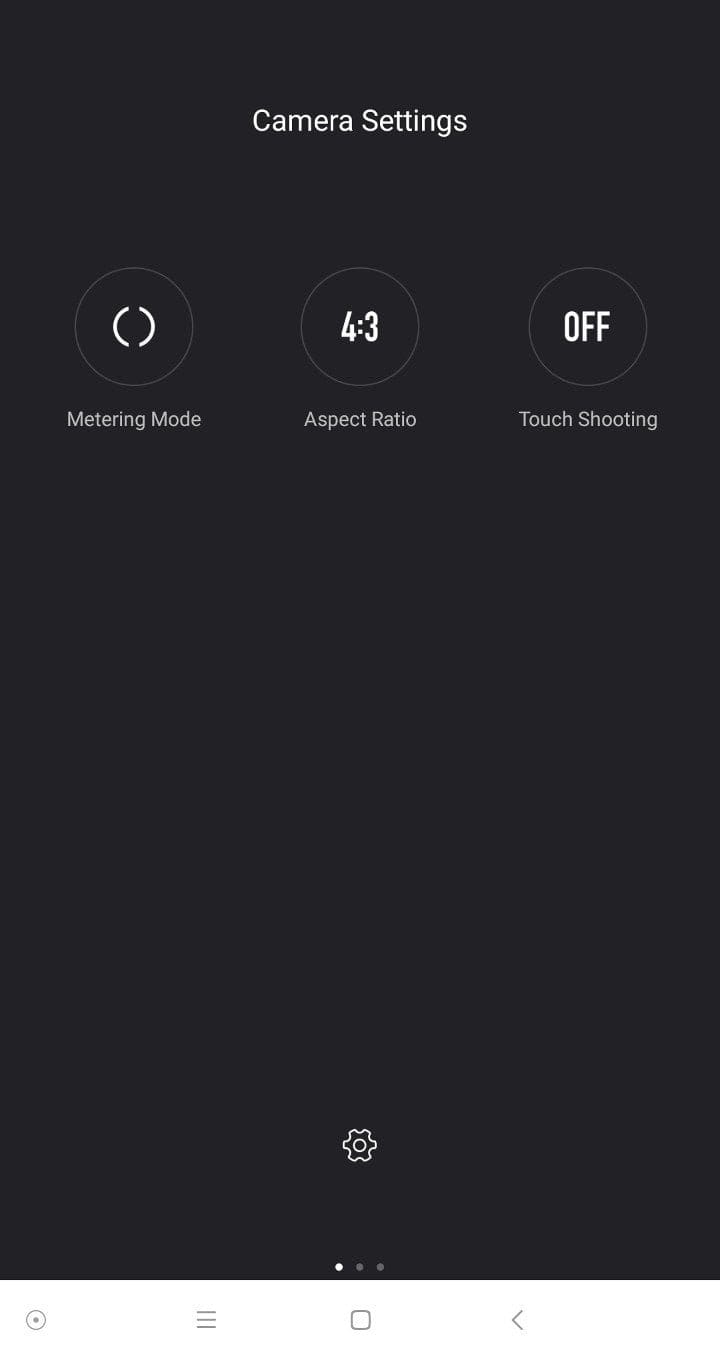
A swipe to the left takes you to the settings. Different settings are available here, depending on the selected shooting mode. Here is an overview of the available settings.
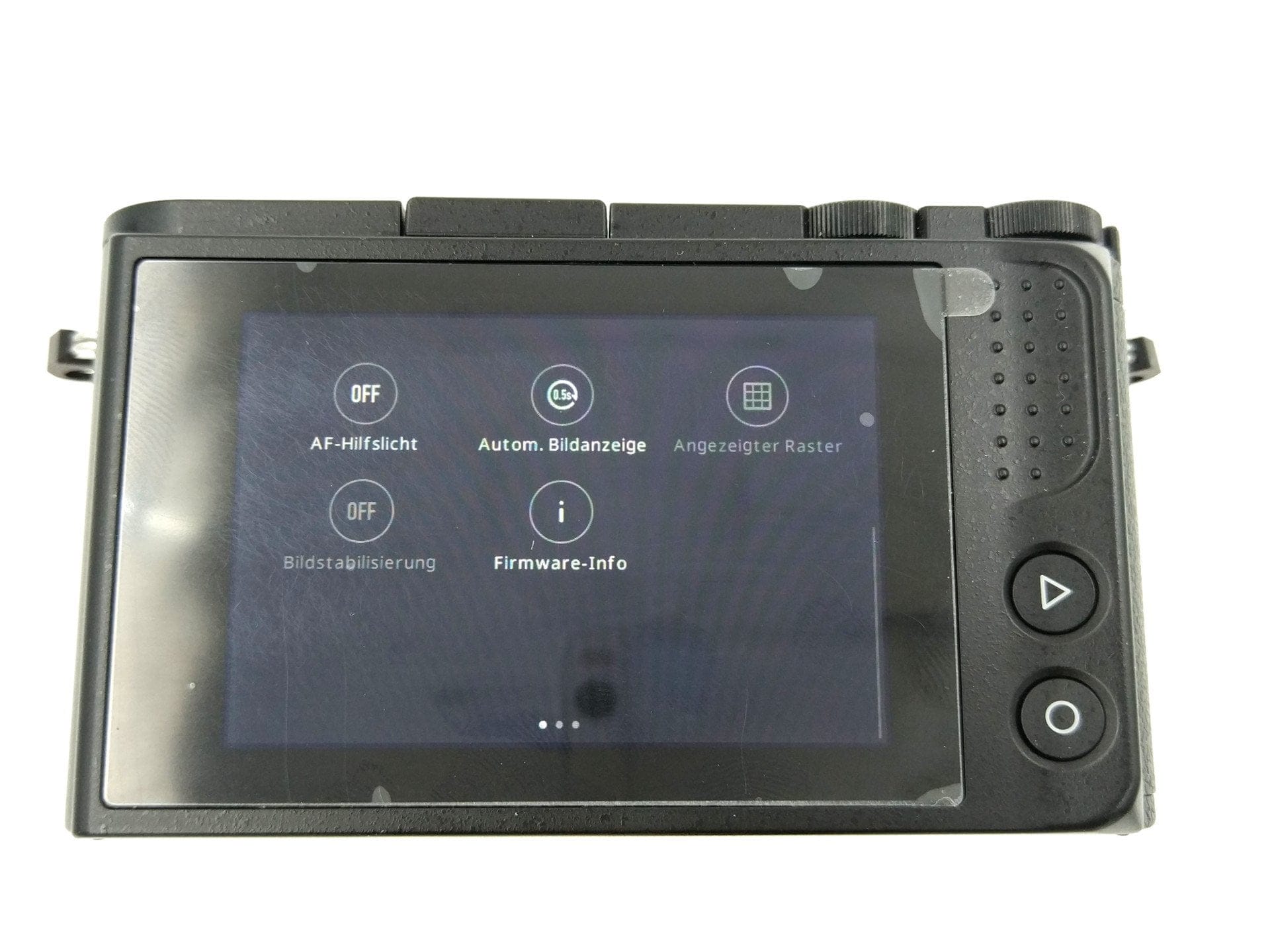
ISO: AUTO, 100, 200, 400, 800, 1600, 3200, 6400, 12800, 25600
White balance: AWB, sunlight, shade, clouds, incandescent, Kelvin (2000 – 11500)
Measurement method: Multi-segment metering, spot metering, centre-weighted metering
Focus modes: Single AF, Continuous AF, Manual focus, Manual focus + focus peaking
Touch triggering: On, Off
Face recognition: On, Off
HDR: On, Off
Image sequence mode: Single frame, Continuous, 2s shutter delay, 10s shutter delay
Connection setup: Auto, Off
Time-lapse: Interval time 0.5s – 60s, sequence exposure duration 30 minutes – 24 hours, video resolution
Video settings: 3840x2160@30, 2048x1536@30, 1920x1080@60@30@24, 1280x720@60@30@24, 640x480@240
Basic settings: Date and time, language, shutter sound, function sound, sleep mode, auto shutdown, colour space (sRGB / AdobeRGB), LCD brightness, factory settings
Exposure bracketing: AE / WB exposure bracketing (3F 2S, 3F 4S, 3F 6S,)
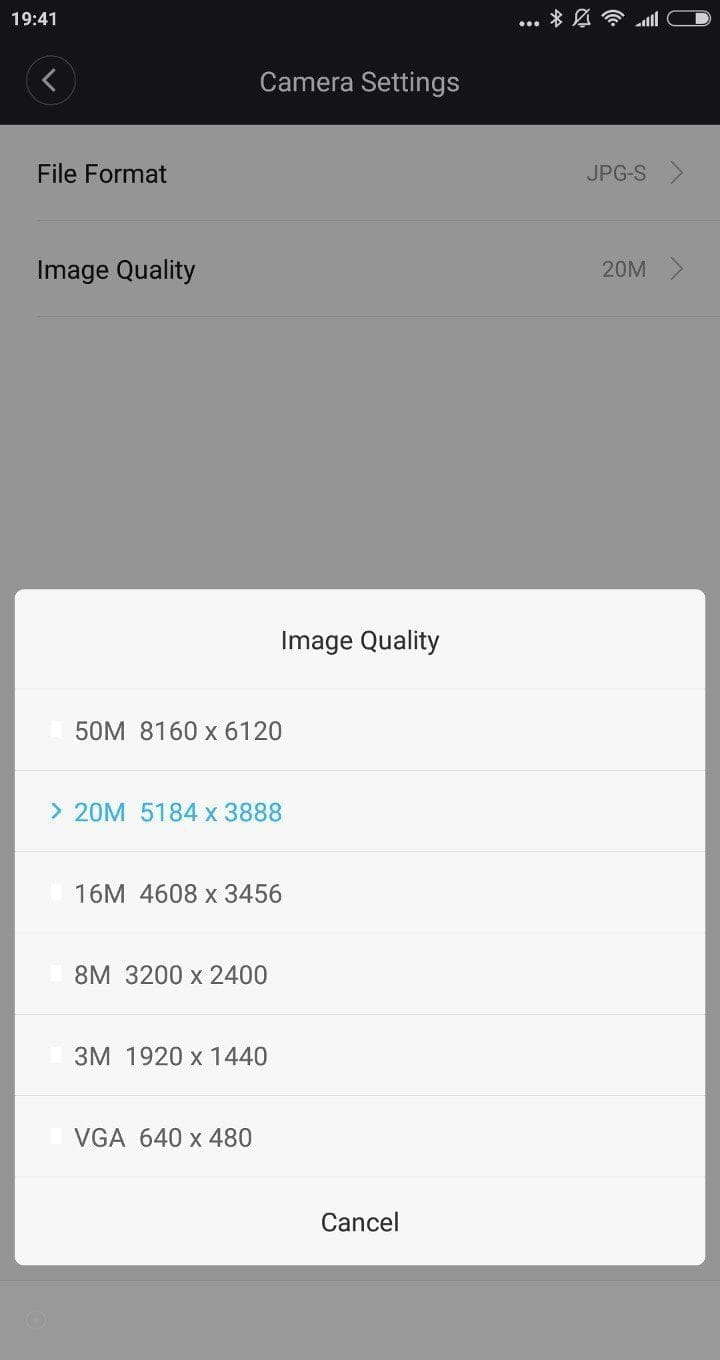
File format: JPG-S, JPG-M, JPG-L, RAW
Image formats: 4:3 – 5184x3888, 3:2 – 5184x3456, 16:9 – 5184x2920, 1:1 – 3888x3888
Image quality: 50MP, 20MP, 16MP, 8MP, 3MP, VGA
Flash: Flash: Auto, On, Off
Card setup: Delete photos, format memory card
AF assist light: On, Off
Auto image display: Off, 0.5–5 seconds
Display grid: Off, Rule of thirds
Image stabilization: On, Off
Firmware info
Recording modes
The Yi M1 features various shooting modes, which are divided into fully automatic mode, exposure programmes PASM, a panorama mode, a scene mode and a subject mode.
Automatic mode
In this mode, the camera automatically sets aperture, shutter speed and light value, so you only need to press the shutter button. In testing, the full auto mode proved reliable and specifically sufficient for snapshots.
PASM
PASM stands for four exposure programs in total, divided into 'Programme Auto', 'Aperture Priority', 'Shutter Priority' and 'Manual Mode'. Depending on the program, priority is given to the aperture, shutter speed or exposure value. In manual mode, all values can be set individually. The shutter speed ranges from 1/4000 to 60 seconds.

Panorama mode
Anyone who knows the panorama mode of a smartphone will also get along with the panorama mode of the YI M1. By panning to the right, a panorama is calculated fully automatically. In-depth recording settings are not possible in this mode. In the test, only a very steady hand or a tripod allowed clean panorama shots to be created. The slightest irregularities in the movement led to inaccurate image transitions. Praiseworthy, however, is the quick calculation of the panorama shots.
Scene mode
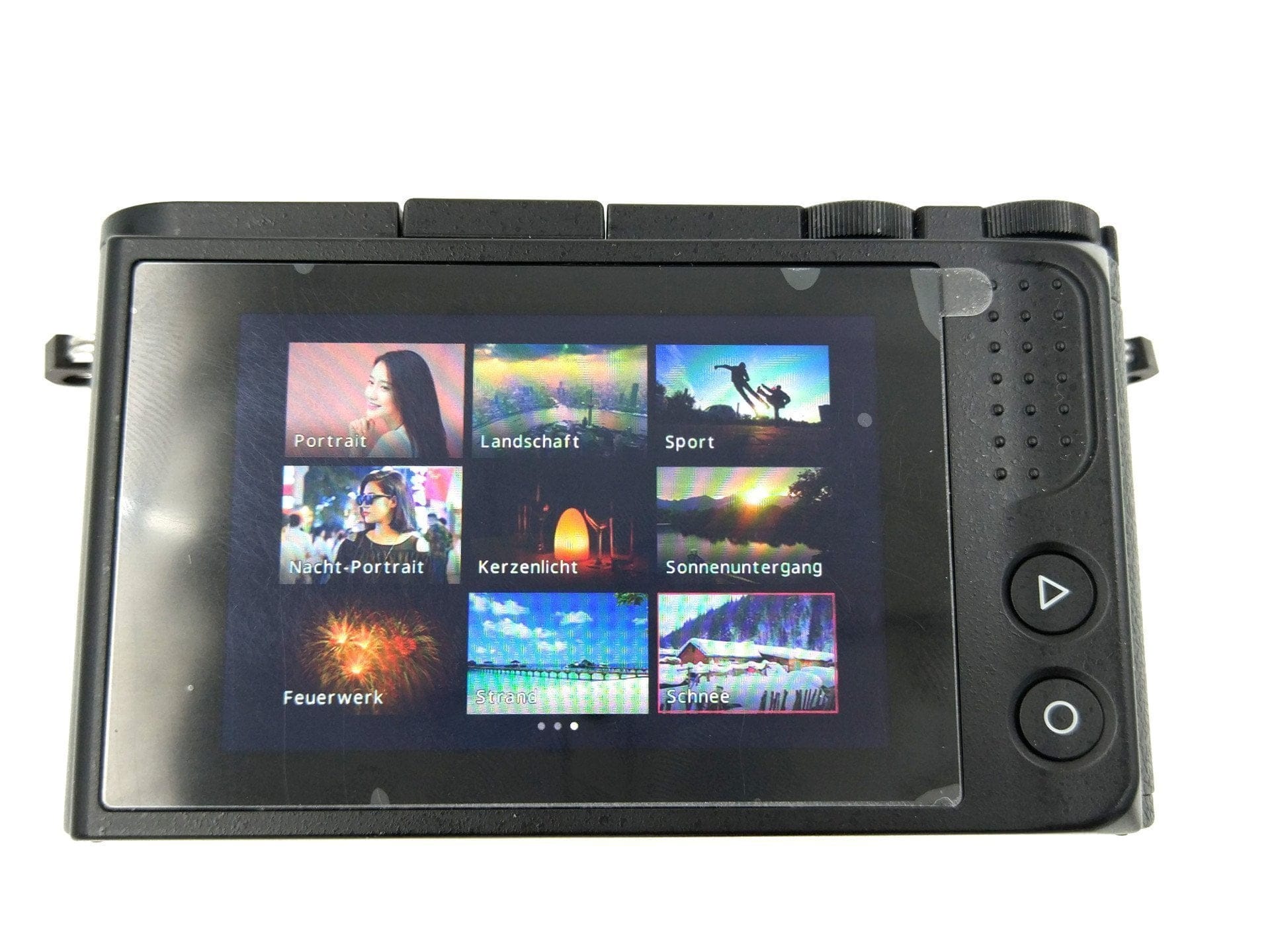
The scene mode allows you to choose from 9 preset subject programmes tailored to the respective situation. In addition to a conventional portrait or landscape mode, there are special modes for sports shots, a mode for capturing a sunset or fireworks, as well as a mode for shots on the beach or in the snow.
Mood mode
A scene or portrait mode is also available, designed to help photography novices take portrait shots. As here, predefined scenes can be selected. Each scene depicts a person in a different pose. Depending on the selection, outlines of the person are digitally overlaid onto the display, so users only need to align the camera with the subject according to the template. Aperture or light value settings can still be adjusted manually. A total of nine such templates are preinstalled. Further templates can be downloaded via the Yi Mirrorless app.

Recording quality
The Yi M1 is equipped with a current Sony IMX269 image sensor, which natively resolves at 20 megapixels and is typically found in significantly more expensive camera models, such as the Panasonic GX8. Videos are recorded in up to 4K. The camera captures images with up to 50 megapixels.
Video quality
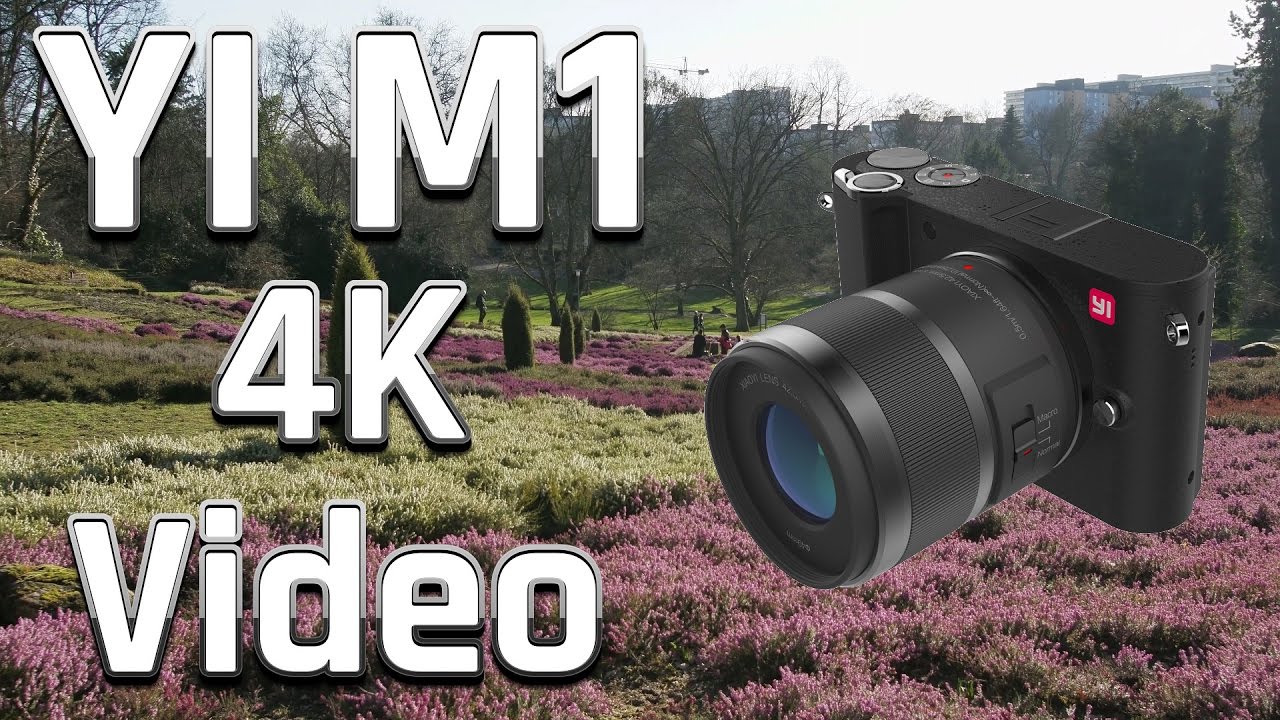
Videos are recorded at a maximum 4K resolution at 30 frames per second. With a resolution of 1080p, up to 60 frames per second are possible. If you want to record a video, you only need to press the record button, without having to select a separate mode. After a minimal delay, video recording starts, which is also confirmed by an audio signal. A negative aspect was the edge cropping, which only becomes noticeable after recording has started. You only see what is actually in the frame afterwards. Extensive edge cropping, however, only occurred during 4K video recordings.
 Play video on YouTube
The video quality has no faults to report. Videos are recorded in the MP4 format and achieve a solid, average 85,000 kBit/s bitrate. The electronic image stabilisation also performs well, enabling a largely shake-free image even with 2K video recording. However, image stabilisation is not available when 4K is selected. There is room for improvement with the autofocus. Even after several firmware updates that have already significantly improved C-AF in video mode, there remains a need for improvement, particularly in terms of speed and also the accuracy of the C-AF.
 Play video on YouTube
The Yi M1 is also rather unsuitable as a “vlogging” camera. In addition to the minimal focus options, the camera also lacks the ability to connect an external microphone or headphones. The integrated microphone does a good job and is completely sufficient for normal requirements.
Image quality
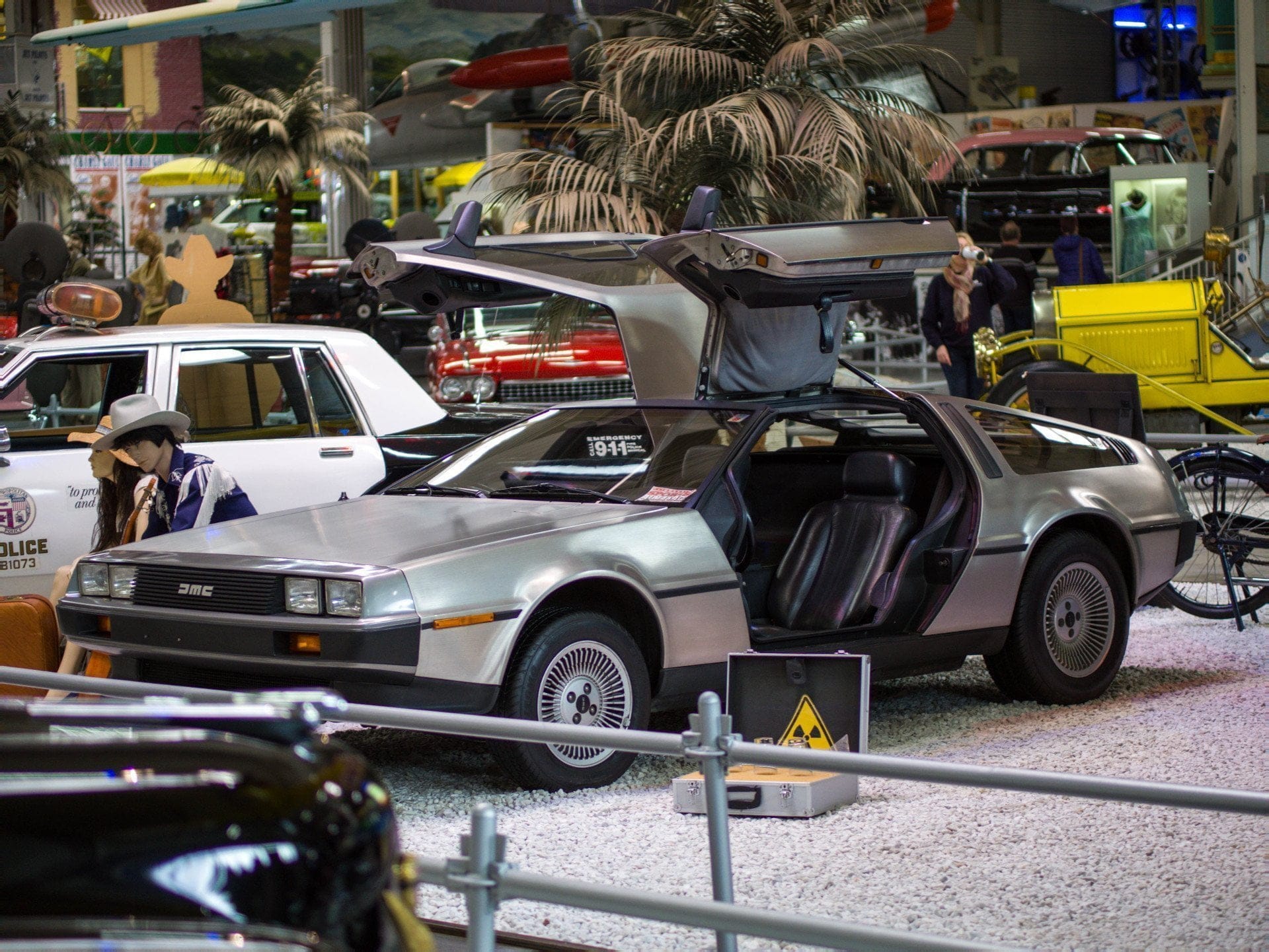
The Yi DSLM is particularly beginner-friendly, especially for image capture. In tests, the full automatic mode proved reliable, and even with spontaneous snapshots, quite good recording quality could be achieved. Images are saved either as JPEG or as RAW in DNG format. Simultaneous recording of JPG and RAW is unfortunately not possible. The sluggish autofocus and comparatively high shutter lag are also worth criticism. The burst mode has been increasingly improved, working significantly faster with the current firmware 2.0 than with previous firmware versions. TTL flash metering is not supported, and the flash sync speed is comparatively high at 1/125 seconds.
Unprocessed JPEG photos taken with the Yi M1








In terms of noise intensity, the Yi M1 performs decently at least at the standard ISO of 200. The Yi DSLM handles an ISO of 400 well. From an ISO of 800, details are increasingly lost. With an ISO of 1,600 and higher, blurriness also increases significantly. The camera was also disappointing in terms of white balance adjustment options. Besides automatic white balance, predefined profiles and correction by Kelvin, there is no option to set the white balance manually using a grey card. The colour accuracy nevertheless convinced in the test. Especially in sunlight, the Yi system camera stands out for its pleasant colour fidelity.
Panoramic shot with the Yi M1

Kit lenses
The single-lens kit includes a YI 12-40mm F3.5-5.6 zoom lens. The dual-lens kit additionally includes a YI 42.5mm F1.8 macro lens, which is not available separately. The manufacturer of both lenses is Tamron.
The quality of the two kit lenses could not be more different. Images taken with the standard zoom lens show a visible drop in sharpness towards the image edges, depending on the focal length. Overall, the lens is not convincing. The macro lens, on the other hand, surprises with a minimal drop in sharpness and no image errors at all. However, what the lens lacks is a focus ring.
Edited RAW image shots with the Yi M1






Yi Mirrorless app and firmware
Another feature is remote control via app. To this end, Yi Technology provides the so-called “Yi Mirrorless” app in the Google PlayStore and Apple Appstore. The Yi M1 can be remote-controlled via the app using a smartphone or tablet. Additionally, you have direct access to the images located on the memory card. The connection is established via WiFi.
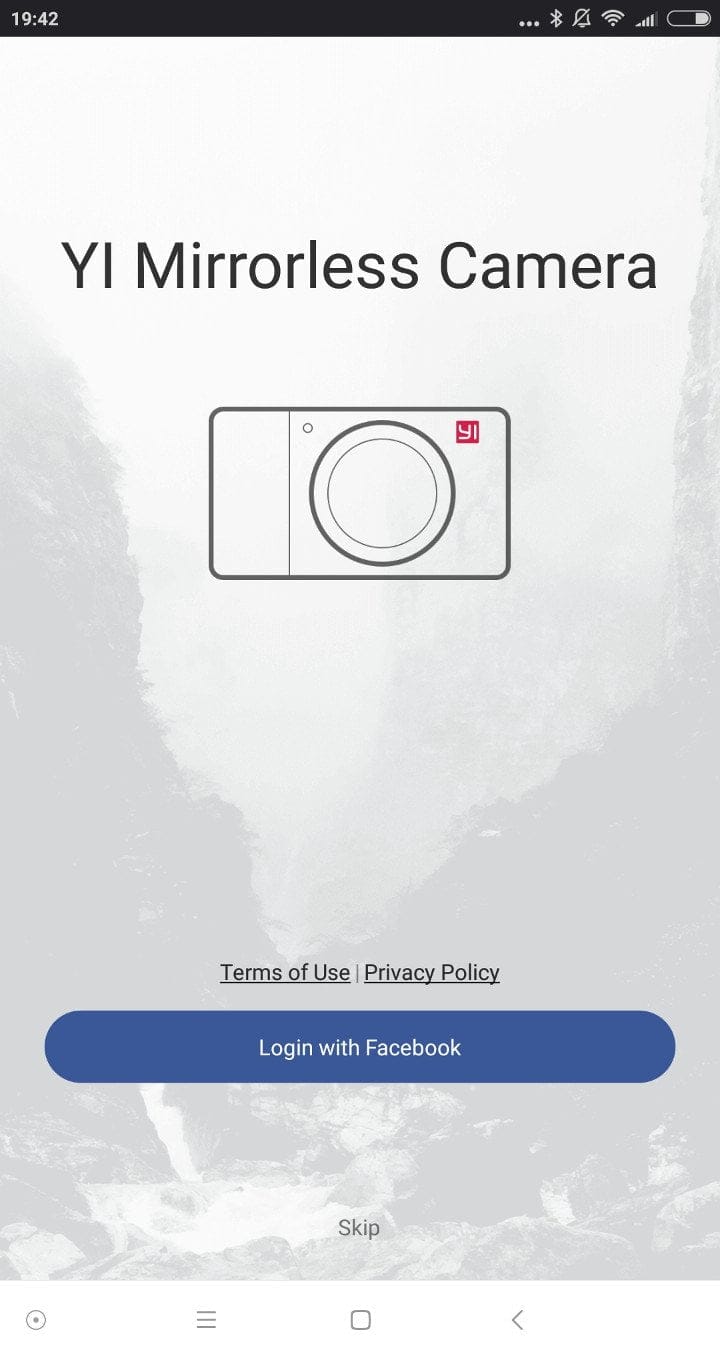
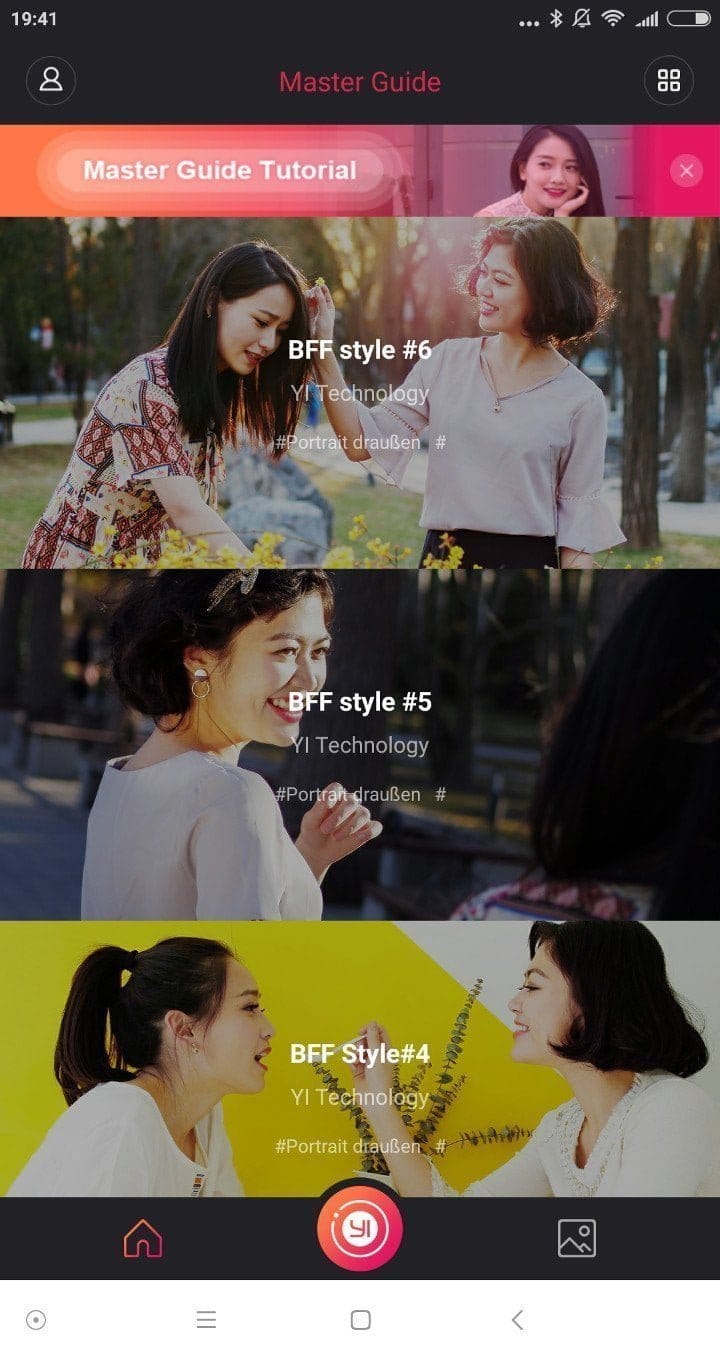
In practice, the app was less convincing and is more of a nice gimmick than something one would rely on. The structure is organized and clear. Establishing the connection also worked smoothly during testing, and the connection remained stable over time. A drawback, however, is that with an active app connection, the camera can only be operated via the app and cannot be used 'directly' anymore. Some of the settings and shooting modes cannot be adjusted via the app, so for each of these settings, you must disconnect, adjust on the camera itself, and reconnect.
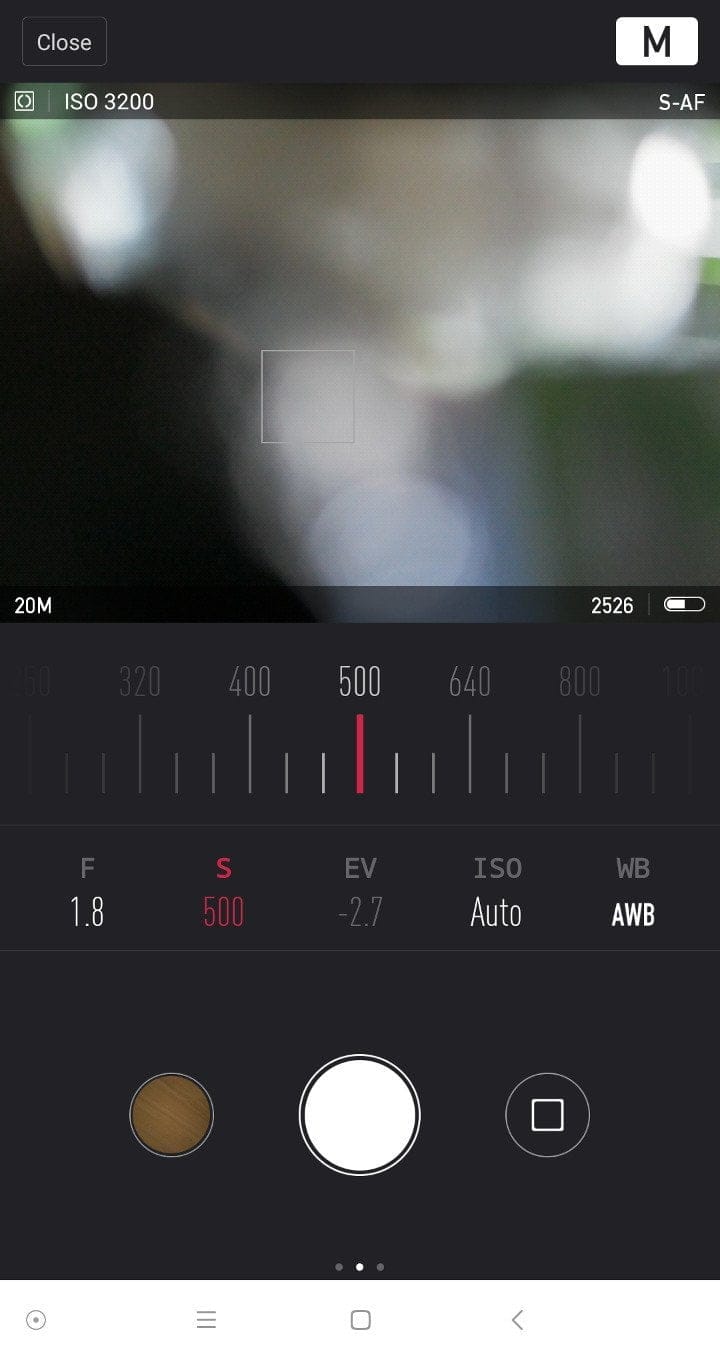
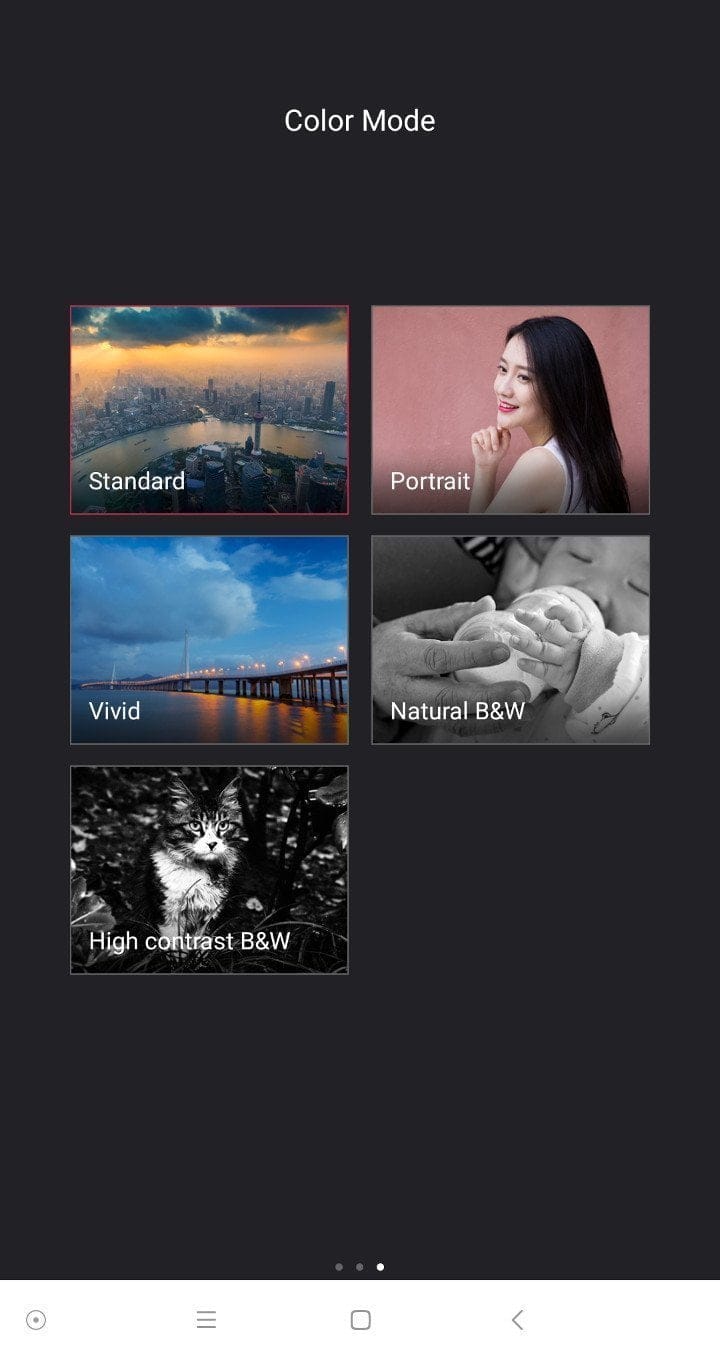
The gallery function of the app, practical as it is, disappoints in that only images in JPEG format can be displayed. RAW images or videos cannot be transferred. There is no option to change the SSID and password of the camera WiFi afterwards.
It is practical that firmware updates are automatically transferred to the camera via the app. This ensures you always stay up to date and don't have to download the updates manually. However, this only applies to the camera's own firmware updates. Updates for individual lenses must be installed manually. The update policy from Yi Technology is commendable. During the two-month test phase, 3 camera updates were already released, which contained significant improvements.
Battery
The included battery offers a capacity of 900 mAh. The Yi M1 battery is manufactured by "Dongguan Amperex Technology Limited", which also produces batteries for drone maker DJI, Apple and BMW. The battery charges directly via the camera's USB port. A charging station is available as a separate accessory. The charging time averages one hour and 25 minutes. If the Yi M1 is connected to a conventional USB charging adapter, the camera can be used while charging. However, if the camera is connected to a data transfer device, the data transfer mode automatically activates and cannot be manually disabled. The camera is not actively usable in this mode!
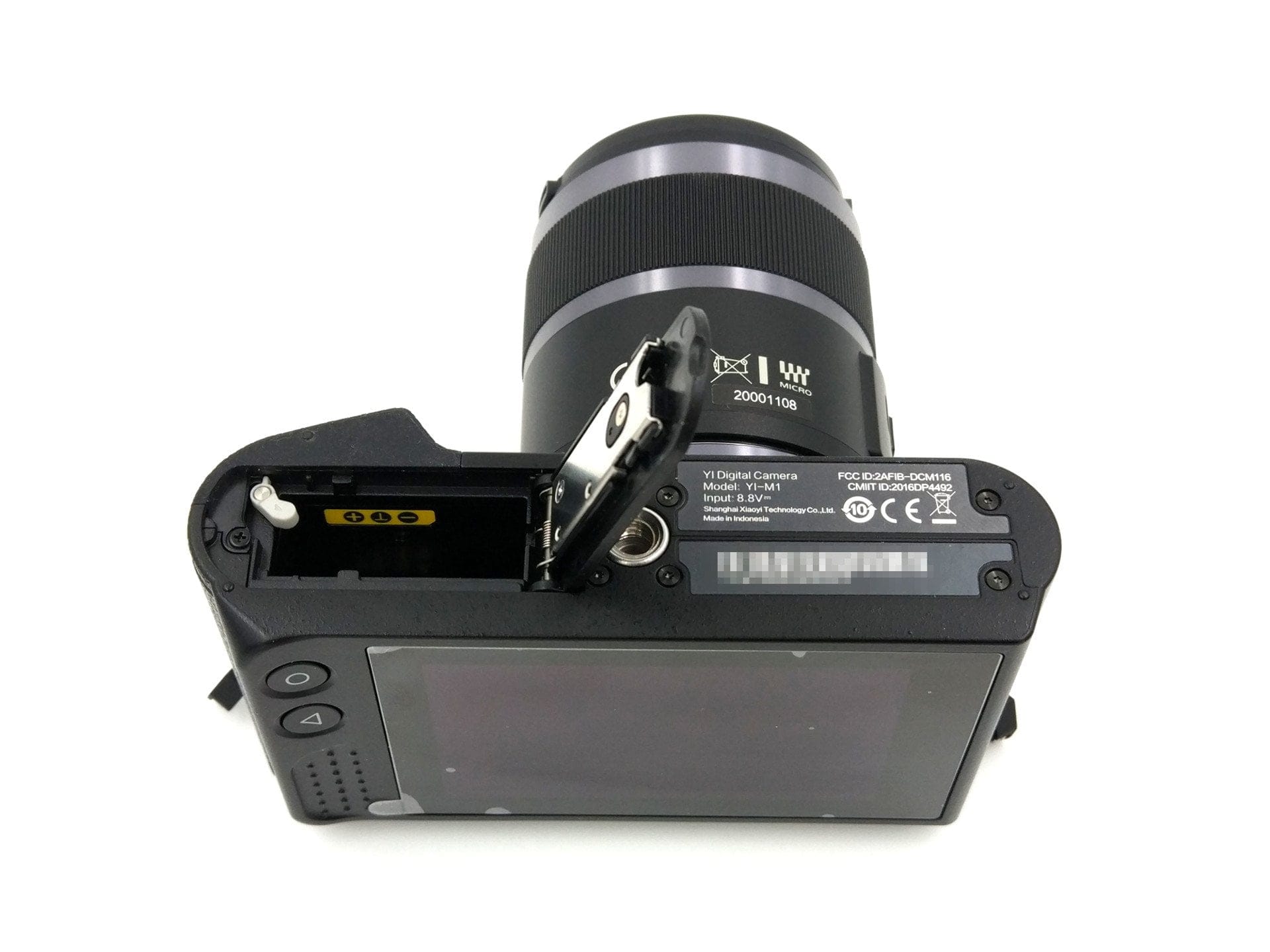
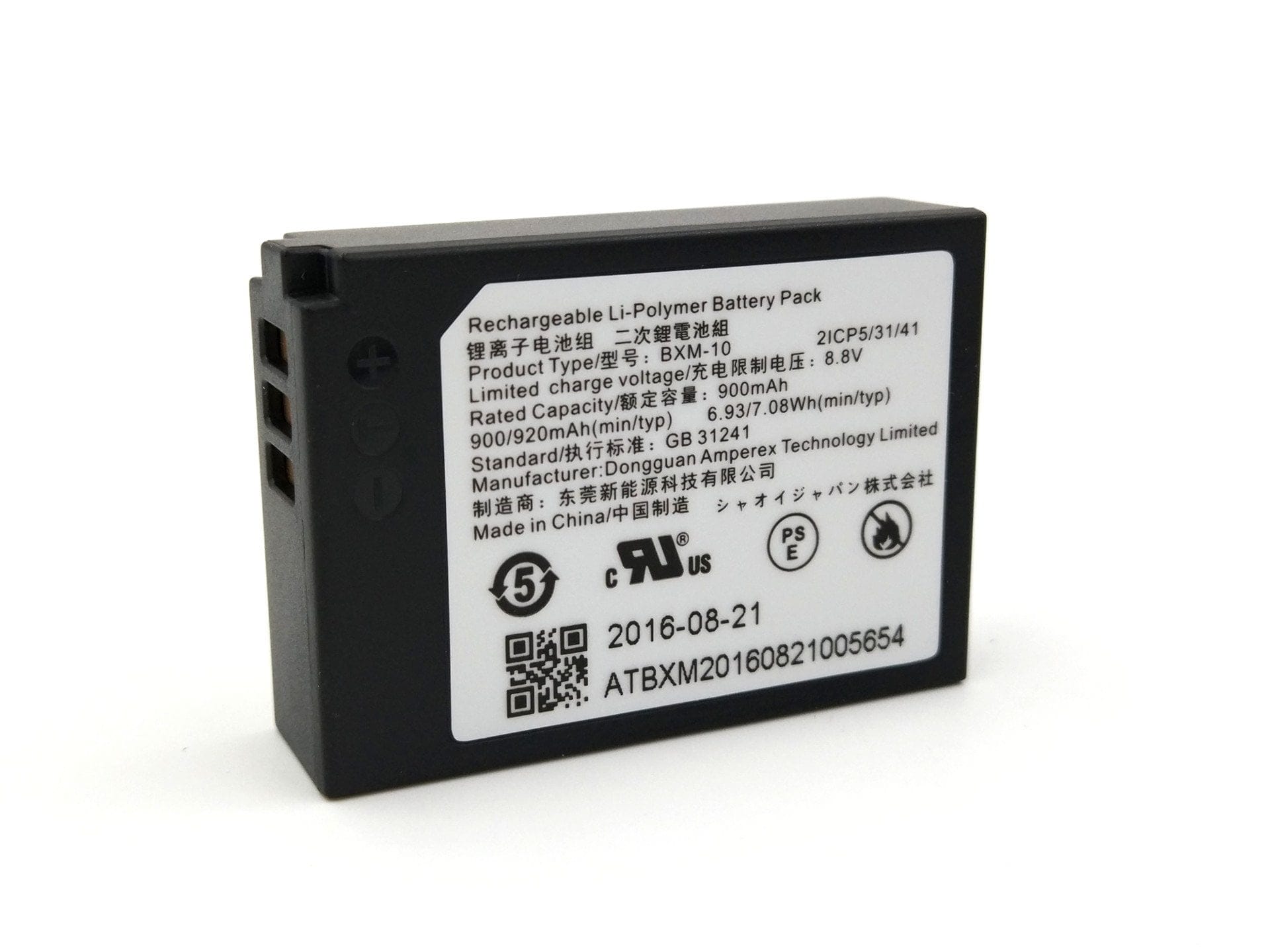
In testing, a fully charged battery lasted for one hour of 4K video recording and approximately 70 images. According to the CIPA standard, Yi Technology claims it can capture a total of 380 images on a single charge. To conserve battery life, there is an automatic sleep mode that can be set to 30 seconds or 1, 3, 5, or 10 minutes. To wake the camera, simply press the shutter button. The "auto power off" feature allows the camera to be switched off completely. The options are automatic shutdown after 10 or 30 minutes, or after 1 or 4 hours.
Our verdict
The Yi M1 is both surprising and disappointing. The Yi system camera delivers decent results, particularly in terms of capture quality, and can even compete with larger models. The M1 also convinces in terms of ease of use for beginners. Young Innovators aims to specifically target young people with this camera who otherwise only take photos or record videos with their smartphones. As a result, the user interface, with its playful scene presets, resembles the setting of a smartphone app more than a professional system camera. Some adjustment options, such as those for white balance, have been neglected as a consequence.
Regarding autofocus, the Yi M1 also does not deliver an outstanding performance. Despite firmware updates that have already been released, the AF functions in video mode are rather limited, and otherwise the CDAF appears sluggish and partly inaccurate. Praiseworthy, however, is the manufacturer’s update policy, which regularly provides new firmware updates and accommodates community requests.
Specifications
Hardware
- Type
- DSLR
- Standard
- Micro Four Thirds
- Image sensor
- Sony IMX269
- Display
- 3-inch LCD with touch operation
- Display resolution
- 720x480
- Wired
- Micro USB, Micro HDMI
- Wireless
- WiFi (2.4G), Bluetooth BLE4.1
- SD card
- SD/SDHC/SDXC up to 512GB
- Microphone
- Stereo
- Speakers
- Mono
- Battery
- 900mAh
Video resolution
- 3840×2160@30p
- 2048×1536@30p
- 1920×1080@60@30@24p
- 1280×720@60@30@24p
- 640×480@240p
- Video format
- MPEG-4/H.264
- Audio format
- AAC
Image resolution
- 50M
- 20M
- 16M
- 8M
- 3M
- VGA
- Image format
- RAW, JPEG
Focus
- Focus type
- CDAF
- Focus mode
- S-AF, C-AF, MF, Touch
- Focus points
- 81
Other
- Shutter
- 1/4000s~60s
- ISO
- 100, 200, 400, 800, 1600, 3200, 6400, 12800, 25600
- Exposure compensation
- +-5EV
- HDR
- Yes
- External flash
- Supported
- Sync speed
- 1/125s
- Size
- 113.5 × 64.3 × 33.6 mm
- Weight
- 300g
What’s included
1x Yi M1 DSLM 1x Camera strap 1x Cleaning cloth 1x Zoom lens 1x Macro lens (only in the dual-lens kit) 1x Charging adapter 1x USB cable 1x User manual
Comments (5)
Thanks for the successful review. Really nice images and videos you took with the M1. I wanted to buy the camera for YouTube videos, but the fact that no microphone can be connected puts me off a bit. Could a microphone not be connected via the USB interface? Best wishes
I think I understand what you mean. On some action cameras, an external microphone can be connected via USB. Theoretically, this could certainly be possible, provided the M1 supported it via software. However, I don't believe the hardware is designed for this. But let's wait and see, perhaps Yi Technology will surprise us with a future firmware update.
Hello, I still have a few questions about the camera. Is TTL metering possible? Can you provide details on the flash sync speed? Am I right in thinking there is no viewfinder? It would be great if you could answer that for me. Best regards
Hi, flash control via TTL measurement is not supported. The flash sync time is 1/125 seconds. There is no viewfinder. I hope I was able to help with your questions :).
Thanks a lot, I was missing that information. Do you still know where one can buy replacement batteries?