Contents
First impressions of the YI Home Camera 1080p
Design, build quality and What’s included
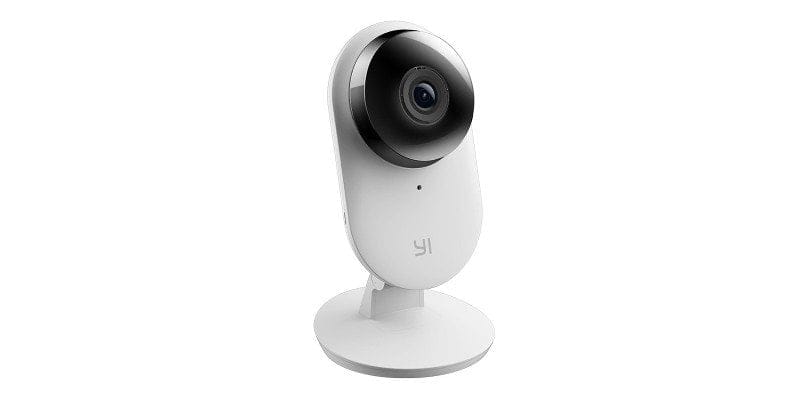
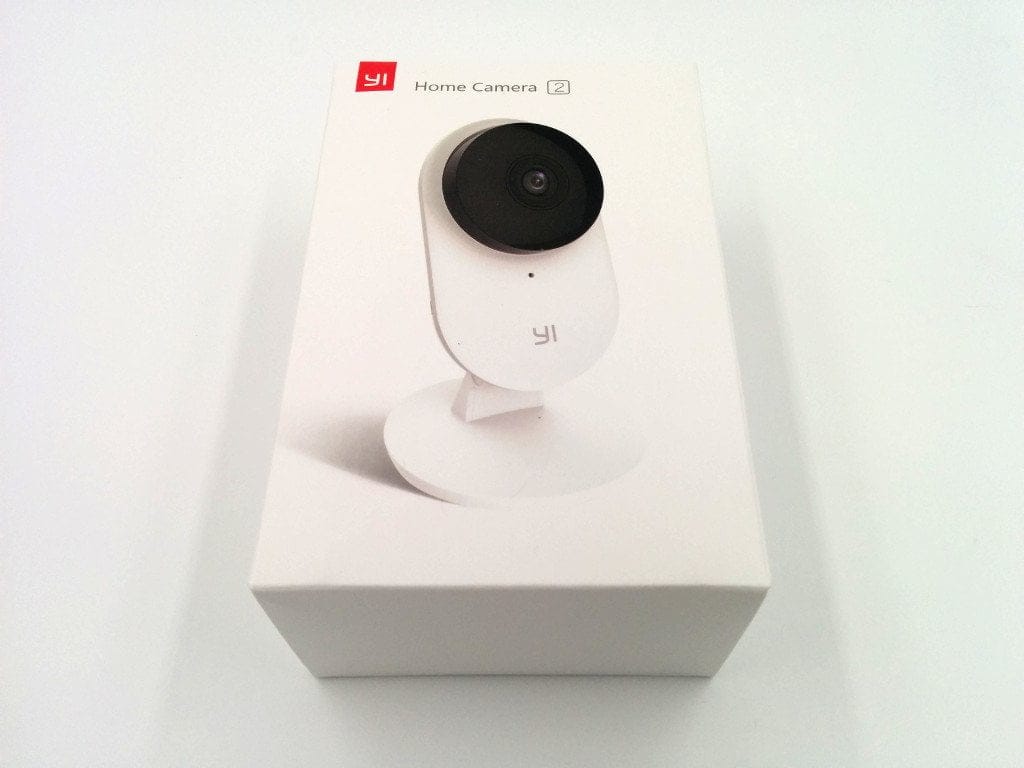
With a size of only 122 x 70 x 59 mm and a weight of 132g, the YI surveillance camera is comparatively small and light. The design is simple, and due to the compact size, the camera appears inconspicuous, allowing it to be placed discreetly. The form factor looks much more like a modern webcam than a smart surveillance camera.
As with other YI products, the build quality is convincing. The plastic housing gives an impression of high quality and the included accessories are also flawless.
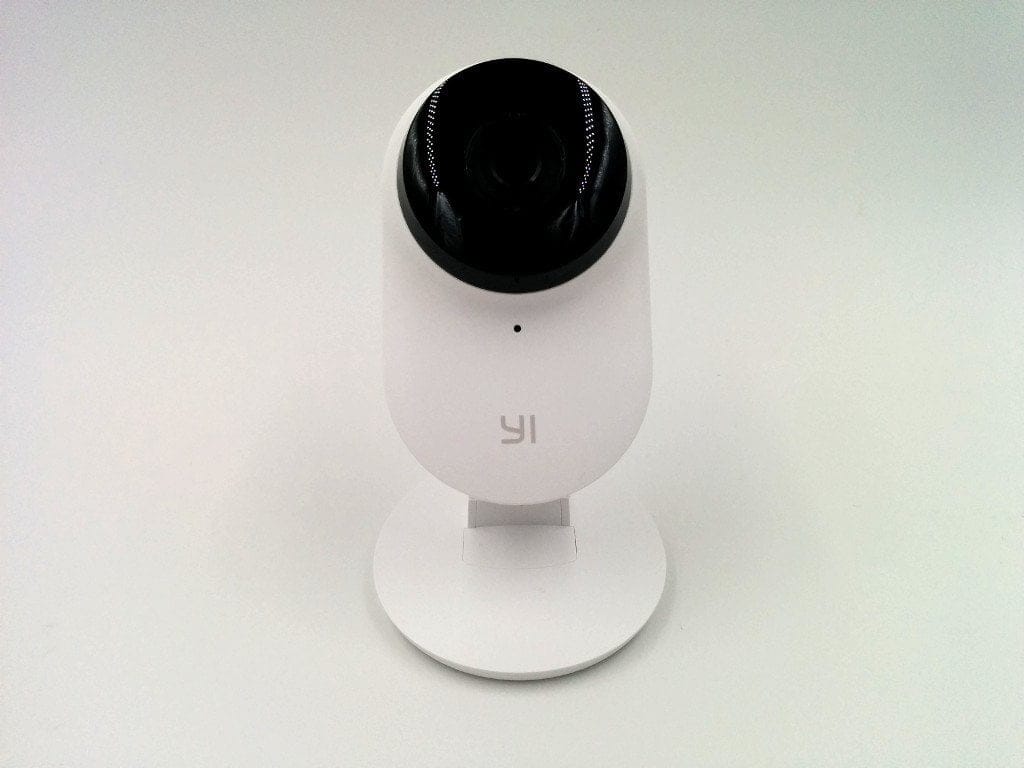
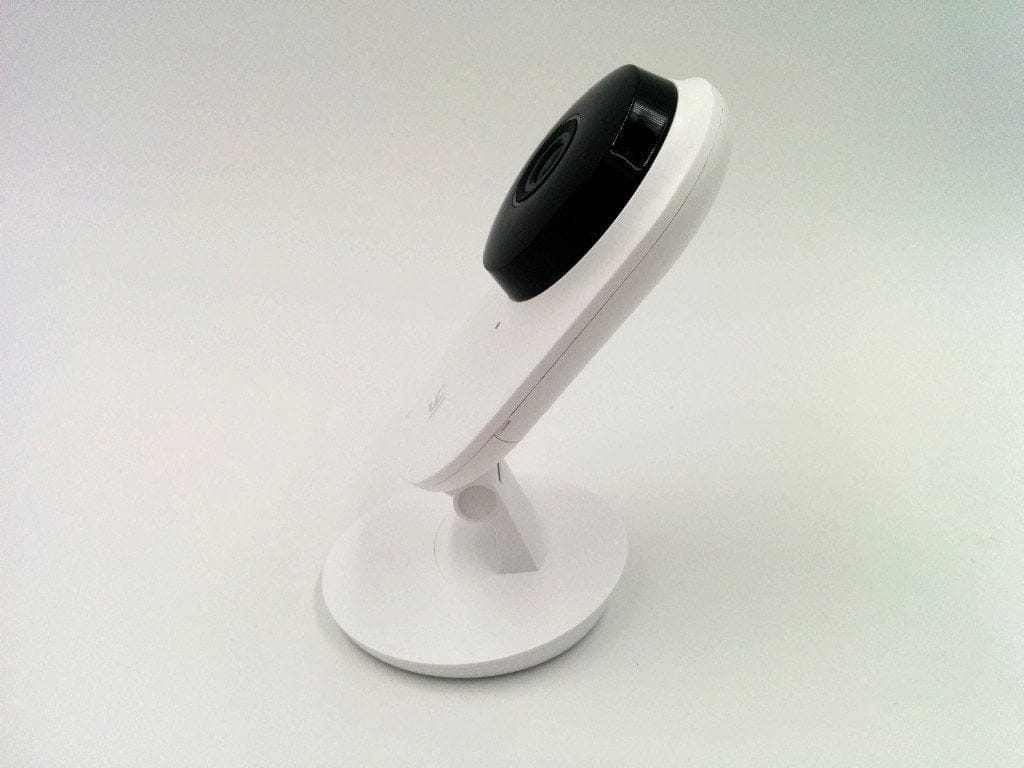
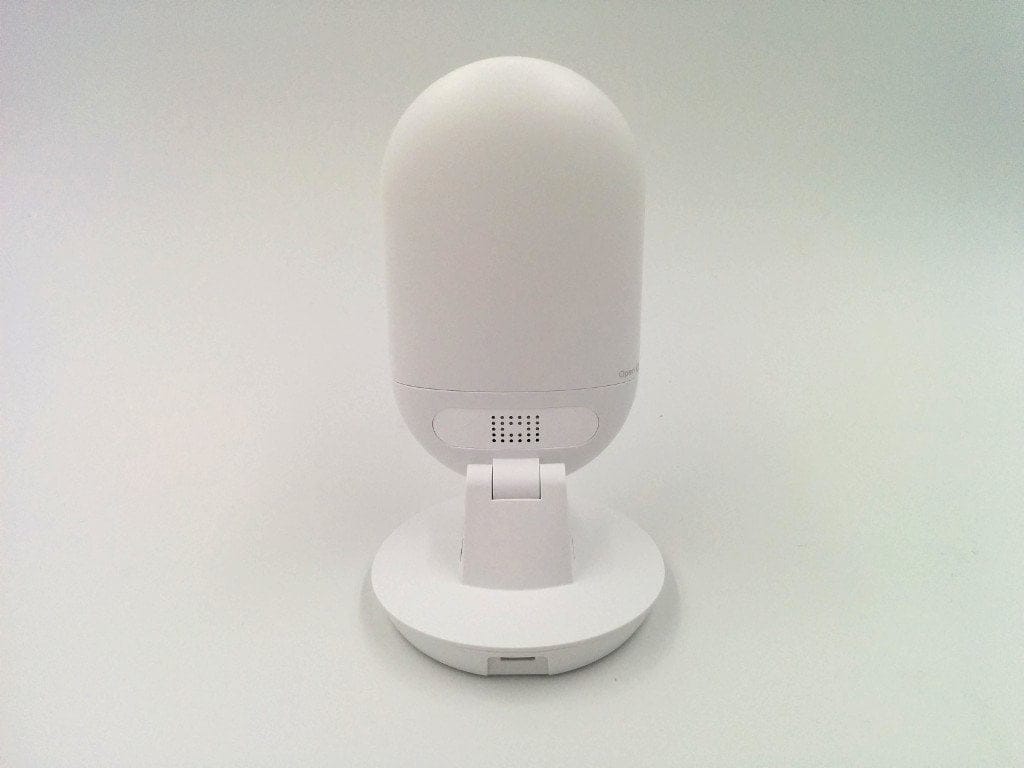
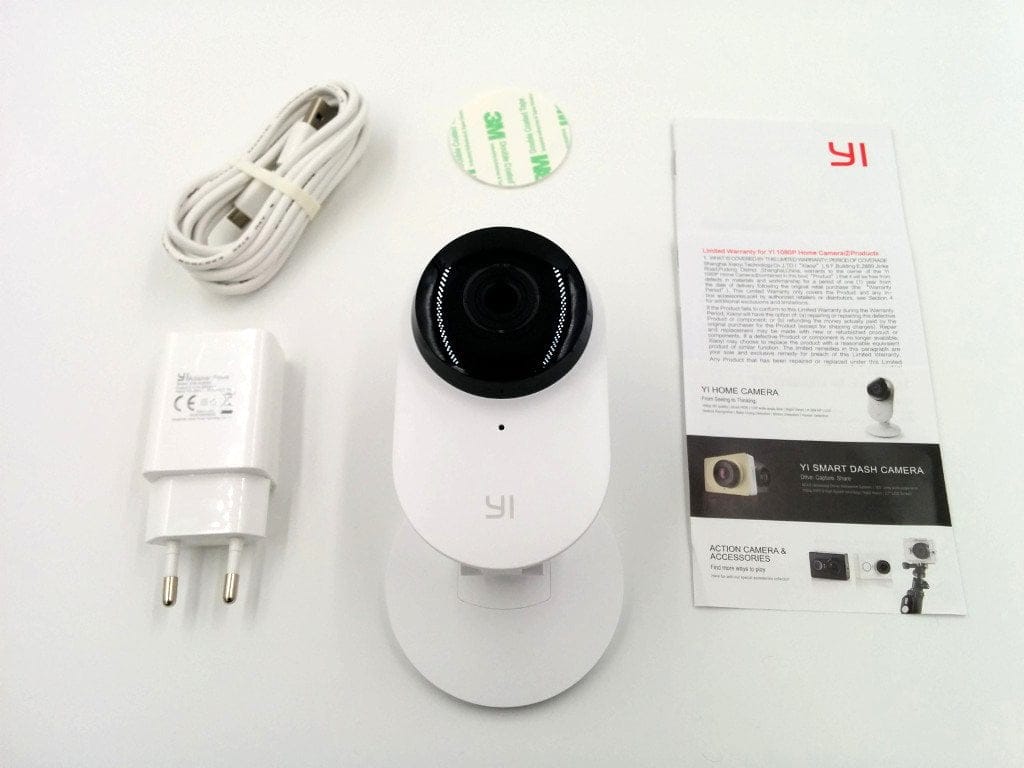
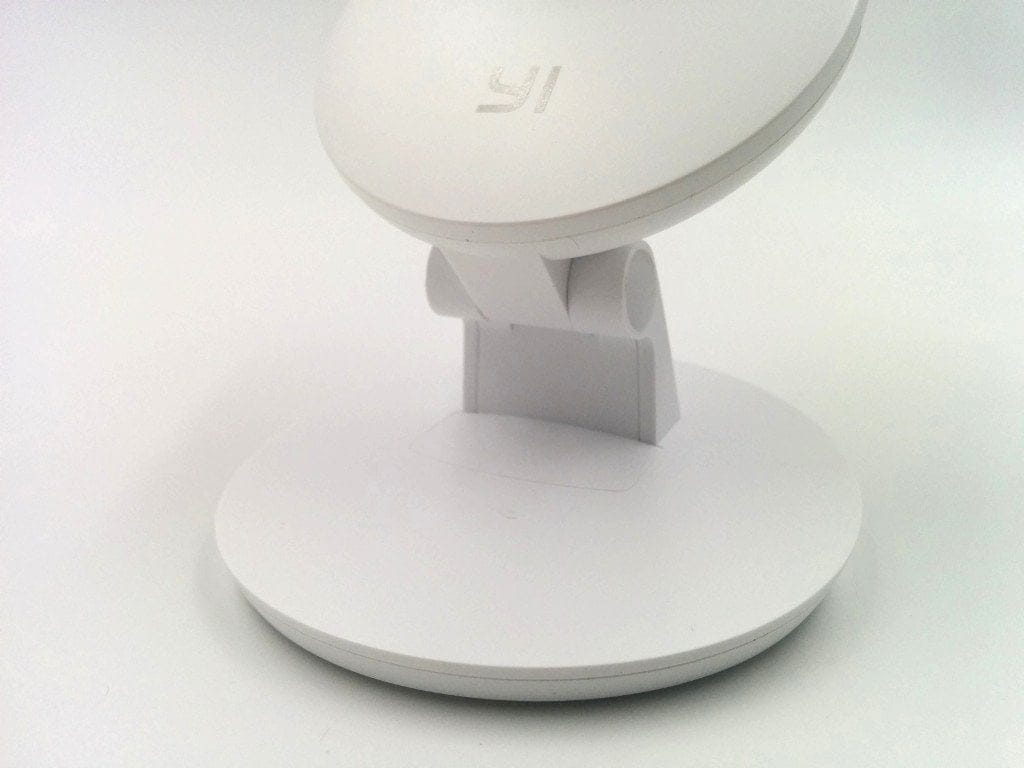
The scope of delivery is limited. In addition to the YI Home Camera, a charging cable, a power adapter, an adhesive pad and a multilingual user manual are included. A separate mount is missing, as the stand connected to the camera also serves as the mount.
Hardware and features
Image processor and image sensor
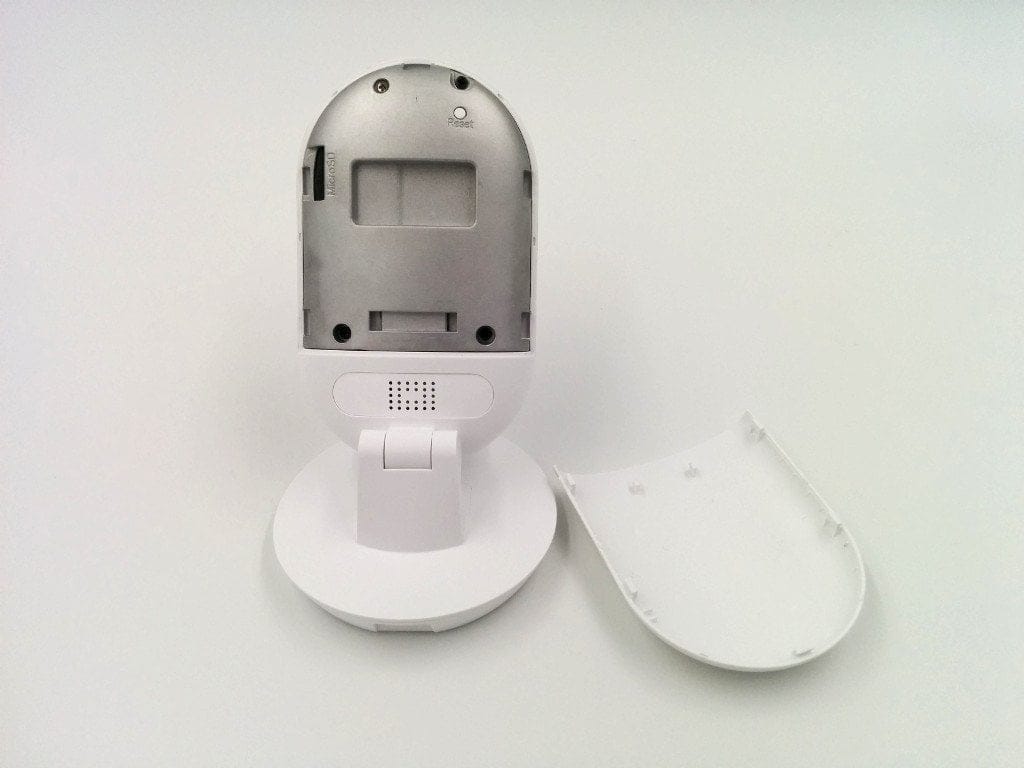
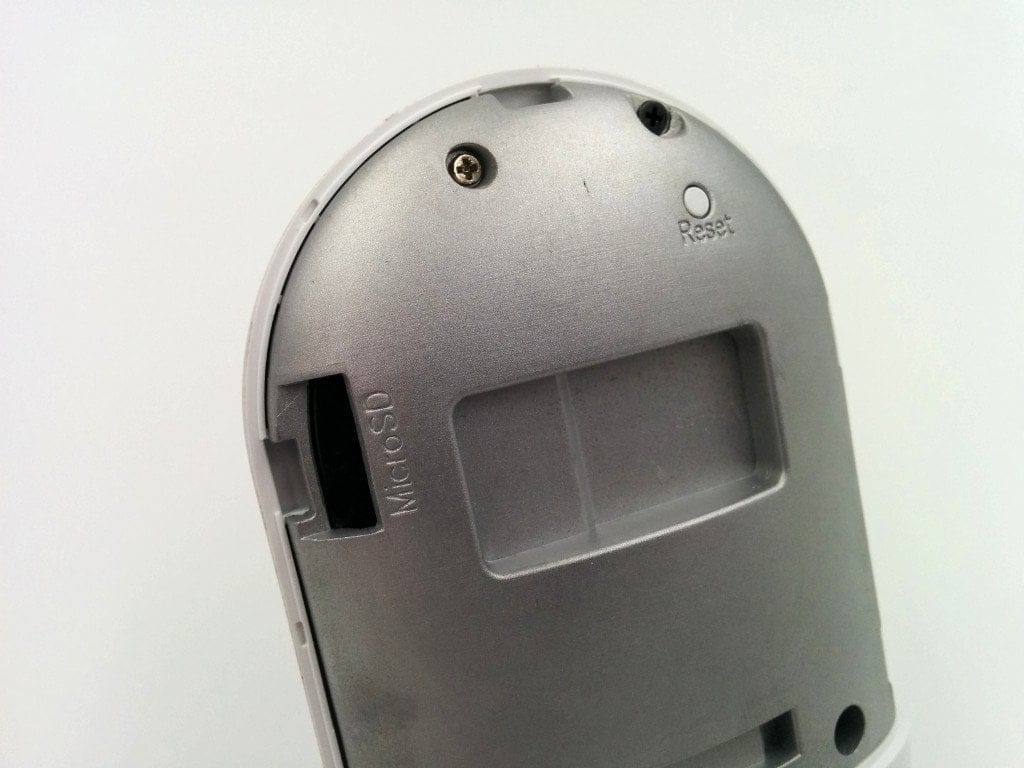
Inside, an Ambarella Cortex-A9 image processor running at 600MHz does the work. Memory comprises 2GB DDR3 RAM and 1GB SLC NAND flash storage. A micro SD card slot (8GB - 64GB) allows recordings to be saved directly to a memory card.
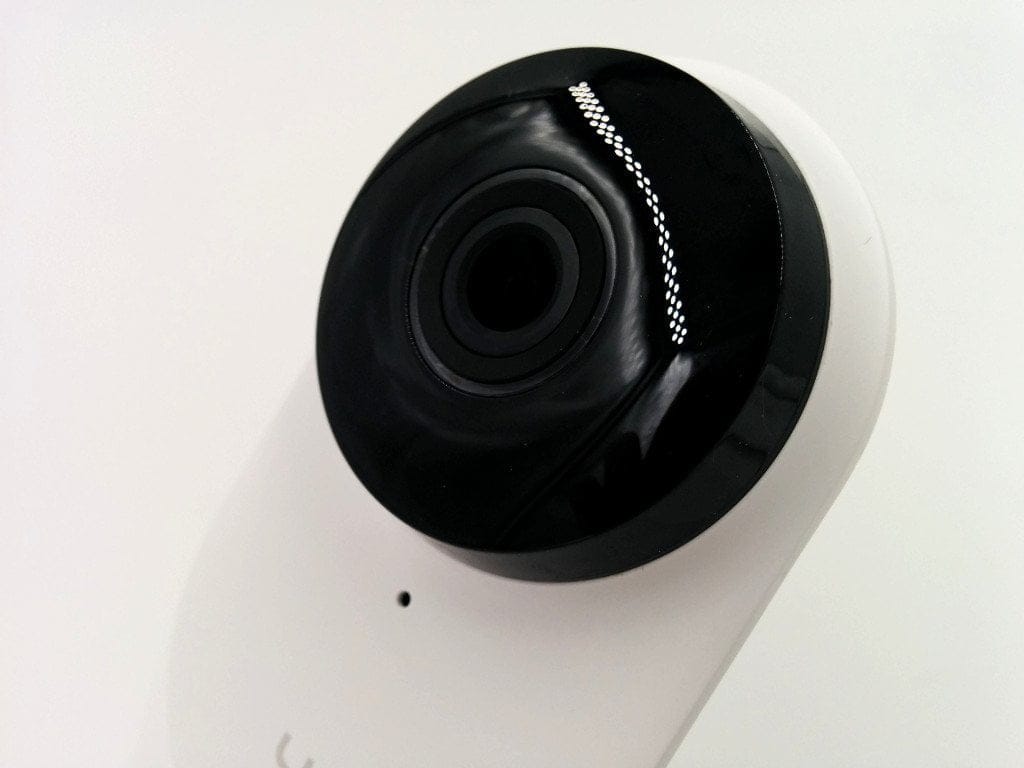
The image sensor is a 2.12 megapixel CMOS from Panasonic with vMaicovicon technology, which produces a detailed image even in poor lighting conditions. Videos are recorded at a maximum resolution of 1080p at 25 frames per second. The aperture ratio of the lens is F2.0. In addition, the camera has an extremely wide field of view of 130°. Video compression is according to the H.264 Level 5.1 and MJPEG standard. Additional image improvement is achieved by a 3D noise filter, 3D LUT colour correction and WDR (Wide Dynamic Range) as well as HDR (High Dynamic Range).
 Play video on YouTube
IR night vision, WiFi and audio system
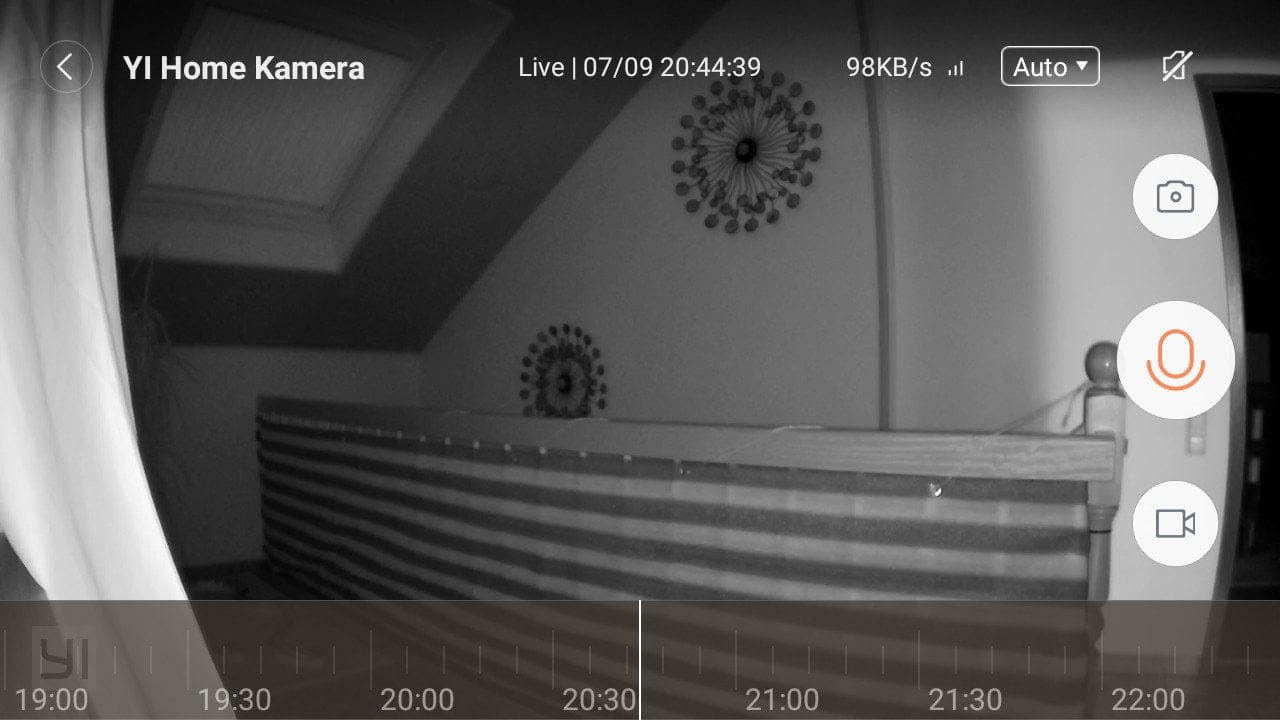
Around the lens there are a total of 11 infrared LEDs (940nm). As it gets darker or under insufficient lighting conditions, the YI Home Camera 2 automatically switches to night vision mode. This function can also be deactivated in the camera settings. On the camera housing there are further status LEDs (yellow and blue) which indicate a power connection (yellow) and an existing WLAN connection (blue).
For data transmission, the YI Home Camera 2 features an integrated 2.4GHz WiFi module. It supports 802.11 b/g/n standards, as well as WEP or WPA2 encryption. A two-way audio system allows for receiving and playing back speech. To this end, the surveillance camera is equipped with a 1W speaker and a microphone.
Setup
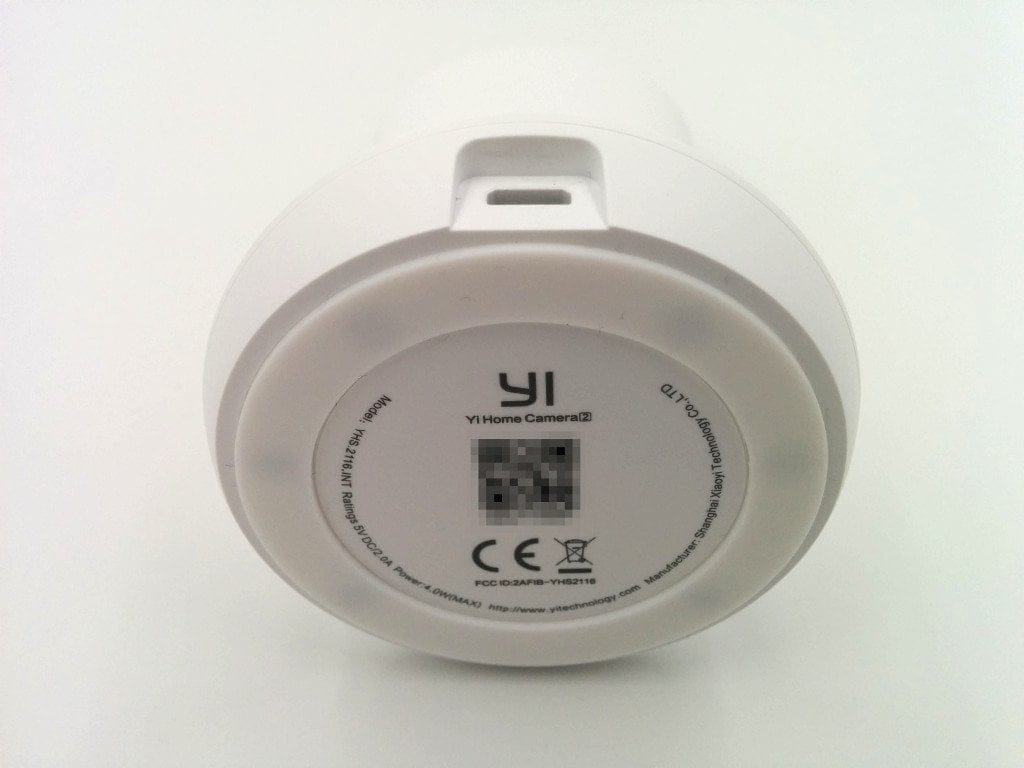
The YI security camera is powered by the supplied power adapter with USB cable. This solution is convenient, as a USB cable of any length can be used. The power adapter is also identical to that of a smartphone, making it easy to replace. The mounting options are less convenient. Due to the fixed mount, the camera sits perfectly on a surface, but the YI security camera can only be attached to a wall using an adhesive pad. There is no screw mounting option.
An Android or iOS device is required for setup. First, the so-called “YI Home” app must be downloaded. Then you need to create a “YI Account”. To do this, sign up with an email address or use the “Facebook login”.
Next, you are guided through the steps required for initial setup. The app language is German. An additional English voice output explains the current status of the camera. To use the YI Home Camera 2, it must be integrated into an existing Wi-Fi network. The Wi-Fi credentials are transmitted via a QR code, which you generate with the app and hold in front of the camera lens.
YI Home App and functions
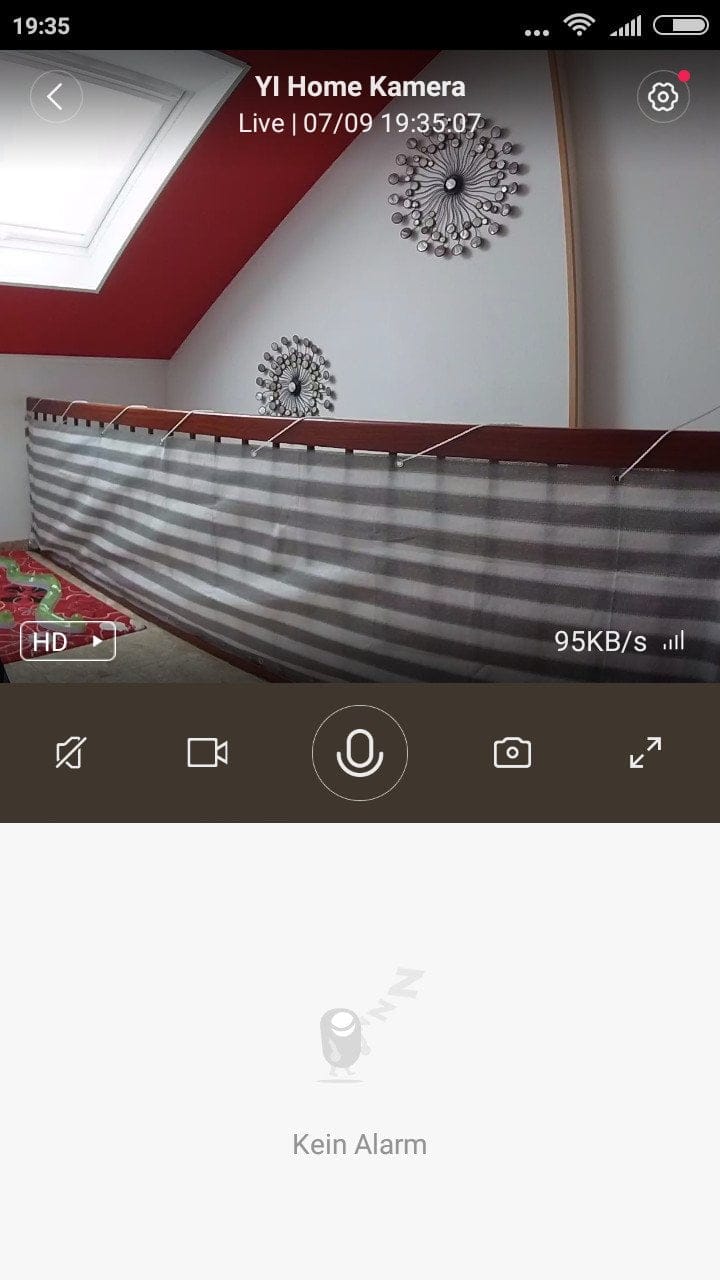
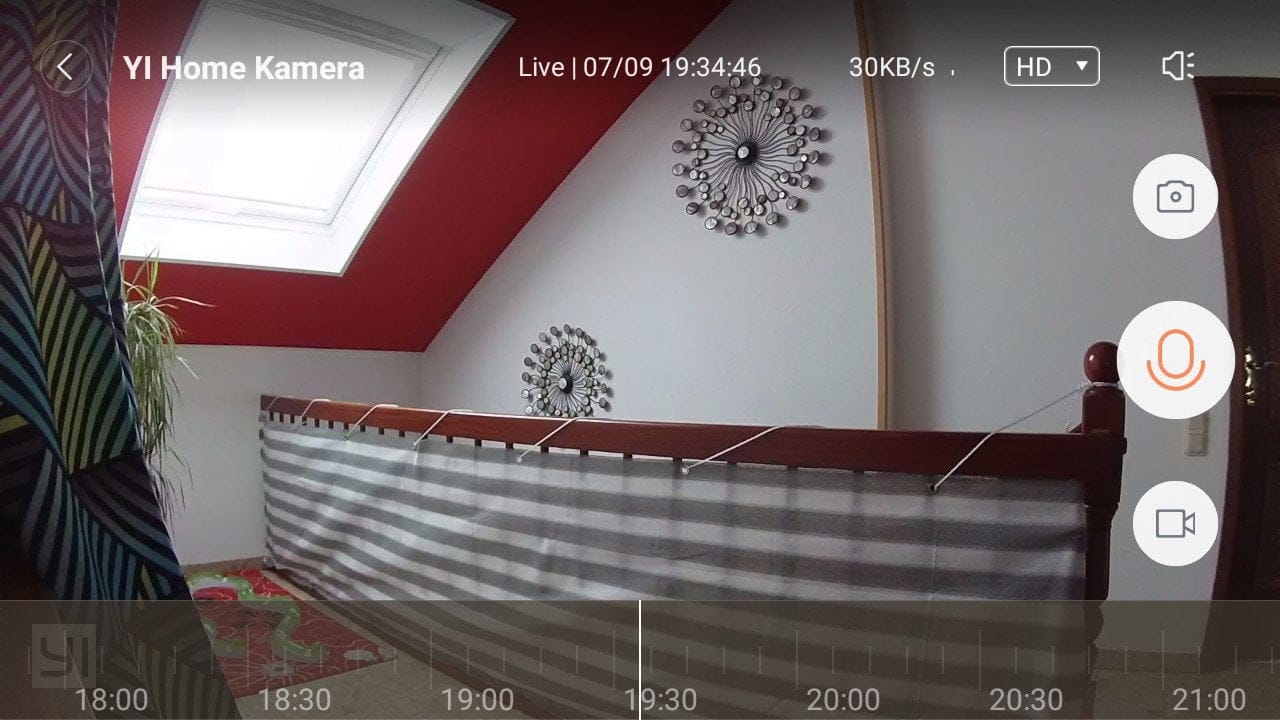
The app is clearly designed and offers numerous configuration options. It allows multiple YI cameras to be managed, and displays a live image of each connected camera.
Main display
Once a connected camera has been selected, video and photo recordings can be made via the app. You can send and receive voice messages, and also get an overview of triggered alerts.
In testing, the main display convinced through its simple usability and clarity. All necessary functions are accessible in just a few steps.
Alarm function
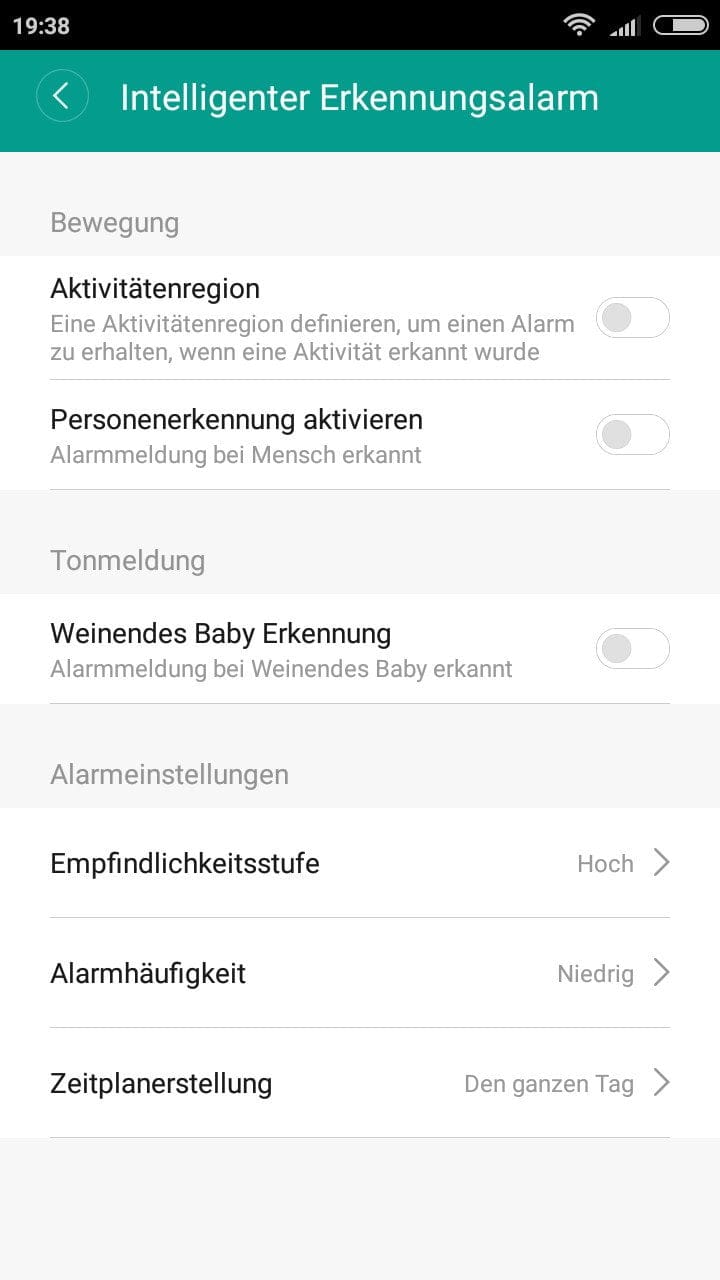
How and when an alarm is triggered can be set individually. Among other things, an activity region can be defined, person recognition can be activated, and there is even a "crying baby detection". Person recognition is triggered as soon as a person is detected. The "crying baby detection" is triggered by loud baby cries. For each detection type, there are additionally 3 sensitivity levels (High / Medium / Low), an alarm frequency (High / Medium / Low) and a schedule indicating when the alarm should be activated or muted.
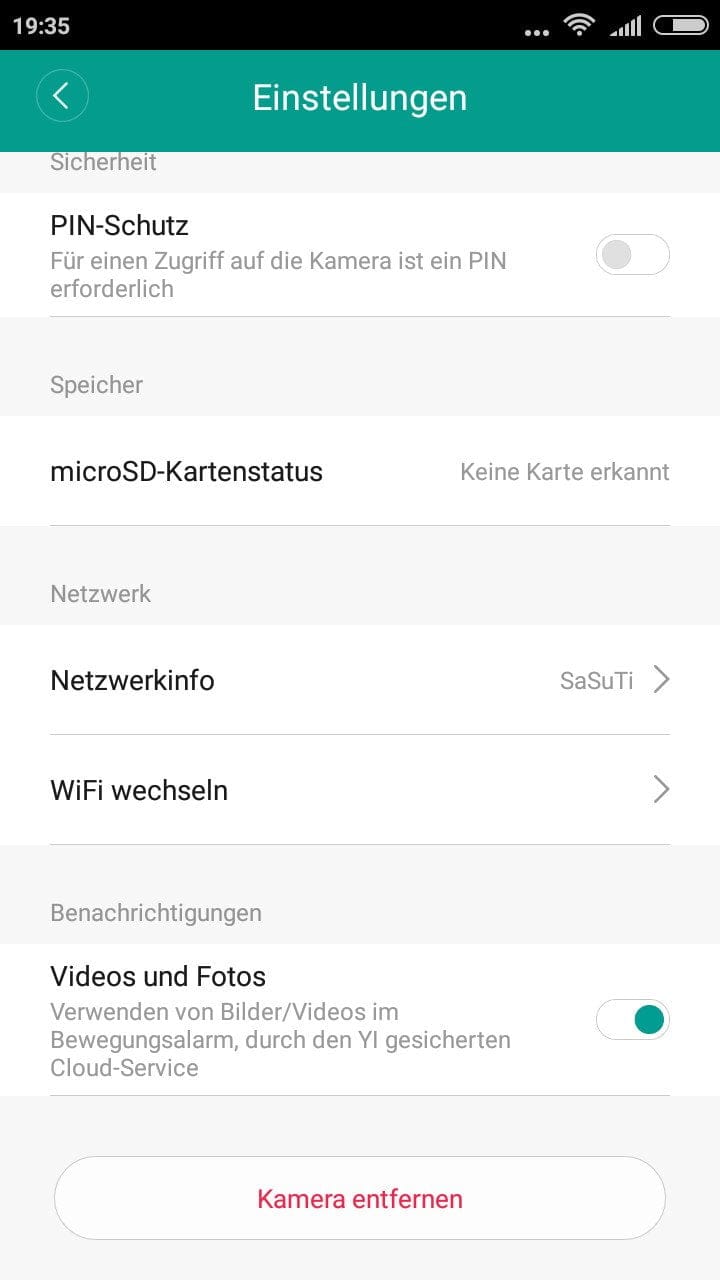
When an alarm is triggered, a short recording is saved. This is synchronised with the “YI Cloud” and can be accessed remotely. The live image is also synchronised with the YI Cloud and can be viewed from anywhere via remote access. You notice that the camera is constantly synchronised with the YI Cloud by the video signal delay. This is delayed by about 6 seconds, although the receiving device used in the test was on the same network. Unfortunately, remote access cannot be completely disabled. Only the saving of alarm recordings within the YI Cloud can be deactivated. Anyone who wants to continue using the alarm function must then insert an SD memory card.
YI Technology promises that data transmission is encrypted, and the surveillance camera can also be secured with a PIN, but unauthorised access can never be completely ruled out! In the test, approximately 90% of the intentionally triggered alarms were detected. Person detection is generally rather inaccurate. Even pets were detected as "persons".
Gesture control
The "Gesture Control" function can be used to transmit video messages. To do this, stand about 2 metres in front of the camera and hold your outstretched hand at shoulder height. The YI Home Camera then lights up with a green LED to indicate that the gesture has been detected. If you then clench your hand into a fist, the video recording begins.
Gesture control worked smoothly throughout the test. If the individual steps were followed exactly, the error rate was zero.
Settings
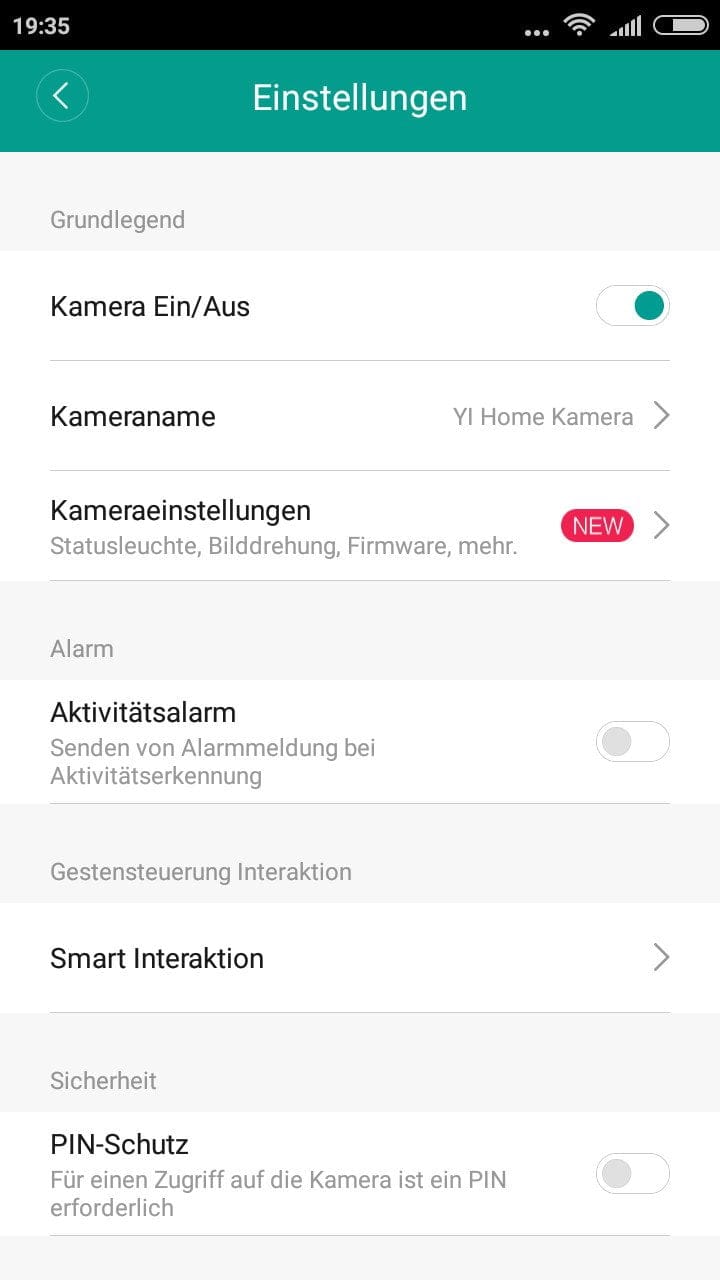
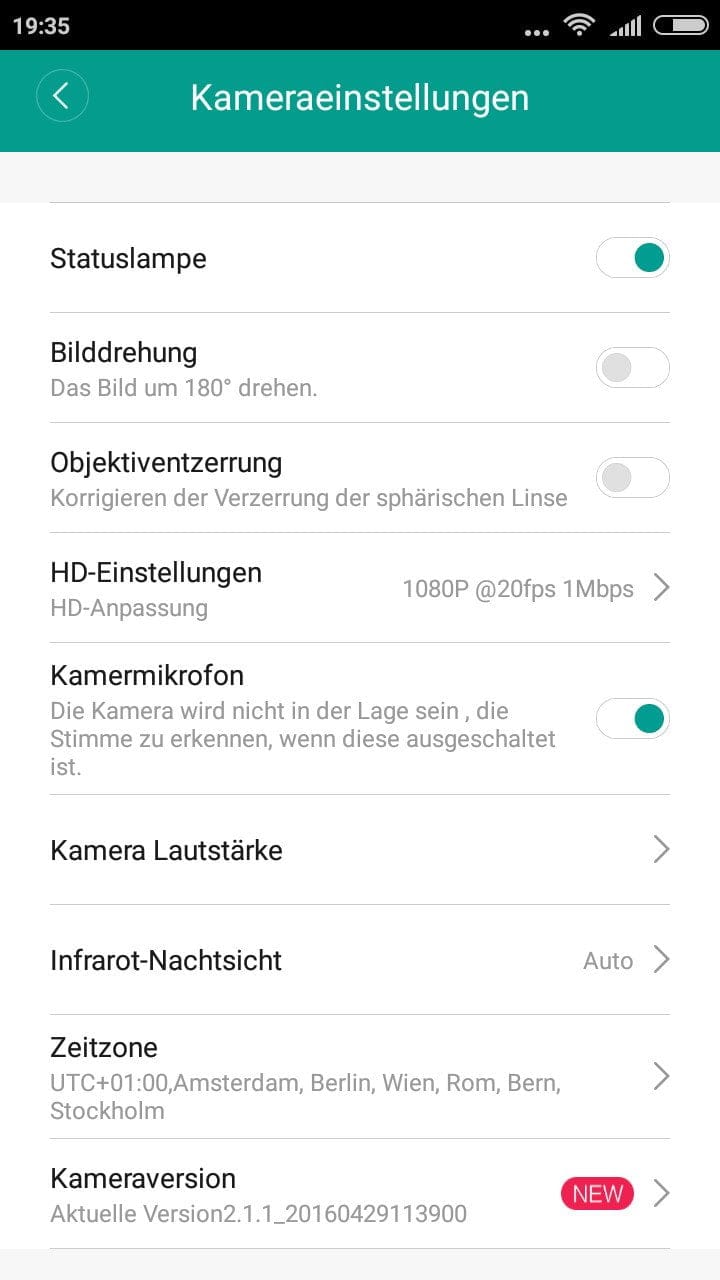
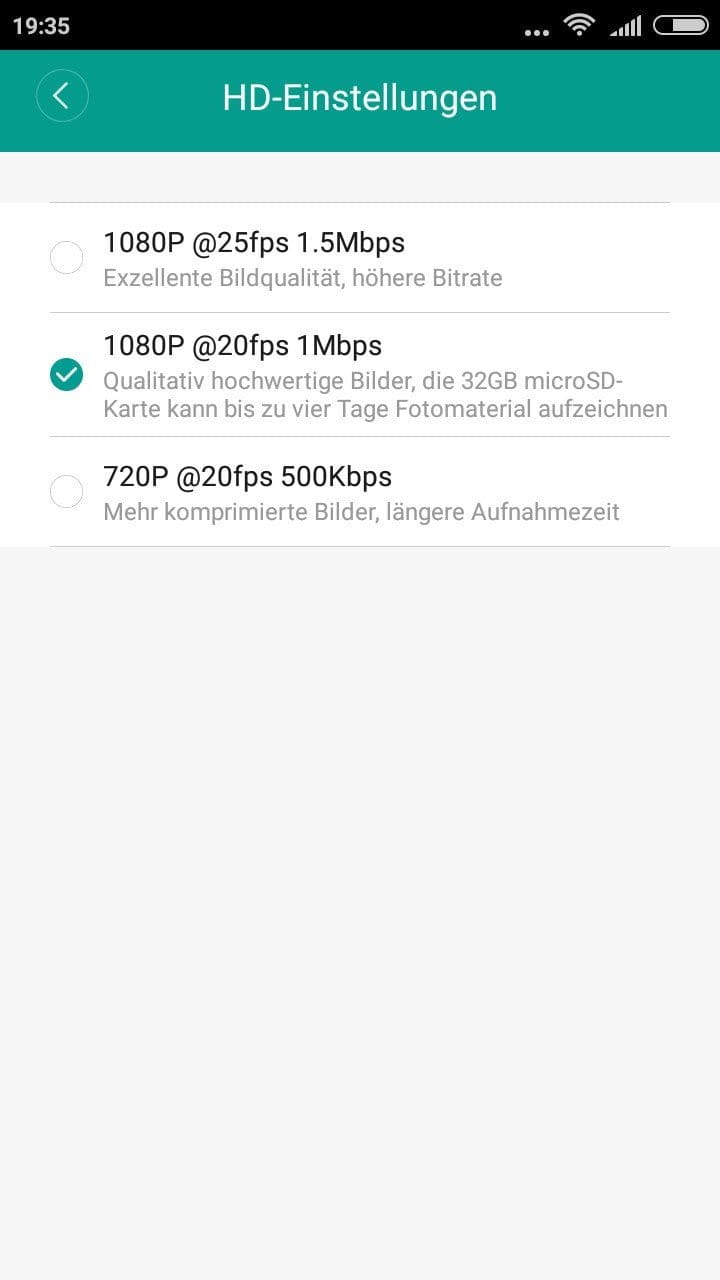
The adjustment options are extensive. Among other things, there are settings for:
- Resolution (1080p@25/20 or 720p@20)
- Noise levels
- Microphone
- Status LED
- Lens distortion
- Night vision
Updates
As soon as a firmware update or app update is available, users are notified via the YI Home App. Updates are then downloaded and installed fully automatically.
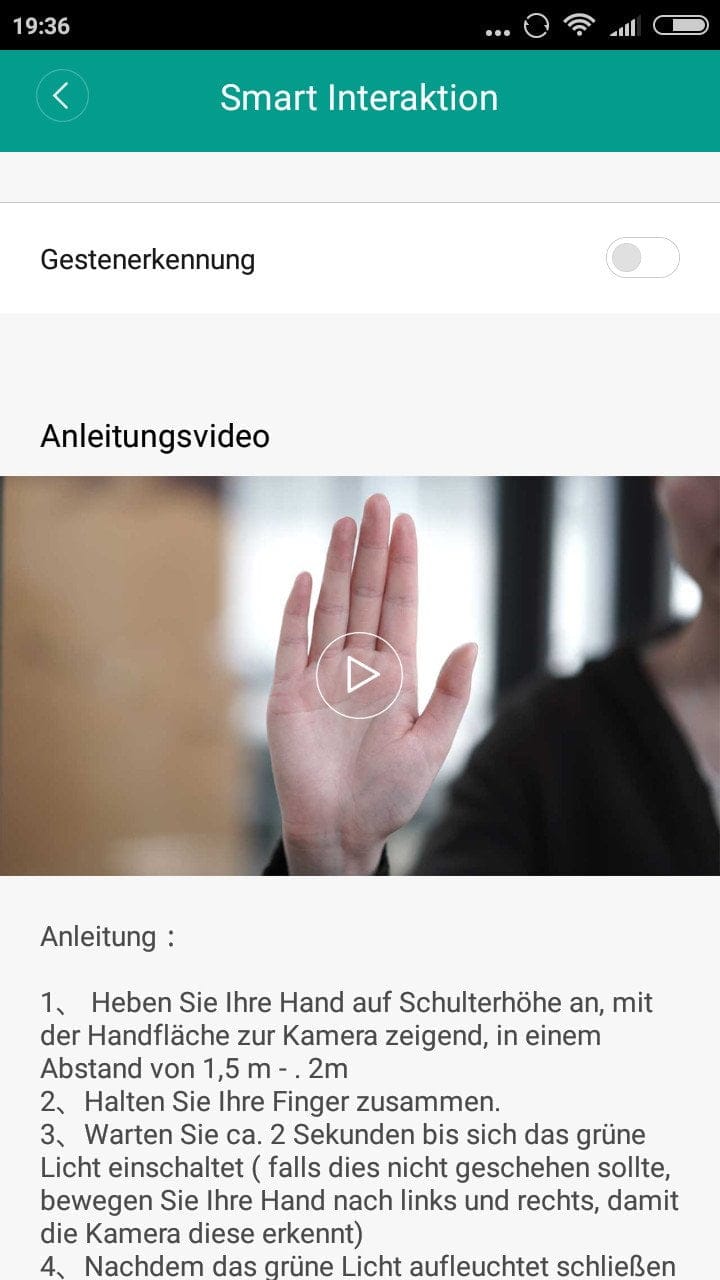
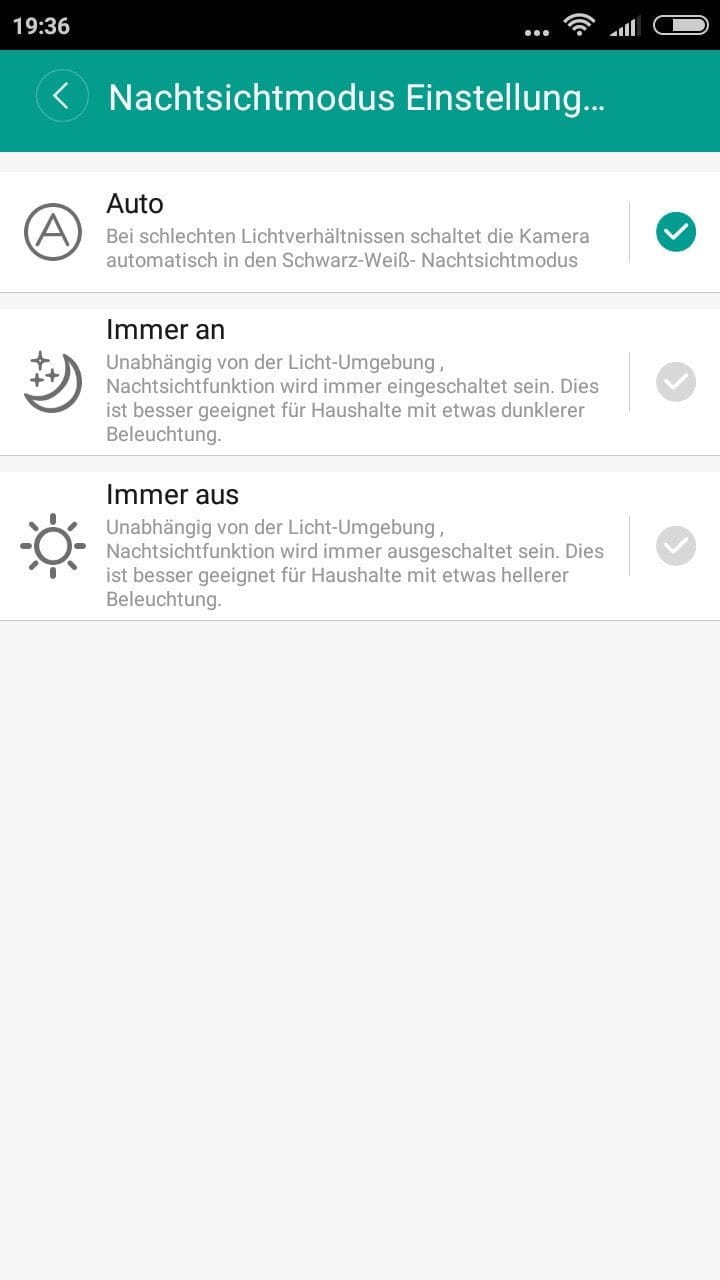
Image and sound quality
The image display is high-resolution sharp and very detailed. Colors are reproduced accurately. Even in poor lighting conditions, the YI Home Camera 2 produces usable recordings. The switch to night vision mode works well. However, the frame rate is perceived to be reduced in this mode, resulting in slight motion blur. The image quality remains consistent with expectations.
The audio transmitted to the YI Home Camera 2 is clear and distinctly audible. Even at the highest transmission volume, it does not sound tinny. The audio transmitted to the receiving device is also clearly understandable.
Our verdict
The Yi Home Camera 2 from Yi Technology is a comfortable surveillance solution that offers a comprehensive and well-implemented range of features and surprises with very good image and sound quality. The Yi surveillance camera competes directly with the "Nest Cam" and represents a far more affordable alternative.
The range of functions and comfortable operation are largely attributable to the “Yi Cloud”, which, among other things, stores recorded videos and enables remote access to the video stream. Although Yi Technology promises a secure data connection (P2P) and data encryption, you can never know where the data is stored and how it is ultimately used. Anyone wanting to be on the safe side should completely disable internet access for the Yi surveillance camera. The video stream can also be accessed purely locally.
Specifications
General
- Image sensor
- Panasonic 1/2.8-inch 2.12 Megapixel CMOS
- Image processor
- Ambarella Cortex-A9
- Resolution
- 1080p@25/20 or 720p@20
- Codec
- H.264 HP Level 5.1, Smart AVC
- Field of view
- 130°
- Storage
- 2GB DDR3 RAM; 1GB Flash
- Storage expansion
- Micro SD memory card
- Wi-Fi
- 2.4 GHz; 802.11 b/g/n
- Encryption
- WEP / WPA2
- Night vision
- 11 IR LEDs 940 nm
- Speakers
- 1W
- Microphone
- Yes
- Size
- 122x70x59mm
- Weight
- 132g
What’s included
1x YI Home Camera 1x adhesive pad 1x USB cable 1x power adapter 1x user manual
Price comparison
| Store | Price | Link |
|---|
Comments (2)
Dear TECHREVIEWER team,
I found your article on the Yi Home Camera 2 very helpful, but I have two very important questions. First, I’d like to know whether the Yi Camera can be powered by a power bank instead of the power adapter. Second, does “integrated 2.4GHz WiFi module” mean that the camera supports Wi-Fi Direct? If not, is it possible to pair the camera with a Wi-Fi Direct-capable device such as a mobile phone (that is, without a router)?
Thank you,
Alexander Reder
Hi Alexander, you can power the camera with a power bank. However, WiFi-Direct is not available. By WiFi we mean that the camera does not create its own WLAN network for you to connect to, but must be integrated as a client into an existing WLAN.