Contents
Yuneec Breeze
4K video recording with this small quadcopter?
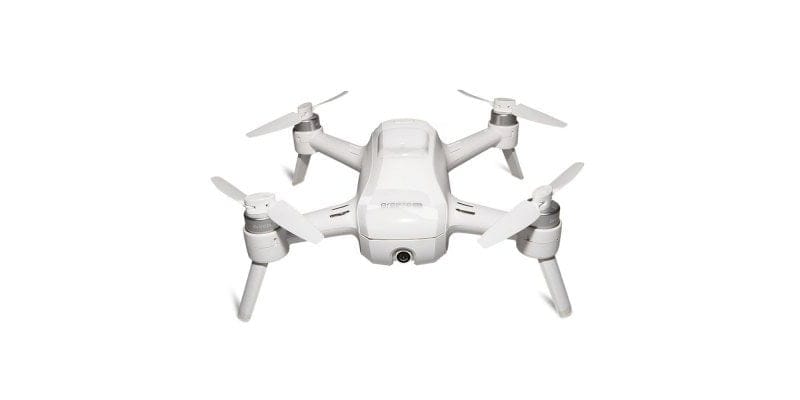
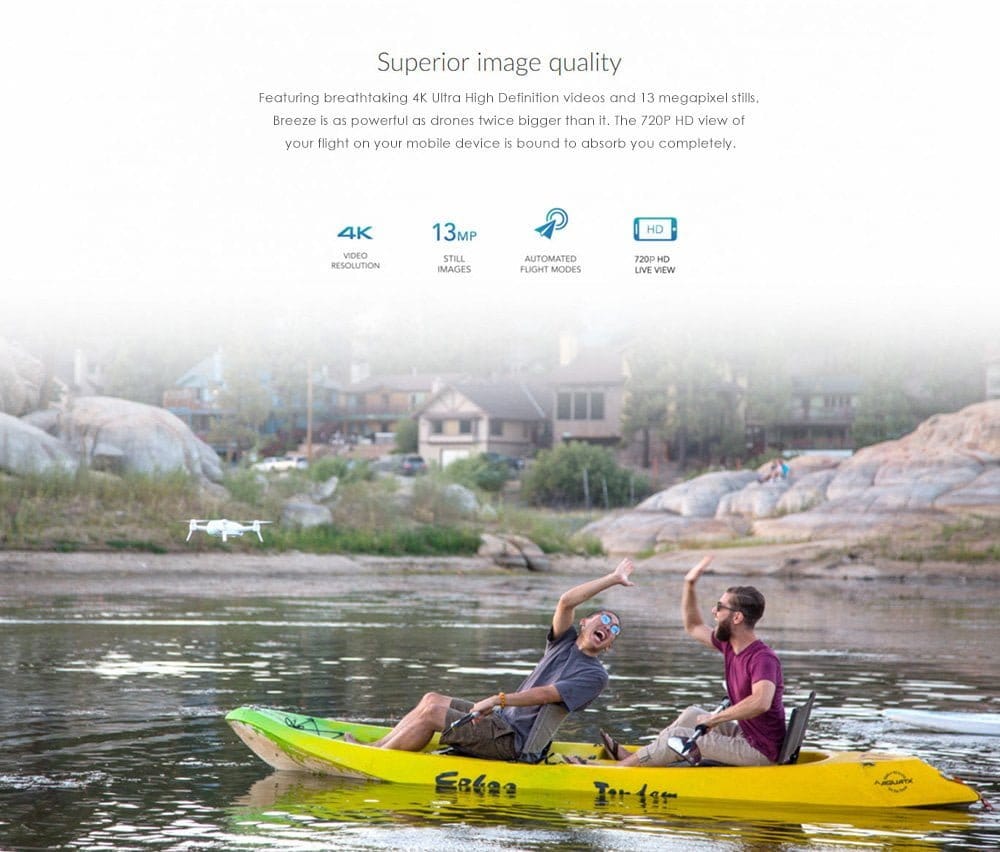
The Yuneec Breeze is not the first selfie drone to appear this year. We already reported on the ZEROTECH Dobby in July, one of the first drones for selfies. The Yuneec Breeze is also a compact quadcopter equipped with a high-resolution camera. 4K video recordings are no problem for the 1/3.06 CMOS image sensor with a resolution of 13 megapixels. Images are recorded at a maximum resolution of 4160 x 3120 pixels in JPEG format. An electronic image stabilisation ensures clean recordings. The maximum field of view of the drone is 117°. The camera can tilt by 90°. Recordings can be saved directly to the internal 16GB flash storage.
Small but mighty!
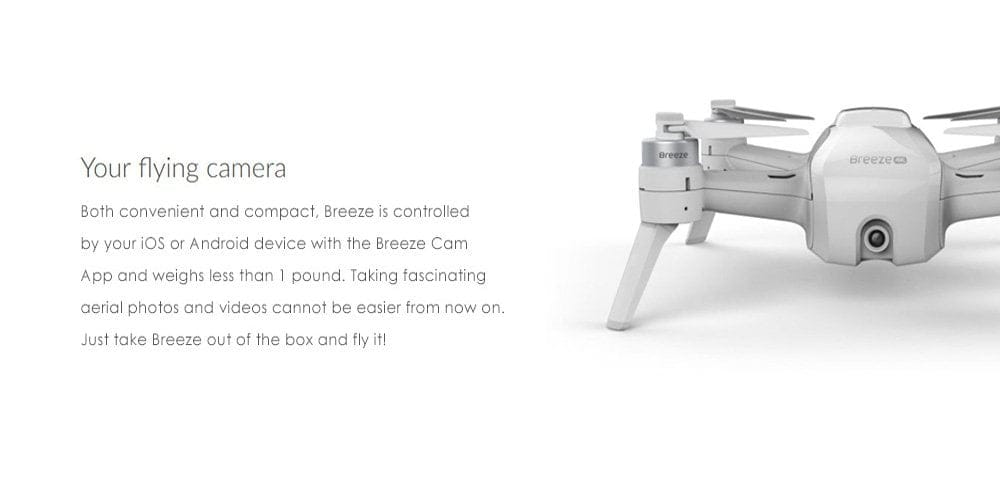
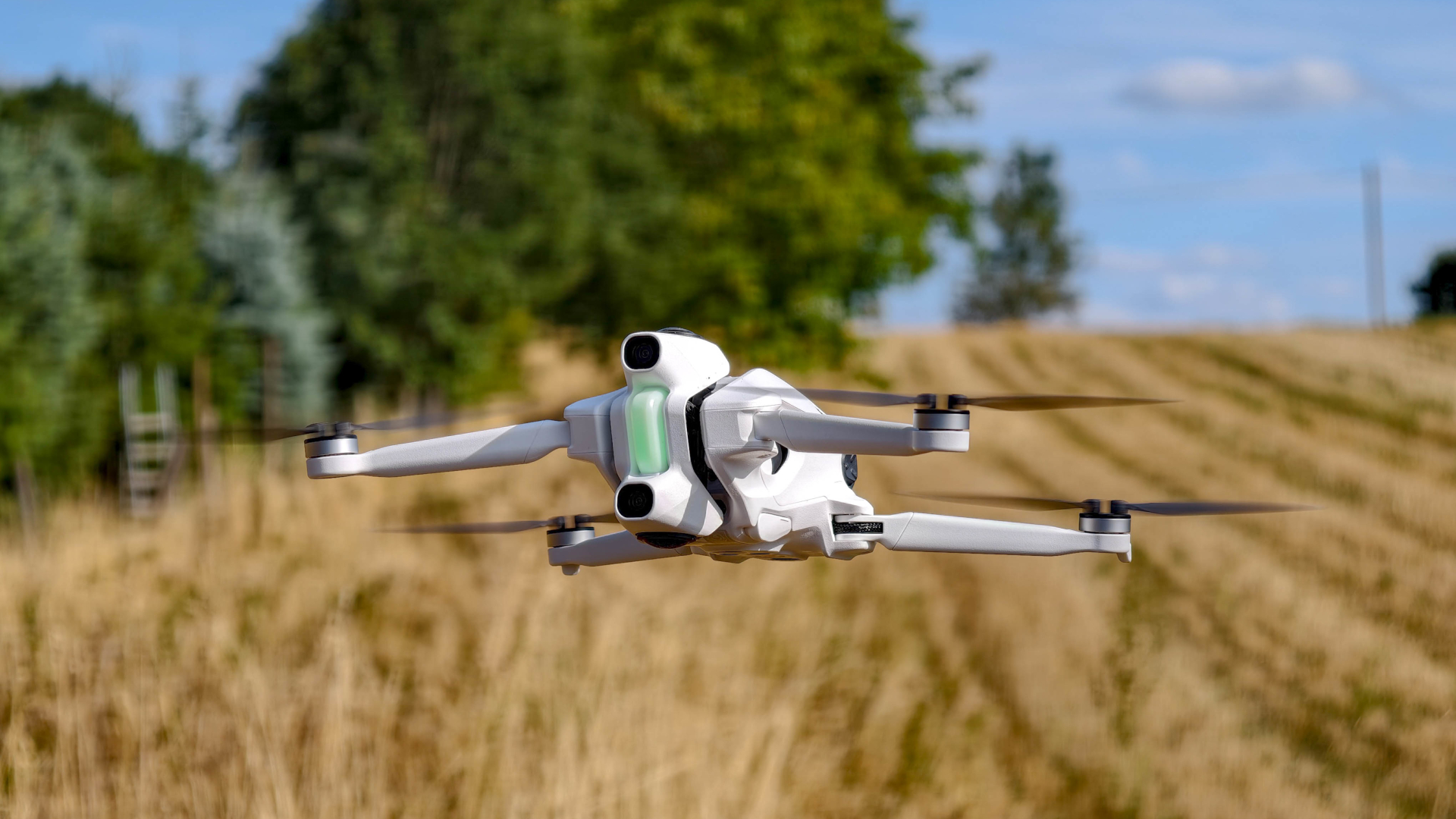
With a size of only 196 x 196 x 65 mm (327 x 327 x 65 mm with propeller guard), the Yuneec Breeze counts among the more compact drones with a high-resolution 4K camera. The purpose of a selfie drone is to take it everywhere. Wherever you are, the drone should be ready to fly to capture spontaneous shots. At a weight of only 385g, the Breeze is not a huge burden. The 3S 11.1 V 1150 mAh LiPo battery ensures a maximum flight time of 12 minutes.
Straightforward app control
The Yuneec Breeze is controlled using a smartphone or tablet. To this end, the drone establishes its own Wi-Fi network, to which you can connect via the "Breeze Cam" app. This app is available for both Android devices on the Google Play Store and iOS devices on the Apple App Store. The app is used for control and live video transmission, but also allows users to share recordings on social media, change the flight mode and make other settings. The live feed is transmitted at a maximum of 720p (or 480p in 4K).
Fly, but safely!
The equipment of the Yuneec Breeze is based on professional camera drones. To make flying easy even for beginners, the drone can be operated almost fully automatically. Using GPS, the drone determines its orientation and can automatically hold position and return to the starting point. Additional "Optical Flow" sensors form the "IPS" (Indoor Positioning System). This allows the Breeze to be flown safely indoors without risk of collision. According to Yuneec, the drone automatically holds its position if control is lost or voluntarily abandoned. At a low battery level (5% battery), the quadcopter also returns to its starting point. The maximum flight altitude is limited to 80 metres. Flight speed is also limited by software to 5 m/s (1 m/s ascent speed).
Fun with various flight modes
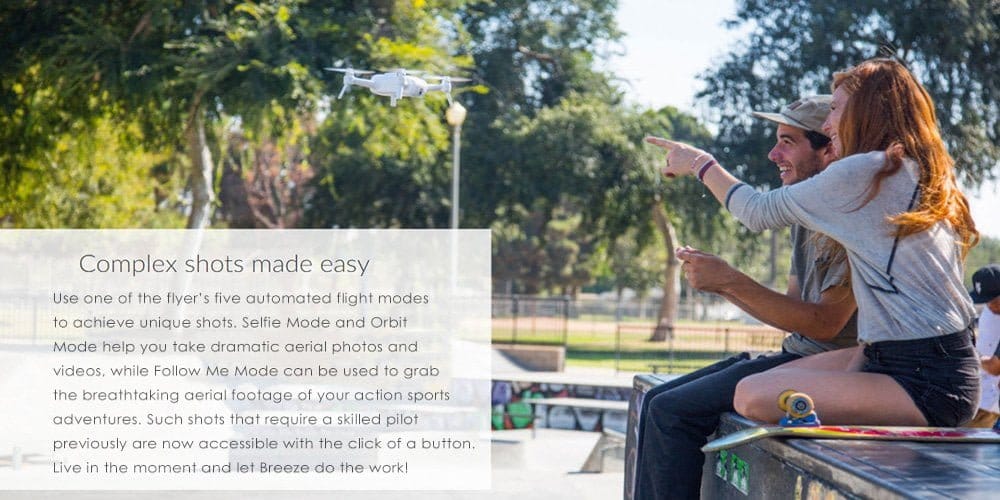
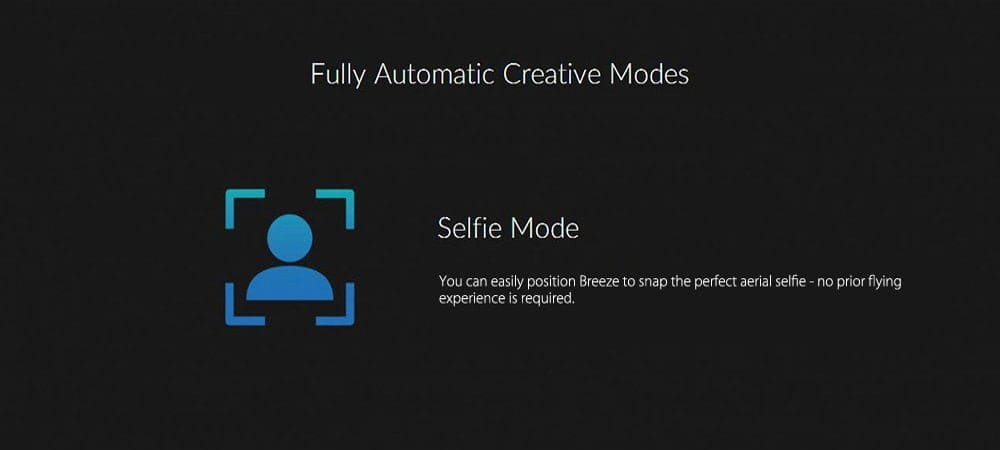
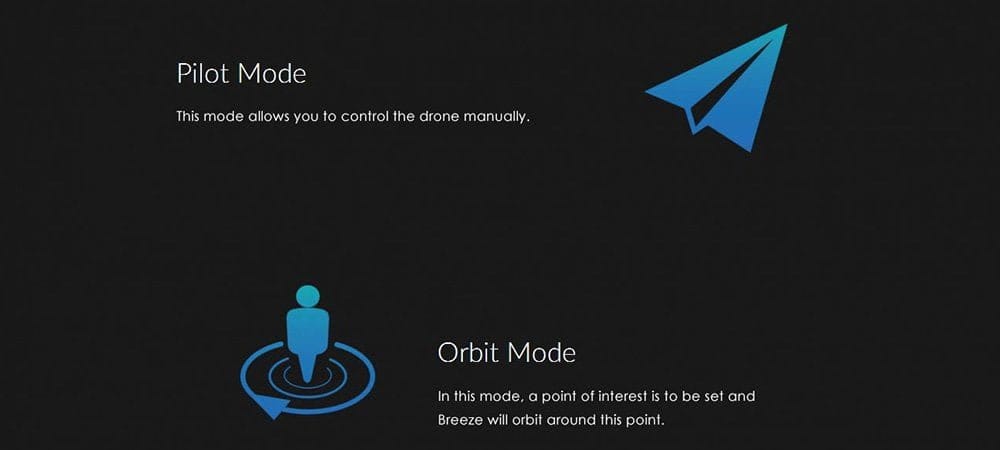
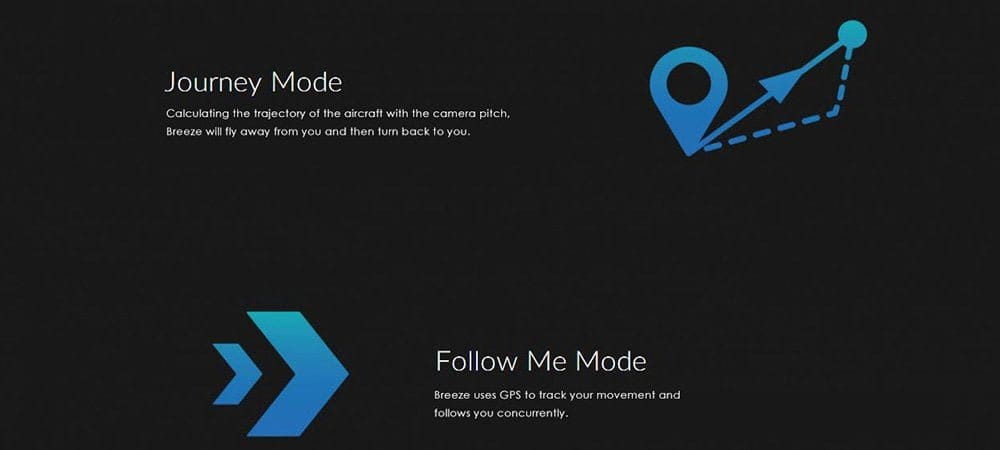
To cover all filming possibilities, the Yuneec Breeze features various flight modes. In the standard "Pilot Mode", the selfie drone is controlled manually via two virtual sticks or by tilting the smartphone or tablet. In the "Selfie Mode", the Breeze does not even need to be controlled. Distance and altitude are simply set in the app. In the "Orbit Mode", the quadcopter circles around an object or a person. In the "Journey Mode", the drone moves away to a distance and then returns to the pilot. Finally, there is the "Follow Mode", where the drone follows the pilot at every step.
While the Yuneec Breeze offers hardly any innovations in direct comparison with other selfie drones, it can be assumed that the experienced manufacturer Yuneec has brought an uncomplicated selfie drone to market that requires no flight experience and is very easy to operate.
Manufacturer's website: www.yuneec.com
Specifications
General
- Sensor
- 1/3.06-inch CMOS 13 megapixels
- Video recording
- *UHD (4K)
- 3840 x 2160/30 FPS
- *FHD
- 1920 x 1080 / 30 FPS
- *HD 1280 x 720 / 60 FPS
- Photo samples
- *4K - 4160 x 3120 pixels (13 MP)
- Image stabilization
- EIS
- Field of view
- 117°
- Exposure time
- 1/30 - 1/8000s
- Inclination
- 0° - 90°
- Motors
- 4x 2206kV brushless motors
- Sensors
- Optical flow + GPS
- Internal storage
- 16GB flash
- Battery
- 3S 11.1 V 1150 mAh LiPo
- Flight time
- 12 minutes
- Flight altitude
- 80 metres
- Flight speed
- 5 m/s
- Climbing speed
- 1 m/s
- Size
- 196 x 196 x 65 mm
- Size with propeller guard
- 327 x 327 x 65 mm
- Weight
- 385 g
Comments (1)
How do I get the app for the Breeze 4K drone