Contents
First impressions of the Zhiyun Smooth 3
What’s included
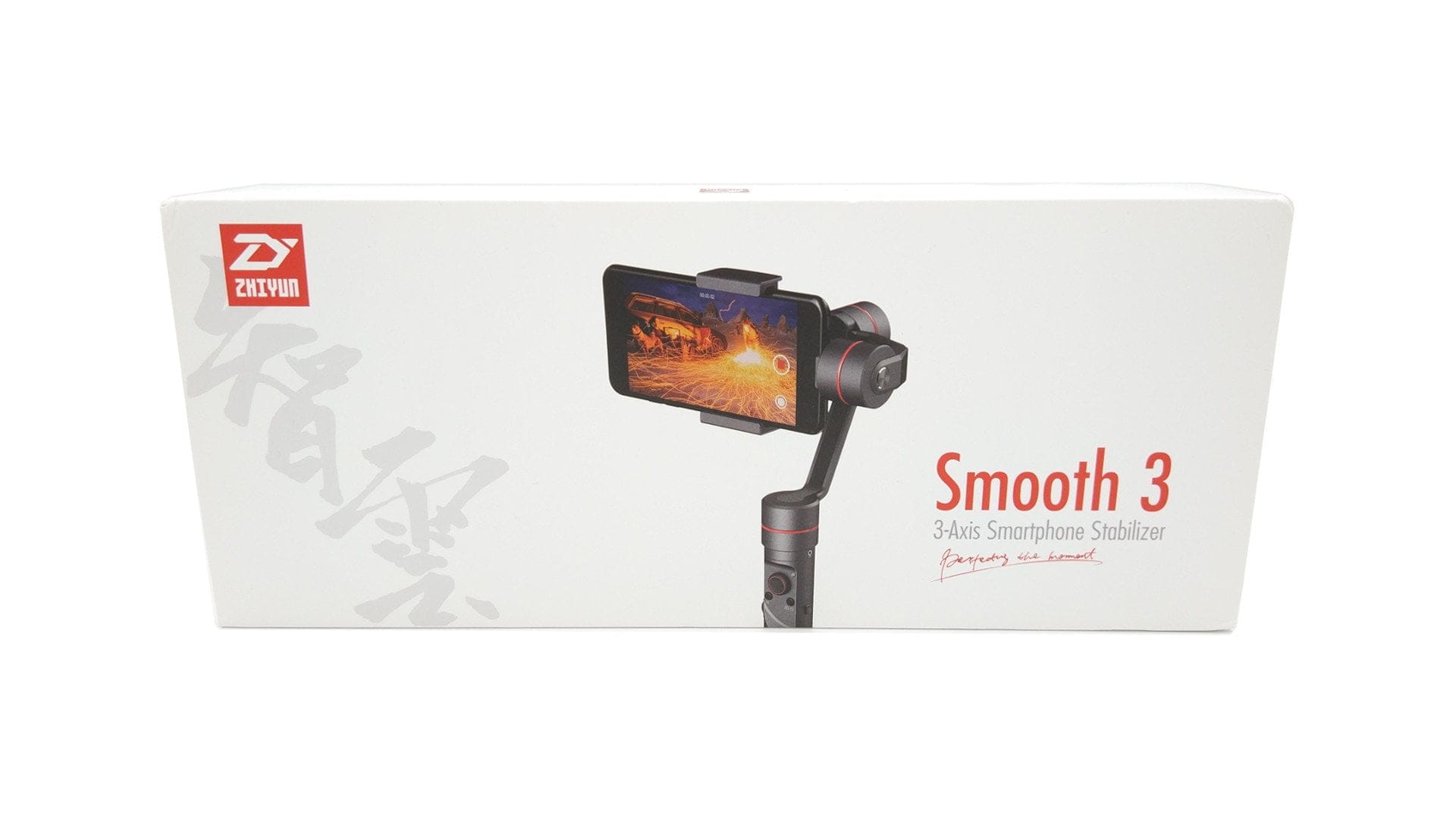
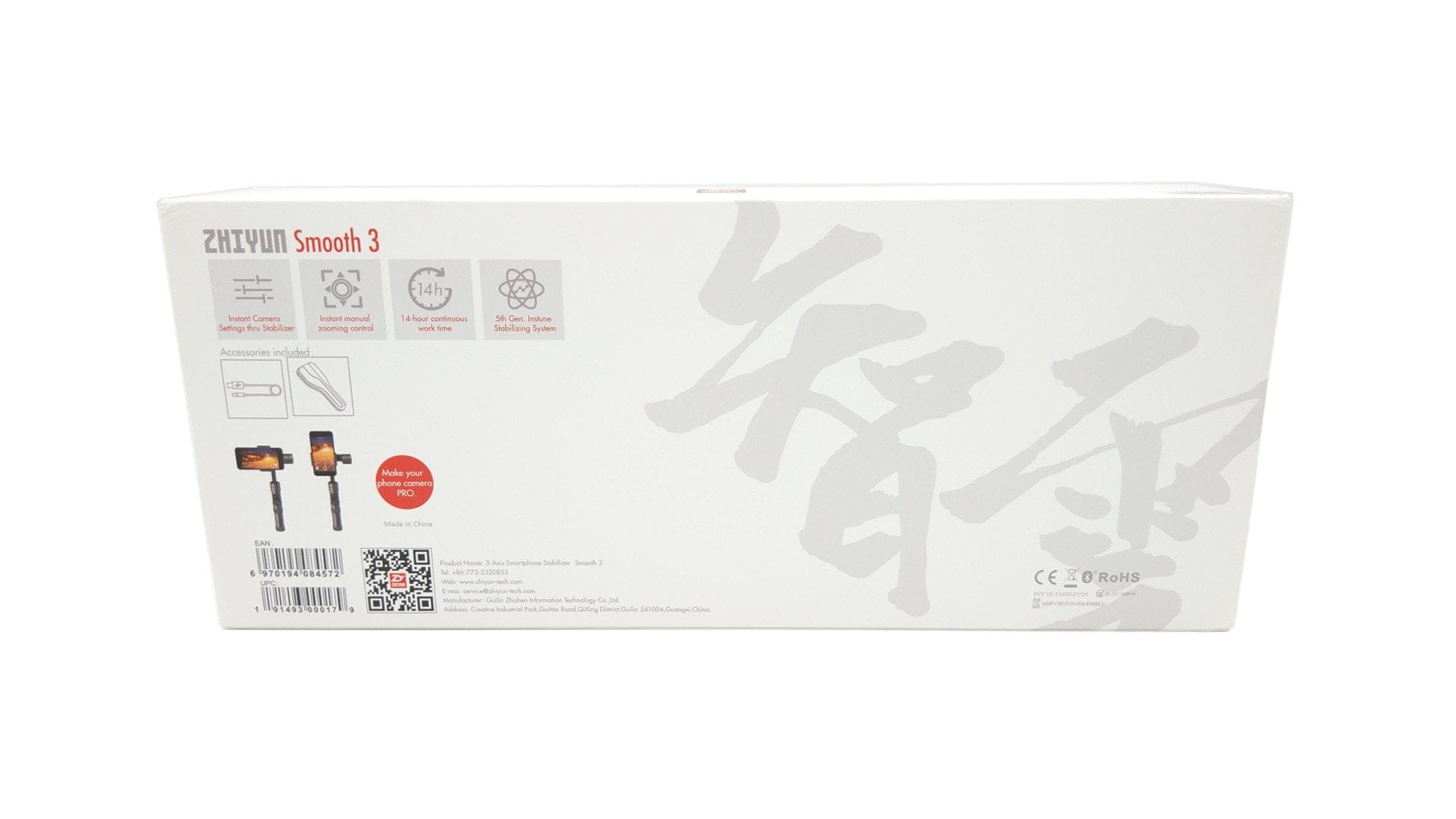
Compared to the consumer gimbal “Feiyu Vimble C” which we recently tested, the Zhiyun Smooth 3 offers a – price-appropriate – scope of delivery consisting of the gimbal, a hard case with lanyard, a micro USB cable and an English-language user manual. A replaceable 26650 battery was already inserted into the gimbal.


Design and build quality
The Zhiyun Smooth 3 is made entirely of aluminium and impresses with a very clean yet high-quality build. You will not find unsightly gaps, seizing threads, or sharp edges on the CNC-milled aluminium parts.
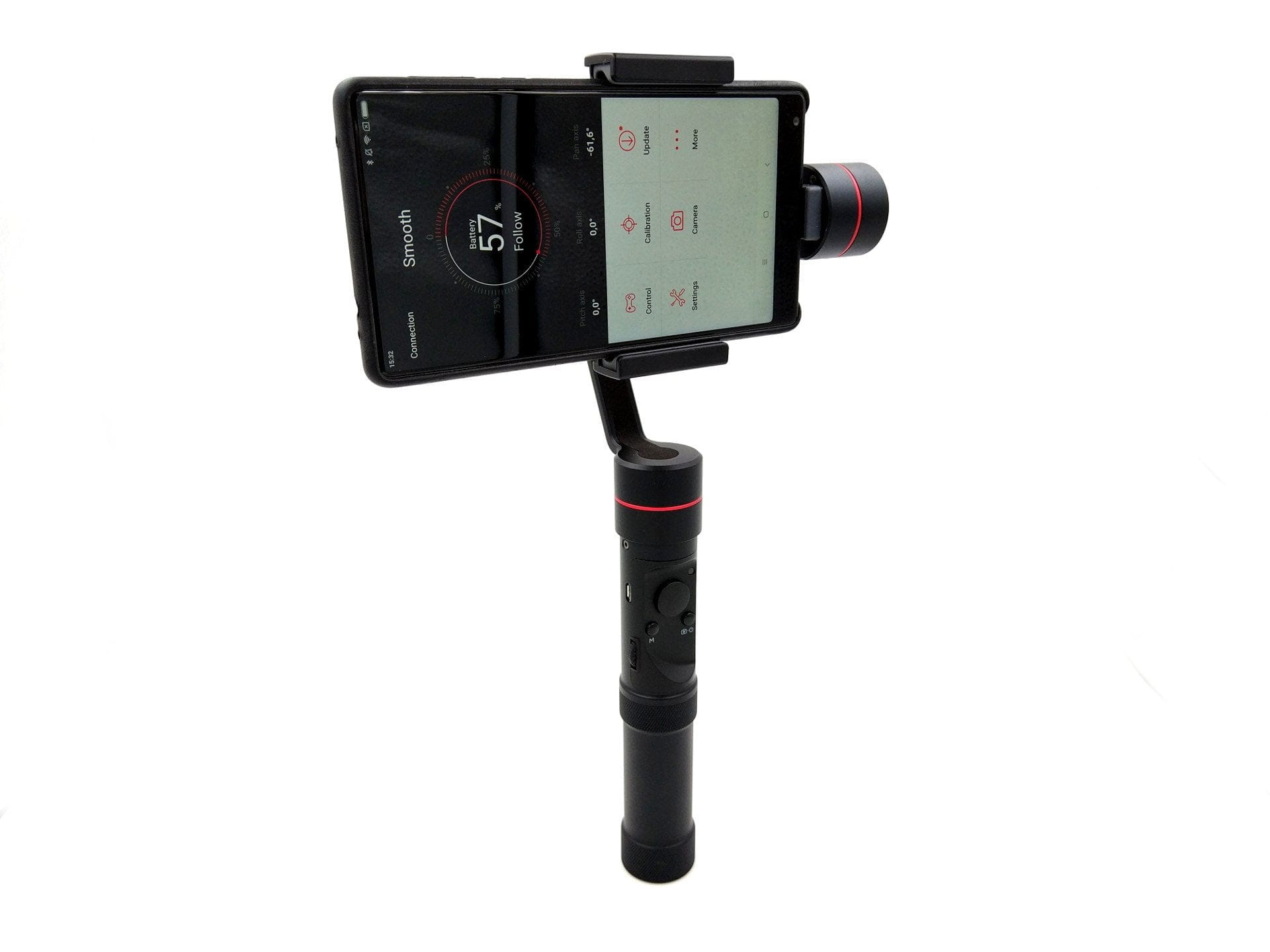
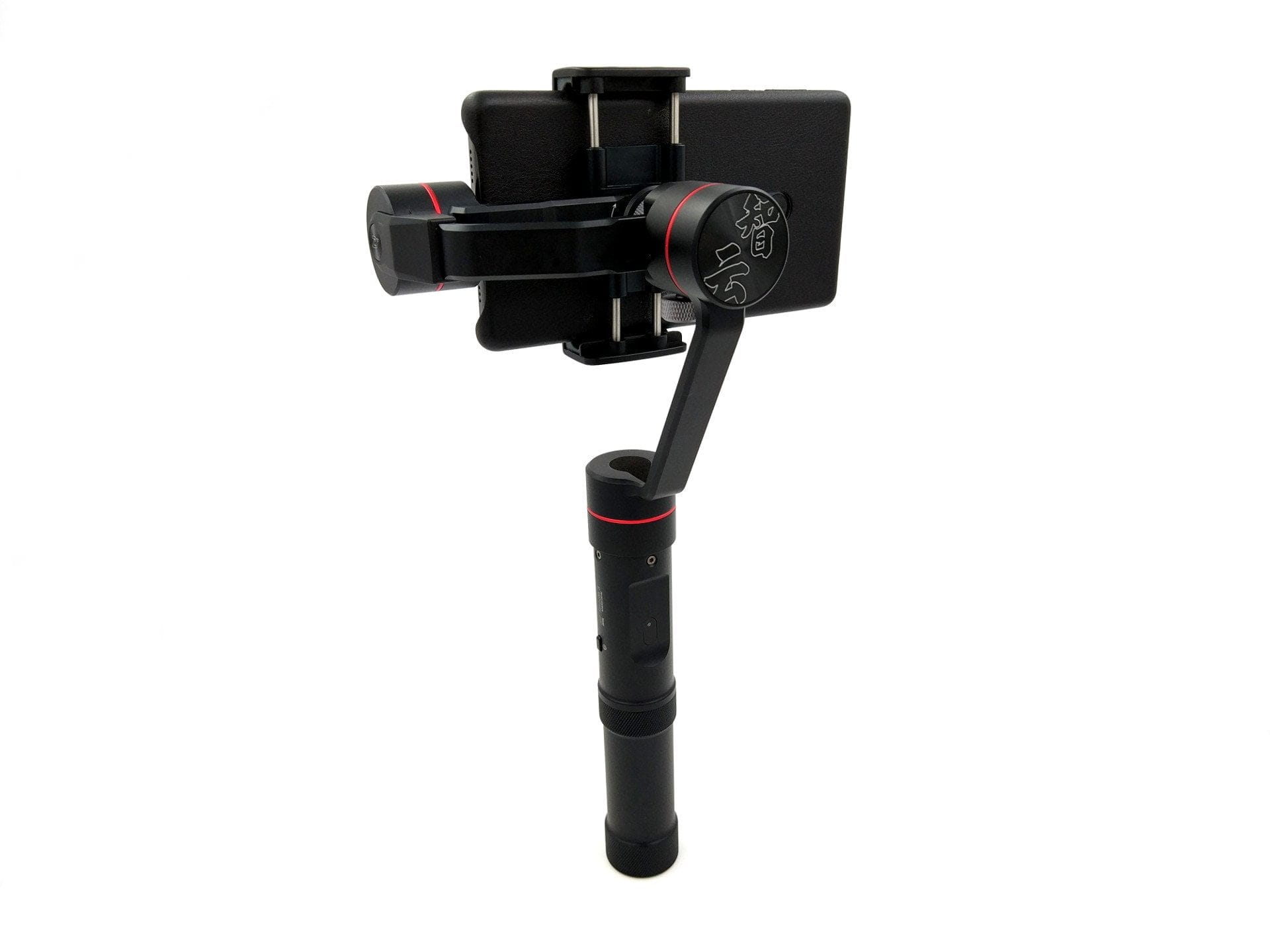
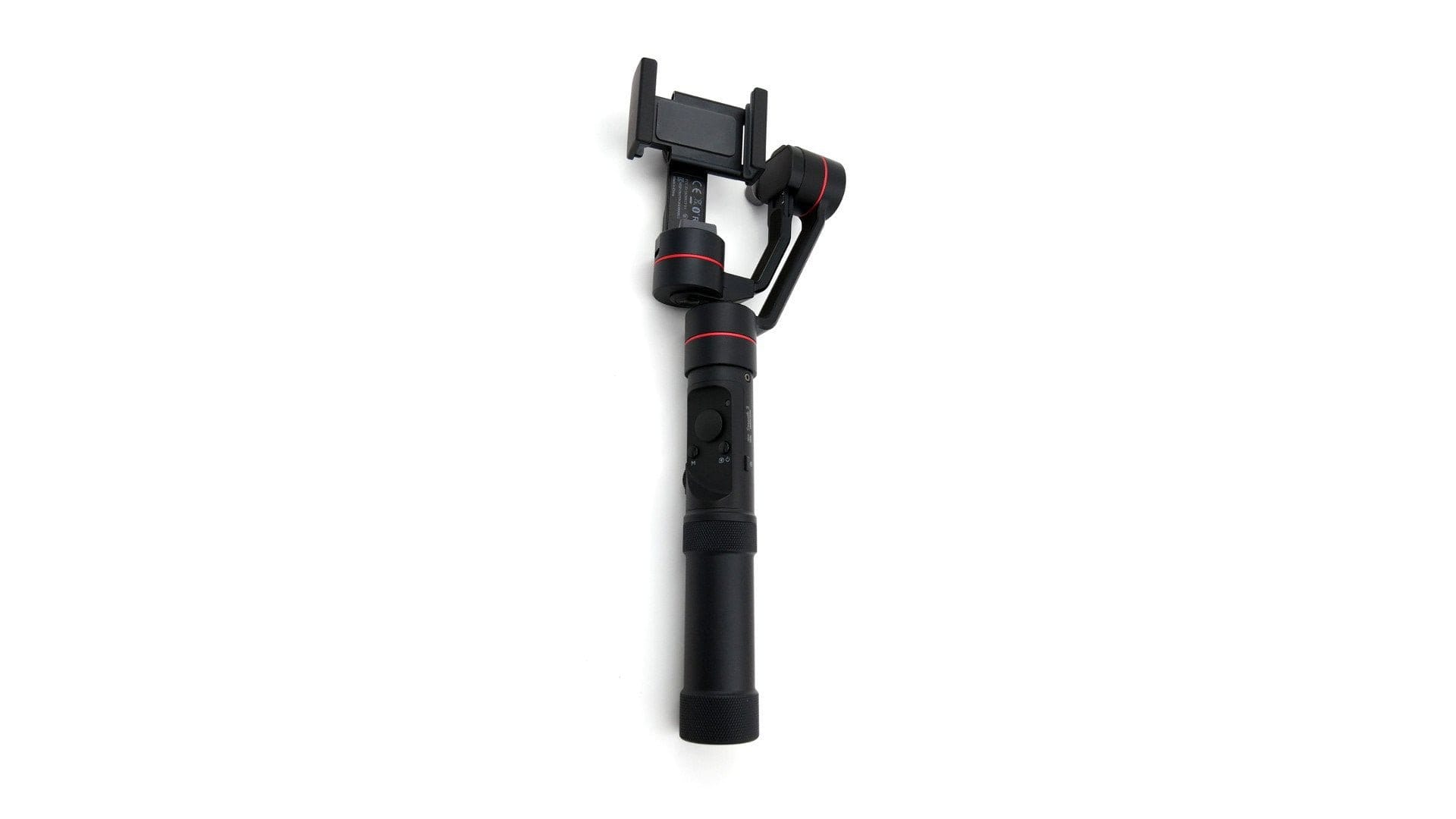
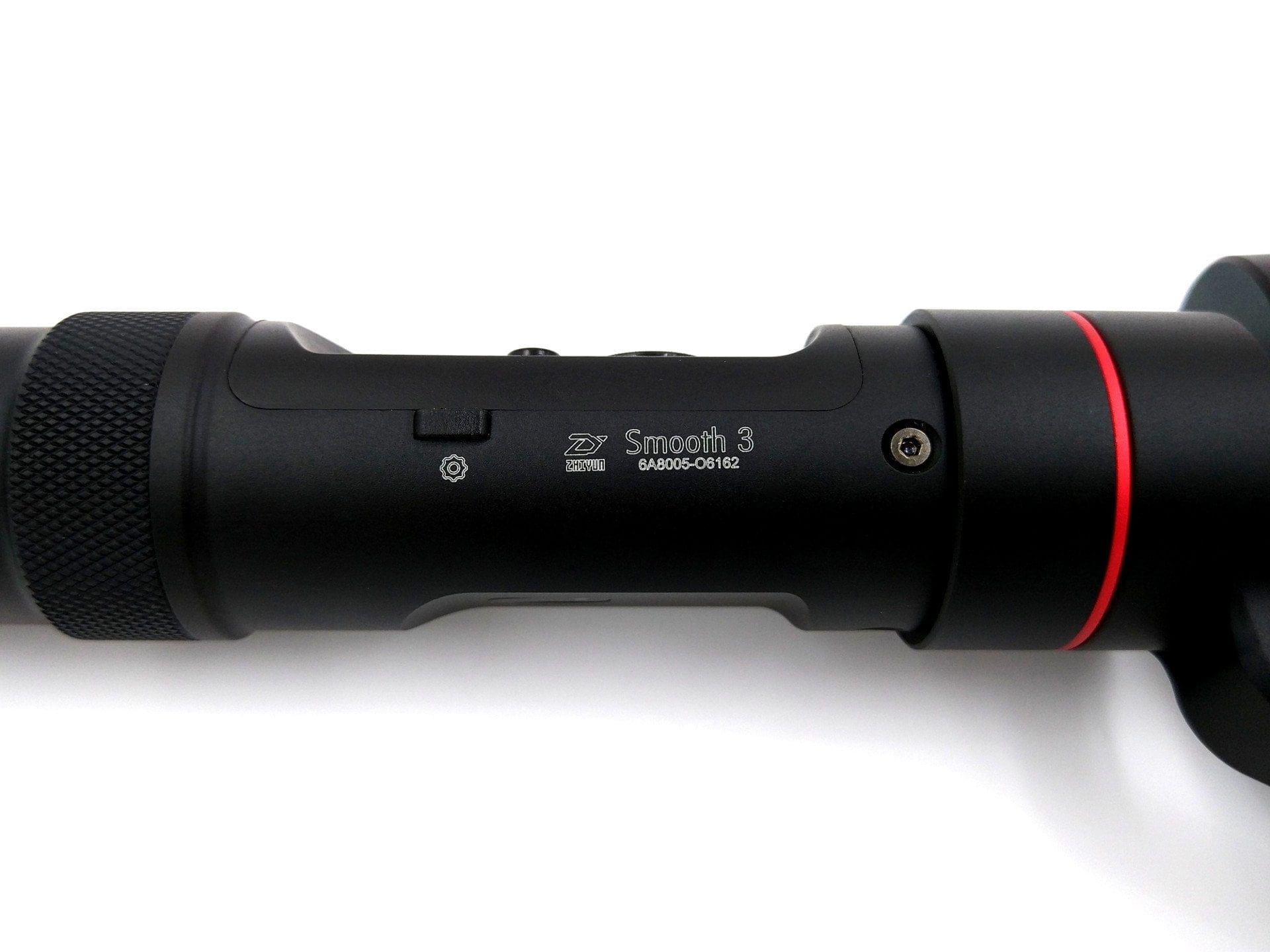
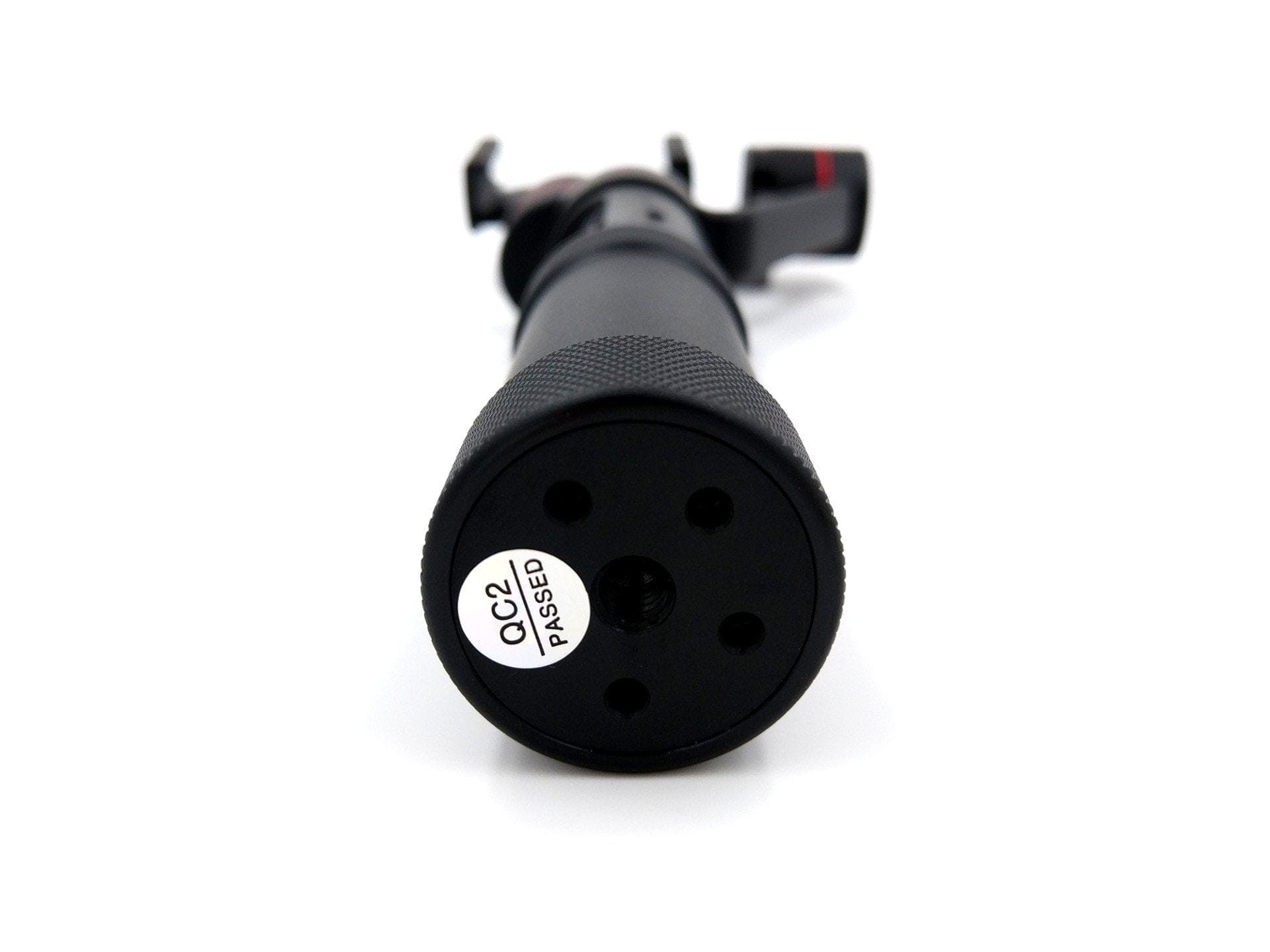
With dimensions of 134 x 97 x 303 mm, the Smooth 3 is slightly larger than its predecessor, the Smooth 2, and the consumer counterpart, the Smooth Q. The weight of the gimbal is already 520g with the battery inserted but without a smartphone. Due to the comparatively narrow and long shaft, the gimbal sits firmly in the hand. If you want to extend the shaft, there is the option of screwing an extension onto the ¼ inch tripod thread located underneath. All control buttons, such as the control stick, the selection buttons and the side control wheel, are placed close together and are easily accessible with one hand. A somewhat unfavourable solution is that the micro USB socket also located on the grip has no cover and is exposed unprotected. At least a small rubber cover would have been desirable here. The same applies to the micro USB socket on the tilt axis motor. Via this USB socket, for example, a connected device can be charged. A corresponding USB adapter cable is not included in the scope of delivery and is only available separately. According to Zhiyun, a suitable adapter cable will soon be available as an official accessory.

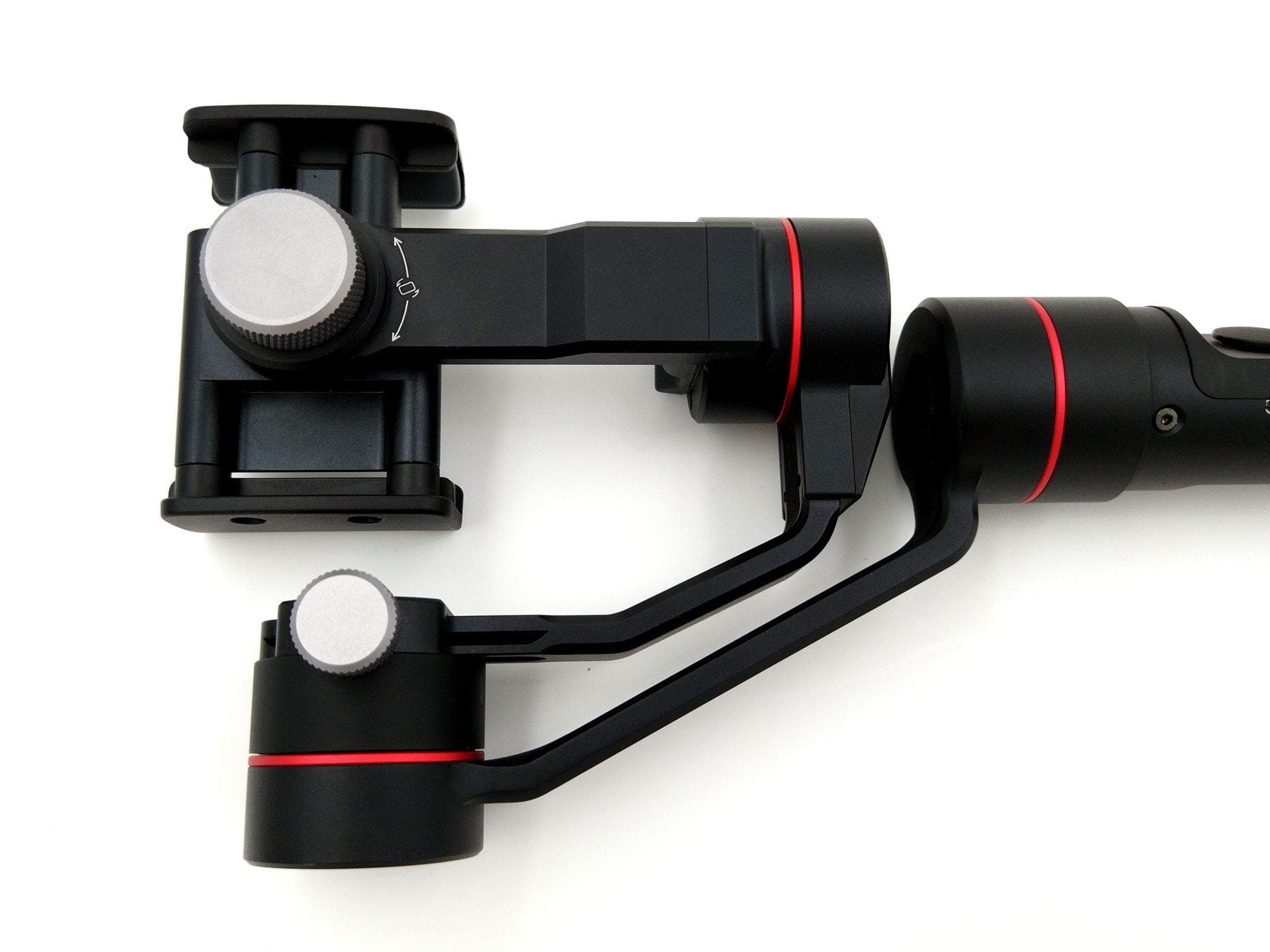
The clamp mount of the Zhiyun Smooth 3 can hold smartphones with a width of 58 mm to 85 mm. For example, an iPhone 5 (58.6 mm) or a Xiaomi Mi Mix (81.9 mm) fits easily into the clamp mount. The load capacity is between 75g and 260g. The alignment of the mount can be changed using an adjustment screw. When the mount is aligned horizontally, action cams can also be stabilised. The mount is rubberised on all contact surfaces, ensuring the smartphone sits securely without slipping and is simultaneously protected from scratches.
 Play video on YouTube
Preparation and setup
It is crucial to never switch on the gimbal without counterweights installed, as this can damage the brushless motors. If you want to enjoy your gimbal for a long time, you should take this advice to heart! The user manual for the Zhiyun Smooth 3 also highlights this crucial point. It also very clearly explains how to insert the smartphone and how to operate the gimbal.
Depending on the size and weight of the inserted device, the gimbal must first be balanced. To do this, the X-axis rail can be shifted via an adjustment screw. A scale on the rail helps to quickly rediscover the previously found position. Unlike many other gimbals, such as the Feiyu Vimble C, the powerful motors of the Smooth 3 do not require perfect balance. Even an incorrectly balanced smartphone is stabilised. However, note that this places a higher load on the motors and simultaneously reduces battery life.

Features and Zhiyun Assistant
Without the gimbal connected to the app, it offers a total of 3 control modes. Using the joystick, the Zhiyun Smooth 3 also allows free movement to roll and tilt 320° (Roll and Tilt), as well as pan 360° (Pan).
Pan Following Mode
After switching on the gimbal, it is in “Pan Following Mode”. In this mode, the tilt and roll axes are locked, so it only follows horizontal panning movements. However, all axes can be freely moved via the joystick.
Locking Mode
A single press of the Mode button takes you to "Locking Mode". In this mode, all axes are locked. No matter how you move the gimbal, it always remains aligned horizontally on a level line. Even in Locking Mode, the axes can be moved freely using the joystick.
Following Mode
Double-clicking the mode button activates the “Following Mode”. In this mode, the gimbal follows all pan, tilt and roll movements. Control via the joystick is retained.
Pressing the Mode button three times in a row automatically performs a 180° pan. Once you have familiarised yourself with the various modes, switching back and forth between them becomes intuitive. There is no separate LED indicator to distinguish the currently selected mode. Only the Locking Mode is indicated by a constantly blue LED above the joystick. At the same time, the LED indicator displays the current battery level. Unfortunately, the indicator does not show a distinction between Pan Following Mode and Following Mode.
Zhiyun Assistant / ZY Play
If you want to use all the features of the Zhiyun Smooth 3, you cannot avoid installing the Zhiyun Assistant or the ZY Play app. The Zhiyun Assistant is available in the respective app stores for both Android and iOS devices. The further developed ZY Play app is currently only available for iOS devices. In the following, I will refer to the Zhiyun Assistant.
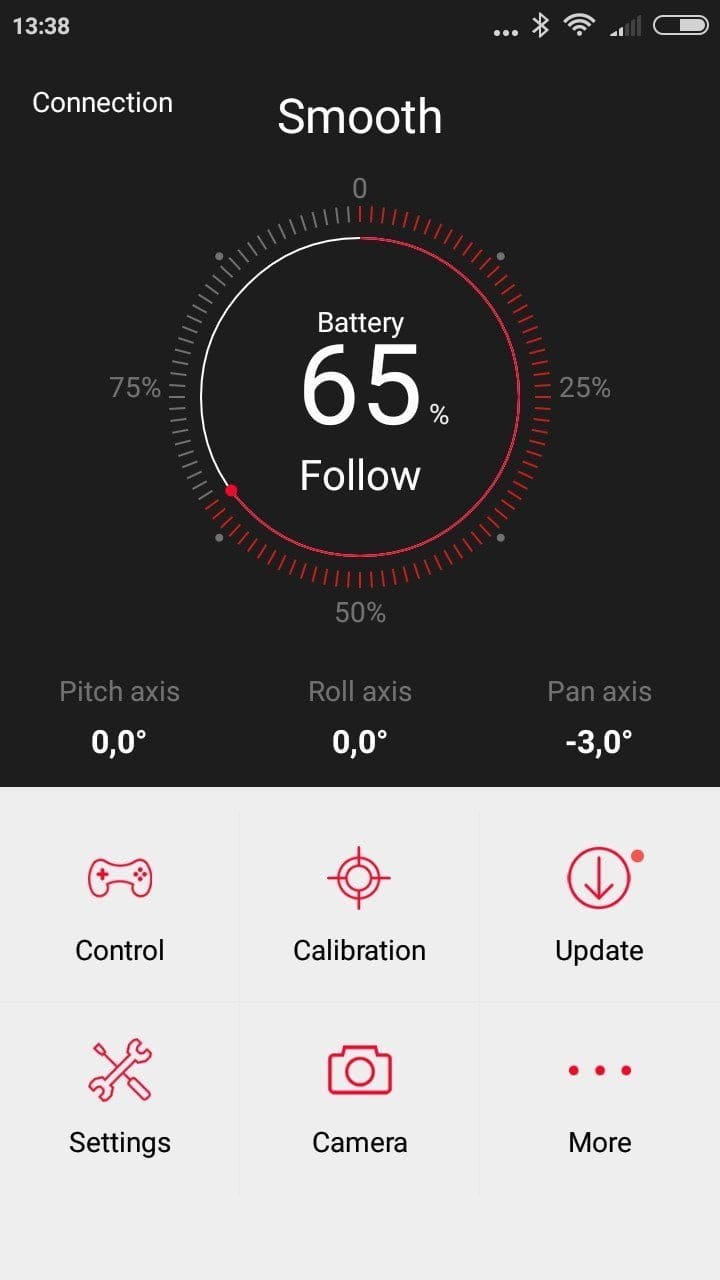
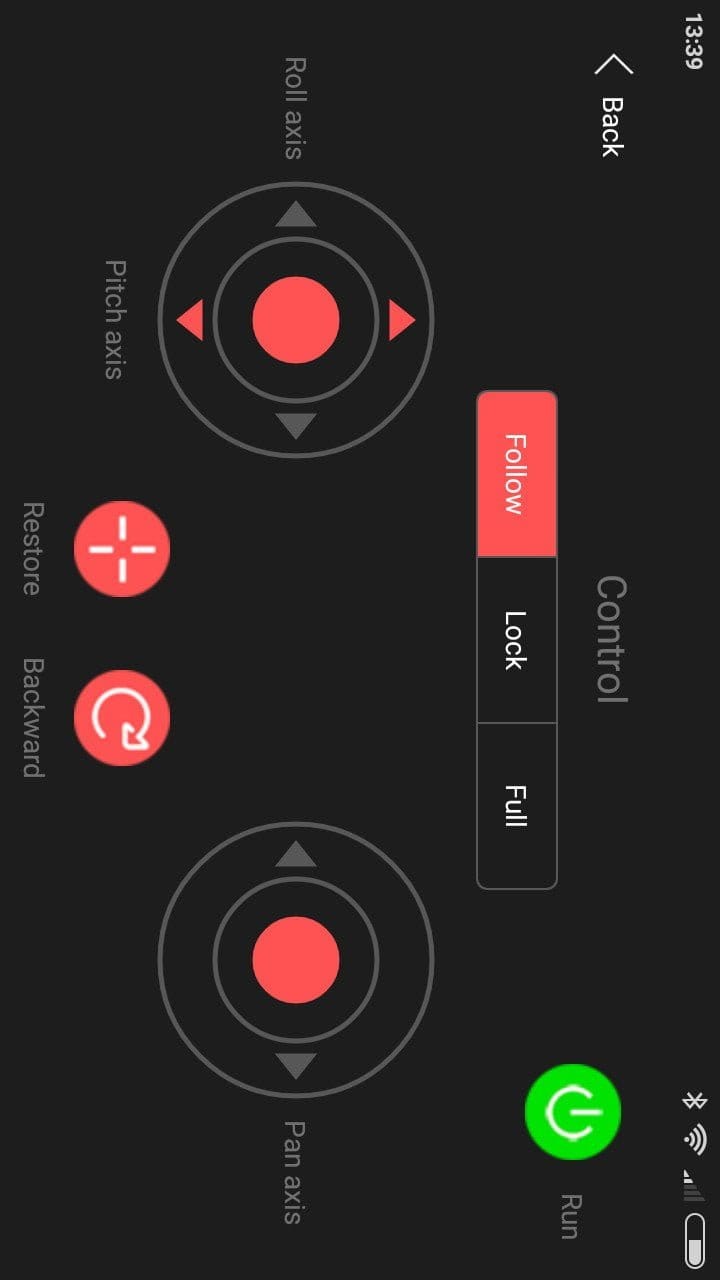
The connection to the app is established via Bluetooth. There were no problems with this in our test. The smartphone was connected to the gimbal within seconds. There is no security prompt during pairing. On the one hand, this allows a connection to be established very quickly, but on the other hand, theoretically anyone could connect to the gimbal.
Once connected, you are greeted by a clear home screen that provides information on remaining battery life, the axes and the active mode, among other things. The "Control" subsection leads to the gimbal's control interface. All physical control buttons are available there in virtual form. In the Zhiyun Assistant settings, you can configure the individual axes. Among other things, the movement speeds can be adjusted here. Another subsection is "Calibration". If the gimbal has become misaligned, it can be recalibrated here.
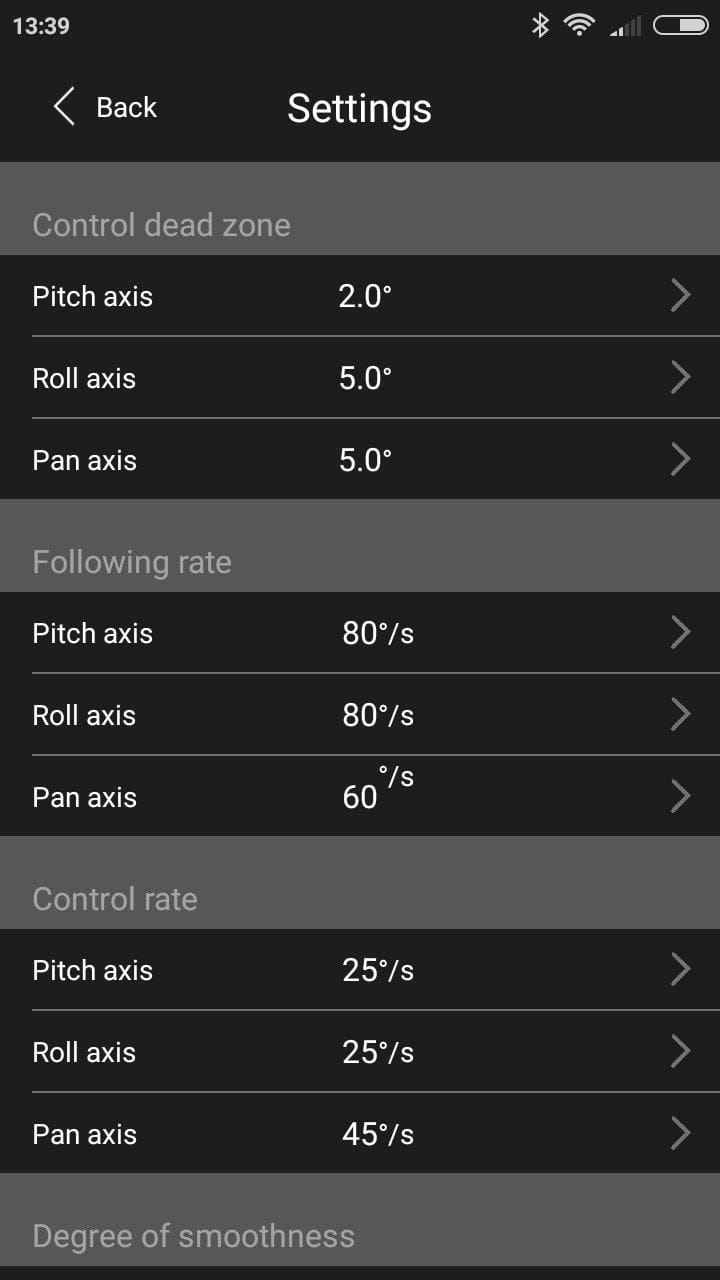
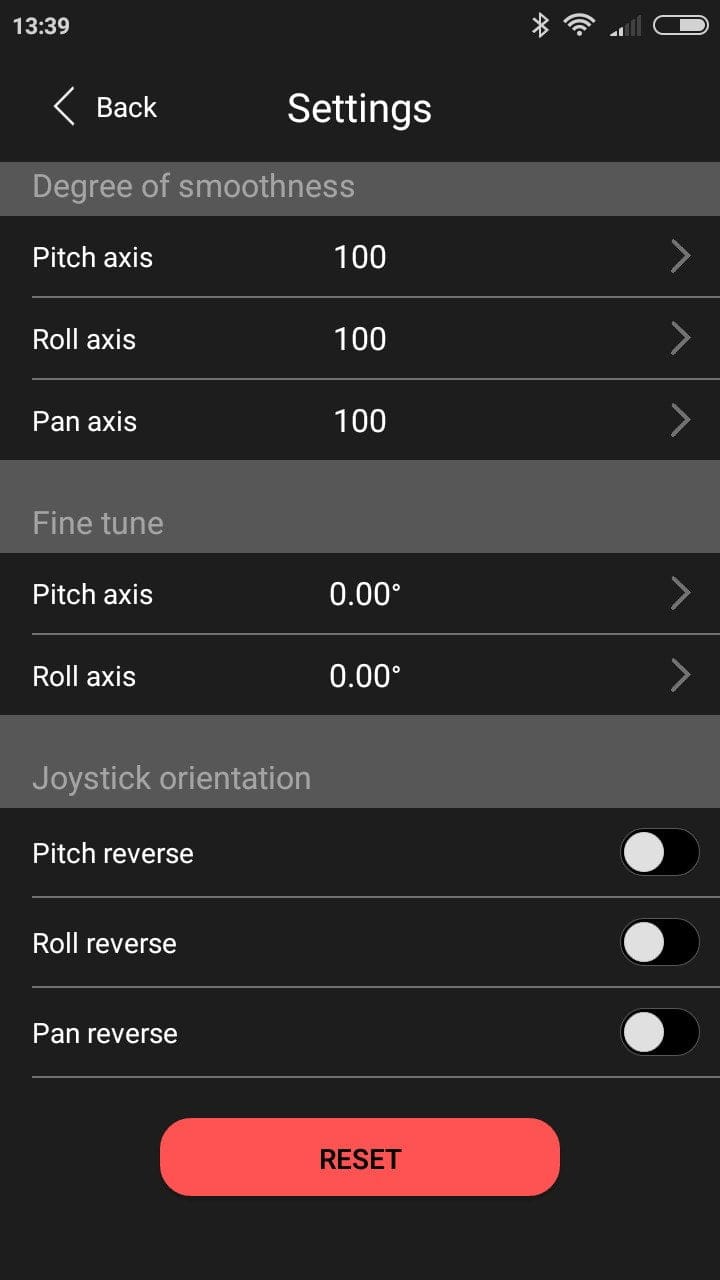
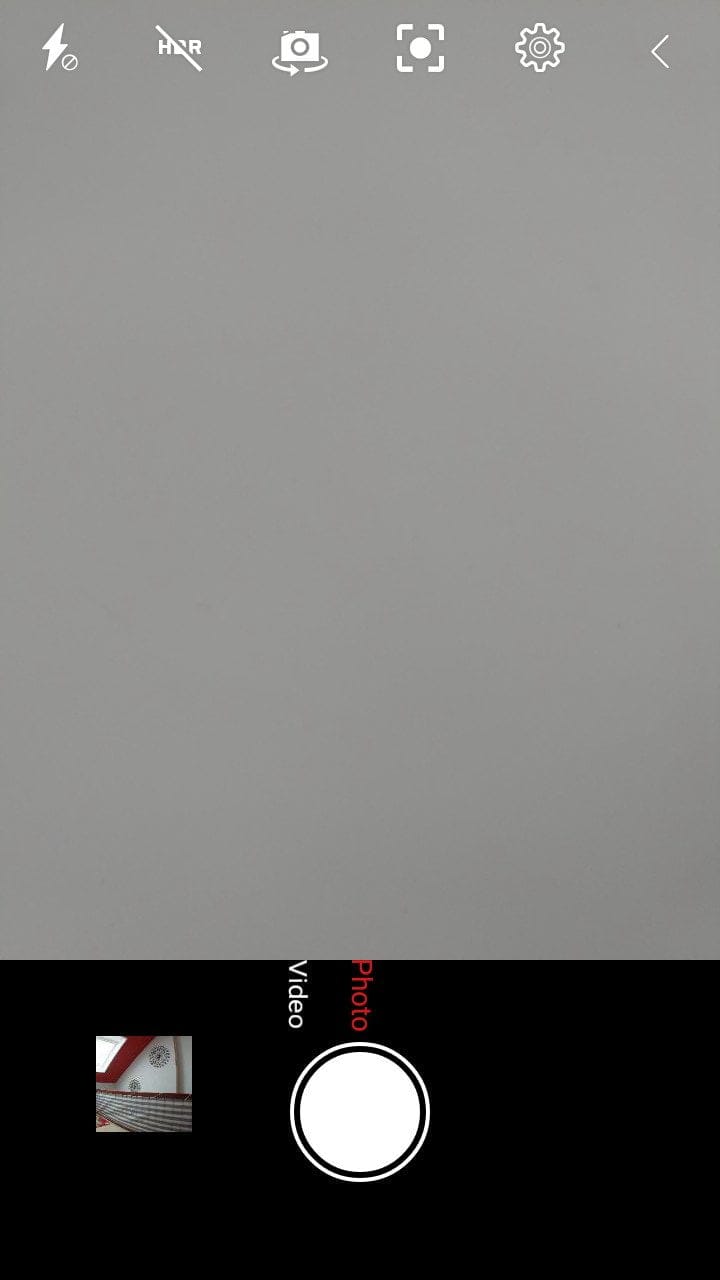
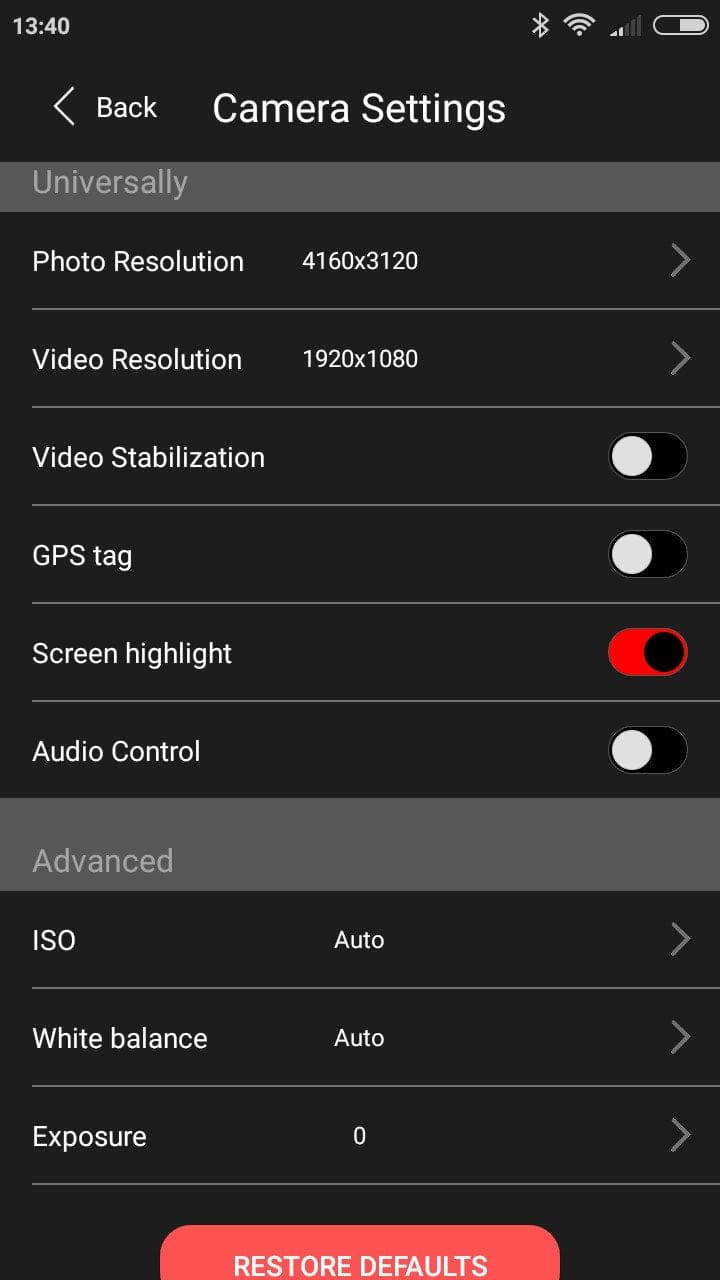
The app also includes an integrated camera function. This offers not only general recording options but also adjustment options for ISO, white balance and exposure. A feature only enabled by the camera function of the Zhiyun Assistant is object tracking. If you focus on an object or person and mark it, the gimbal remains permanently fixed on the mark. The zoom function via the wheel attached to the handle only works via the camera function of the Zhiyun Assistant!
Practical test
After familiarising ourselves with the features of the Zhiyun Smooth 3, we take a look at how the gimbal performs in practice. It accompanied me for a week in Tenerife and for another two weeks at home.
Preparation
It took less than a minute to get the Smooth 3 ready for use. Thanks to the counterweights, the gimbal is quickly balanced, and the scale allowed me to easily note the balance point. As already mentioned, the connection to the app is also established within seconds.
 Play video on YouTube
Stabilization
The stabilisation is truly "smooth" in the most literal sense. The full 320° or 360° can be enjoyed without the slightest grumble from the motors. Even with strong tilts, no typical vibration due to motor overload was noticeable. Quick movements and also violent camera pans are well compensated. This makes the Smooth 3 ideal for cinematic camera movements. The stability in stronger winds was also surprisingly good. Even then, the footage remained largely stabilised. After a test period of several weeks, I had not yet had to recalibrate the gimbal.

The only drawback is the ZY Play app, which is not yet available for Android. This offers extended camera functions compared to the Zhiyun Assistant. Nevertheless, the Zhiyun Assistant should not be underestimated. In particular, subject or face-tracking impressed in tests with high accuracy and recognition rates. Another disadvantage of the Zhiyun Assistant is the maximum selectable video resolution of 1920 x 1080 at 30 frames per second.
Battery
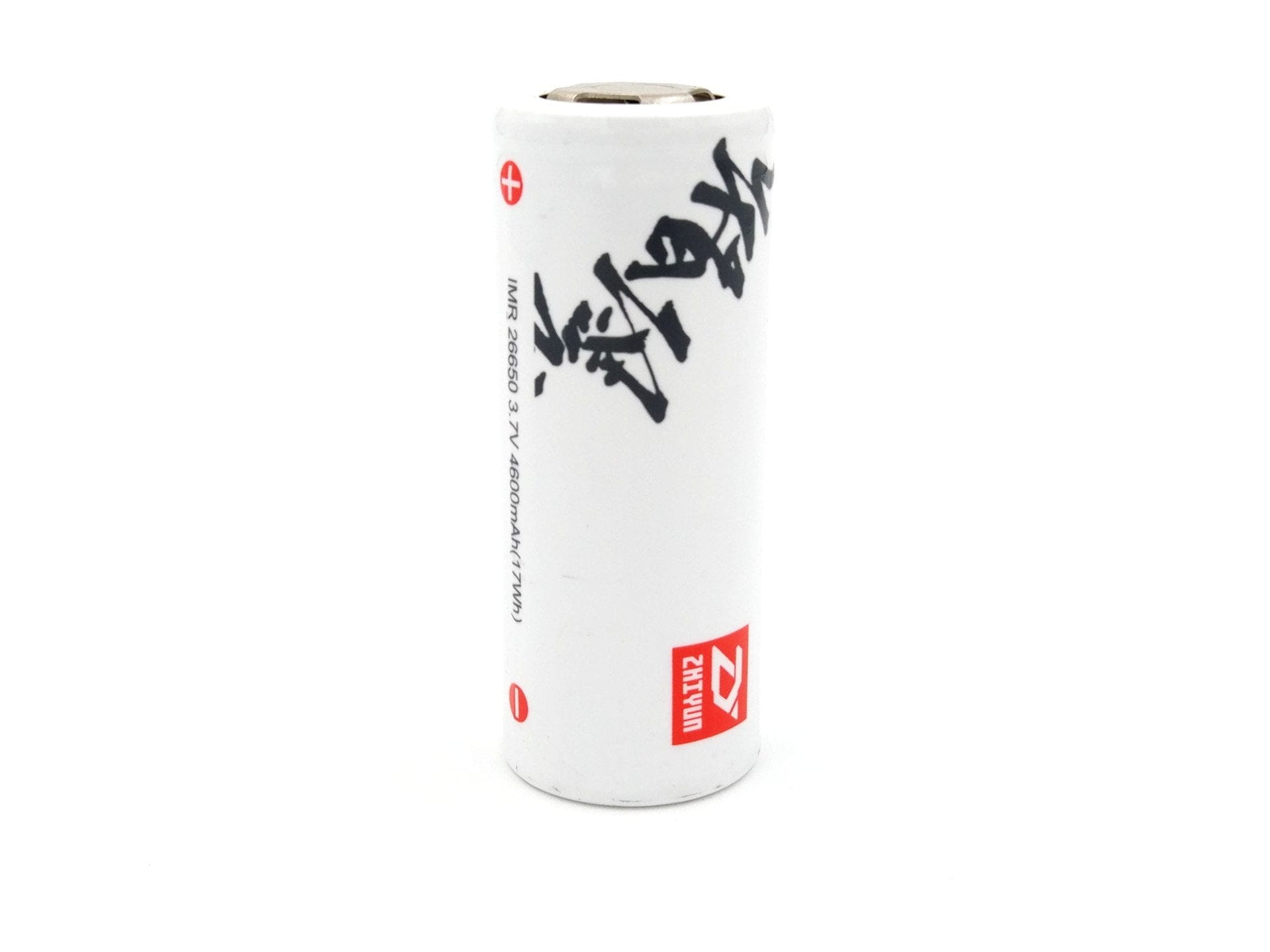
The battery of the Zhiyun Smooth 3 is of type 26650, has a capacity of 4,600 mAh and is replaceable. Zhiyun specifies a maximum runtime of 14 hours. With perfect balance, over 12 hours are certainly achievable. The charging time via the gimbal's Micro USB charging port was 3 hours in our test. Faster charging times can be achieved with a separate charger. It is practical that the battery level can be read directly via the app and the gimbal displays the remaining capacity via an LED indicator.

Our verdict
In the price bracket around €250, the Zhiyun Smooth 3 offers excellent value for money and can certainly compete with a DJI Osmo. The gimbal impresses with very good build quality, easy operation and decent stabilisation. The long battery life is also noteworthy. There are still minor weaknesses with the outdated Android app, which hopefully will soon be replaced by the ZY Play app.
Specifications
General
- Axes
- 3-axis
- Material
- Aluminium
- Smartphones
- 58 - 85 mm
- Action Cams
- Yes
- Load capacity
- 75g - 260g
Stabilization
- Tilting angle
- 320°
- Rolling Angle
- 320°
- Panning angle
- 360°
Battery
- Capacity
- 4600 mAh
- Runtime
- up to 14 hours
- Charging time
- 3 hours
Other
- Tripod mount
- 1/4 inch
- Operation
- Handle + app
- Size
- 13.4 x 9.7 x 30.3 cm
- Weight
- 520g
What’s included
1x Gimbal 1x Hard-Case 1x Lanyard 1x Micro USB cable 1x 26650 battery 1x Instruction manual
Comments (5)
Hi, you mention that the gimbal can be used with smartphones and cameras. How exactly do you mean that? I'm looking for a gimbal that fits my iPhone and can also carry my GoPro. Is this possible with this model?
Hello, sure, you can also insert a GoPro. You just need to rotate the mount horizontally. So it is no problem and it will work.
Cool, thanks. Where would you buy it? Amazon is quite a bit more expensive than the other two providers. Is there anything I should be aware of?
Do you have a comparison with the DJI Osmo?
You surely mean the DJI Osmo Mobile, right? I don't have the Osmo Mobile myself, but a mate has the DJI Gimbal. I would say the Osmo Mobile is more of a consumer gimbal. Roll, for example, is only possible by 140°, which is pretty rubbish.