Contents
First impressions of the Cube i7 Book
What’s included
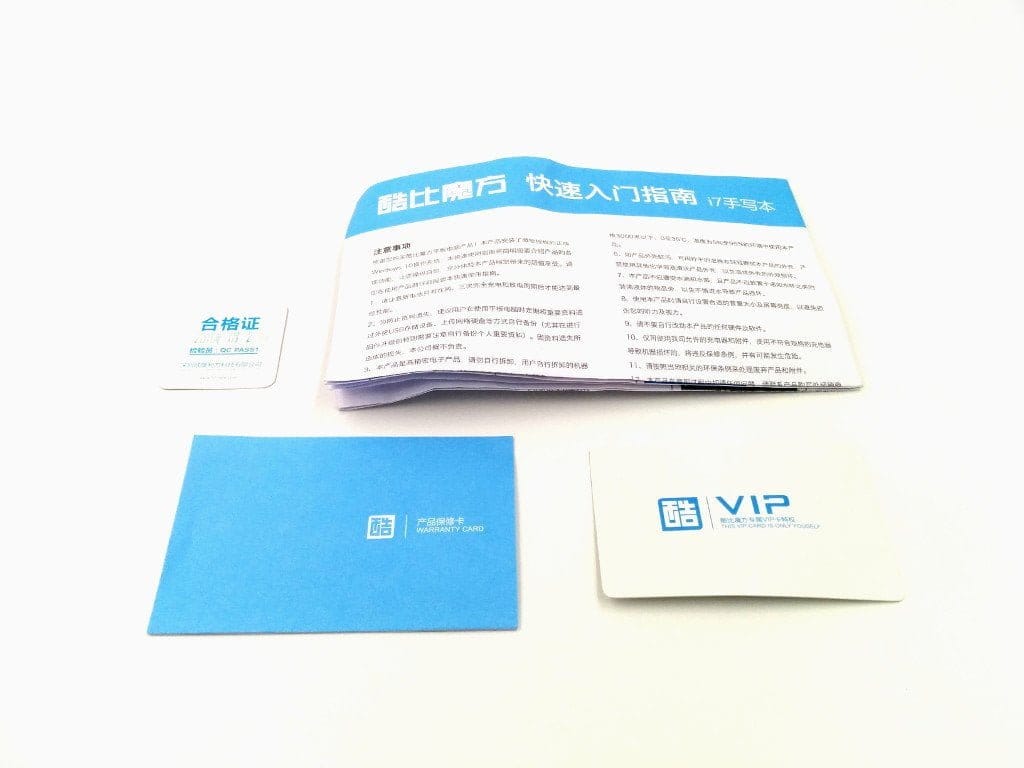
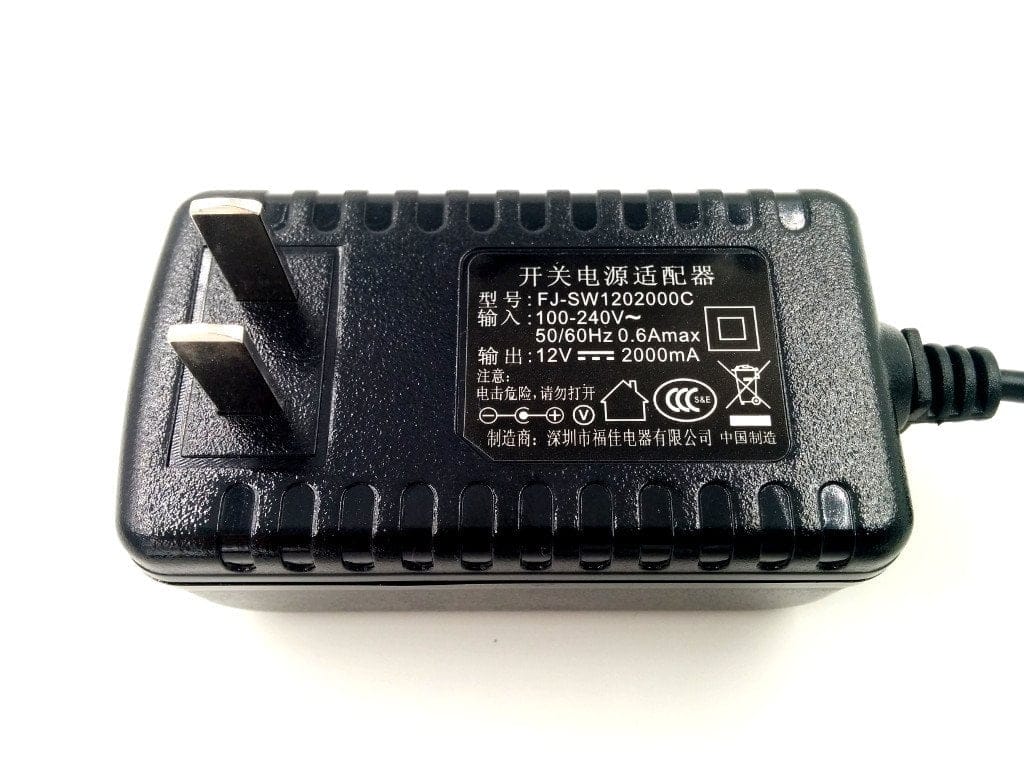
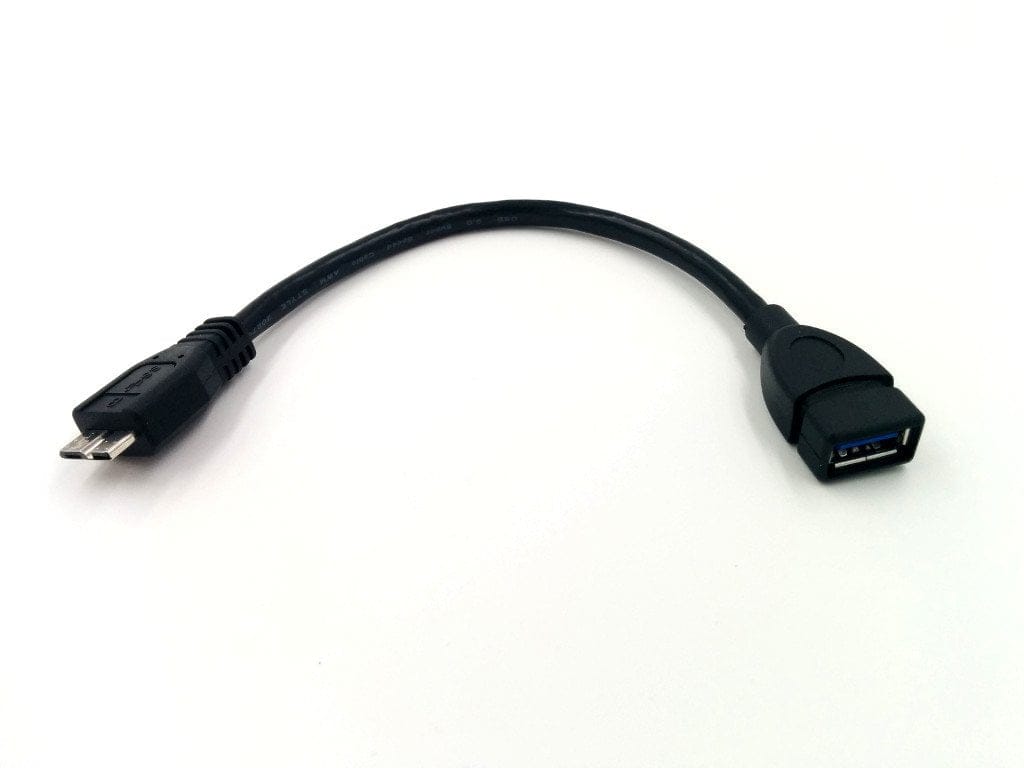
The Cube i7 Book is delivered almost unassumingly. The plain cardboard box contains, on the one hand, the tablet, but also includes a power supply (12V 2.5A), a USB 3.0 to Micro USB 3.0 adapter, a Chinese and English instruction manual as well as information cards (QC and warranty). A screen protector was already applied to the display.
 Play video on YouTube
Design and build quality
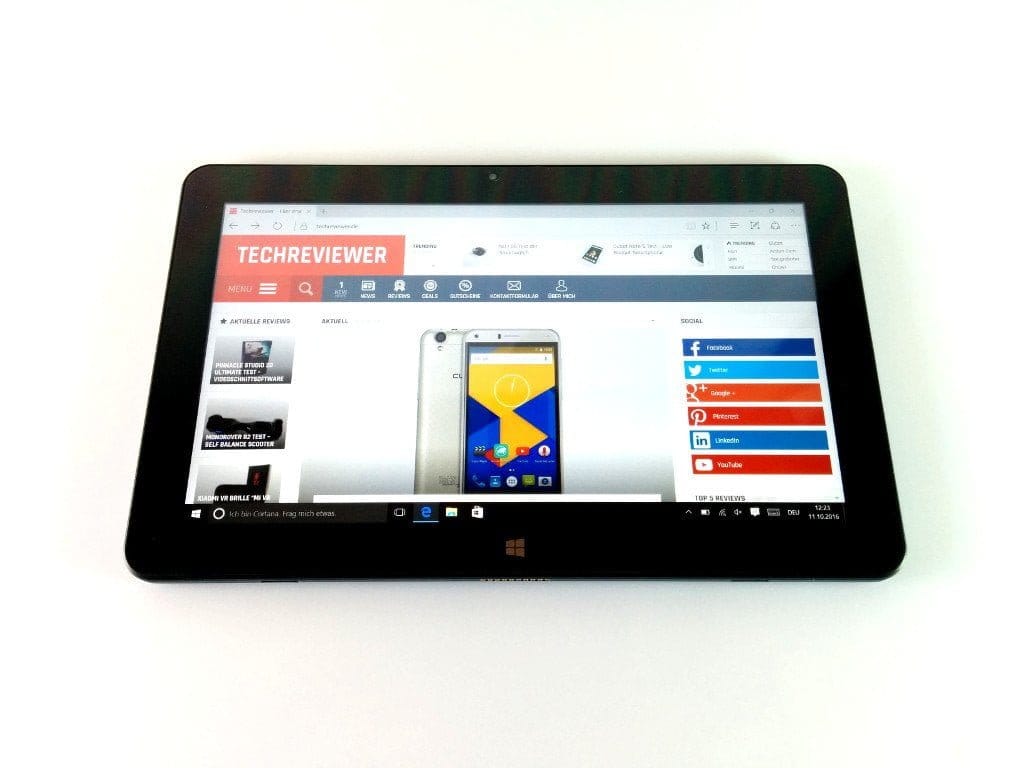
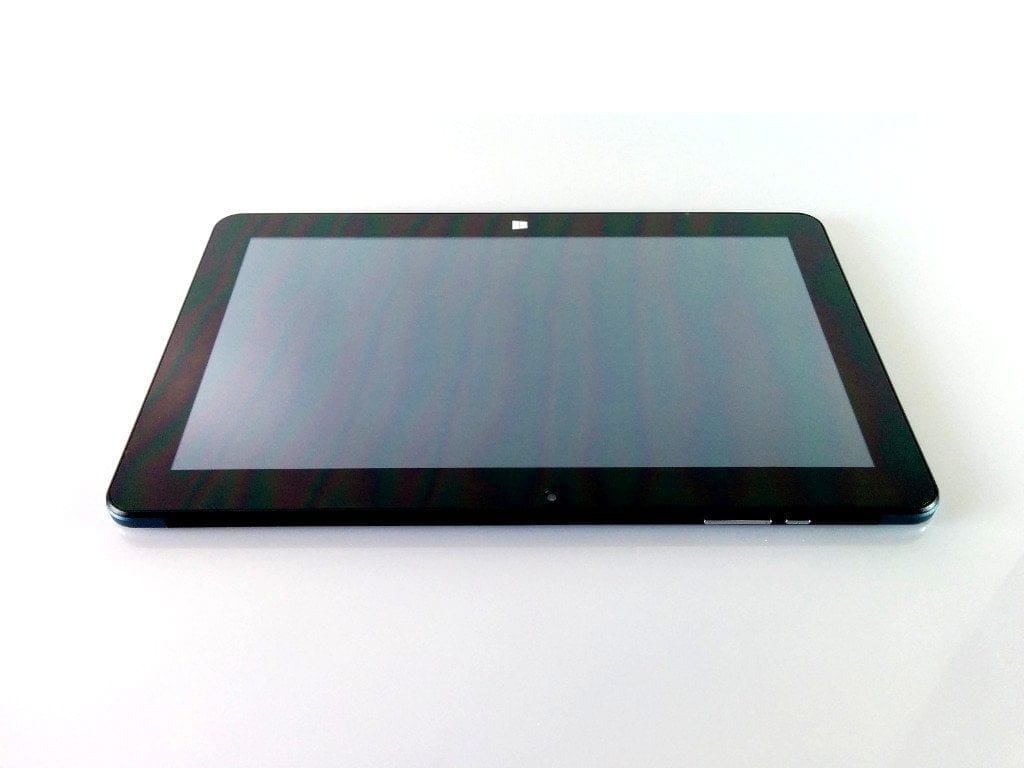
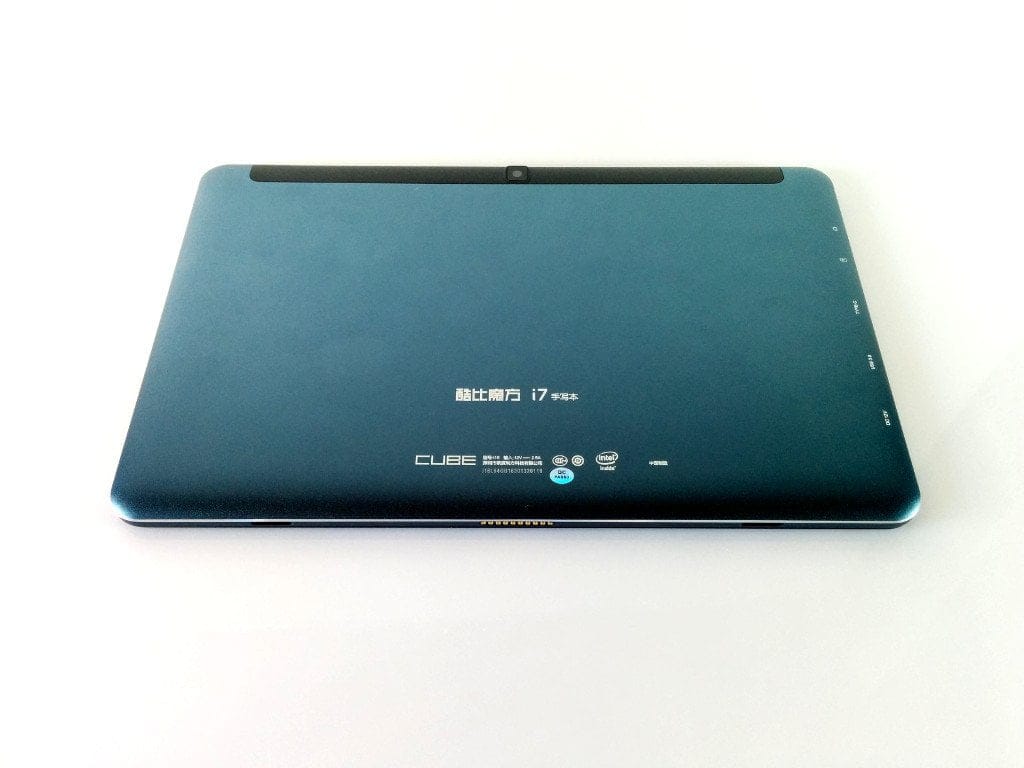
Upon unboxing, the Cube i7 Book surprises with an unmistakable design and high-quality workmanship. The tablet's housing is made of aluminium with a glossy, blue-tinted metallic look and rounded edges. The tablet measures 27.3 cm in length, 17.2 cm in height and has a width or depth of 0.96 cm. The weight is a substantial 728 g.
Connectivity options and features
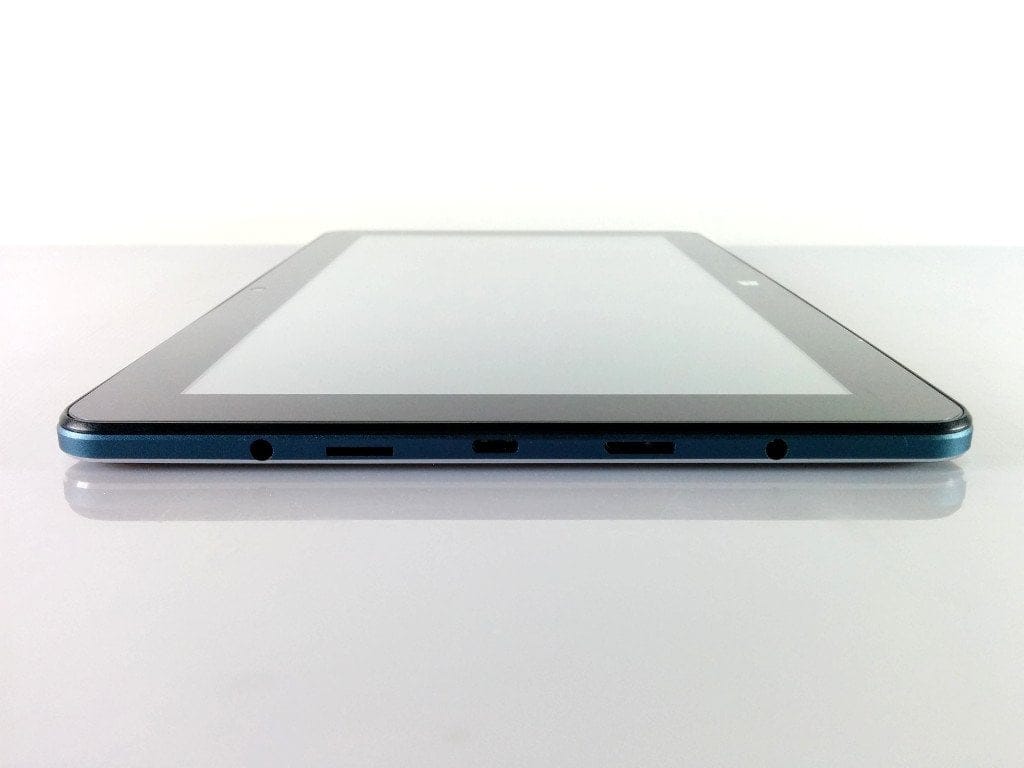
There is a camera on both the front and rear, with 2 and 5 megapixels respectively. The connection options consist of a 12V DC socket, a Micro USB 3.0 and a USB Type-C socket, a micro SD card slot and a 3.5mm headphone jack. There is no additional connection for a display, although the USB Type-C port can be used as a display connection with a suitable adapter.
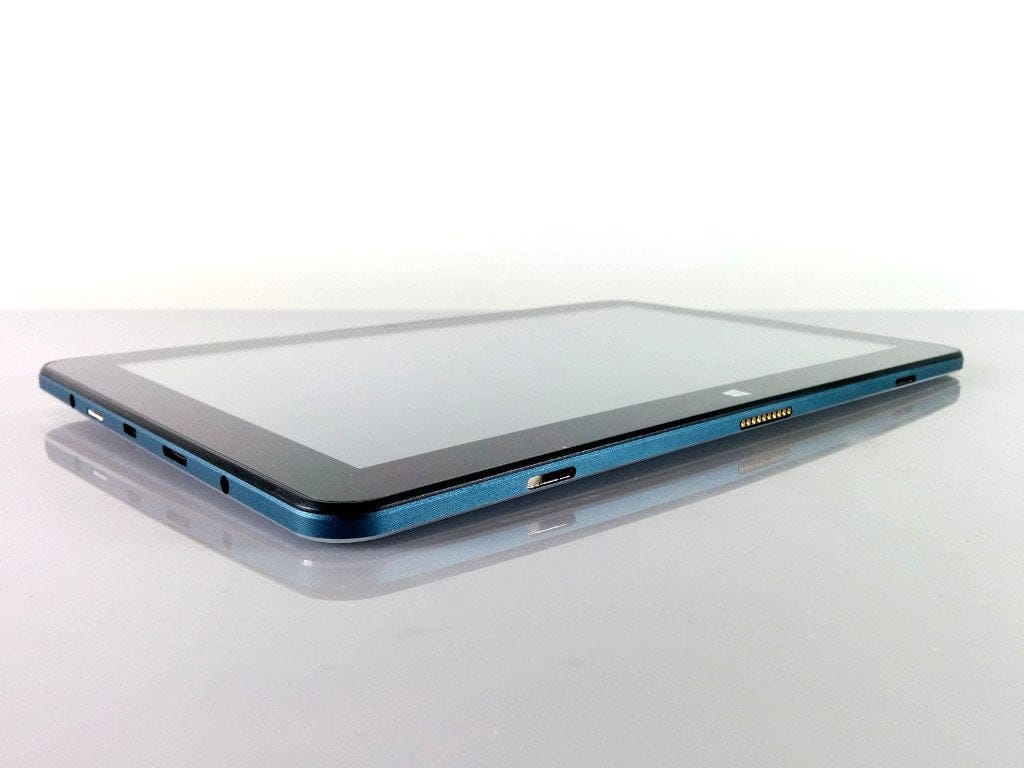
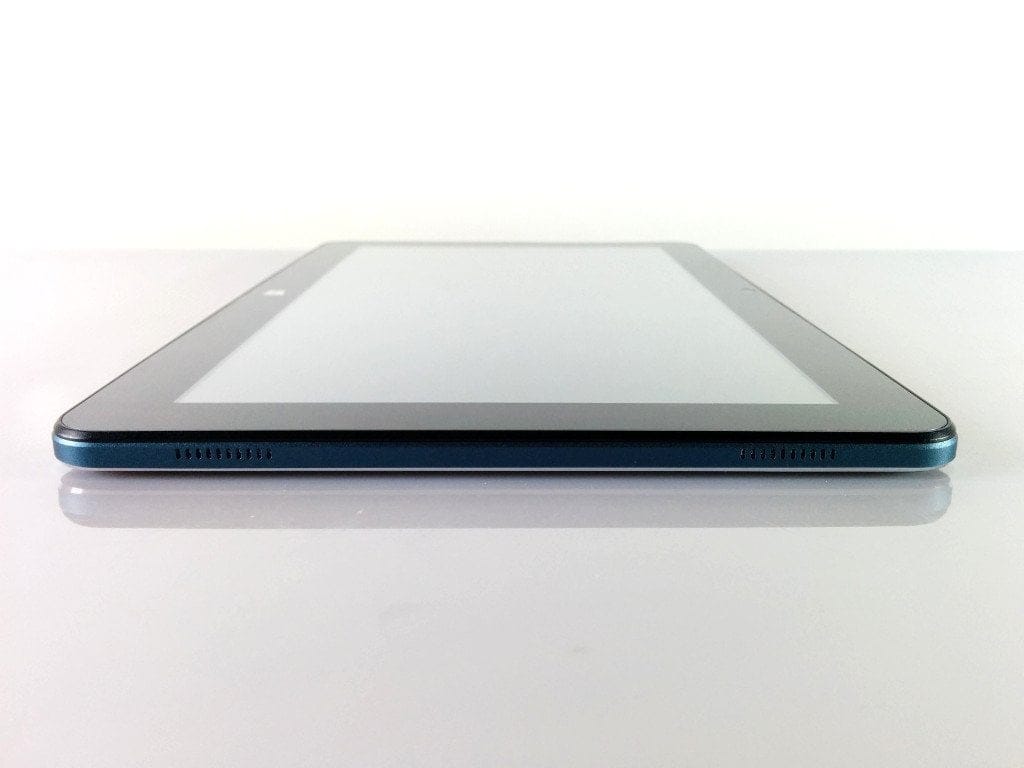
Both speakers are located on the right side of the housing. It remains questionable why Cube decided on such an unusual design. For stereo sound, separate placement would have been desirable.
The control buttons consist of a power button, a volume rocker and a reset button. All buttons sit firmly in the housing frame without any play. Pressing and holding the reset button also resets the BIOS to factory settings.
 Play video on YouTube
Display
It features a 10.6-inch Full HD IPS display (1920 x 1080) from Samsung (LTL106HL01-001). This display was already used in the Cube i7 Stylus and, interestingly, was also installed in the Microsoft Surface 2 Pro tablet. The aspect ratio is 16:9. The pixel density is 208 PPI.
The Cube i7 Book impresses with razor-sharp display quality, vivid colours and rich black levels. Colour accuracy remains intact even at extreme viewing angles and details are very easy to read. The display brightness is convincing for night-time use as well as working under direct light.
The touchscreen features a FocalTech FT5826 IC Controller with Wacom Stylus support. Inputs are recognised very accurately, which makes the tablet suitable for artistic applications. Multi-touch is supported with up to 10 fingers.
Performance
Processor
At the heart of the Cube i7 Book lies a fast Intel Skylake M3-6Y30 processor, manufactured using a 14nm process. This dual-core processor was released in Q3 2015. Its base clock frequency is 900MHz. In turbo mode, the processor reaches a maximum clock frequency of 2.20GHz.
Graphics
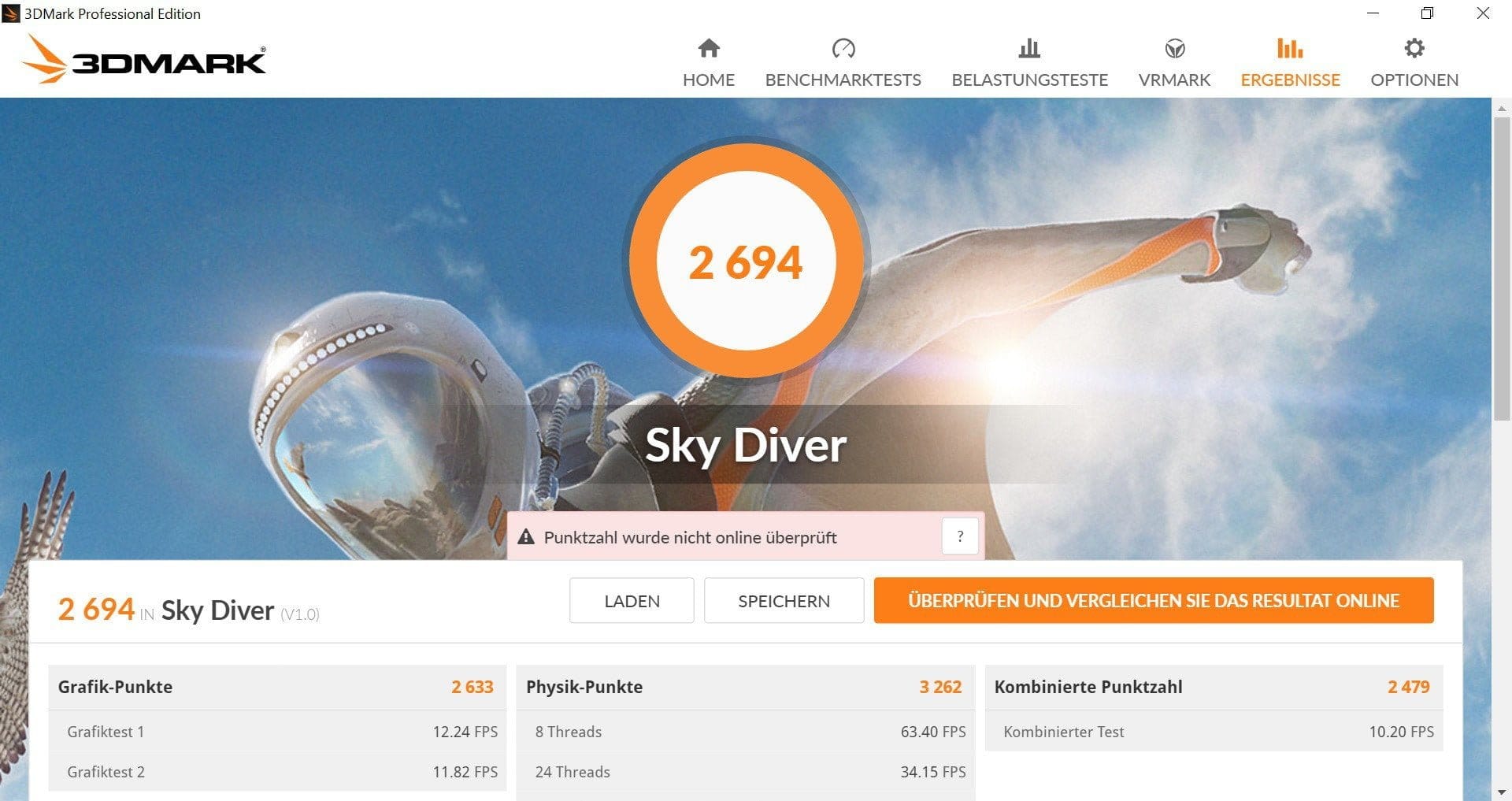
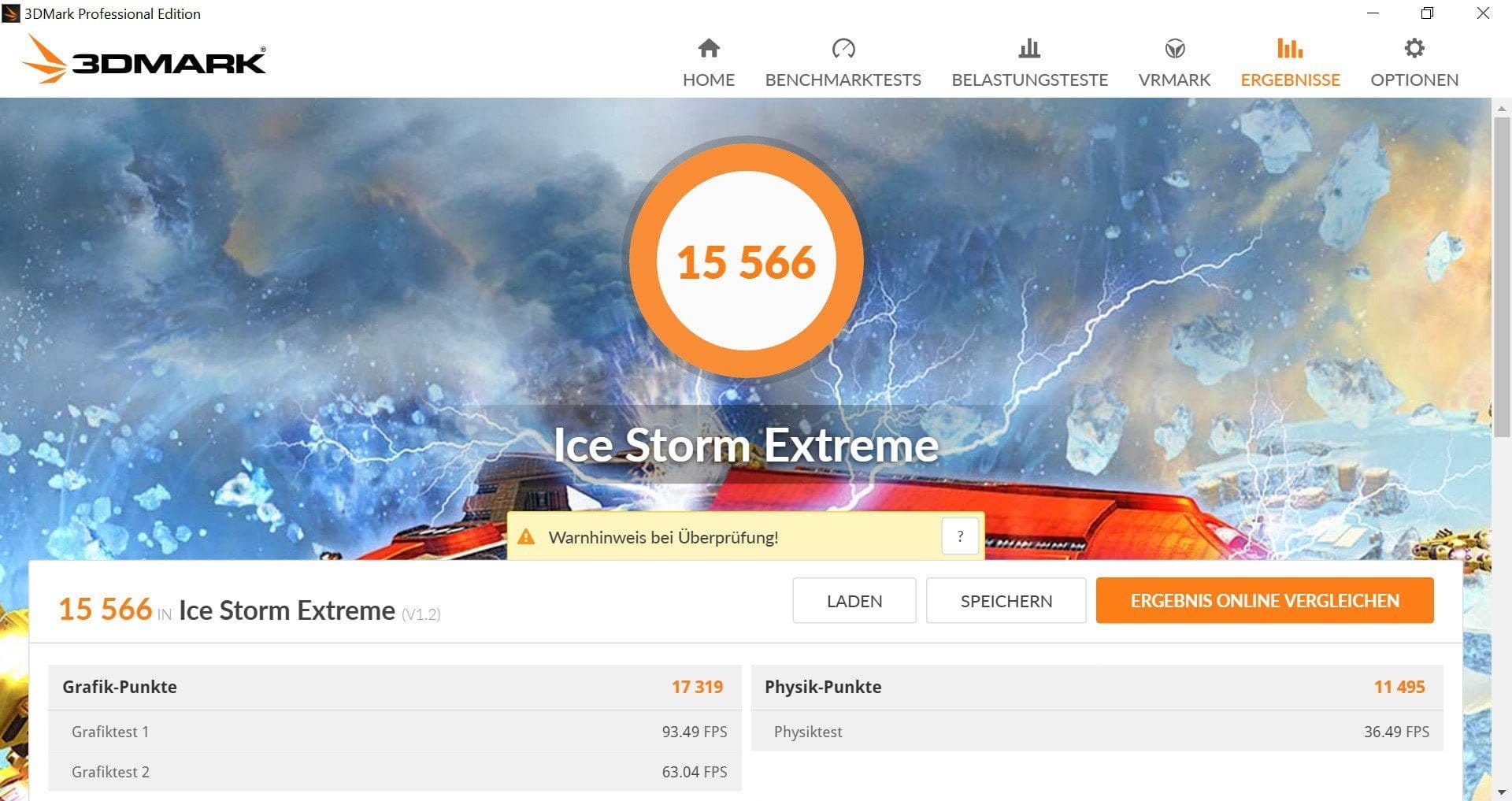
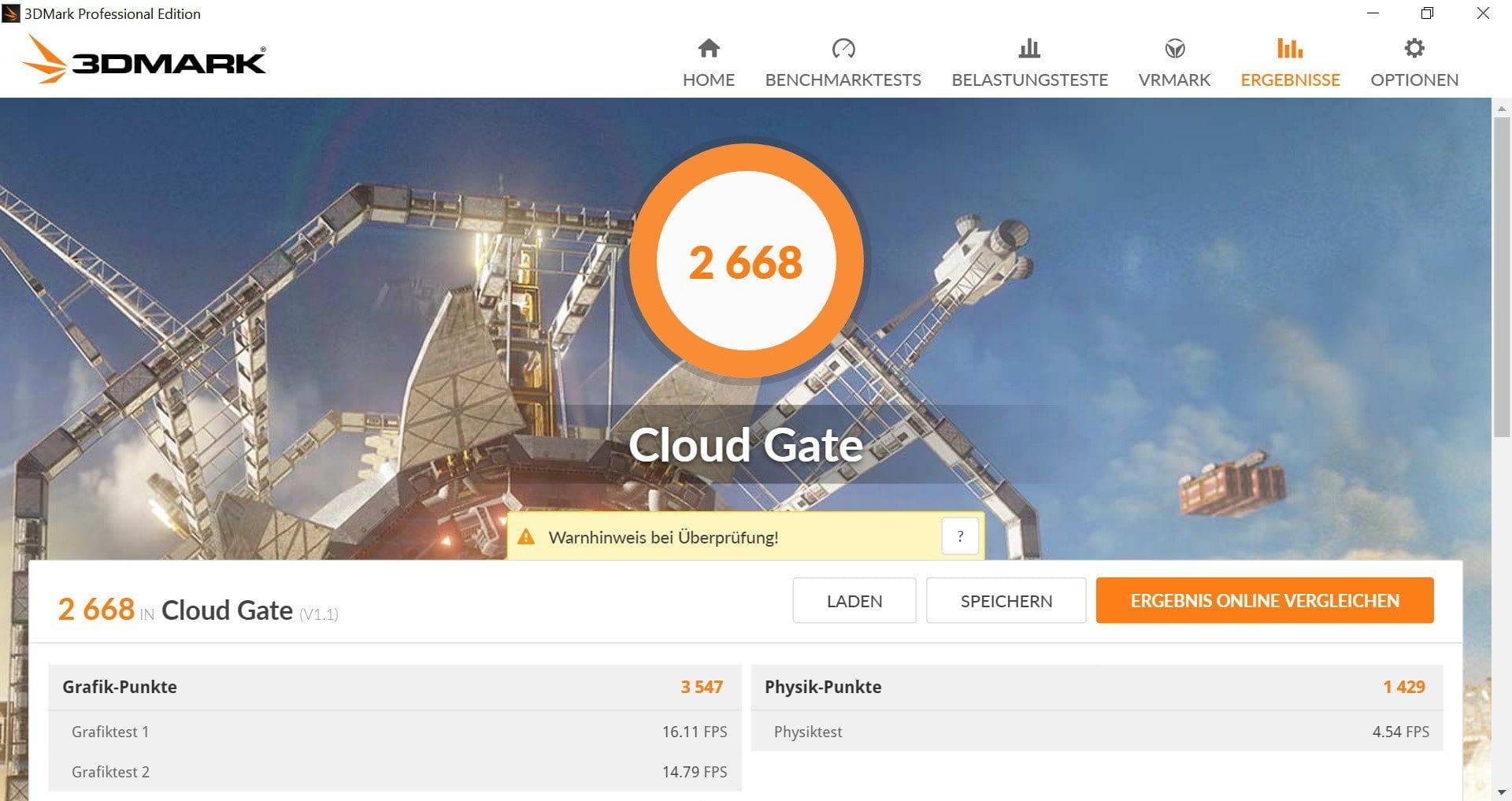
The GPU is an Intel HD515 processor graphics chip with a maximum 850MHz clock rate. It supports DirectX 12 and OpenGL 4.4. 4K video playback at 60Hz is also no problem for the Intel HD515 processor graphics.
In the test, 4K video streams could be rendered and transmitted losslessly. Even graphically demanding games can be played on the tablet. An example would be Dota 2, which is playable at a resolution of 1920x1080 pixels and medium graphics settings with a comfortable 25-30 frames per second. Another example would be Battlefield 3, which can be played with reduced resolution and low graphics settings with almost no frame drops.
Storage
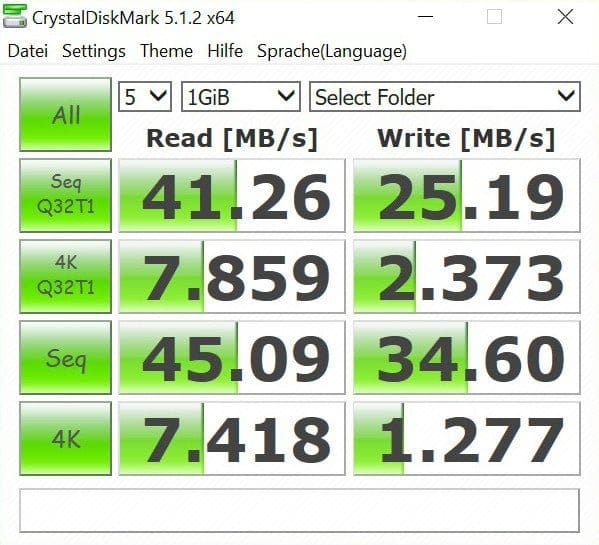
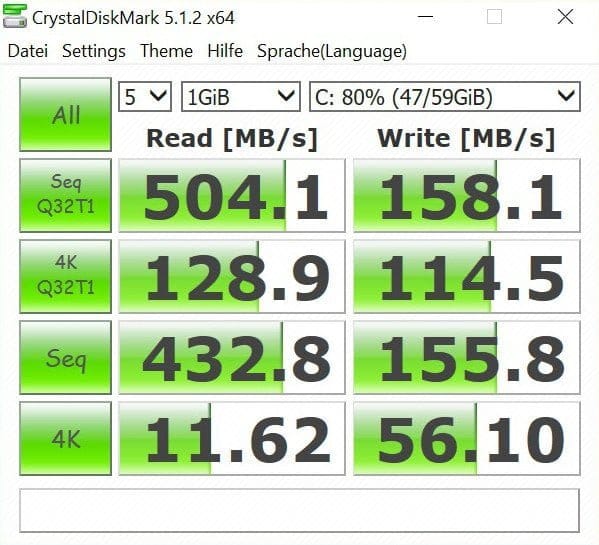
The RAM of the Cube i7 Book totals 4GB. It is equipped with two 2GB LPDDR3-1600 modules from the manufacturer Hynix. The tablet has an internal M.2 SSD storage with a capacity of 64GB. To expand storage, the SSD can be replaced, or the internal storage can be expanded using a microSD card. SSDs are recognised up to a maximum capacity of 512GB. The capacity of a microSD card should not exceed 128GB.
Both the SSD write and read speeds and those of the SD card slot are good averages.
User interface
The tablet comes pre-loaded with an activated Windows 10 Home Edition. The interface does not differ from the user interface of conventional desktop PCs. Whether you use the device for web browsing, video streaming, data transfer or gaming, the Cube i7 Book performs exceptionally well in all respects thanks to its powerful processor and is not comparable to many much weaker Intel Atom tablets.
Temperature
A major criticism is the processor's maximum temperature and the heat dissipated to the outside. Under full load, the tablet reaches peak temperatures of 97°C on the processor cores and noticeably exterior warmth of around 40°C on the rear housing after just a short time. Unfortunately, Cube has not installed a proper cooling solution, so the tablet's chipset dissipates its waste heat directly to the aluminium housing.
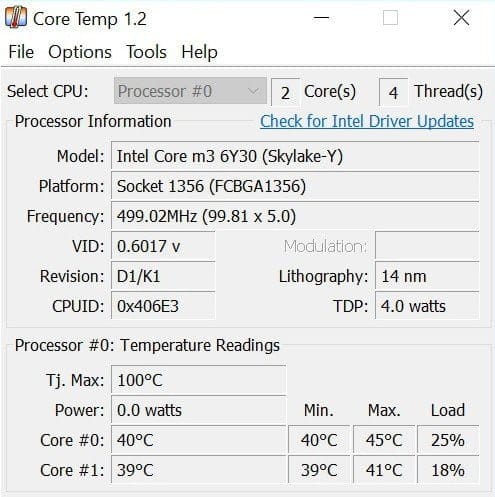
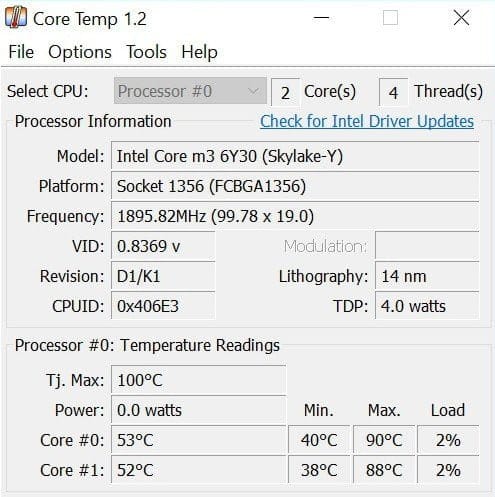
Those who find high temperatures problematic can install their own cooling solution on the tablet's chipset with some DIY skills. Guides are available on YouTube.
Camera
The cameras of the Cube i7 Book are not worth mentioning. There is a 5 megapixel camera with autofocus on the back. The images taken during testing are mostly noisy and blurry, so you should rather use your smartphone camera for snapshots. The front camera has a resolution of 2 megapixels and is only suitable for video calls. Selfie lovers should also opt for a high-quality smartphone camera. Images taken with the front camera are significantly blurrier still.
Connectivity
Dual-band WiFi and Bluetooth 4.1 are enabled by the Intel Dual Band Wireless-AC 3165 chipset. The Cube i7 Book is fast in both the 2.4G and 5G networks. The signal quality and range were convincing in our test. The same applies to an active Bluetooth connection. No interference occurred. The stable streaming range is over 10 metres.
Speakers and headphone jack
Criticism can be directed at the speaker design and sound quality. Unfortunately, both speakers on this tablet are located on the right side of the housing, which severely limits stereo separation. Overall, the sound also lacks volume, making it sound flat. Audio is transmitted without interference via the headphone jack. The maximum volume is also convincing.
Battery
The battery offers a capacity of 4,300mAh. At the expense of the increased performance, battery life is also relatively low. With normal use, you achieve run times of around 5 hours. This is an extremely low figure when compared to Intel Atom tablets, which often achieve double the battery life.
The tablet can be charged via the 12V DC input as well as via the USB Type-C port. Charging time with the included charger is slightly over 3 hours. With a USB fast charger, charging times of just under 2 hours are possible.
Cube i7 Book accessories
The Cube i7 Book is delivered without a keyboard and without a stylus. These accessories must be purchased separately, resulting in extra costs of approximately €80.
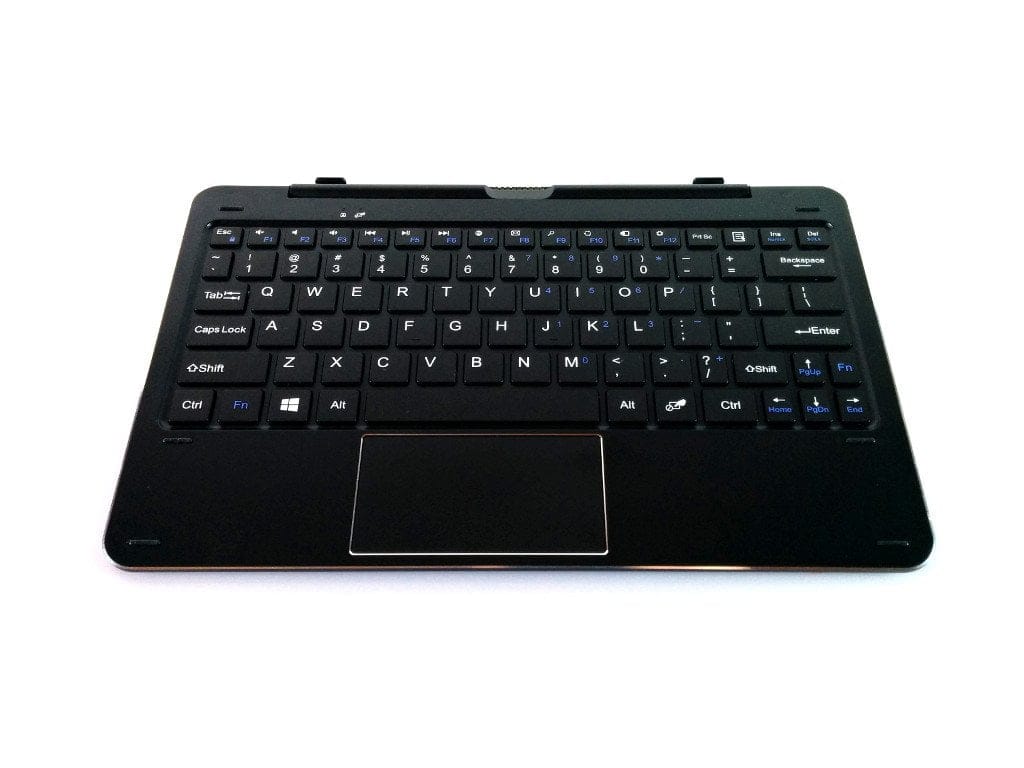
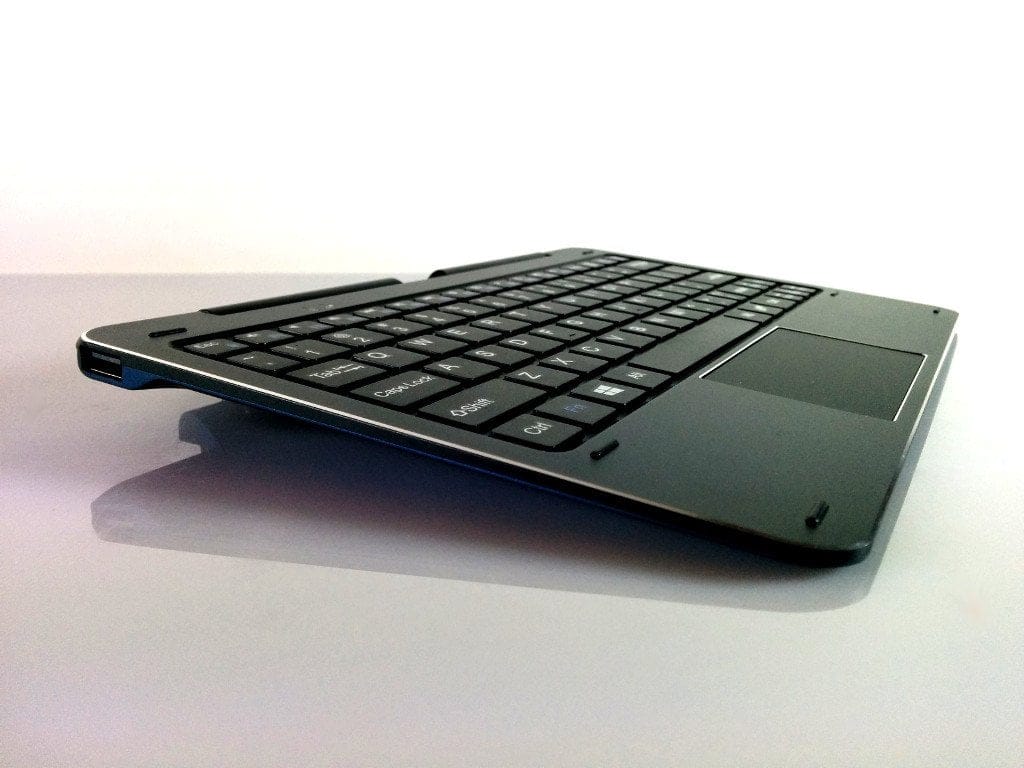
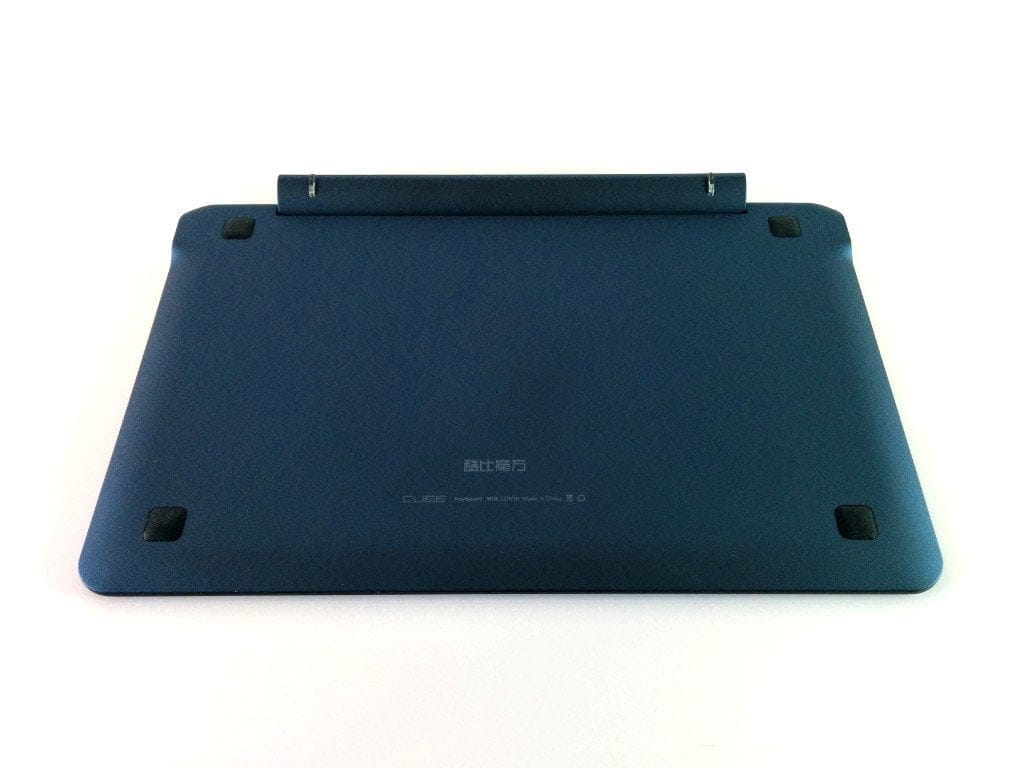
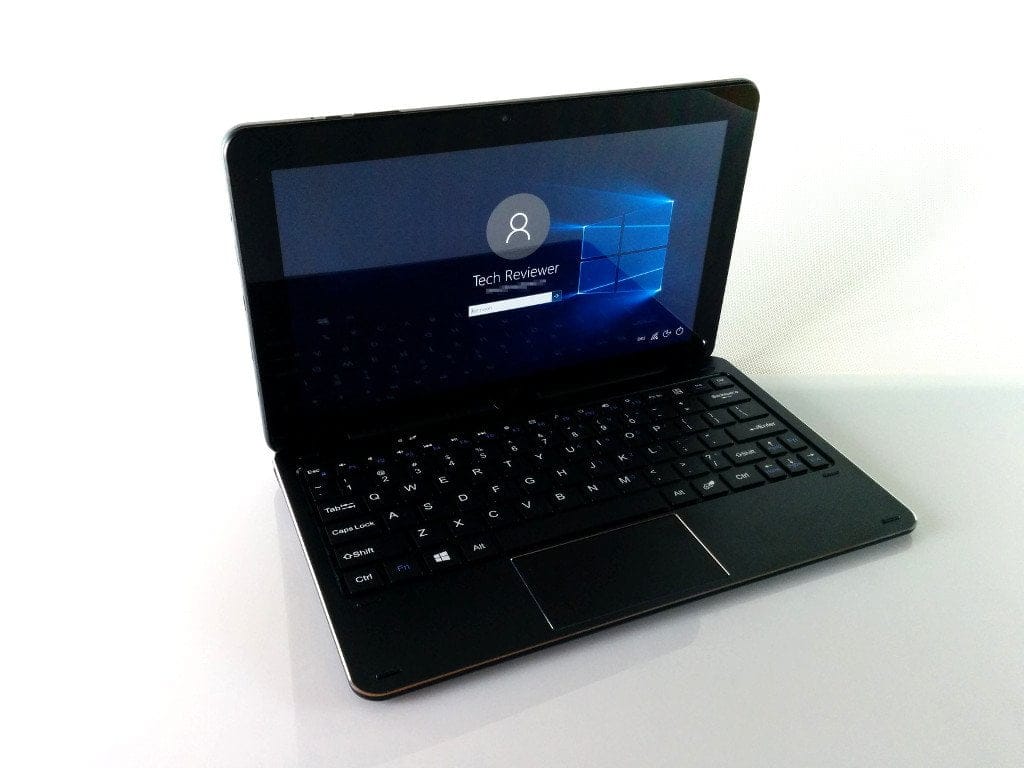
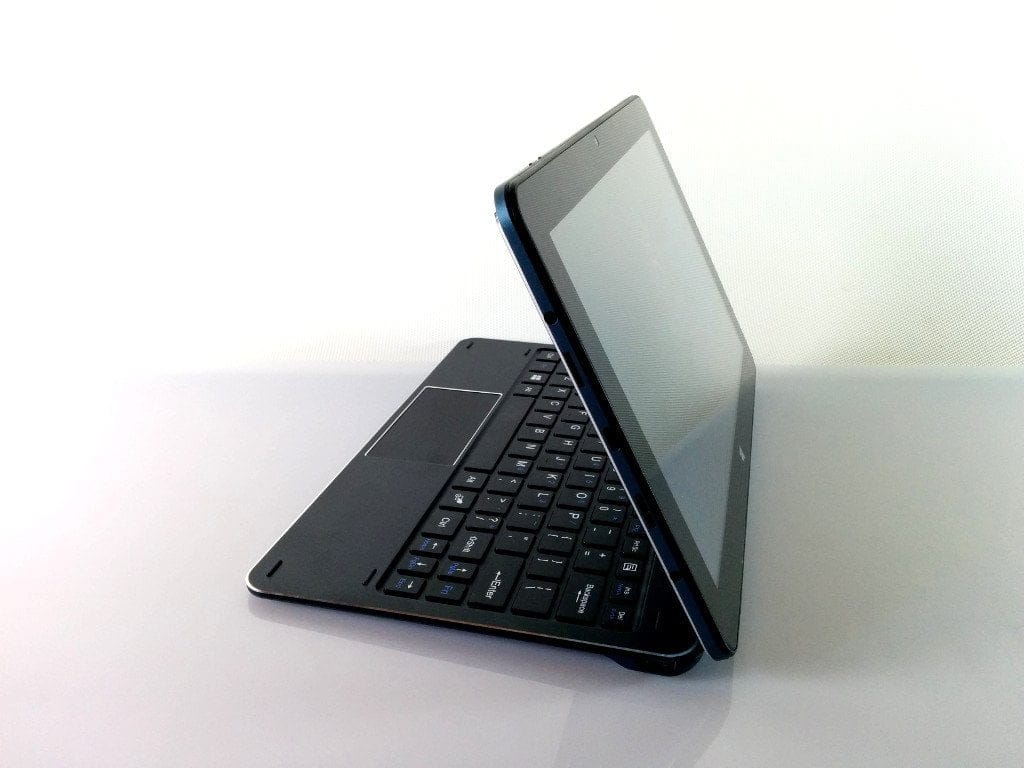
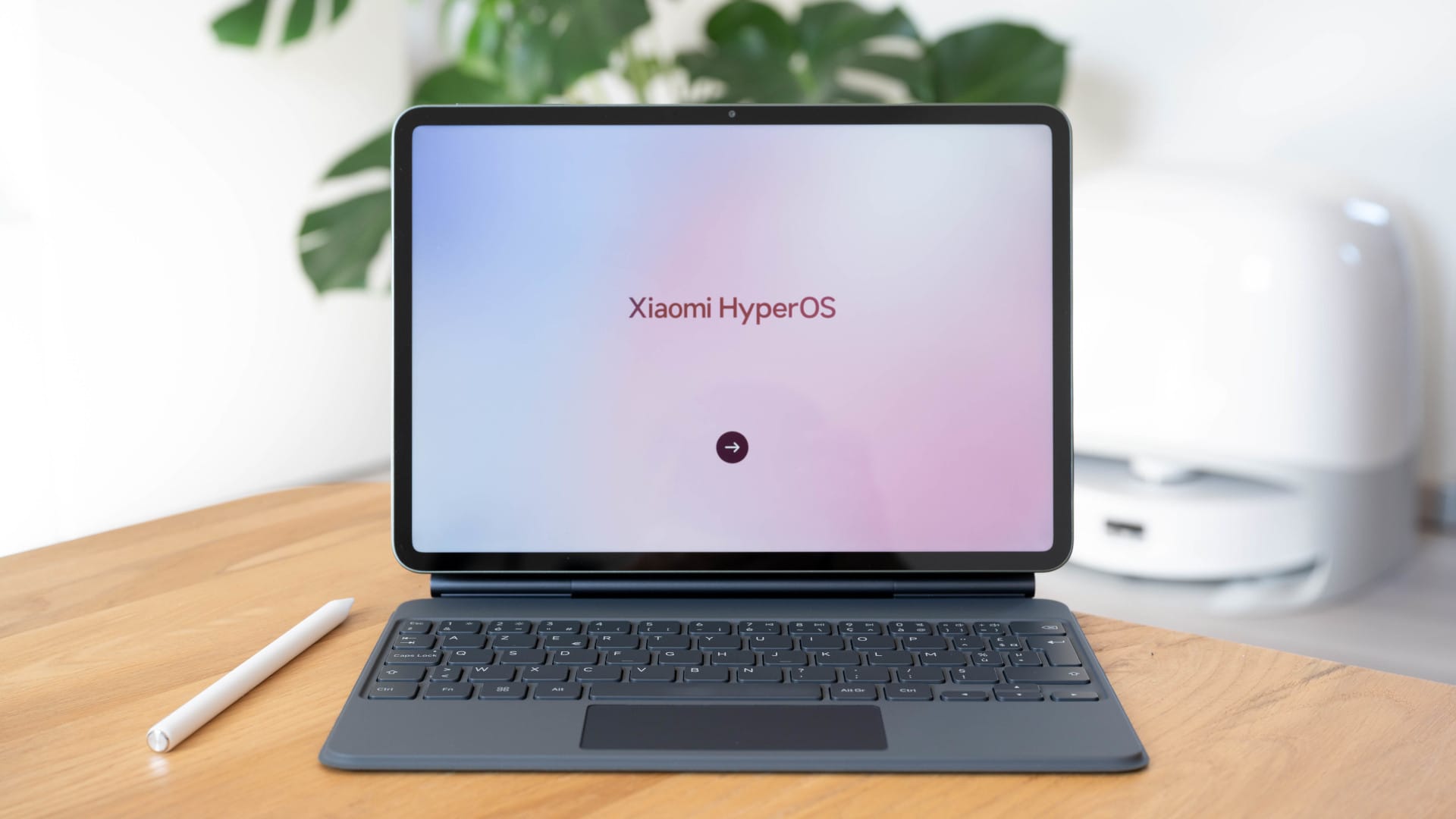
The keyboard is only available with an English-language layout. It connects via the pin connector on the underside of the tablet. With the keyboard attached, the Cube i7 Book can be used like a small notebook. All necessary keys are available and there is also a multifunctional touchpad with gesture recognition. The keyboard design matches that of the tablet. There is a USB 2.0 port on both the left and right sides of the keyboard. The keyboard's build quality could be better, but is acceptable for the price. The keys offer a pleasant tactile response. The touchpad, however, floats slightly in its housing.
The touchscreen is compatible with a Wacom stylus. Precise drawings or handwriting are not a problem thanks to the available “Palm Rejection”.
Our verdict
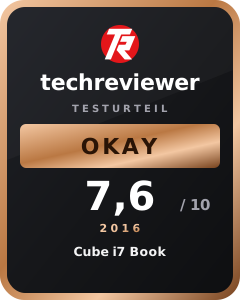
The Cube i7 Book leaves little to be desired and covers a wide range of applications thanks to the fast Intel Skylake M3-6Y30. The extra performance is noticeably greater compared to the affordable Intel Atom tablets. However, this performance boost comes at the cost of battery life, which turns out to be comparatively low.
Anyone looking for a tablet that can also be used as a laptop and is equipped for computationally intensive applications should definitely consider the Cube i7 Book. However, anyone who just wants to browse the internet is much better off with an affordable Intel Atom tablet.
Specifications
General
- OS
- Windows 10
- CPU
- Intel Core M3-6Y30
- GPU
- Intel HD Graphics 515
- Core
- Dual Core 0.9 - 2.2 GHz
- RAM
- 4GB (LPDDR3-1600)
- ROM
- 64GB M.2 SSD
- Storage expansion
- Yes
- Display type
- Samsung (LTL106HL01-001)
- Display size
- 10.6 inches
- Display resolution
- 1920 x 1080 (FHD)
- Wacom support
- Yes
- Multitouch
- 10 fingers
- Cameras
- 2x
- Rear camera
- 5.0MP
- Front camera
- 2.0MP
- Battery
- 7.4V / 4300mAh
- Power
- 100-240V 12V 2A
- G-Sensor
- Yes
What’s included
1x tablet, 1x USB Type-C adapter, 1x DC 12V, 2.5A charger, 1x user manual, 1x QC and warranty card, 1x screen protector (applied)
Comments