Contents
Review: ECOVACS DEEBOT T9 AIVI
With its AeroForce rubber double brush, AIVI 2.0 camera obstacle detection, and oscillating OZMO Pro 2.0 mopping function, the ECOVACS DEEBOT T9 AIVI, released at the end of October 2021, still ranks among the most feature-rich models today.
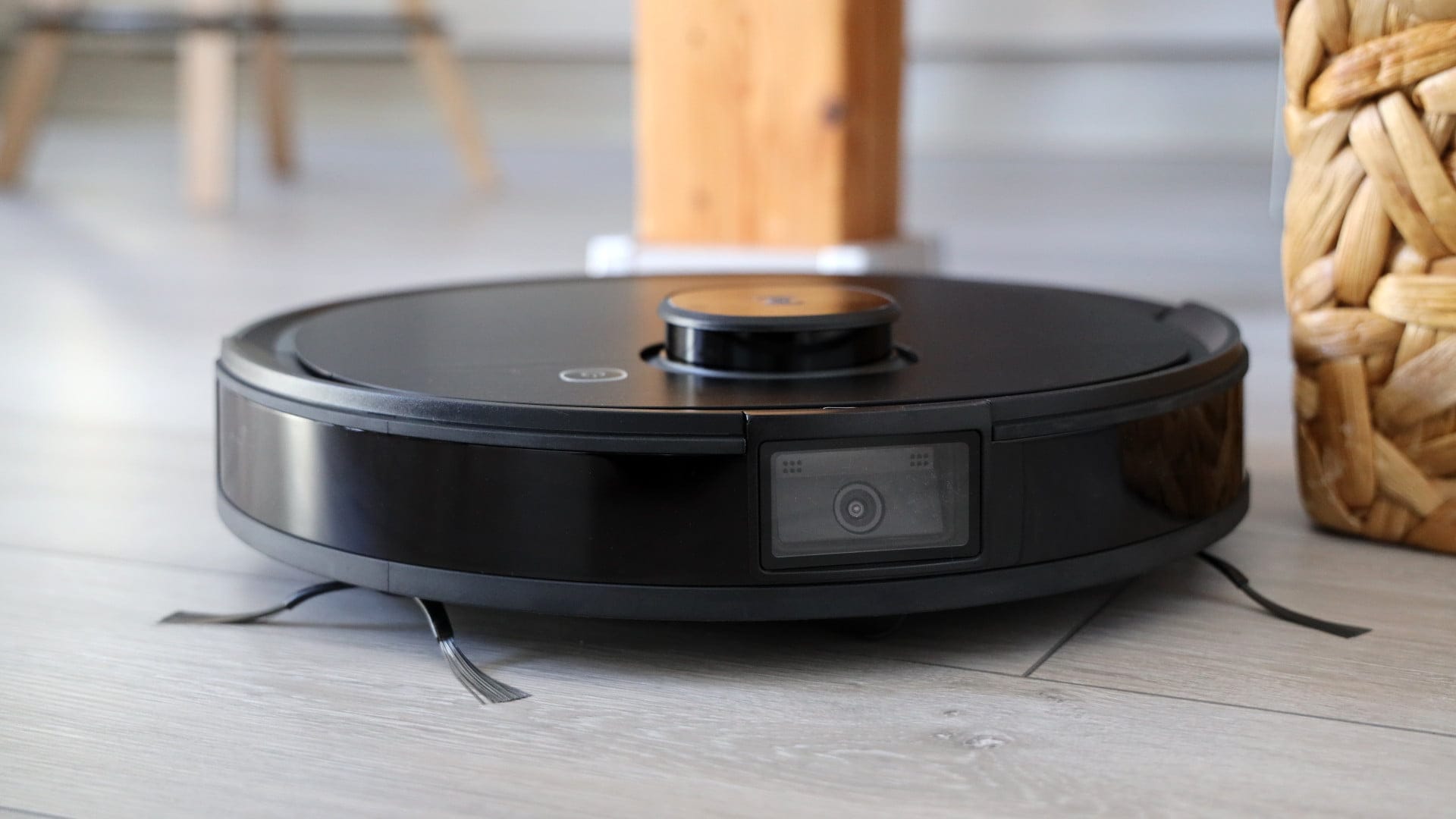
Technological progress in robotic vacuum cleaners is not advancing quite as quickly as it is with other electronic products. New models do come with new features, but the major “robotic vacuum revolution” has so far failed to materialise, meaning even older models remain competitive.
ECOVACS DEEBOT T9 AIVI: Unboxing
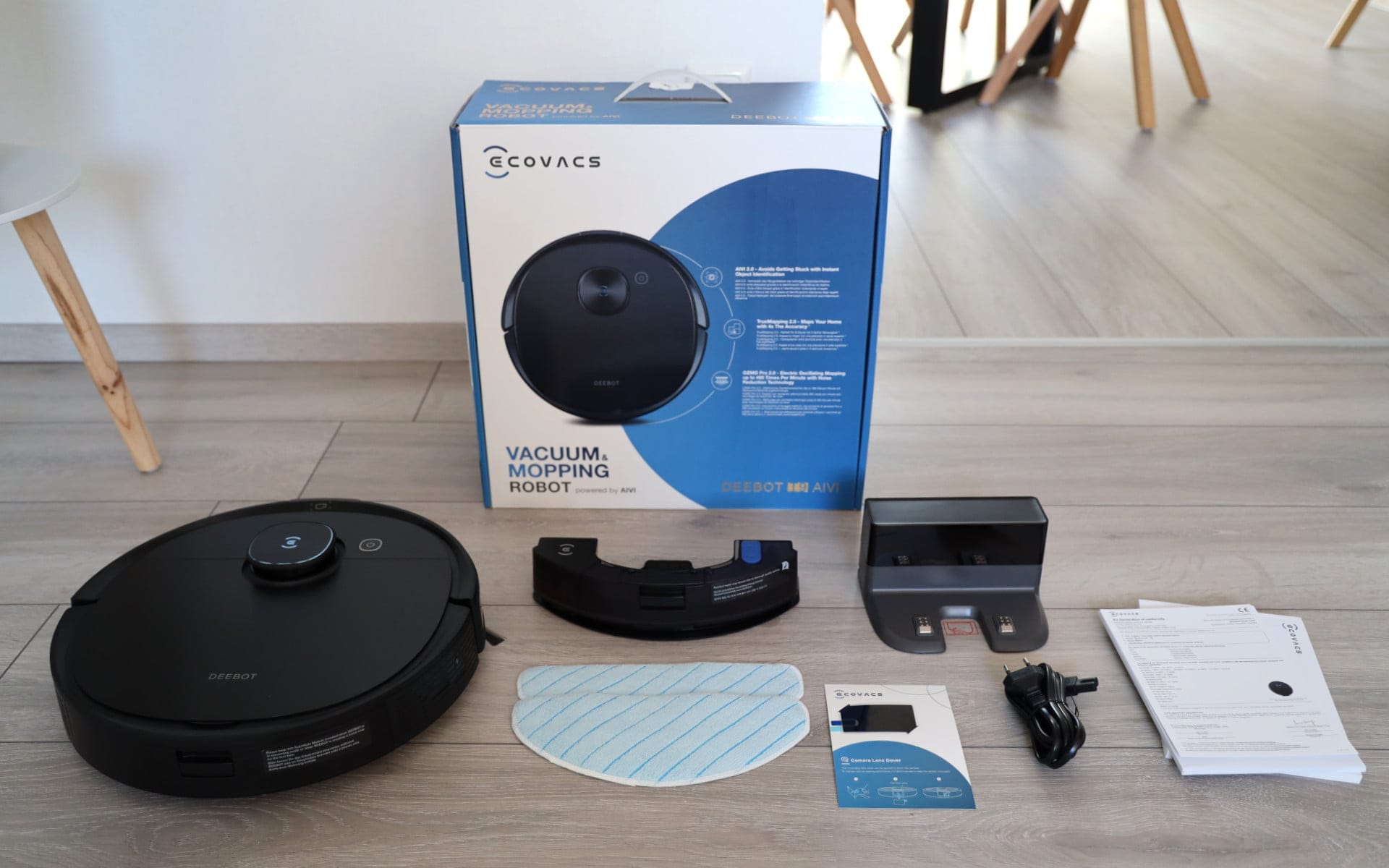
After this brief introduction, we begin testing the ECOVACS DEEBOT T9 AIVI, which is delivered in the typical cardboard box. It includes
- the robot vacuum,
- the charging station including 1.5-metre charging cable,
- the two side brushes,
- the mopping module,
- two suitable cleaning cloths,
- a sticker for covering the camera and
- the multilingual user manual
Additional spare parts, such as filters or brushes, are not included in the scope of delivery. However, there are no procurement problems for spare parts. All wear parts are available both as original parts and as cost-effective identical or replica parts from relevant shops such as Amazon, Saturn or eBay.
If you want to ensure that you receive genuine spare parts, it is best to order directly from the ECOVACS shop. However, parts are usually a few euros more expensive there.
ECOVACS DEEBOT T9 AIVI: Design and build quality
The DEEBOT T9 AIVI has a classic round design with dimensions of 35.3 x 35.3 x 9.36 cm and a weight of 3.8 kg. Regarding the casing colour, the robot vacuum is available only in black. There is nothing to criticise about the robot vacuum's build quality.
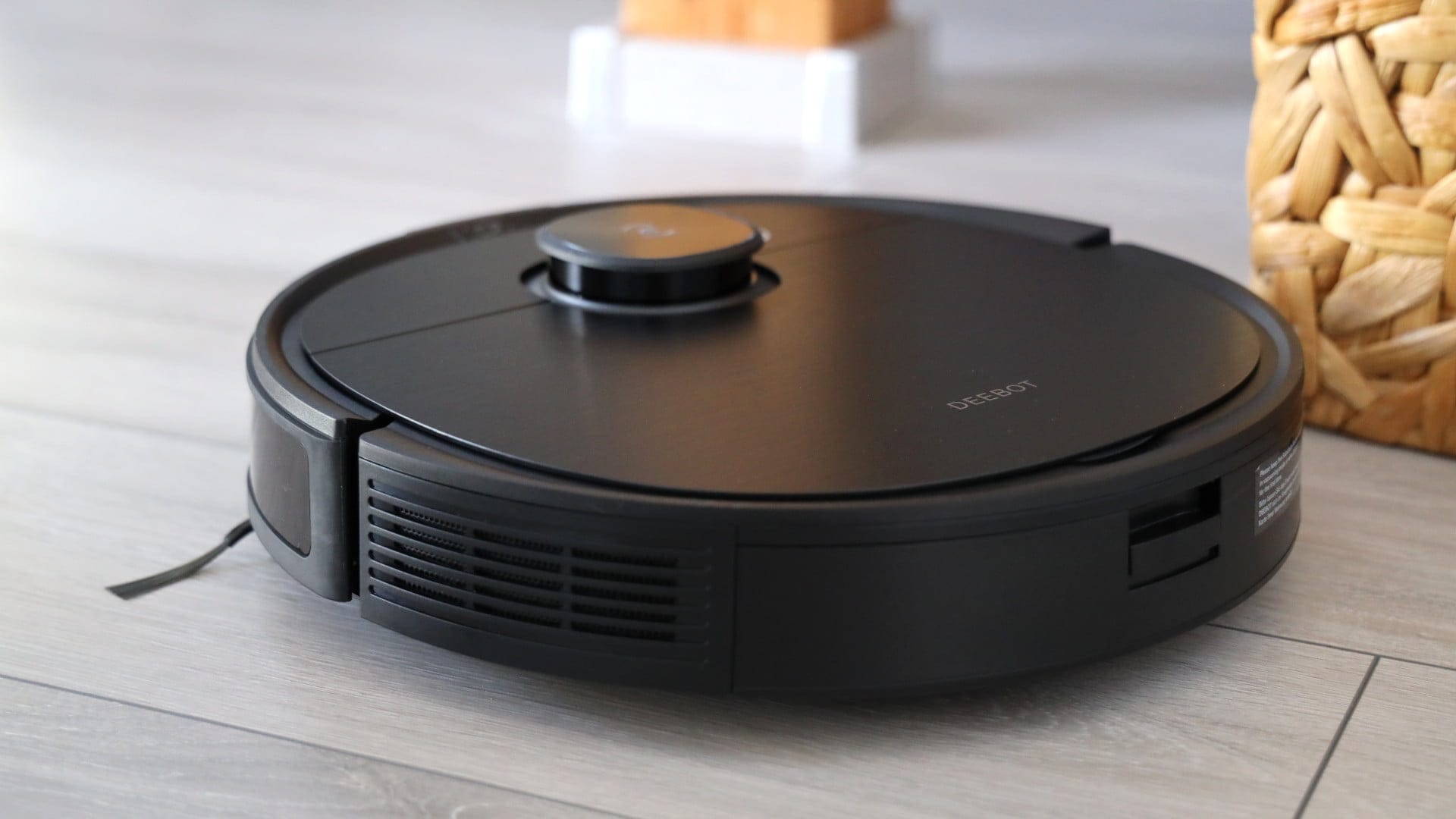
On the top surface is the laser tower. To its left is a power button, which allows the vacuuming process to be started and paused manually. If you hold the power button for 3 seconds, the vacuum robot automatically returns to the charging dock. It is more convenient using the app, more on that below.

The rear part of the top can be opened. When opened, the dust container is revealed, which can be easily removed via a fold-up handle. With a capacity of 300 ml, the dust chamber is one of the smallest in its class. This means trips to the dustbin will be more frequent.

Alternatively, there is also an automatic suction station (CH1918-T9 AIVI) with a 2.5 L disposable dust bag for the DEEBOT T9 AIVI, which, at an RRP of 299 Euro, is by no means cheap.

Next to the dust container, under the flap, are a multifunction cleaning tool, a power switch and the WLAN reset button with LED.
The namesake and one of the special features of the DEEBOT T9 AIVI is the AIVI 2.0 camera, which is front-facing and integrated into the bumper. This enables the vacuum robot to safely navigate around even the smallest objects, such as shoes, socks, cables and toys lying around. On the back, there is a removable holder for the mopping module.

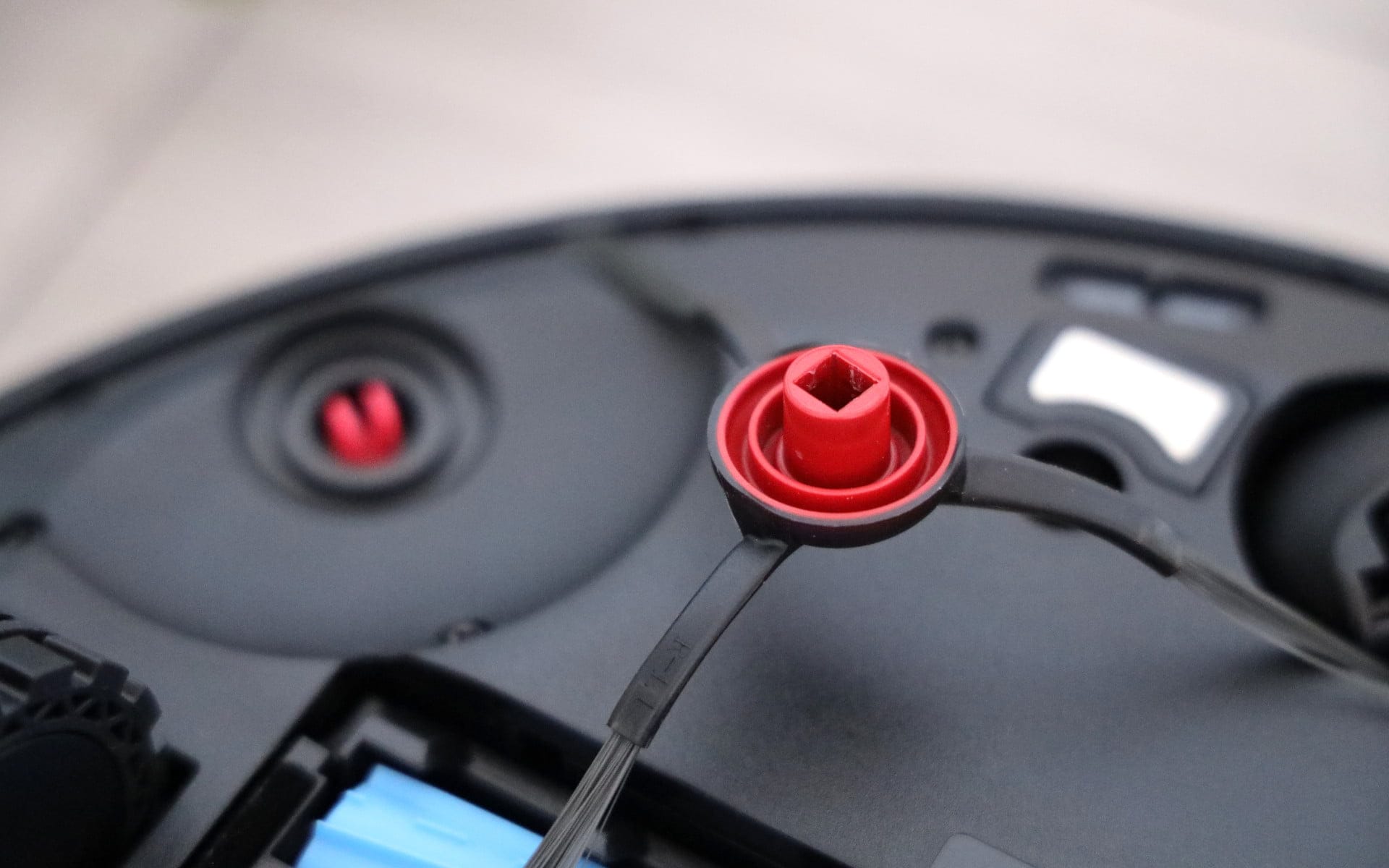
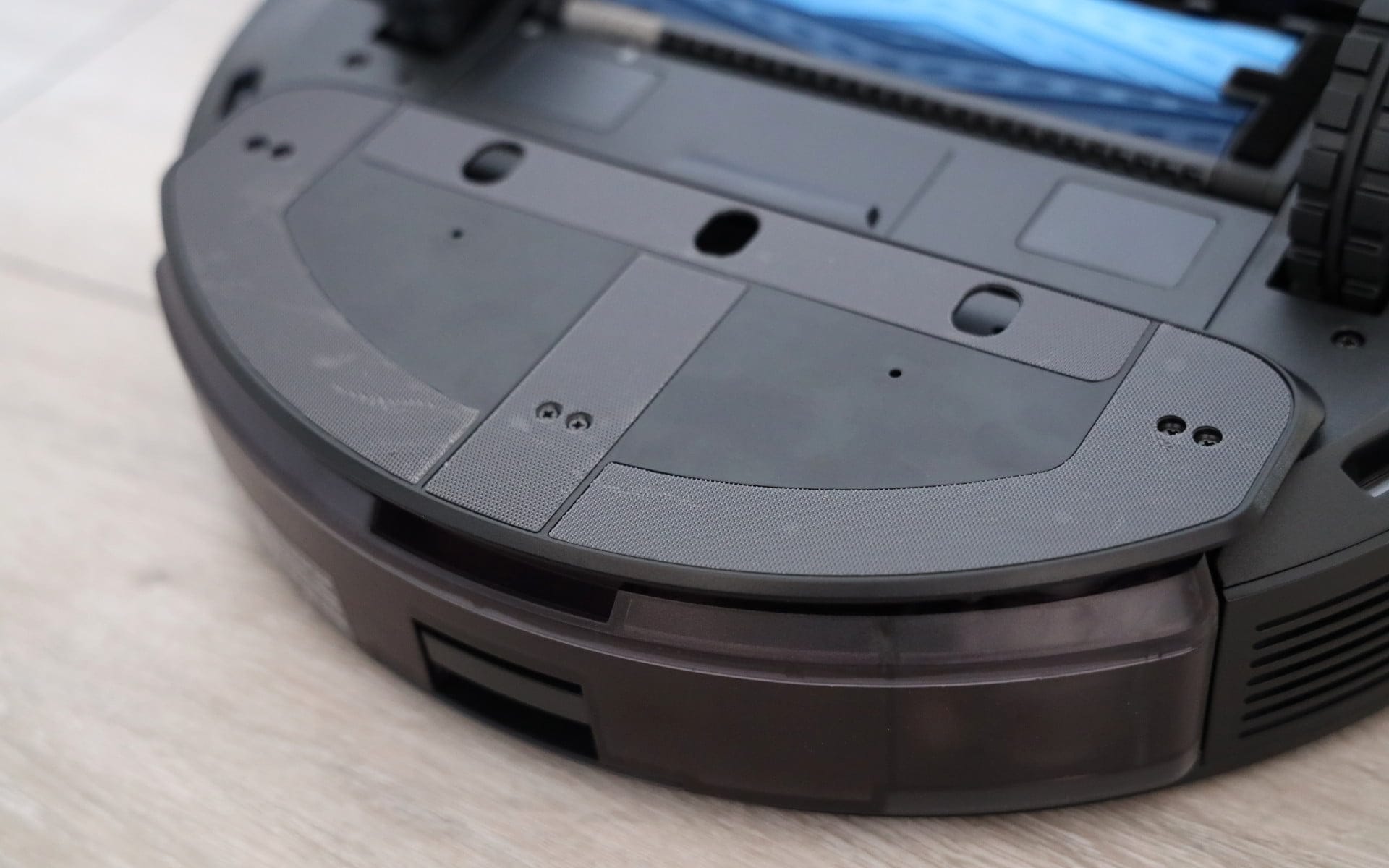
Once turned over, the AeroForce rubber double brush immediately catches the eye. Instead of working with just one brush, the DEEBOT T9 AIVI uses two rubber brushes working in opposite directions, ensuring (theoretically) better dirt pickup.

There are also two rotating side brushes, several fall sensors and the typical front wheel with charging contacts placed to the left and right.
ECOVACS DEEBOT T9 AIVI: Setup
The DEEBOT T9 AIVI is set up, controlled and managed via the ECOVACS HOME App, which is available for Android and iOS devices in their respective stores. To link the robot vacuum to the app, an ECOVACS user account is initially required, for which you either register anew or have already created through another ECOVACS product. Only an email address is required for registration.
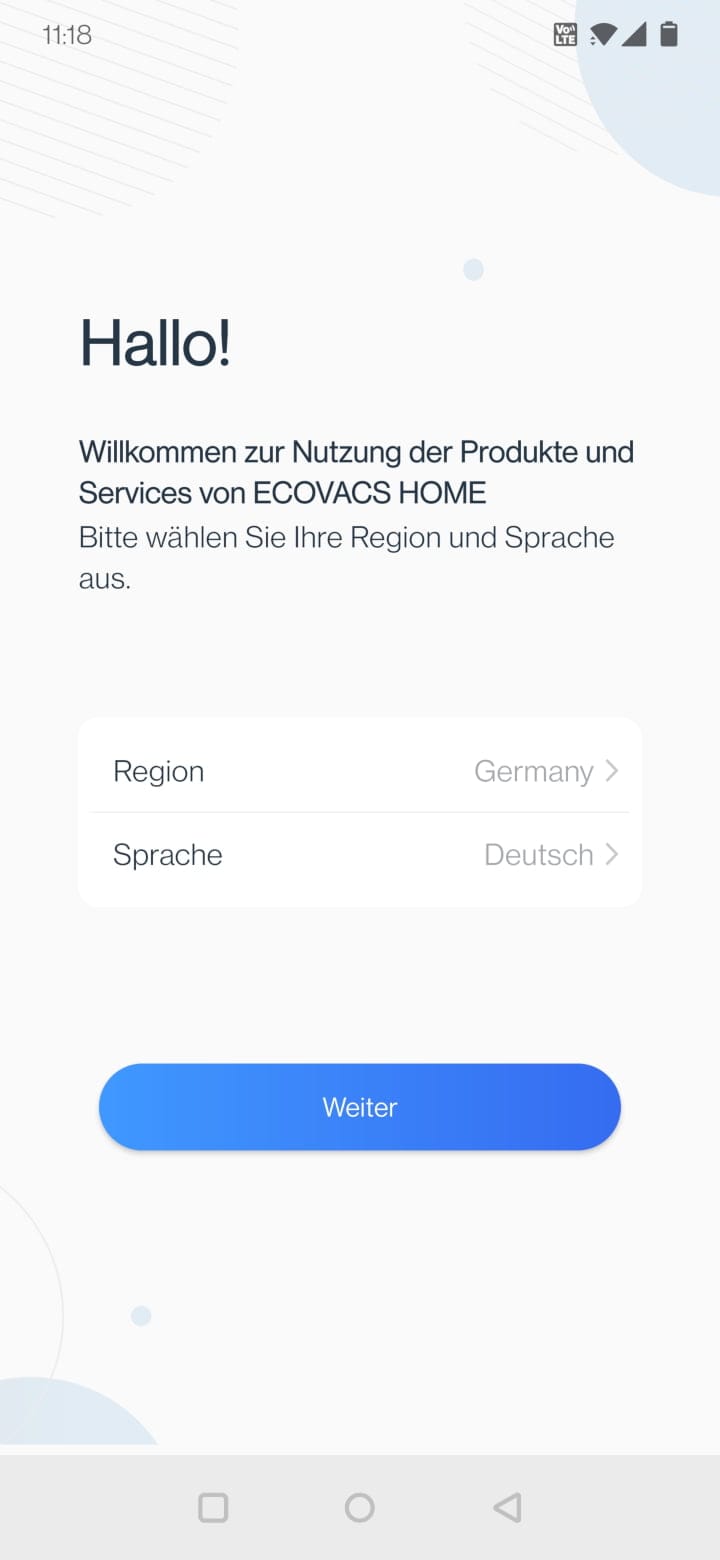

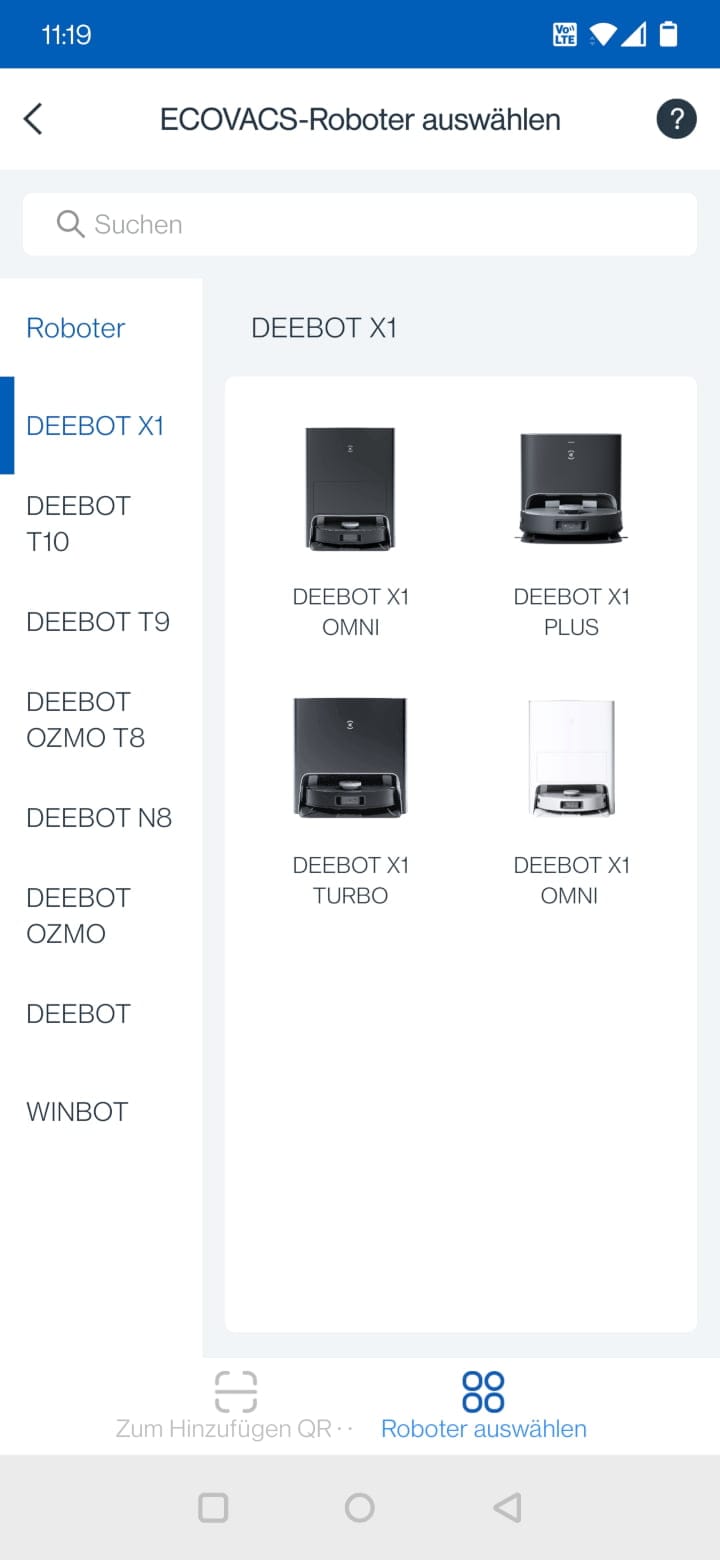
Then setup of the DEEBOT T9 AIVI can begin. To add it to the app, select the appropriate robot vacuum model from the list or scan the QR code located behind the robot's cover.
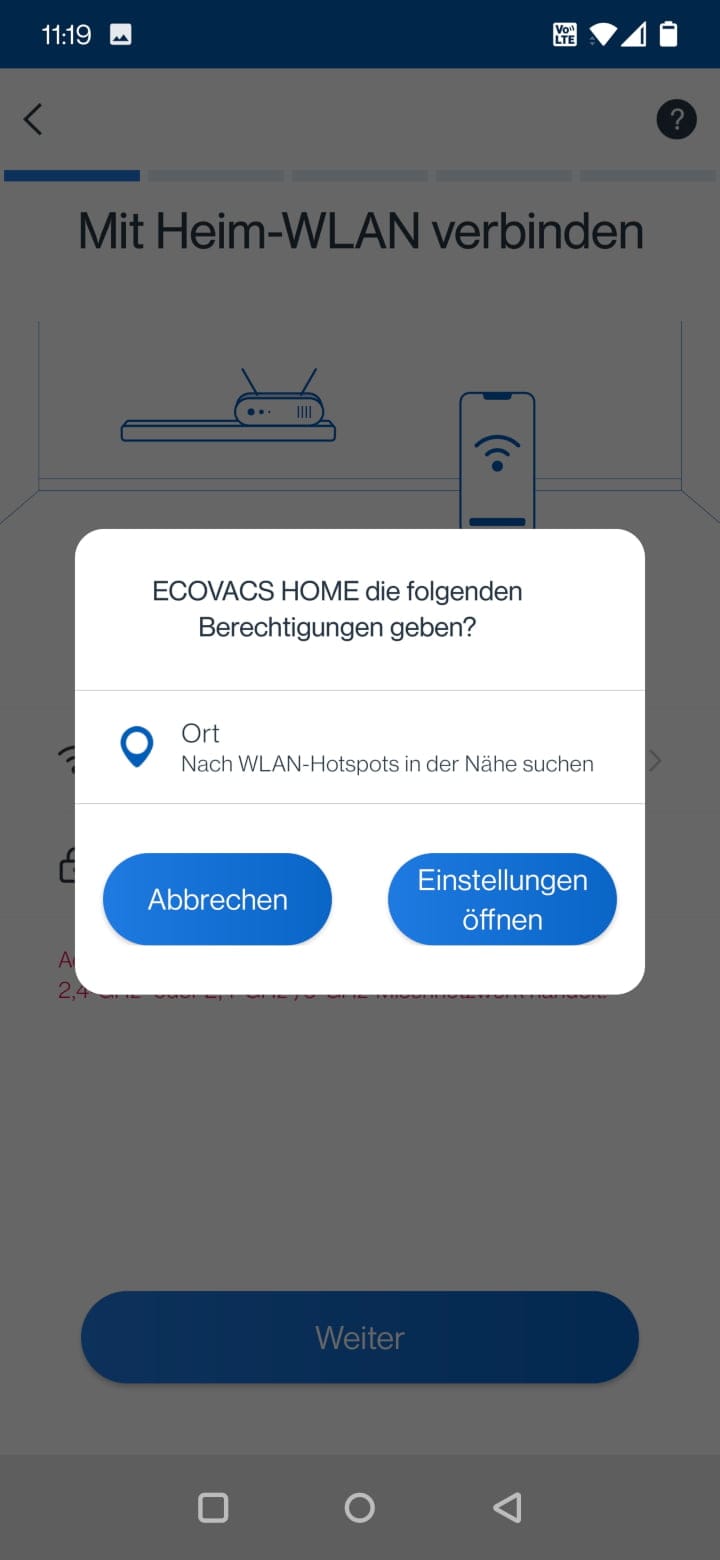
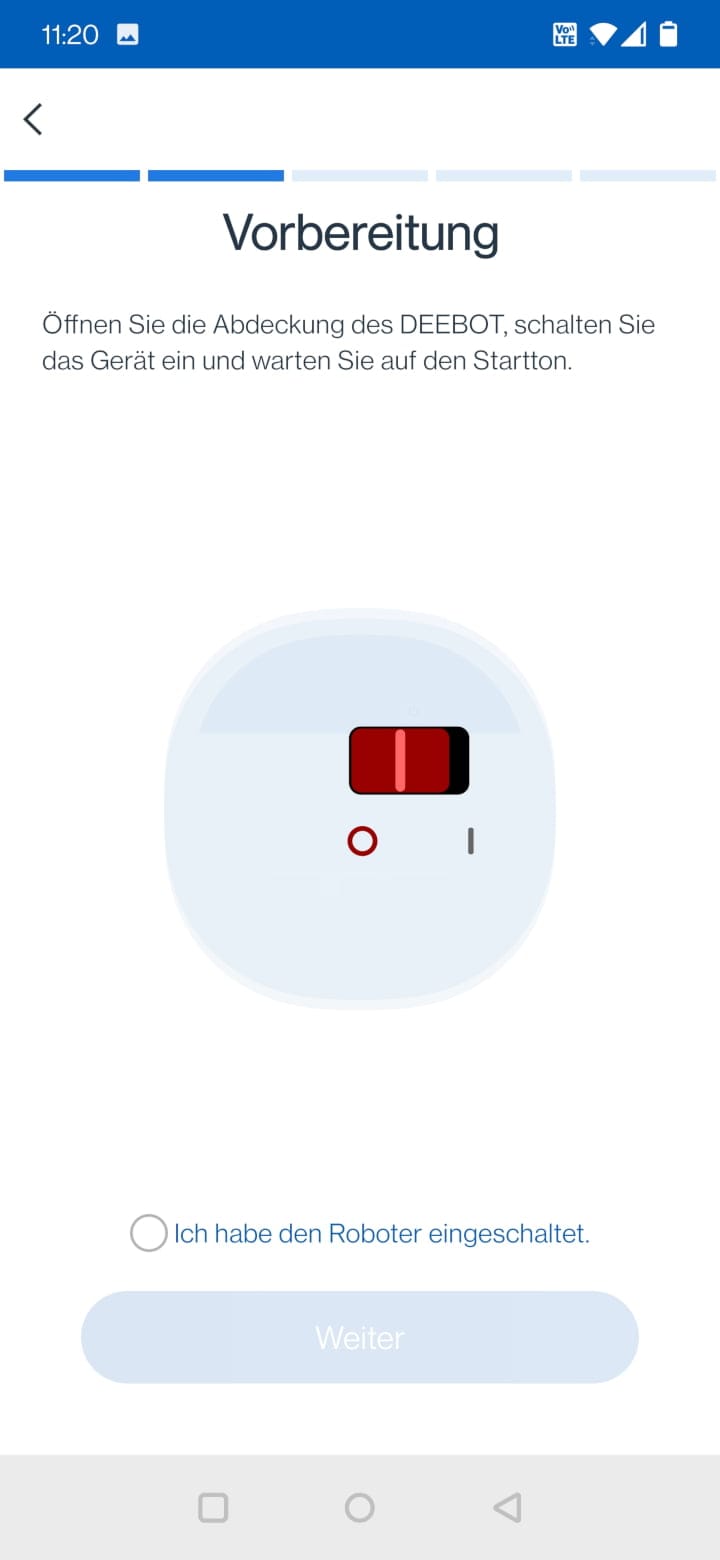
The setup assistant then starts, explaining all setup steps precisely and clearly. The only thing to note is the lack of support for 5 GHz Wi-Fi networks. This is typical, and the setup assistant itself points this out. Networks with the same name were recognised without problems during the test, and the robot vacuum was integrated into the app in less than a minute.
ECOVACS DEEBOT T9 AIVI: App & features
The ECOVACS HOME app offers little room for criticism due to its structured layout, range of functions and consistent design.
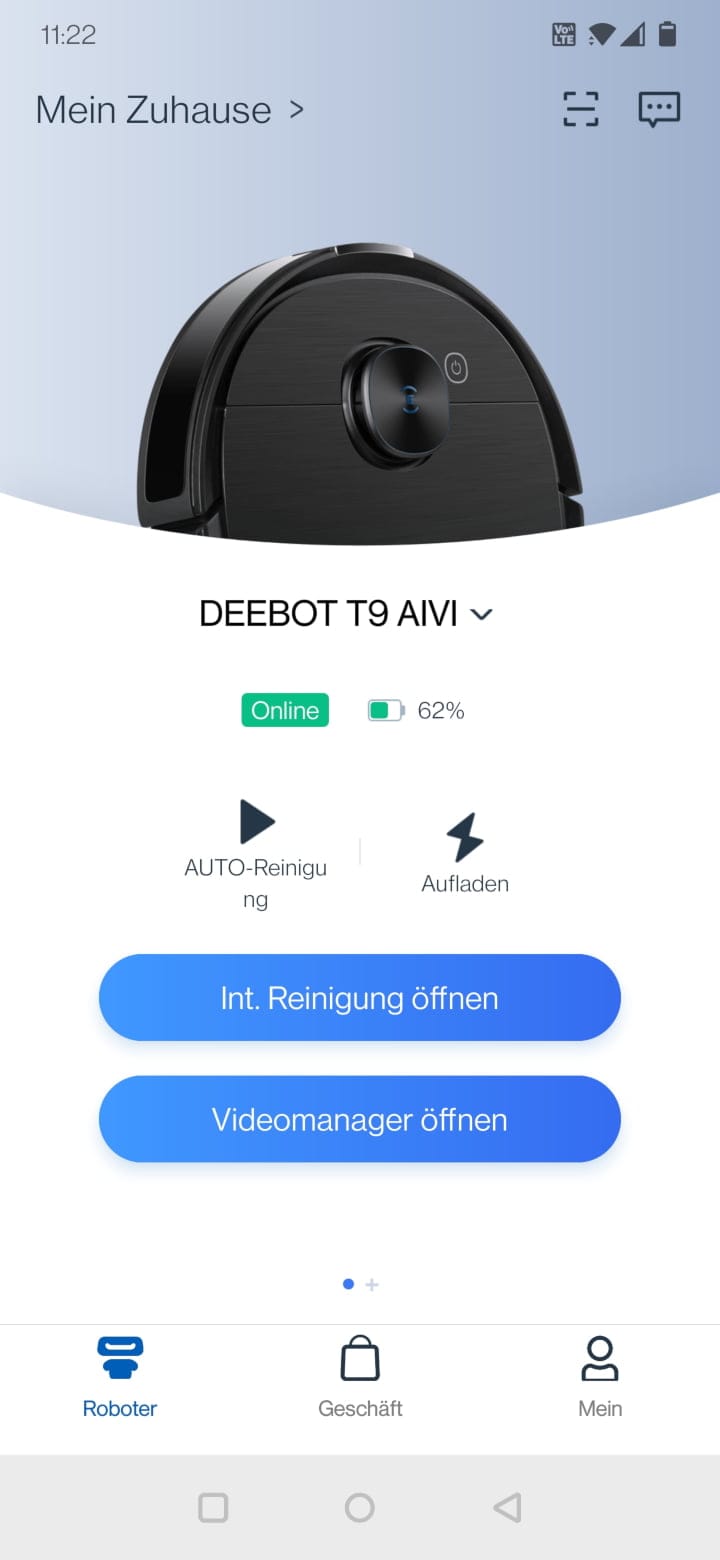
After the app starts, an overview appears where you can select your individual ECOVACS devices. The overview page displays the online status and battery level, and you can switch to the cleaning view or video manager at the push of a button.
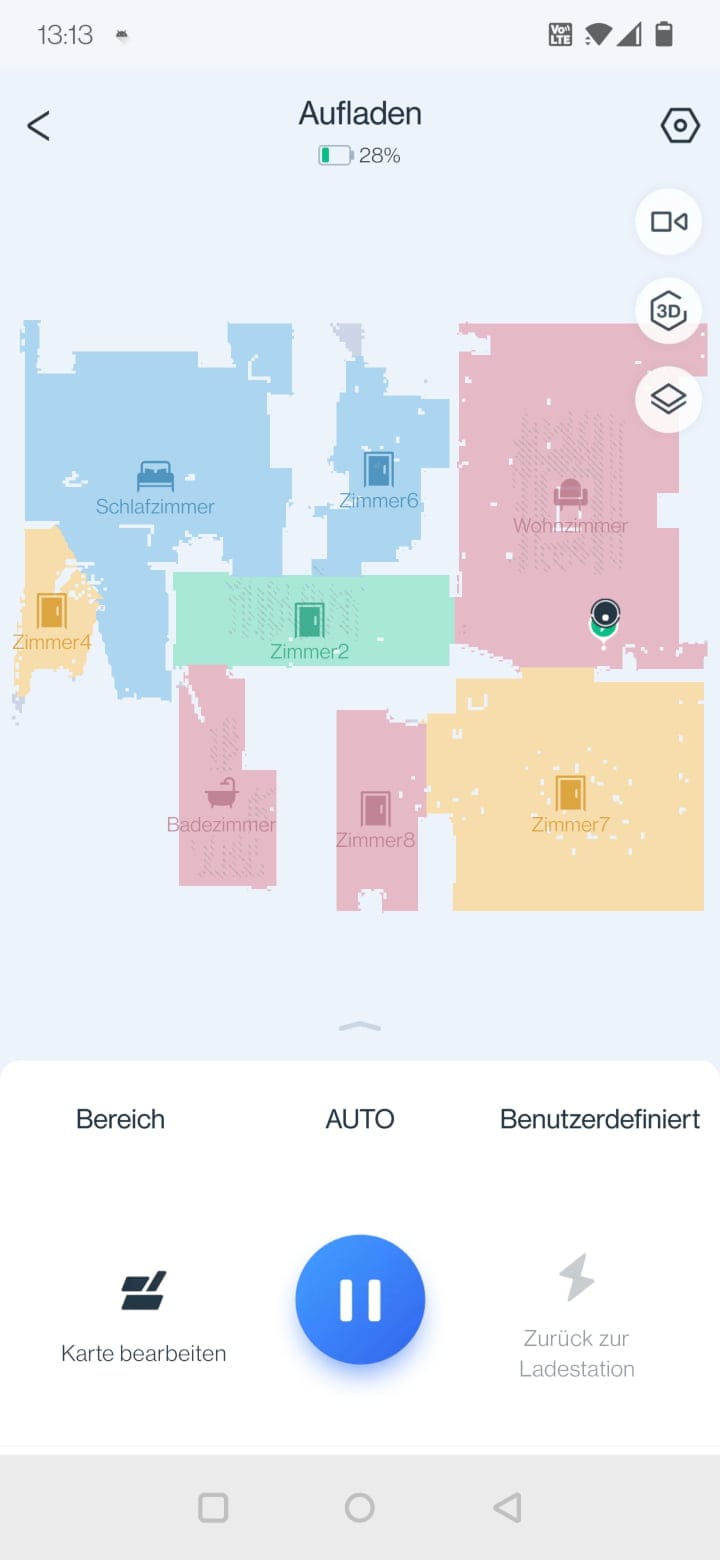
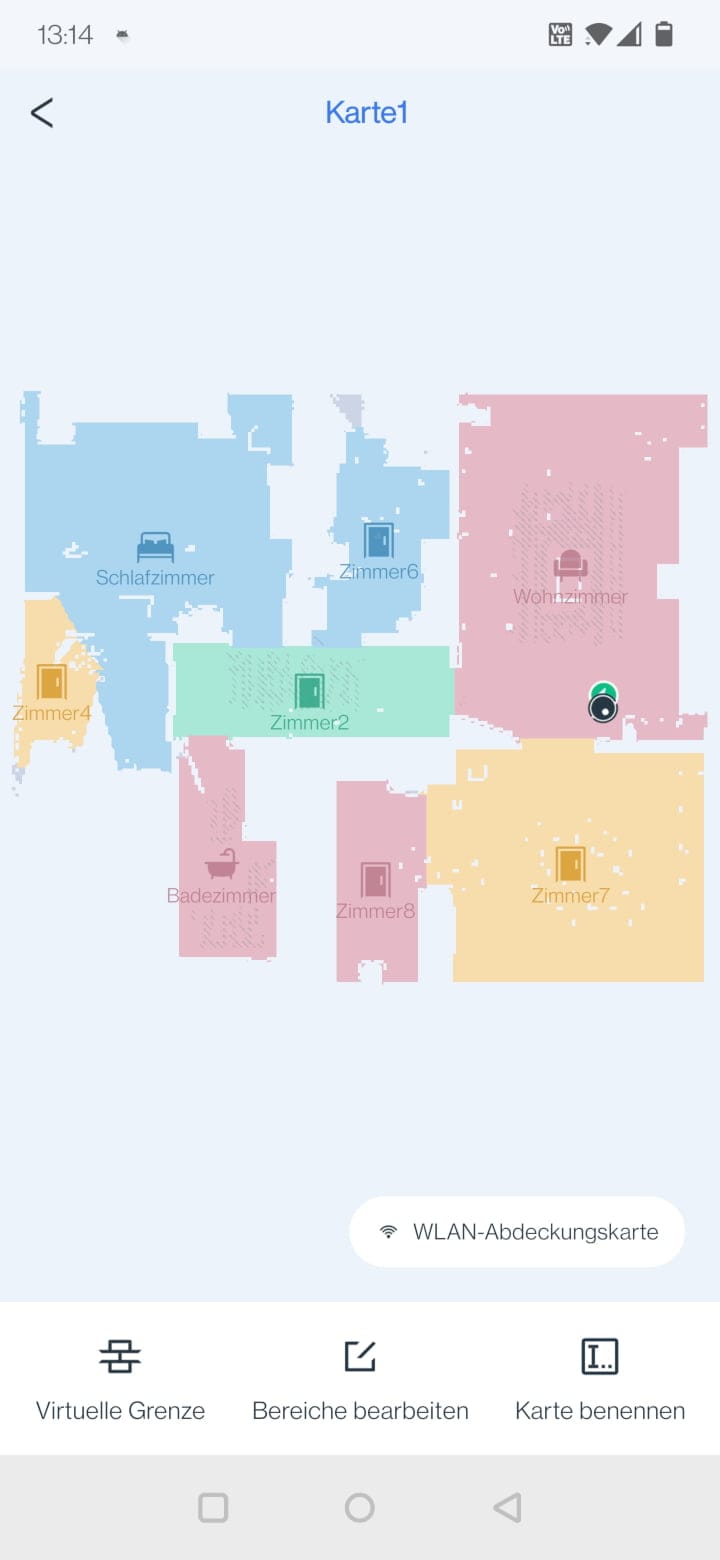
In the cleaning view, the cleaning map is displayed along with the most recently completed cleaning path. The map becomes visible after the first cleaning run. A total of up to 3 room maps or floors can be saved. When a cleaning is in progress, you can see where the robot vacuum is currently located, which area has already been covered, and how much battery is left for the robot vacuum.
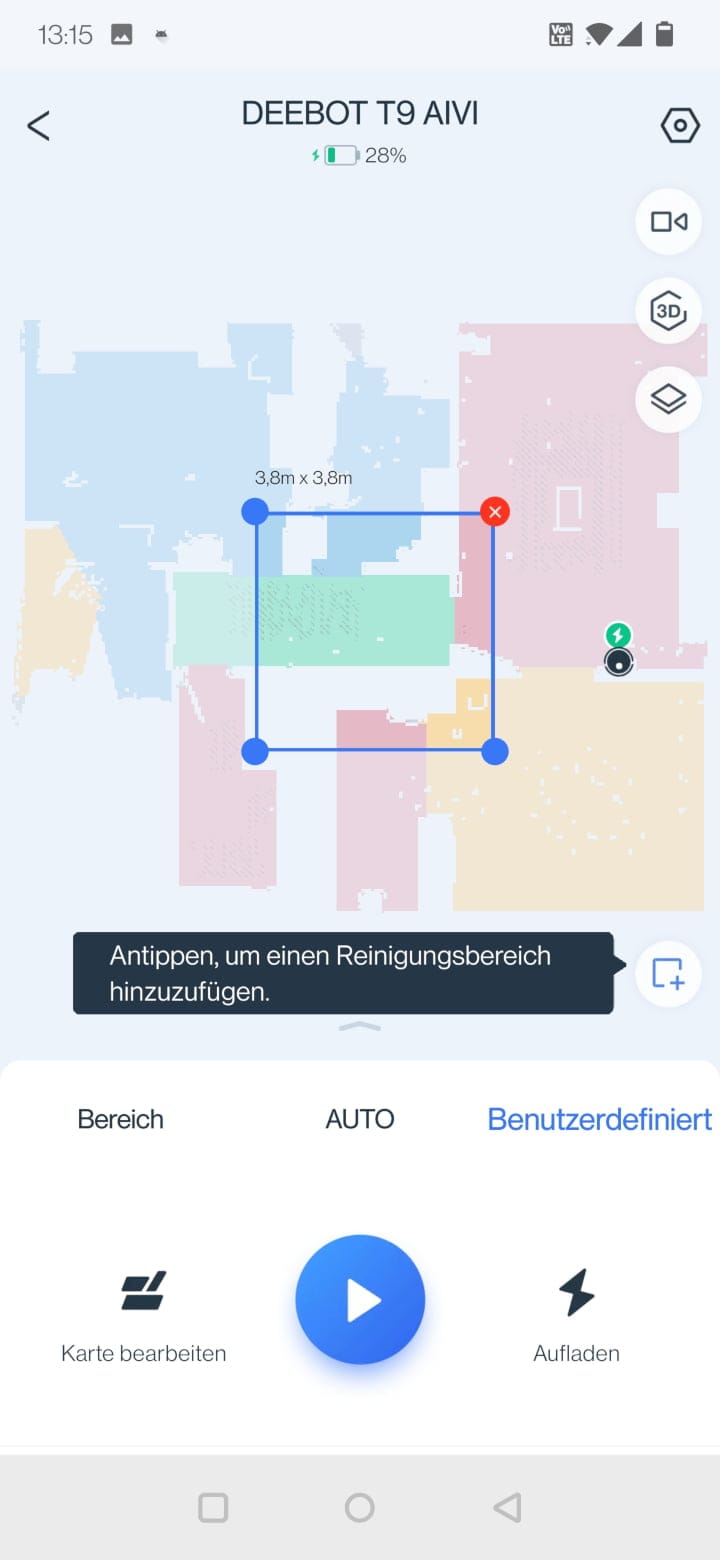
Below the map is an expandable menu providing access to cleaning mode, map editing and various cleaning settings. The following cleaning modes are available:
- Zone cleaning: In this mode, you can select which rooms the robot vacuum should clean.
- Auto mode: Automatic mode in which all rooms are cleaned.
- Custom: In this mode, cleaning areas can be drawn on the map.
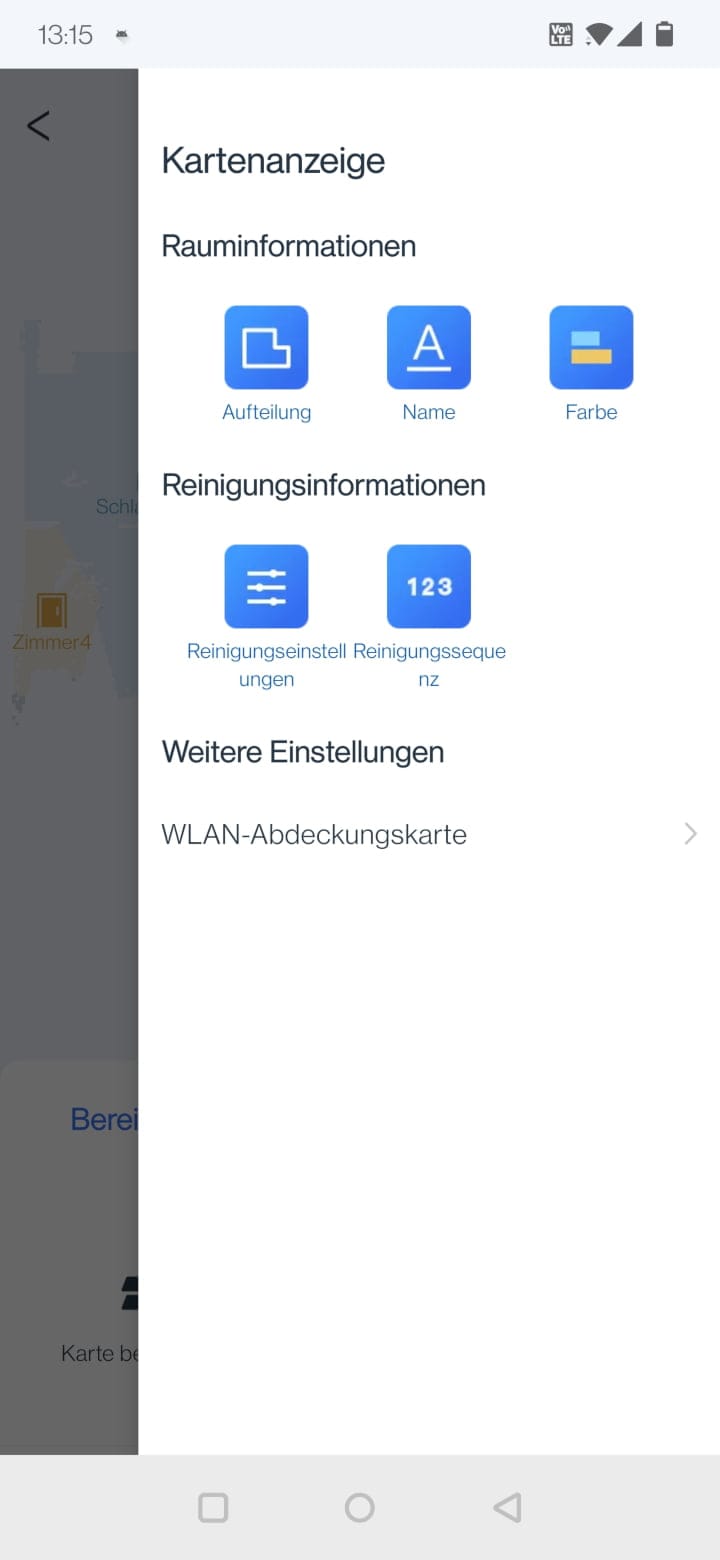
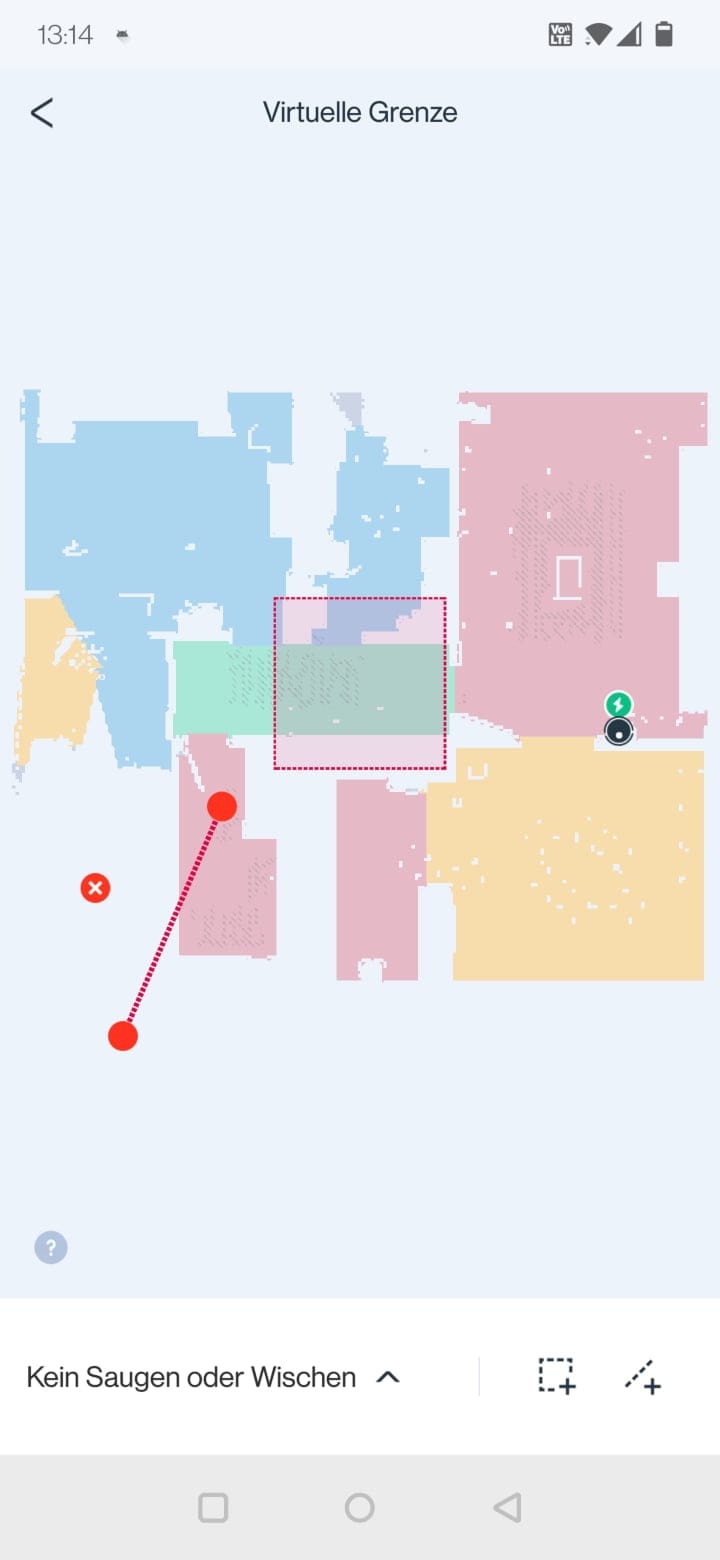
Within the map editor, rooms can be separated, merged, and renamed. You also have the option to define virtual walls as well as no-go and no-mop zones.
The following cleaning settings can be configured via the app:
- Suction power: Adjustable to the levels "Quiet", "Standard", "Maximum" and "Maximum+"
- Water flow rate: Adjustable in the steps 'Low', 'Medium', 'High' and 'Very High'
- Cleaning sequence: Defines the order in which cleaning is performed.
- Cleaning frequency: Determines whether a follow-up cleaning run should take place after the first one
- Cleaning schedule: Schedule by weekdays and time
- Wiping modes: Quick scrub (S-pendulum wiping mode) or deep scrub (forward-and-back pendulum wiping mode with double cleaning)
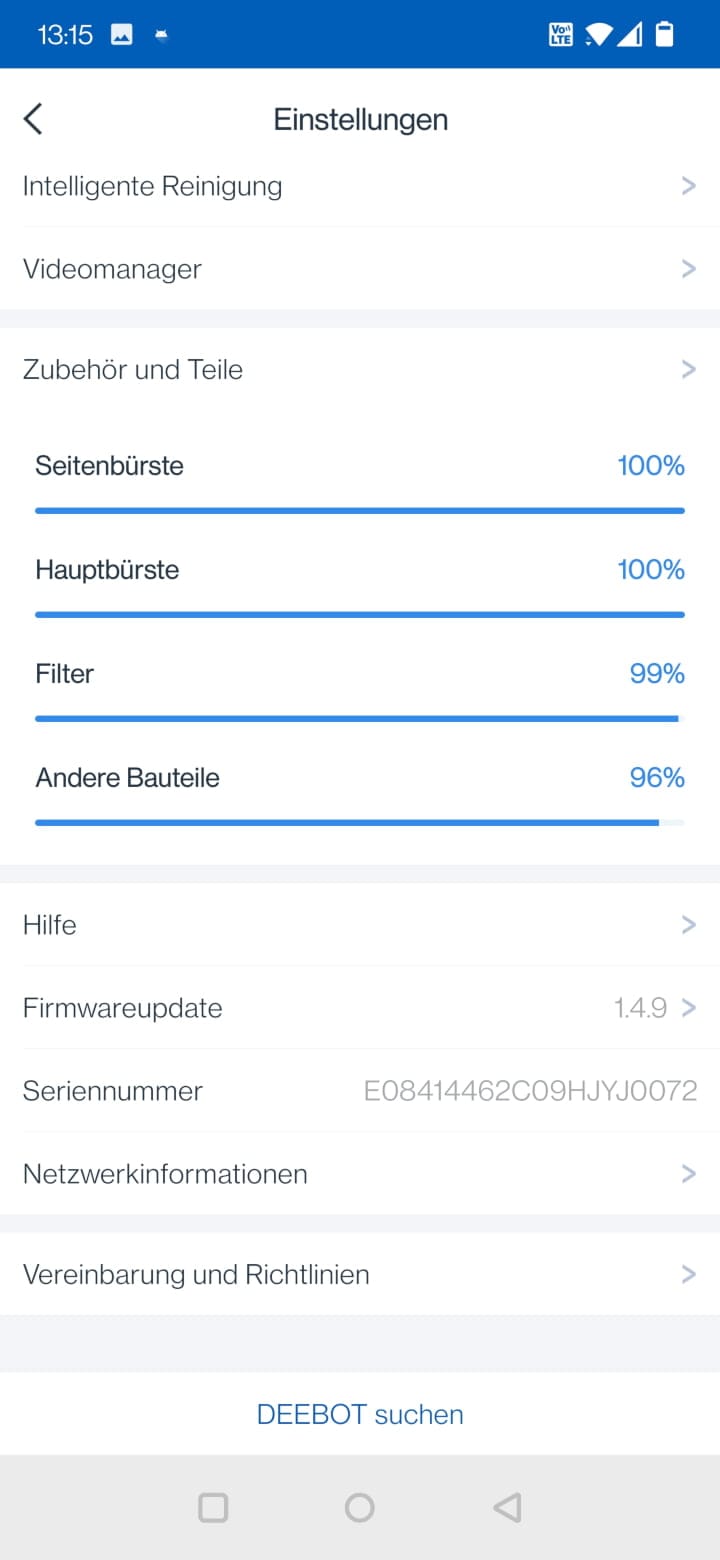
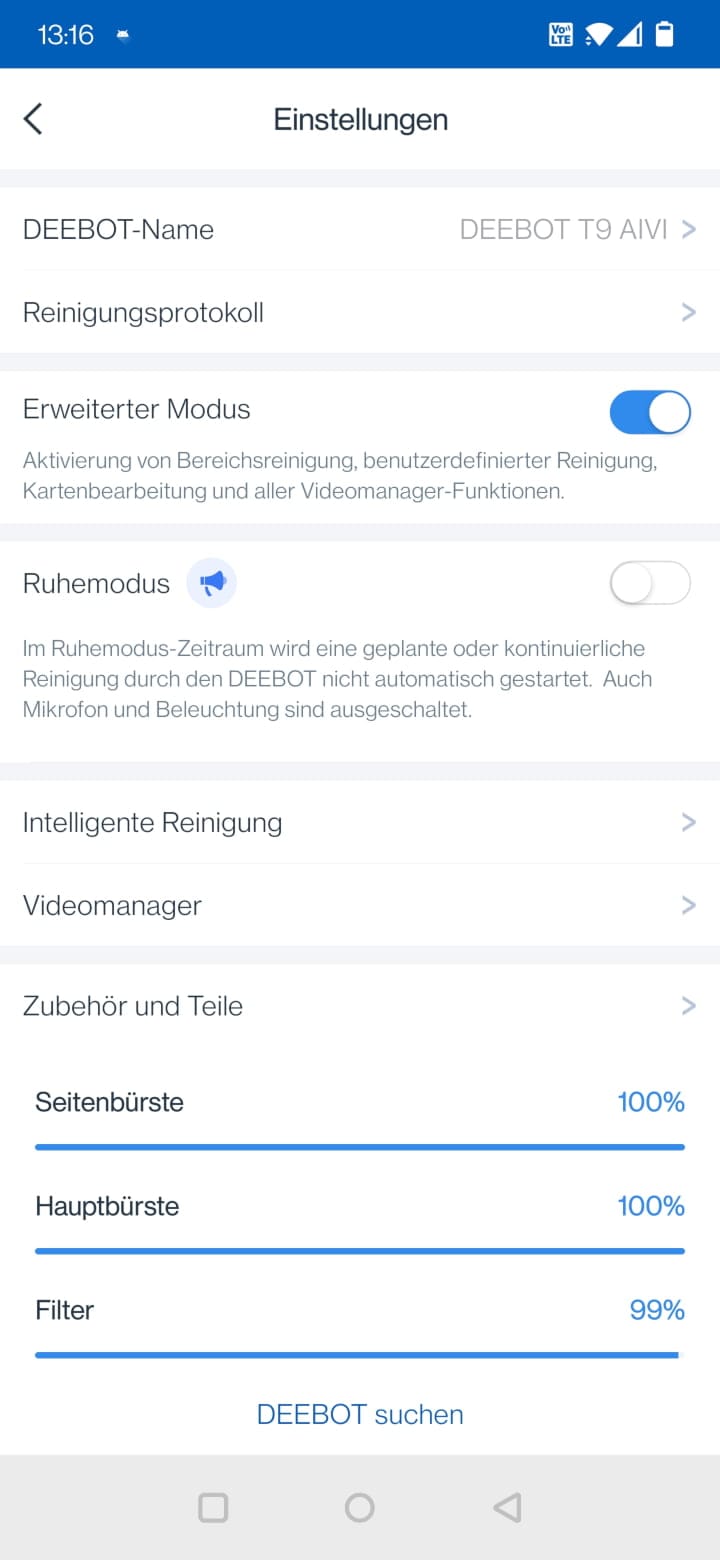
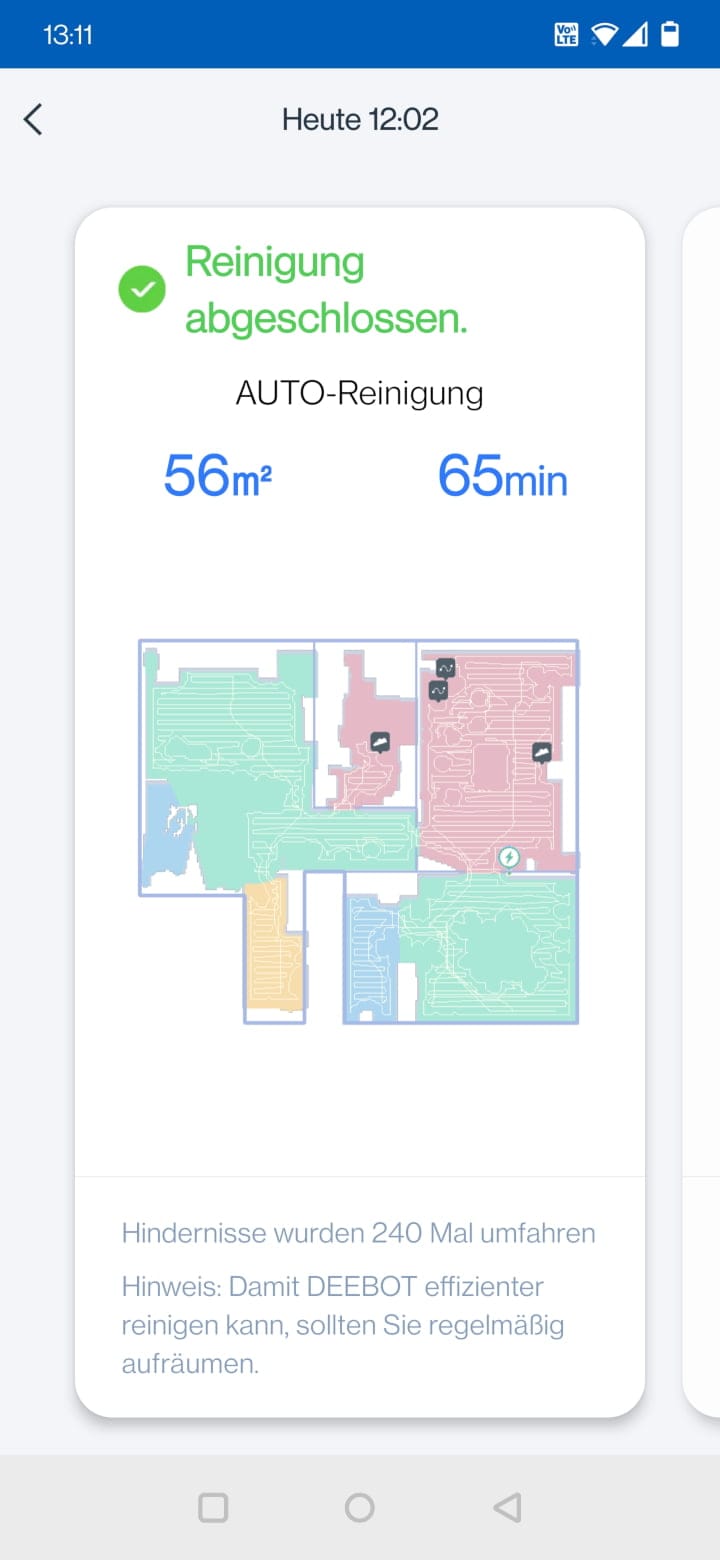
In addition to the general cleaning settings, there are also general settings for the robot vacuum cleaner.
- Cleaning log: Number, duration, and area of all completed cleaning tasks
- Extended mode: Activates notifications, map editing, video manager and custom cleaning
- Quiet mode: Disables microphone and lighting.
- Intelligent cleaning: AIVI obstacle detection, automatic re-cleaning, suction boost on carpets, resumption of cleaning, self-emptying (if a dust collection station is present), area unit (m² / ft²)
- Video Manager: Video password
- Accessories & Parts: Overview of wear on brushes and filters
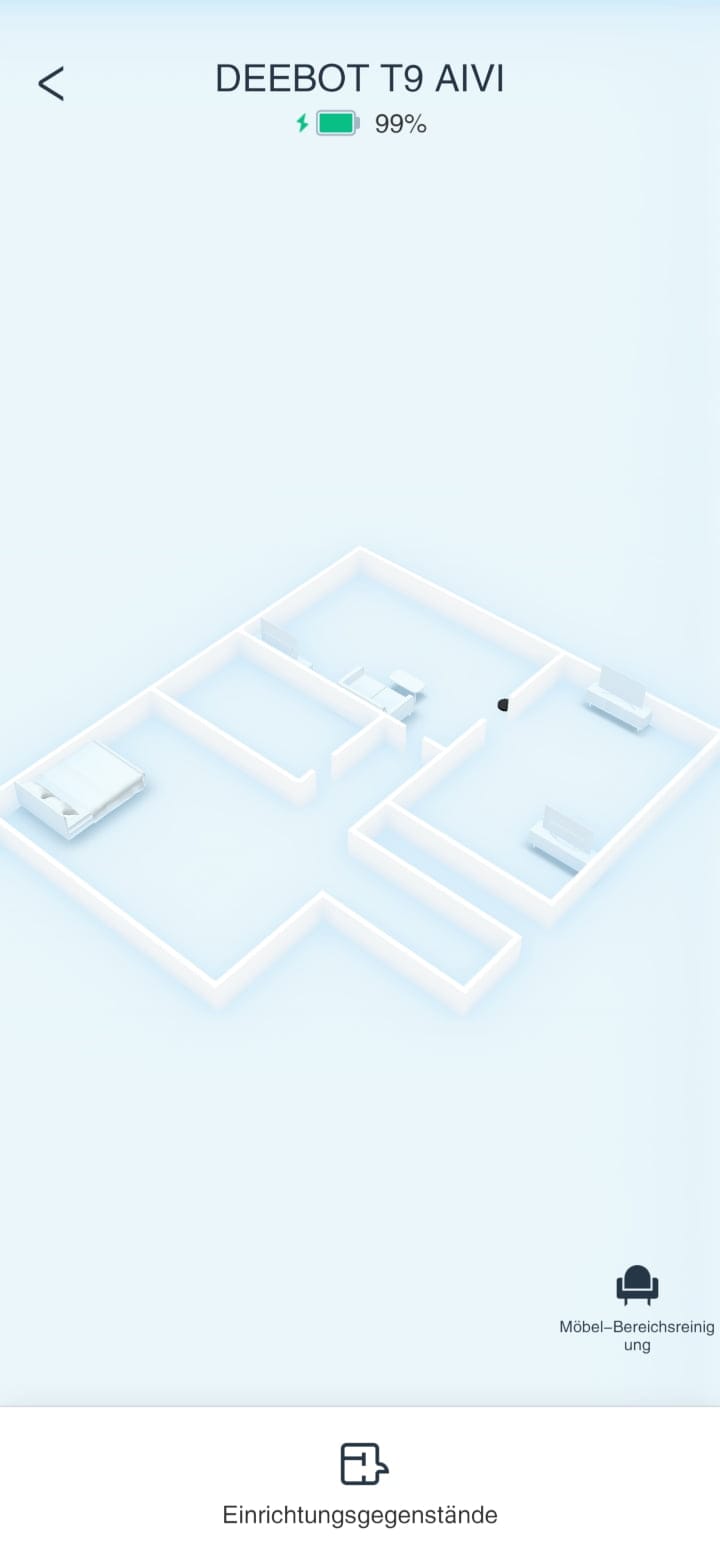
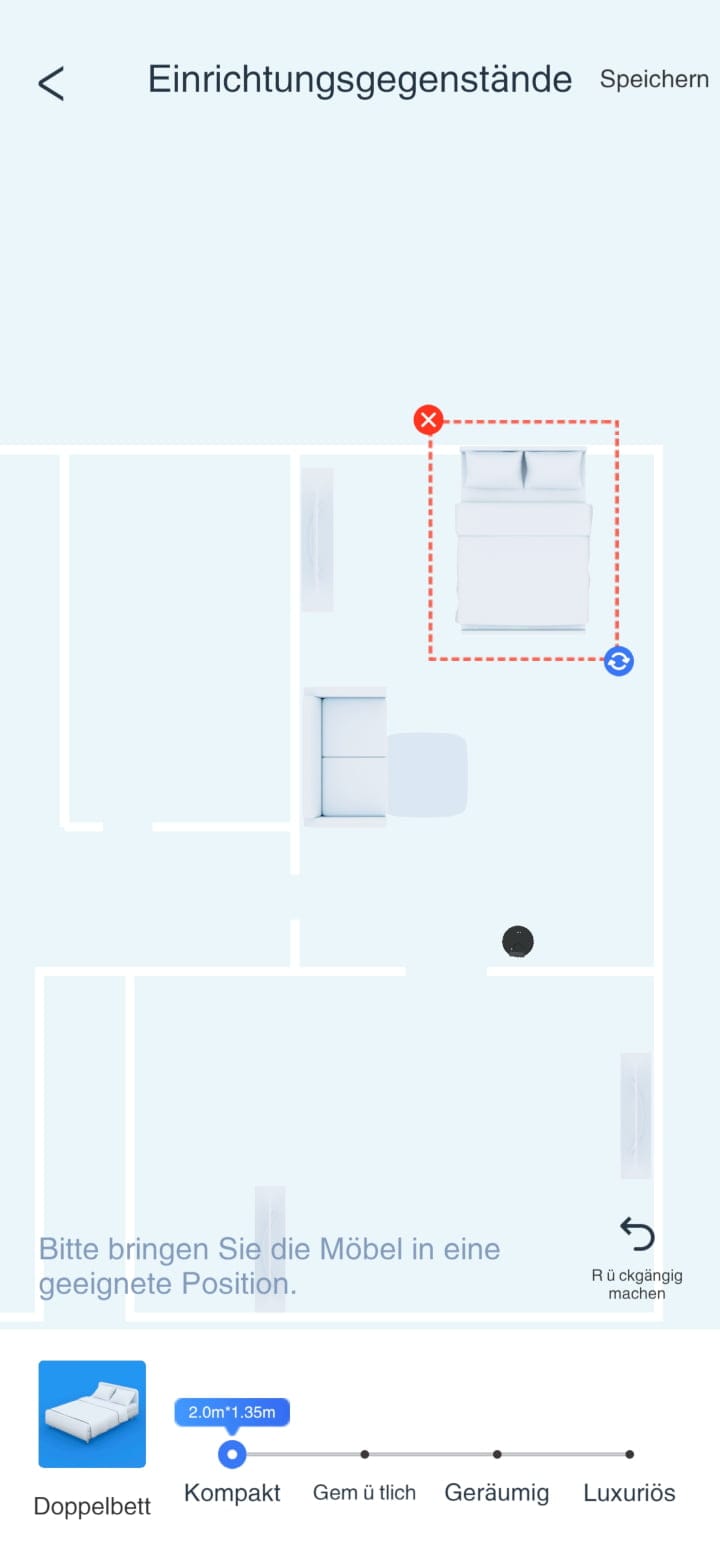
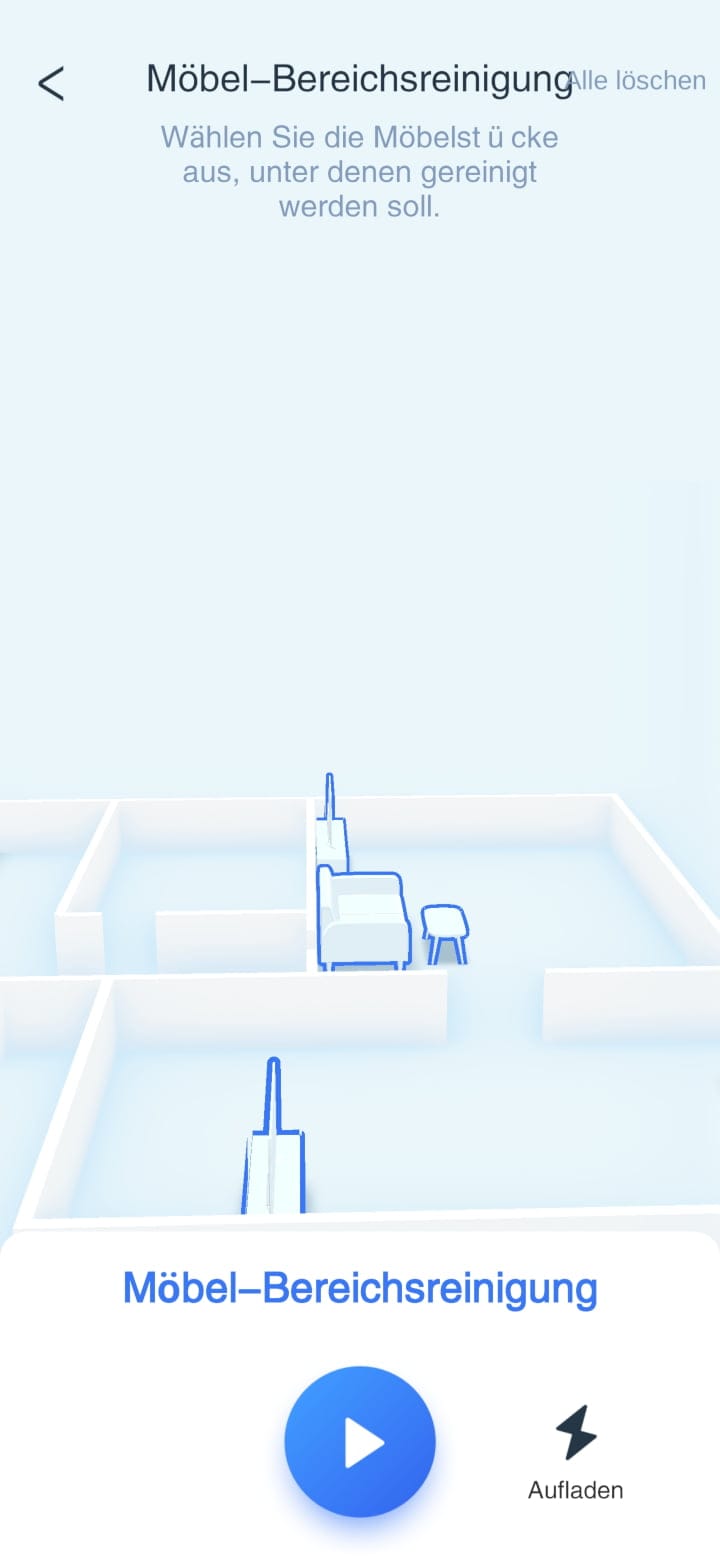
A nice gimmick with little added value is the 3D room map, on which pieces of furniture are plotted. Additionally, in edit mode, further pieces of furniture can be inserted and aligned, similar to the game "The Sims".
In addition to the cleaning view, the app also offers the so-called “video manager”. The feature gives the user access to the HD camera of the vacuum robot, which transmits a live image to the app and saves photos. ECOVACS, however, thought the feature through further and simply turned the vacuum robot into a mobile surveillance camera.
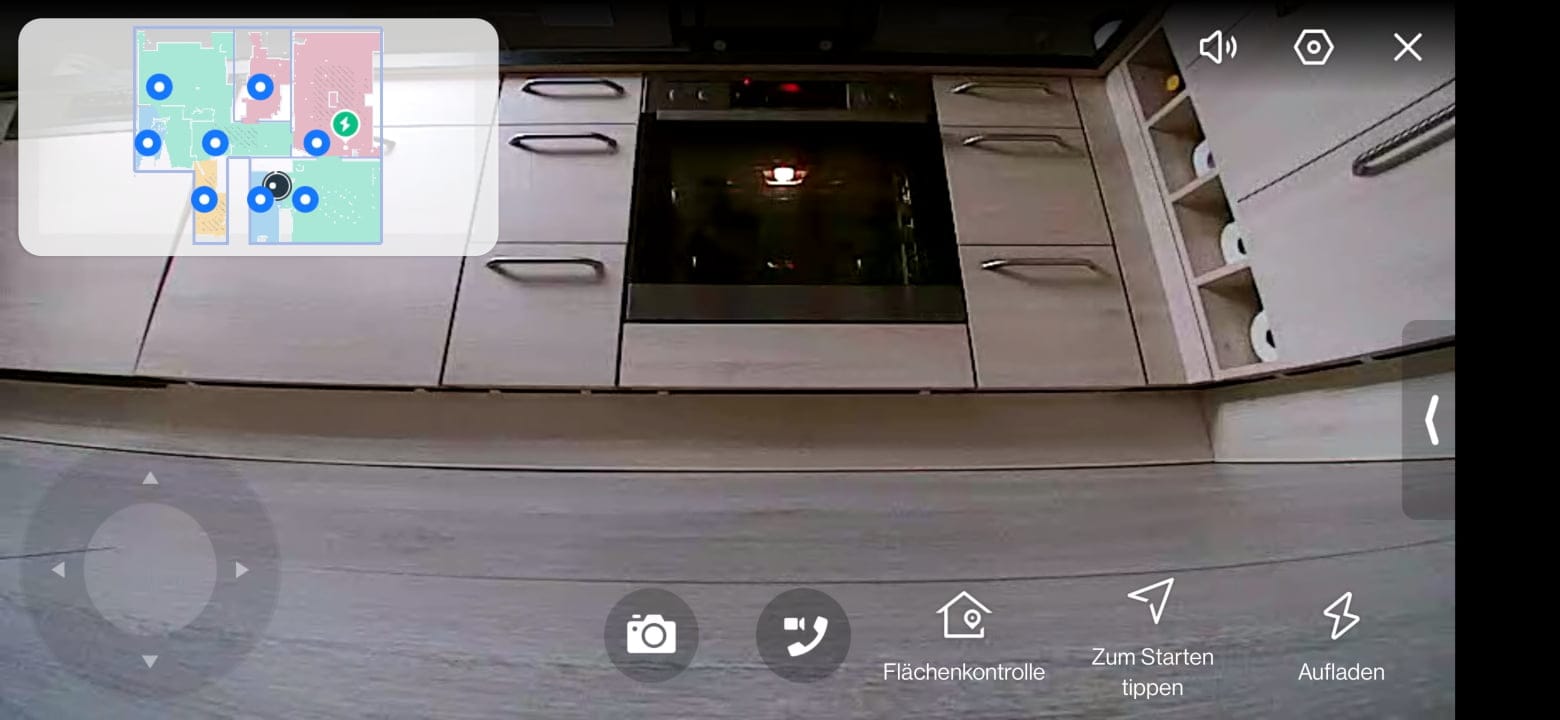
A virtual control pad allows the user to steer the robot vacuum through the apartment. This is useful if you want to check on things remotely. The video quality is not the best, but it is good enough to recognise, for example, whether all windows are closed, if the stove has been turned off, or whether Rex is currently wrecking the apartment. However, there is no night vision function. If it is dark in the apartment, the image also remains largely dark.
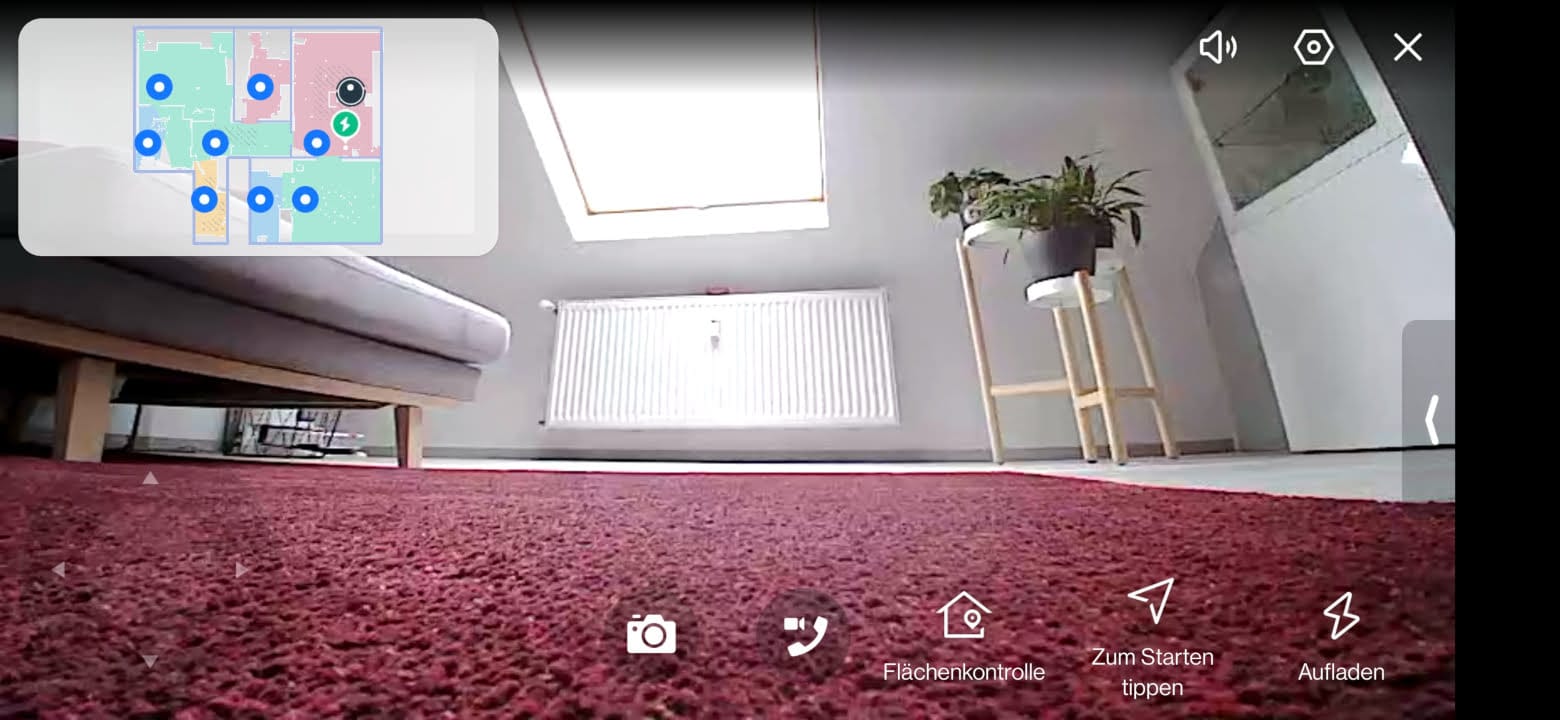
Alternatively to the control pad, the vacuum robot can also follow pre-defined monitoring routes or be sent into individual rooms at the press of a button. The live image can be saved as a photo on the data storage of the connected smartphone. The video monitoring is rounded off by two-way voice communication, so that you can even communicate with people present.
The video manager is protected by a four-digit PIN. For those who find the moving surveillance camera too intrusive, the camera can be covered using the included sticker. However, this prevents the DEEBOT T9 AIVI from detecting and visualising objects.
Incidentally, the DEEBOT T9 AIVI is fully compatible with Google’s (Google Home) and Amazon’s (Alexa) voice assistants.
ECOVACS DEEBOT T9 AIVI: Practical test
That's enough about the app. Let's take a look at how the ECOVACS DEEBOT T9 AIVI performs in practice.
Vacuuming
The 3000 Pa suction power is significantly lower than that of top-tier models from other brands, which sometimes exceed 5000 Pa. Nevertheless, the DEEBOT T9 AIVI performs excellently when vacuuming.
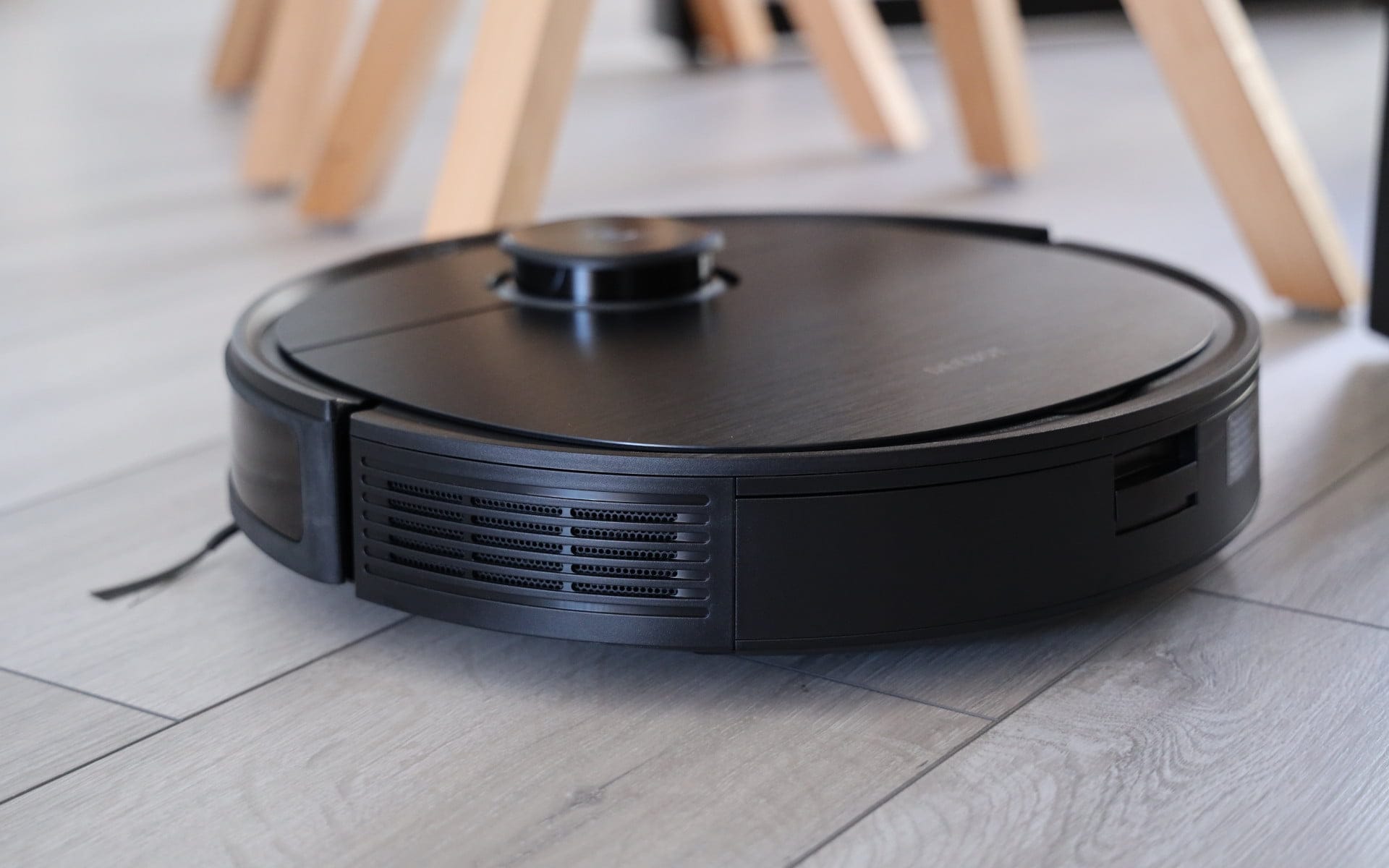
Typical household dirt is effectively vacuumed up on hard floors. When it comes to cleaning performance on carpets, the wheat is often separated from the chaff. Vacuum robots with high suction power clearly have the advantage here, as high suction power can pull even stubborn dirt well out of carpet fibres.
The DEEBOT T9 AIVI does not have enormous suction power, but cleans carpets at least just as effectively. A major advantage of the ECOVACS robot vacuum is the AeroForce double rubber brush, which reliably removes, in particular, (pet) hair.
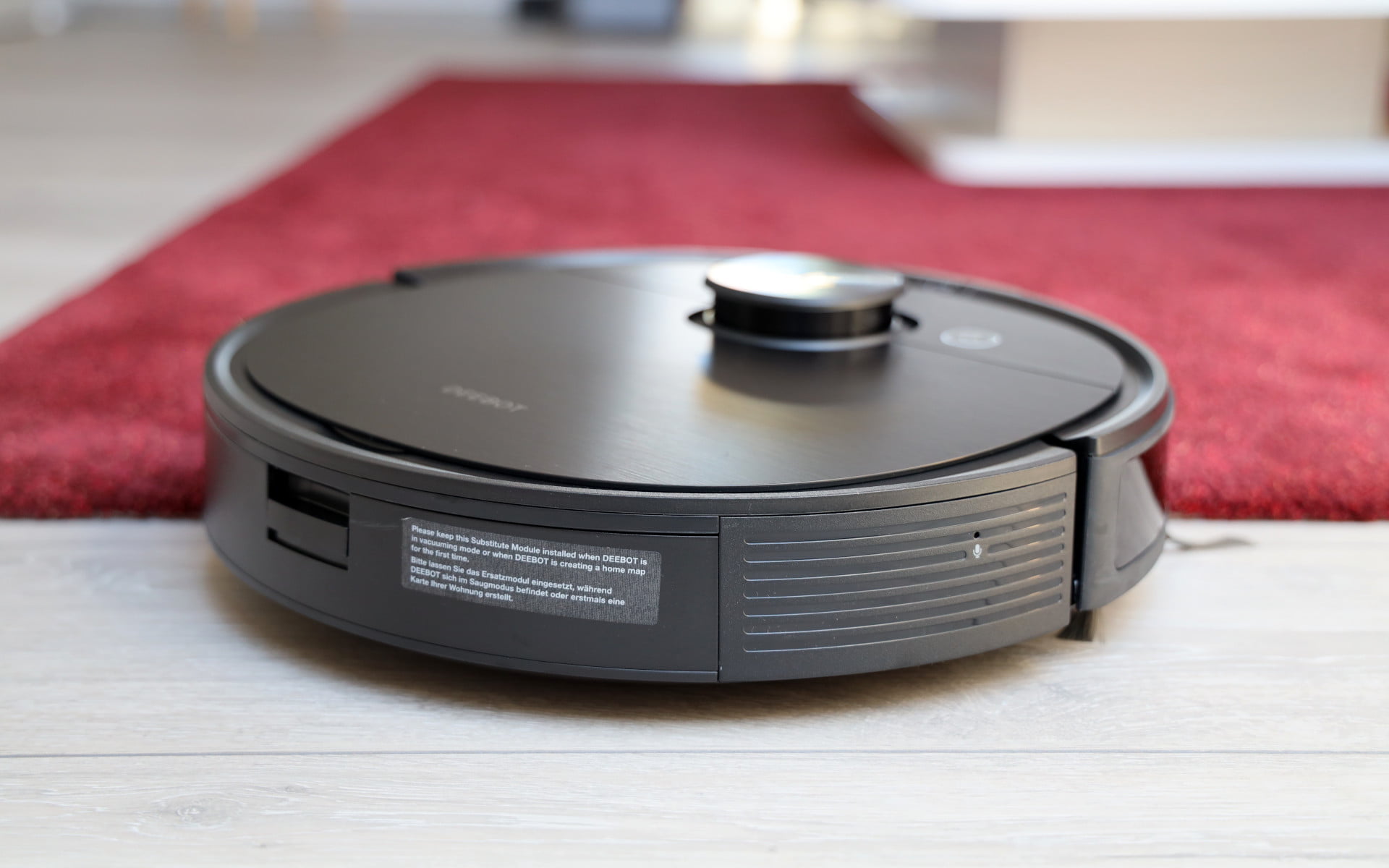
You can literally hear and see the robot vacuum tackling carpets. Immediately after driving onto the carpet, suction power is automatically increased. The robot vacuum then moves slowly across the carpet. For the robot vacuum to be able to traverse the carpet, the carpet edge should not be higher than 2 cm.
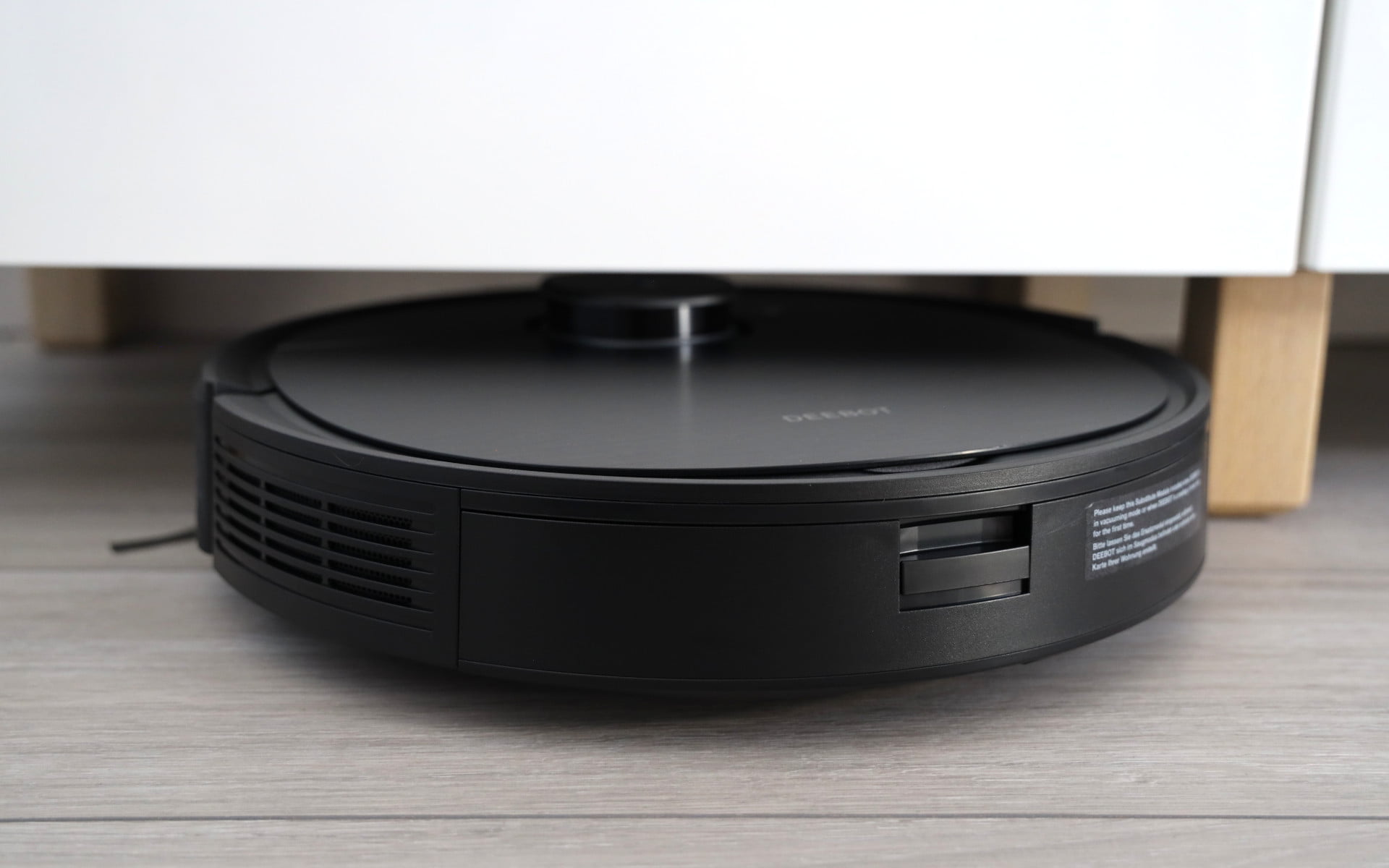
Another advantage of the dual brush is its low maintenance requirement. Hair often gets tangled in traditional roller brushes, meaning the brush must first be cleared at the end of vacuuming. With the rubber dual brush, this happens much less frequently. Only the ends of the brush need to be cleared of hair from time to time. These can then be easily removed.

The DEEBOT T9 AIVI also delivers good cleaning results in corners and along baseboards. The fine fabric arms of both side brushes have a good length and reach dirt better than many other robotic vacuum competitors.

One point of criticism is the relatively high operating noise level. In the case of the DEEBOT T9 AIVI, this is not caused by the suction motor, but by the dual brush, which produces a loud noise in some situations.
Swipe
When mopping, the OZMO Pro 2.0 mopping function developed by ECOVACS is used. Instead of just dragging the mop cloth behind, it is pressed downwards with force and moved across the floor while vibrating. The mopping function is comparable to current Roborock models, where it is called VibraRise. However, this also has an advantage, as the mop cloth is simply lifted when carpets are detected and cleaning continues. The DEEBOT T9 AIVI lacks this function. Instead, carpets are deliberately ignored when mopping.

The mopping module consists of a single piece and is inserted instead of the placeholder on the back of the vacuum robot. Electrical contacts on the mopping module indicate to the vacuum robot that the module is currently attached.

The water tank has a capacity of 180 ml. This is right for mopping an 80 m² area at a high water flow rate. The washable cleaning cloths are attached to the mopping module with Velcro. The mopping result convinced in the test. The floor is evenly moistened and visible dirt is picked up by the cleaning cloth due to the vibrating movements.
Manual mopping with a mop is not yet fully replaced here either, but those who have the robot vacuum mop through multiple times a week save themselves one or another annoying mopping ordeal.
Navigation & AI
The combination of laser navigation and camera-based obstacle detection (AIVI 2.0) ensures accurate room navigation for the DEEBOT T9 AIVI.

The robot vacuum approaches obstacles with particular caution, usually getting as close as possible without touching them. Thanks to AIVI 2.0, the robot vacuum can recognise flat objects and even classify them.

Shoes, socks, clothes or toys lying around are mostly recognised and safely avoided. However, the obstacle detection is not perfect. The obstacle detection still struggles with particularly flat, white and reflective objects. Poor light or darkness additionally reduces the detection rate. Since it is an AI-based detection system, however, ECOVACS has the possibility to improve obstacle detection with future firmware updates.
ECOVACS DEEBOT T9 AIVI: Battery
A 5200 mAh lithium-ion battery powers the DEEBOT T9 AIVI. The battery life of 150 minutes stated by ECOVACS was verifiable in testing.

The robot vacuum cleaner took 65 minutes to clean an area of 56 m². The suction power was set to “Standard”. After the cleaning run, approximately 62% battery capacity remained. On “Maximal”, the remaining battery capacity reduces to 55%.
Once the battery capacity drops to 10%, the vacuum robot automatically returns to the charging station and recharges. A full charging cycle takes approximately 5 hours.
Our verdict
Even three quarters of a year after its market launch, the DEEBOT T9 AIVI by ECOVACS can be counted among the currently best robot vacuum cleaners. This is evidenced by excellent cleaning results, both in vacuuming and wiping, confident navigation capabilities with almost perfect camera-based obstacle recognition, and well-executed app control.
The somewhat small dust container, which usually needs to be emptied after just 1-2 vacuuming sessions, and the high noise level caused by the AeroForce rubber double brush are points of criticism.
Specifications
Cleaning
- Suction power
- up to 3000 Pa
- Suction modes
- Quiet, Standard, Max, Max+
- Noise levels
- 67 dB
- Container
- 300 ml dust, 180 ml water
Navigation
- Type
- LiDAR Tower + AIVI 2.0 Camera
- Room map
- Yes
- Room layout
- Yes
- Restricted areas
- Yes
- Virtual Wall
- Yes
Connectivity
- App
- ECOVACS HOME
- Connection
- WiFi 2.4 GHz
- Alexa
- Yes
- Google Home
- Yes
Battery
- Capacity
- 5200 mAh
- Runtime
- approx. 150 min.
- Charging time
- 6.5 hours
Size & weight
- Size
- 35.3 x 35.3 x 9.36 cm
- Weight
- 3.8 kg
What’s included
1x robot vacuum 2x side brush 1x mopping module 2x mop cloth 1x charging station 1x power cable 1x camera sticker 1x manual
Price comparison
| Store | Price | Link |
|---|---|---|
| Amazon | 182,04 € | Go to store |


Comments (5)
Hello, will the price be even lower on Prime Day?
Thank you for your review of exactly what I have been using the Ecovacs T9 AIVI for in the last 6 months. The T10 AIVI from Ecovacs reverted to 1 main roller. It may become loud during operation
Hi Timo, first of all, thank you for your detailed review. I bought the T9 AIVI about two weeks ago. For me, the side brushes started fraying quite quickly. We previously had a Roborock which had such rubber bristles. Are these also available for the Deebot?
Hi Tamara,
Thank you for your praise. I know the issue with the side brush only too well. Unfortunately, I cannot tell you whether ECOVACS offers this type of side brush. You probably will not be able to get it officially. At best, from a third-party supplier.
Hi, I still have a T8 with an emptying station here and wanted to switch to the T9 AIVI. Is the station also compatible with the newer model?