Contents
Test: Govee Flow Pro Light Bar
When it comes to smart RGB light bars, the Philips Hue Play Lightbar, released in 2018, remained unrivalled for a long time. There was no comparable product in recent years. This is changing with the Govee Flow Pro Light Bar, which pursues a very similar approach functionally and technically and can be compared with the Hue Play Lightbar.

The price is particularly interesting, as the Govee Light Bar Set, consisting of two light columns, a camera and additional accessories, costs 70 euros, which is only barely half the price of the Philips Hue Play Lightbar Set (150 euros).
Contents and build quality
The box of contents includes everything required to operate the Light Bars. Included are two light columns with stand and monitor mount, a control unit, a camera, a power supply, adhesive films and a multilingual user manual.
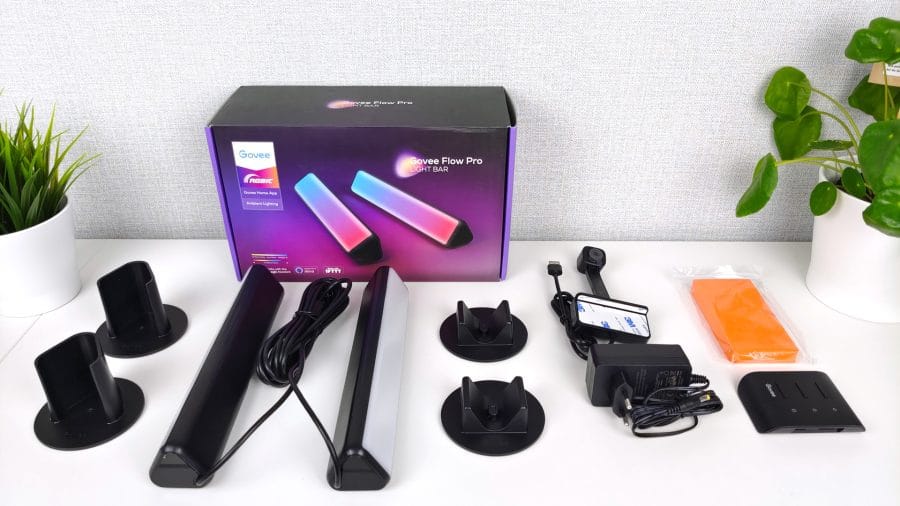
Both light columns are 25 cm high each and connected by a 1.80 m long cable on both sides. This allows the columns to be placed at a distance of approximately 3.60 m from each other. The camera cable is 1 m long.

The triangular housings of the Light Bars are made of plastic. The back is plain black, while the front is milky white. This in turn ensures a particularly soft, diffuse light distribution. The build quality doesn’t quite match the Philips Hue Play Lightbar, but it is appropriate for the price.
Installation
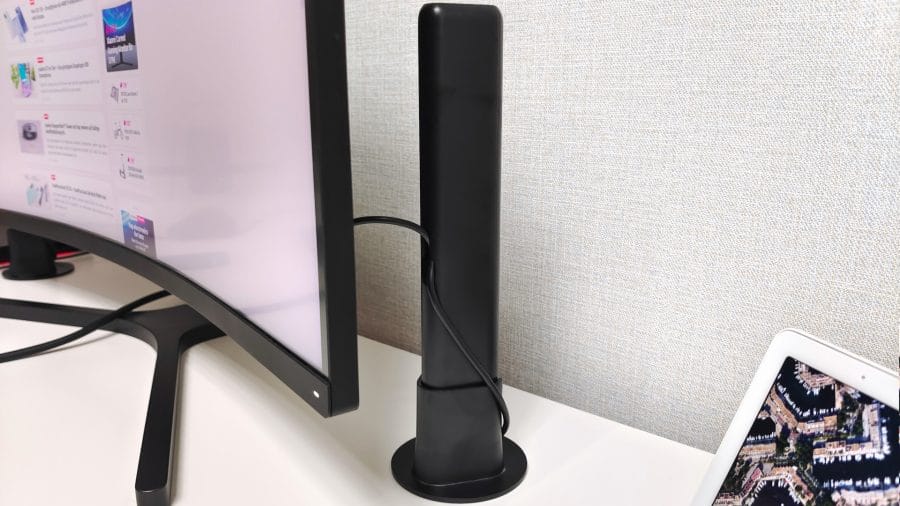
The Govee Light Bars can be used in different ways thanks to the stand and monitor mount. As pure ambient lighting, placing them flat or connecting them to the stand is recommended. The light pillars are simply inserted into these.

For a colourful accent on a PC monitor or TV screen, mounting with a monitor holder is recommended. You insert this into the designated recess on the back of the light bars. Then, the light bars are glued to the back of the screen. Pre-applied adhesive pads (3M) ensure sufficient hold.

Power is supplied by a 12V 2A power adapter. The power cable and the converging adapter cable for the light bars (USB-C) are then connected to the control unit. This unit features 3 buttons for switching the light columns on and off, changing the colour, switching to music mode, or adjusting the brightness.
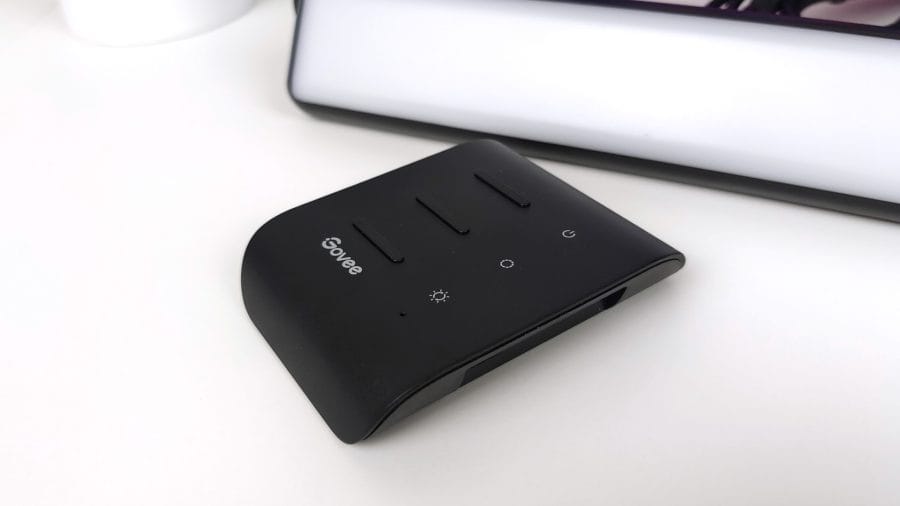
These and other control options are also available via the Govee App.
Setup
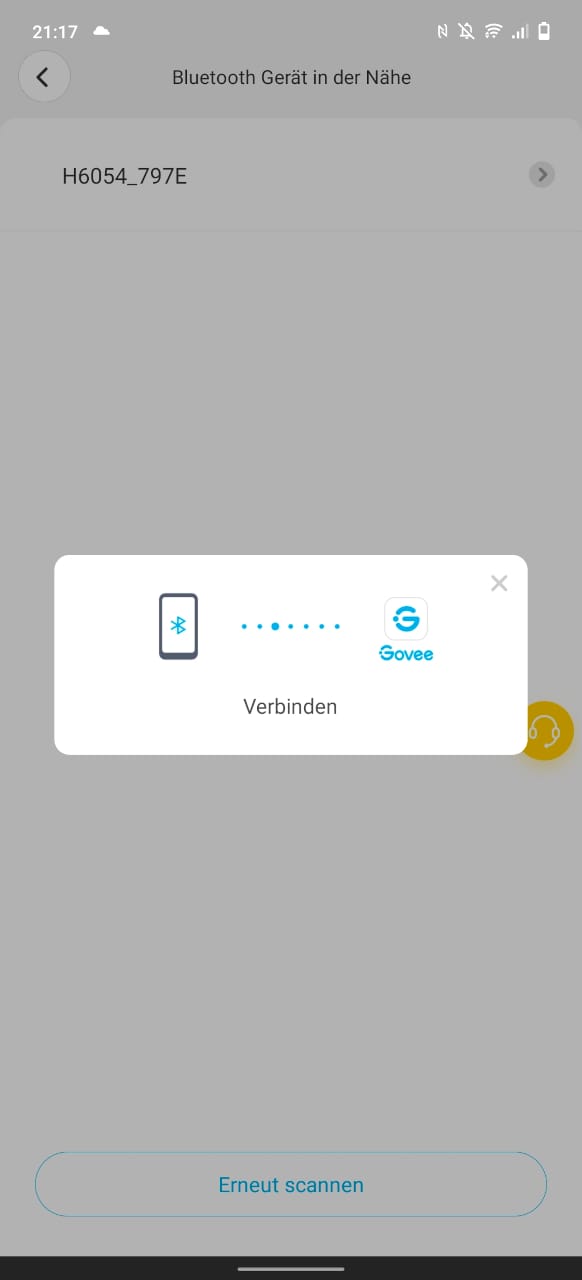
Setting up the Govee Flow Pro Light Bars requires the Govee Home App, which in turn requires creating a user account (email). The setup process is well explained and completed within a few steps. The initial connection is established via Bluetooth.
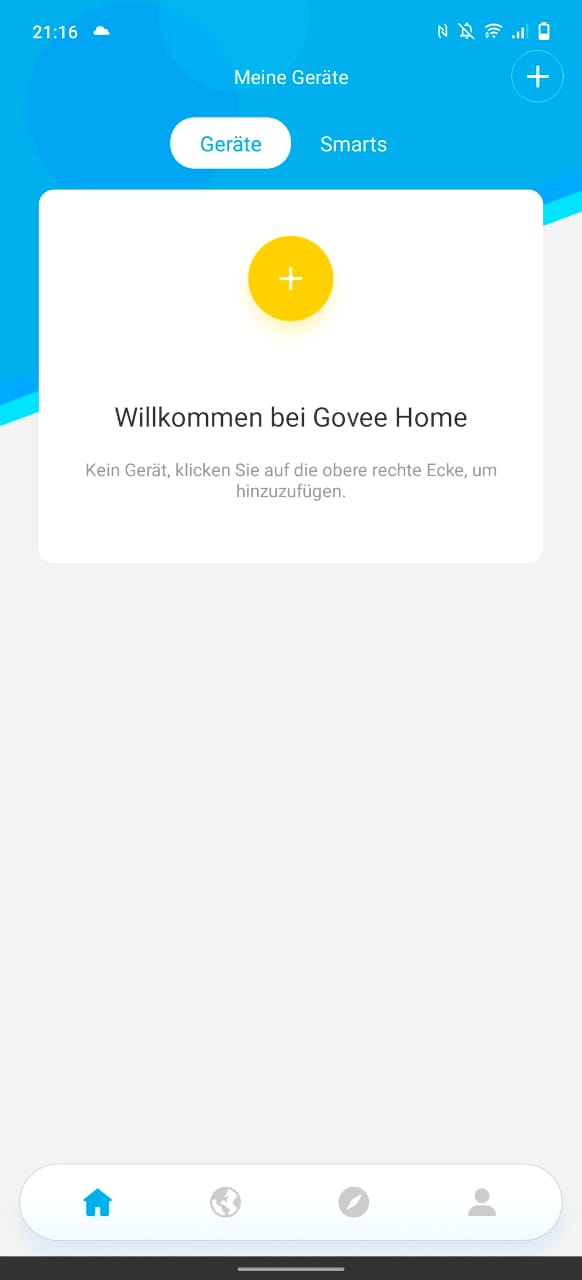
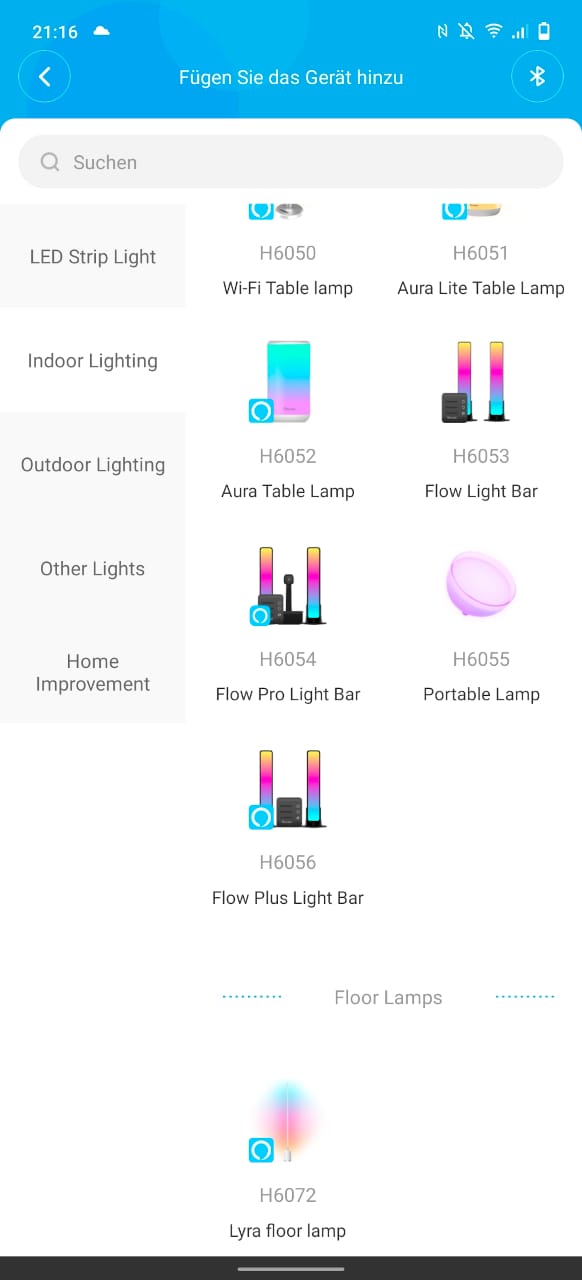
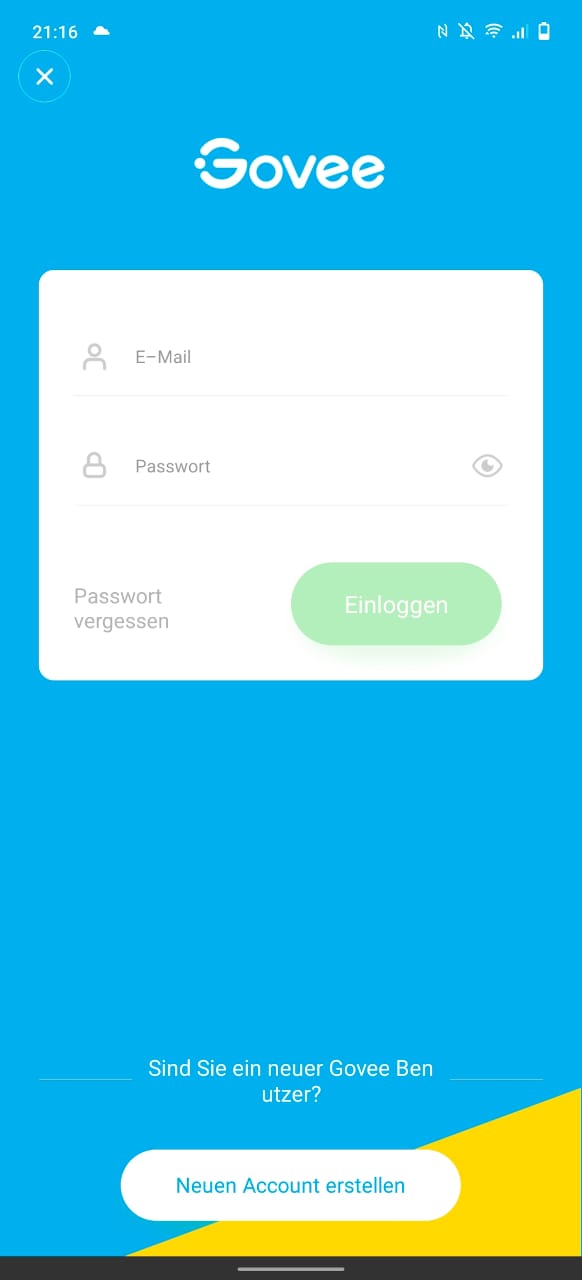
Via Bluetooth, you already have access to most customisation options and features. If you want to control the Light Bars via Google Home, Alexa or Siri, a Wi-Fi connection is required.
To connect the Govee Light Bars to Wi-Fi, the camera included in the package must be plugged into the USB-A port of the control unit. A further setup assistant then guides you through the connection process. 2.4 GHz networks are supported. Connecting to a 5 GHz network is not possible.
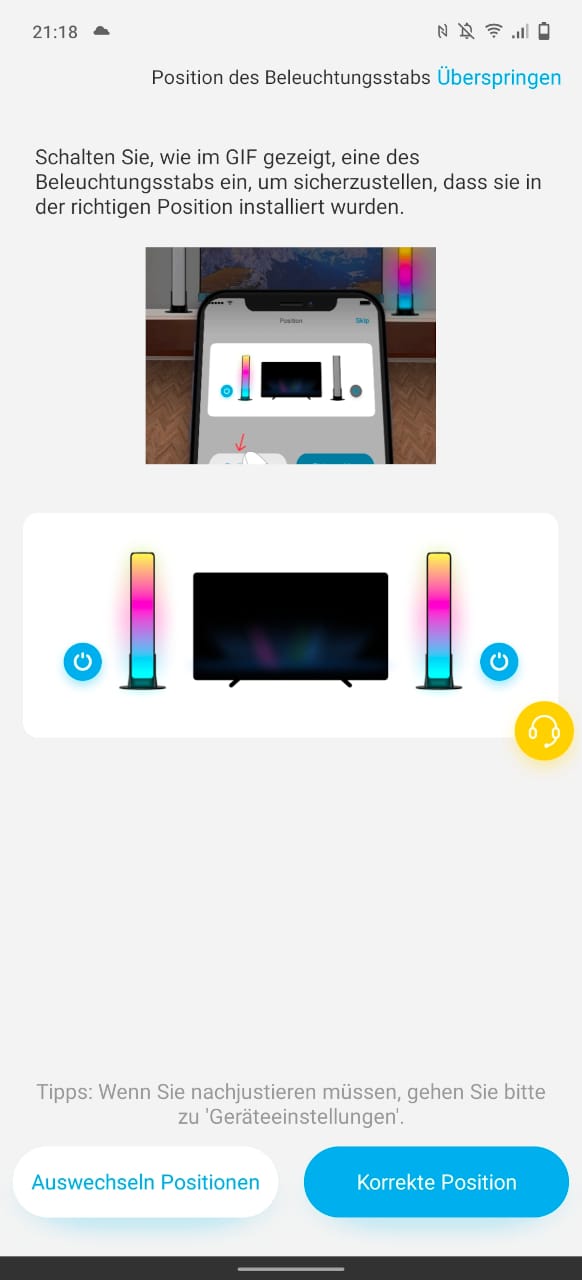
Unfortunately, the camera must remain plugged in permanently for a WLAN connection. This is a pity if you only want to use the Light Bars as ambient lighting and do not rely on the camera. Integrating the WLAN module into the control unit would have been the better solution.
Smart "ColorSense" camera
The “ColorSense Camera” is the key to synchronising the colours of the Light Bars with the screen or monitor. The camera is stuck above and in the centre of the screen bezel for this purpose. On straight and flat edges, the camera is easier to attach than on curved or angled screen edges.
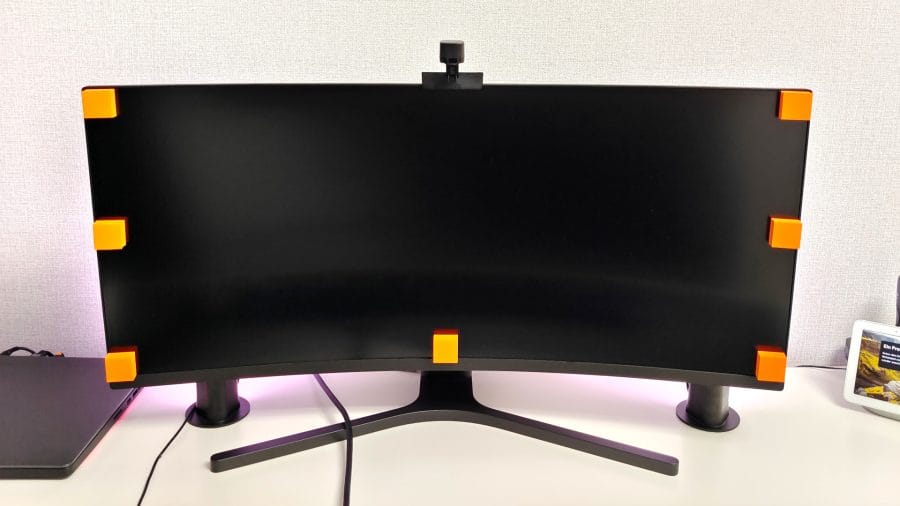
The next step involves sticking the orange foam blocks for calibration to the screen corners. Using the Govee app, you drag the displayed calibration points onto the adhesive pads. Afterwards, you can remove the foam blocks again. The adhesive pads are reusable and can be removed without leaving any adhesive residue. Theoretically, calibration is also possible without adhesive pads. In our test, there was no difference whether calibration was performed with or without adhesive pads. Only selecting the screen corners during calibration is slightly easier with the adhesive pads.
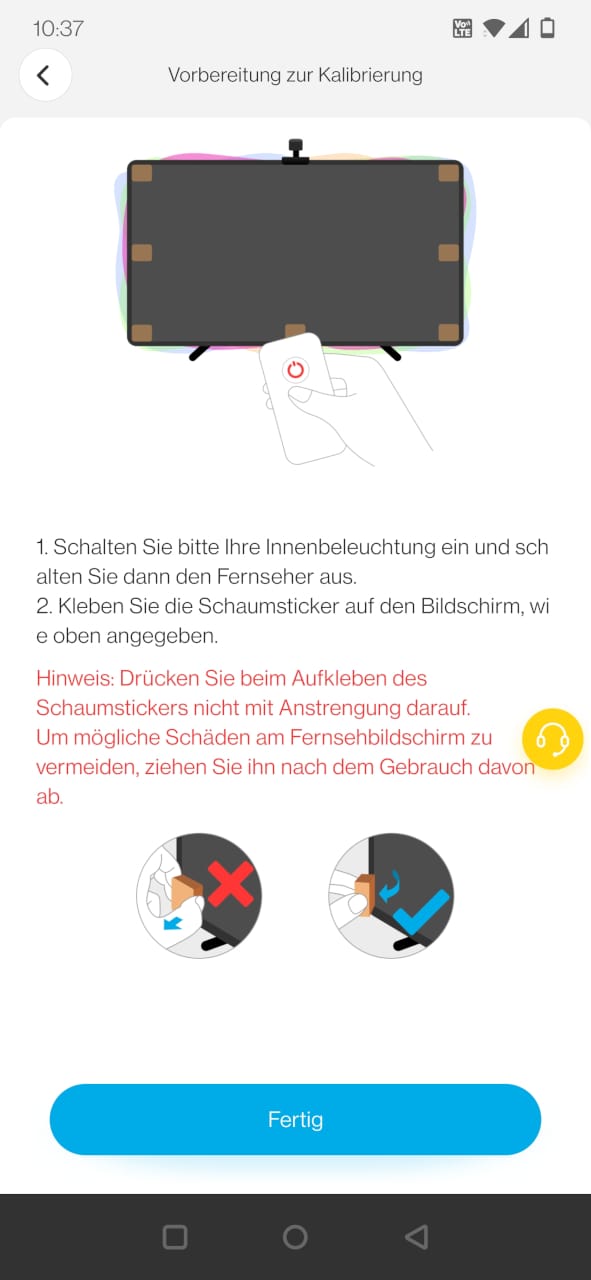
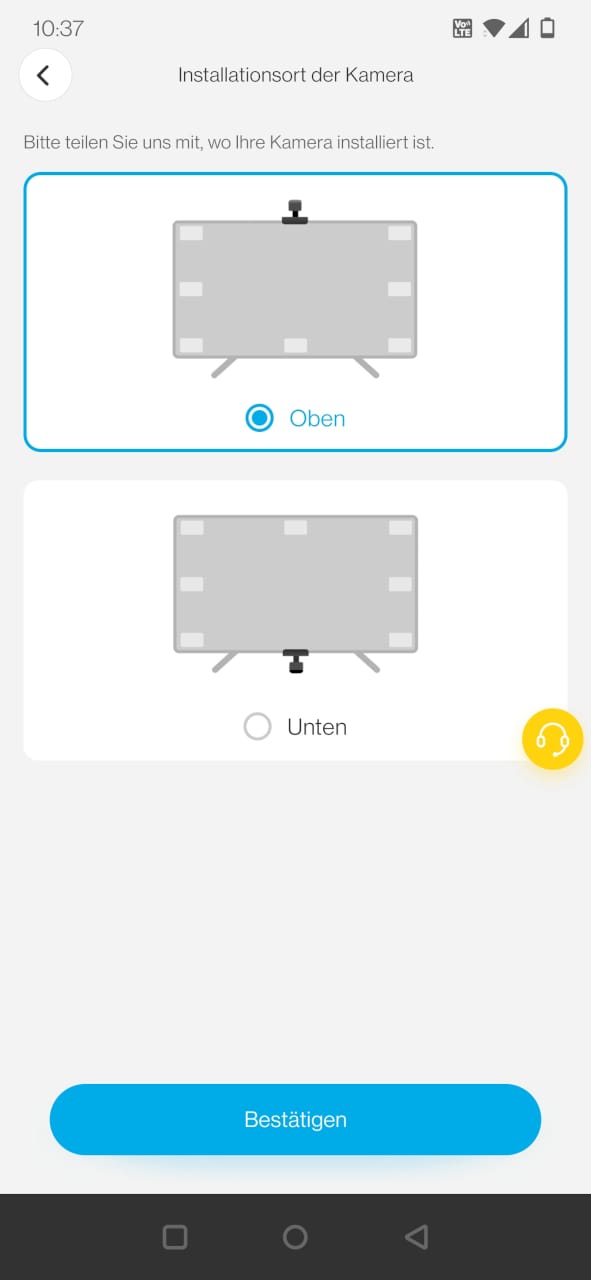
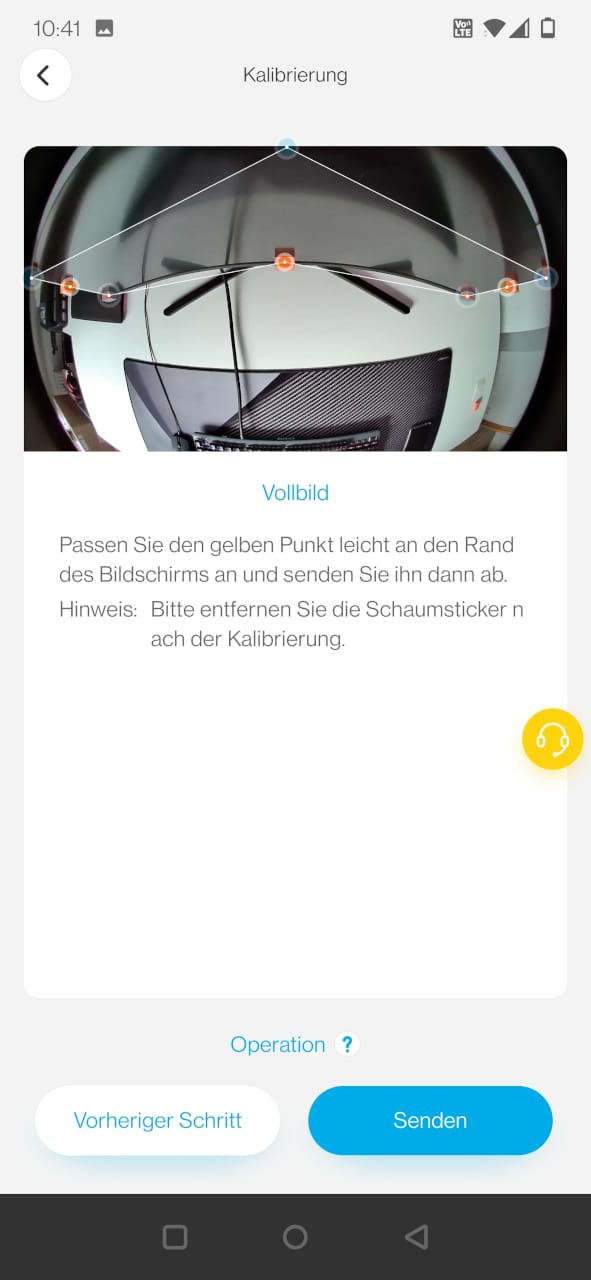
The camera then analyses what is displayed on the screen. Similar to Ambilight background lighting, the Light Bars adapt their colours to the screen's display.
Practical test
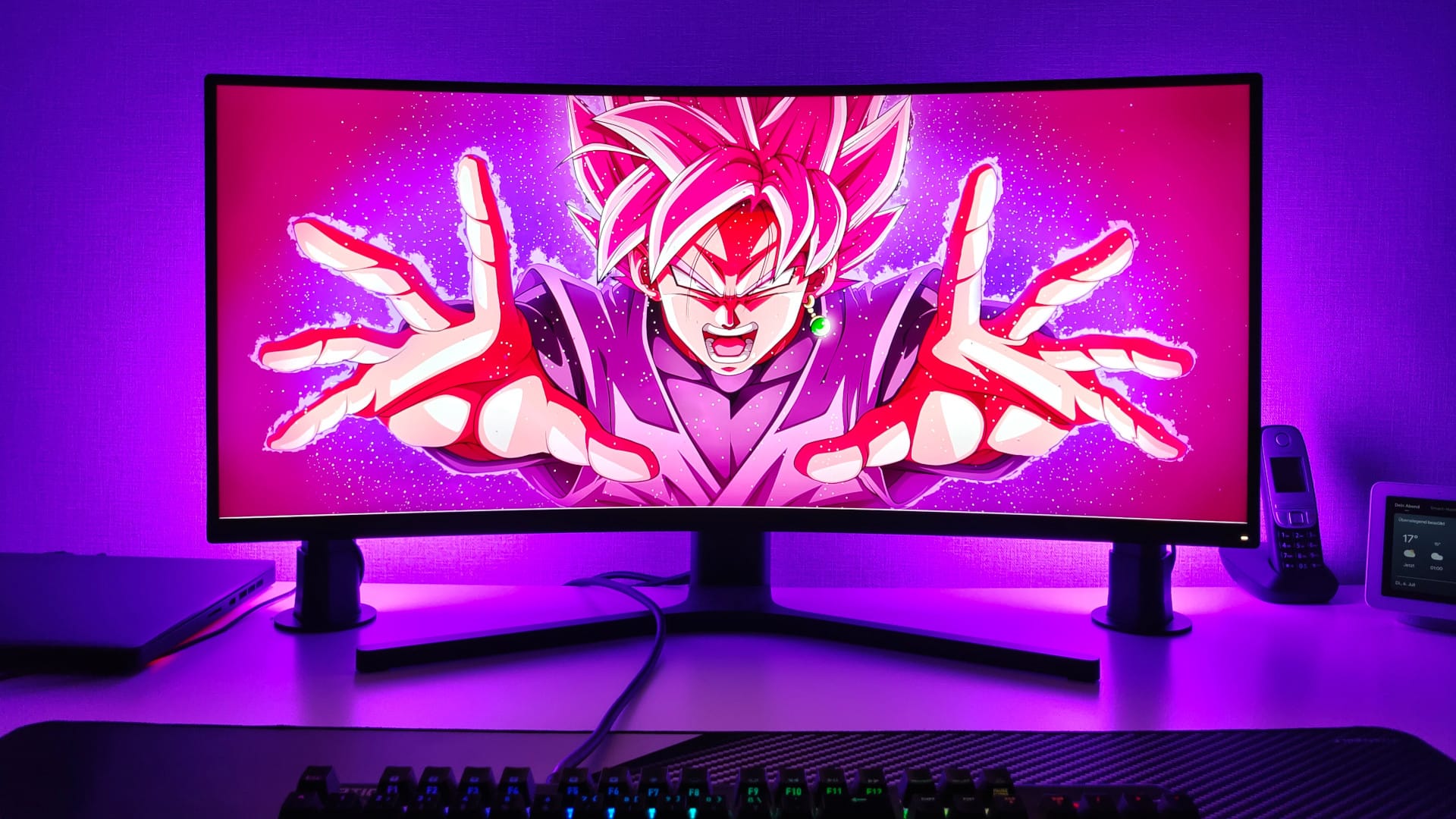
For the real-world test, the Govee Light Bar was used with a 34-inch curved monitor. Installation and setup were, as previously hinted at, extremely easy. Despite the curved screen edge, the ColorSense camera could be attached without any problems. The appearance of the camera can be somewhat distracting. After all, the camera protrudes visibly beyond the screen edge. Especially with PC monitors located close to the viewer, the camera is initially a bit irritating. However, one gets used to it over time. If you only use the Light Bars for ambient lighting, you can simply leave the camera out.
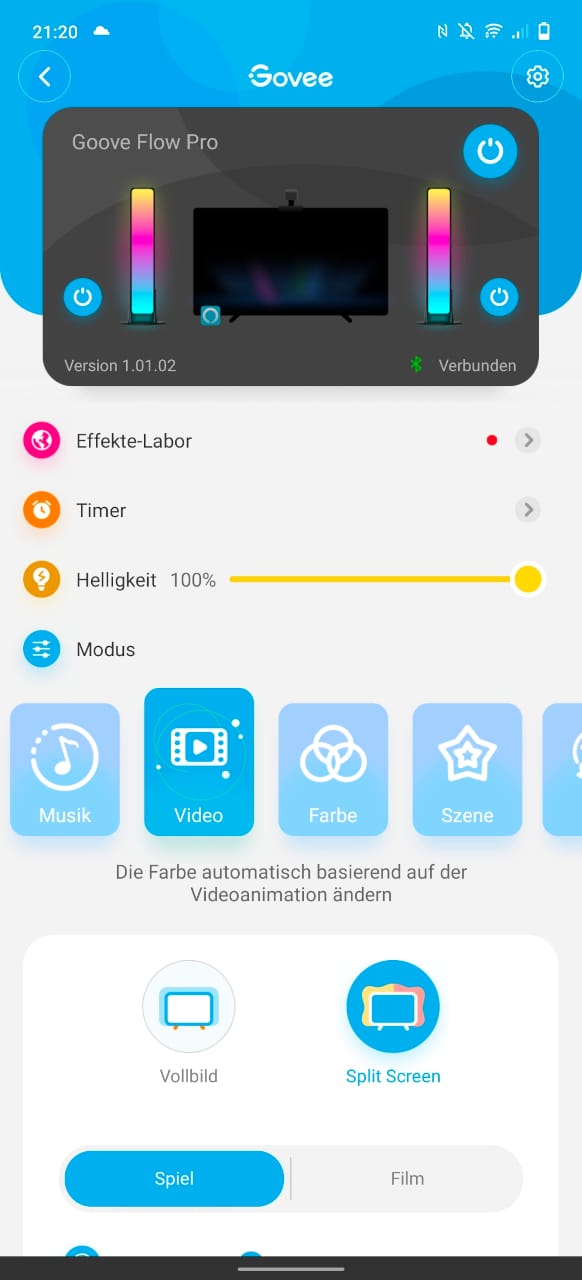
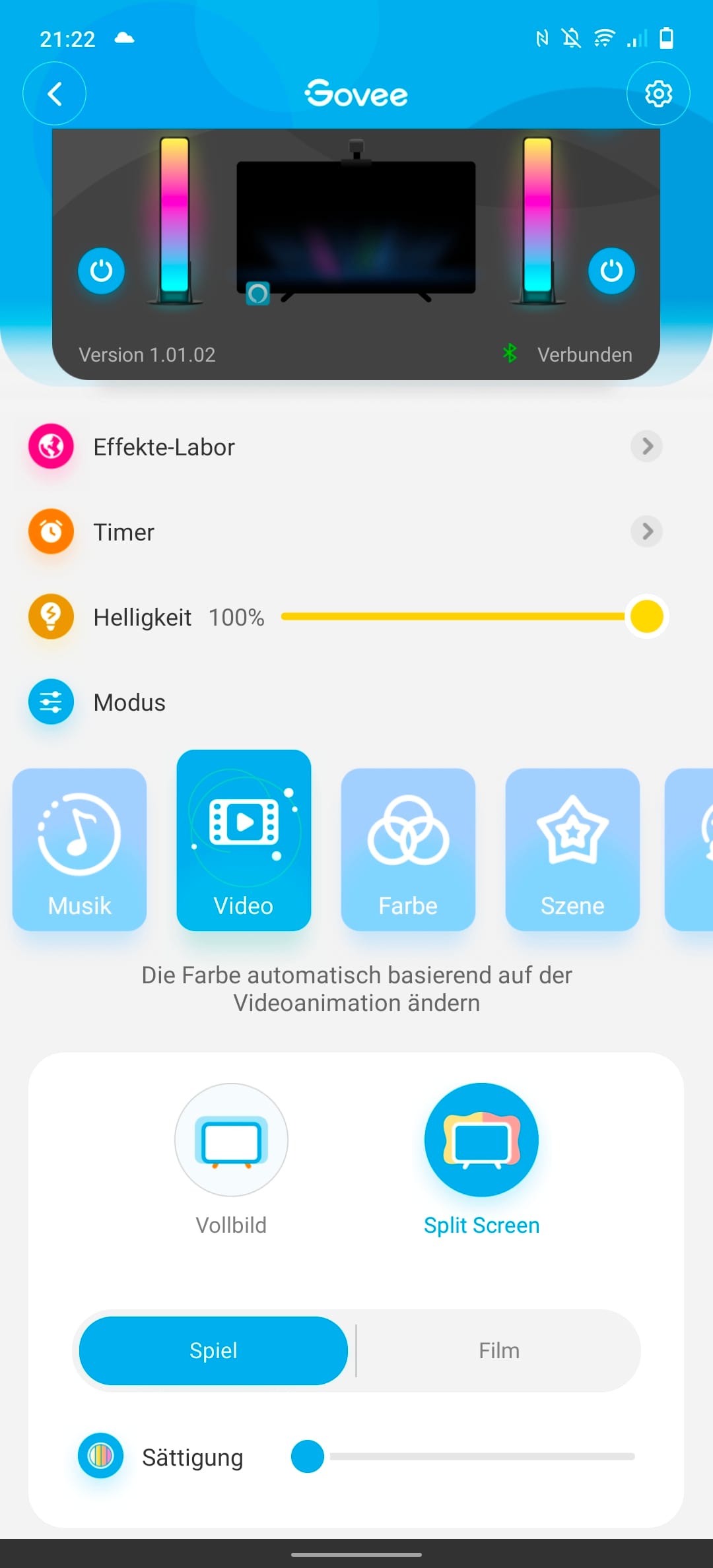
The Govee Home app provides numerous adjustment options. The light bars can be switched on and off separately, the light bars can be controlled via a timer, the brightness is adjustable in percentage steps, and there is an effects lab via which various colour compositions can be downloaded. Functionally, the light bars can be controlled in 5 modes.
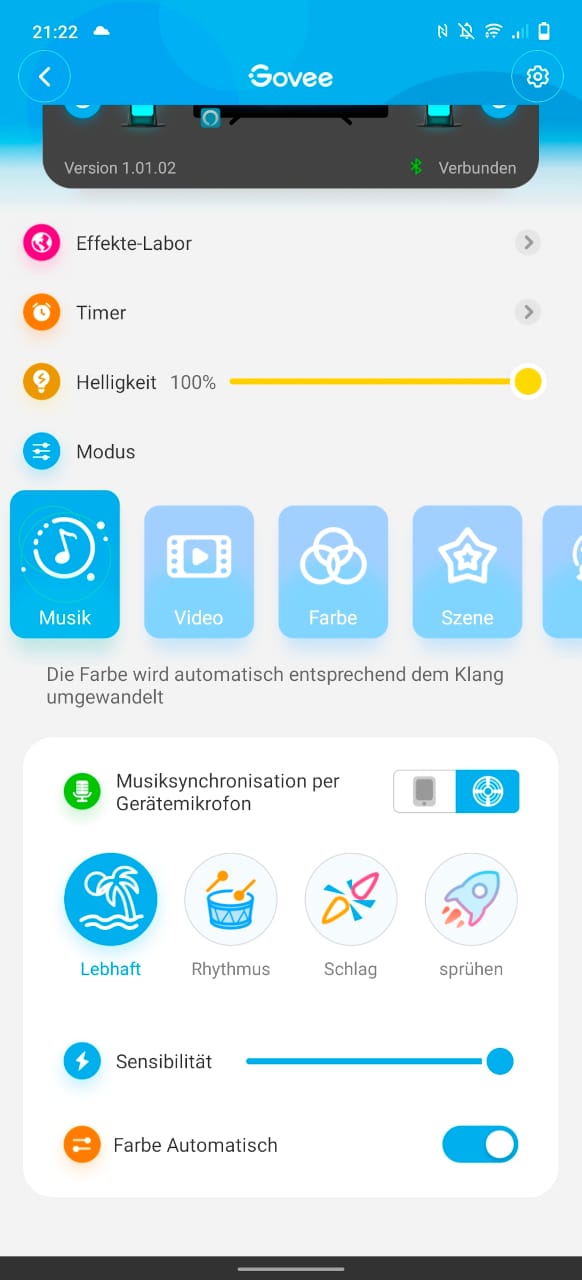
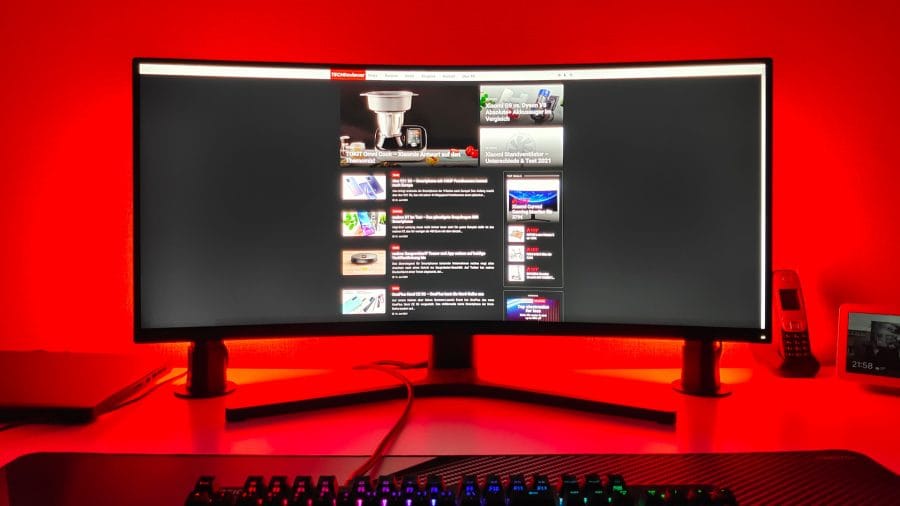
The "Music" mode synchronises sound and colour. Here you can choose between the device microphone or the microphone of the connected smartphone. "Device microphone" refers to a microphone integrated into the control unit. The music synchronisation worked well in the test. The colour changes are well matched to the music and occur quickly. The microphone sensitivity is adjustable via a slider. The colour sequence can be customised using 4 music effects and in-depth colour settings.

The "Video" mode uses the ColorSense camera. Here, users can choose between full screen and split screen, and define whether the content is a game or a film. If "Game" is selected, colour changes are particularly crisp and fast. With "Film", changes remain synchronised with the image, but the transitions are smoother.

During testing, colour tuning was not always consistent. While it is obvious that the most vibrant colour in the image is displayed, high-contrast scenes tend towards pink and dark scenes towards a strong blue. Saturation can be adjusted via a slider. Overall, the Ambilight effect is convincing and it is visibly more fun to watch a film or play a game with the Light Bars.

The "Colour" mode is intended for use as ambient lighting. Each light bar is divided into 6 sections that can be adjusted in terms of brightness, colour and hue. So that you don't have to reconfigure the light bars every time, it is possible to save the settings in profiles.
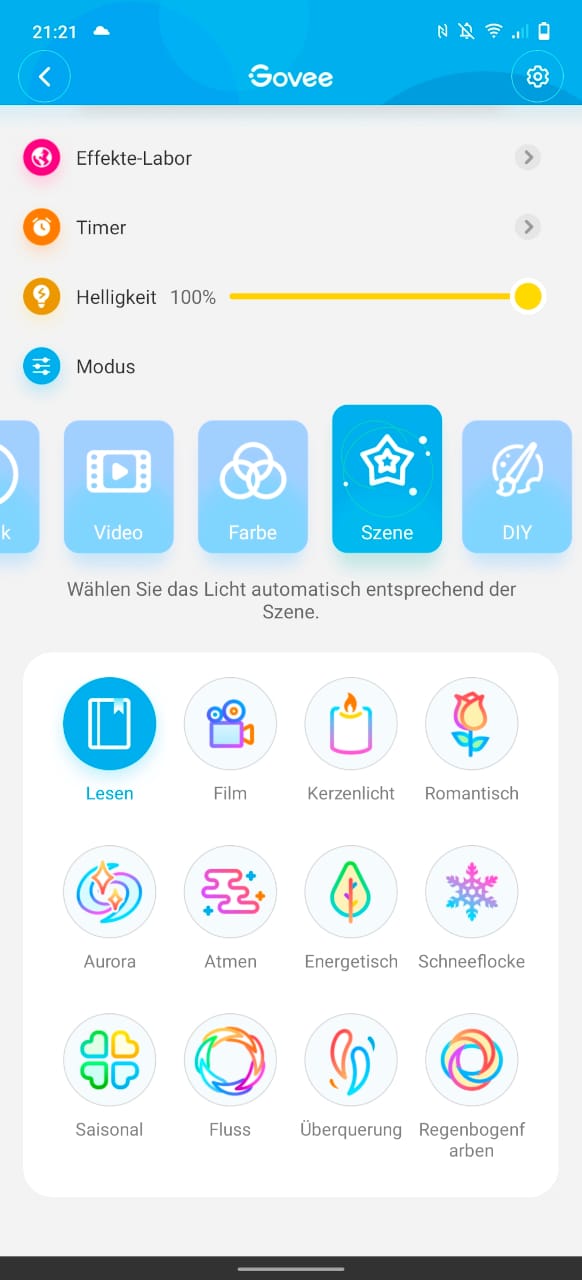
The "Scene" mode offers 12 different effects. One effect simulates flickering candlelight, another simulates falling snowflakes. Each mode features its own colour change.
The “DIY” mode serves as an editor for effects. Colours and sequences can be created and saved in profiles.
Our verdict
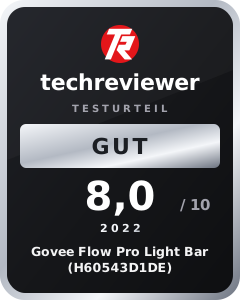
The Govee Flow Pro Light Bars are a versatile RGB product that can showcase games, films, music and ambience for little money. In addition to the versatility, the easy installation, the numerous control and setting options, and the pleasantly diffuse light with 16 million colour possibilities were convincing. The Govee Light Bars are particularly recommended as ambient lighting. Govee has implemented various dynamic effects and music synchronisation well.
Use as synchronous backlighting also works, although the colour choice is not always logical and sometimes appears somewhat arbitrary. Nevertheless, a successful RGB gadget that does not need to hide from the significantly more expensive Philips Hue Play Lightbar!
Specifications
Light bulb
- Type
- RGBIC LED
- Lumen
- 400LM
- Colors
- 16 million
- Color temperature
- 2200 - 6500 Kelvin
Connectivity
- App
- Govee Home
- Connection
- Bluetooth & WiFi
- Voice control
- Google Home, Alexa & Siri
General
- Power consumption
- 24 watts
- Size
- 25 x 4 cm
- Cable length
- 2 x 1.8 m
What’s included
2x light bar 2x stand mount 2x screen mount 1x control unit 1x ColorSense camera 1x power supply 8x calibration pads 1x user manual
Price comparison
| Store | Price | Link |
|---|
Comments