Contents
Design and build quality
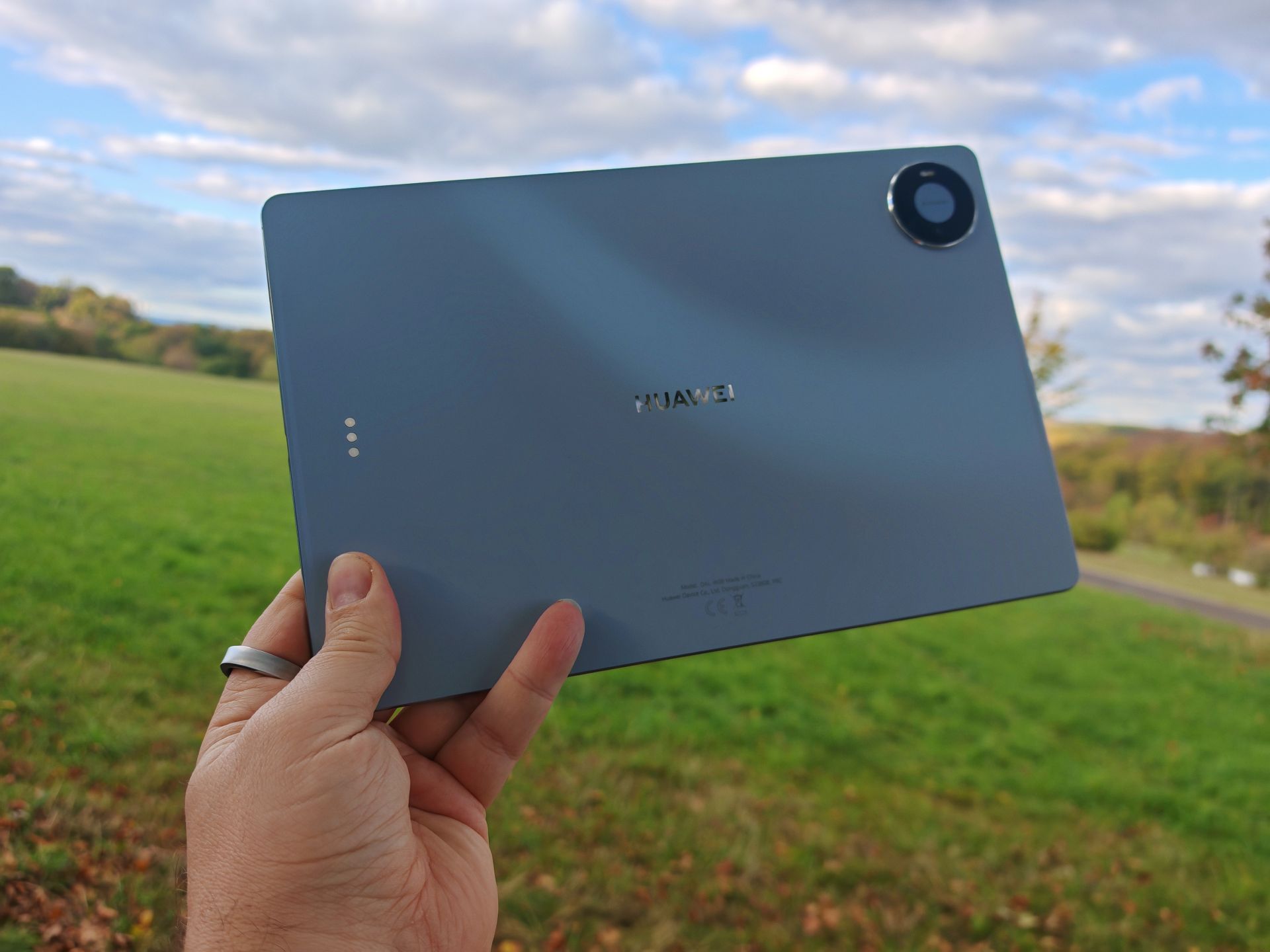
My review unit comes in blue. Depending on the light, the pale shade is reminiscent of sky blue and adds a splash of colour to the desk without being overpowering. HUAWEI also offers the MatePad in Space Gray. The blue version has a back with a wave-like light effect that stands out differently depending on the viewing angle. I like it, and it fits the overall premium impression. The full-metal body is well finished, the edges feel pleasant and the tablet sits comfortably in the hand.
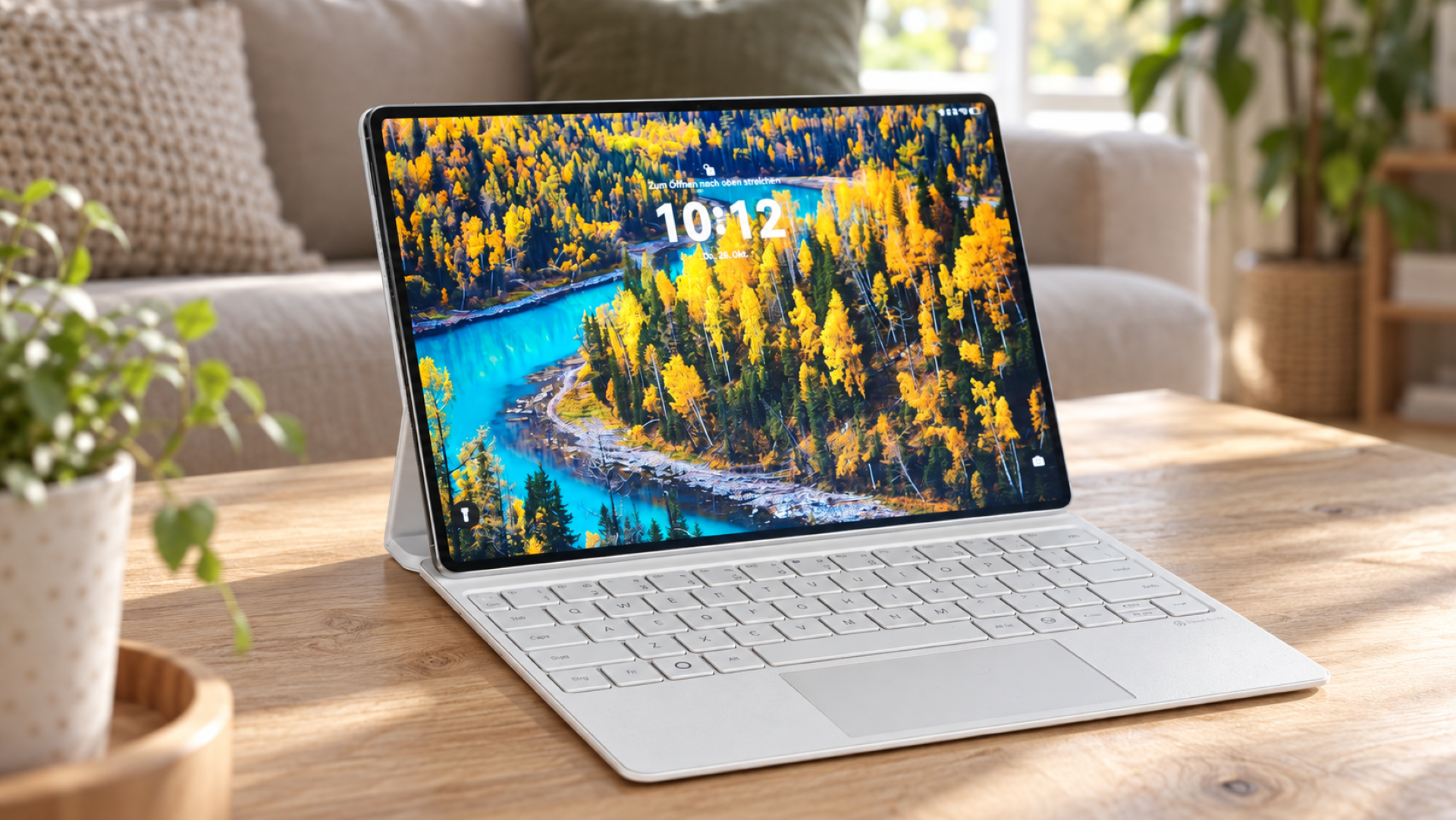
At 4.7 millimetres thick and weighing around 454 grams, the MatePad Pro is pleasingly thin and light. You notice this straight away when picking it up without accessories. Even so, I would use a case with a device in this price range. If I like the colour and build quality, I want to preserve both for as long as possible. My test package included a white keyboard case. White initially makes me think of stains and visible signs of wear, but the case has stayed clean so far. After a week and a half, it is too early to draw any conclusions about its long-term resistance to dirt. However, my initial concern has not been borne out during this time.
Display
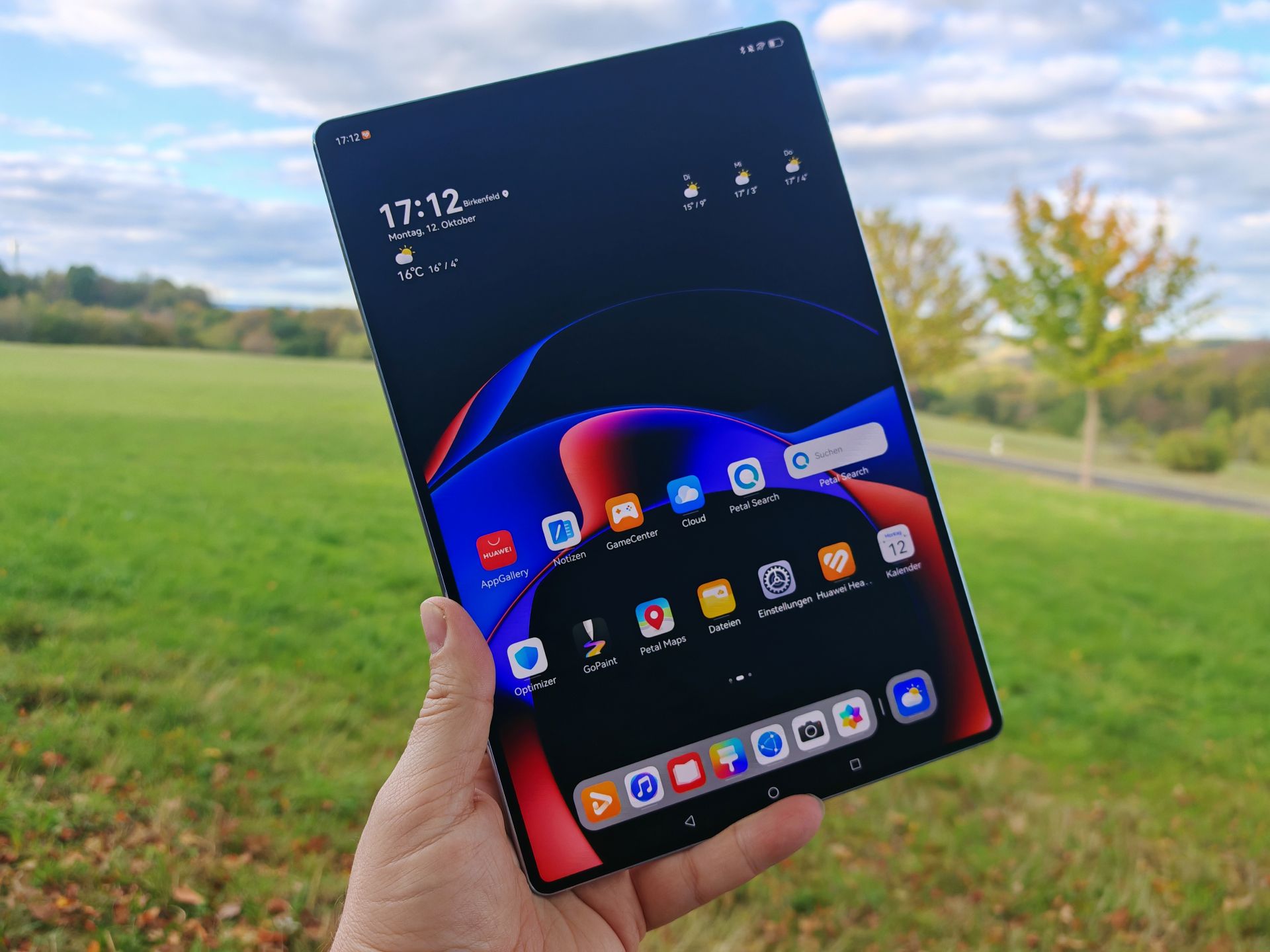
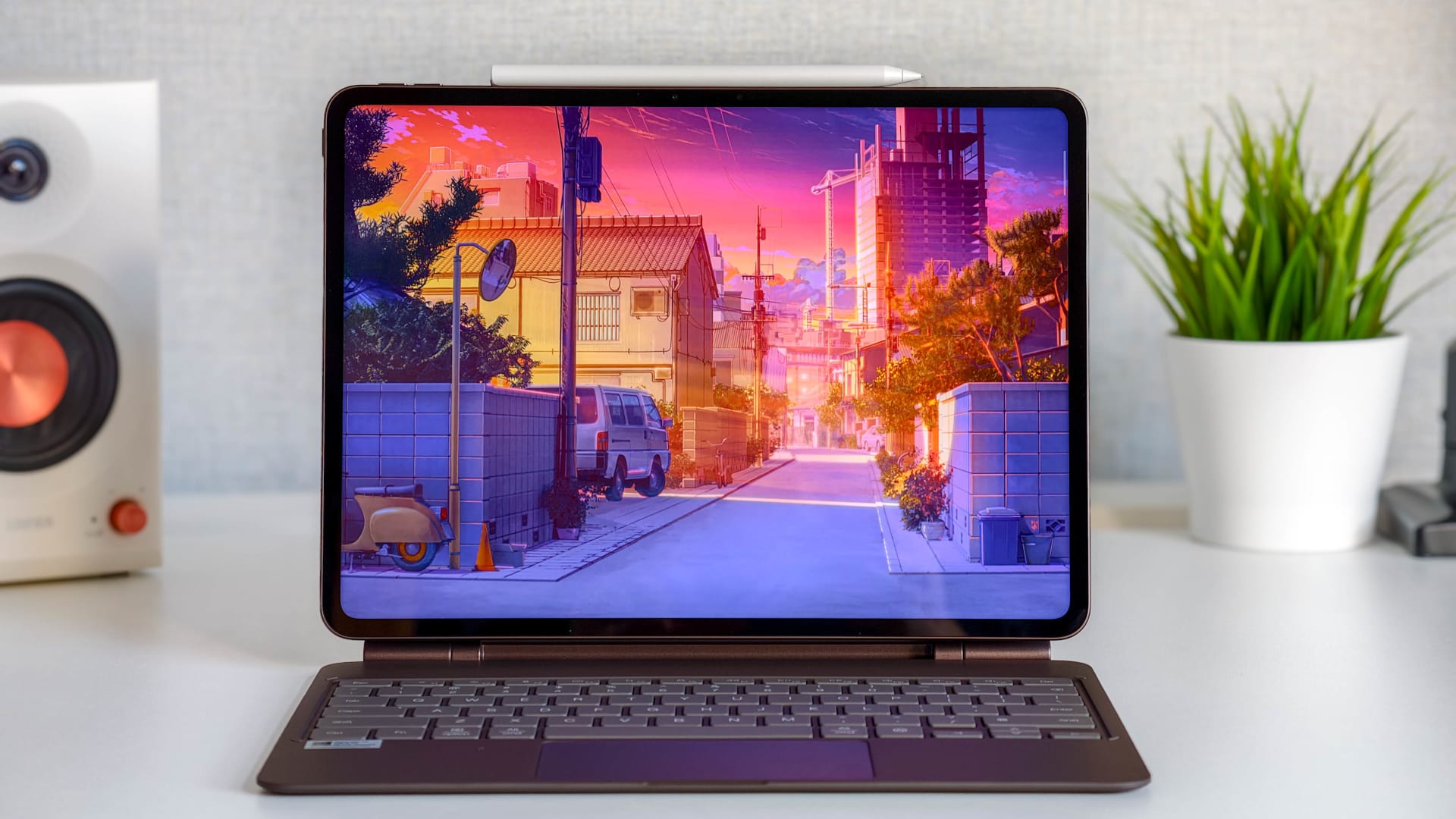
The display is one of the MatePad Pro's strengths for me. HUAWEI uses a 12-inch flexible OLED panel with a PaperMatte finish. Its resolution is 3,036 × 1,952 pixels, with a pixel density of 302 ppi. According to the manufacturer, it also offers a refresh rate of up to 144 Hz, a wide P3 color gamut and peak brightness of 1,600 nits.
The slim bezels leave plenty of room for the screen, resulting in a screen-to-body ratio of 93 percent. What I particularly like in everyday use is the crisp image. Text is sharp, images look detailed and the colors are a pleasure to look at.
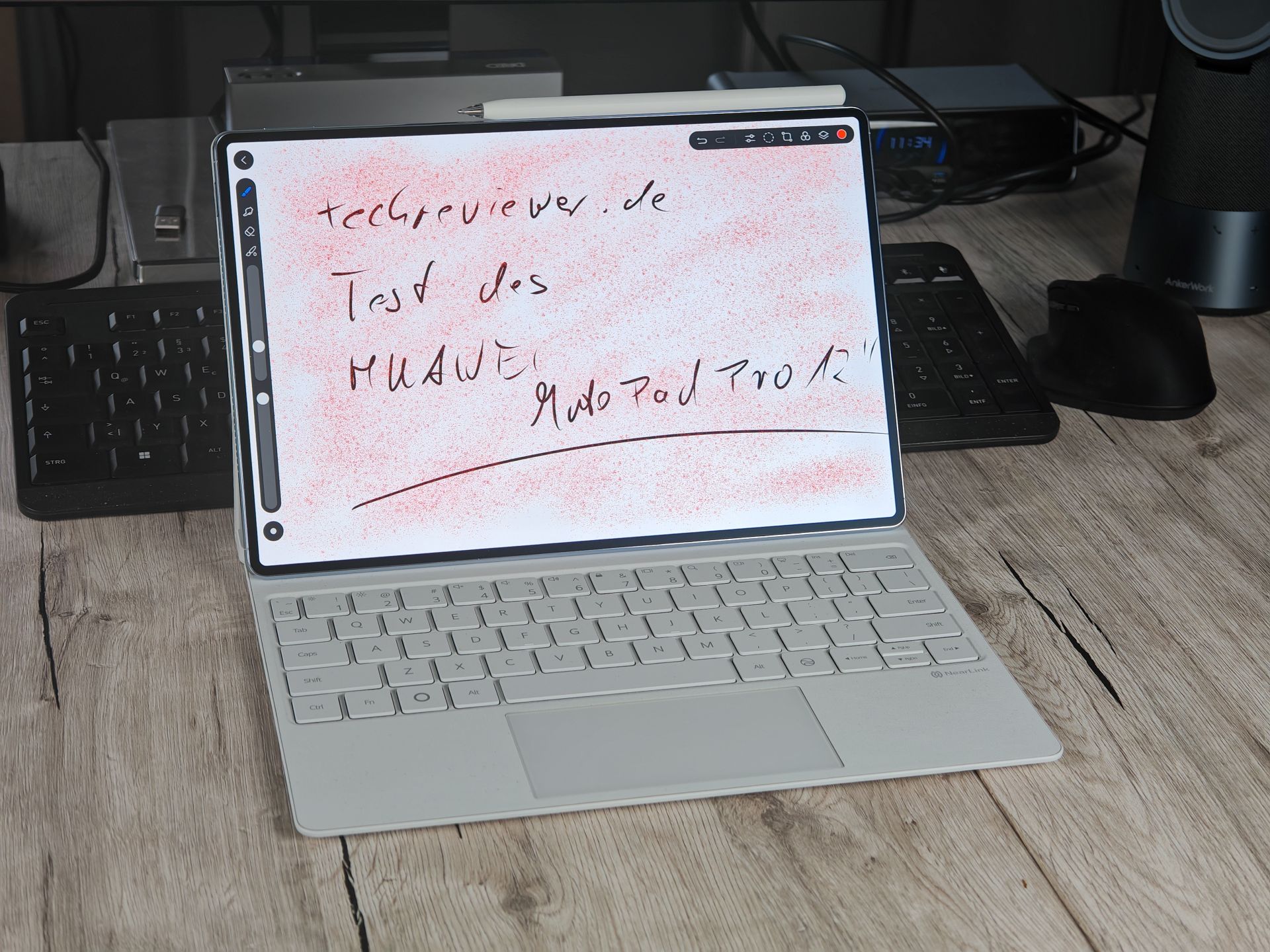
The PaperMatte surface is designed to reduce distracting reflections through its texture. This is an interesting approach, particularly for reading and writing, as light sources can quickly become noticeable on a tablet. I also like how the stylus feels when writing. Whether you prefer a matte surface or smooth glass is a matter of taste, though. I did not measure the maximum brightness, and 144 Hz is not necessarily available in every application. HUAWEI explicitly notes that the refresh rate depends on the app in question.
Operation, storage and connections
During my use so far, the MatePad Pro has run smoothly, without any annoying stuttering. Inputs are processed immediately, and operation remains pleasant when typing with a keyboard or writing with a stylus. When drafting a text or jotting something down by hand, I want to be able to focus on the content. Delays would quickly become a distraction. I have not noticed any such problems in my everyday use so far. My assessment is based on this usage; I have not carried out extensive gaming tests or longer stress tests during this short period.
The tested configuration includes 12 GB of RAM and 512 GB of internal storage. HUAWEI also offers a version with 256 GB of storage. The German specifications page still does not name the exact processor. What has now been confirmed, however, is that the USB-C port supports USB 3.1 Gen 1 and DisplayPort 1.2. This means the tablet also supports wired video output to a compatible screen. A suitable cable is required to take advantage of the higher USB data speed: according to HUAWEI, the included cable supports only USB 2.0. Keep this difference in mind when transferring larger files.
Keyboard and touchpad
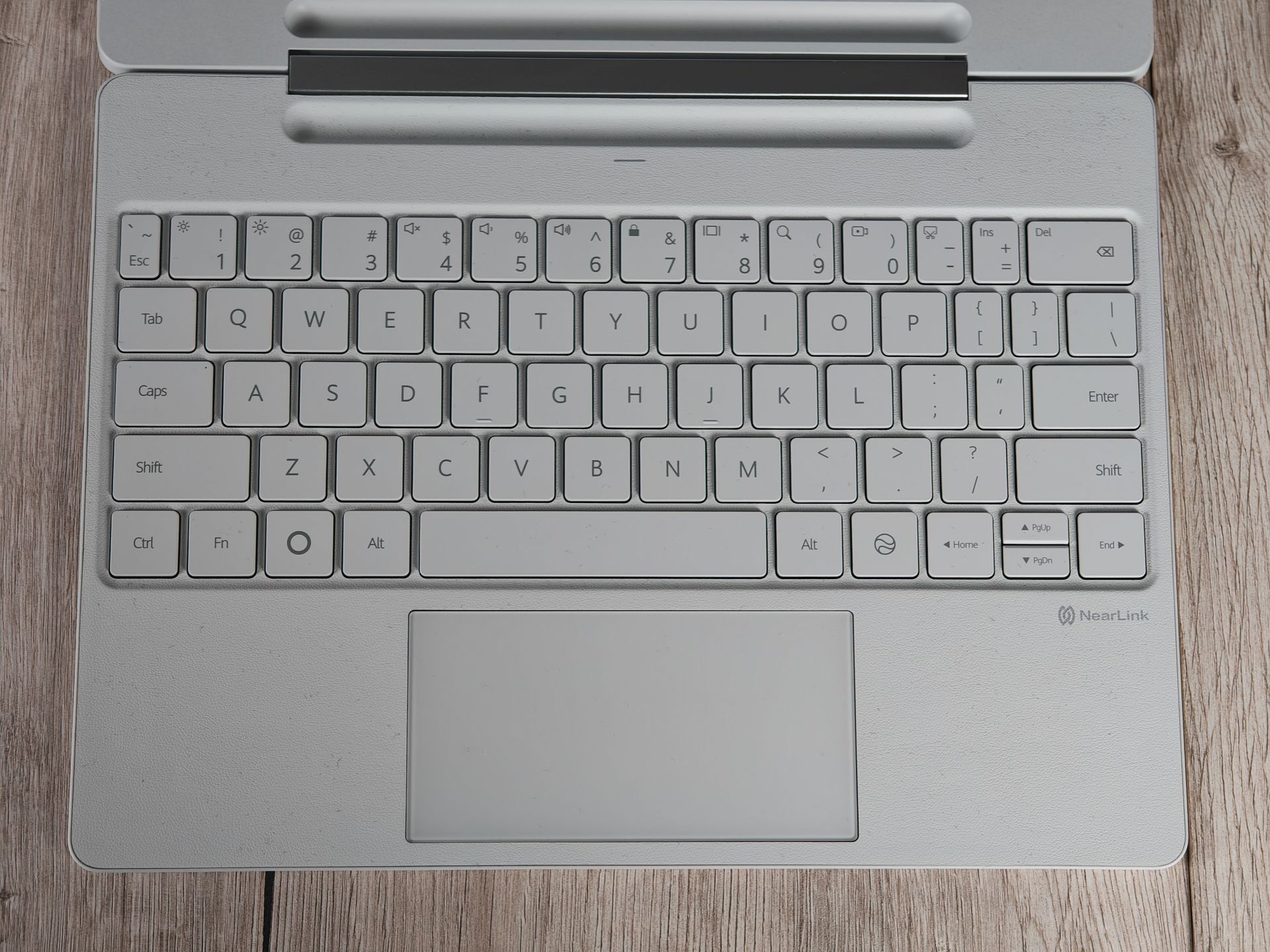
The HUAWEI Glide Keyboard was included in my review package, and I consider it a worthwhile addition. Typing on the keyboard is comfortable. The keys respond instantly and feel pleasant to type on. I would choose it over the on-screen keyboard for longer texts every time. HUAWEI specifies a scissor mechanism and 1.5 mm of key travel. It also comes with a touchpad. It connects via NearLink, while the keyboard draws power from the contacts on the tablet. So there is no need to connect a separate charging cable to the keyboard.
At around 399 grams, the accessory weighs almost as much as the tablet itself. The stated individual weights add up to around 853 grams without the stylus. Bear this in mind if you are mainly buying the MatePad because of its low weight. For me, the extra comfort when writing is worth the added weight. If, on the other hand, you mainly use the tablet for reading or watching videos, you may need the keyboard less often.
There is one thing I still miss: the keys are not backlit. I tried the function keys but could not find any corresponding lighting. The supplied data sheet also makes no mention of backlit keys.
M-Pencil Pro and pen holder
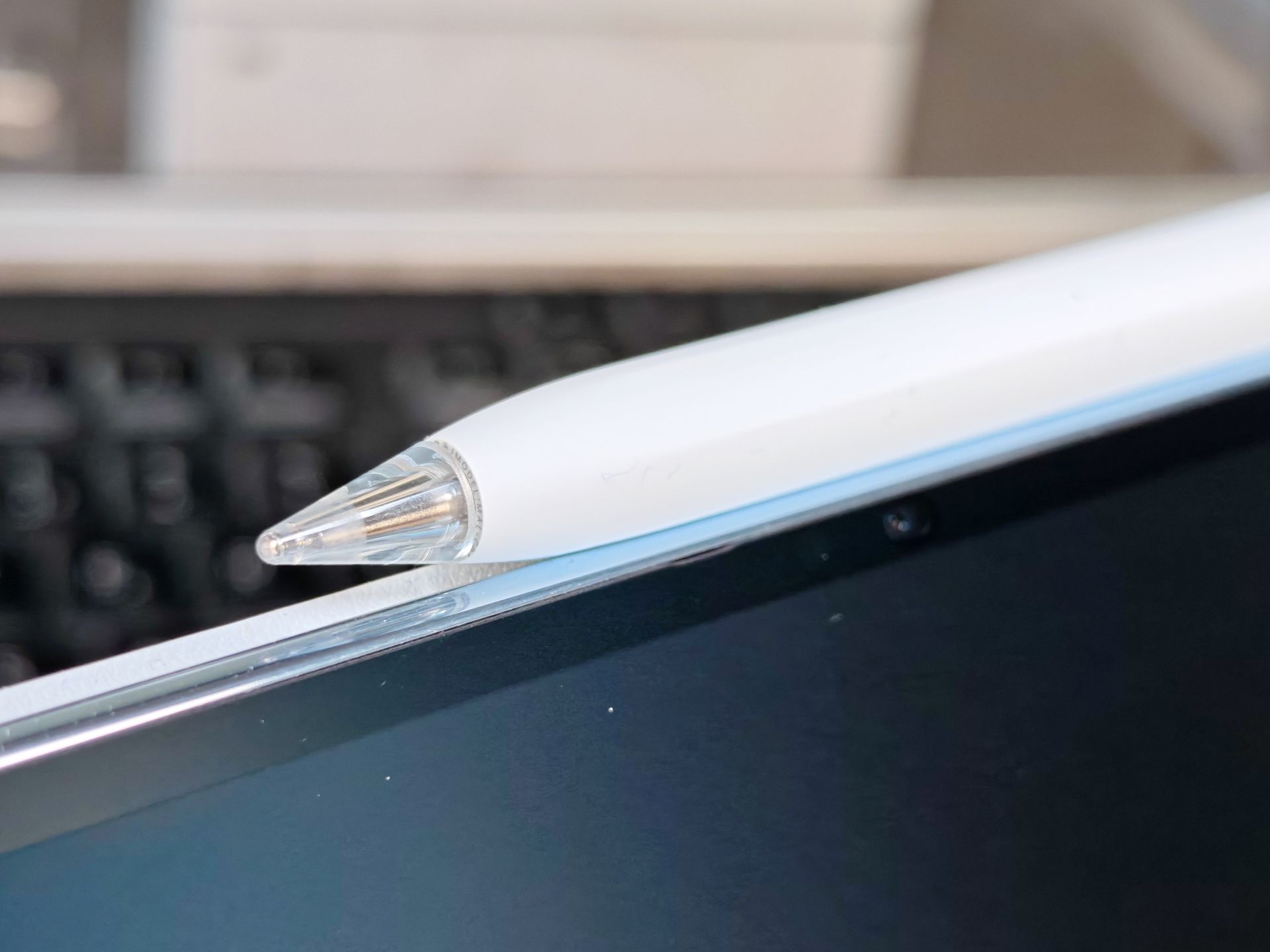
Along with the keyboard, my review package also included the HUAWEI M-Pencil Pro. It's comfortable to write with. I use styluses to varying degrees depending on the device, but I like how well it works with the MatePad Pro's screen. HUAWEI specifies over 10,000 pressure sensitivity levels for the stylus, as well as additional features such as squeezing and rotating it. Which options are available also depends on the app in question. In my brief test, I mainly focused on ordinary writing. I did not conduct extensive drawing tests with all the available tools.
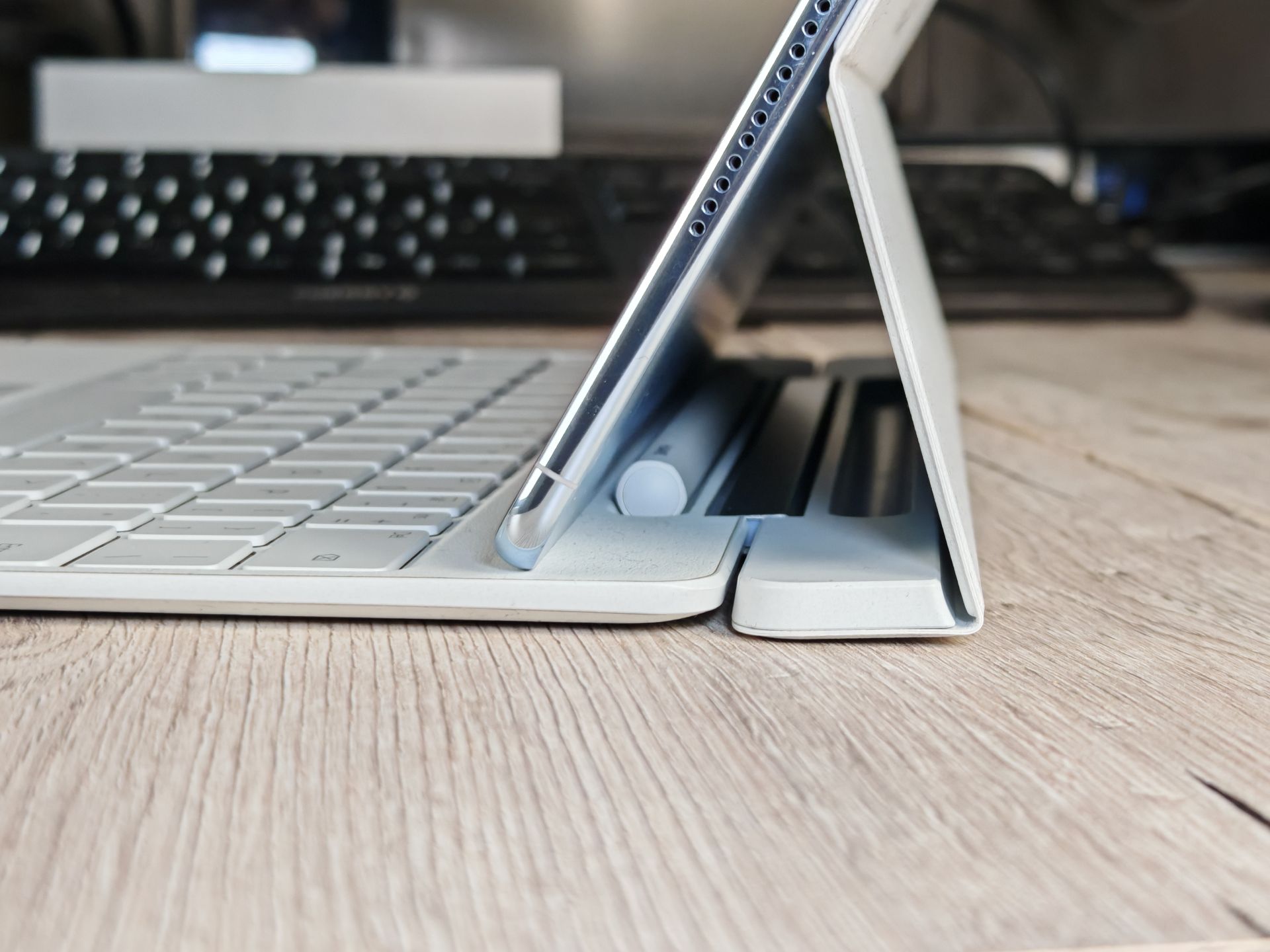
The M-Pencil Pro can be attached magnetically to the top edge and charged wirelessly there. This gives it a dedicated place, and no extra cable is needed for charging. The keyboard cover also has a magnetic pen slot behind the raised tablet. The pen stays out of the way while you work, and the cover can be folded completely shut with the Pencil in place. HUAWEI confirms in its shop FAQs that the integrated pen compartment also supports wireless charging. The slot therefore serves both as storage and as a charging point. In addition to the M-Pencil Pro, the third-generation M-Pencil is also supported.
HarmonyOS, apps and update support
The MatePad Pro comes with HarmonyOS 4.3. HUAWEI Notes is available for taking notes, while the GoPaint app is for drawing and other creative work. HUAWEI advertises, among other things, improved handwriting recognition and additional drawing tools. These features can help school pupils, university students and creative users, but their suitability depends on the tasks at hand. There is also now a specific commitment on software support: according to the German shop FAQs, HUAWEI provides five years of security updates, bug fixes and feature updates from the date of purchase. This is a support commitment, not an announcement of five major operating system upgrades.
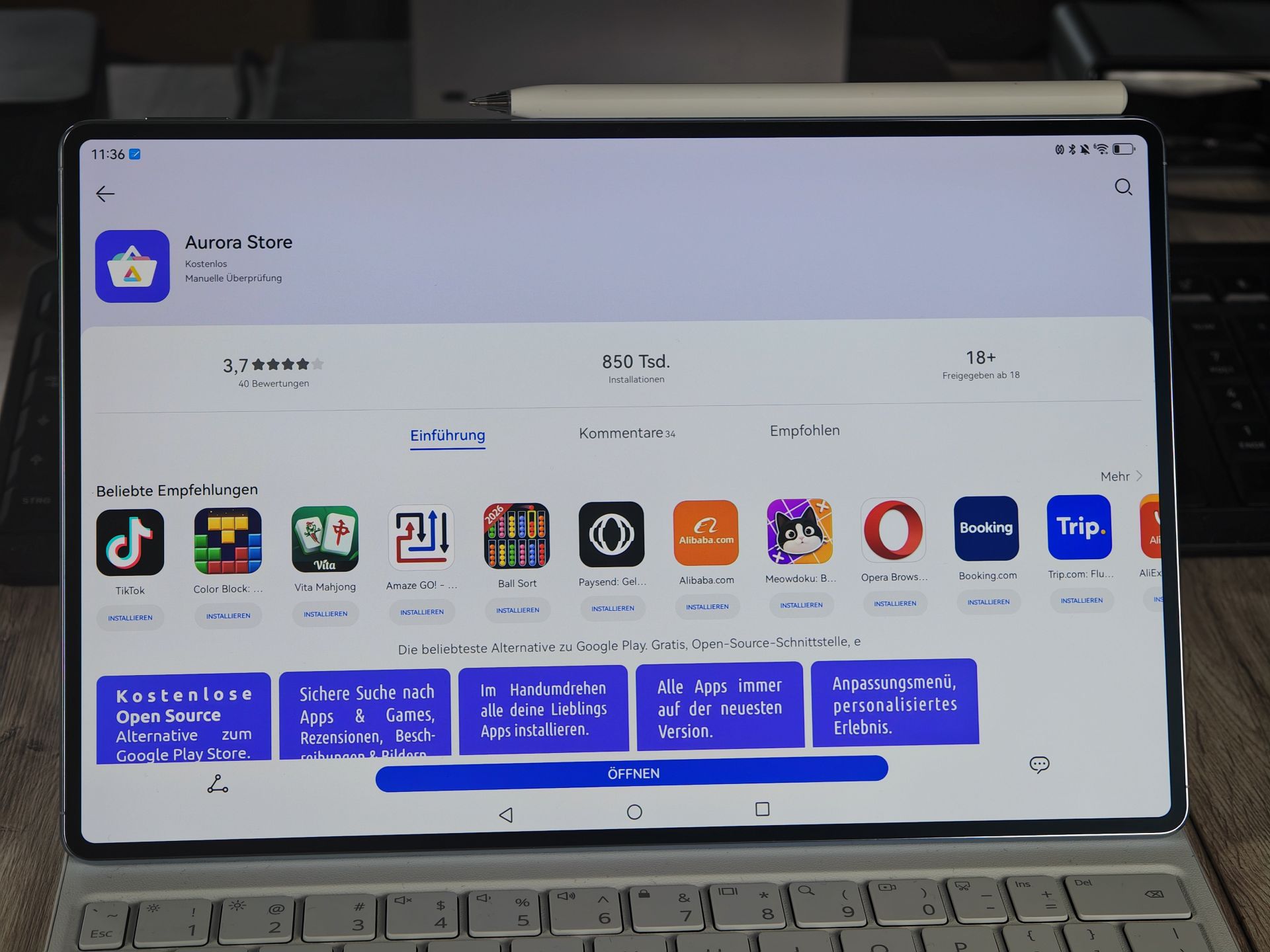
The AppGallery is the first port of call for apps. In addition, the Aurora Store lets users download apps from Google Play. For Google functionality, microG is available on supported devices. Apps such as YouTube, Gmail and Google Maps can be used on suitably configured HUAWEI devices. Familiar apps such as WhatsApp, Instagram and Facebook are also accessible. Based on my experience with HUAWEI devices so far, this covers many everyday apps well. For example, I still use Duolingo on my older HUAWEI tablet from 2021. However, these experiences are no substitute for a full test of all apps on the new MatePad.
Some differences remain. You should check the specific app in particular for banking and TAN apps. Apps already purchased on Google Play can be downloaded via Aurora using the relevant Google account, but licence checks and the restoration of in-app purchases may still cause limitations. Nor should you assume that contactless payments with Google Wallet will work. For school, university and work, I would therefore check before buying whether the apps you need work, including sign-in and essential features. I cannot make a general statement about specialist learning platforms based on this test. If you have questions, HUAWEI support and specialist communities such as HUAWEI.blog can help.
At this point, I'd like to refer you to our colleagues at Allround-PC. They have published a helpful step-by-step guide to setting up Aurora Store and microG on HUAWEI devices. It also explains which permissions are required and where limitations apply. You can find the guide here: How to install Aurora Store and microG on HUAWEI devices.
Cameras
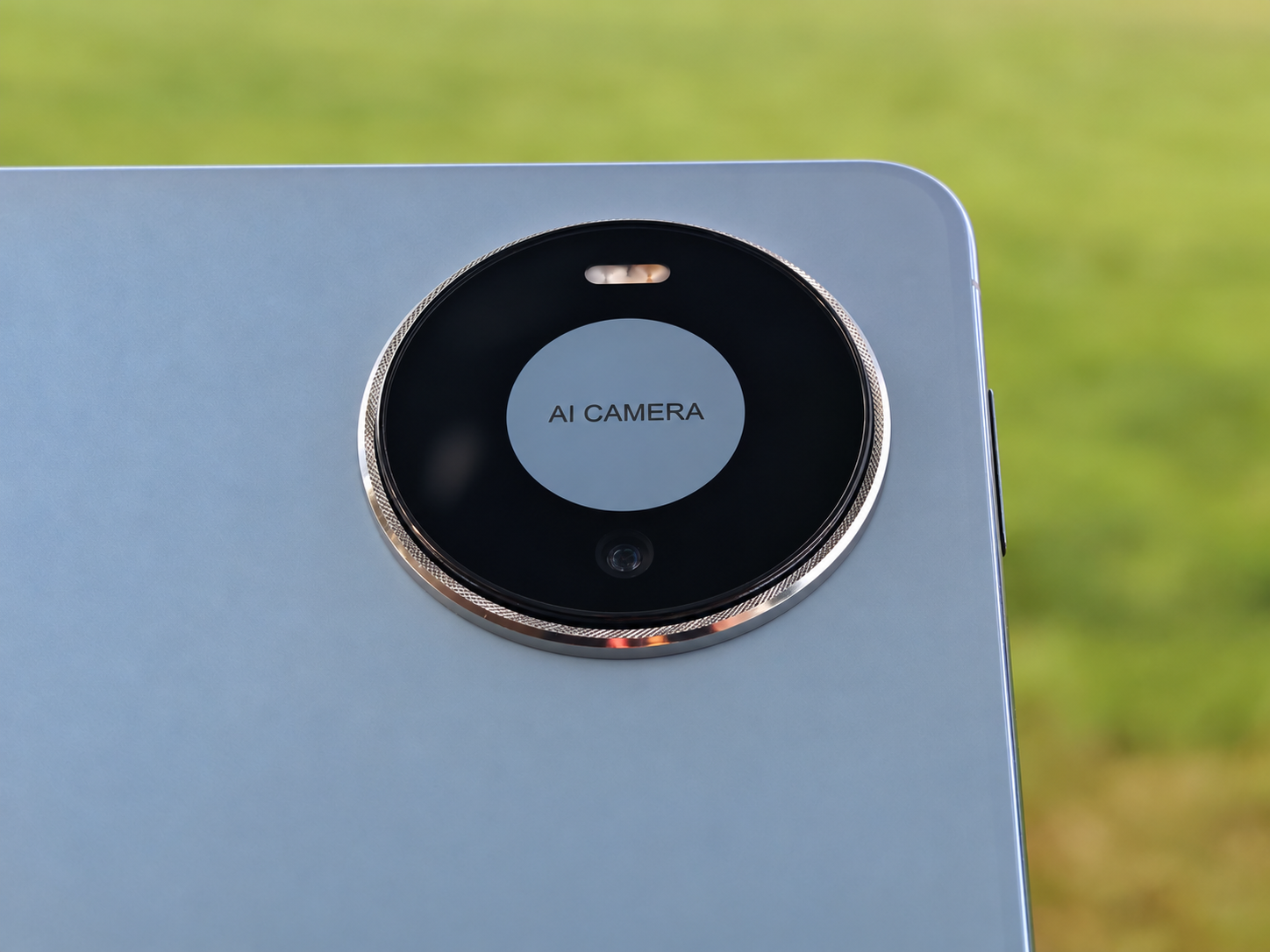
I've used many HUAWEI devices over the years and was also active as a moderator in the HUAWEI community. The brand's cameras have often impressed me. So I'm also interested in what HUAWEI can achieve with a tablet camera in the MatePad Pro 12". On the back is a 50-megapixel camera with f/1.8 and autofocus, complemented by an LED flash. According to the manufacturer, the maximum photo resolution is 8,192 × 6,144 pixels. The front camera is a 12-megapixel camera with f/2.4 and fixed focus. The German specifications page lists a maximum video resolution of Full HD at 1,920 × 1,080 pixels for the rear camera. Unfortunately, there's no image stabilization.
My photos so far have made a positive impression. A 12-inch tablet is certainly less convenient than a smartphone for taking pictures, but a decent camera is useful when the MatePad is all you have to hand and you want to capture something or make a video call. Don't expect photographic miracles, but the quality is more than adequate for school and university. Here are a few sample photos:



Battery, charging and connectivity on the go
The German and European versions have a battery with a typical capacity of 9,760 mAh. HUAWEI now confirms wired charging at up to 66 watts. This requires a compatible HUAWEI SuperCharge adapter and a suitable cable. In the EU, a power adapter is not included. The MatePad also supports wired reverse charging at up to 40 watts to power compatible devices.
For local video playback, HUAWEI quotes around 14 hours. The product page says 13.7 hours, while the shop FAQs give 13.9 hours. The product page specifies, among other things, a display brightness of 200 nits and defined test conditions; I have not independently measured this runtime.
The previously open question about connectivity on the go has now been answered: the MatePad Pro 12″ is a Wi-Fi-only tablet with no SIM card slot. Outside the range of an available Wi-Fi network, it can connect via the smartphone's hotspot. Other features include Bluetooth 6.0 and four speakers with HUAWEI SOUND.
Price and contents
At launch, two bundles are available in the German HUAWEI Store (link to product). The gray version with 12 GB of RAM and 256 GB of storage, including a folio cover, currently costs 999 euros; its listed regular price is 1,099 euros. The blue model with 12 GB of RAM and 512 GB of storage, including a German Glide Keyboard, is priced at 1,199 euros, compared with a regular price of 1,299 euros. The bundles therefore differ in both storage and accessories. These prices reflect a snapshot at launch and may change.
The basic package includes the tablet, a USB-C cable, a quick-start guide and a polishing cloth. The cover or keyboard depends on the configuration you choose. The M-Pencil Pro is not part of the standard package on an ongoing basis. However, at launch the HUAWEI Store is promoting it as a free gift. If you buy the tablet later, check the latest offer. This is particularly relevant for the keyboard version I tested, as the stylus is a useful addition for writing and handwritten notes.
Our verdict
I liked the HUAWEI MatePad Pro 12″ during the roughly week and a half I spent with it. The crisp OLED display, solid build quality and smooth operation all contribute to a positive impression. Its low weight makes the tablet comfortable to handle without accessories.
With the keyboard, it becomes a device I enjoy writing on. The M-Pencil Pro is a useful addition, and the magnetic attachment with wireless charging is convenient in everyday use. The extra stylus holder behind the tablet is also practical, although you need to take a little care when closing the cover.
The lack of keyboard backlighting remains a real drawback for me. Buyers should also check that apps meet their own requirements. For school, university or work in particular, it is not enough for a tablet to support lots of applications in general. The specific programmes you need must work.
My long-standing relationship with Huawei explains why I’m pleased when the brand produces a successful device. But it doesn’t stop me from pointing out its weaknesses, too. So far, my positive experiences with the MatePad Pro have clearly outweighed the negatives. Huawei has put together a high-quality tablet that I enjoy using.
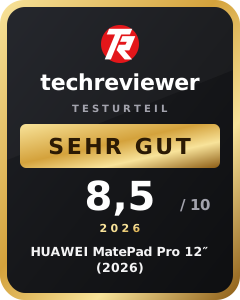
Price, a firm update commitment and the standard package contents will still be factored into the final assessment. A numerical score is therefore not yet available for this draft.
Specifications
General
- Colors
- Blue, Space Gray
- Dimensions
- 264.2 × 172.9 × 4.7 mm
- Weight
- Approx. 454 g including battery
Display
- Size
- 12 inches
- Panel
- Flexible OLED with HUAWEI PaperMatte finish
- Resolution
- 3,036 × 1,952 pixels
- Pixel density
- 302 ppi
- Refresh rate
- 45 / 60 / 90 / 120 / 144 Hz
- Brightness
- up to 1,600 nits
- Contrast ratio
- 2.000.000:1
Storage
- RAM
- 12 GB RAM
- Internal storage
- 512 GB
Cameras
- Main camera
- 50 MP, f/1.8
- Front camera
- 12 MP, f/2.4
- Flash
- Rear
Stylus & input
- Stylus support
- HUAWEI M-Pencil Pro
- Pen attachment
- Attaches magnetically to the tablet
- Stylus charging
- Wirelessly on the top edge
- Keyboard connection
- NearLink
- Keyboard power supply
- Pogo pins
- Button mechanism
- Scissor mechanism
- Key travel
- 1.5 mm
- Touchpad
- Yes
- Keyboard backlight
- Not available
- Stylus holder
- Magnetic recess in the keyboard cover
- Keyboard dimensions
- 265.4 × 197.2 × 7.15 mm
- Keyboard weight
- approx. 399 g
- Keyboard material
- PU leather
Audio
- Speakers
- Four speakers
- Sound system
- HUAWEI SOUND
- Microphones
- Four microphones
Connectivity & ports
- Wi-Fi
- IEEE 802.11 a/b/g/n/ac/ax/be, up to Wi-Fi 7
- Wi-Fi frequencies
- 2.4 and 5 GHz
- Wi-Fi encryption
- WPA / WPA2 / WPA3
- Bluetooth
- 6.0
- Location
- GPS
- Connection
- USB-C for data and digital headphones
Battery & charging
- Battery capacity
- 9,760 mAh typical, 9,660 mAh rated capacity
- Charging time
- Approx. 53 minutes according to the manufacturer
- Local video playback
- approx. 13.7–13.9 hours according to the manufacturer
- Reverse charging
- 40 W according to the manufacturer
Sensors
- Sensors
- Gravity sensor, gyroscope, ambient light sensor, Hall sensor, compass
What’s included
1× HUAWEI MatePad Pro 12″ 1× keyboard case with touchpad 1× HUAWEI M-Pencil Pro 1× USB-C to USB-C cable 1× polishing cloth 1× quick start guide 1× warranty card
Comments