Contents
Affordable Chinese tablets and notebooks under 200€ likely feature an Intel Cherry Trail Z8300 processor. This now older processor from the Intel Atom series is suitable for a functional Windows 10, but performance suffers significantly due to the weak processor solution. The Onda oBook 10 Pro uses a significantly faster Intel Cherry Trail Z8700 processor, which, while also belonging to the old guard by now, performs significantly better overall.
Onda oBook 10 Pro
Display and internal components
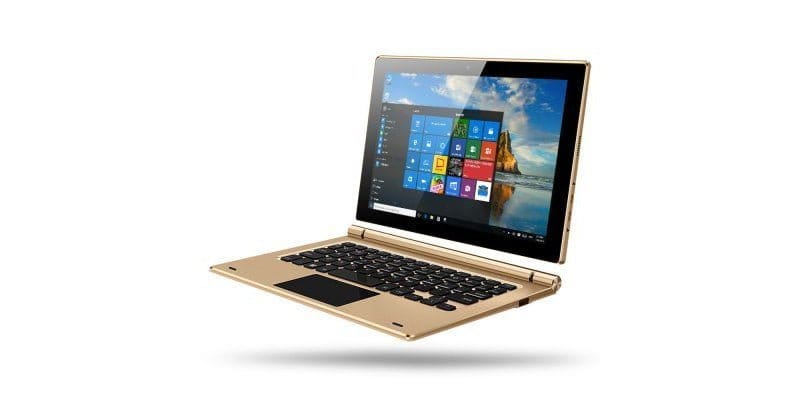
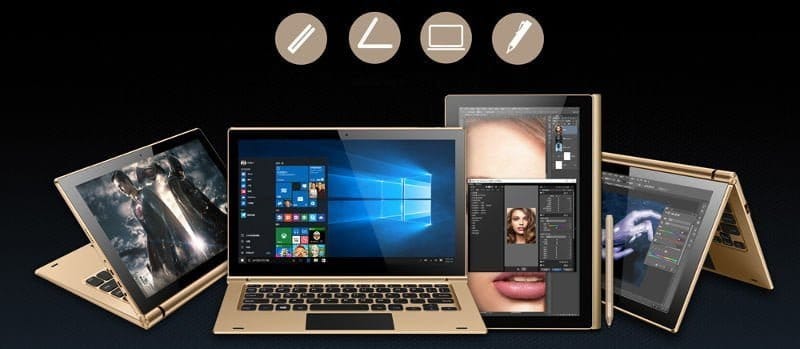
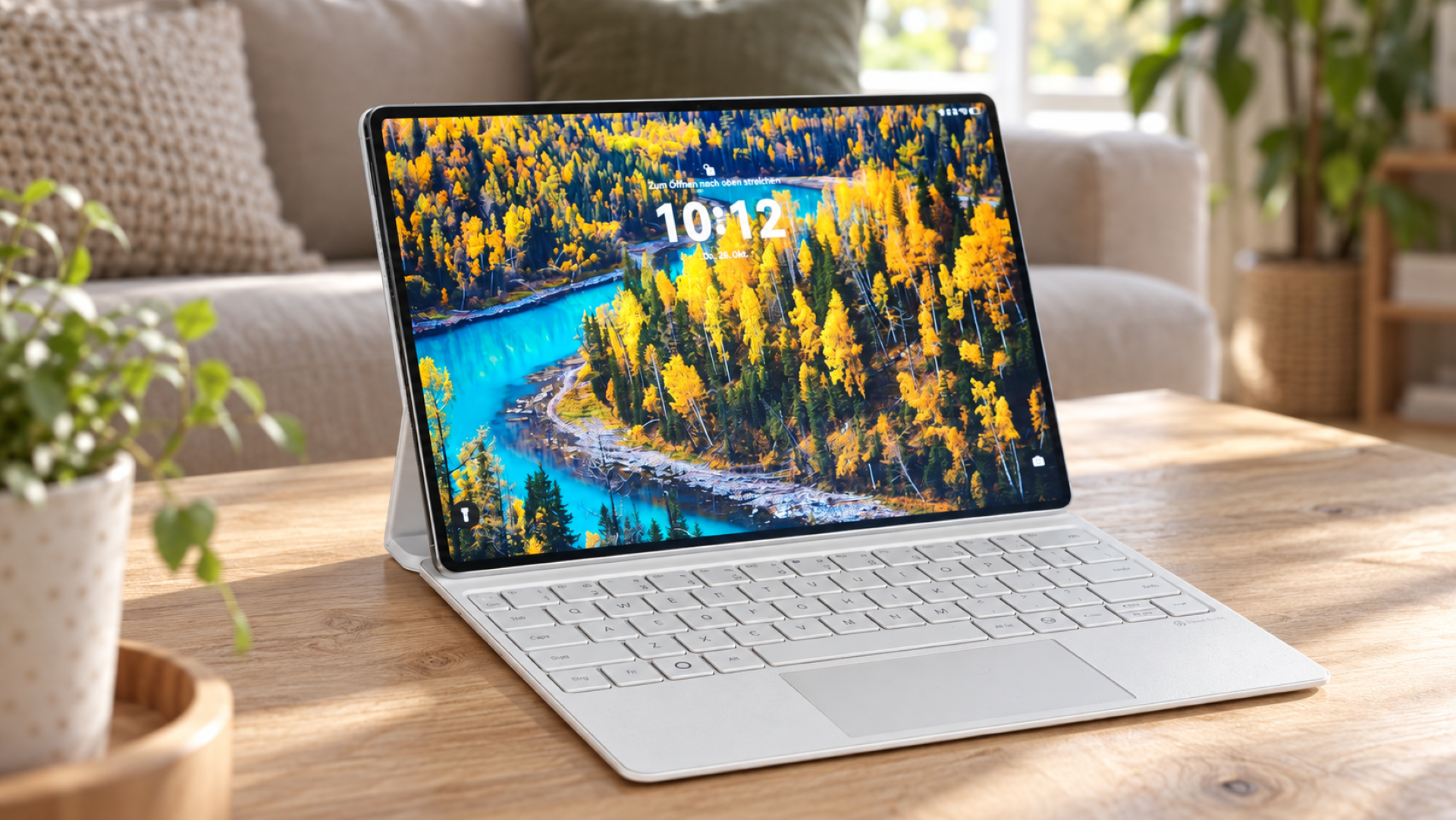
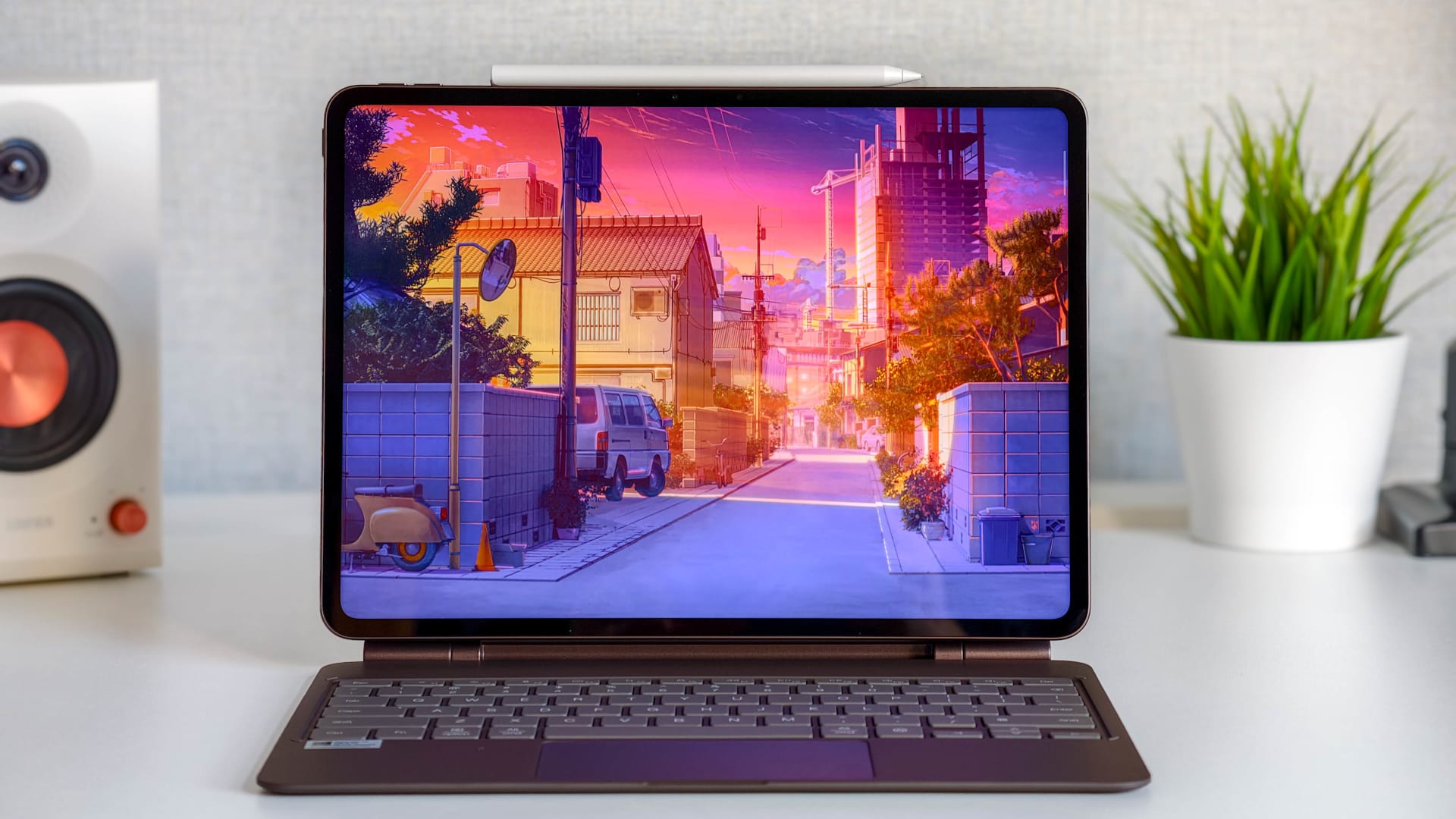
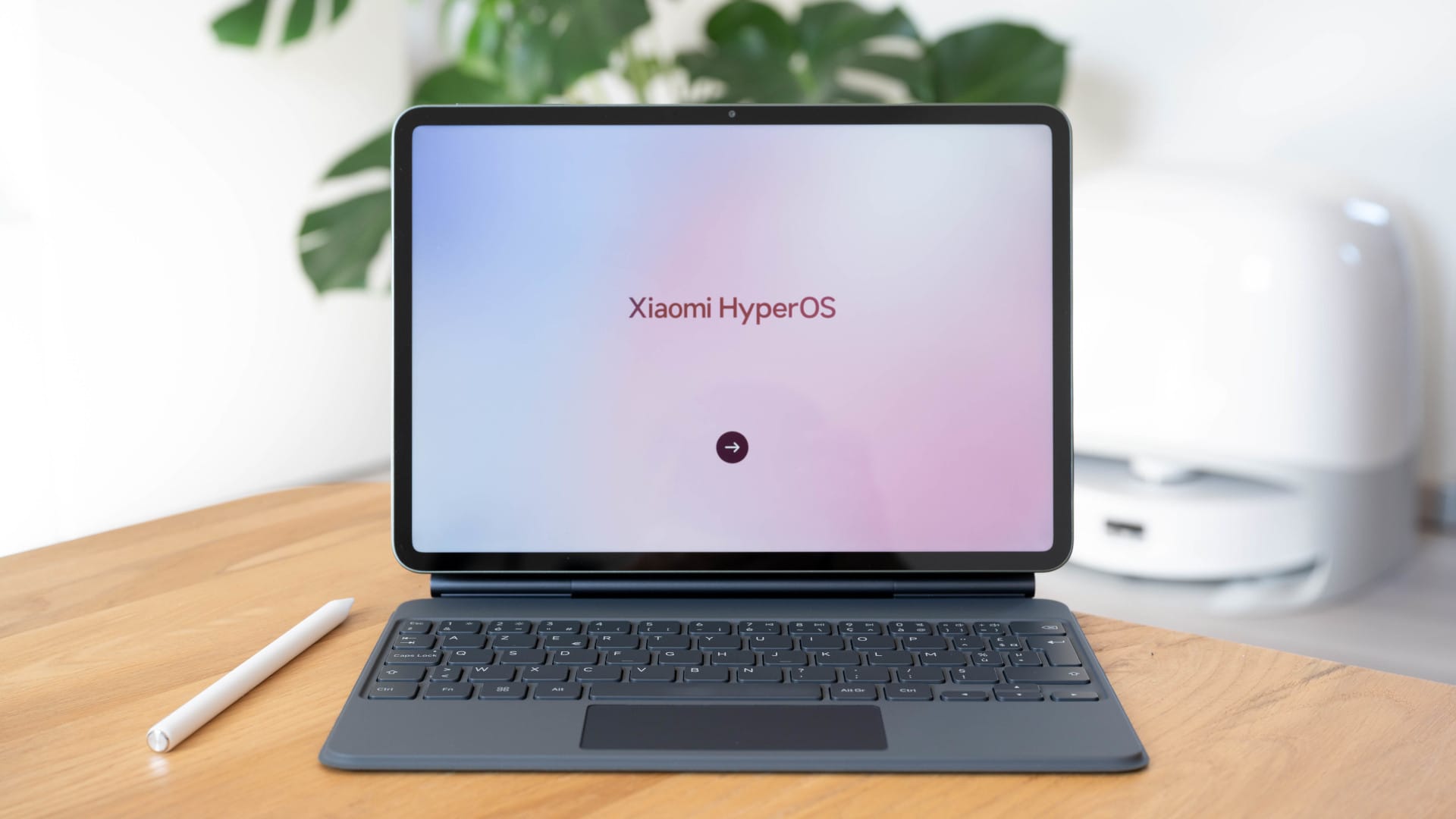
The oBook10 Pro can be used both as a tablet and as an ultrabook. The 25.00 x 16.40 x 0.85 cm large and 560g heavy tablet is, however, delivered without a keyboard by default. The display is a 10.1-inch IPS panel with a resolution of 1920 x 1200 pixels. Multitouch is supported as standard, and a stylus is optionally available.
The Intel Cherry Trail X7 Z8700 processor is among the fastest processors in the series released in early 2015. Manufactured using the 14nm process, the processor has a total of 4 cores, with a base clock of 1.6GHz and a burst clock of up to 2.4GHz. The Microsoft Surface 3 also uses the same processor, by the way. The integrated Intel HD graphics allow less demanding games to run smoothly. The processor is not suitable for 4K video streaming.
With 4 GB of RAM, the device is well equipped for smooth Windows 10 performance. The 64 GB internal storage should also be sufficient for standard use. Those needing more storage can expand it by up to an additional 128 GB using a micro SD card.
Connection options
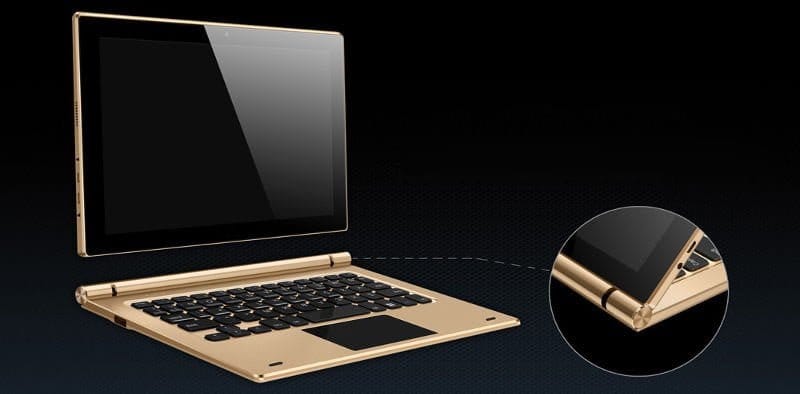
Via a micro-HDMI port located on the side, the tablet can be connected to an external monitor or projector. A USB 3.0 port ensures fast data transfer. For those who do not want to rely solely on the integrated speakers, the Onda oBook10 Pro also has a 3.5mm headphone jack. A keyboard can optionally be connected via the docking interface. The tablet is charged via a DC socket, which is also located on the side of the housing.
WiFi, Bluetooth and camera
The supported WiFi standards are 802.11b/g/n. Unfortunately, dual-band WiFi is not supported by this device. For those who prefer to synchronise their data via Bluetooth, the tablet offers a Bluetooth 4.0 module. For video calls, the oBook10 Pro is equipped on the front with a 2 megapixel front camera and a microphone. The manufacturer does not provide details on the image sensor!
Battery
The battery capacity is 6000mAh. The runtime should be around 6 hours due to the power-efficient Atom processor. With intensive use, the runtime is approximately 4 hours. The battery is not replaceable!
Conclusion
Considering the price, the Onda oBook 10 Pro offers a considerable range of features. Despite the processor having been released in 2015, this tablet is quite suitable for multitasking. For those who find an Intel Z8300 too slow and do not require the extra performance of a Core M3-6Y30, the oBook 10 Pro with Intel Atom processor is a good choice!
Comments (1)
Very nice review.
I am an absolute fan of convertibles. I'm simply not a fan of tablets, I just need a hardware keyboard, which is why I bought a convertible tablet, but an older model; the new ones are always too expensive for me.
However, I would be interested to know what it's like with adjusting the display? Is it continuously adjustable? Unfortunately, my Samsung Ativ has the big problem that the angle I personally like best is simply blocked by the design.