Contents
 Play video on YouTube
First impressions of the Orvibo S20
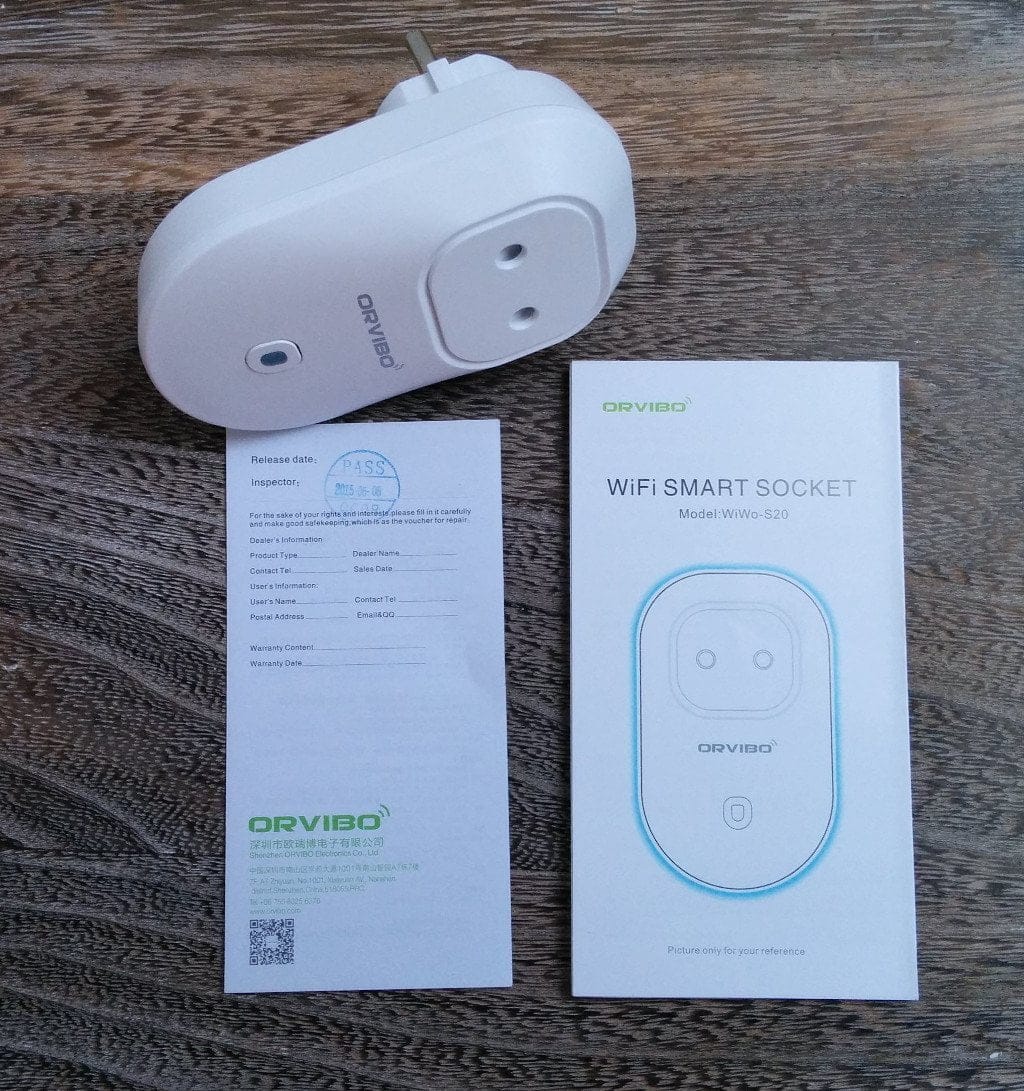
The Orvibo S20 is a Wi-Fi enabled socket that acts as an adapter between the actual socket and the device. The socket is controlled via an app, which is available for both Android and iOS. The Orvibo S20 can operate devices with up to 2200W. It supports the 2.4GHz Wi-Fi frequency range, as well as WEP, WPA and WPA2 encryptions.
In terms of the scope of delivery, in addition to the socket, a warranty card and an operating manual in English were included.
Setup
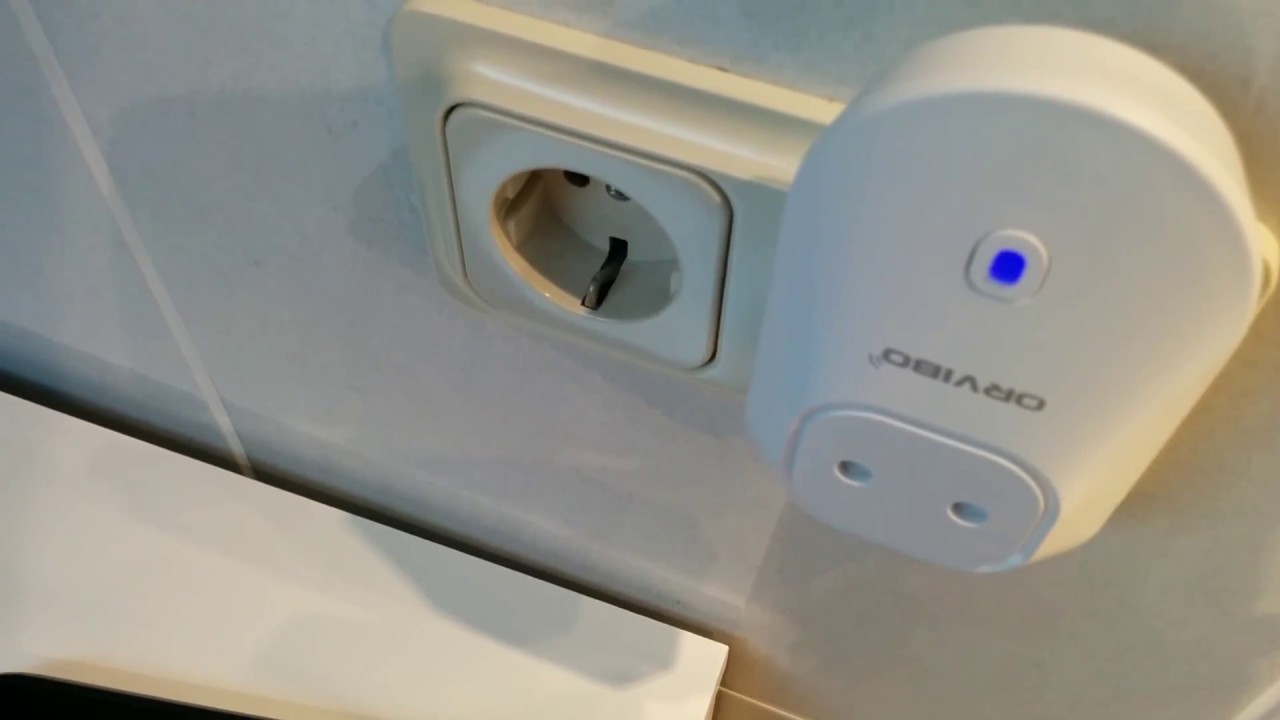
For initial setup, the socket must be in "pairing" mode. The attached LED must flash red repeatedly for this. To connect the socket to the Wi-Fi, you need a special app called "WiWo". The smartphone or tablet must also be in the Wi-Fi network. The Wi-Fi connection data is then sent to the Orvibo S20 socket via the app, which configures itself independently.
App
The app allows you to manage the socket. You can turn it on and off, delete or change the configuration. The app also features a timer function, so the Orvibo S20 automatically switches on or off at specified times. Scenes can also be configured.
Our verdict
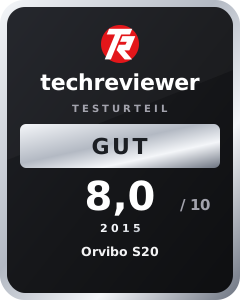
The socket responds immediately to commands sent via smartphone or tablet. The Orvibo S20 is well-made, very easy to use, and also offers a child lock. The app provides many useful features, including a timer function and scenes. Unfortunately, the socket could not access my hidden Wi-Fi network. It only connected once I made the SSID public.
The Orvibo S20 significantly simplifies everyday life and is a good entry point into the smart home. Anyone who constantly carries their smartphone around can easily control their devices this way. Clear recommendation to buy!
Specifications
General
- Power supply
- AC110-240V AC
- Max current
- 10A
- Radio frequency
- 2,412 to 2,484 GHz
- Wireless IEEE standards
- IEEE802.11b / g / n
- Security type
- WEP / TKIP / AES
- Safety mechanism
- WEP / WPA-PSK / WPA2-PSK
- Wireless consumption
- 0.3W
- Maximum performance
- 2000W
- Operating temperature
- -20 ~ 70°C
- Operating humidity
- 80%
- Product size
- 103 * 63 * 37
- Product weight
- 104g
What’s included
1x S20, 1x user manual (English)

Comments (2)
Hi Timo!
I just came across your post about the Orvibo smart plug and was surprised to see that you updated it on 1.10.2024. I found your post because I searched for Wiwo and Orvibo. I thought I would find something new about the device. But it looks like it is still your text from 2016.
I have two of these smart plugs and must say that the manufacturer has probably stopped supporting this device, and things have got worse over time. When I bought the S20, I had an old Android phone. The Wiwo app was compatible with it, and the device worked as described here. For the next phone or Android generation, the Play Store then refused to install the Wiwo app. It still worked via an apk installation workaround. On my last two phones, I could not get it to run any more.
I still have the phone on which it worked, only because of the two smart plugs. Two weeks ago, I had to move one smart plug to another Wi-Fi network and therefore had to delete it from the app first. After adding it back to the app in the other Wi-Fi network, I found that it can only be switched if the S20 and the phone are in the same Wi-Fi network. Thus, newly added devices are prevented from being transferred to the cloud. Or perhaps the cloud has been shut down. The timer does not work any more either, and that was the main reason for using it. Apparently, there is also no other smart home app with which the device works. As far as I know, there is also no news online regarding the decline of smart home pioneer Orvibo.
Regards
Michael
Hi Michael,
the article is indeed almost a decade old, and it seems it was accidentally given a new date during our design change in October. The Orvibo brand still seems to exist, but the smart plug very likely reached its “end of life” many years ago. There are also much more modern systems available now, including affordable options with cross-platform Matter support.
Best, Timo