Contents
Teclast X5 Pro tablet
Current processor architecture
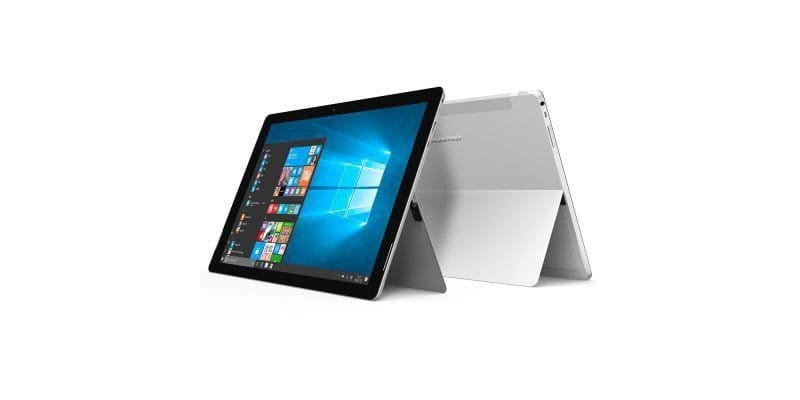
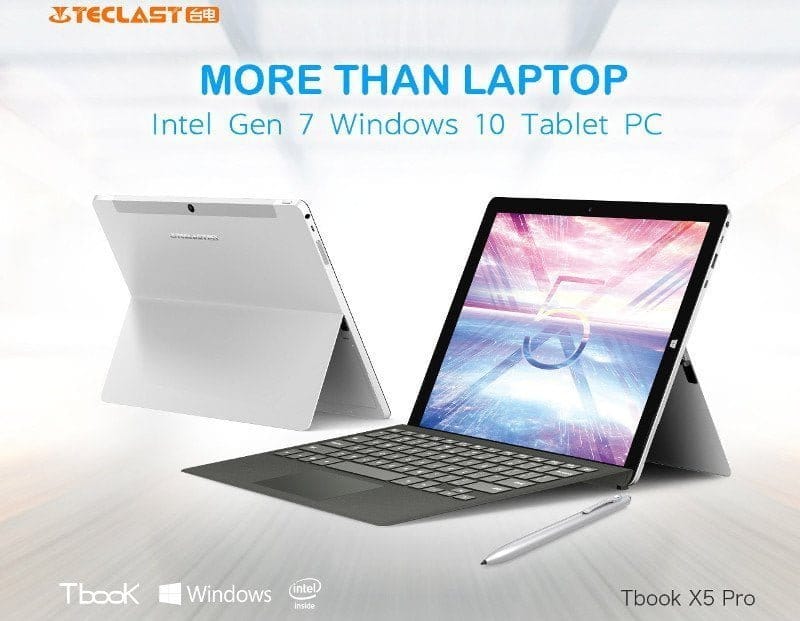
Only a few weeks ago we reported on the recently released Teclast TBook 16 Power, which can also be classified among the manufacturer's high-end tablets. The new Teclast X5 Pro is even better equipped in terms of hardware. With the Intel Kaby Lake Core M3-7Y30, the tablet features one of the latest Intel processors, which was unveiled in late August 2016 and is installed in very few tablets and notebooks so far. The processor has a total of 2 cores, clocking at a minimum of 1.0 GHz and a maximum of 2.6 GHz. This may sound modest at first glance, given that mobile processors with 10 cores are now available. However, the Intel Core M3-7Y30 is capable of simultaneously processing 4 threads thanks to so-called "Hyper-Threading". This ensures decent computing performance.
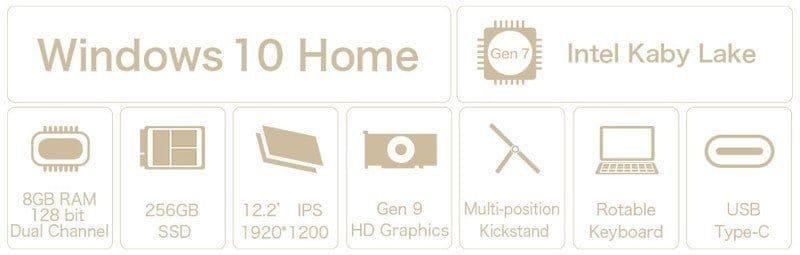
Even games that are not particularly computationally intensive are no problem for the Teclast X5 Pro. The Intel HD Graphics 615 included in the processor allows you to smoothly play games like CS:GO or Dota 2. The tablet is supported by a substantial 8GB of RAM (DDR3L), which is particularly advantageous for multitasking tasks. The internal storage is also not lacking in this tablet. A 256GB M.2 SATA-3 SSD is installed. Additionally, the internal storage can be expanded with a microSD memory card.
Display and cameras
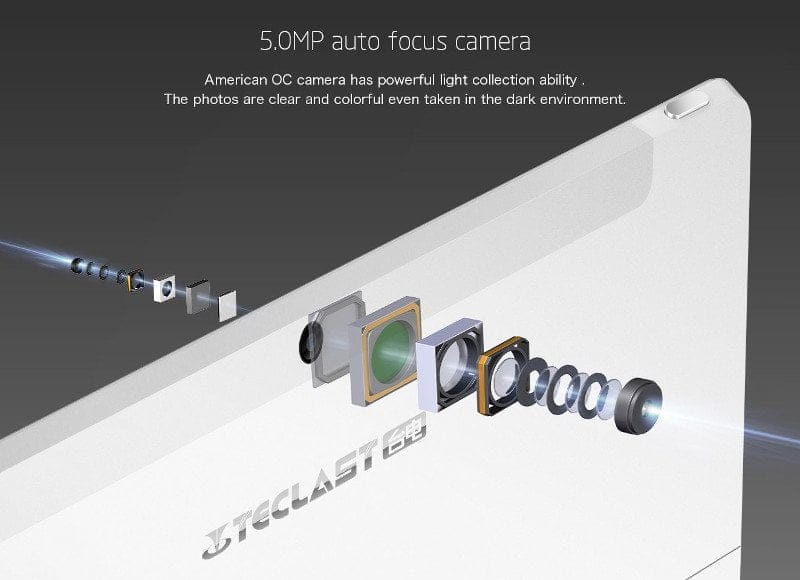
The IPS display of the Teclast X5 Pro has a resolution of full HD (1920 x 1200). With a display diagonal of 12.2 inches, the tablet achieves a pixel density of 186 PPI. Unfortunately, it is not a laminated display, meaning there is approximately 1 mm of air gap between the display glass and the actual panel. Multitouch is supported with up to 10 simultaneous inputs. The cameras consist of a 2 megapixel front camera and a 5 megapixel main camera. As with virtually every Chinese tablet, you should not place too much emphasis on the camera. The cameras are less suitable for decent photo or video recording and serve mainly for video calls.
Design and connectivity
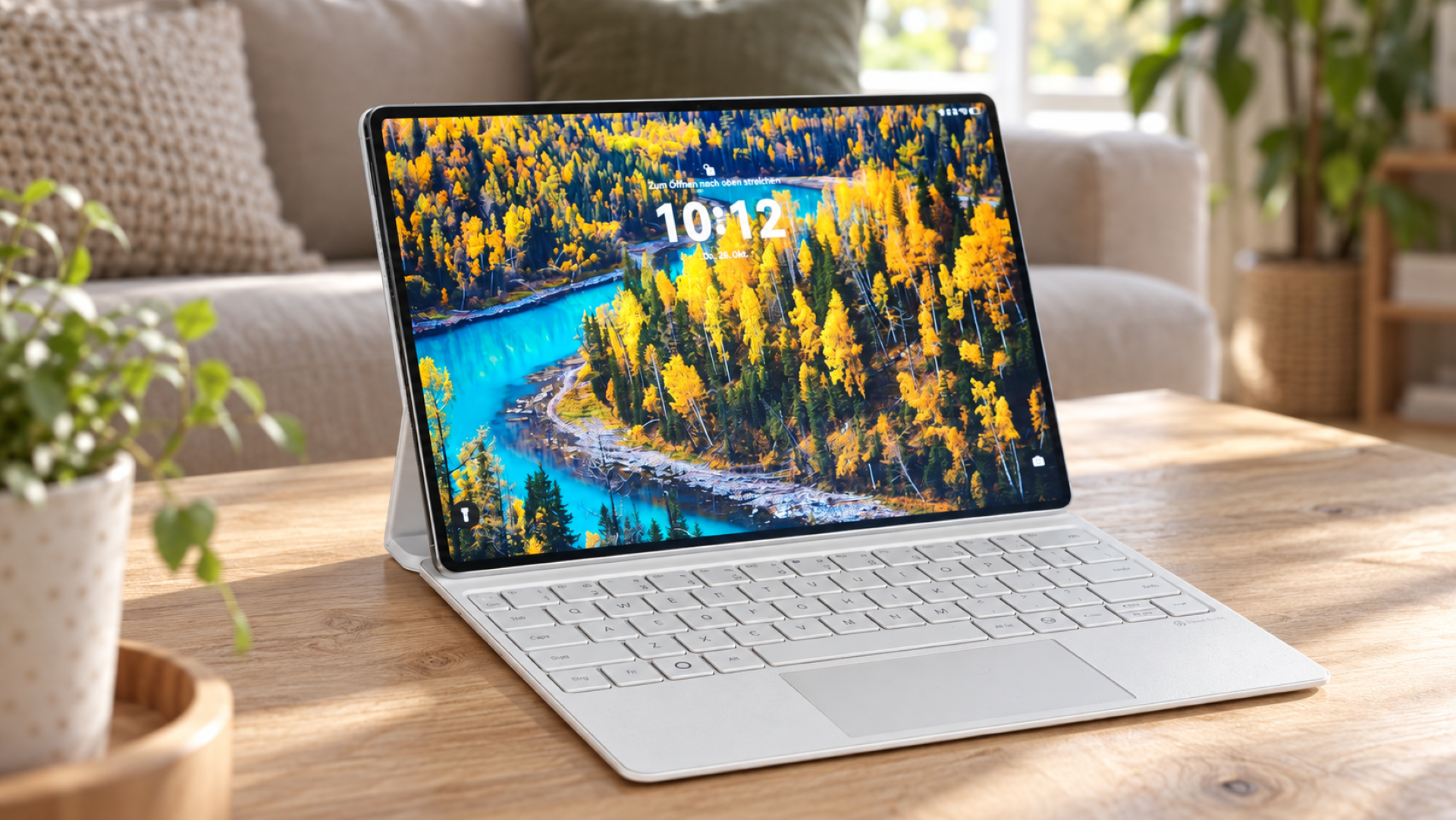
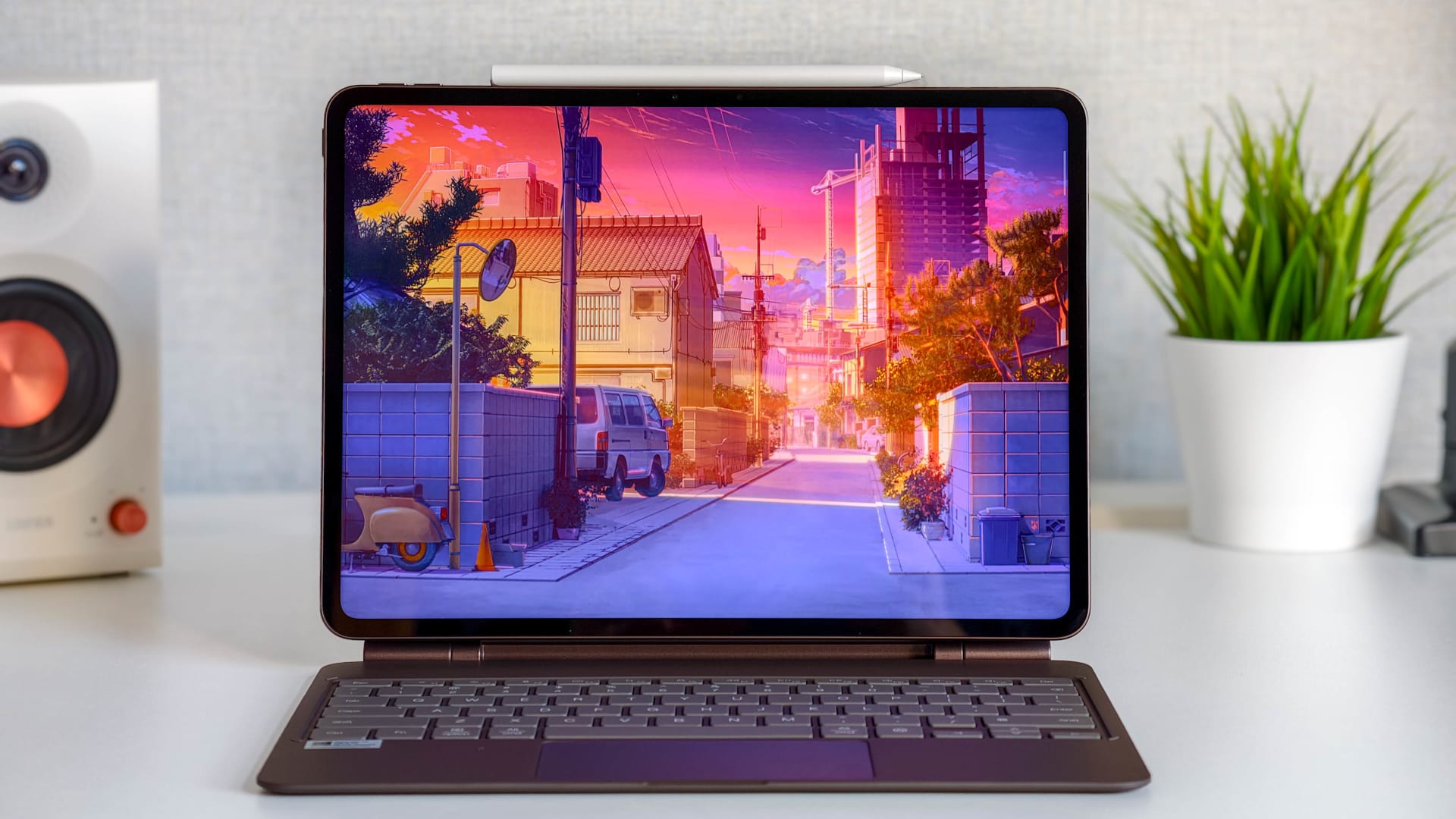
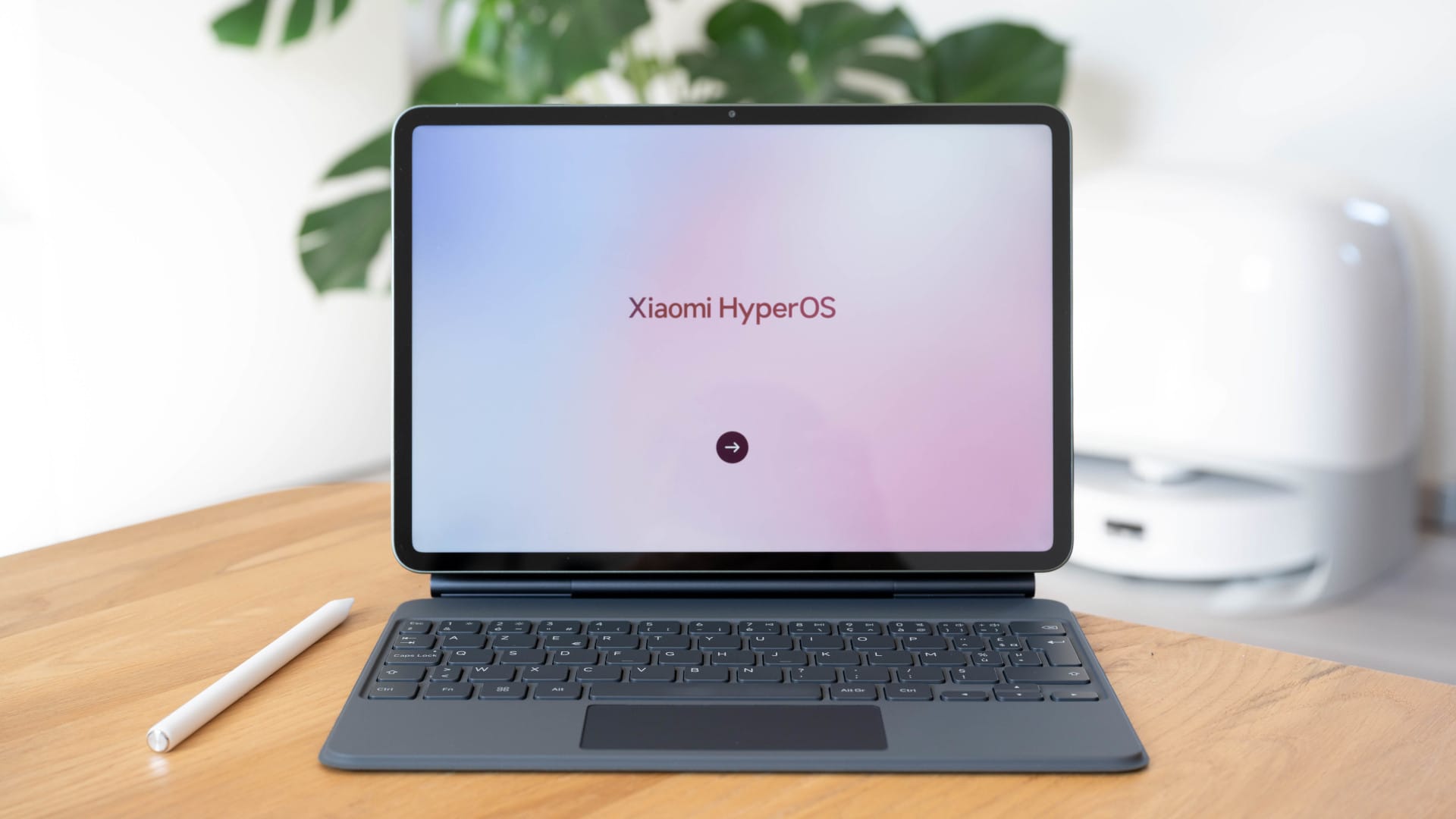
Anyone who has seen a Microsoft Surface tablet of the current generation will likely find the design of the Teclast X5 Pro familiar. Teclast has almost copied the design of the well-known Microsoft tablet 1:1. Even the fold-out stand on the back of the casing has been retained. The casing itself is made of aluminium, giving the tablet a substantial weight of 911g. The tablet measures 29.90 x 20.20 x 0.80 cm. Because the tablet uses passive cooling, the casing is correspondingly compact. Waste heat is dissipated via the casing itself. Connection options include one USB Type-A 3.0 port, one USB Type-C 3.0 port, one micro HDMI port, one 3.5 mm audio jack and one DC charging port. Several pin connectors are also located on the bottom of the casing, via which a keyboard can be connected. This allows the actual tablet to be used as a compact notebook.

Connectivity and battery
The Teclast X5 Pro connects wirelessly via WiFi and Bluetooth. WiFi is handled by an Intel 3165 Dual Band module, which guarantees fast transfer rates. Bluetooth is supported up to standard 4.0. Teclast states the battery capacity as 5,000mAh. Unfortunately, Core M processors are not known for being particularly energy-efficient. With normal use, runtimes of approximately 5 hours should be possible.
Specifications
Operating system
- Windows 10
Processor
- Intel Kaby Lake Core M3-7Y30
- *Base clock
- 1.0 GHz
- *Burst frequency
- 2.6 GHz
- *Hyper-Threading
- Yes
- *Processor graphics
- Intel HD Graphics 615
Storage
- RAM
- 8GB
- Internal storage
- 256GB M.2 SATA-3 SSD
- Storage expansion
- Yes
Display
- Display size
- 12.2 inches
- Display resolution
- 1920 x 1200 pixels
- Display type
- IPS
Camera
- Main camera
- 5 megapixels
- Front camera
- 2 megapixels
Connectivity
- Bluetooth
- 4.0
- Wi-Fi
- Intel 3165 Dual Band
- Battery
- 5,000 mAh
Ports
- 1x USB 3.0 Type-A
- 1x USB 3.0 Type-C
- 1x Micro HDMI
- 1x 3.5mm headphone jack
- 1x DC
Comments (4)
Wow, the hardware even outperforms the small Surface Pro 4, and you have to pay several hundred more for it!
Does the tablet support MU-MIMO Wi-Fi? And is Windows 10 already preinstalled and activated on the X5 Pro?
No, as far as I know, the built-in Wireless AC 3165 module does not support MU-MIMO. Windows 10 is already preinstalled and activated on most Chinese tablets. The Gearbest product page also states that Windows will be activated as soon as the tablet connects to the internet.
Okay, sounds decent for the price. I had been eyeing a more expensive Surface tablet, but at this price, I can hardly pass up the Teclast X5 Pro. The missing MU-MIMO is annoying, but the Surface doesn't have it either... My router does support it, but I'm not sure how important that is.