Contents
First impressions
The Vcare security system was delivered in good, secure packaging. The additional sensor units were each individually wrapped. In addition to the control unit, the package included an IP indoor camera with pan and tilt function, four remote controls, four PIR motion sensors, five window sensors, an SOS unit and a medical emergency unit. The power supply needed for both the control unit and the camera, as well as the batteries required for the motion sensors, were also included. The necessary mounting brackets with screws and an English instruction manual were also included. All parts in the package are made of reinforced plastic and are very well constructed. The design looks attractive and modern.
 Play video on YouTube
The central unit has no display and is operated entirely via an app. On the front, there is an LED indicator that glows red when an alarm is triggered. Two other LEDs show whether there is a Wi-Fi connection and whether the alarm system is armed. On the back, there are two microphones, a siren (80dB) and a speaker. Under the small cover cap are several indicators that also display an active Wi-Fi connection, GSM connection and power connection. Behind the cover cap, there is also a power socket that supplies the alarm system with power. With a micro SIM card inserted, the device's GSM function can be used. A temperature and humidity sensor module can also be connected to the main unit and is even included in the scope of delivery.
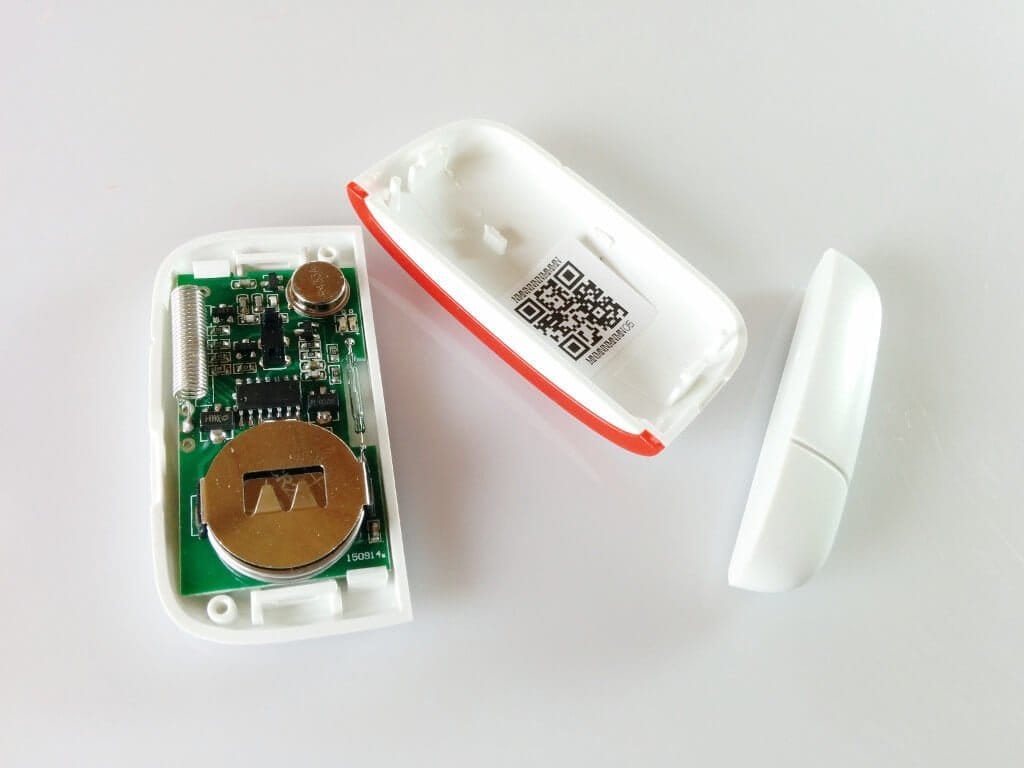
All sensors, whether motion or window sensors, can be opened. The batteries inside are easily accessible and can be replaced. The window sensors are powered by two button cells each, while the motion sensors each use 2 AAA batteries.


Setup
The user manual is entirely in English. However, the individual steps for setup are clearly explained and extensively illustrated. The control unit has no display and is operated entirely via the app, which is available for both Android and iOS. The user manual contains a QR code with the link to the app. Alternatively, you can also search for the “Vcare” app in the respective app store.
To get the central unit ready for operation, it should be connected to the power adapter. Unfortunately, the rear flap must be permanently removed for this, as the power connection is located beneath it. Incidentally, the central unit also has a small battery. If the power fails, the alarm system remains active. In standby mode, this battery lasts for several hours.
The alarm system should be used with active Wi-Fi to fully exploit the device's potential. Once the app is launched, you should be within the Wi-Fi network to which the alarm system will later be connected. Within the app, you first create the homeowner. The next step is to enter the Wi-Fi SSID and password. The control unit has a small Wi-Fi switch that needs to be pressed. You then have 10 seconds to click the 'Connect' button on the app overview. The central unit then automatically connects to the home Wi-Fi. Afterwards, enter an individual password and a phone number that should later receive SMS messages.
Vcare app
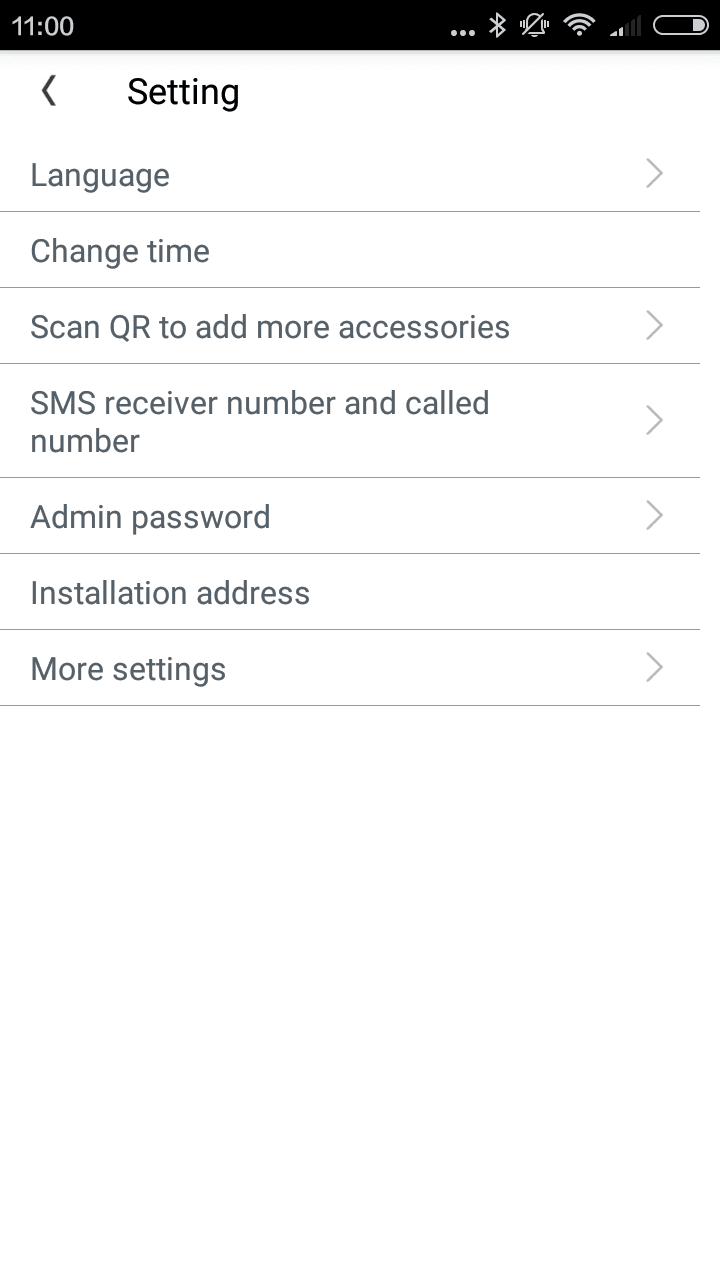
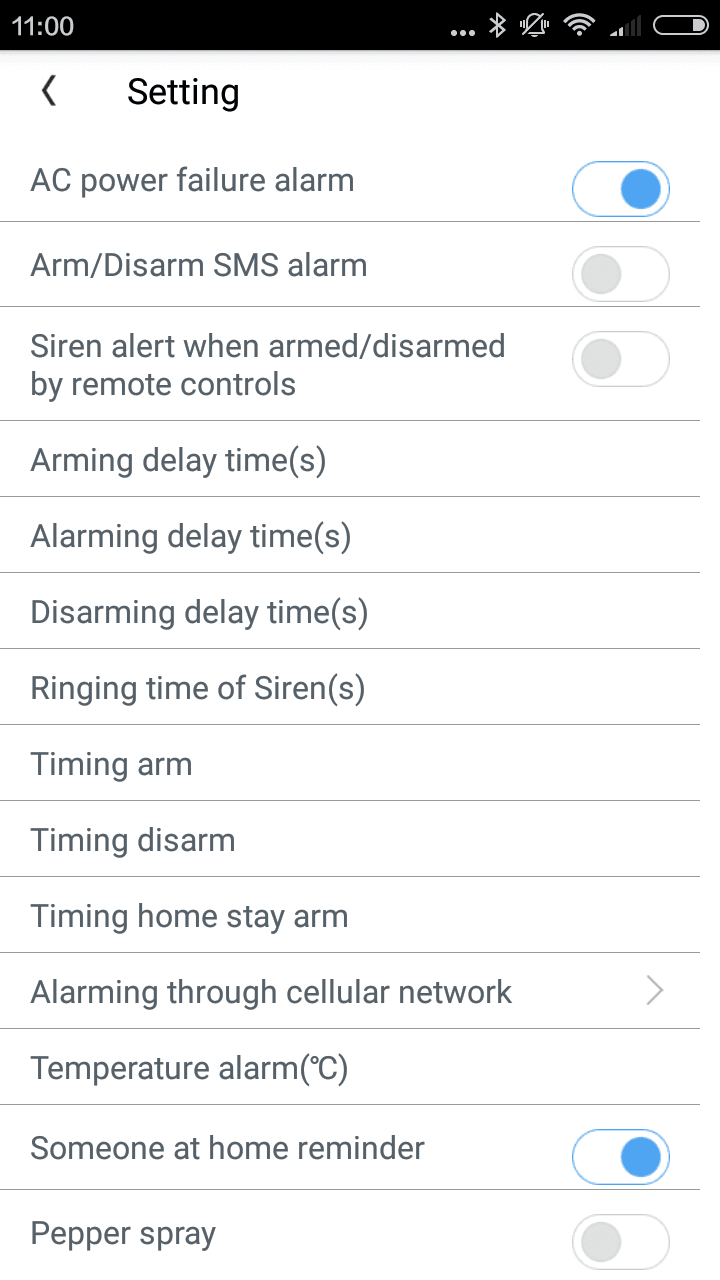
I initially found the “Vcare” app somewhat confusing. While all details are displayed at a glance, individual settings and functions are buried deeper in the system. The language can be changed to German in the system settings, but this only changed the voice output of the central unit; the app language remained in English.
An overview bar displays the connection strength of the alarm system to the WLAN and GSM network. Additionally, you can see whether the alarm system is connected to the mains or running on battery power. The current temperature and humidity can also be displayed.

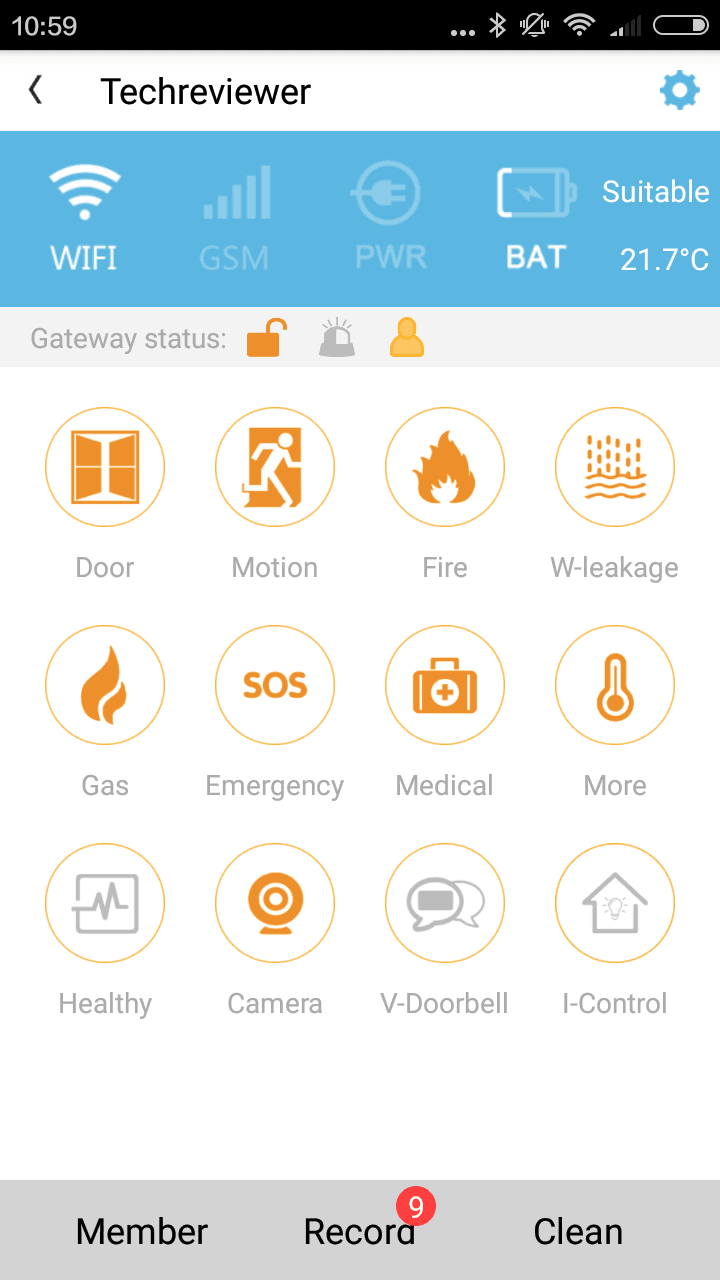
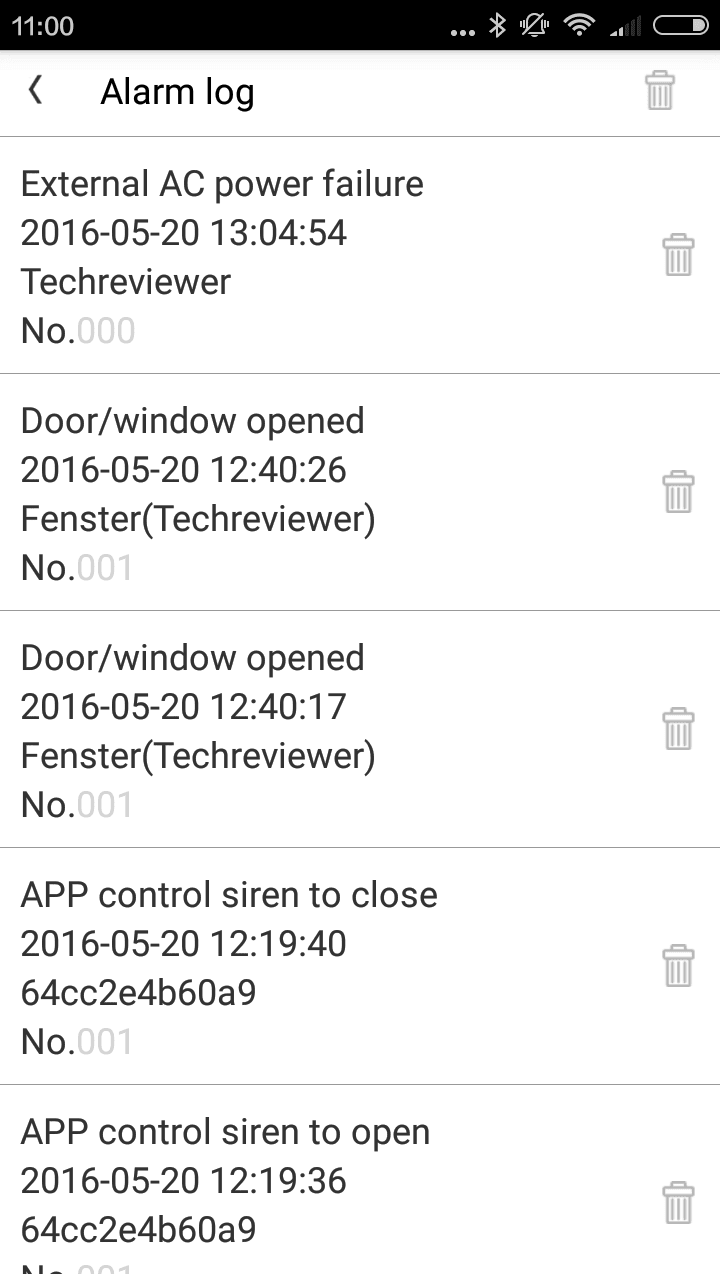
Each additional module has its own subcategory, within which the respective module can be managed. For example, if you click on one of the motion sensors, you can view the motion sensor’s alarm log. The same applies, of course, to the window sensors and the camera. All sensors can be individually activated or deactivated. It is also possible to configure the alarm system according to a schedule.
In the alarm overview, you can actively switch the alarm on, off and to "home mode". Additionally, the siren can be tested and silenced. Notifications are received for all system warnings, malfunctions and triggered alarms.
GSM function
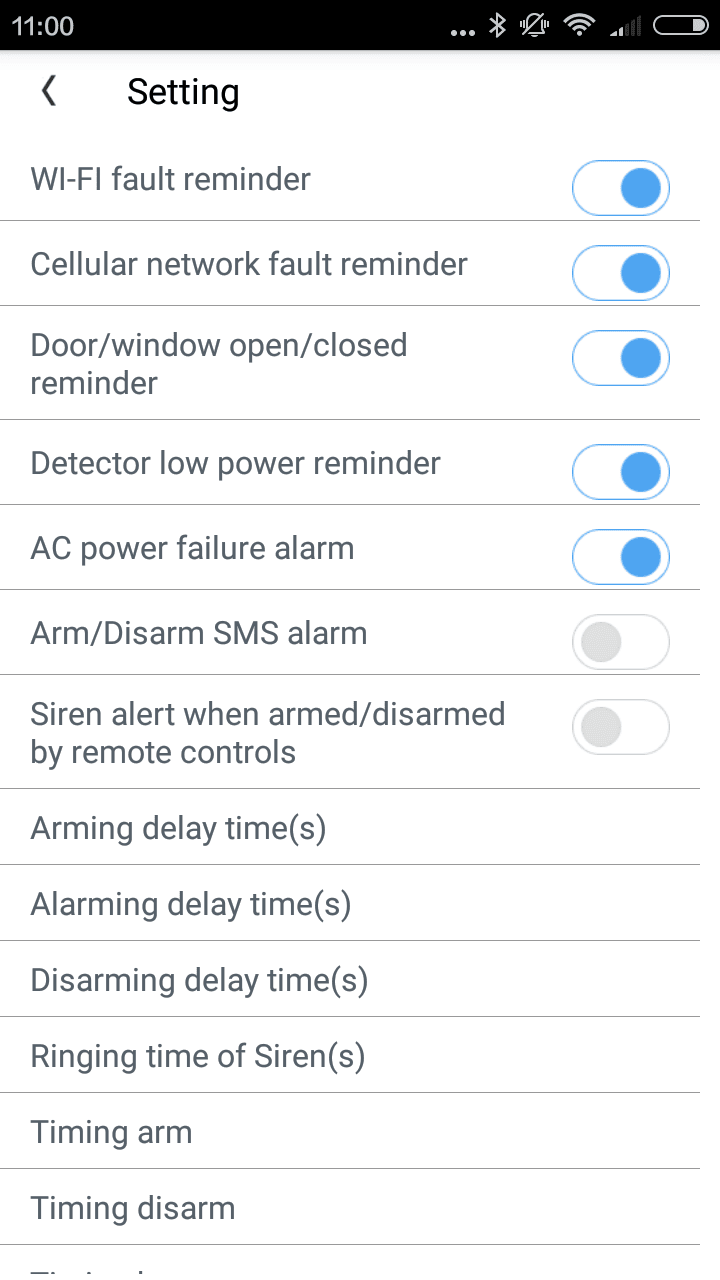
With the active GSM function, the alarm system sends all notifications via the mobile network to previously defined phone numbers. However, when using this function, it should be noted that fees may apply for each SMS sent, depending on the mobile tariff. During the test, the alarm system sent several SMS messages to my number every day. Without an appropriate mobile contract, the costs would rise to astronomical levels. Of course, individual notifications can also be deactivated separately, so that an SMS is received only in genuine emergencies.
Modules
The individual sensors are added via the app. Each module has its own QR code. Within the app, you scan this, and the module is immediately added to the system. Each module can be named individually, allowing them to be distinguished from one another.
Window sensor
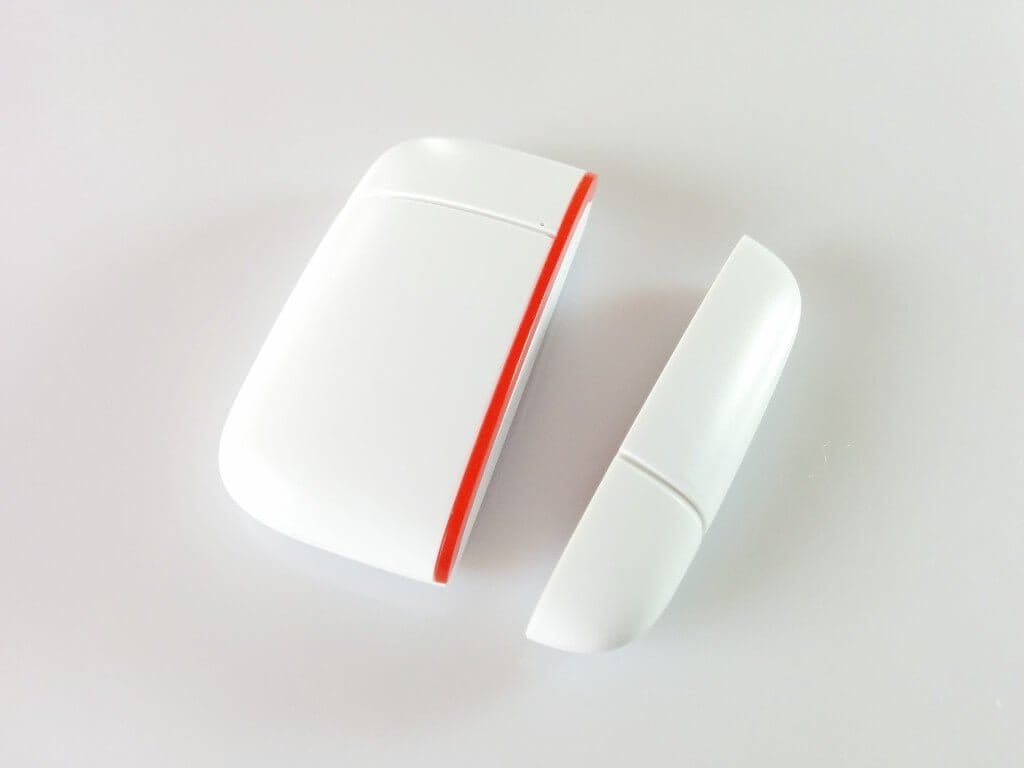
The sensor consists of a magnet and a transmitter. The separate parts can be attached using the supplied adhesive pads. An LED indicator on the transmitter unit shows a triggered alarm. The trigger range is 2 cm. In testing, the window sensor worked consistently and detected removal from the transmitter. As soon as the sensor battery becomes weak, you receive a notification via the app.
Motion detector
This module also features an LED indicator. An infrared sensor is hidden behind the lens. In testing, I was able to cover an entire room length of approximately 15 metres with the sensor. If you open the housing, a test mode can be activated via a jumper to test the sensor. In addition, there is a normal operating mode and an "office mode" for high foot traffic.


Remote control
This compact box allows you to arm and disarm the alarm system and activate the home mode. An SOS emergency button calls a pre-set number.


Camera
The camera included in the set is a WiFi IP camera that records videos with a maximum of 1280x720 pixels. The maximum frame rate is 30 frames per second. Recordings can be saved directly to an SD card or accessed via the app. Additionally, the camera has a microphone and a speaker. It can rotate horizontally by 355° and tilt vertically by 120°.
The camera is configured and controlled via the Vcare app. In addition to WiFi, the camera can also be connected with a LAN cable, which is included in the delivery. Night shots are also possible due to the 8 infrared LEDs.
The recordings made during the test were consistently clear, and even at night, the video recordings were only lightly noisy. Configuration via the app was easy. You only need to scan the camera's QR code, and it is immediately connected to the Wi-Fi and the alarm system. Via the app, you can then pan and tilt the camera, view a live image, send voice messages, and access recordings.


Our verdict
The alarm system offers a wide variety of functions and possibilities. The build quality is high, and the delivery includes all necessary mounts and cables. The individual sensors work precisely and are easy to set up. The design of the system is simple, modern, and compact.
The app does, however, need some improvements. Unfortunately, the language cannot be changed to German, and currently the app is somewhat confusing due to the numerous features. On the other hand, I liked the ability to individually configure each module.
The GSM function also works well. However, it should only be used with a mobile tariff that includes SMS. The alarm system sends several SMS messages daily without appropriate notification settings.
Specifications
General
- Transmission
- WiFi and GSM
- App
- iOS and Android
- Battery
- 850mAh
- Siren
- Yes
- Call function
- Yes
- Emergency function
- Yes
What’s included
1x Central unit 5x Window sensor 4x PIR motion detector 1x IP camera 4x Remote 1x SOS button 1x Panic button
Comments