Contents
Test: Xiaomi Pad 5
It has been a long time since Xiaomi last released a tablet in 2018. Three years later, with the Xiaomi Pad 5, we can finally look forward to a new Xiaomi tablet again.
The Xiaomi Pad 5 has been on the market in China for several weeks. There is even a Pro version there, which is slightly better equipped in detail. The Xiaomi Pad 5 reached the global market shortly after its China release.
Xiaomi Pad 5: design and build quality
“Can I quickly check something on your iPad?” – those were the first words I heard when the Xiaomi Pad 5 had just been in the house for two days and happened to be lying on the sofa when friends visited.
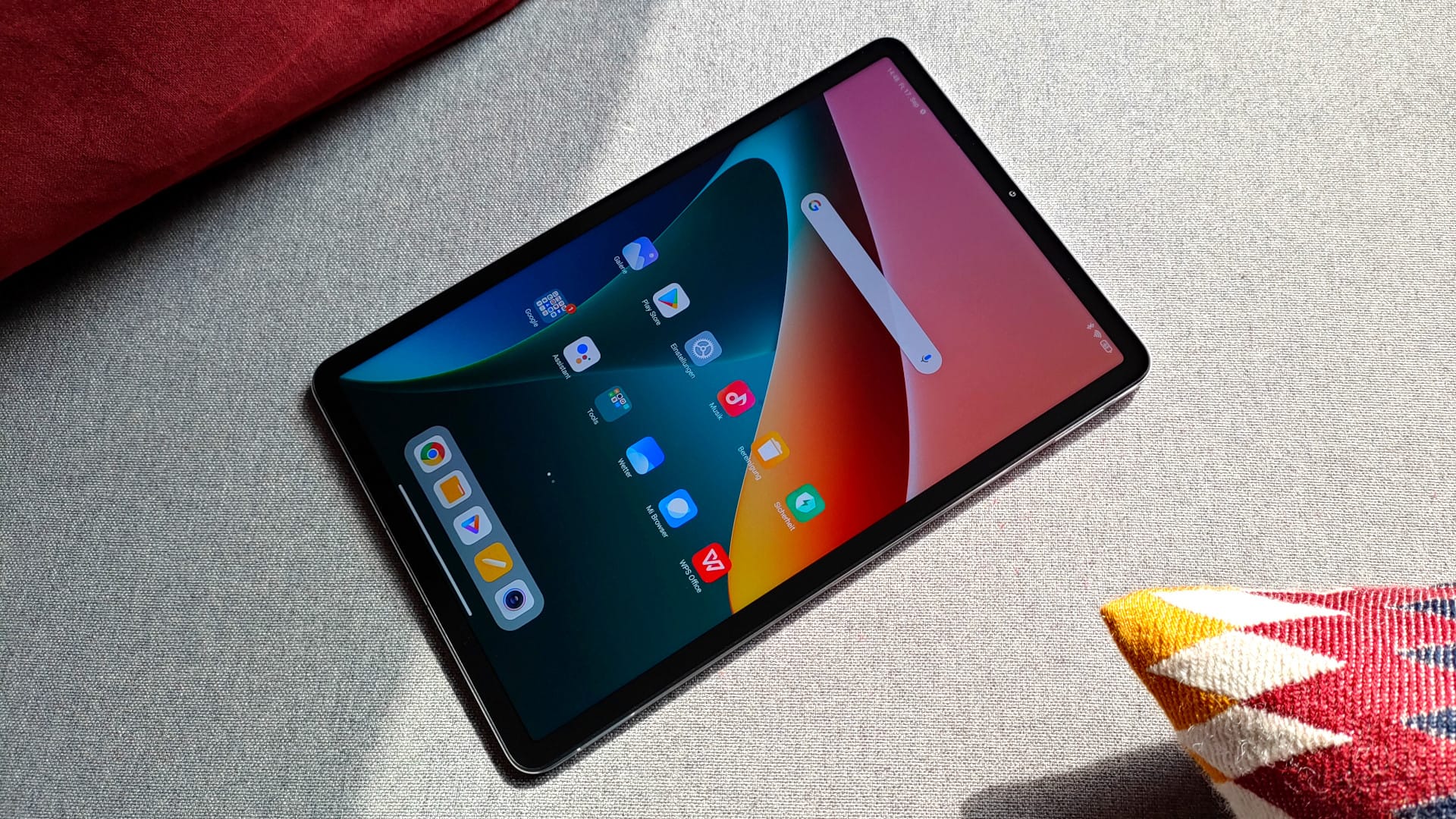
Those familiar with both devices would immediately notice the difference. However, anyone who owns neither of the tablets could easily confuse the iPad and the Xiaomi Pad 5. It cannot be denied that Xiaomi and many other manufacturers like to be inspired by Apple. But let's be honest. Nobody is reinventing the wheel (tablet).
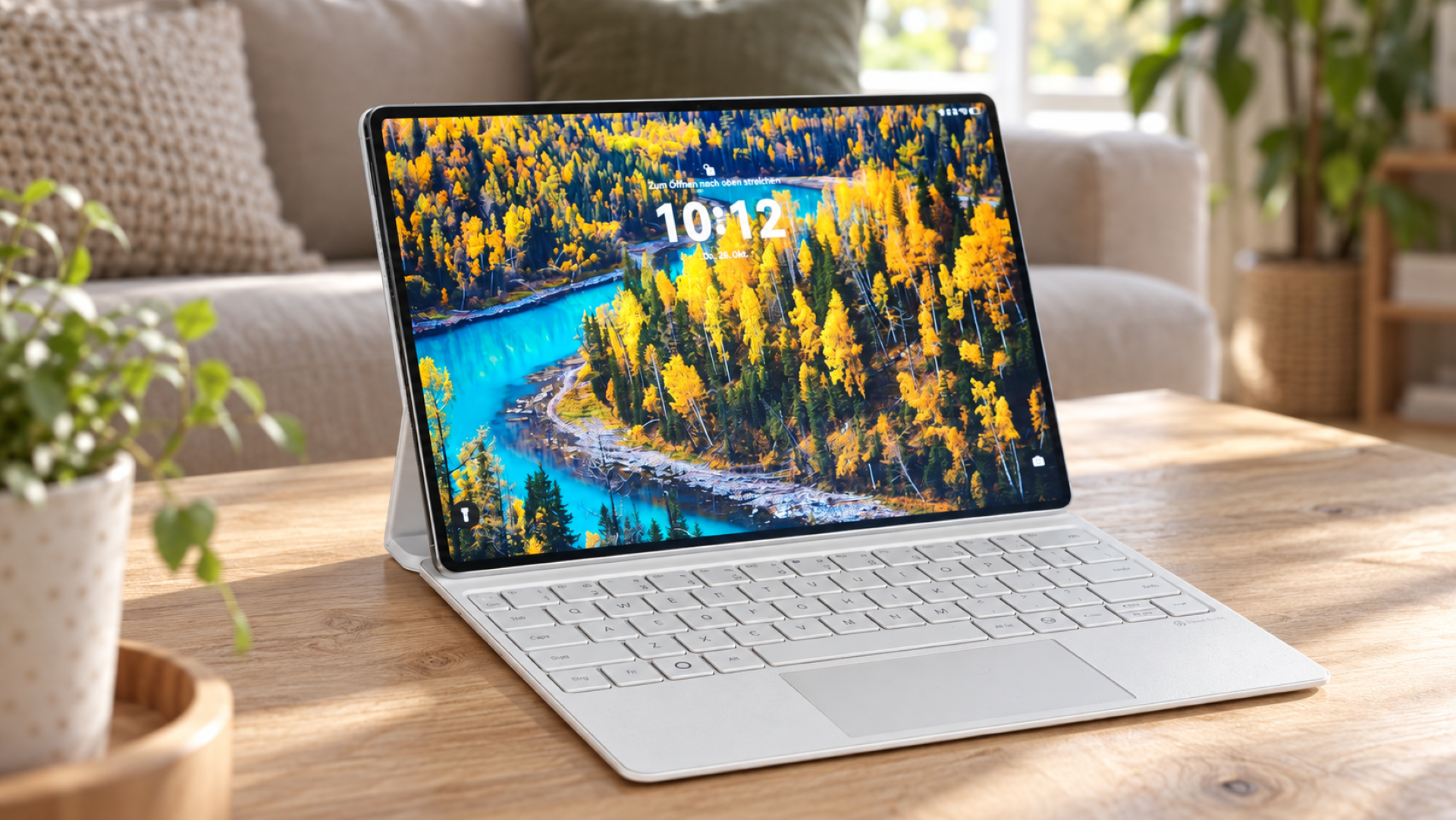
The Xiaomi Pad 5 takes the stage with a rectangular design, measuring 254.69 x 166.25 x 6.85 mm and weighing 511g. Compared to the iPad 10.2 (9th generation), the Xiaomi Pad 5 is actually slightly narrower (7.85 mm) and thinner (0.65 mm) than the Apple competitor, despite having a larger 11-inch display.
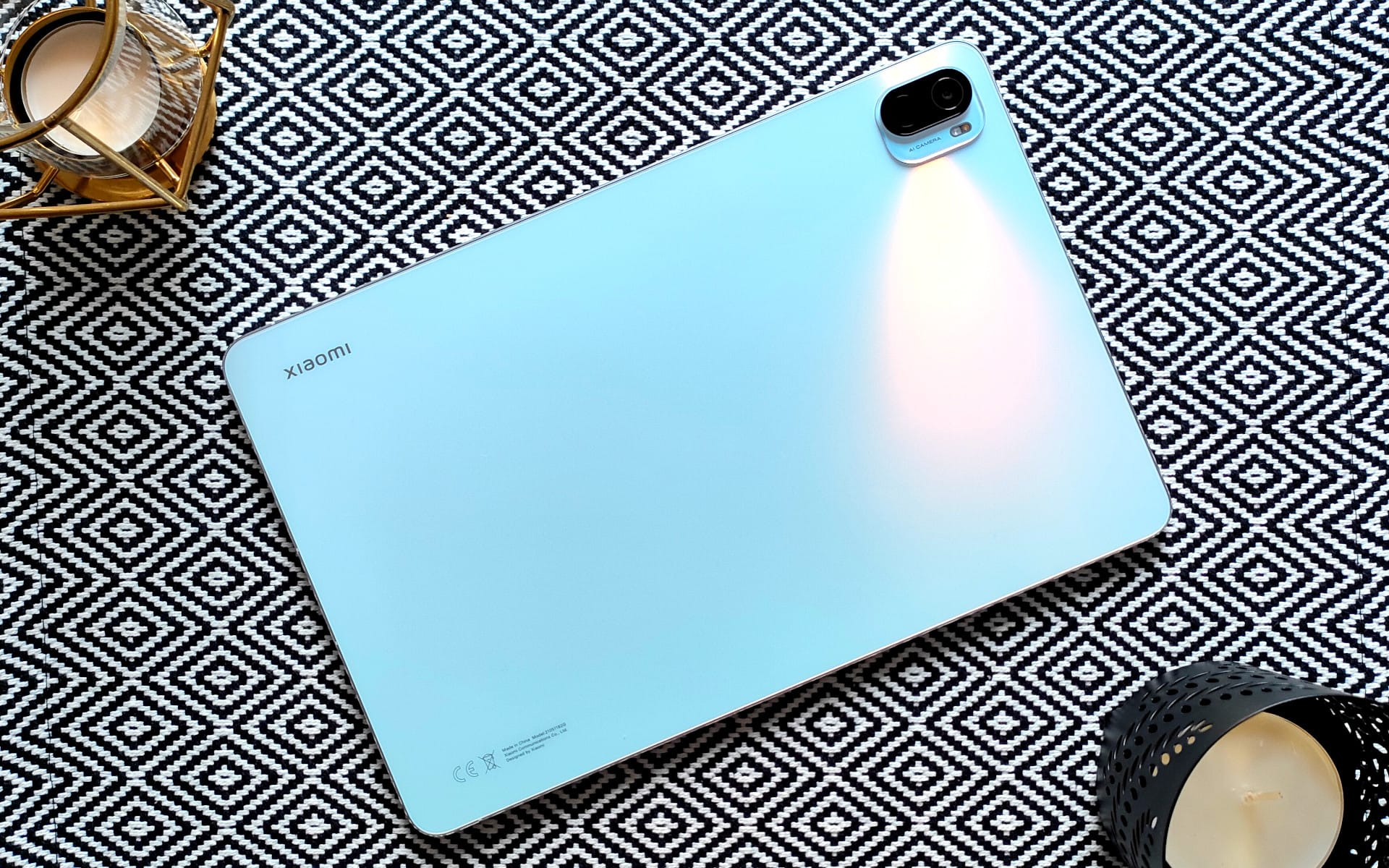
The back of the new Xiaomi tablet is made of plastic, but it certainly does not look cheap. Quite the opposite. In the colour "Pearl White", the tablet shimmers elegantly in the light. Just like a pearl! For those who are not fans of white, the tablet is also available in "Cosmic Gray".
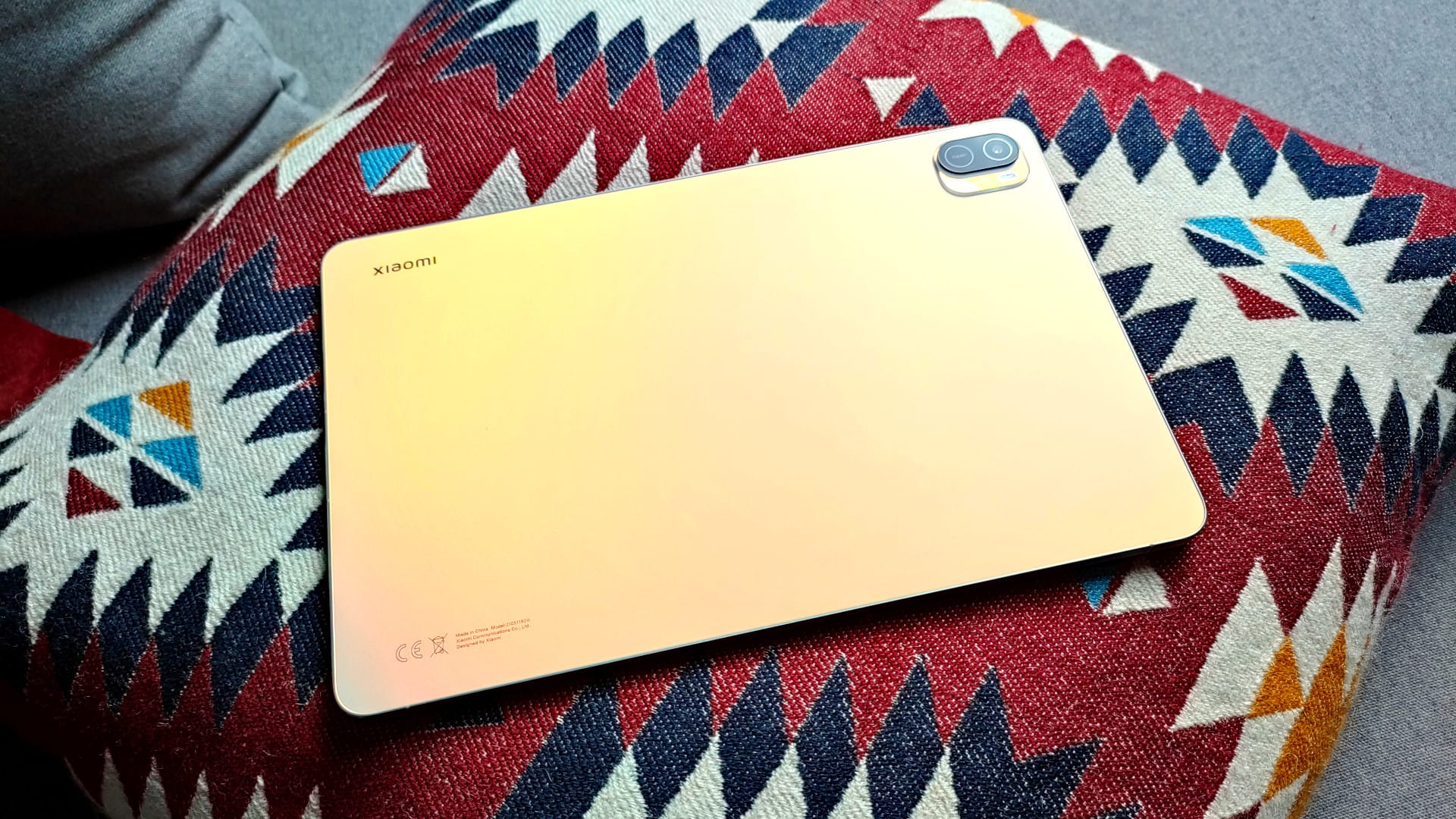
However, scratches are not excluded with plastic, which is why the test device quickly ended up in a protective case. Suitable smart covers or protective cases are available in all colours and variations, so you don't have to worry about accessory availability (eBay, Amazon etc.). Xiaomi is, after all, a global player!
The phrase ‘less is more’ definitely does not apply to the rear camera module. Although there is only a single 13 MP sensor on the back and there is sufficient space for a second sensor, this area has been left unused. Instead, below the camera lens, there is ‘13MP’ text surrounded by a lens-like rim.
The reason lies with the Xiaomi Pad 5 Pro. This model features an additional 5 MP camera sensor at the aforementioned location. Presumably to save on development and production processes, both devices were simply given the identical casing.
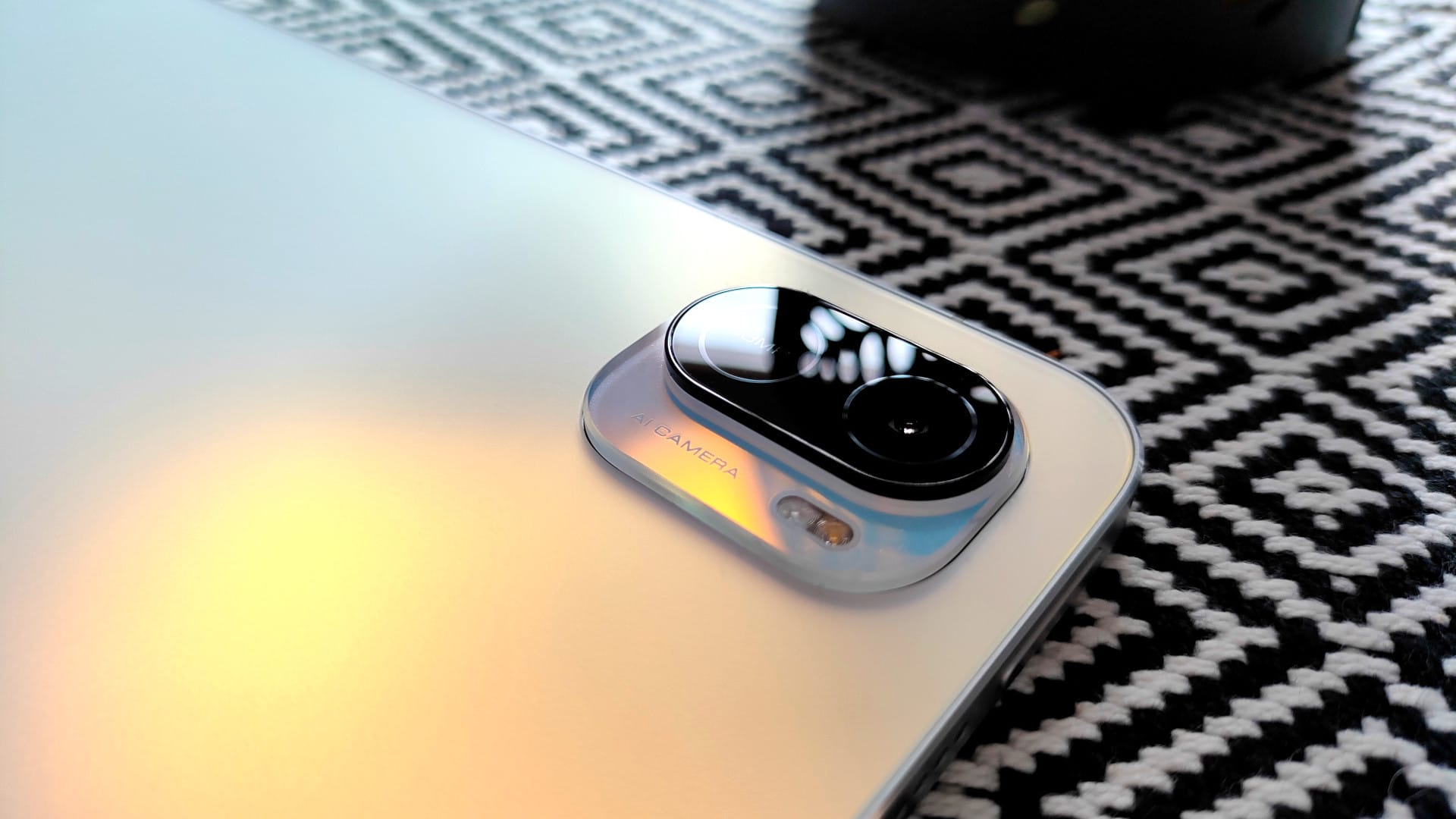
The rear transitions seamlessly into the aluminium frame. Thanks to its slim profile, bevelled side edges and rounded corners, the Xiaomi Pad 5 sits comfortably and securely in one or both hands.
The tablet can be turned on via a power button on the top right. In the Pro version, there is a fingerprint scanner integrated there. Unfortunately, we have to do without this in the standard version. PIN, password, pattern and face recognition remain as unlocking methods. Within reach of the power button is the volume rocker on the top right side. Both buttons, like the frame, are made of aluminium, sit firmly in the housing and offer a pleasant pressure point.
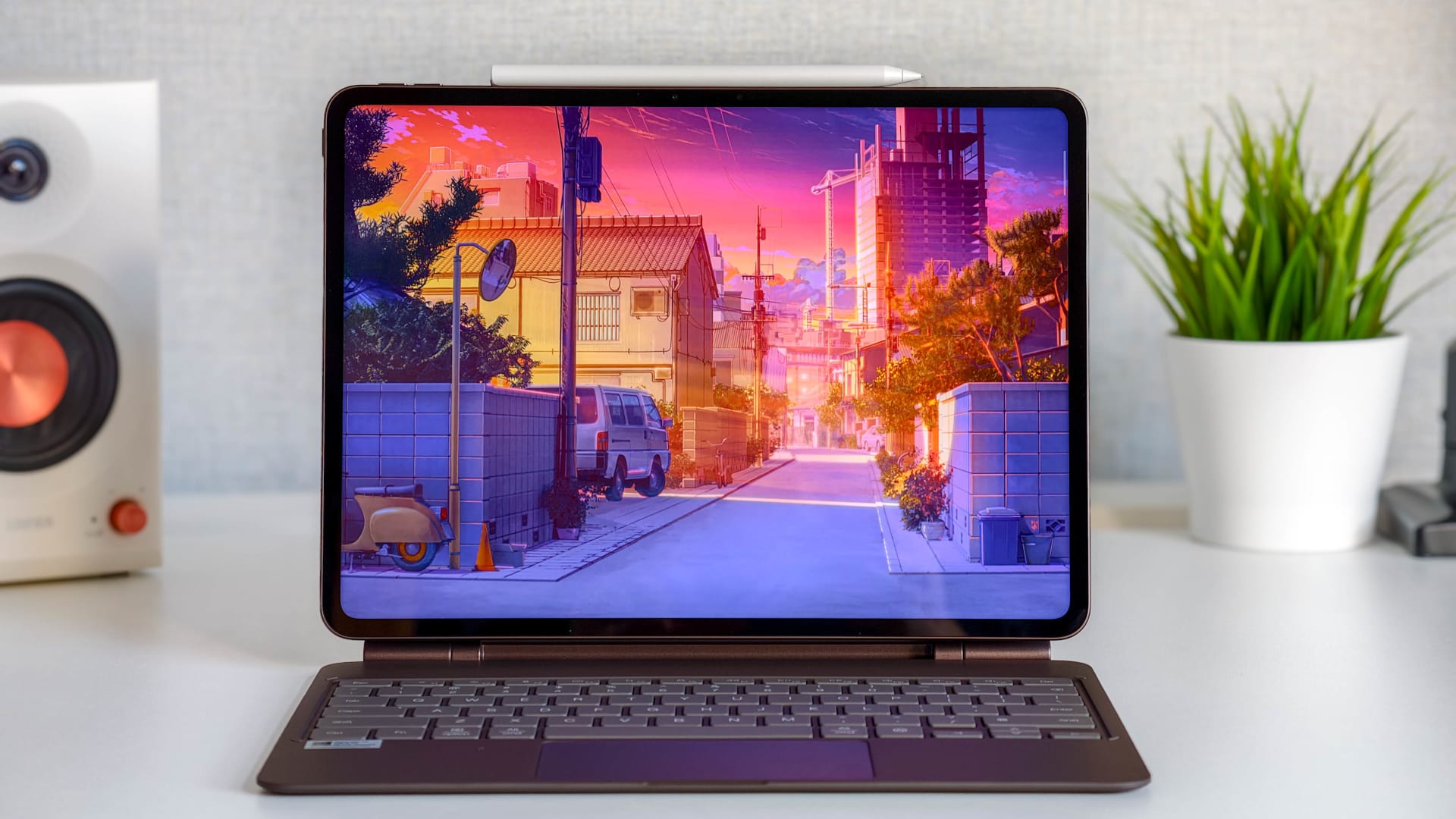
Moving further along the right side, you will find the contact area for the Xiaomi Smart Pen (stylus) in the centre. On the opposite side are three contacts for a magnetic keyboard. This is already available in China. Only the Xiaomi Smart Pen has been announced for the global market so far.
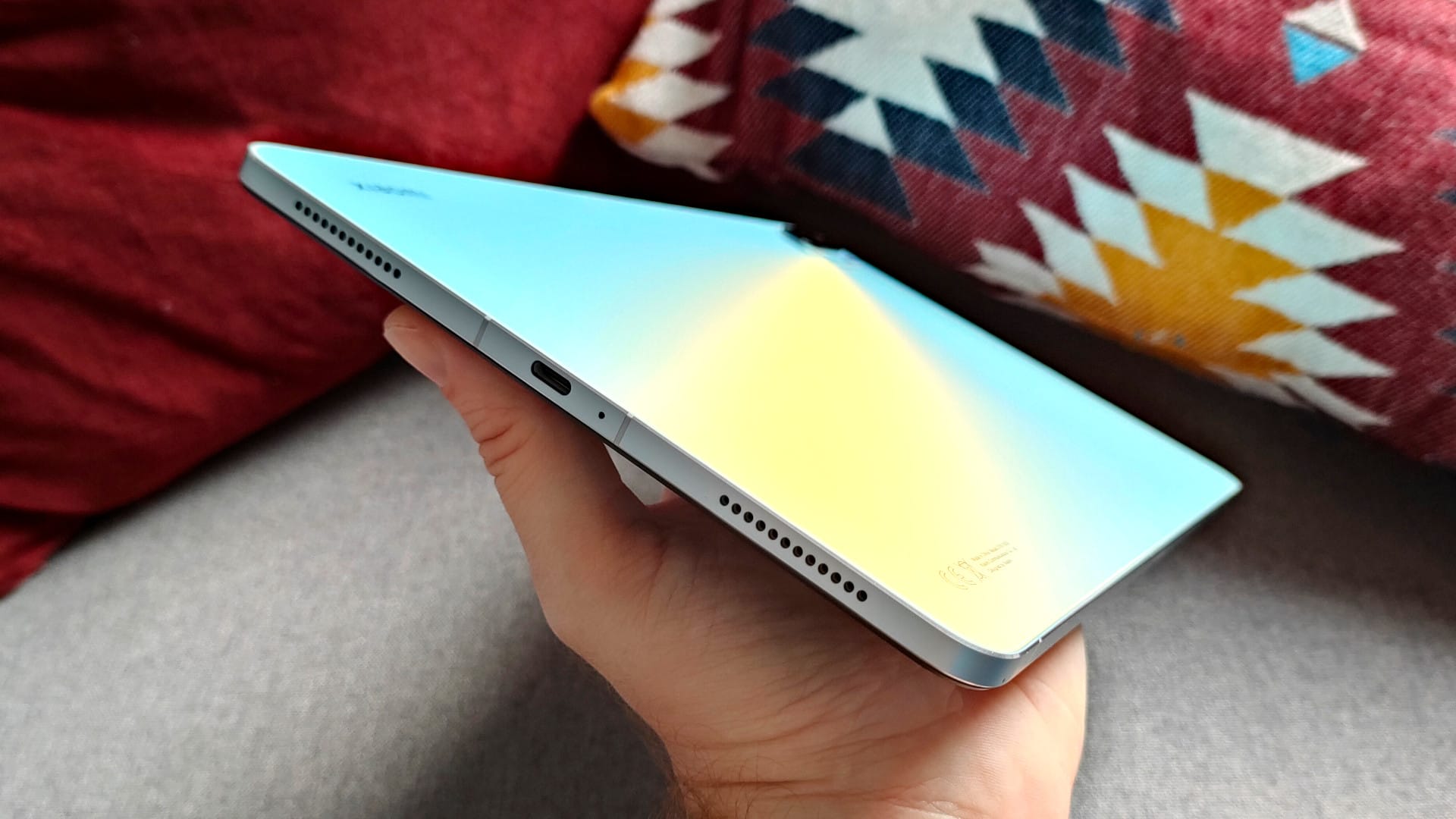
At the bottom end, we have a centrally located USB-C port (USB 2.0) with one of the total four microphones. On the outer edges are two of the total four outputs of the quad-stereo speaker system with Dolby Atmos surround sound technology. If you hold the tablet in landscape mode, your hands usually cover two of the speaker outputs. How this affects the sound, more on that later.
Xiaomi Pad 5: Display
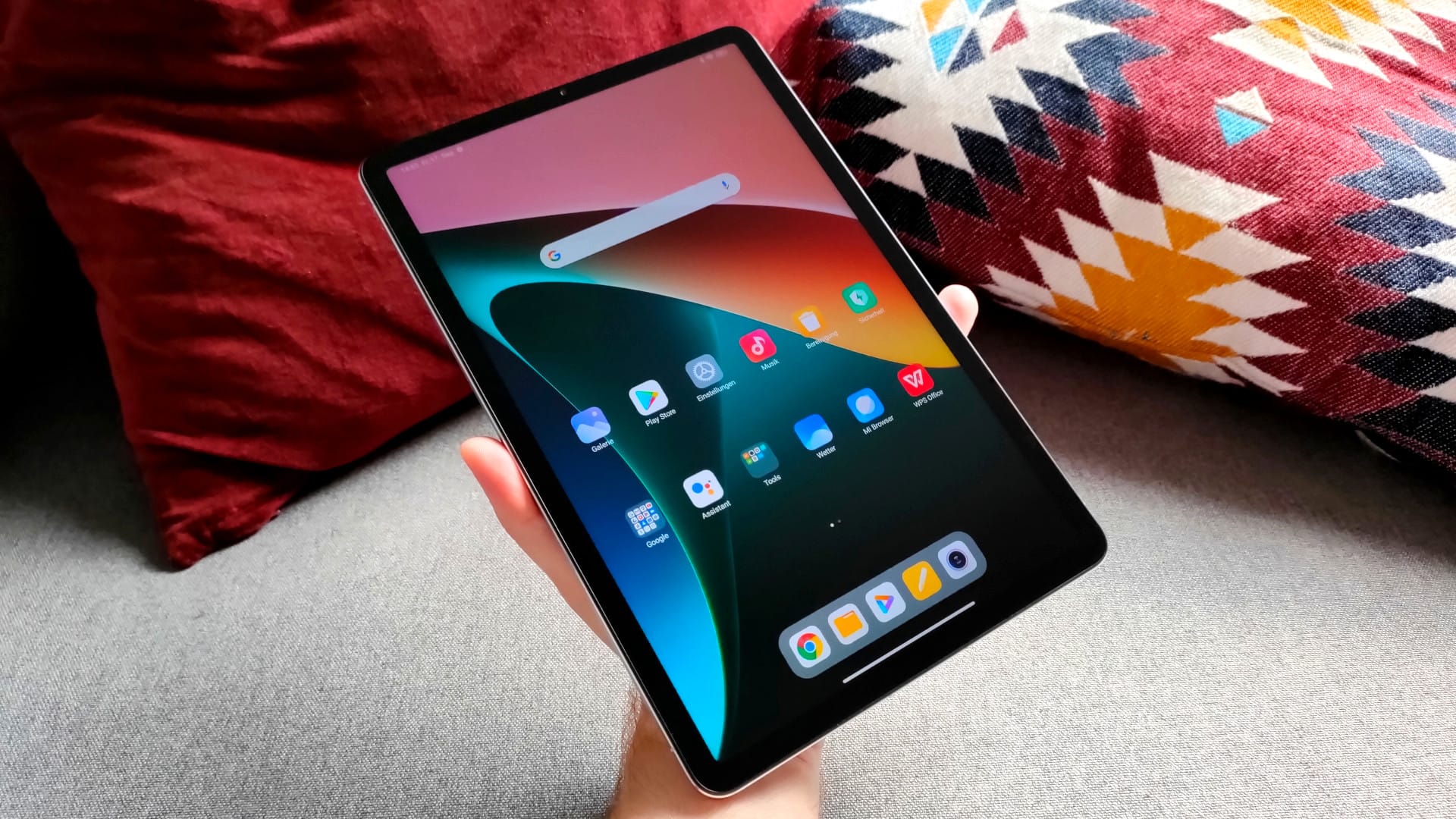
Next up is the 11-inch display of the Xiaomi Pad 5. Instead of a vibrant OLED, a IPS panel is used here "only", but the presentation is still convincing. With a resolution of 2560 x 1600 pixels (WQHD+), which corresponds to 275 PPI, the display is extremely sharp and no pixels are visible at normal viewing distance. The screen borders (bezels) are not excessively large at 0.8 mm on all sides.
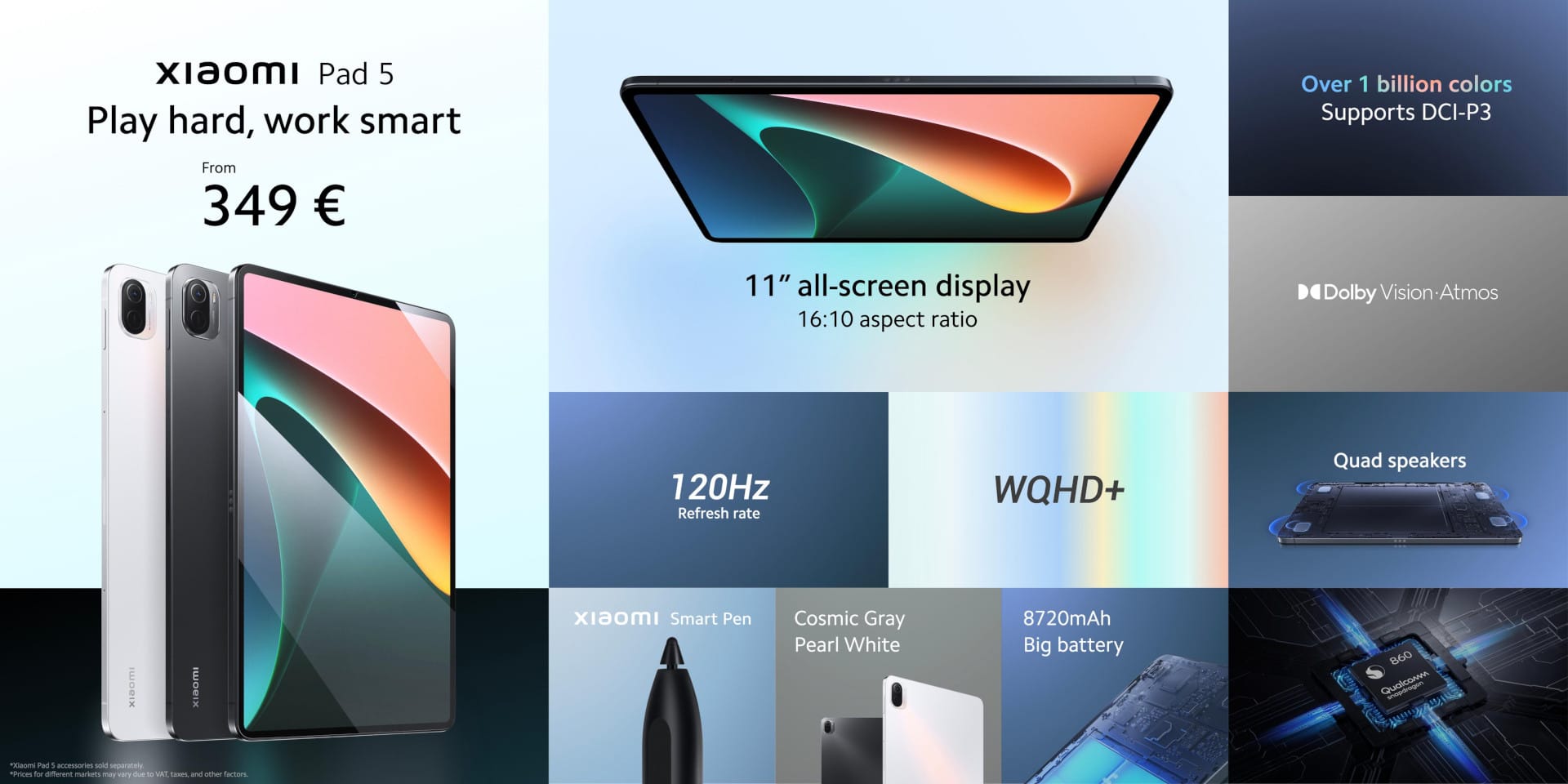
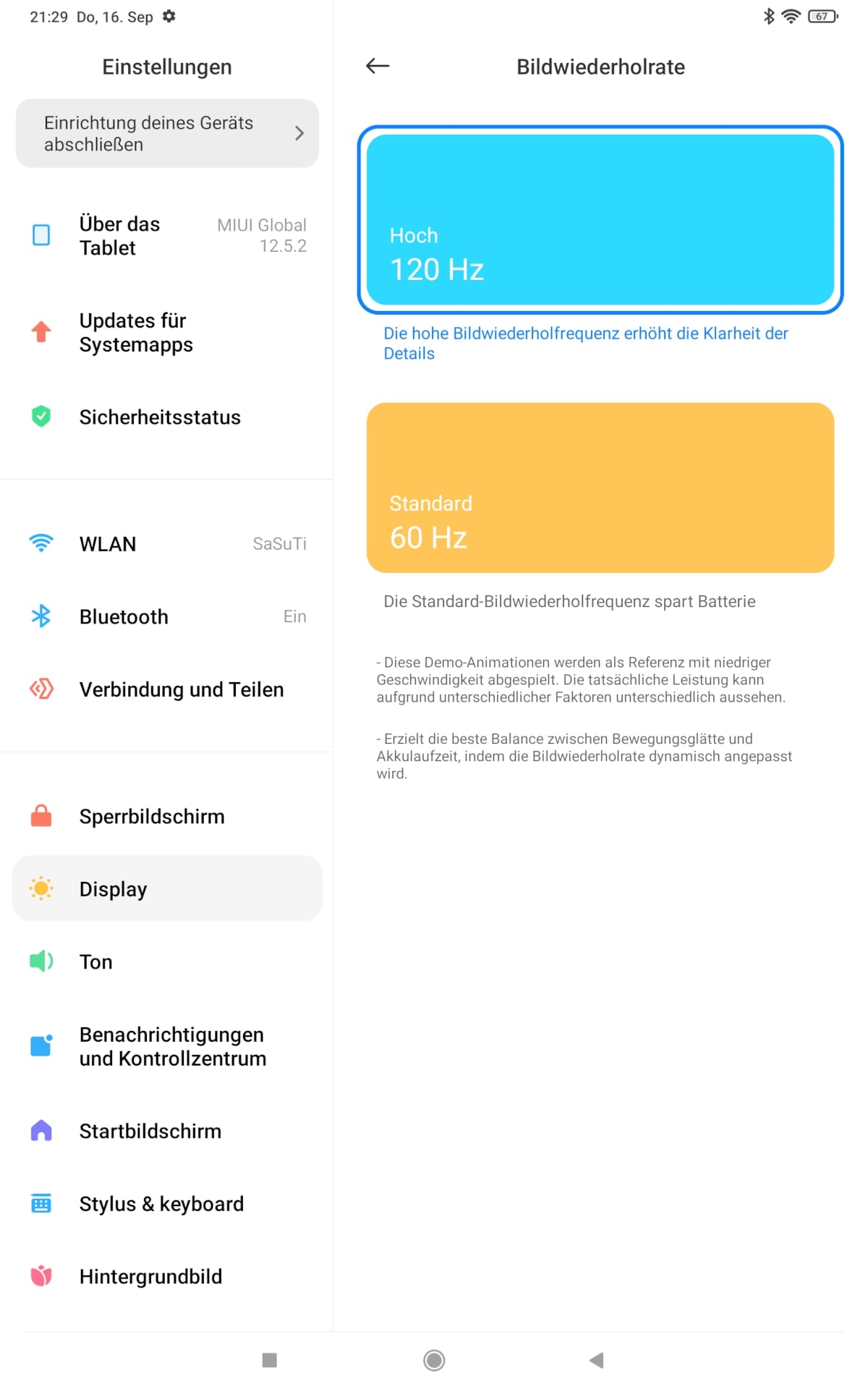
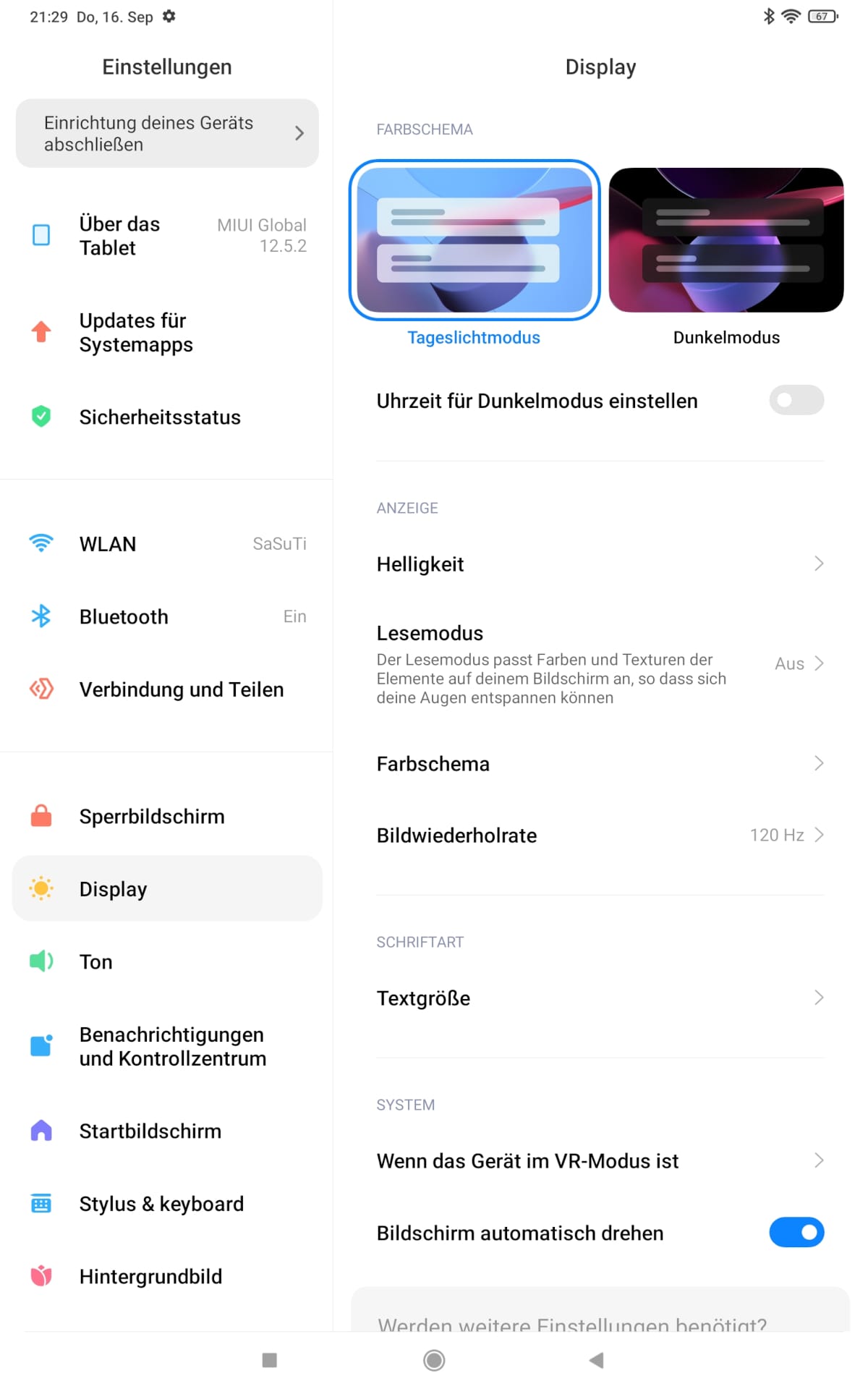
The 120Hz refresh rate effectively prevents unpleasant motion blur. It feels and looks excellent when animations, scrolling and swiping gestures are butter-smooth. In addition to 120Hz, you can select 60Hz in the display settings. This also conserves battery and results in slightly longer runtime. There appears to be no separate adaptive sync mode that automatically adjusts the refresh rate to conditions. The display's touch sampling rate reaches 240Hz. Inputs on the display are processed precisely and quickly.
The screen brightness of 500 nits may not sound like much, but it is sufficient to make the display reasonably readable outdoors. Lying in the sun on the beach and reading something on the tablet could still be difficult. The sunlight mode, which can be activated via the display settings, does not help either.
Incidentally, this mode can only be activated when automatic brightness adjustment is switched off. If the mode is active and ambient light exceeds 12,000 lux for 5 seconds, the mode automatically switches to the highest brightness level. If the value drops, the display returns to the manually set brightness level. The automatic brightness mode essentially does the same thing, but scales variably depending on ambient light.
Fingerprints and reflections on the display glass are unavoidable. Speaking of the display glass, minor scratches were already visible after approximately two days of use. It is not known which protective glass Xiaomi has installed here. If you decide to buy the Xiaomi Pad 5, you should order a suitable screen protector at the same time (for example, here on Amazon).
Colour reproduction, contrast and black levels are really good despite the lack of OLED. Screen illumination is even right up to the edges. Regarding colours, the "Vivid" colour mode is active by default, which displays colours nicely and crisply. But naturally, the Xiaomi Pad 5's IPS display cannot match the punchy colours of an OLED.
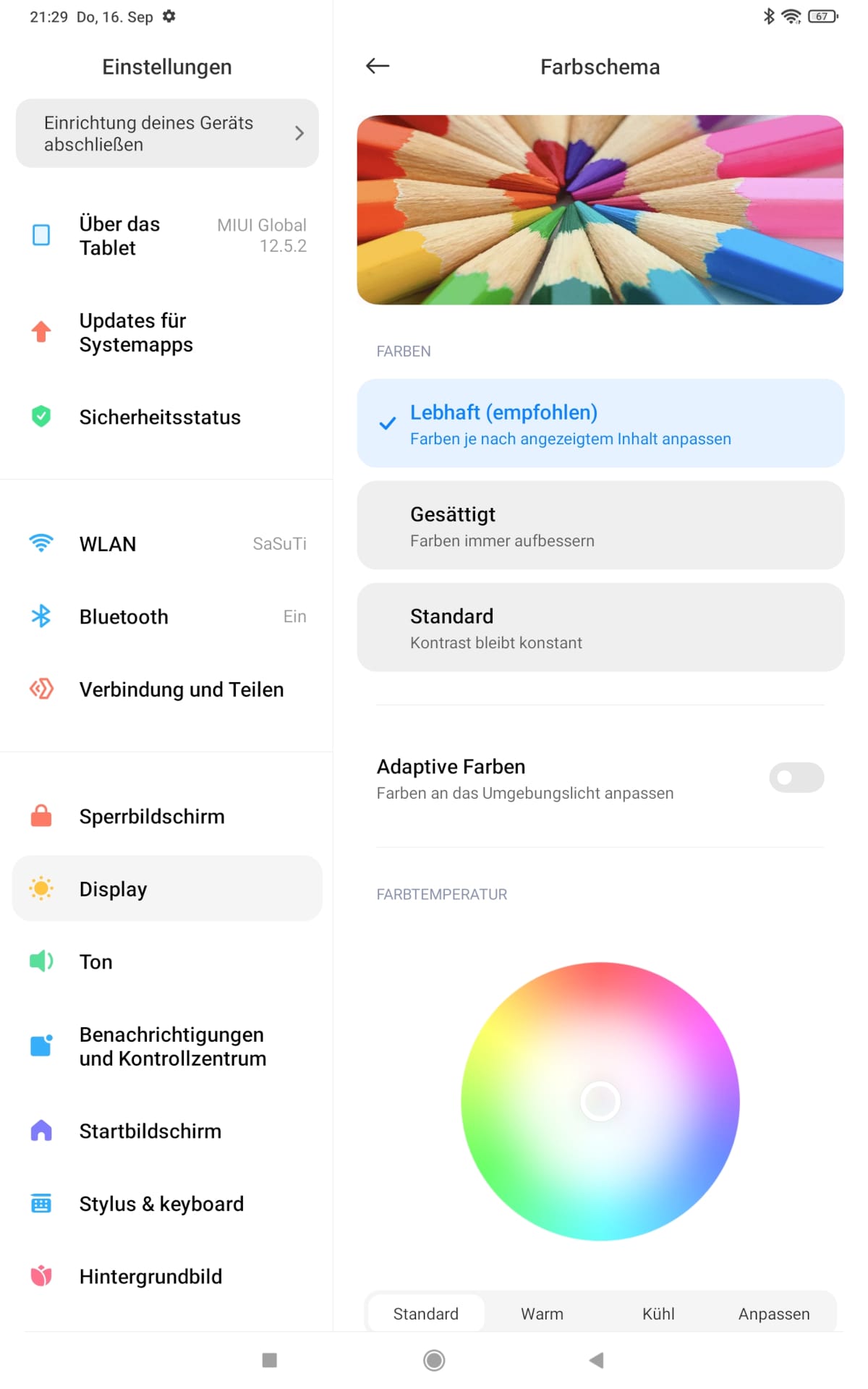
Other colour schemes are “Saturated” and “Standard”. The panel is calibrated for the DCI-P3 colour gamut, which is optimised for digital cinema projection. An adaptive colour mode automatically adjusts colours to the ambient light. There are also colour temperature settings, which can be adjusted via a colour wheel or in the “Standard”, “Warm” and “Cool” modes.
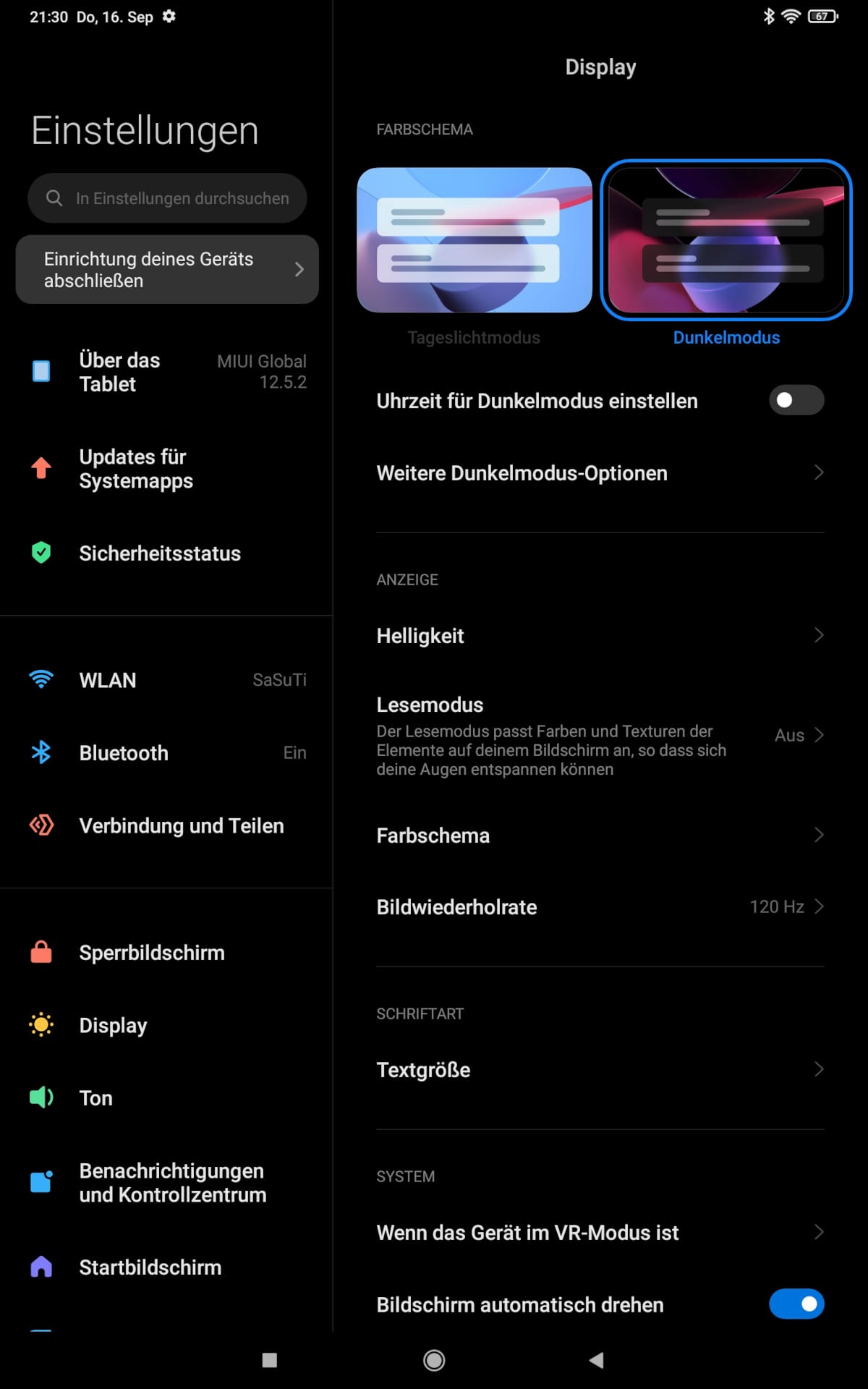
Fans of moving images can look forward to compatibility with HDR10 and Dolby Vision content. Both technologies ensure brighter images, more accurate colours and more detail in dark scenes. Streaming providers such as Netflix already offer numerous films and series in HDR streaming formats. Dolby Vision content is mastered with up to 12-bit colour depth, while HDR10 supports up to 10 bits. Another advantage of Dolby Vision is the dynamic metadata control, which adjusts colour and brightness improvements for each individual frame.

Enjoying Netflix, Disney+ or Amazon Prime Video on the Xiaomi Pad 5 is great fun. In the test, I grabbed Dolby Vision-compatible films on Netflix and compared them. On the Xiaomi Pad 5, Dolby Vision looks really good, and the difference compared to a Samsung Galaxy Tab A7, which currently does not support Dolby Vision, is clearly visible. Widevine L1 DRM for streaming content in full HD is supported by the global version of the Xiaomi Pad 5.
Xiaomi Pad 5: Smart Pen and Keyboard
Moving from the display to the Xiaomi Smart Pen (Link), an active stylus with 4,096 pressure levels, which can be magnetically docked to the tablet and fully charged in just 18 minutes. Fully charged, the battery lasts up to 8 hours. Using a function button on the pen, you can quickly switch between pen and eraser or create screenshots with a press of a button.
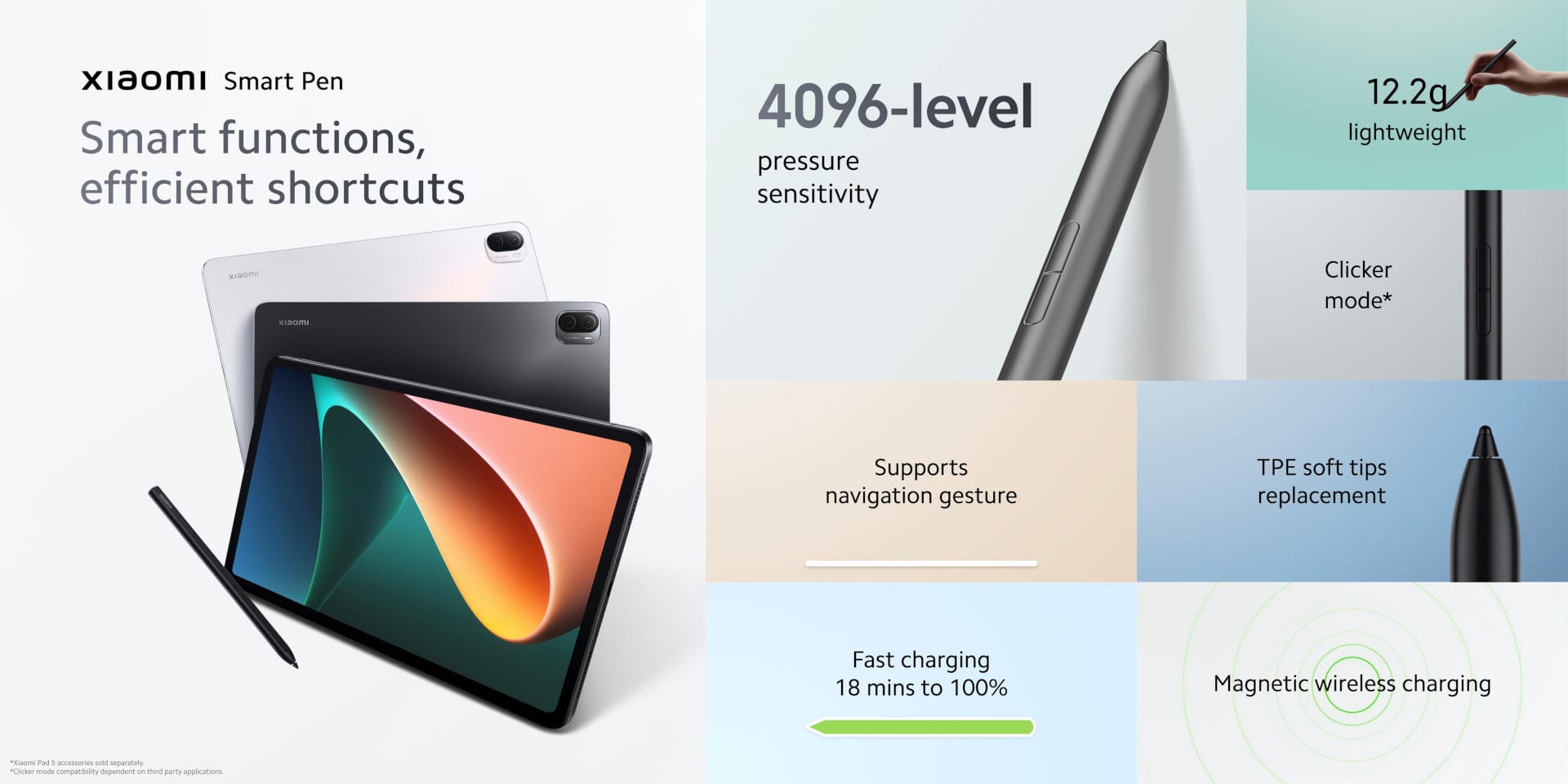
According to Xiaomi, there are no limits to creativity. Precise drawing, writing, or sketching should therefore be possible. The emphasis here is on 'should', because I currently don't have a Xiaomi Smart Pen available. As soon as it arrives, the test will be updated at this point.
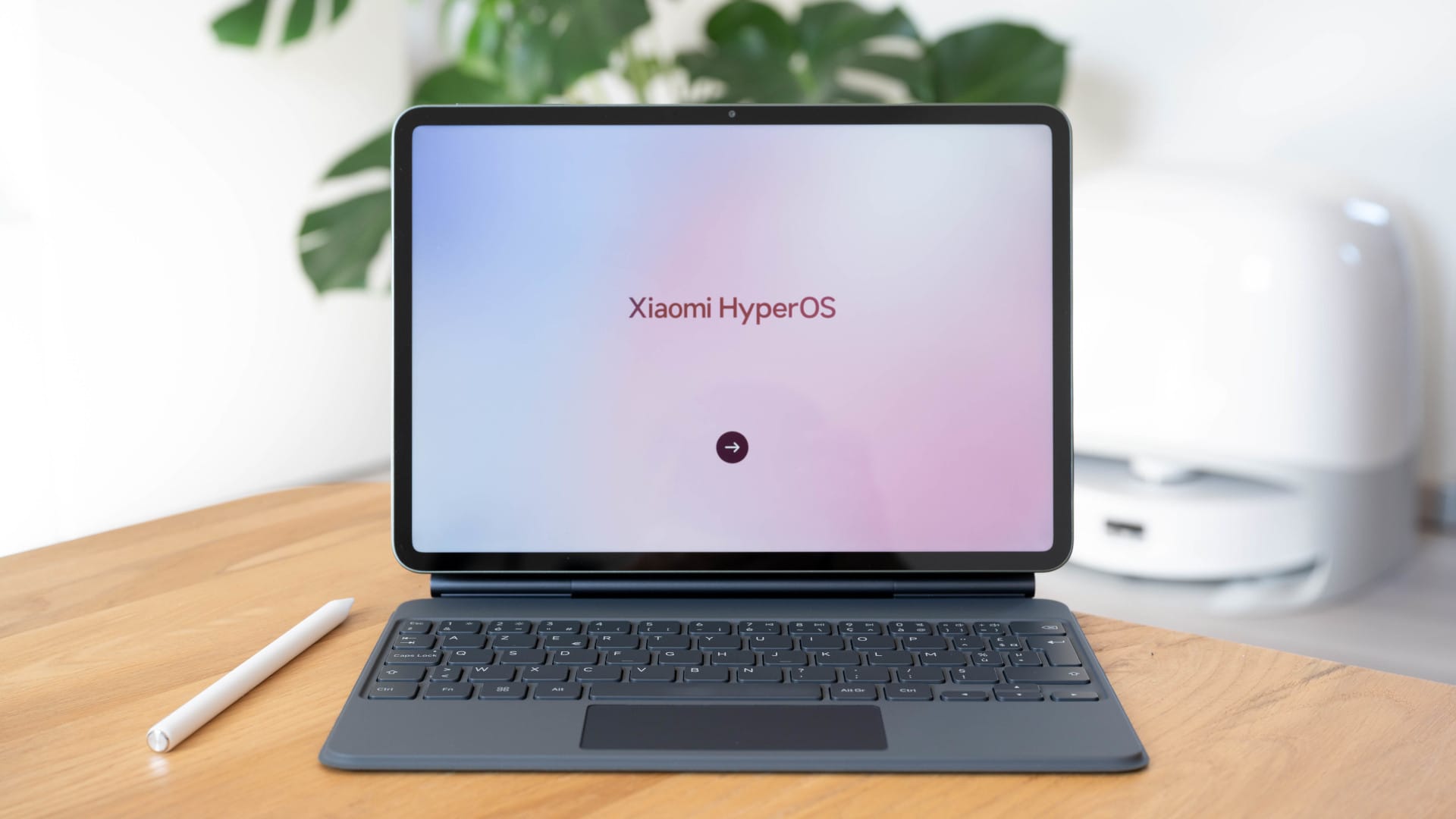
Another accessory for the Xiaomi Pad 5 is the keyboard cover. In combination with the PC mode app, the tablet could be used as a mini-notebook for university, school or work. Unfortunately, the keyboard has so far only been released in China. As soon as there is more information on global availability, this section will be updated.
Xiaomi Pad 5: Performance and gaming
The system-on-chip of the Xiaomi Pad 5 is the Qualcomm Snapdragon 860. This is manufactured using a 7nm process and is therefore quite efficient. The chip includes, among other things, an 8-core CPU and an Adreno 640 GPU.
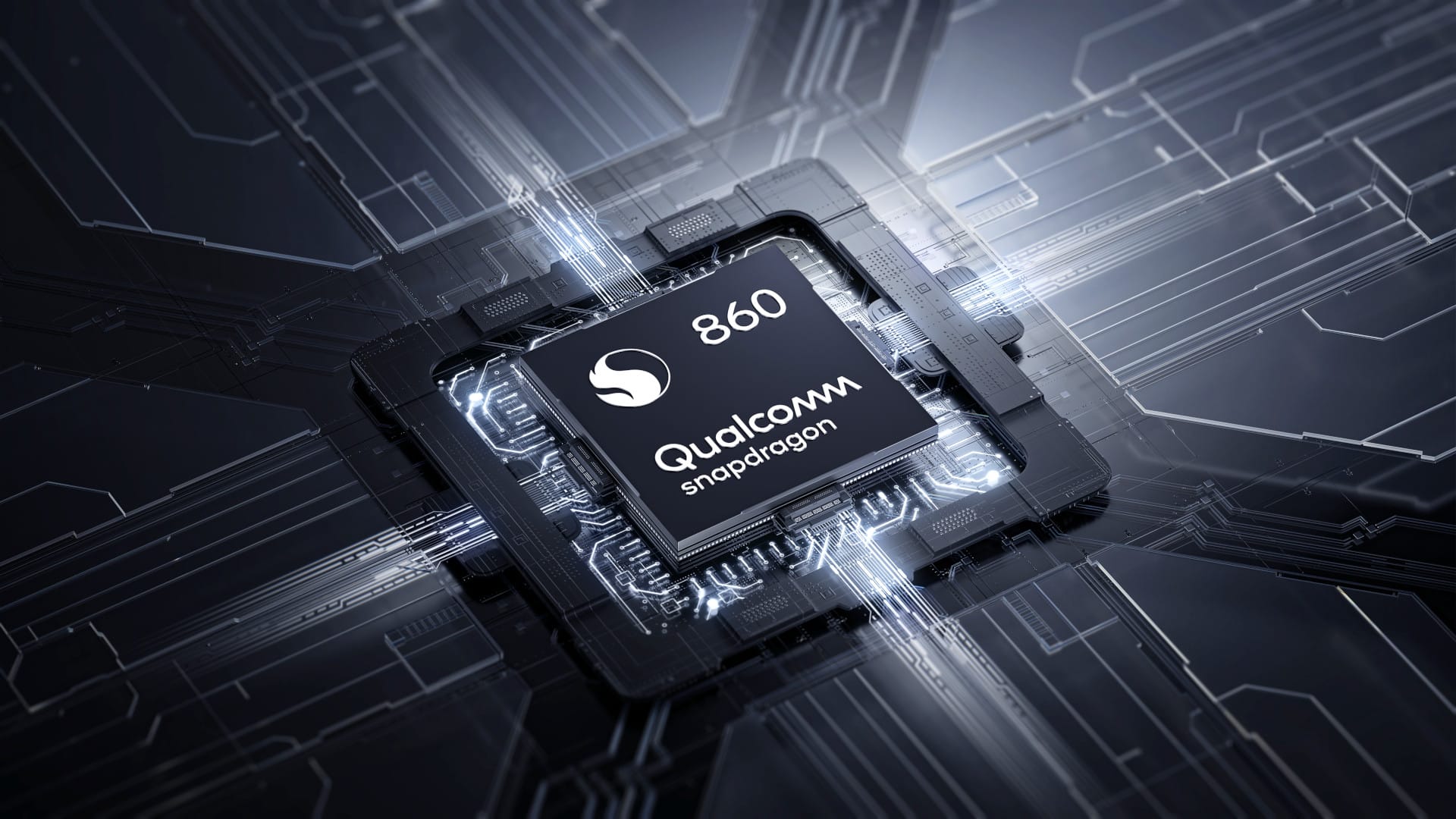
The Xiaomi Pad 5 Pro uses the slightly faster Snapdragon 870. In benchmarks, the Snapdragon 870 performs about 25 percent faster than the Snapdragon 860. While this difference may sound significant, it is barely noticeable in daily use.
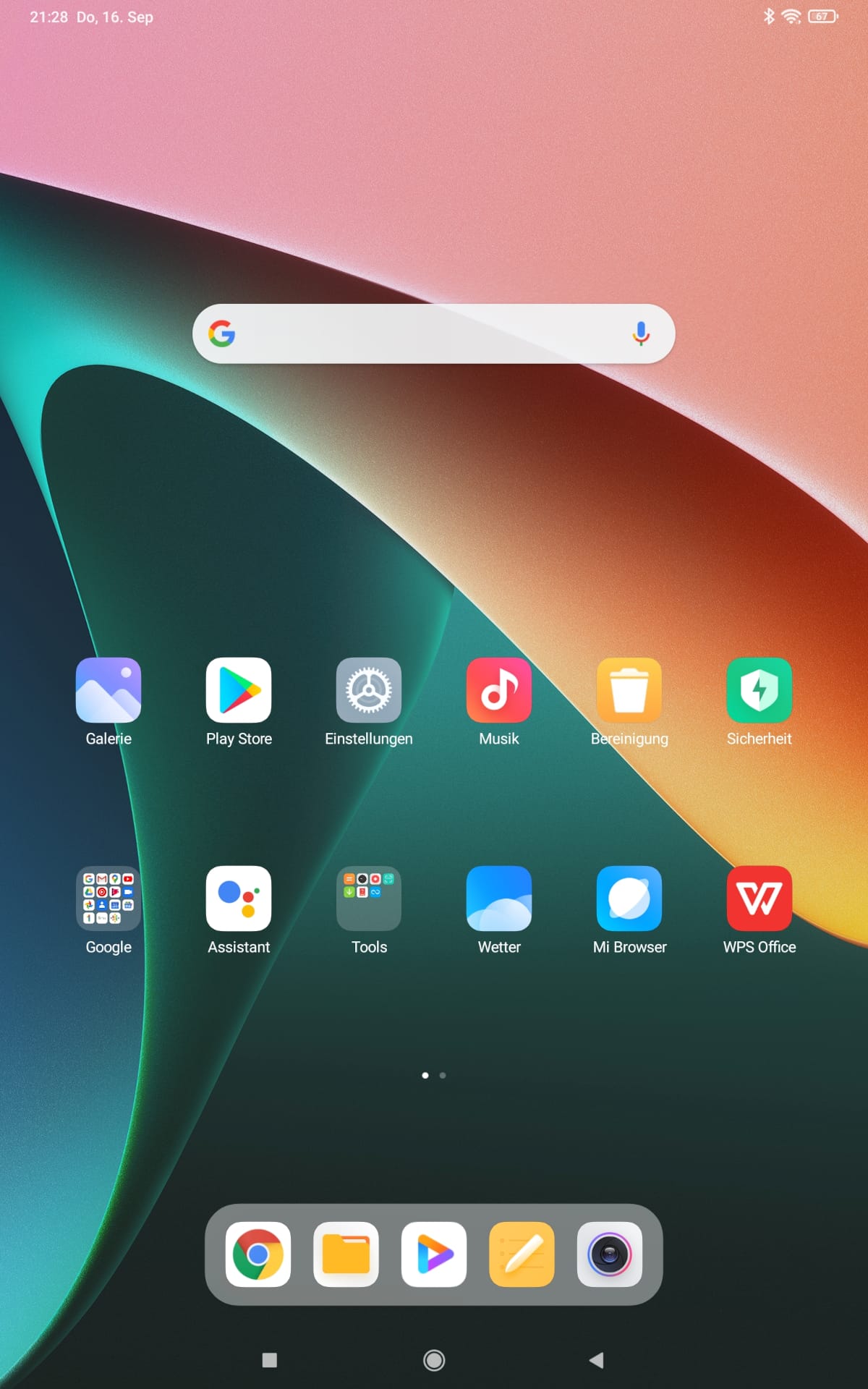
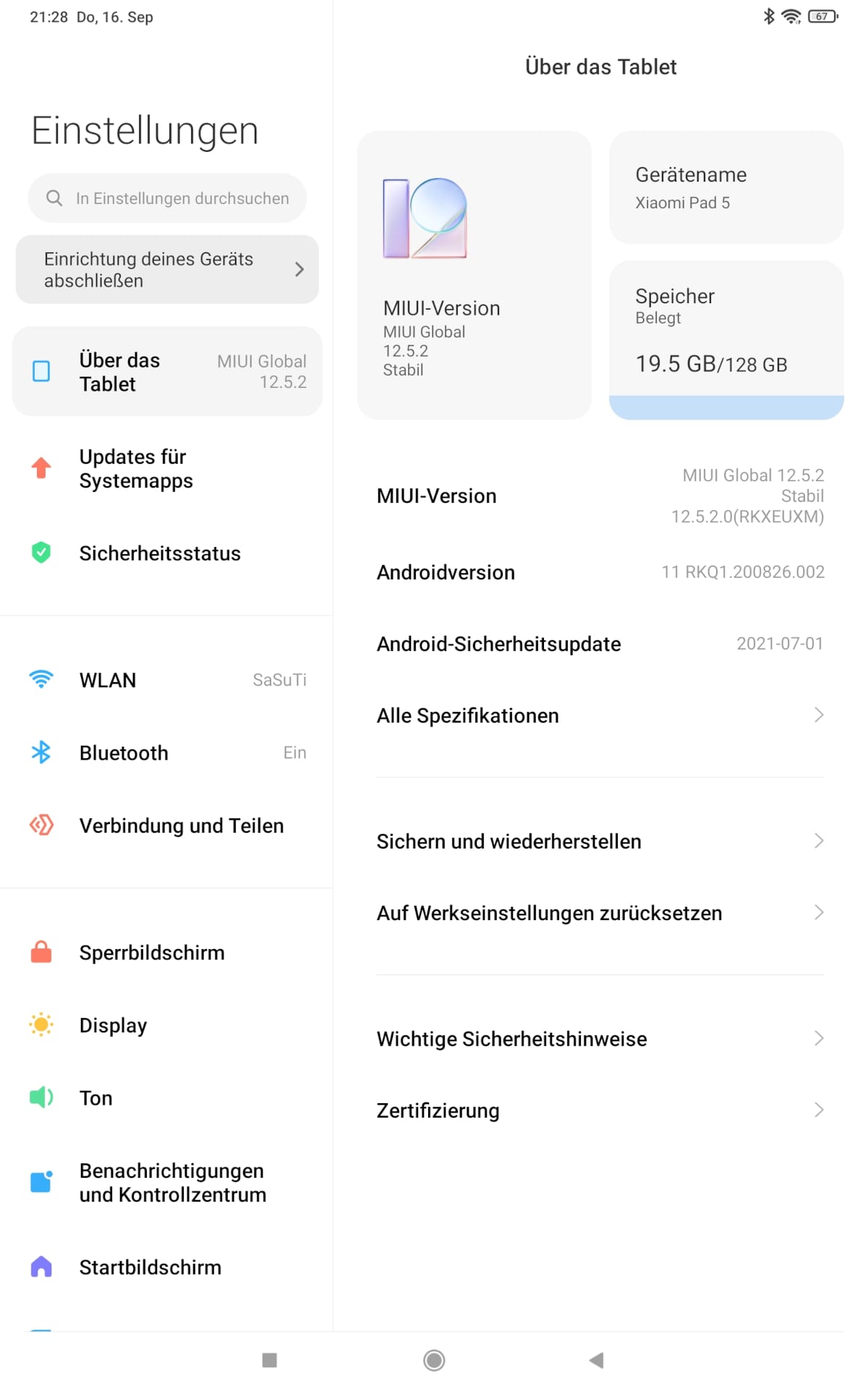
The Xiaomi Pad 5 handled all everyday tasks encountered during testing (web browsing, streaming, social media and gaming) without any issues. In conjunction with the MIUI 12.5 user interface based on Android 11, the tablet delivers a consistently smooth and stable user experience.
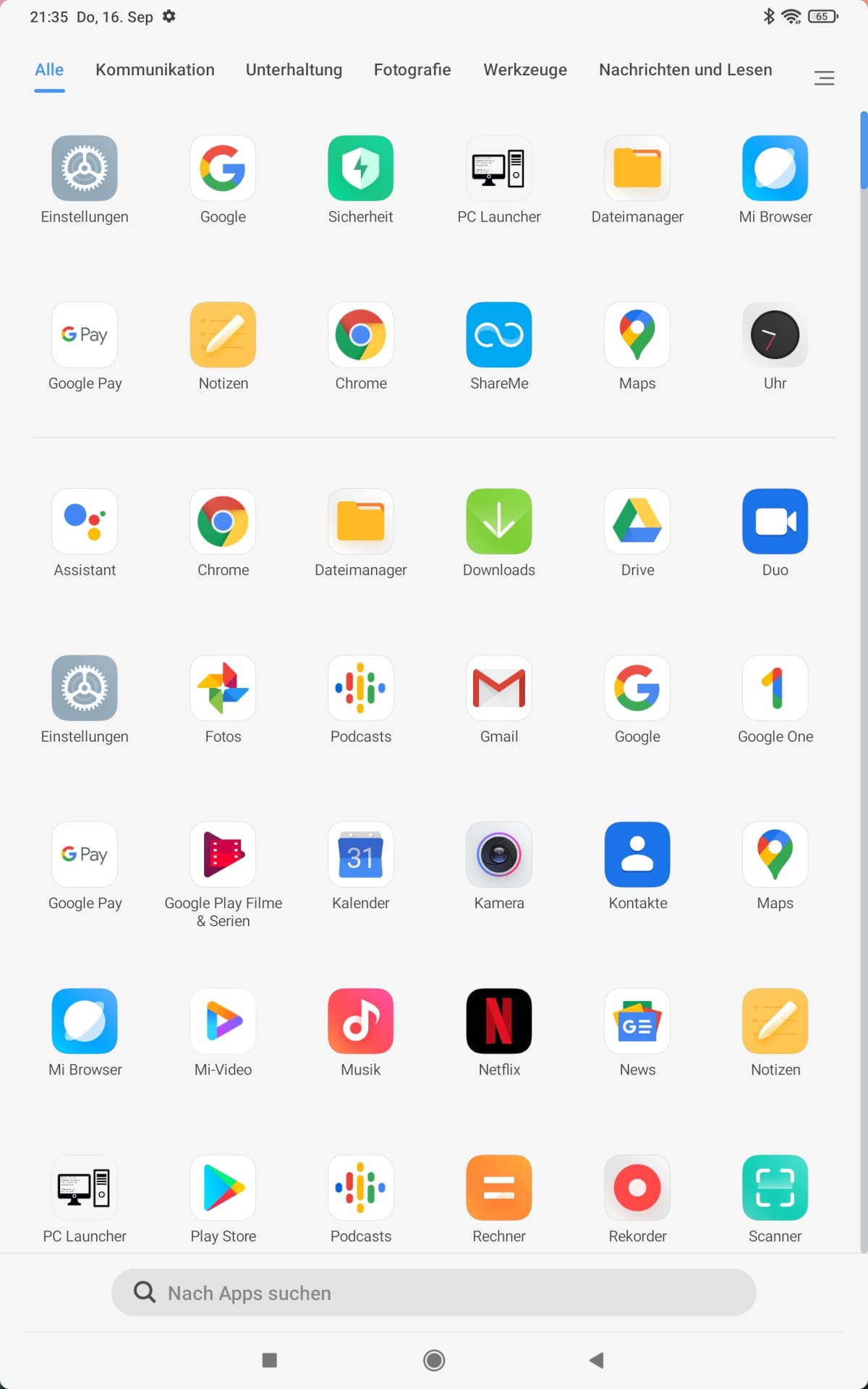
For storage, you can choose between 6GB RAM and 128GB / 256GB data storage. The storage types are LPDDR4X and UFS3.1. Both are known for fast transfer rates. A small note again on the Xiaomi Pad 5 Pro, which was given (theoretically) even faster LPDDR5 RAM instead of LPDDR4X RAM. However, the performance difference will only be noticeable in benchmarks here as well. In practice, apps launch without long wait times and are kept in memory for a long time. If you need more than 128GB of data storage, you should definitely opt for the larger 256GB model. The data storage of the Xiaomi Pad 5 cannot be expanded with a microSD memory card.
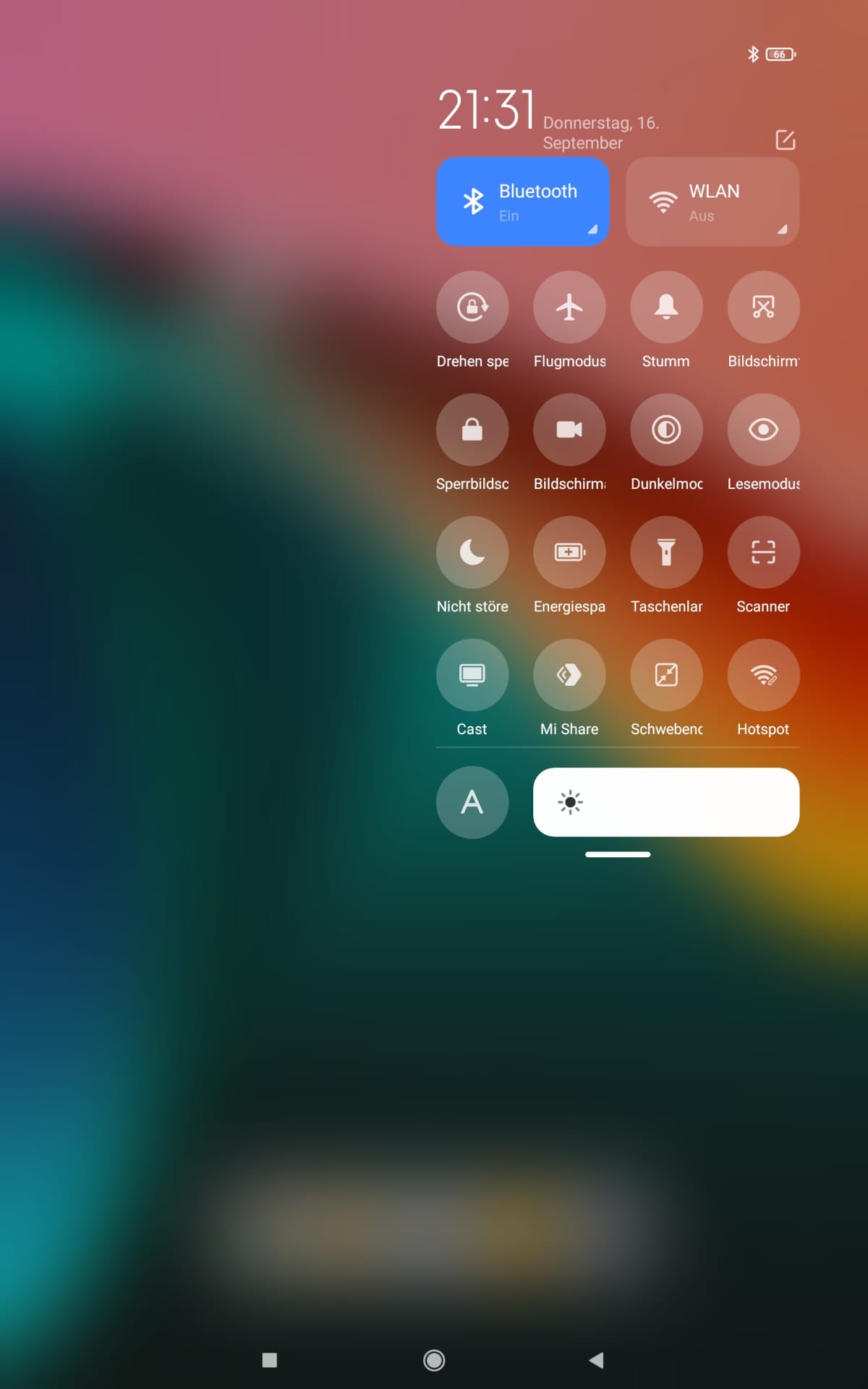
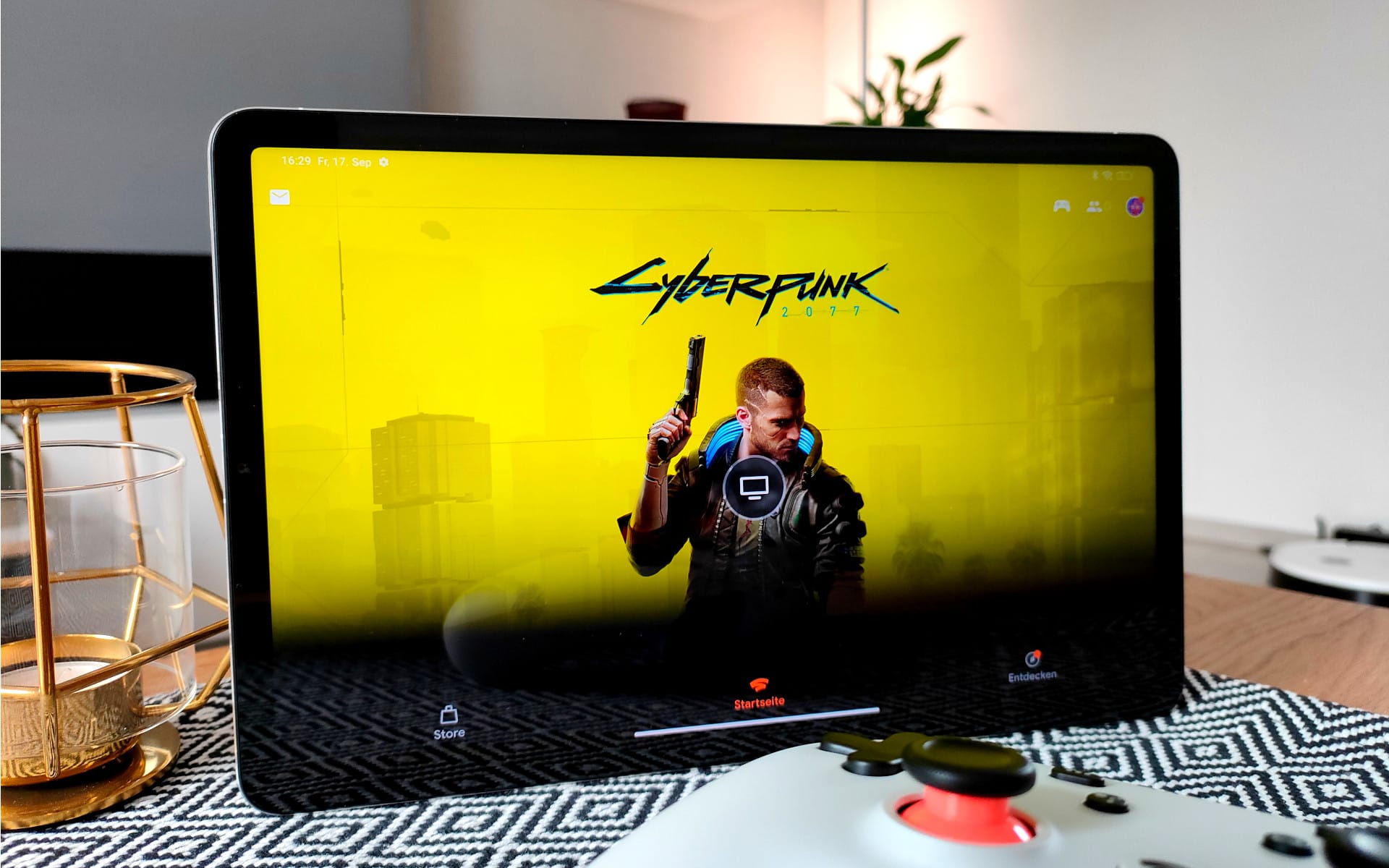
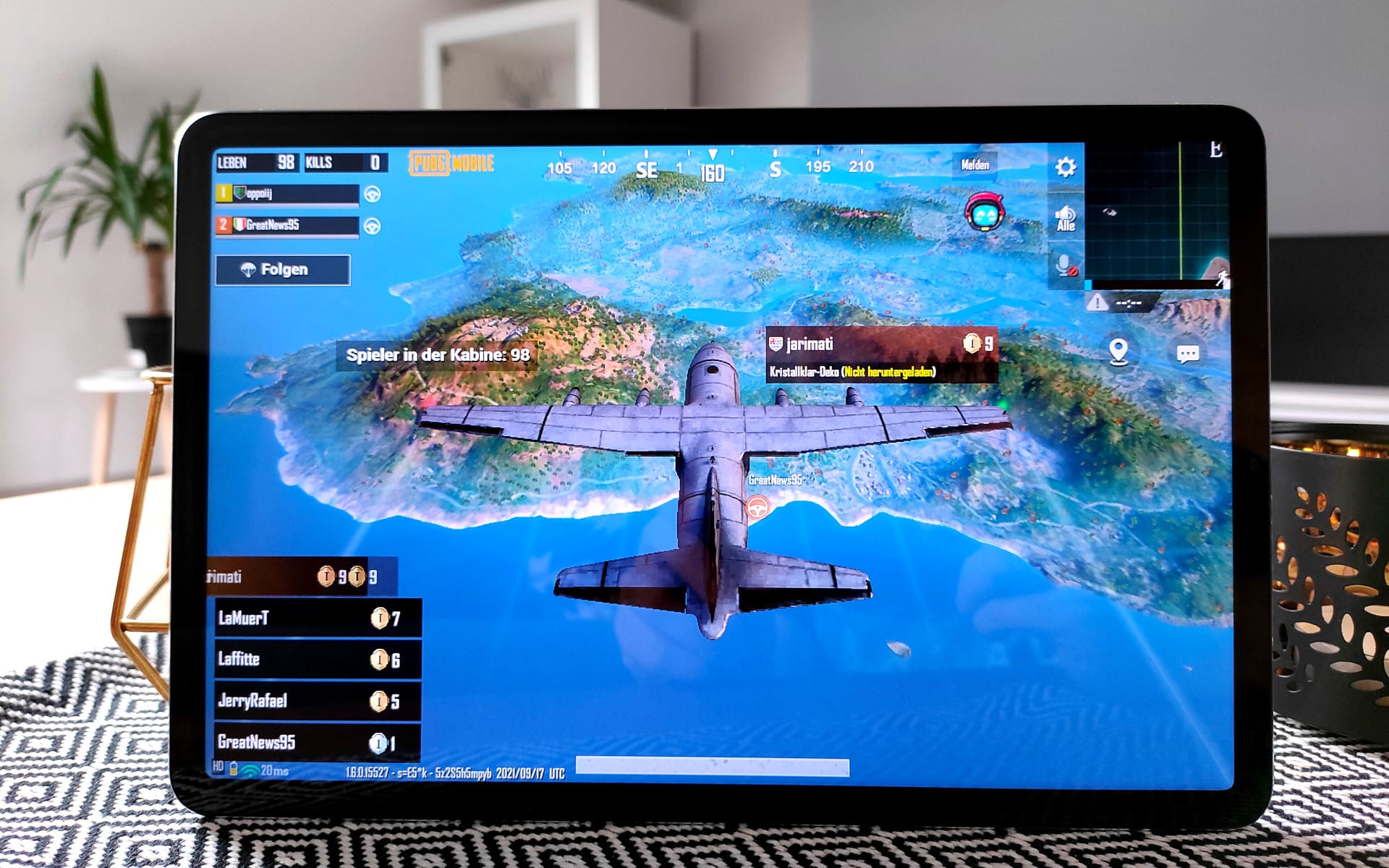
Gamers will definitely get their money's worth with the Xiaomi Pad 5. The combination of a 120 Hz display and the fast Snapdragon 860 chip is addictive. Demanding games like PUBG do not reach the frame rate limit, but run without noticeable stuttering even at high graphics details. Thermal throttling, i.e. performance downclocking due to temperature, does not occur even after longer gaming sessions. I also liked the compatibility with Google Stadia. If you own a Stadia controller, you can quickly stream PC games in high quality to the tablet. The performance of the Dual-AC WiFi is sufficient for this. Further external peripherals can be connected via Bluetooth (5.0). The USB-C port is also OTG-capable. The image
Xiaomi Pad 5: Sensors, cameras and speakers
The sensor suite of the Xiaomi Pad 5 is limited. It features an ambient light sensor, an accelerometer, a digital compass and a gyroscope. NFC, GPS or the IR blaster, which is very popular on Xiaomi devices, are not included. This means, conversely, that you cannot pay by mobile with the Xiaomi Pad 5, cannot navigate with it, and cannot control TV sets with it. Few people would presumably use an 11-inch tablet for mobile payments or navigation. The Pro model, on the other hand, has a GPS module installed!
The Xiaomi Pad 5 is well-equipped for video calls. An 8 MP front camera records videos in high-resolution 1080p. The 13 MP main camera on the back is suitable for snapshots. The recording quality of both cameras is good. Images and videos are sharp, the colours are crisp, and the detail rendition is impressive. Of course, most smartphones in this price bracket take better photos, but overall, the quality is appropriate.
The sound of the quad stereo speaker system is also convincing. The volume and sound quality are perfectly sufficient for watching a film or playing a mobile game on the tablet. The sound is comparable to that of a good laptop. Thanks to the Dolby Atmos Surround Sound technology, the sound is pleasantly clear and details are well audible. The stereo effect is well conveyed. What the speaker lacks somewhat is bass depth.
Xiaomi Pad 5: Battery
The 8720 mAh battery provides enough power throughout the day for longer gaming sessions or watching several movies in a row. A two-hour Netflix stream consumed about 15 percent of the battery. Frugal users can achieve 2–3 days of run time. Standby consumption, for example overnight, is around 3 percent.
The Xiaomi Pad 5 battery charges at up to 22.5 watts. By comparison, the Pro model supports charging at up to 67 watts. Although these figures sound substantial, the difference in practice is only about half an hour. The tablet's battery is fully charged in just 90 minutes, a short wait that is easy to tolerate.
Our verdict
The Xiaomi Pad 5 is a tablet for everyone. Whether you use it to watch films, read books, draw and design graphics, or use it as a smart workstation. The good equipment and numerous functions make the Xiaomi Pad 5 a successful all-rounder.
It falls just short of being a true all-rounder. The Xiaomi Pad 5 lacks several features, including GPS support, a headphone jack, expandable storage and mobile data connectivity. Those who can do without these features get a recommended tablet with solid value for money at an RRP of €399 (*€299 at Gobo).
Specifications
Processor and memory
- CPU
- Qualcomm Snapdragon 860
- GPU
- Adreno 640
- Storage
- 6+128GB, 6+256GB LPDDR4X UFS3.1
- Storage expansion
- No
Display
- Display size
- 11 inch
- Display resolution
- 2560 x 1600 pixels
- Display refresh rate
- 120 Hz
- Display type
- LCD
- Display brightness
- 500 nits
- Multitouch
- 10 fingers
Cameras
- Main camera
- 13 MP
- Front camera
- 8 MP
Wireless
- Wi-Fi
- 802.11 a/b/g/n/ac
- Bluetooth
- 5.0
- GPS
- No
- NFC
- No
Battery
- Battery
- 8,720 mAh
- Fast charging function
- 22.5W
Other
- Operating system
- Android 11 (MIUI 12.5)
- Audio
- Quad stereo speakers
- Headphone jack
- No
- USB connection
- USB-C
Price comparison
| Store | Price | Link |
|---|
Comments (3)
The tablet's hardware is excellent, but MIUI ruins everything once again. Unfortunately, there is no LineageOS for it either…
Why remove multi-user functionality from a tablet intended for families?
Dolby Vision is not listed as compatible on either Netflix or Disney+. It is a shame that this is misleadingly advertised.
Hi Ferdi Fuchs, I checked again. Dolby Vision content on Netflix is displayed correctly on my device.