Contents
First impressions of the Yi 4K
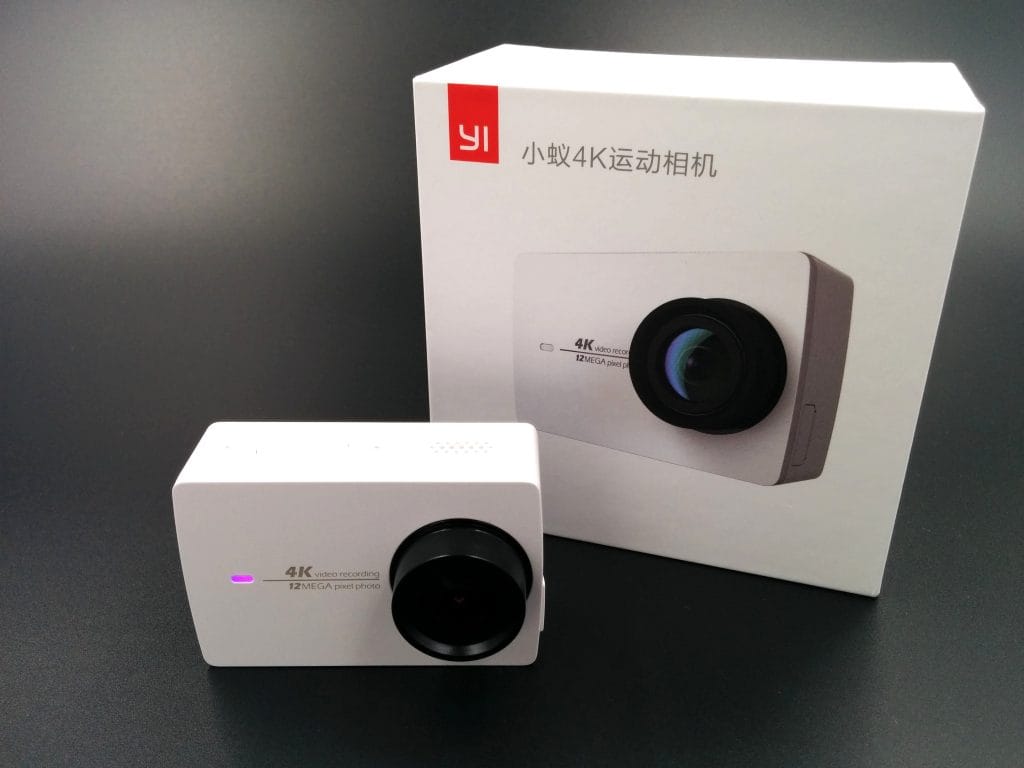
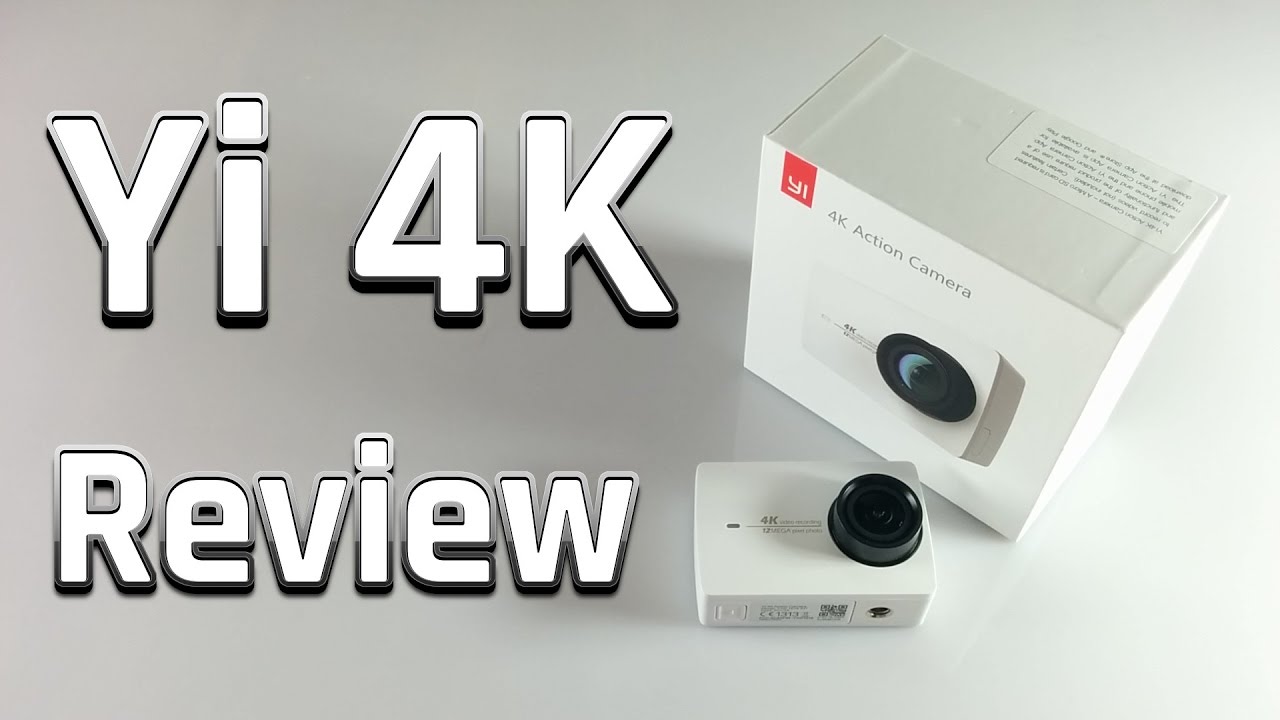
Testing the Yi 4K was a small highlight of 2016 (release year). The camera promises a lot and goes directly up against market leader GoPro. At a price of around €150, this action cam is quite a bargain and clearly distinguishes itself from conventional Chinese action cams despite its low price.
 Play video on YouTube
What’s included
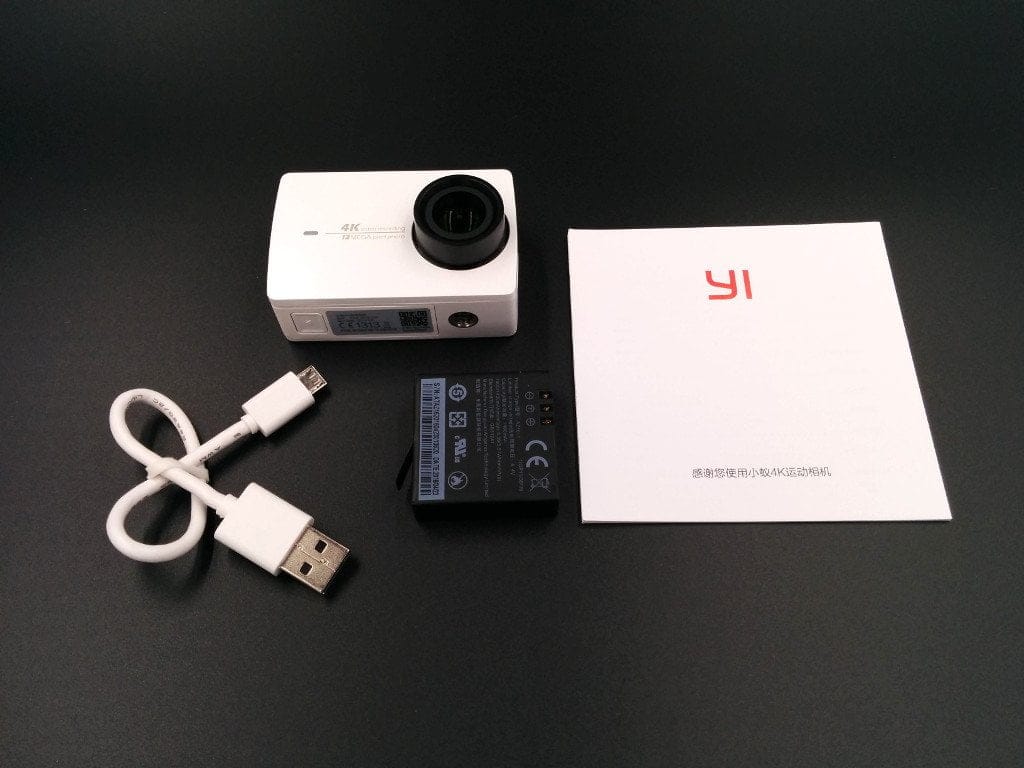
The action cam is delivered in a minimalist cardboard box. This provides just enough room for the actual camera, the battery, an instruction manual and a charging cable. As can be seen, the scope of delivery is very minimalist and far removed from the usually lavish scope of delivery for Chinese action cams.
A waterproof housing or even mounts must be purchased separately. Yi Technology offers original accessories, among others, but there are now also cheaper third-party accessories. In our test, however, an inexpensive waterproof housing did not convince. The fit of this housing was unfortunately somewhat imprecise, which meant that the button had no contact with the control button. With a camera that has only recently been released, you should get the original accessories or wait for a wider and higher quality range.
Design and build quality
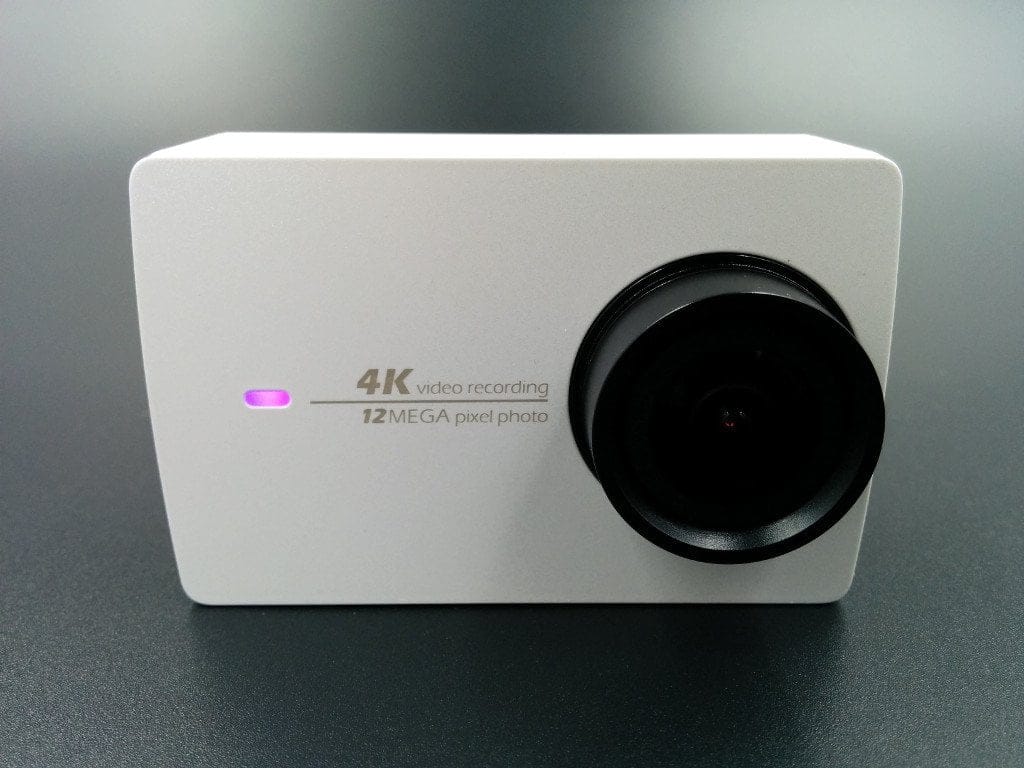
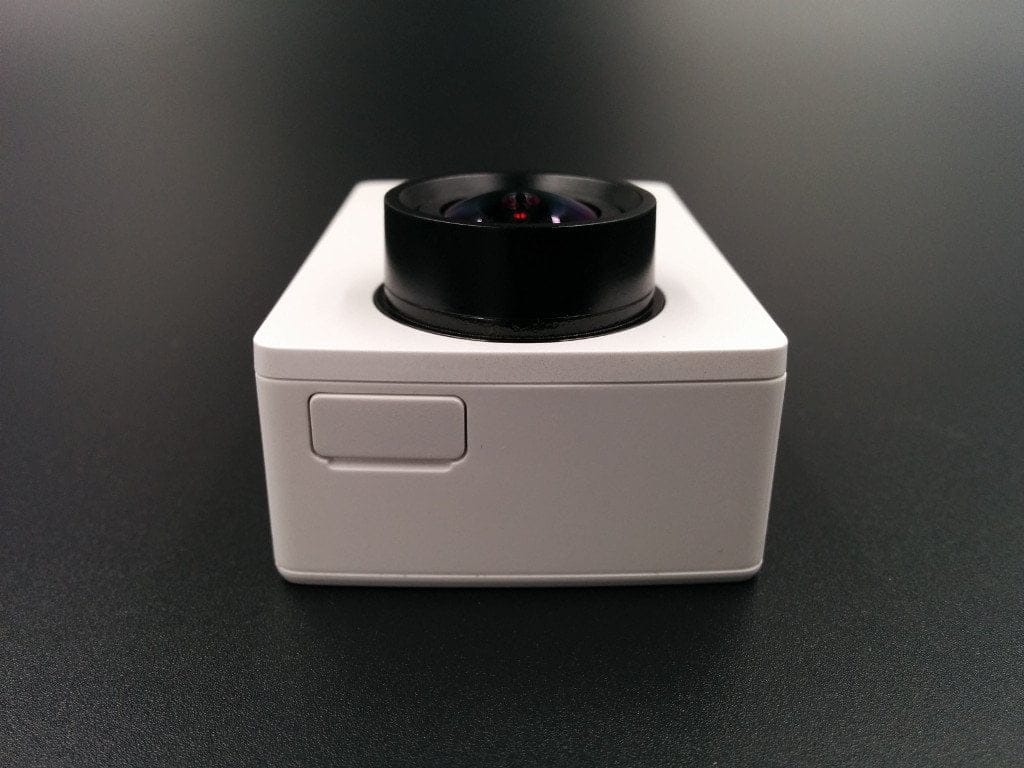
The design is very appealing. The camera is available in white, black, and pink. The housing shape (65 x 42 x 30 mm) differs both from a GoPro action camera and from conventional Chinese cameras. On the front is the 7-layer lens with a 155° wide angle and an aperture of F/2.8. The lens is interchangeable and compatible with various filters. Next to the lens is a multicoloured indicator LED, which displays ongoing recording or battery status.
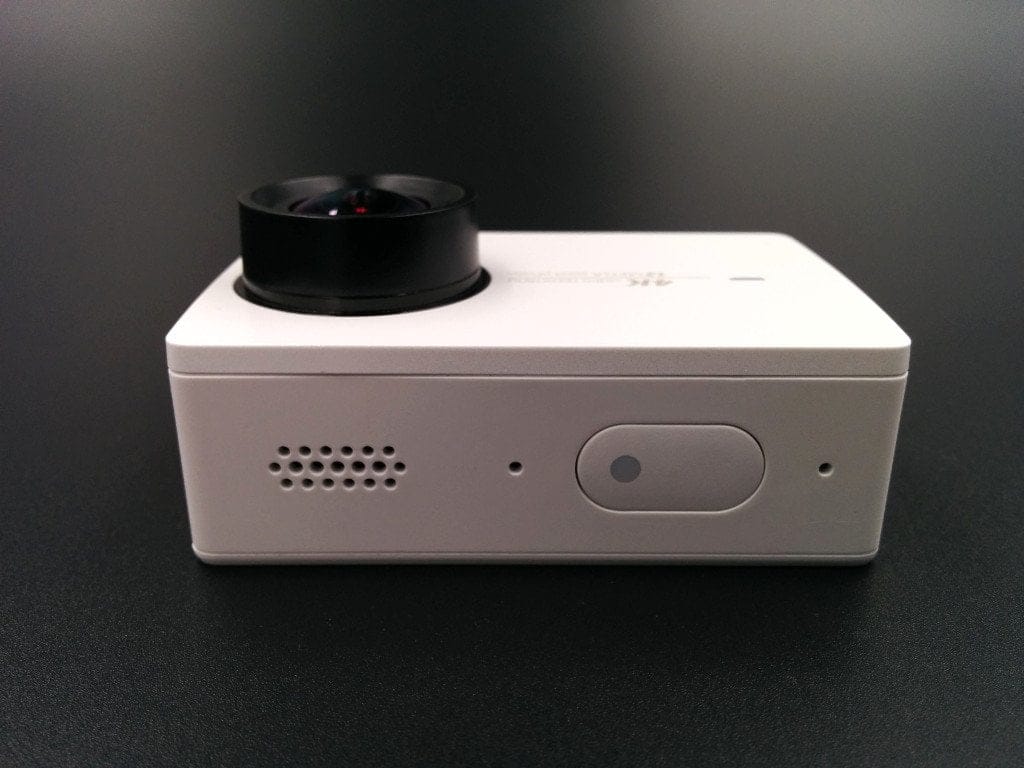
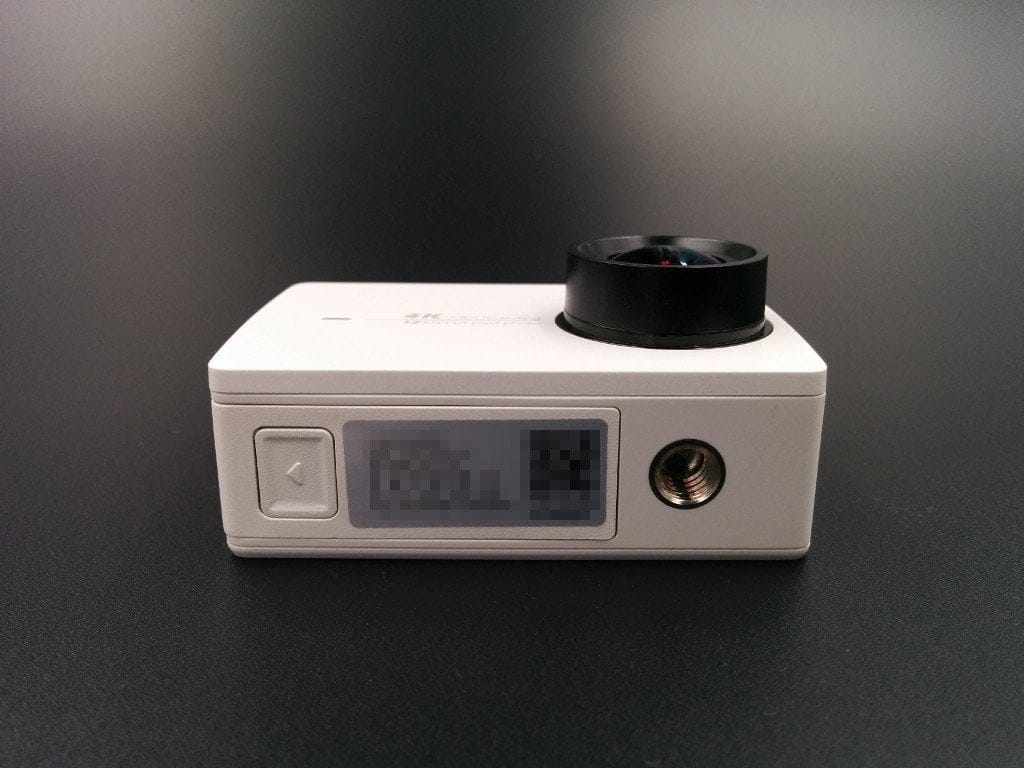
Above it is the control button, which is also equipped with an indicator LED. The speaker output and microphone inputs are also located there. Unfortunately, the camera has few connection options. An HDMI port is completely missing, so you can only rely on a micro-USB port. This is located behind a tightly closing cover on the left side of the housing.
The micro SD card slot is located inside the battery compartment. It is compatible with various SDHC and SDXC cards. The manufacturer specifies a maximum storage capacity of 16 – 128 GB. The battery compartment closes securely and opens easily. The tripod socket, also located on the bottom of the housing, is an interesting feature. The 2.19-inch display is on the back. Overall, the build quality is successful, and the design is also convincing.
Display and touchscreen
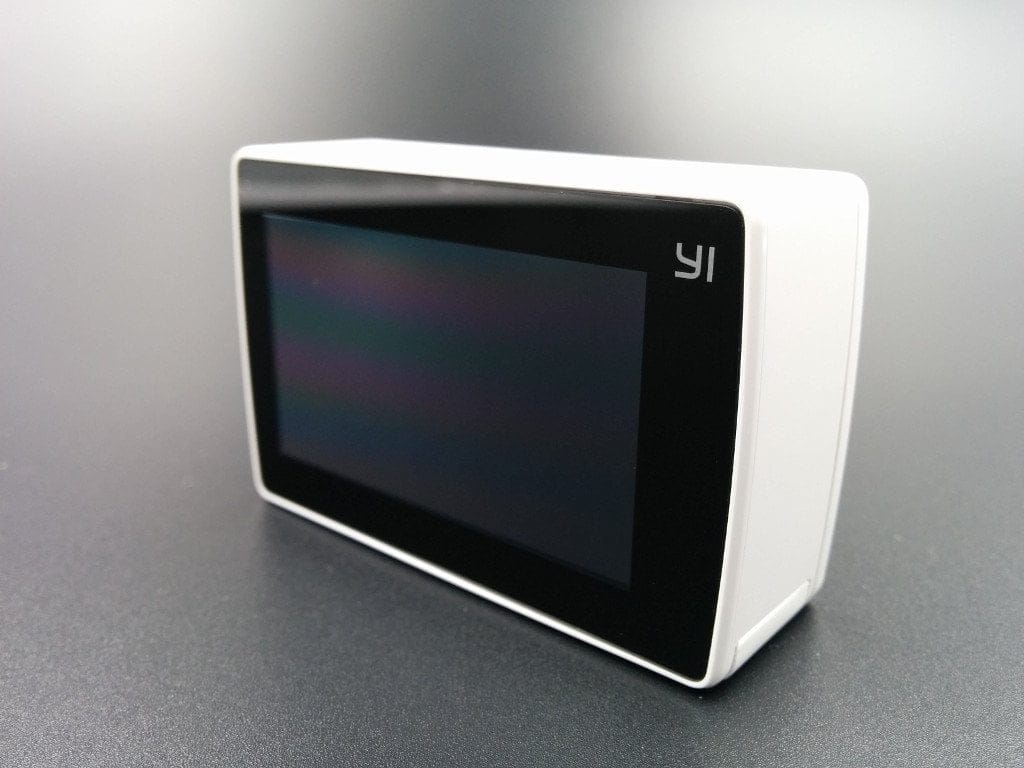
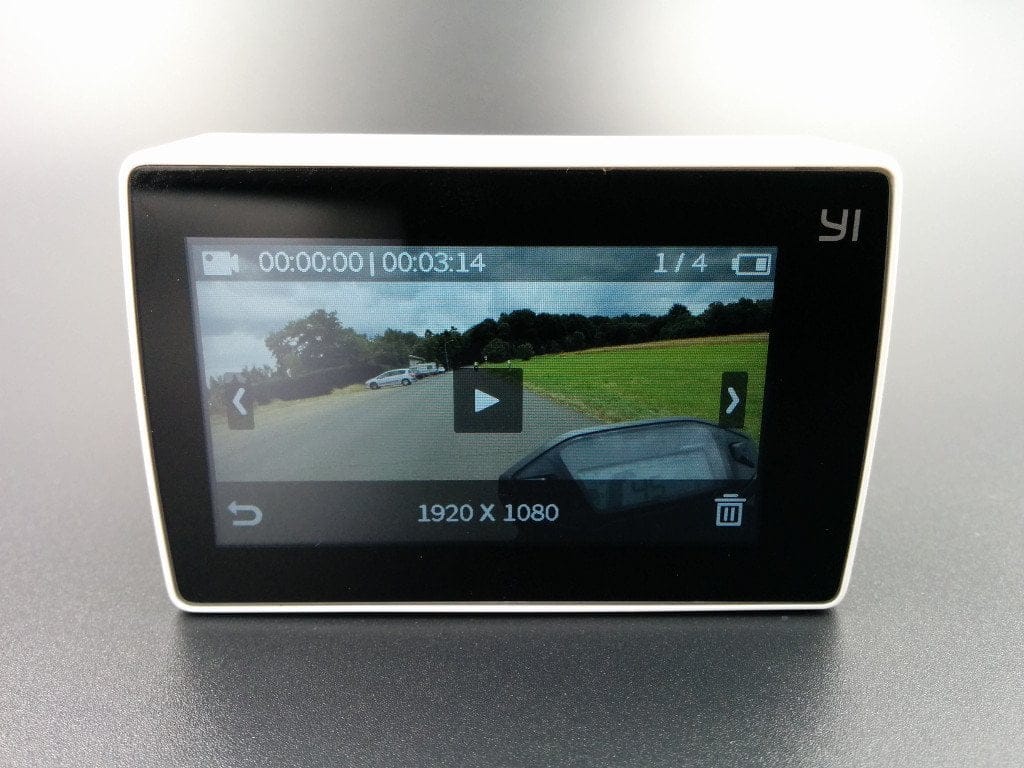
The Yi 4K has a 2.19 inch LCD display with a resolution of 640 x 360 pixels. The pixel density is 330 PPI and the maximum luminance is stated as 250 cd/m². What makes this display so special, however, is the integrated touchscreen. This allows operation similar to a smartphone or tablet. In the practical test, the display proved its worth. The colour representation is good, but the display is difficult to read in direct sunlight. The viewing angle stability is convincing. If you look at the display from the side, for example, the representation remains well legible. The colour distortion is within limits.
The touchscreen works accurately. Inputs are recognised and executed cleanly. In addition to standard touch inputs, the touchscreen also recognises various gestures, such as swiping motions. Inside a waterproof housing, control via the touchscreen is naturally no longer possible!
Hardware
With the combination of an Ambarella A9SE image processor and a Sony IMX377 image sensor, the Yi 4K features state-of-the-art and powerful hardware. The A9SE image processor has a total of two cores and runs at a maximum of 800 MHz. Video recordings are compressed at the hardware level using the h.264 standard. The output format is mp4. The Sony IMX377 image sensor has a resolution of 12 megapixels and uses Exmor R technology.
 Play video on YouTube
User interface
“International Version” VS “China Version”
Anyone wanting to buy the new Yi Action Cam should definitely purchase the “International” version. Especially during initial sales, relevant Chinese online shops sold the variant intended for the Chinese market, where the Chinese language cannot be changed. The language also cannot be changed afterwards, e.g. through a firmware update, which has already been confirmed by Yi Technology. To prevent mistakes, Yi Technologie has issued a sales ban to many retailers, which is why the Action Cam is currently only sporadically available.
User interface
The user interface is clearly designed, and despite our Chinese test unit, we were able to operate the camera error-free after just a few hours.
Home screen
The start screen simultaneously displays the live image output. Above and below the output, we see the remaining recording time, the recording mode, the battery status and whether there is an active Wi-Fi connection. Below, we can switch to quick selection using touch inputs, we can call up the gallery and also switch to the extensive settings. If the display is not used for a longer period, a key lock is automatically activated. This can be deactivated again with a swipe gesture across the display.
Recording modes
In total, the YI Action Cam offers 10 recording modes. Here is an overview:
- Photo mode
- Photo timer (delayed capture)
- Burst mode (multiple shots)
- Video mode
- Time-lapse video (time-lapse recording)
- Slow motion (time-lapse recording)
- Time-lapse photo (time-lapse recording with photos)
- Loop recording (if the SD card is full, recordings are deleted)
- Video and photo (Photos saved alongside a video)
A Live function is also expected to appear soon, allowing users to stream videos directly via the Yi 4K.
Settings
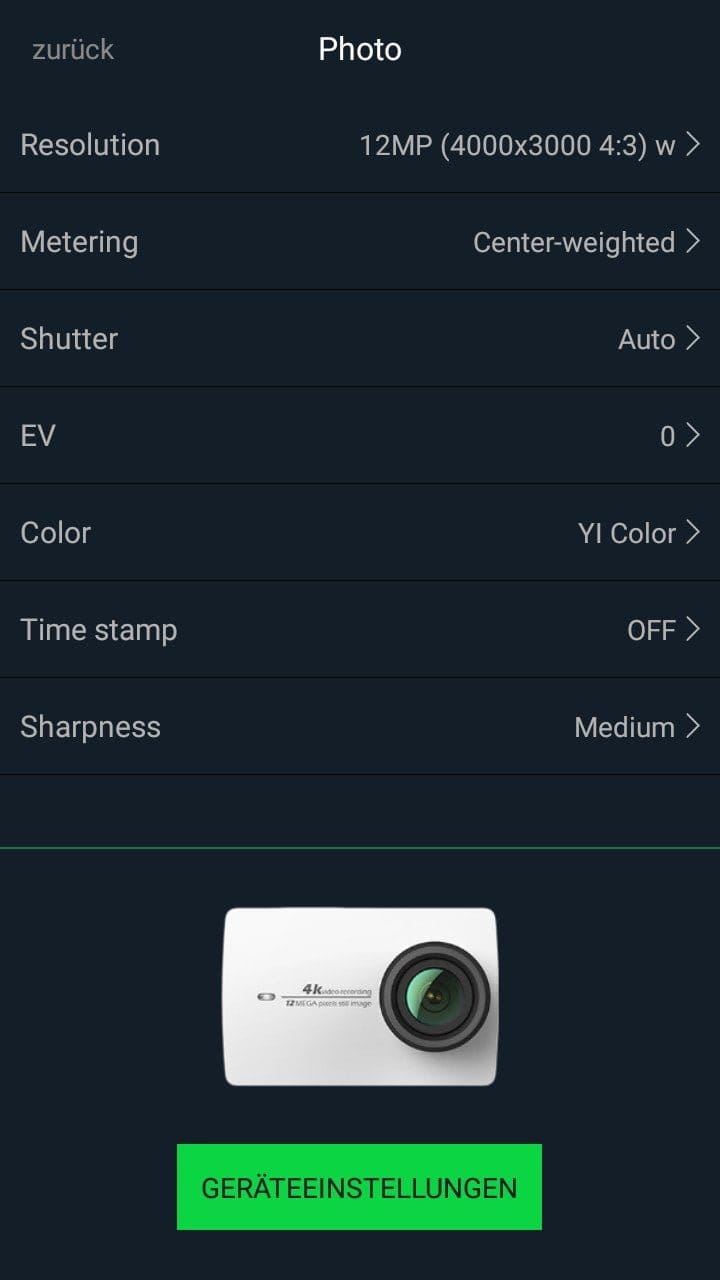
The settings menu is divided into two categories. There is a sub-item for the respective recording mode and "General Settings". Here is an overview of the standard settings:
Video settings
- Resolution (4K@25 | 4K Ultra@25 | 5K@25 | 1440@25/50 | 1080@25/50/100 | 1080 Ultra@25/50/100 | 960@50/100 | 720@200 | 720 Ultra@50/100 | 480@200)
- Metering Mode (exposure measurement) Average | Centre | Spot
- Auto Low Light (Improved low-light photography)
- White balance (Automatic | Native | Artificial light | Daylight | Cloudy)
- ISO (automatic | 400 | 1600 | 6400)
- Exposure (+2 to -2 in 0.5 steps)
- Image stabilisation (On / Off)
- Timestamp (Off | Date | Time | Date & Time)
Photo mode
- Resolution (12MP | 8MP | 7MP W | 7MP M | 5MP)
- Shutter (2s | 5s | 10s | 20s | 30s)
- Metering Mode (Average | Center | Spot)
- White balance (Automatic | Native | Artificial light | Daylight | Cloudy)
- ISO (Auto | 100 | 200 | 400 | 800)
- Exposure (+2 to -2 in 0.5 steps)
- Timestamp (Off | Date | Time | Date & Time)
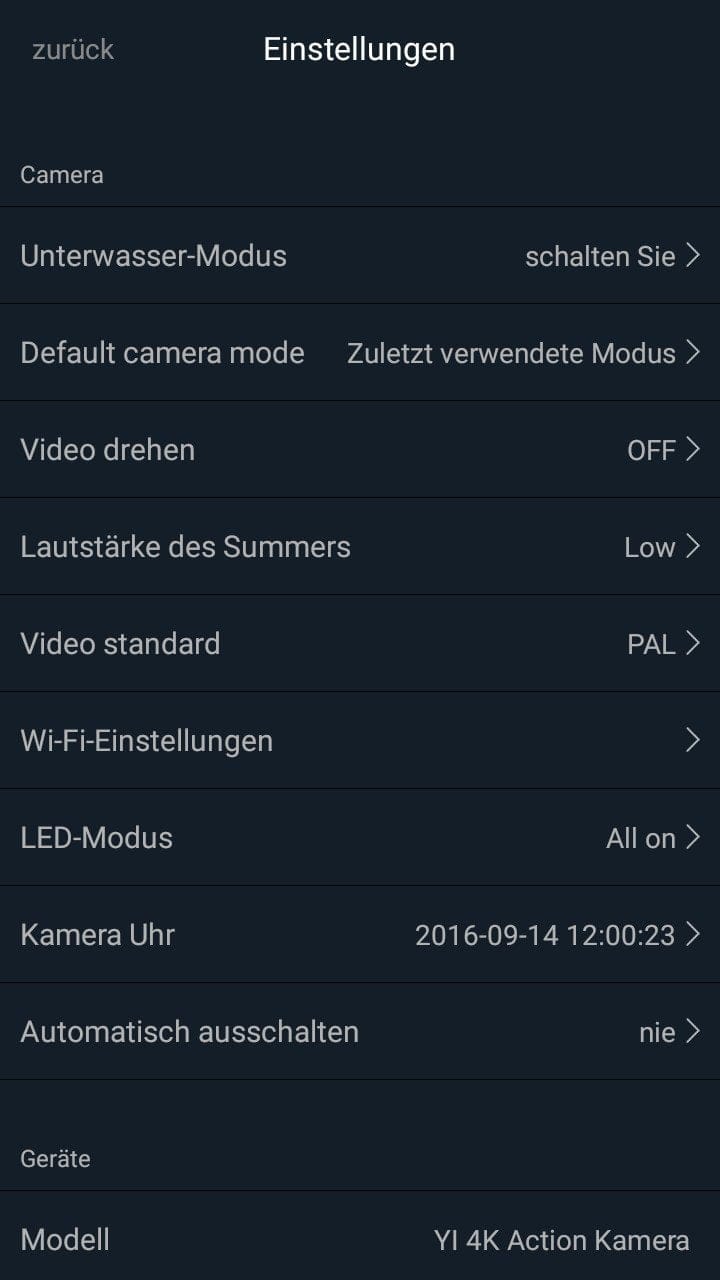
General settings
- Lens correction ("anti-fisheye effect")
- Wi-Fi (On / Off | SSID and PW | 2.4G / 5G)
- SD card (Available storage | Format)
- Shooting mode
- Bluetooth (For pairing a remote control)
- Display brightness (High | Medium | Low)
- Sounds (Loud | Quiet | Off)
- LED
- Case mode (improved usability within the case)
- Video mode (PAL | NTSC)
- Advanced settings (Screen lock | Auto power-off | Rotate display | A/V Out USB | Date & time)
- Device info (firmware | serial number)
- Factory settings (Settings | WiFi | Bluetooth)
- About
Yi 4K app
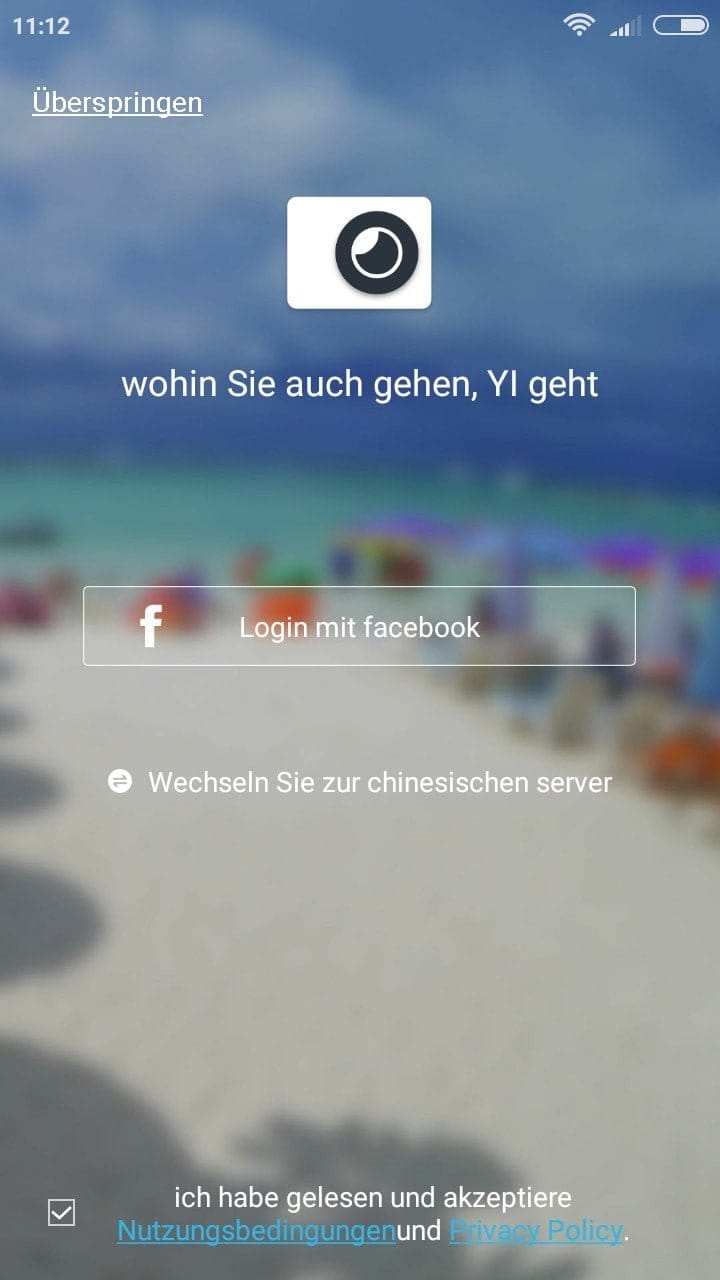
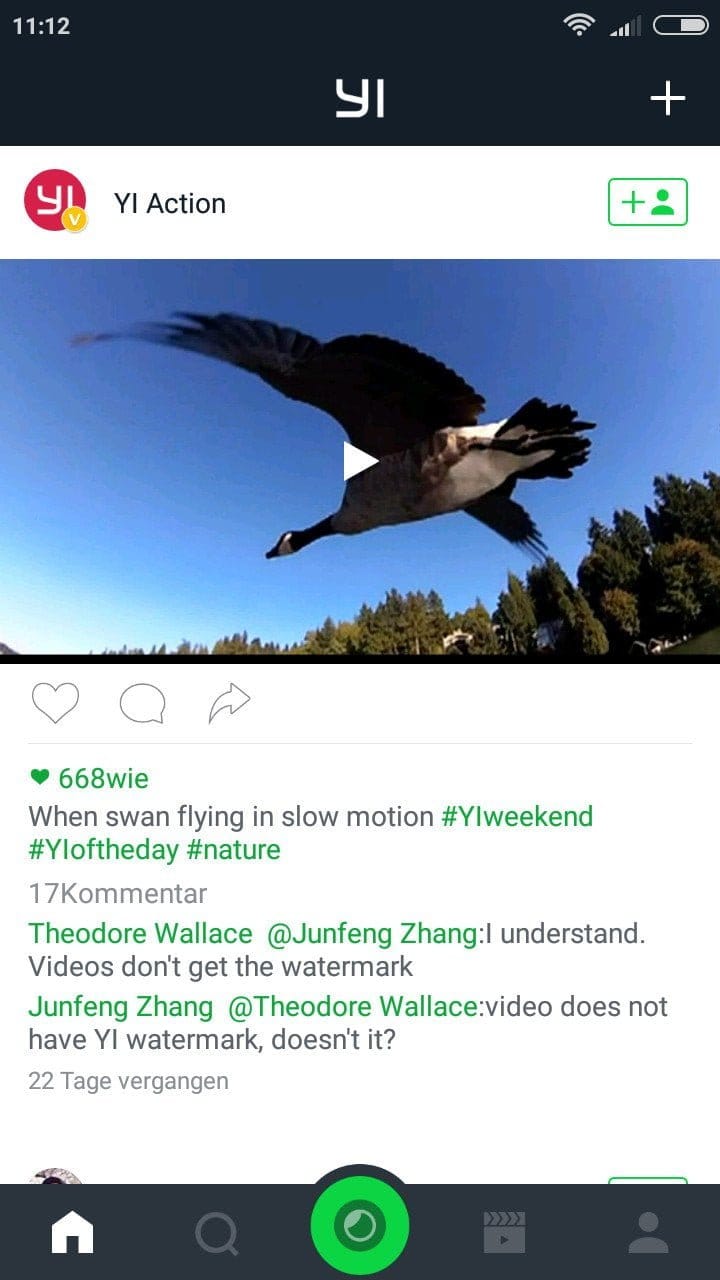
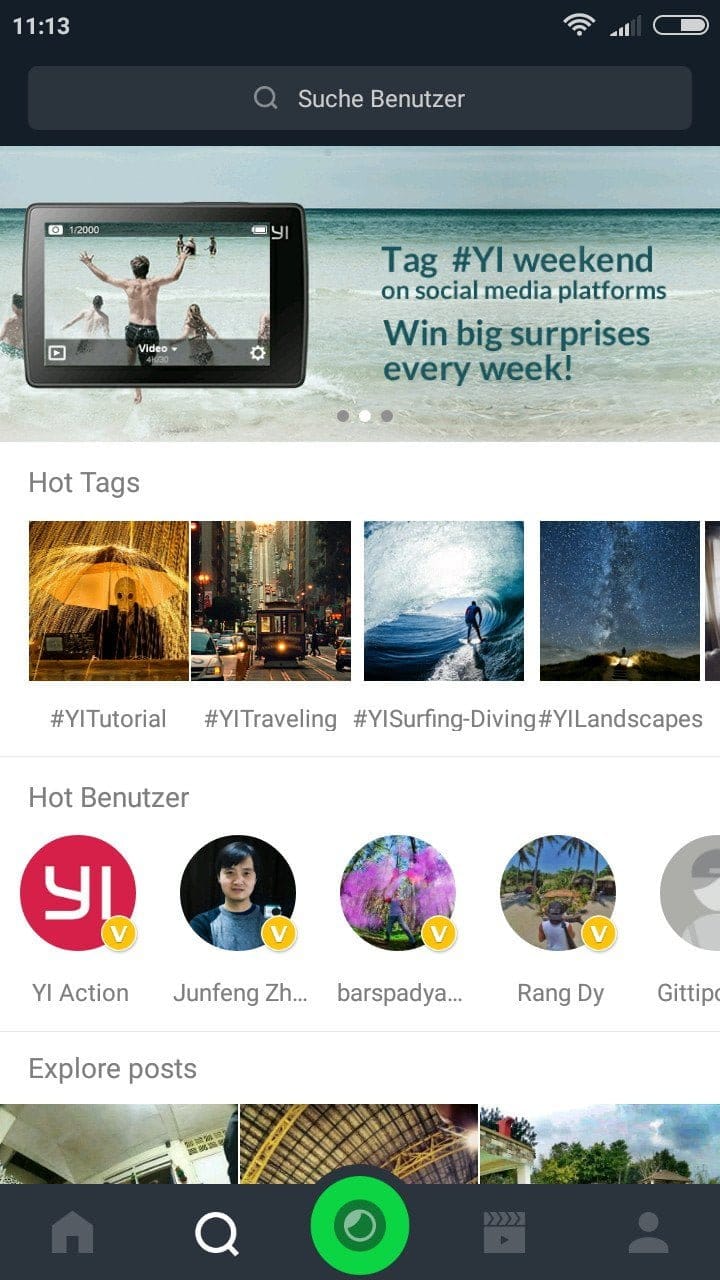
The "Yi Action" app can be downloaded from the Google Play Store and the Apple App Store. The app is partially in English, but also partially translated into German. All action cams from Yi Technology can be connected via the Yi Action app. On the one hand, the app serves to remotely control the camera; on the other, it is a community platform. Users can exchange ideas and even share their shots.
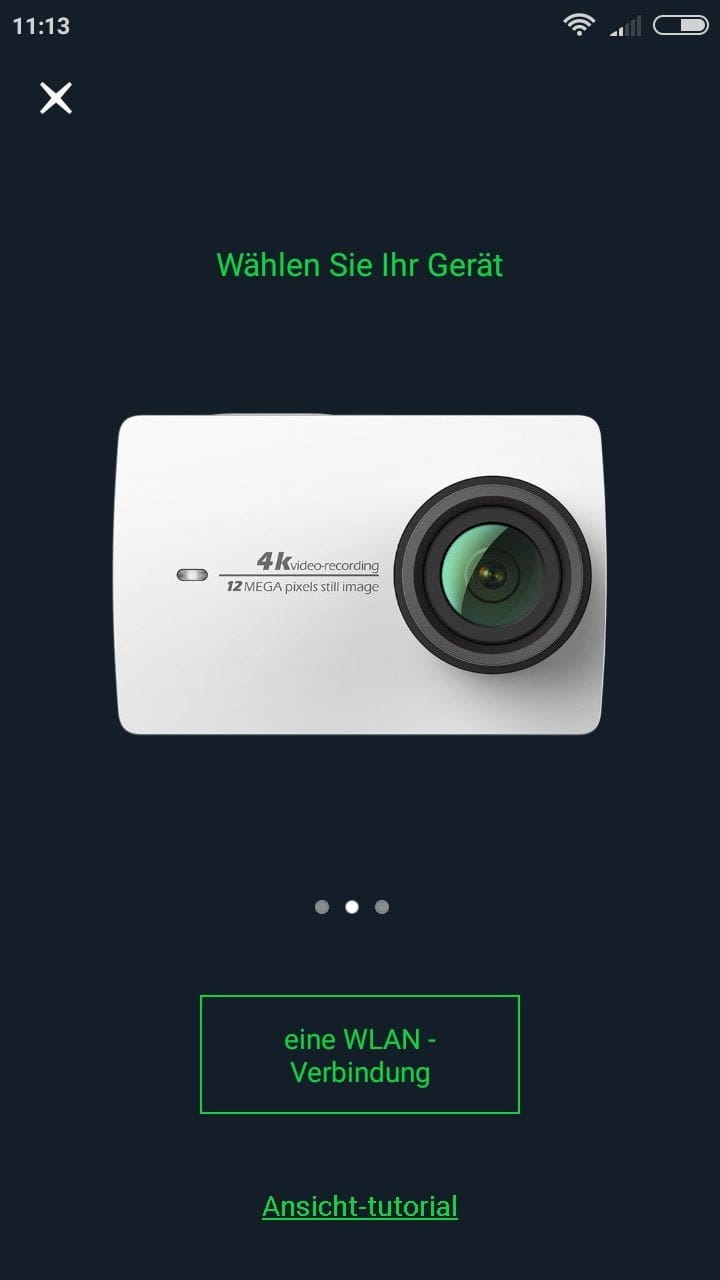
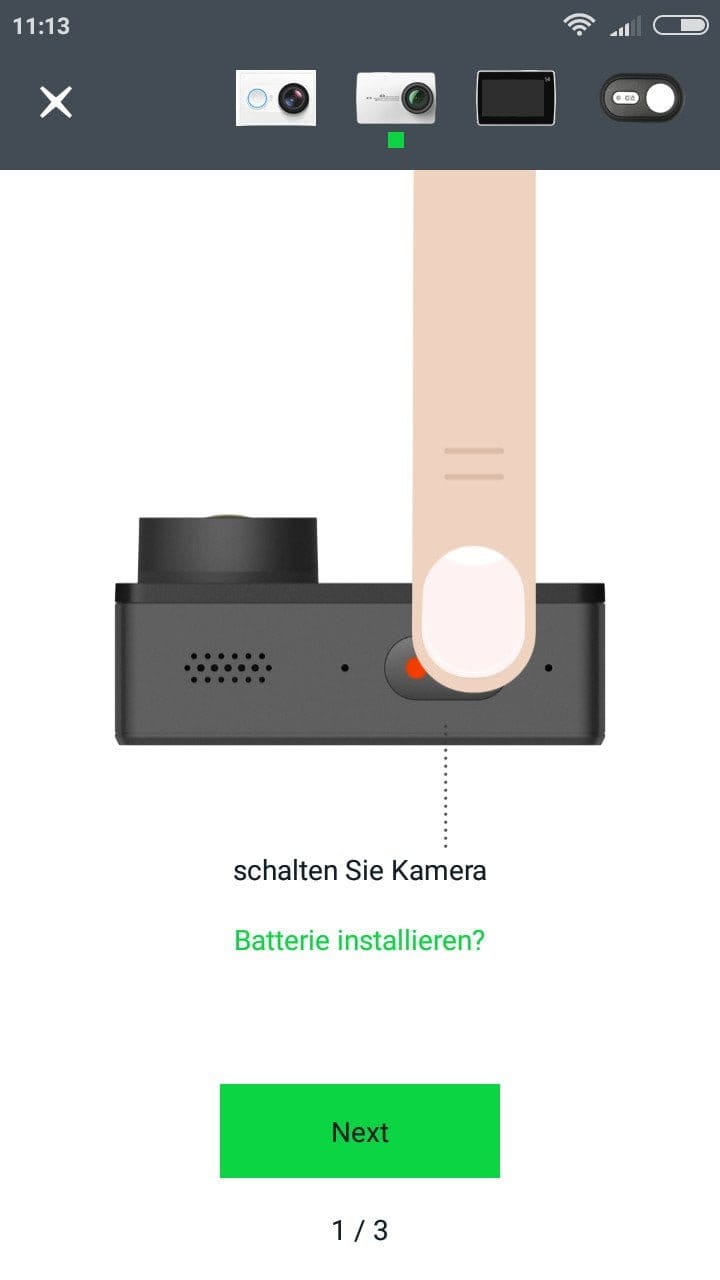
To establish a connection between the Yi 4K and the app, the camera’s WiFi must be active. An illustrated German manual guides you through the individual steps required for pairing. Once you have successfully connected the camera to your smartphone or tablet, stored recordings can be transferred, all camera settings can be made via the app, and you receive a live image output.
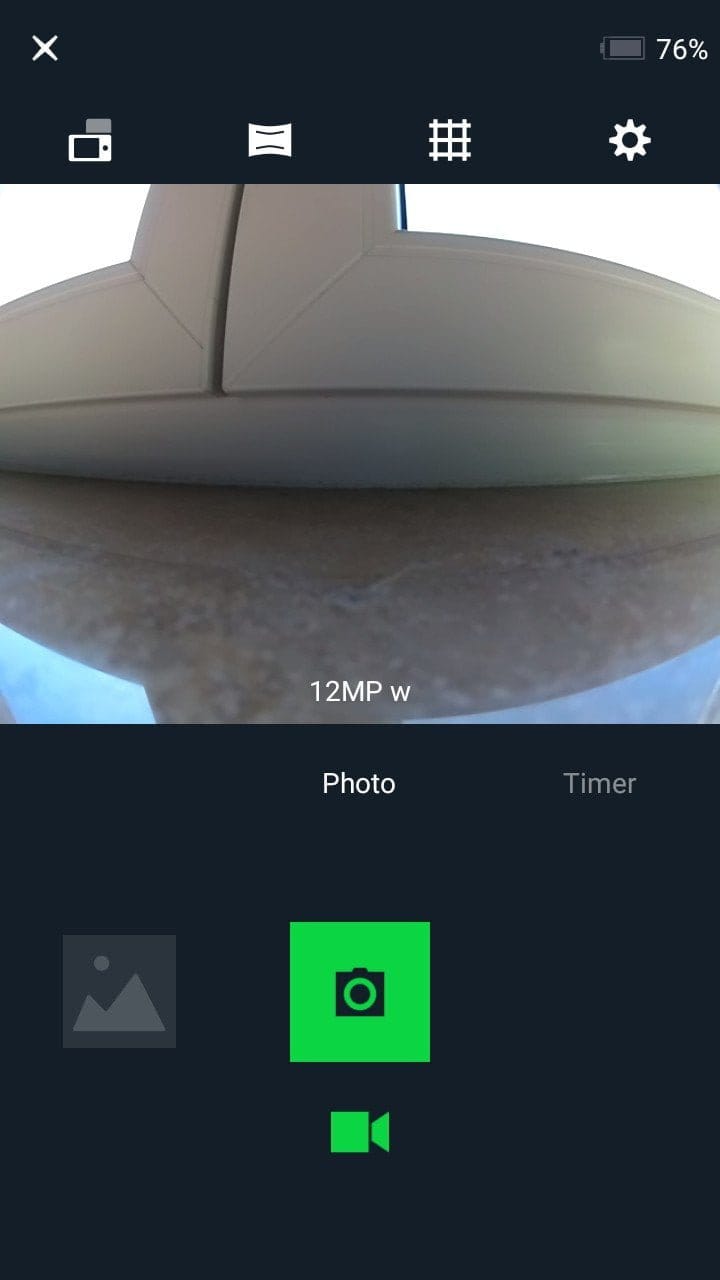
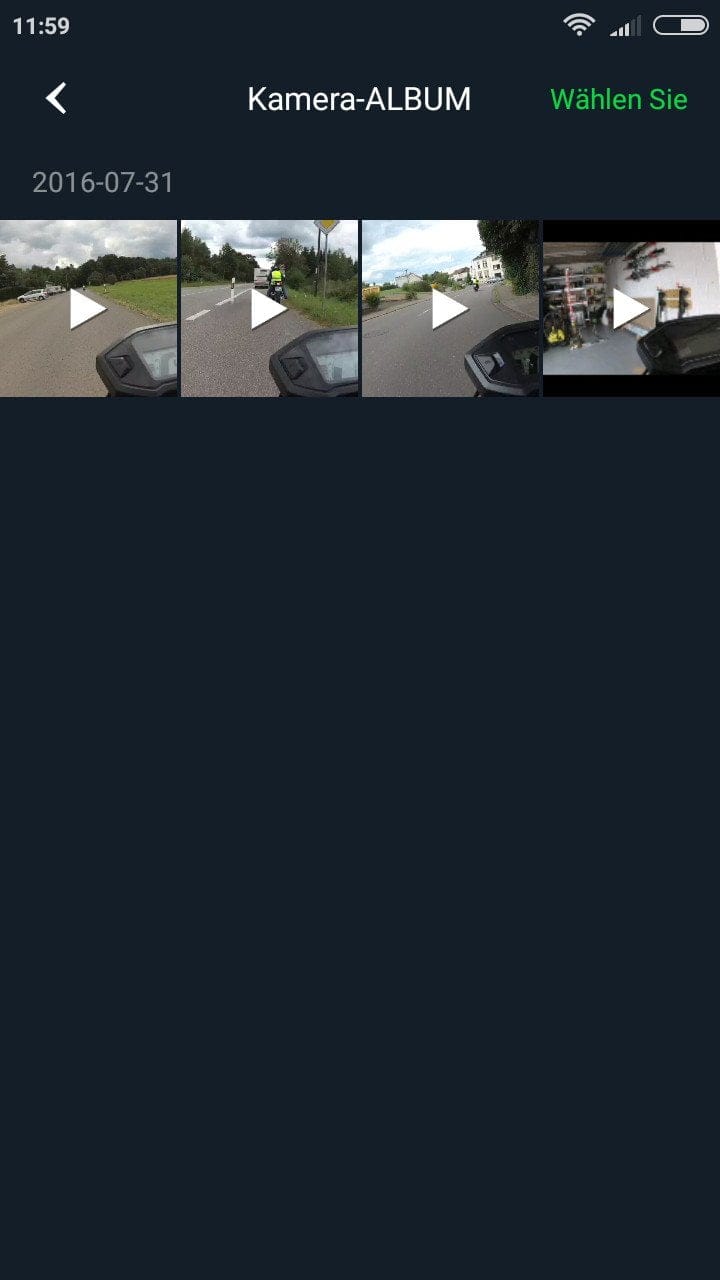
Firmware updates are also installed via the Yi Action app. If an update is available, you are notified through the app and can install it fully automatically with just one click. Alternatively, updates can be downloaded from the manufacturer's website.
Recording quality and sound
The Sony IMX377 image sensor used has a resolution of 12 megapixels and, in combination with the Ambarella A9SE image processor, enables native 4K video recordings at up to 30 frames per second.
The 4K video recordings taken during the test convince with rich detail, natural colours and a pleasant sharpness in both close-up and long-distance views. The recorded sound hardly differs from conventional action cameras. While the camera produces a clean sound recording without a waterproof housing, the recorded sound is hardly audible with the additional waterproof housing.
 Play video on YouTube
At a resolution of 1080p, you can choose between 30, 60 and even 120 frames-per-second. Additionally, an image stabiliser can be activated, which compensates for the image using a gyroscope. Of course, such a stabiliser cannot replace a gimbal, but for those who want to produce temporarily stable recordings, the image stabiliser is a nice extra feature.
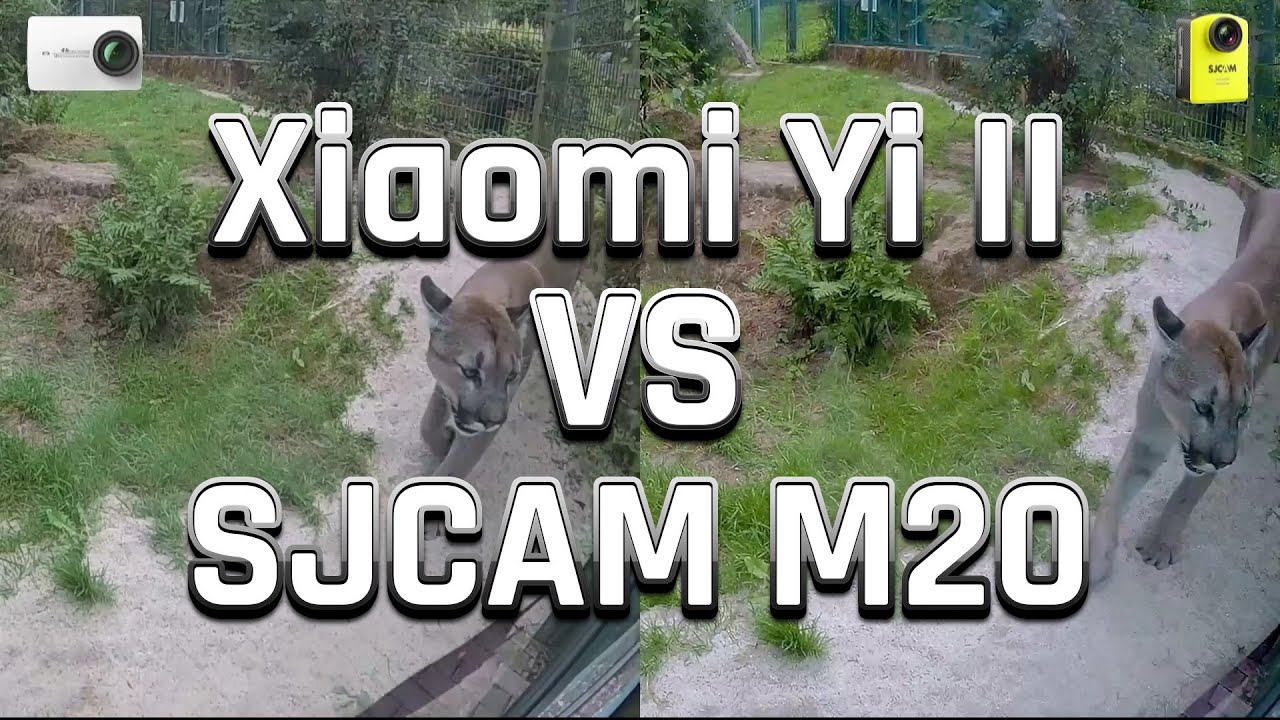
At resolutions below 4K, the difference in video quality compared to conventional “China action cams” is significantly smaller, as a direct comparison with the often much cheaper SJCAM M20 shows.
 Play video on YouTube
Battery
Another highlight of the Yi 4K is its generously sized battery with a capacity of 1400 mAh. At 4K resolution, the maximum recording time is approximately 105 minutes, putting the new Yi Action Cam in the shade of its competitors. In our tests, we confirmed the capacity through follow-up measurements. At 1080p resolution, we achieved recording times of roughly 130 minutes! A full charge of the battery takes about 2 1/2 hours.
Our verdict
The Yi 4K Action Cam is intended as direct competition to the GoPro Hero 4 and costs only half as much! The camera impresses with fantastic 4K video recordings and a comprehensive range of features. Thanks to the used touch display and the powerful battery, the Yi 4K appears almost innovative.
Specifications
General
- Image processor
- Ambarella A9SE
- Image sensor
- SONY IMX377
- Lens
- 7-layer, 155° wide angle, f/2.8, f=2.68mm
- LCD
- 2.19-inch, 640*360 touchscreen
- Microphone
- 360° Omnidirectional
- Speakers
- Integrated
- Wi-Fi
- Broadcom BCM43340
- Bluetooth
- 4.0BLE & 2.0 Dual
- Gyroscope
- 6-axis (Bosch BMI160)
- Storage
- Micro SD (16-128GB FAT32)
- Waterproof
- With housing
- Battery
- 1430mAh
- Size
- 65 x 42 x 30 mm
- Weight
- 96g
What’s included
1x Xiaomi Yi 4K 1x charging cable 1x battery 1x instruction manual
Comments (4)
I also got the new Yi 4K. Do you know why videos are limited to 4 GB and whether this can be changed? Otherwise, I am very satisfied with the camera and have already taken some great videos with it.
This is due to the file system of the SD memory card. FAT32 allows a maximum file size of 4GB. However, this problem is not unique to the Yi 4K. As far as I know, no action camera supports NTFS or exFAT.
Hello, great review. I read that the new camera from Yi also features voice recognition. Can the old Yi do that as well?
Hi, so far this feature is only available on the Yi 4K+. However, I could well imagine that, at the community's insistence, the older Yi 4K will also receive an update that includes voice recognition. So, the feature is not yet available!