Contents
UV printing enters the maker space
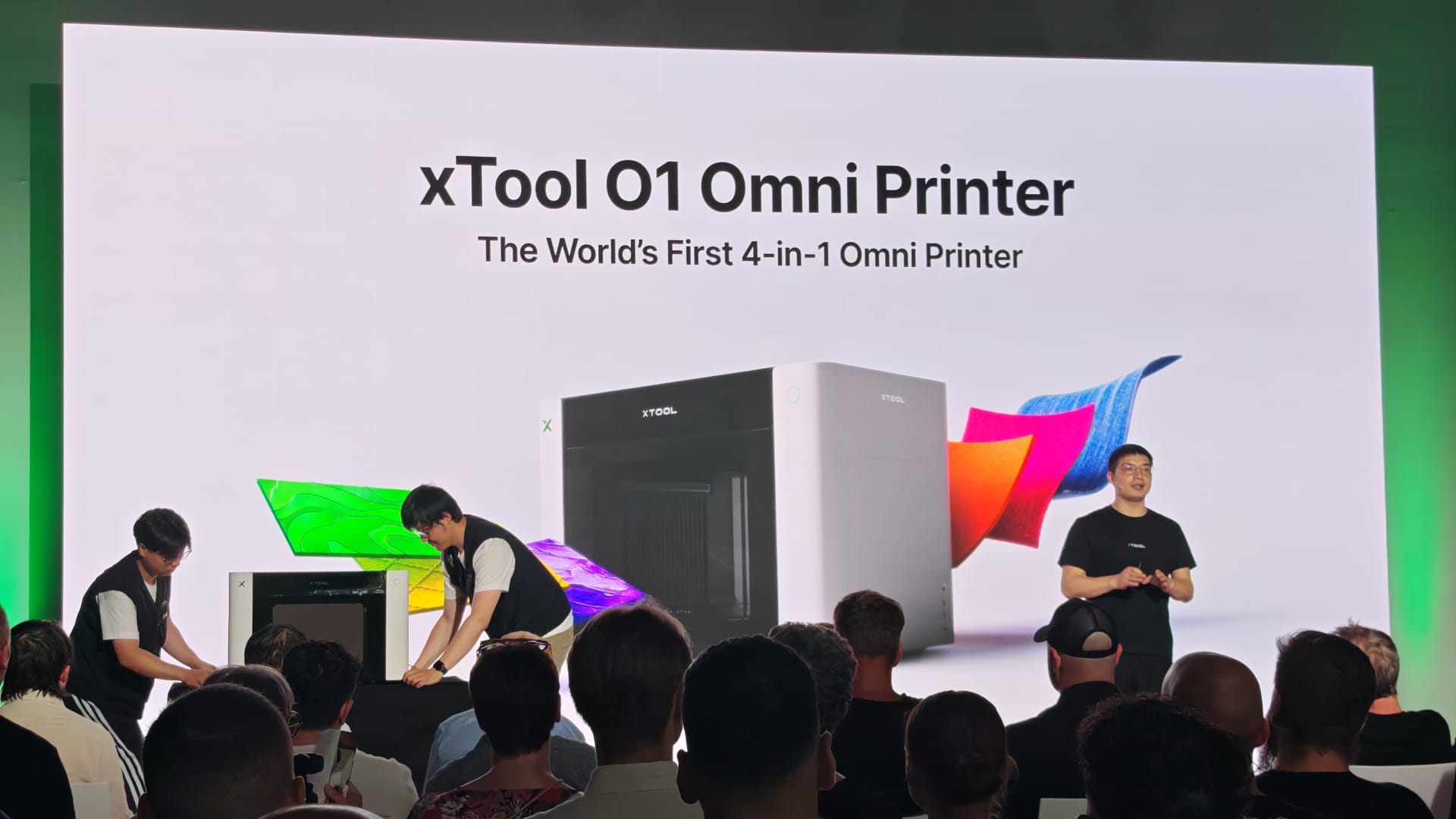
Until now, we have mainly associated xTool with laser cutters and engravers, most recently the xTool F2 (our review here), which we tested. At its event in Berlin, xTool has now unveiled a new product category. The xTool O1 Omni is not another laser, but a UV printer designed to work with as many materials as possible.
Colour, white printing, gloss, texture and tactile reliefs are applied directly to wood, acrylic, metal, glass, plastic or ceramic. Blanks are turned into personalised products, prototypes, signs, casings, gifts or small batches in a short time.
The O1 Omni is heading in a direction that could be quite exciting for makers and small creative workshops. Following 3D printing and laser cutters, UV printing could become the next big thing in the maker space in the coming years.

What can the xTool O1 Omni print on?
At its core, the O1 Omni is a UV object printer. Unlike a regular inkjet printer, it doesn't print on paper but on finished workpieces. The ink is applied directly to the surface and cured immediately with UV light. Rather than soaking into the material, it adheres directly to the surface.
It can print on materials including acrylic, wood, metal, glass, plastic, ceramic, and leather. Depending on the surface, white, color, and clear coat are applied in different layers. For example, when printing on transparent acrylic or dark plastic, white is often printed as a base layer to make the colors stand out. Clear coat adds gloss and protection or highlights specific details.
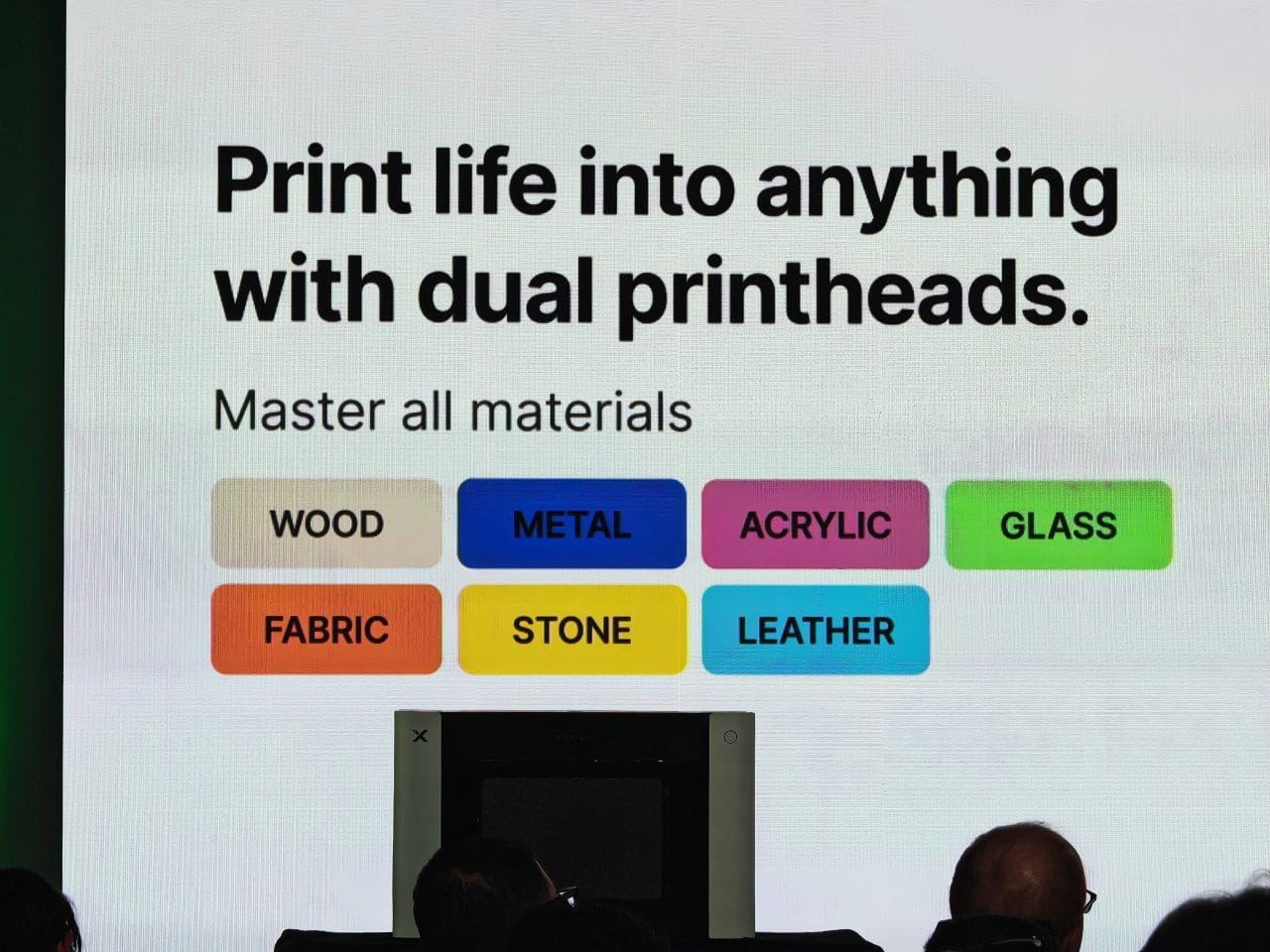
Relief printing is also possible. According to xTool, the O1 Omni can build up textures up to 7 mm high. This is done by printing multiple layers of ink on top of each other, making the result not only visible but also tactile. The more pronounced the relief, the more ink and time it takes.
Three versions at a glance
xTool is launching the O1 Omni in three variants. The differences mainly concern print heads, ink channels and material focus.
| Model | Single UV Edition | Dual-Head UV Edition | UV + DT Fabric Edition |
| Target audience | Getting started with UV printing on rigid materials | Advanced UV printing with special effects | UV printing plus textile printing |
| Print head | 1x Epson F1080 | 2x Epson F1080 | 2x Epson F1080 |
| Resolution | 720 x 1440 dpi | 720 x 1440 dpi | 720 x 1440 dpi |
| Ink channels | CMYKWV | CMYKWV + RW/FW/FR/FY | UV: CMYKWV Fabric: CMYKWW |
| White ink | Standard white | hard white and flexible white | UV white and double white for fabric |
| Effect colours | Clear coat | Clear coat, fluorescent red, fluorescent yellow | Clear coat for UV, textile channels for DT |
| Materials focus | hard materials such as acrylic, wood, metal, glass and ceramic | Hard and flexible materials such as acrylic, wood, leather, canvas, and plastic | Hard materials as well as textiles such as cotton and polyester |
| Work area | 330 x 122 mm / 330 x 420 mm | 330 x 122 mm / 330 x 420 mm | 330 x 122 mm / 330 x 420 mm DTG plate: 300 x 390 mm |
| Relief height | up to 7 mm | up to 7 mm | up to 7 mm |
| Vision system | 1440 x 1200 dpi | 1440 x 1200 dpi | 1440 x 1200 dpi |
| Positioning accuracy | ±0.2 mm | ±0.2 mm | ±0.2 mm |
| Pre-order price | 1,549 euros | 2,499 euros | 2,549 euros |
| RRP | 2,299 euros | 3,099 euros | 3,199 euros |
The Single UV Edition is the entry-level model. It uses an Epson-F1080 print head and CMYK, white and clear varnish. It is designed for hard materials such as wood, acrylic, metal, glass and ceramic. If you mainly want to print signs, plaques, phone cases, keyrings or small objects, this is the most affordable option.
The Dual-Head UV Edition uses two Epson F1080 printheads. In addition to CMYK, white, and clear coat, it also adds hard white, flexible white, and fluorescent red and yellow. Hard white is designed for rigid surfaces, while flexible white is intended for materials that bend or are subject to stress. This is relevant for leather, canvas, and softer plastics, for example. The fluorescent inks are designed for blacklight effects.
The UV + DT Fabric Edition is the most versatile version. It combines UV printing with textile printing. As well as hard materials, it can also handle cotton, polyester and other fabrics. To do this, the device supports DTG and DTF. So if you want to print not only acrylic signs or mugs, but also T-shirts, hoodies or bags, you need this version.
UV printing, UV-DTF, DTG and DTF
With direct UV printing, the design is printed directly onto the material. Examples include acrylic sheets, wooden objects, metal tags, and phone cases. The item to be printed must fit inside the O1 Omni.

UV-DTF works differently. The design is first printed onto a special film and then transferred to the target object. Ideally, only the design remains on the surface after transfer. There is no conventional transparent sticker edge in the same way as with regular stickers.
DTG stands for Direct to Garment. This involves printing directly onto the fabric. It is particularly suitable for cotton and high-quality fabrics where the print should feel as soft as possible.
DTF stands for Direct to Film. The design is first printed onto a transfer film and then transferred to the textile using heat. This process is more flexible across different fabrics and is also suitable for polyester and blended fabrics. Depending on the design, the print feels more like a transfer, but the method is versatile.
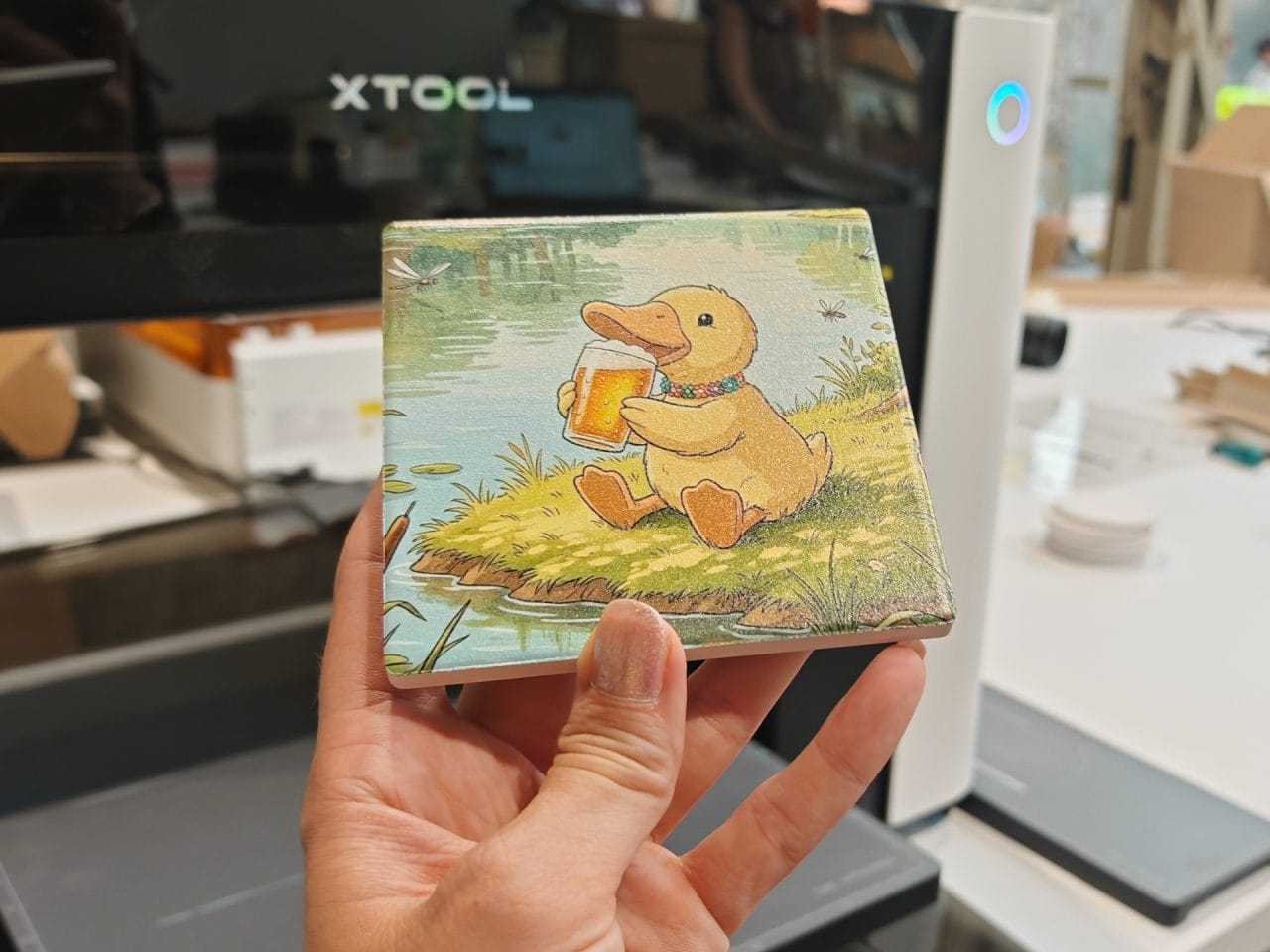
Alignment via CIS Vision System
An important part of the demonstration was showing how the O1 Omni captures objects. For this, xTool uses a CIS (Contact Image Sensor), which works more like a scanner than a simple camera. The resolution is 1440 × 1200 pixels, and xTool specifies the positioning accuracy as ±0.2 mm. This produces a low-distortion image of the object, which is particularly useful for accurately aligning the design.

As with other xTool devices, operation is handled through xTool Studio, making the workflow shown during the demonstration feel quite familiar. The object is placed on the print bed, captured optically, and then displayed in the software. There was no need during the demonstration for tedious measuring, manual alignment, or homemade templates.
The software also automatically detects cut-outs, such as those found in a phone case. A rotary attachment is available for cylindrical surfaces such as cups, bottles and similar objects. The object is clamped in place and rotated during printing. CIS also automatically compensates for any potential offset or distortion.

Ink and maintenance
Maintenance is handled by "Smart Cycle 2.0", which is designed to prevent the ink from drying out and the nozzles from clogging as far as possible. The white ink is stirred and circulated inside the device, and the print head is protected against moisture. Cleaning and control can also be initiated remotely via the app, and the device can be left untouched for several days in holiday mode.
Ink prices are a major consideration with UV printing, although xTool's prices are fairly moderate:
| Ink | Colours / variant | Quantity | Introductory price | Later RRP |
| UV ink | Cyan, Magenta, Yellow, Black, White | 125 ml | 14,99 € | 20,99 € |
| UV clear coat ink | Paint | 125 ml | 16,99 € | 23,99 € |
| UV fluorescent ink | Yellow or red | 125 ml | 20,99 € | 29,99 € |
| UV white ink for textiles and hard materials | White | 290 ml | 25,99 € | 35,99 € |
| DT textile ink | Cyan, magenta, yellow, black | 125 ml | 13,99 € | 19,99 € |
| DT textile white ink | White | 290 ml | 23,99 € | 32,99 € |
Specific consumption figures are not yet available, but a standard UV print on a 60 x 60 millimeter area without a white underbase should cost less than 5 cents at the prices above. Costs only rise once white, clear coat, or relief printing comes into play. At that point, the printer no longer applies just a single color layer but builds up multiple layers.
More xTool devices at the event
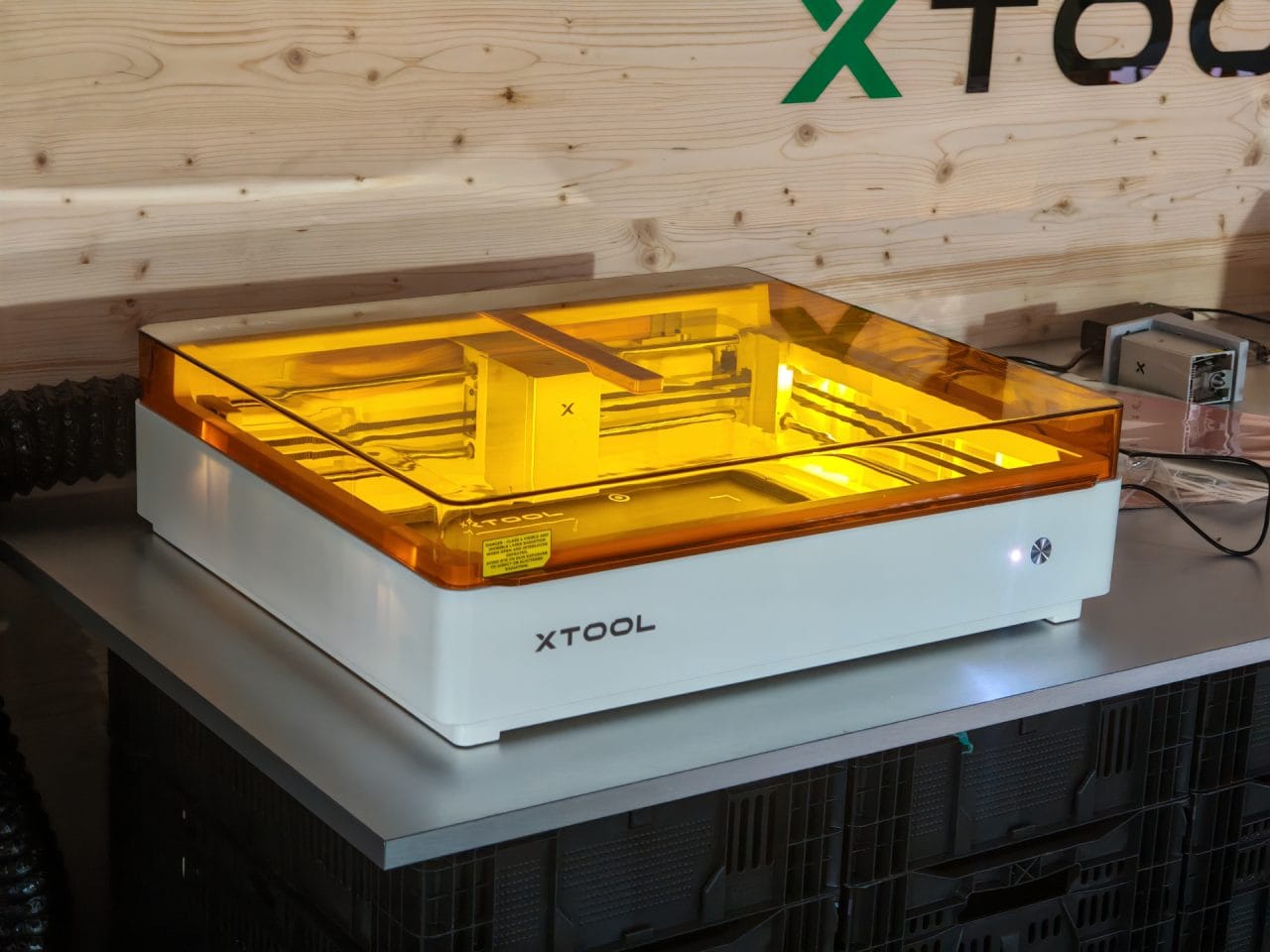
Although the O1 Omni took center stage, xTool also showcased other devices from its product lineup in Berlin. These included various laser engravers and laser cutters, which have traditionally been the manufacturer's core products.
Also on display were the xTool Apparel Printer and the xTool WonderPress. The Apparel Printer is a DTF system for textile printing. Designs are printed onto transfer film, coated with powder, heated and then transferred onto textiles. xTool promotes the device as a one-click DTF workflow with a shaker and oven system that brings printing, powder application, shaking and curing together.
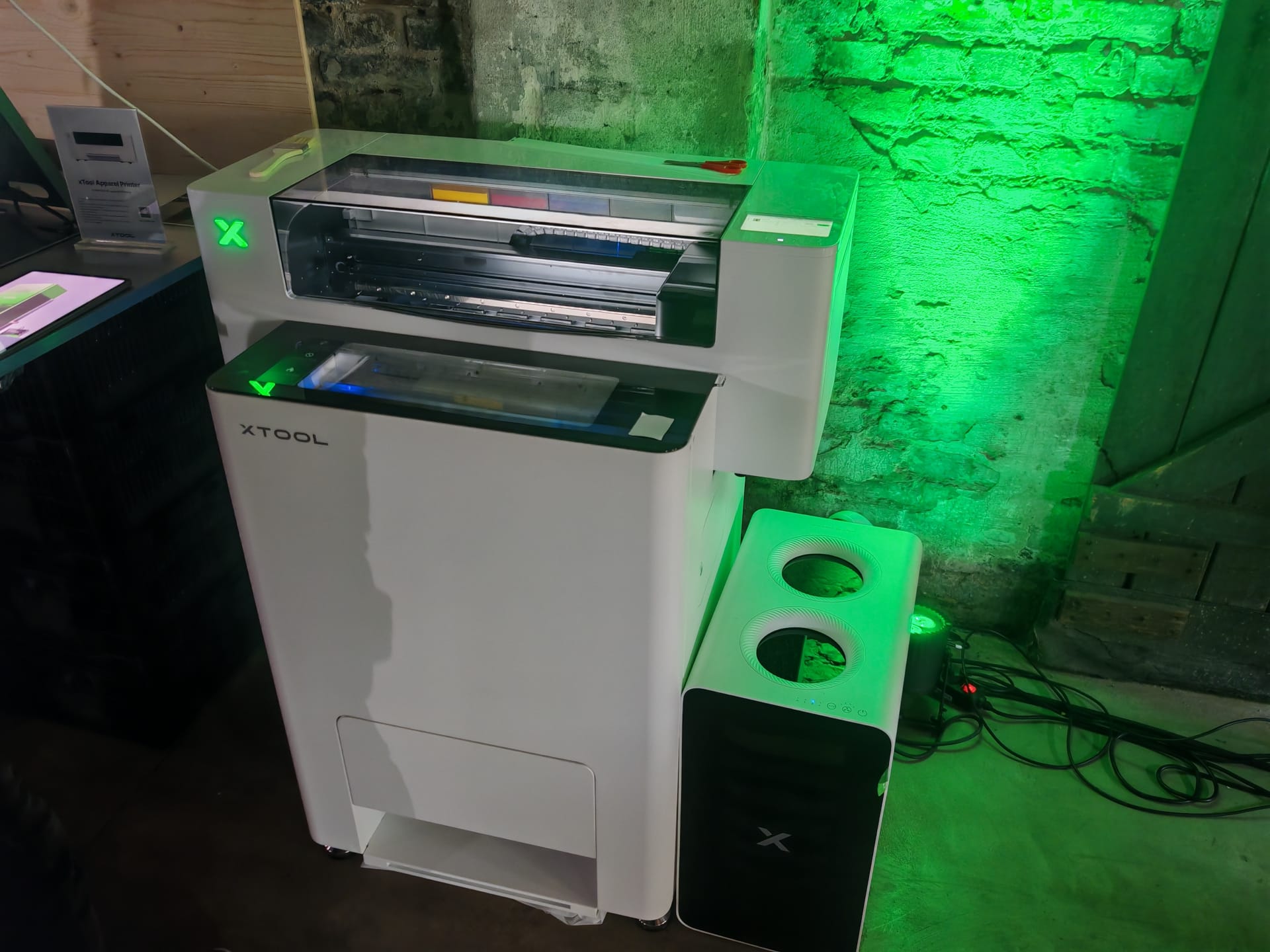
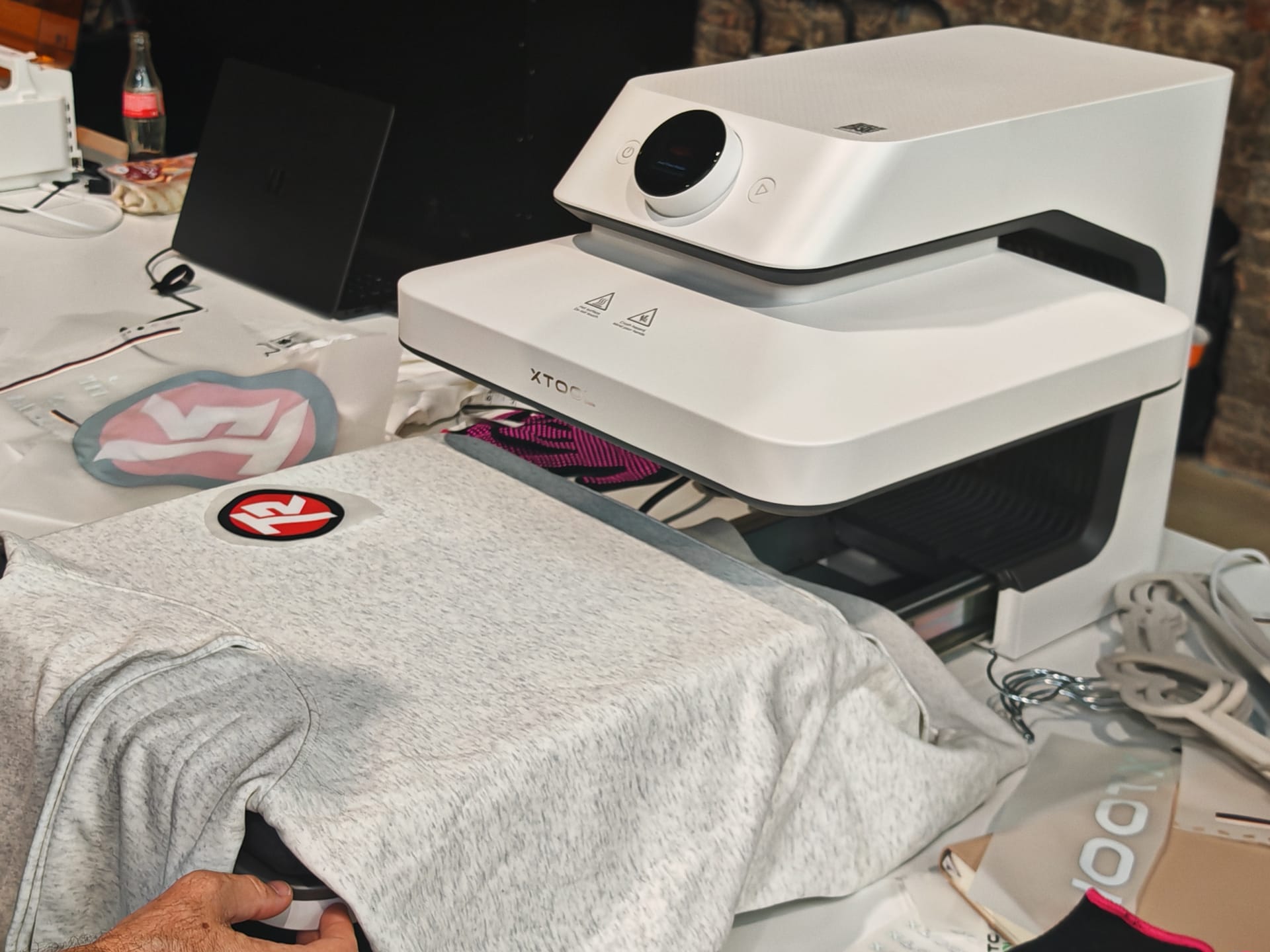
The WonderPress expands this product range with a modular transfer and heat-press solution. It delivers up to 100 kg of pressure and operates across a temperature range of 80 to 210 °C. In addition to conventional transfers onto shirts or bags, depending on the module it also supports 3D forming and a creative oven module. These can be used to process curved objects, phone cases, badges, or DTF films, for example.
Comments (3)
Hi, xTool uses the Epson F1080 here, while the EufyMake E1 uses the XP600. So which printhead is better? I'd really like to know, as I'm currently torn between the two devices. Best, Jürgen
Hi Jürgen, there are no major technical differences, except that the F1080 is branded Epson. Best, Timo
Hello, I’m part of a club with 200 members, and we regularly need printed T-shirts, sweatshirts, and the like. Instead of having them made at a high price, we came up with the idea of getting a UV printer and doing it ourselves. Especially since we could also use it to make things beyond clothing.
My question now is whether a UV print like this is comparable to professional printing. If we print on clothing, it should not come off after just one wash. Could you also tell me how much it would cost to print, for example, a T-shirt in multiple colours with a 30×30 cm design?
Thank you very much