Contents
First impressions of the YI Ultra Dashcam
What’s included
Other manufacturers should take a leaf out of this delivery package! YI Technology includes a comprehensive accessories package with the Ultra Dashcam. In addition to the dashcam, the box contains two ball-joint mounts, one of which can be attached using a suction cup and the other using an adhesive pad. Also included are a 16GB Toshiba Exceria microSD memory card, a car charger (5V – 2.4A) with two USB ports, a 3.5-metre-long micro-USB cable, a small tool for routing the cable, as well as a multilingual user manual (including German) and additional instruction cards. The delivery package thus includes everything needed to use the dashcam.

Design and build quality
Visually, the new YI Ultra Dashcam has no similarities with the previous model, the Xiaoyi YI Smart Dashcam. The dimensions of the camera are 85 x 34.8 x 55 mm. The weight is a light 96g.
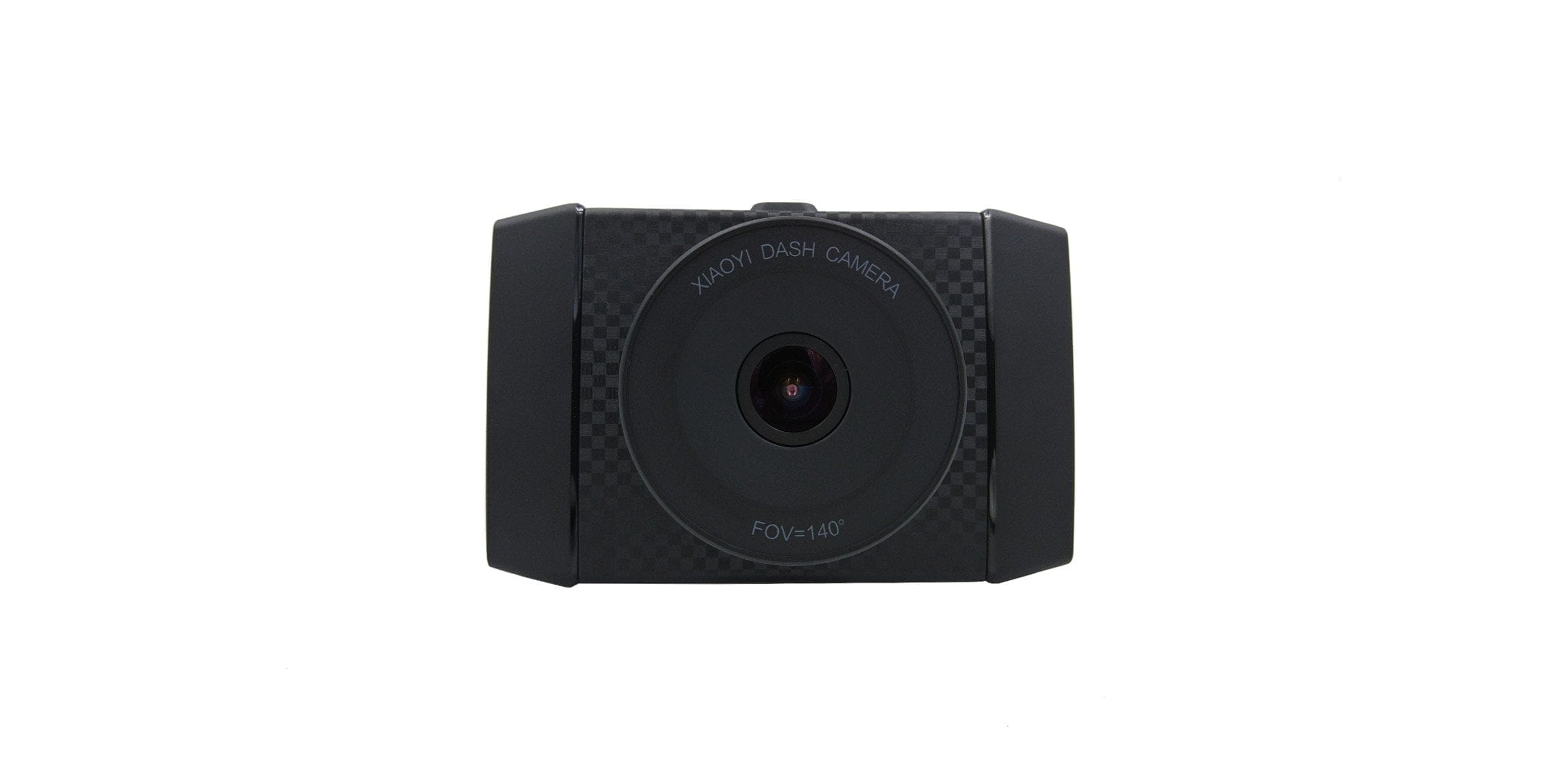
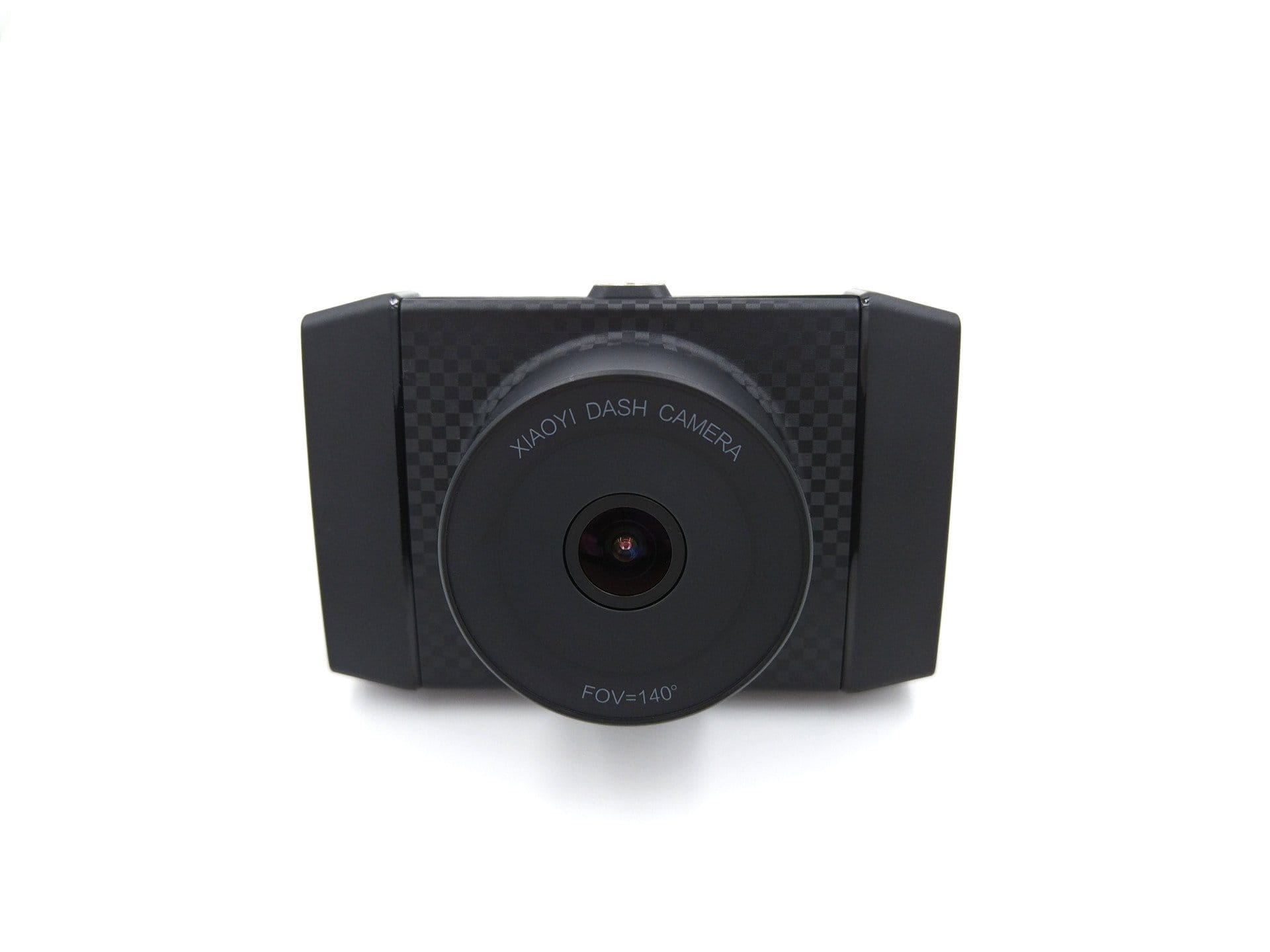
The dashcam is constructed as follows: At the front, the lens is positioned centrally, surrounded by a black plastic housing that is visually highlighted with a checkerboard pattern around the lens. The speaker is located below the lens.
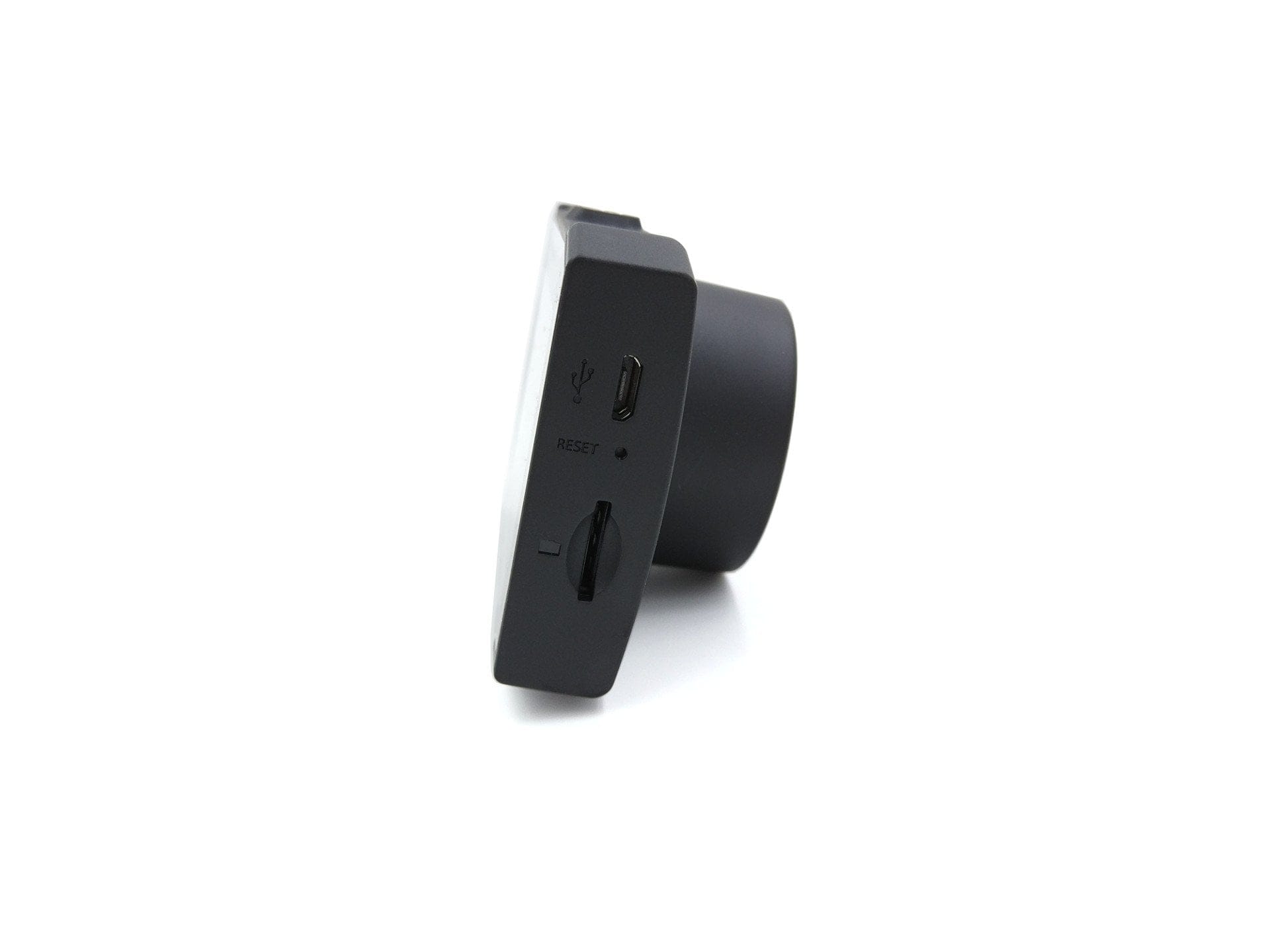
The MicroSD memory card slot is located on the right side of the housing frame. Above it are a reset button and a micro-USB port. The top of the frame features ventilation holes with a central thread for attaching the mount.
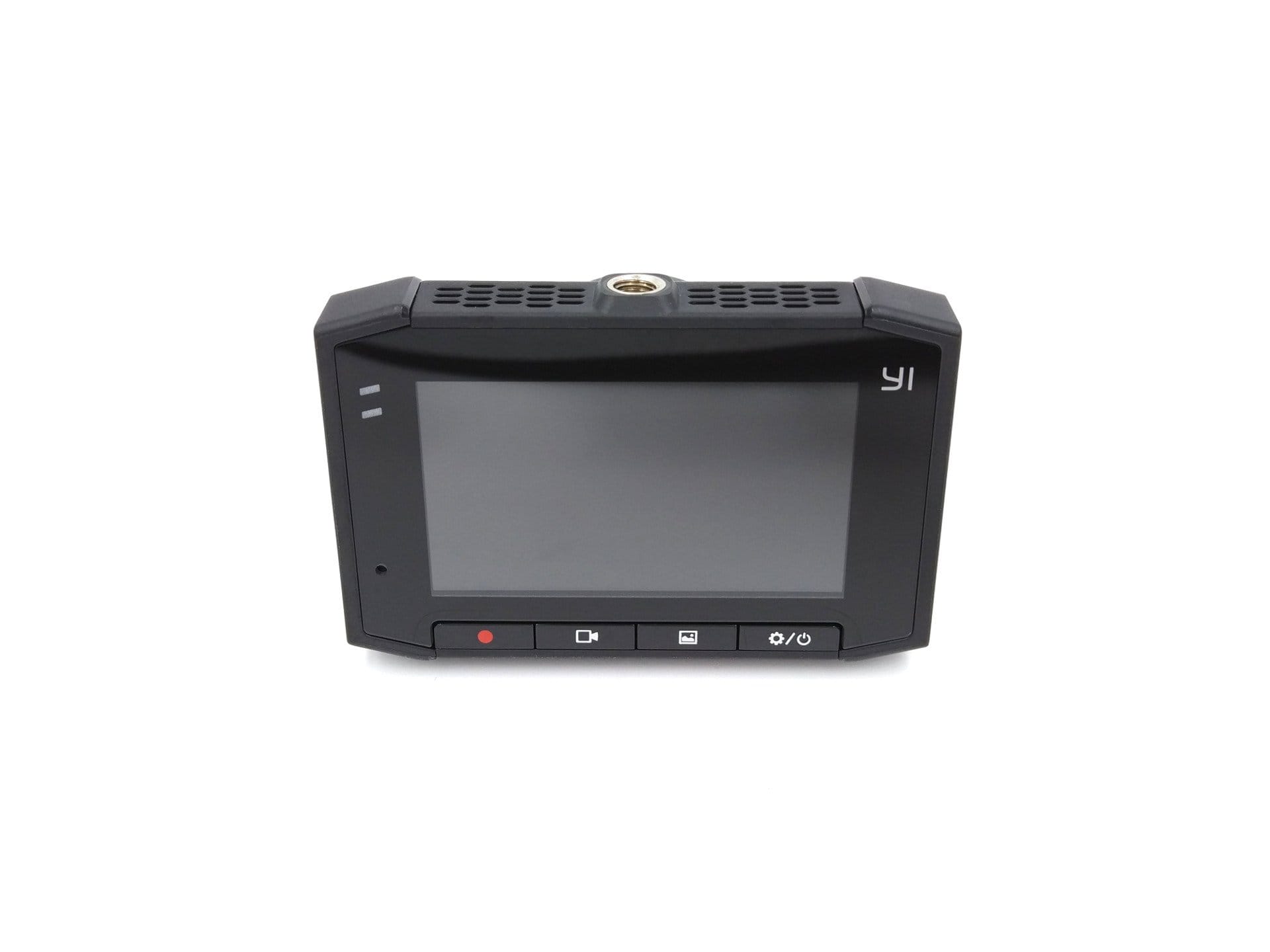
On the back is the display. On the left side of the display are two LED indicators showing the camera status and charging status, as well as the microphone. The control buttons are located below the display. These include an emergency recording button, a recording button, an album button, and a power/setup button.
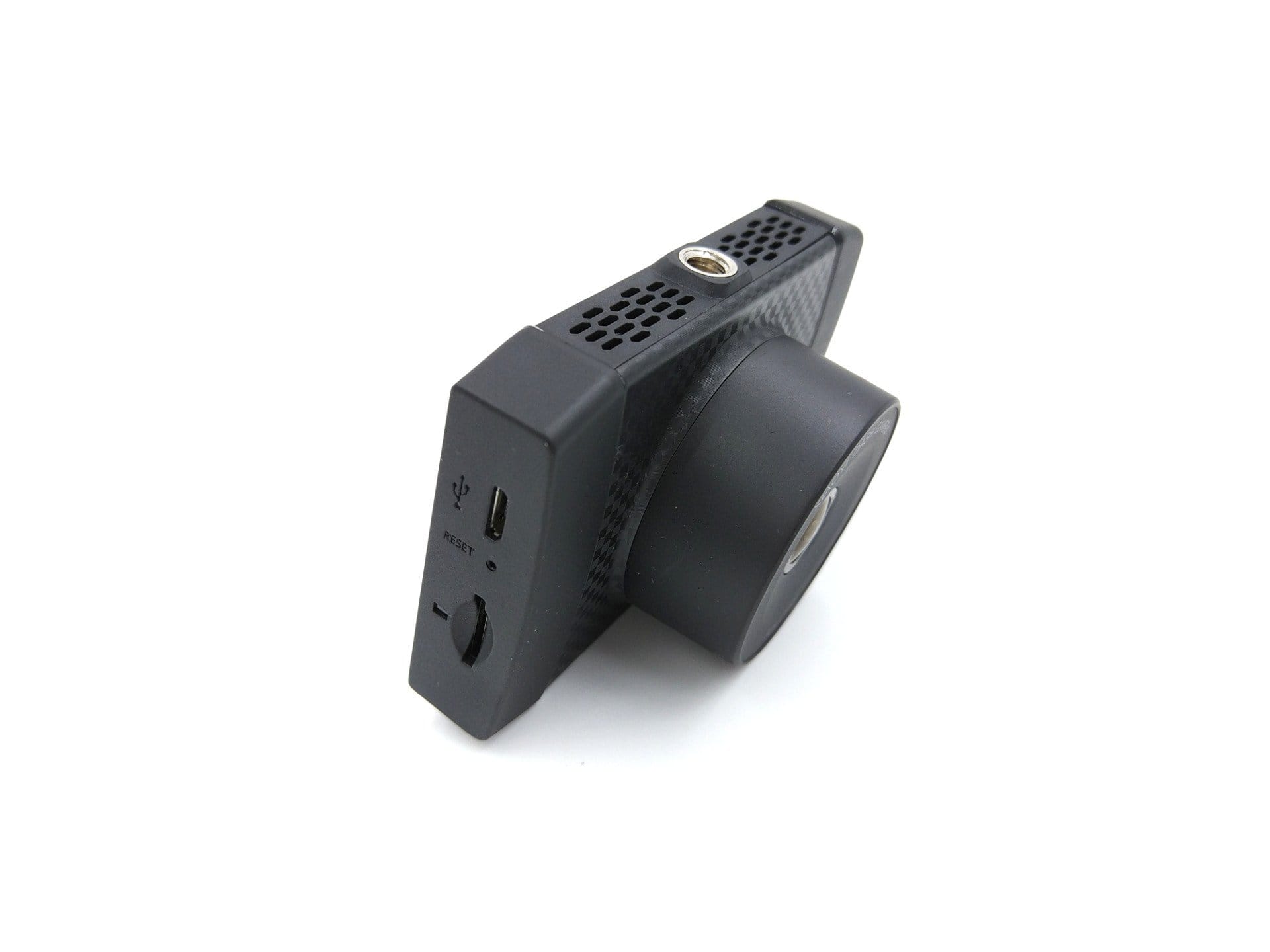
The build quality of the camera and the included accessories is flawless and matches the price.
Xiaoyi Dashcam vs YI Ultra Dashcam
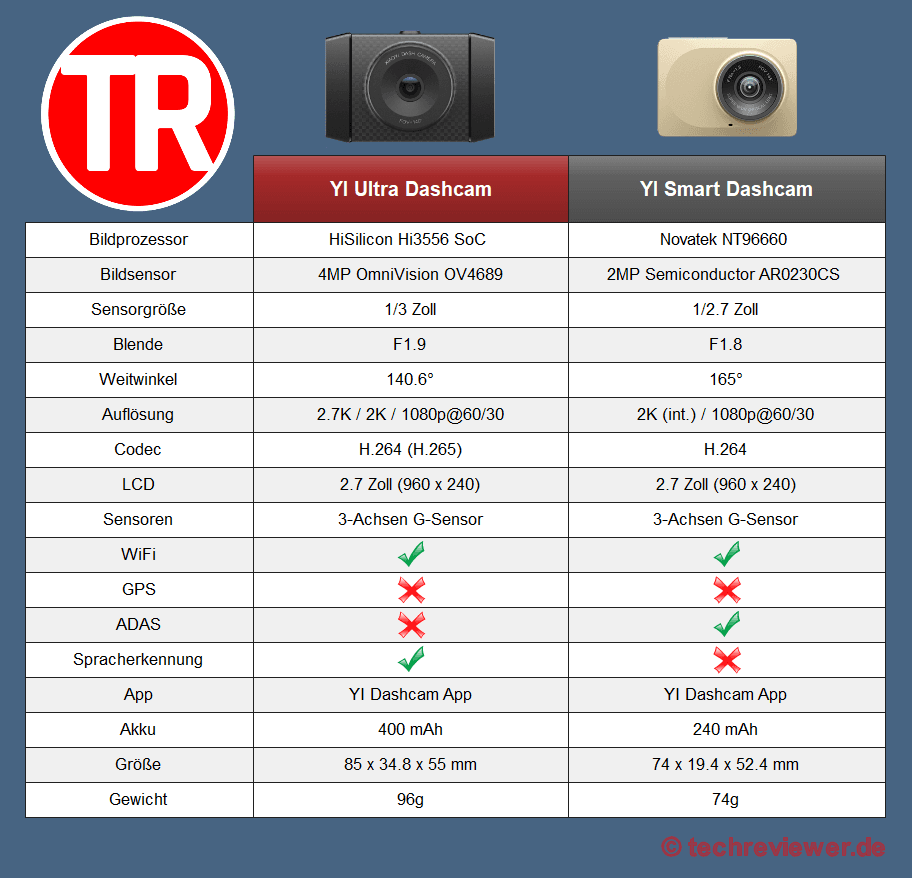
Compared to the first Xiaoyi dashcam, also known as the YI Smart Dashcam, the YI Ultra successor is only a minor upgrade. Functionally, the two cameras are identical. The differences lie solely in the internal hardware configuration. Below is a comparison of the individual features.
To the YI Smart Dashcam review
Hardware & features
Image processor and image sensor
YI Technology is silent about the exact designation of the image processor and image sensor used. Nevertheless, the given specifications point to a HiSilicon Hi3556 SoC and an OmniVision OV4689 image sensor. Incidentally, the manufacturer also uses the same image processor in its “YI Lite” action cam. The system-on-chip comprises, among other things, an ARM Cortex-A17 with a clock rate of 1.25 GHz and an ARM Cortex-A7 with a clock rate of 800 MHz. The 1/3-inch image processor has a resolution of 4 megapixels. The pixel size is 2.0 µm. The lens with an f/1.9 aperture has a fixed focus and a 140.6° wide angle.
Display
The display is of the TFT LCD type, has a diagonal of 2.7 inches and resolves at 960 x 240 pixels. The display depends heavily on the respective viewing angle. If you look at the display at an angle, the contrast drops significantly and the displayed content becomes difficult to recognise.
Wi-Fi
The YI Ultra Dashcam is capable of creating its own 2.4 GHz WiFi network. For this purpose, the camera has an integrated WiFi module that supports the 802.11n standard. Encryption follows the WPA2 security standard. Via WiFi, it is possible to connect to the dashcam with a mobile device. WiFi SSID and password can be changed via the app.
Other
Additional features of the YI Dashcam include an omnidirectional noise-cancelling microphone and a speaker. Power is supplied via the micro-USB port. At the same time, the camera has an integrated battery with a capacity of 400 mAh. However, this serves solely as a backup power supply. Sensor equipment is limited to a 3-axis G-sensor.
Setup and user interface
The dashcam comes with everything needed for setup. The multilingual, including German, user manual covers the key points for setup and also explains the camera's individual functions. Mounting is easy and intuitive. Because the camera is connected to the holder via a screw thread, universal holders with matching threads can also be used. According to YI Technology, memory cards of up to 128GB storage capacity are supported. Class 10 U1 or higher memory cards are recommended.
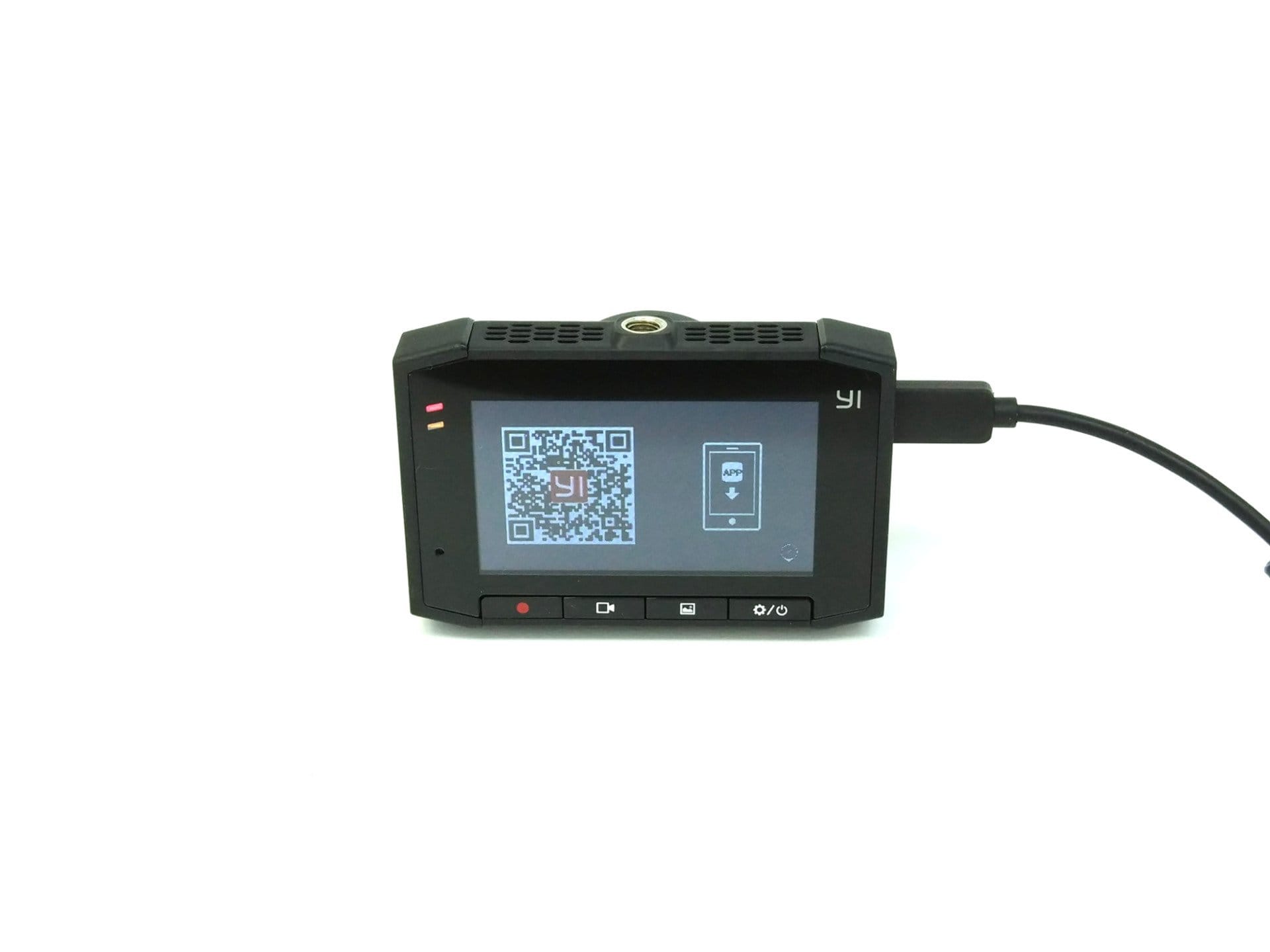
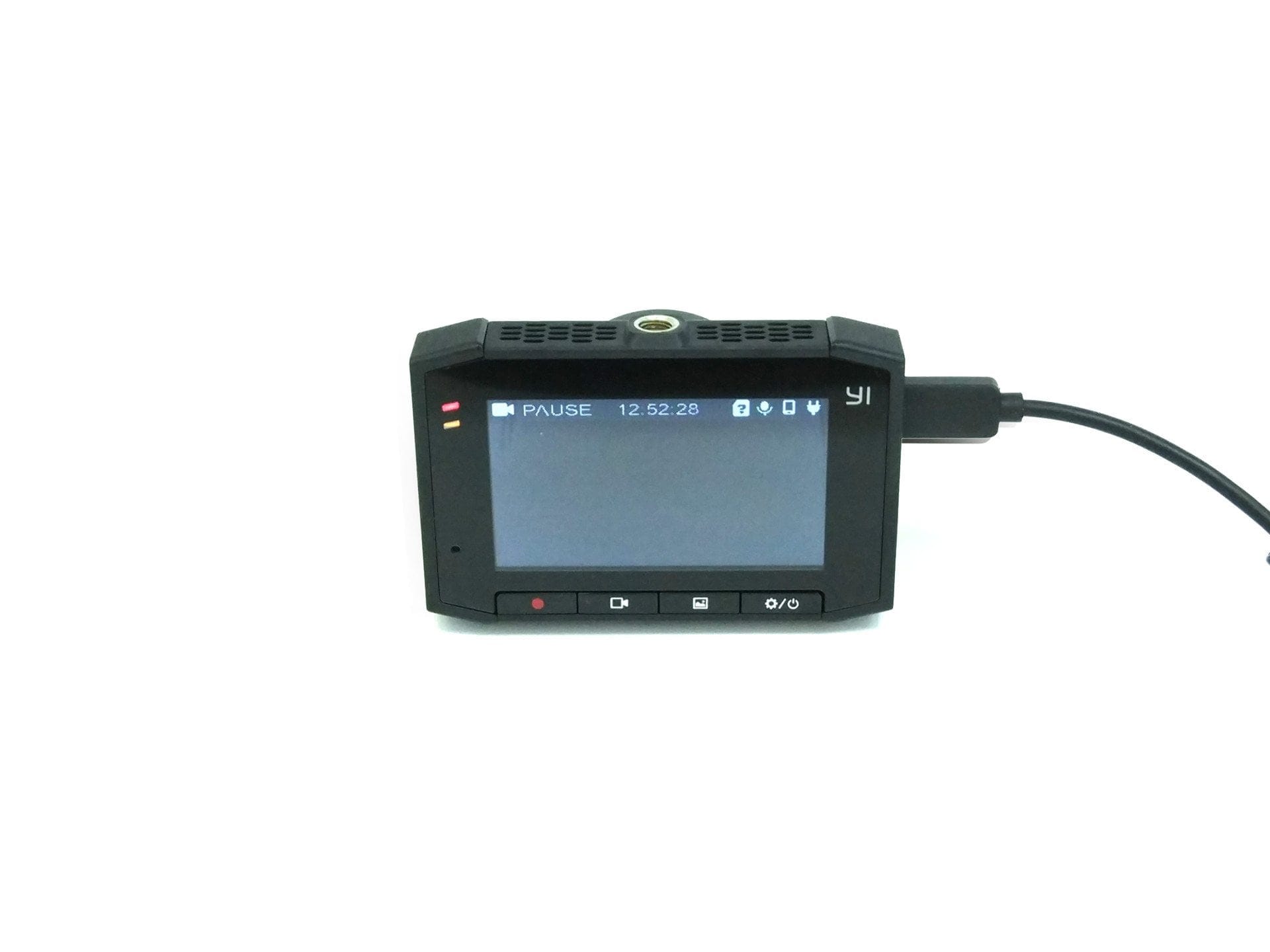
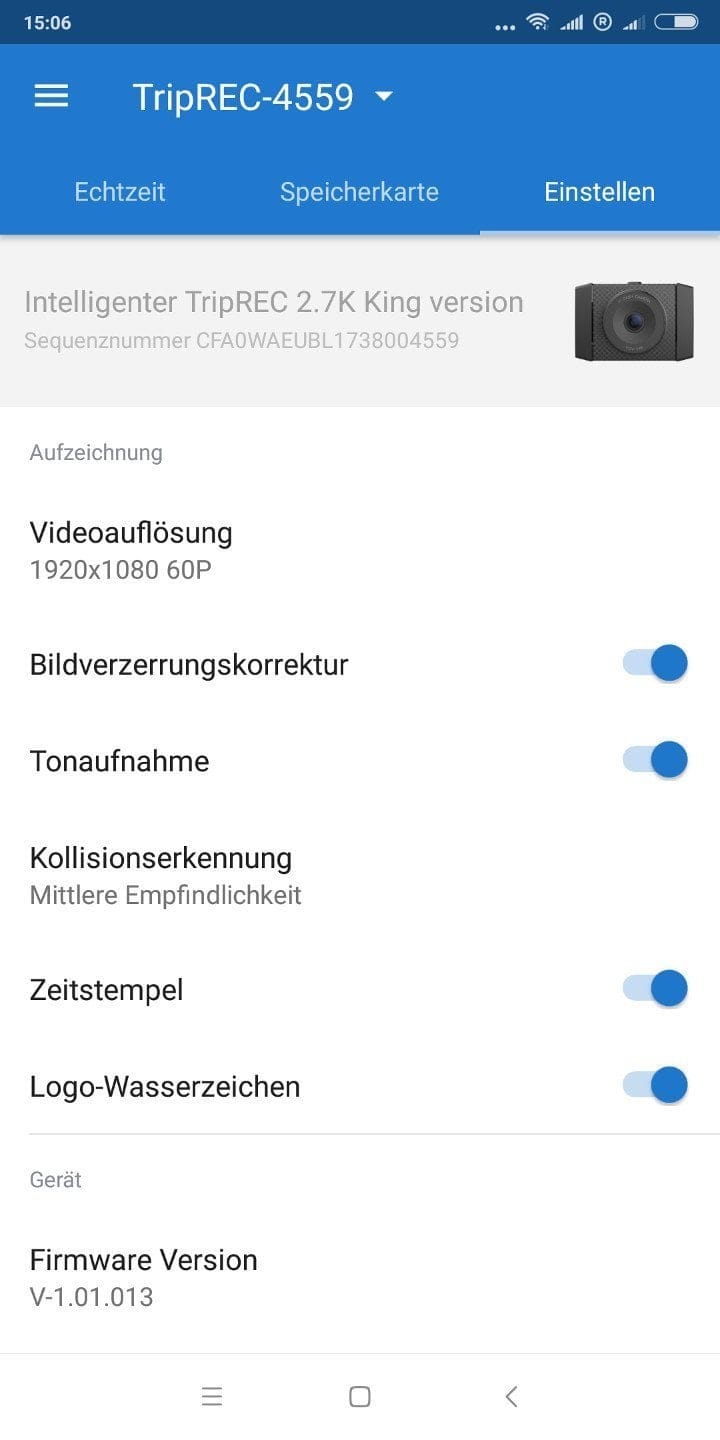
The user interface of the YI Ultra Dashcam is clearly laid out. Users are greeted by a start screen with a live view. A top bar displays information about the ongoing recording, the time, storage status, microphone, Wi-Fi and power supply. The language of the user interface can be changed to English. Pressing the power button takes you to the settings menu. The following settings are available:
Settings
- Resolution – 2.7K@30 | 2K@30 | 1080@60/30 | 720@30
- Microphone – On / Off
- G-sensor sensitivity – Low | Medium | High
- Image distortion correction – On / Off
- Audio recording – on / off
- Timestamp – On / Off
- Logo watermark – On / Off
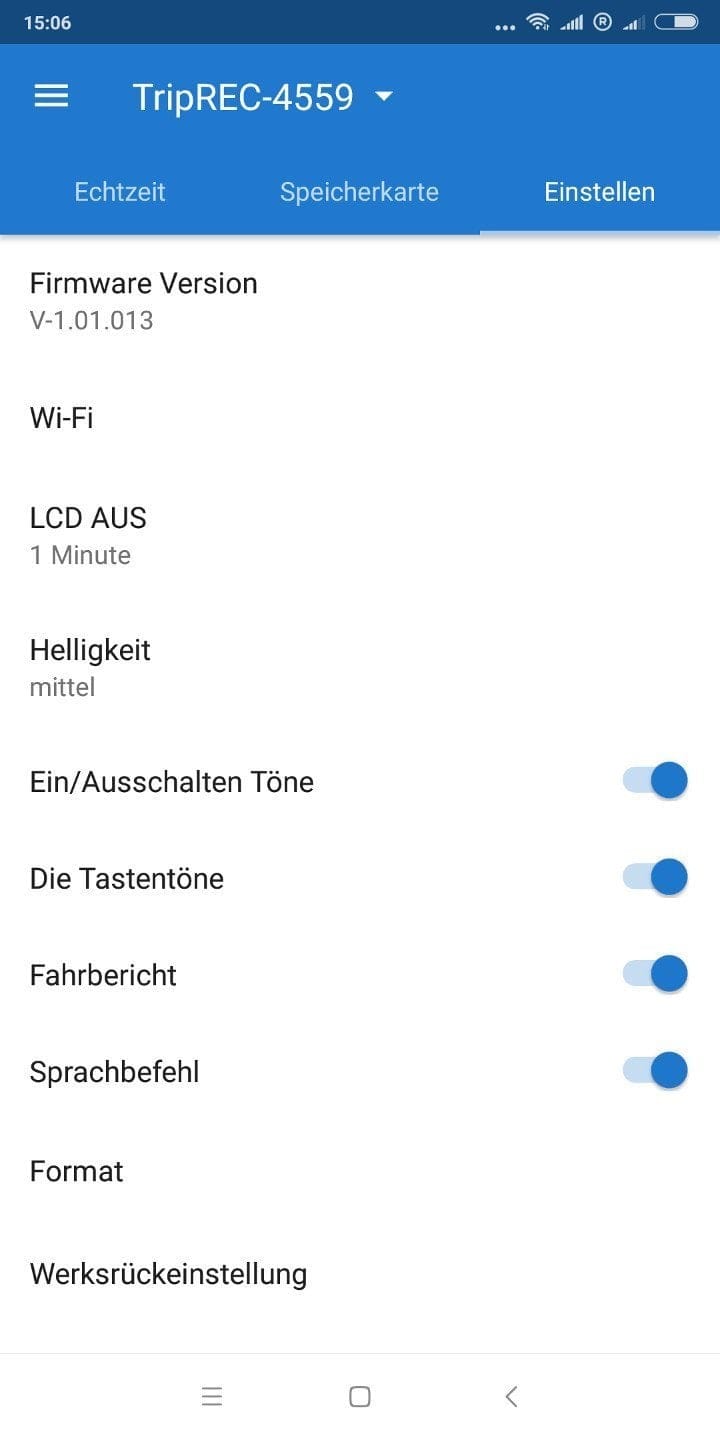
- WiFi – SSID and password
- LCD Off – Never | 1 min | 5 min | 10 min
- Brightness – Low | Medium High
- Sounds - On / Off
- Key sounds – On / Off
- Test drive – On / Off
- Voice command – On / Off
- Format
- Factory settings
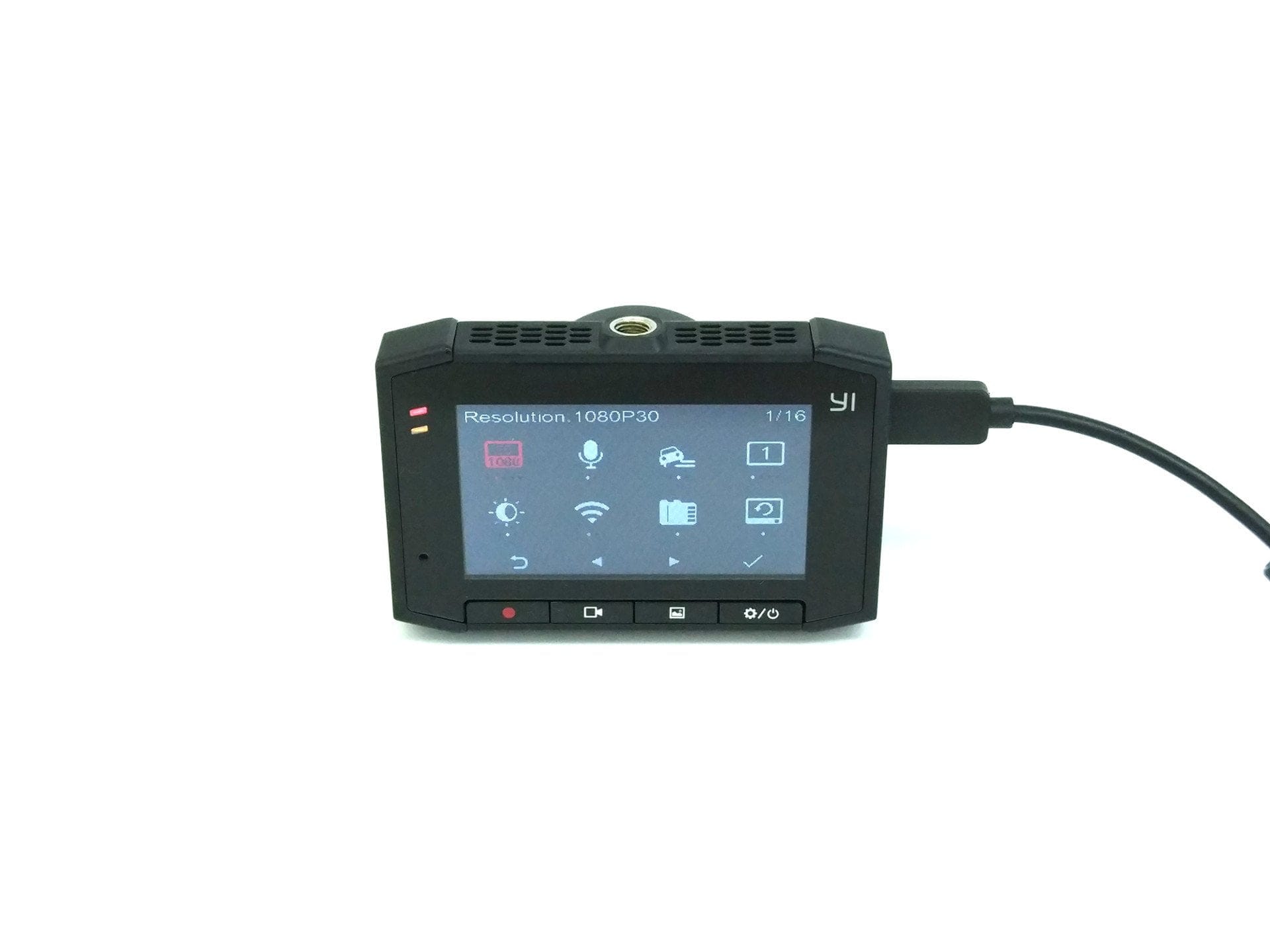
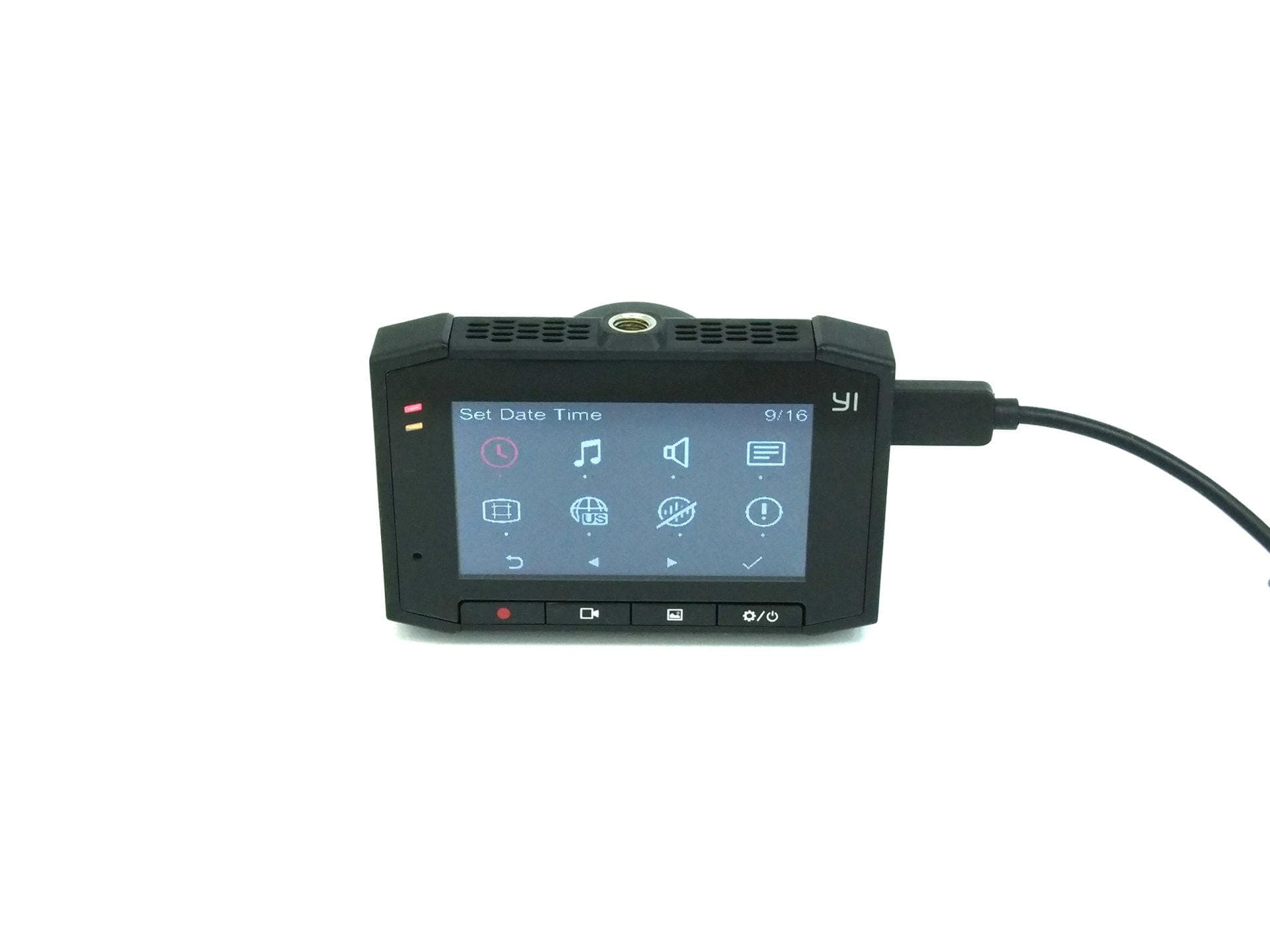
„YI Dashcam App“
Like its predecessor model, the YI Ultra Dashcam can also be connected to a mobile device via Wi-Fi. For this purpose, the manufacturer provides the so-called “YI Dashcam App”, which is available for free download in both the Google Play Store and the Apple App Store. The connection is established via the Wi-Fi network created by the camera.
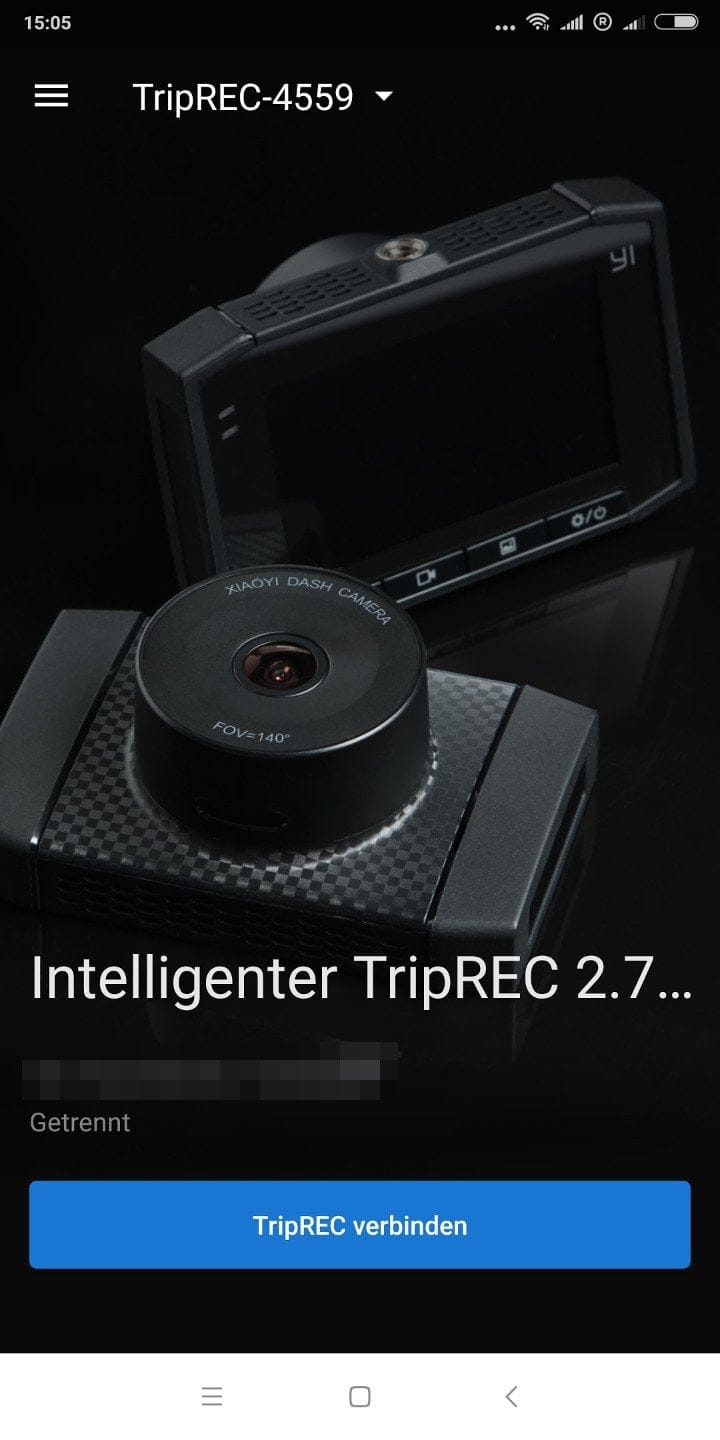
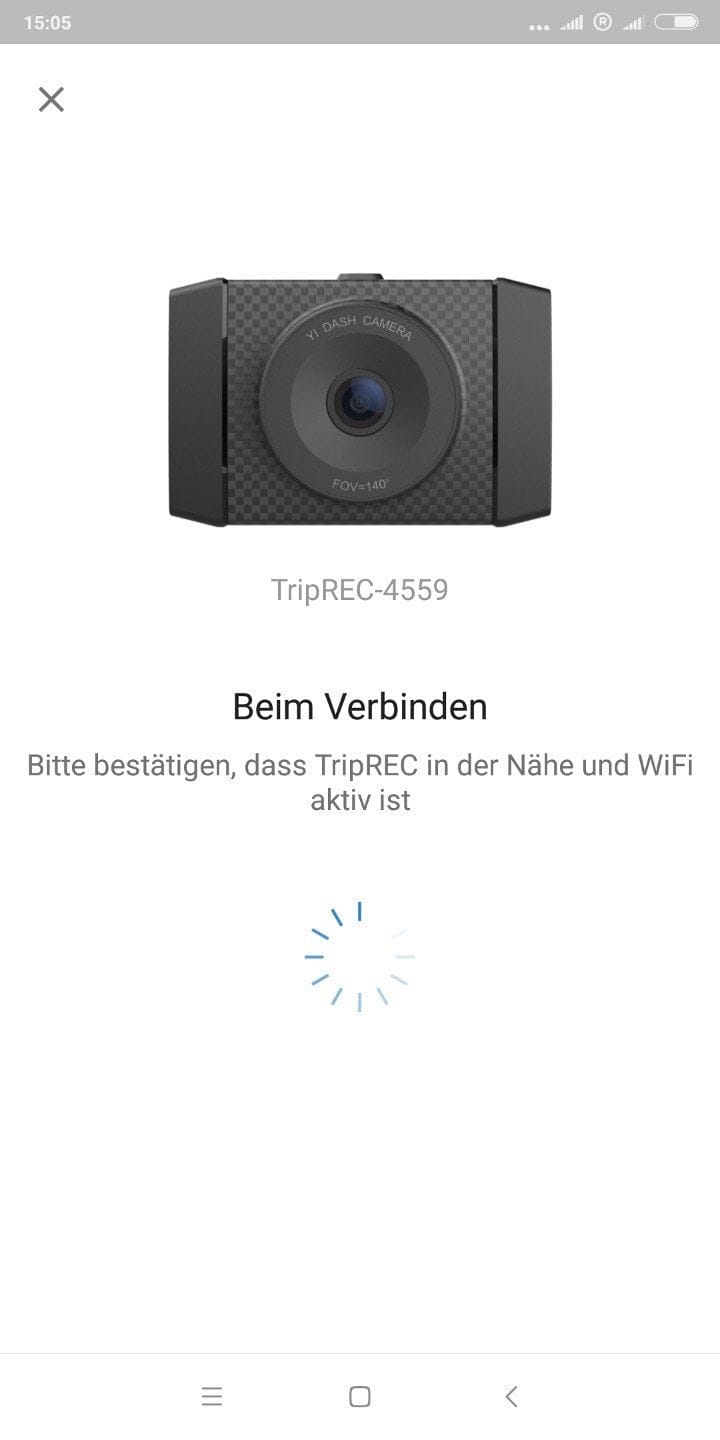
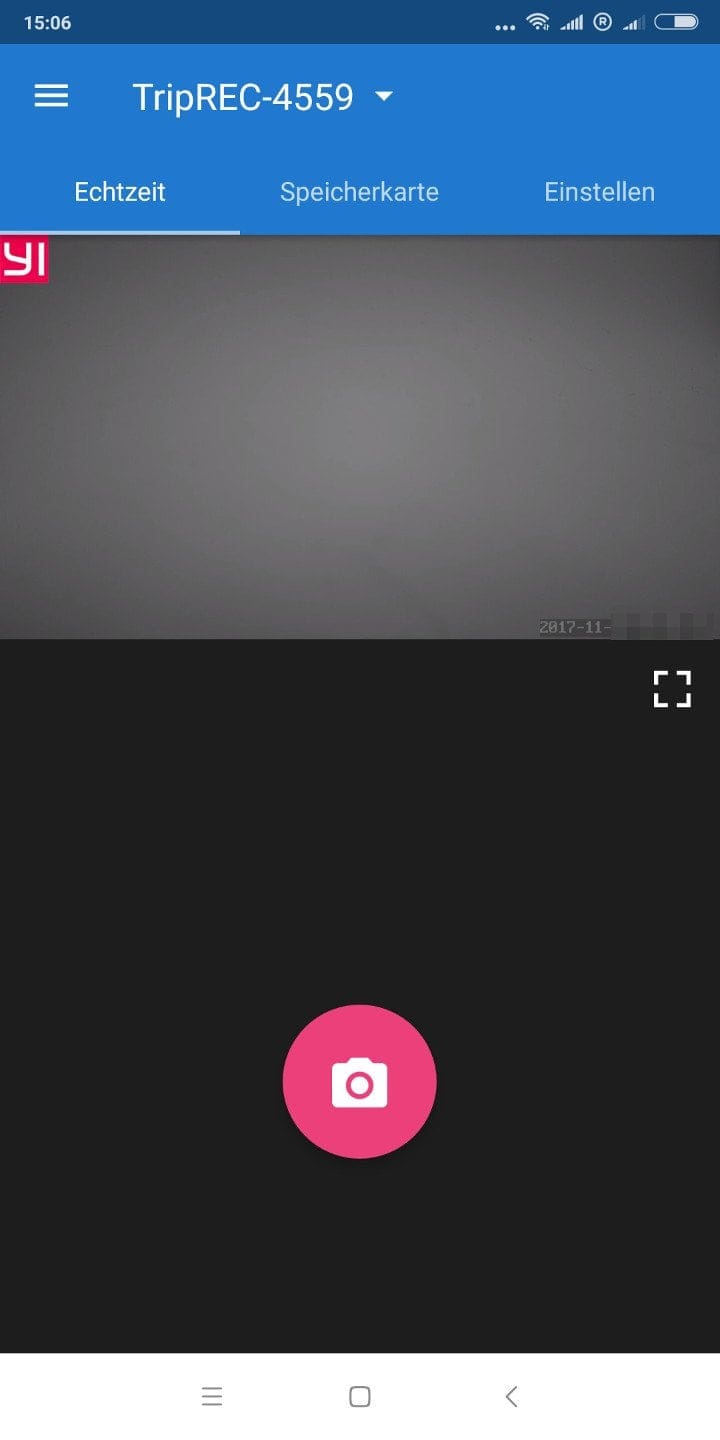
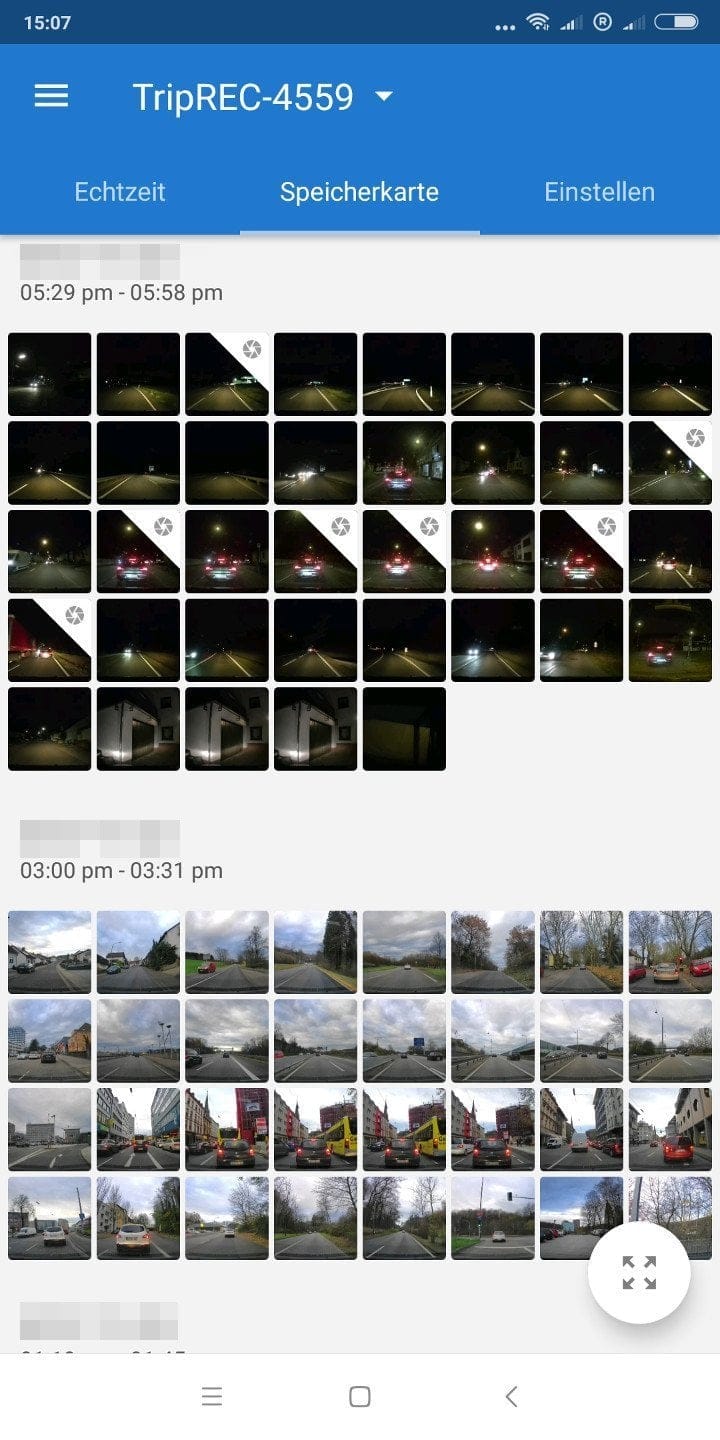
The app's options are limited. In addition to a stream of the live image to the mobile device, there is also the option to access the gallery, trigger image captures via the app and make camera settings. In the test, the connection quality between mobile device and dashcam proved to be good. The live image is transmitted with minimal delay, and access to the gallery is quick, so recordings can be transferred in no time at all.
Functions
Functionally, the camera is equipped in line with its price. There is no GPS module, which means the route and speed cannot be recorded. There is also no driver assistance system (ADAS). Lane change or collision warnings are therefore not displayed. In theory, however, it would be possible to implement route recording and a driver assistance system via software through the YI Dashcam app, as is the case with the predecessor model. Whether YI Technology pursues this will become apparent in future firmware updates. But now on to the existing functions.
Voice assistant
The voice assistant is a setting that cannot be selected via the camera's user interface, but can only be activated via the app. Two voice commands are supported. The command "YI begin recording" starts a video recording, albeit with a slight delay. The command "YI take photo" triggers a still image capture. The commands are recognised only in English. The recognition rate was impressive in testing. The commands were recognised even with moderate radio volume.
Emergency recordings
So-called emergency recordings can be triggered manually or automatically. Manual triggering is done by pressing the emergency recording button. Automatic triggering works via the collision detection of the G-sensor. The sensitivity of the G-sensor can, as mentioned, be adjusted in the levels Low, Medium and High. In the test, the medium setting proved optimal. Potholes or speed bumps did not trigger an emergency recording, as they should not. Unfortunately, there is no collision detection when parked.
Loop recording
Loop recording mode is enabled by default and cannot be disabled. In this mode, the camera automatically overwrites earlier recordings once the memory card is full. Individual recordings are saved in one-minute segments. Emergency recordings are not overwritten but are saved in a separate folder.
Image distortion correction
The distortion correction allows the so-called “fisheye effect”, caused by the wide-angle lens, to be removed via software. Activating this function also slightly reduces the image area.
Road test
Another feature of the YI Ultra Dashcam is the driving report. Trips lasting longer than 10 minutes are summarised in a brief overview at the end of the trip. This displays the driving time, how often hard braking occurred and how often the safe following distance was not maintained. In our test, the driving report proved to be useless. While it is interesting to know how long the journey took, hard braking or keeping the correct distance were not correctly recorded. There is certainly room for improvement here!
Recording quality
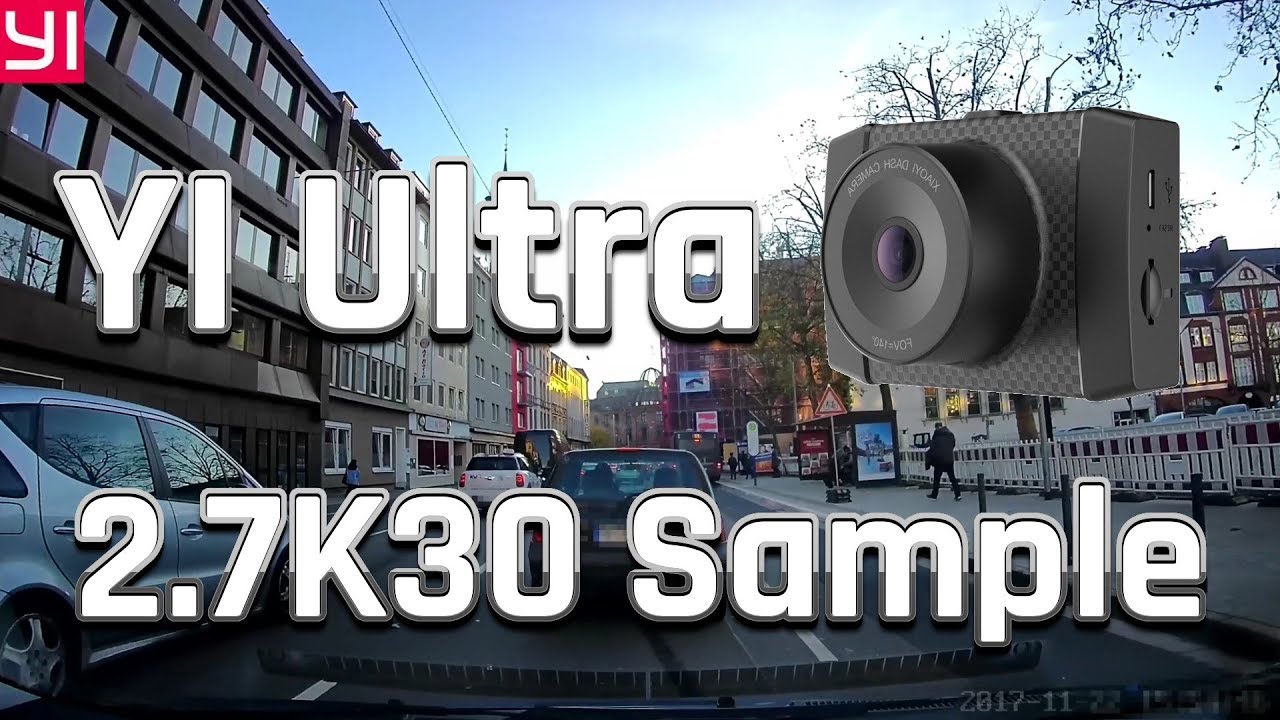
For a dash cam, good recording quality is, of course, also crucial. Vehicle registration plates should be reasonably recognisable both during the day and, ideally, at night. The YI Ultra Dash cam records video at a resolution of up to 2688 x 1520 pixels at 30 frames per second. At a resolution of 1920 x 1080 pixels, up to 60 frames per second are possible. The output format is MP4. Video compression is carried out according to the H.264 standard. The average video bitrate is 22,000 kbit/s. Audio is recorded in mono. The audio bitrate is 95 kbit/s. The sample rate is 16 kHz.
 Play video on YouTube
From theory to practice. The wide field of view of 140.6° captures the entire traffic area. In addition to your own lane and the oncoming lane, pavements are also within the field of view. The detail reproduction is good. License plates of vehicles ahead are recognisably recorded. Depending on the amount of motion, oncoming vehicle plates can also sometimes be recognised. In darkness or at night, detail reproduction decreases and recordings become increasingly blurred. Oncoming vehicle plates and those of distant vehicles ahead are blown out and barely readable, despite "SUPER WDR 2.0" (Wide Dynamic Range). In this respect, the YI Ultra Dashcam does not differ from other, significantly more expensive dashcams that can also barely capture vehicle plates at night.
 Play video on YouTube
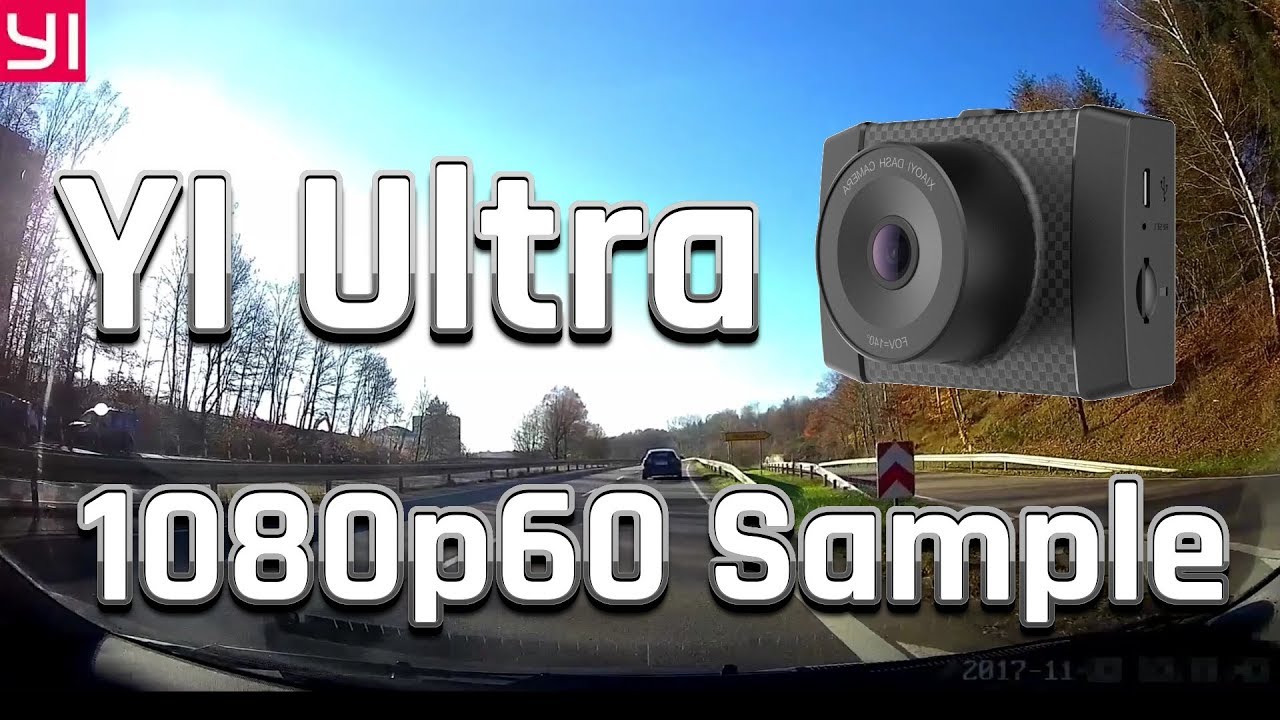
The dashcam reproduces colours vividly. Image artefacts do not occur even during fast image movements. Slight image noise is noticeable, both during the day and more strongly at night, but it does not affect detail reproduction.


The main criticism concerns the recording quality of the 1080p@60 recording mode. Recordings in this mode are severely overexposed, causing the sky to appear stark white and details to be lost. However, this issue should be fixable with a firmware update. The audio recording quality is acceptable. Loud driving noises are well reduced in terms of overall volume. Speech is recorded intelligibly. Overall, the audio sounds slightly muffled.
Our verdict
The YI Ultra Dashcam is an affordable entry-level solution in the area of dashcams, but has only experienced a minor performance upgrade compared to its predecessor. Essential functions are available and, overall, the Ultra Dashcam convinces with high-resolution and, above all, detail-rich recording quality both day and night. However, GPS for route analysis and a driver assistance system are not included. There are still minor issues with the firmware, which shows some errors in 1080p recording mode.
Specifications
Hardware
- Image processor
- HiSilicon Hi3556 SoC
- Image sensor
- OV4689 (OmniVision)
- Viewing angle
- 140.6°
- Display
- 2.7-inch LCD
- Resolution
- 960 x 240
- Ports
- Micro-USB
- SD card
- SDHC / SDXC up to 128 GB
- Battery
- 400 mAh
Video resolution
- *2.7K@30fps
- *2K@30fps
- *1080p@60/30fps
Photo resolution
- *2688 x 1520
- *1920 x 1080
Other
- *WiFi and app
- *Loop recording
- *Voice control
- *Collision detection
- *Size
- 85 x 34.8 x 55 mm
- *Weight
- 96g
What’s included
1x YI Ultra dashcam 1x 16GB memory card 1x suction cup mount 1x adhesive pad mount 1x plastic tool 1x micro-USB cable 1x car charger 1x manual 1x notice card
Comments (2)
Hello, would you rather recommend the old Xiaomi Dash Cam or the new YI Dash Cam? I want to get one for the car but don’t know which one is better. I don’t need GPS, ADAS or any other nonsense. I only care about good recordings and a decent mount. Otherwise, it should be able to record continuously.
Hi Emil, if you are only concerned about video quality, the newer YI Ultra is the better choice. If you are only concerned about price, go for the Xiaoyi Dashcam. There are also differences in the mounts. The YI Ultra comes with two mounts and is attached via a thread. The Xiaoyi Dashcam has a quick-release mount but is attached with an adhesive pad. Both cameras have a loop recording function.