Contents
First impressions of the iRULU W2Mini
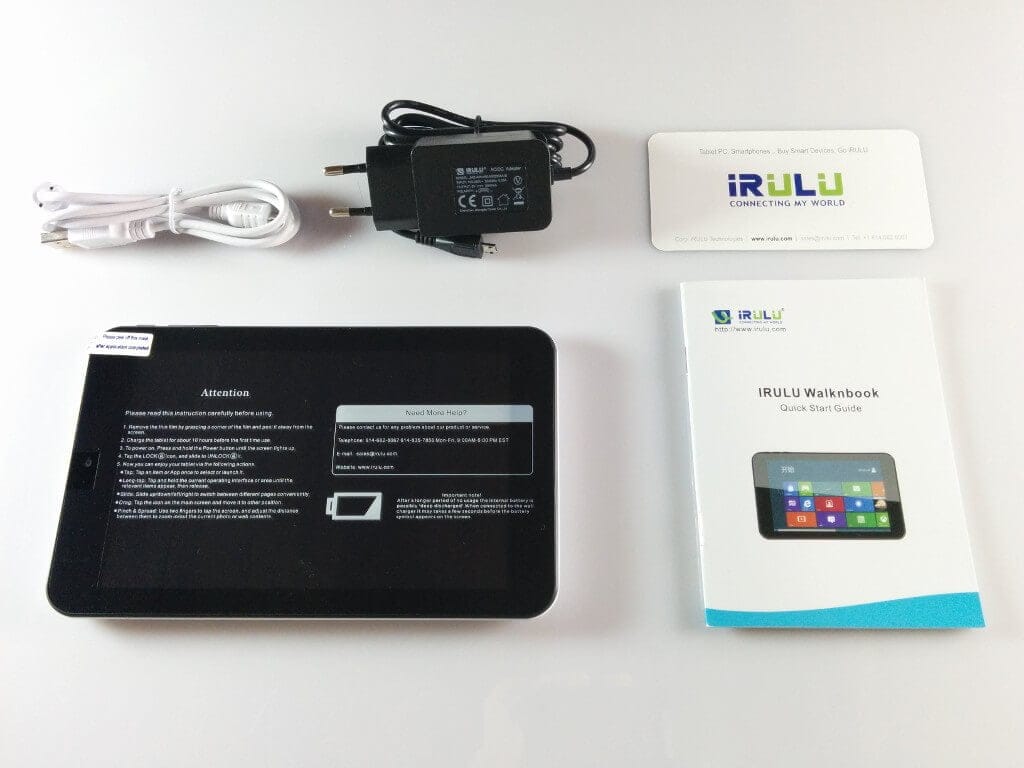
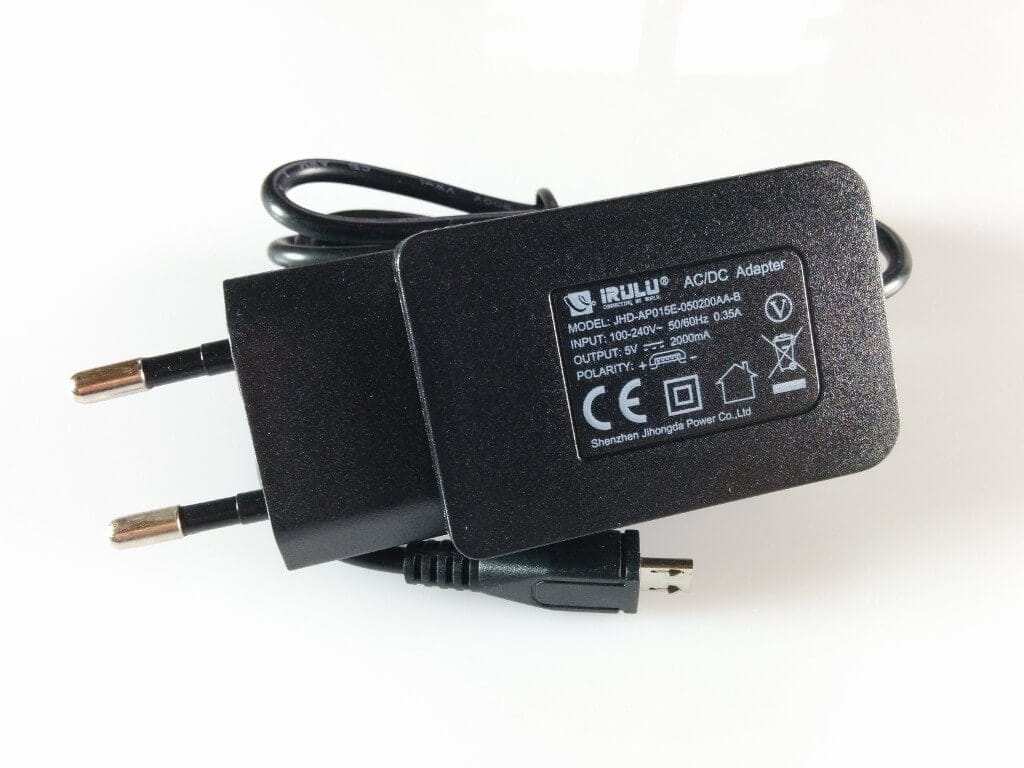
The iRULU WalknBook 2Mini was supplied including a charger (5V 2A), a micro USB data or charging cable, a warranty card, and an operating manual. A screen protector was already applied to the tablet.
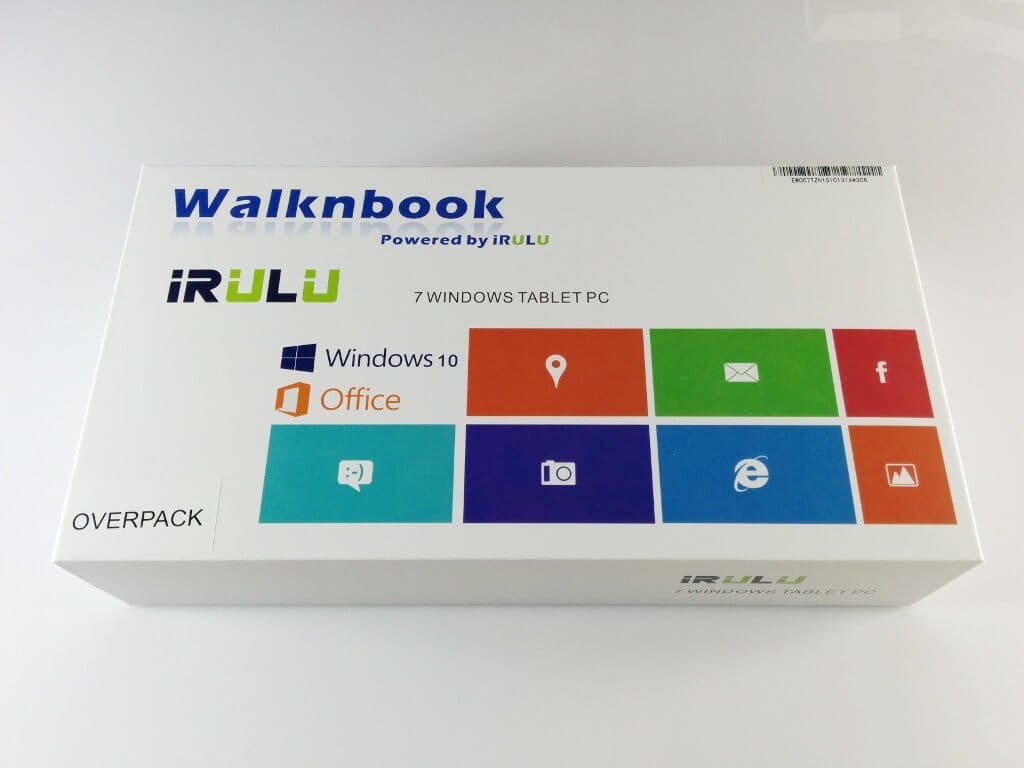
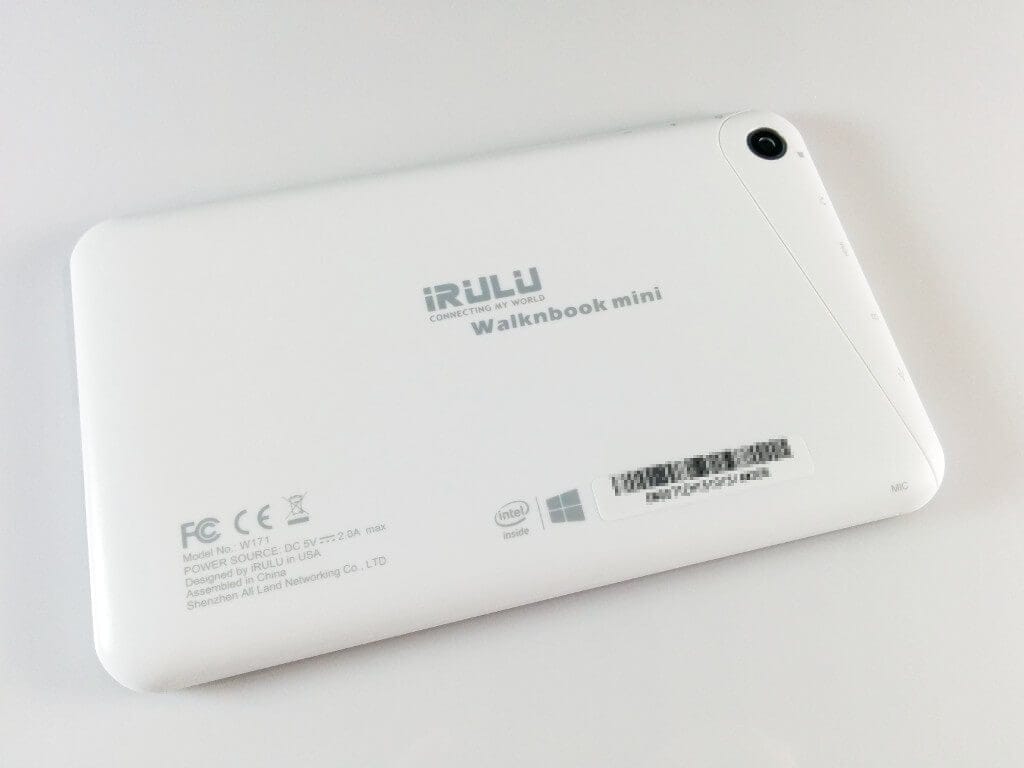
The housing of the iRULU W2Mini is made of white plastic. The back of the tablet is additionally printed with symbols indicating the various connection options. In addition to a micro USB port, there is an SD card slot, a micro HDMI port and a audio output. A microphone is already integrated into the W2Mini. Besides the power button and the volume rocker, the small iRULU tablet also features a Windows key. The buttons have a good tactile response and sit firmly in the housing. The tablet also has a rear camera and a front camera.
I was very impressed with the iRULU WalknBook 2Mini during the initial hands-on. Although it is largely made of plastic, it feels high-quality and is very cleanly finished.
 Play video on YouTube
Display
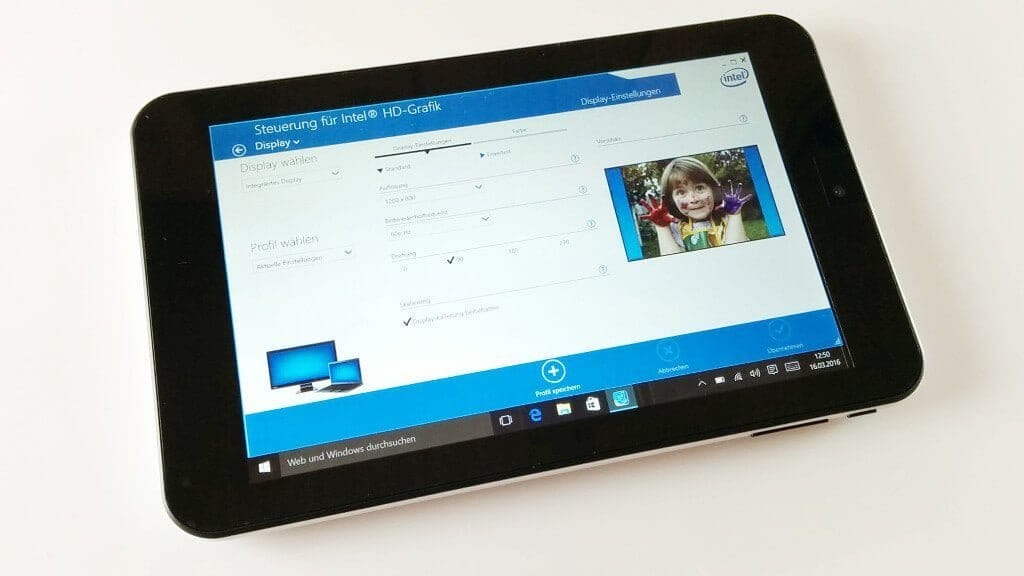
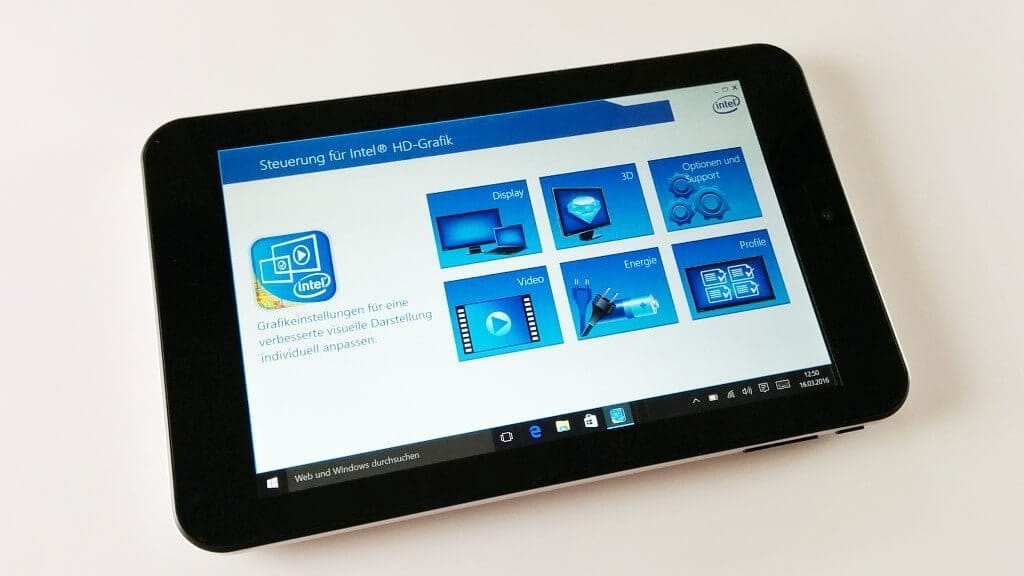
The 7-inch IPS display has a maximum resolution of 1280x800 pixels. Individual pixels are barely visible to the naked eye. In the default settings, the display is set quite cool. The colors still appear vivid and natural. If the display is too "cool" for you, you can adjust display settings, as you are used to doing on a Windows PC. Since the W2Mini has an Intel processor, display control is via the integrated Intel HD Graphics interface. Among other things, you can adjust the resolution (1024x768; 1280x720 and 1280x800) and make color settings (brightness, contrast, gamma, hue and saturation).
The display's viewing angle stability is good. Regardless of whether you tilt the tablet horizontally or vertically, colour accuracy remains largely consistent, and text remains easily readable.
Performance
The iRULU WalknBook W2Mini operates with an Intel Atom processor. The model designation is Intel BayTrail-CR Z3735G. This is a 64-bit quad-core processor with a clock rate between 1.33 and 1.83GHz and a 2MB L2 cache. The processor graphics have a base clock of 311MHz and a burst clock of 646MHz. The RAM amounts to 1GB, the internal storage to 32GB (expandable).
In everyday use, this system delivers a largely smooth Windows 10 experience. The user interface operates fluidly in both desktop and tablet modes. Access times are also short, allowing for comfortable working. Wake-up times from extended sleep mode are also brief, at a maximum of 5 seconds.
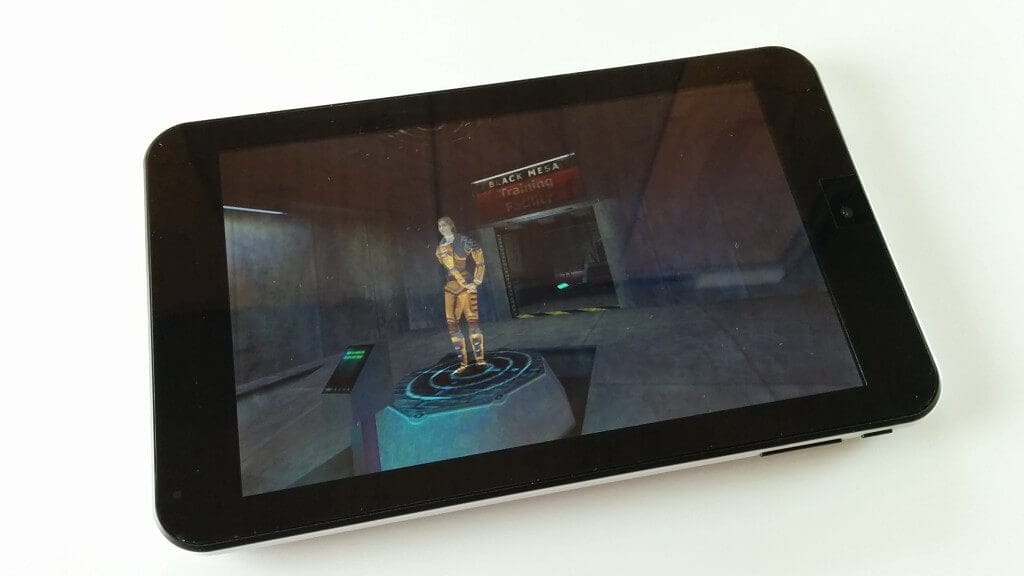
Gaming is also possible on this tablet. I tested Minecraft and Half-Life (Steam). Minecraft runs reasonably smoothly on this tablet. Individual FPS drops occur, but I did not find them unpleasant at all. In Half-Life, the iRULU W2Mini achieves a steady 30 FPS, which are maintained consistently.
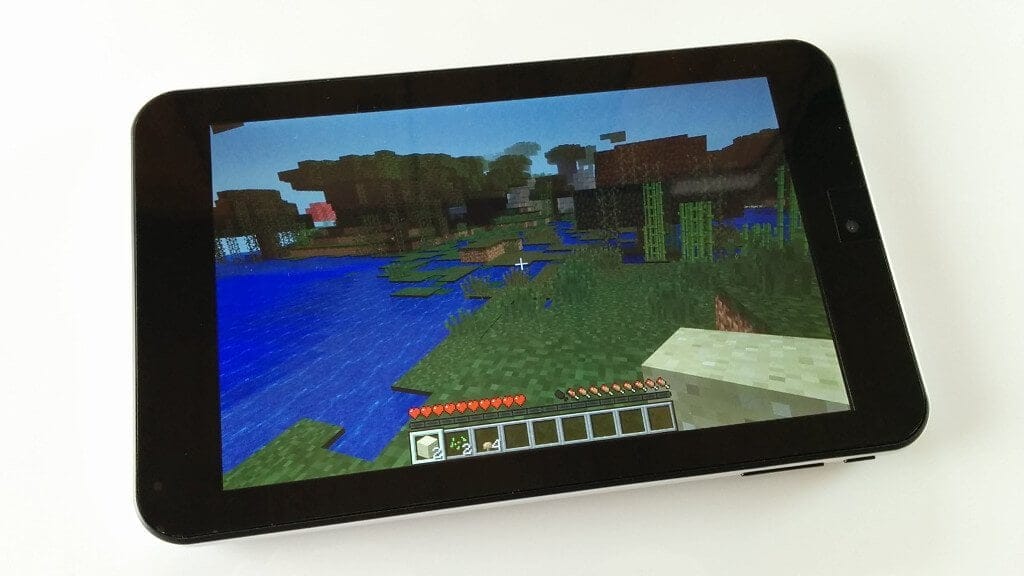
User interface
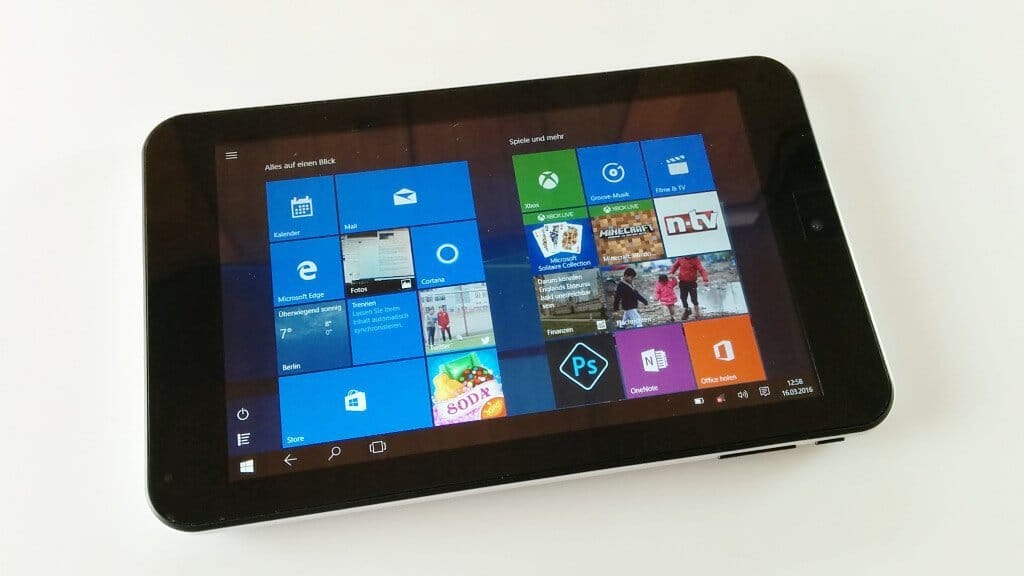
This tablet comes preinstalled with a full version of Windows 10 in the Home Edition. An office suite (Office 365) comprising Word, Excel and PowerPoint is also preinstalled.
Those already familiar with Windows 10 will have no problems with this tablet either. Everything is identical to the desktop version. The iRULU WalknBook W2Mini can be operated both in desktop mode and in the tile mode adapted for tablets. The integrated Bluetooth module allows a mouse and keyboard to be connected to the tablet, which further facilitates operation in desktop mode.
All programs compatible with Windows 10 that you know from your home PC can be installed. To use the Microsoft App Store, you must create a Microsoft user account. Microsoft Edge is installed as the default browser.
Cameras
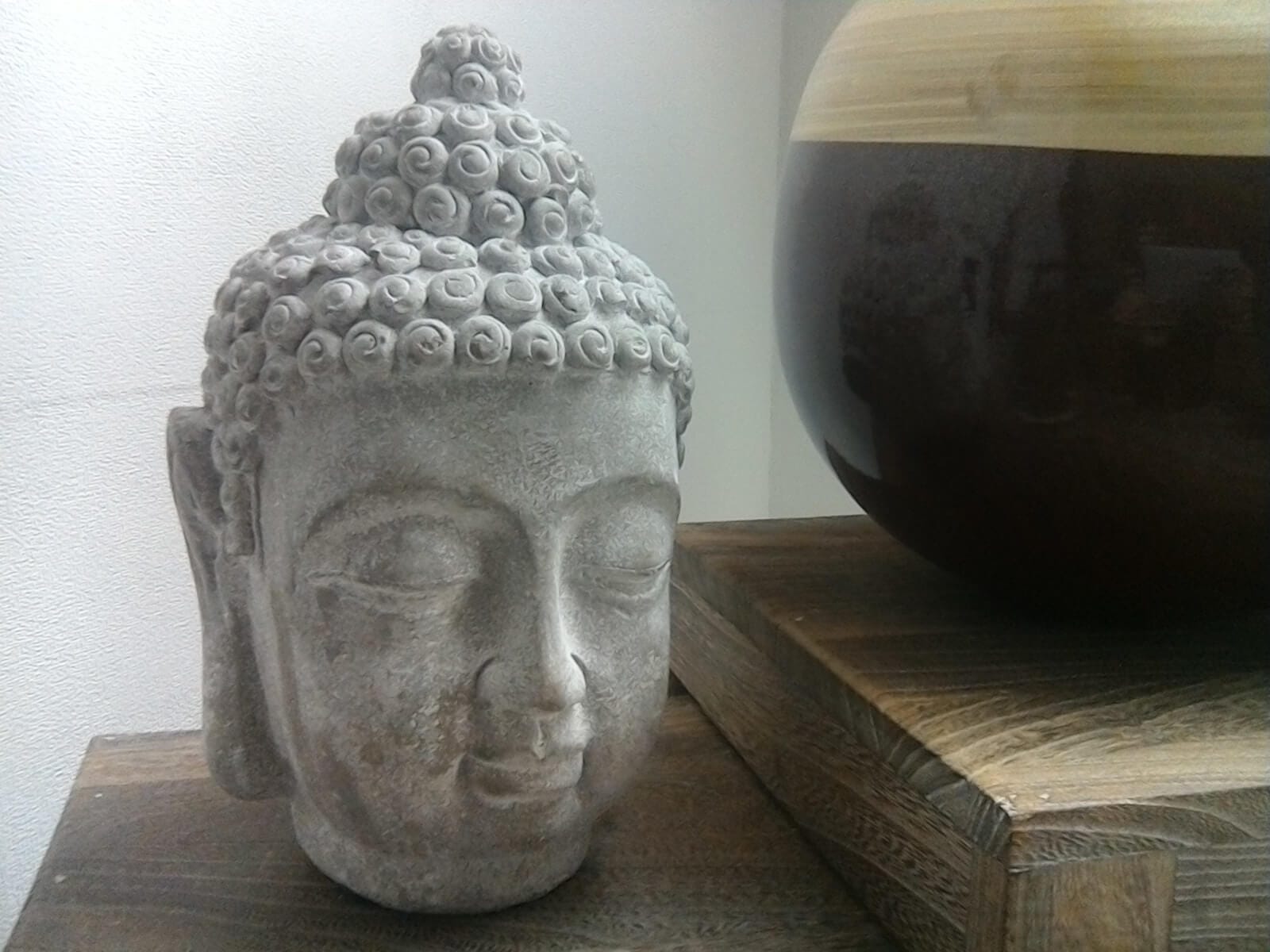
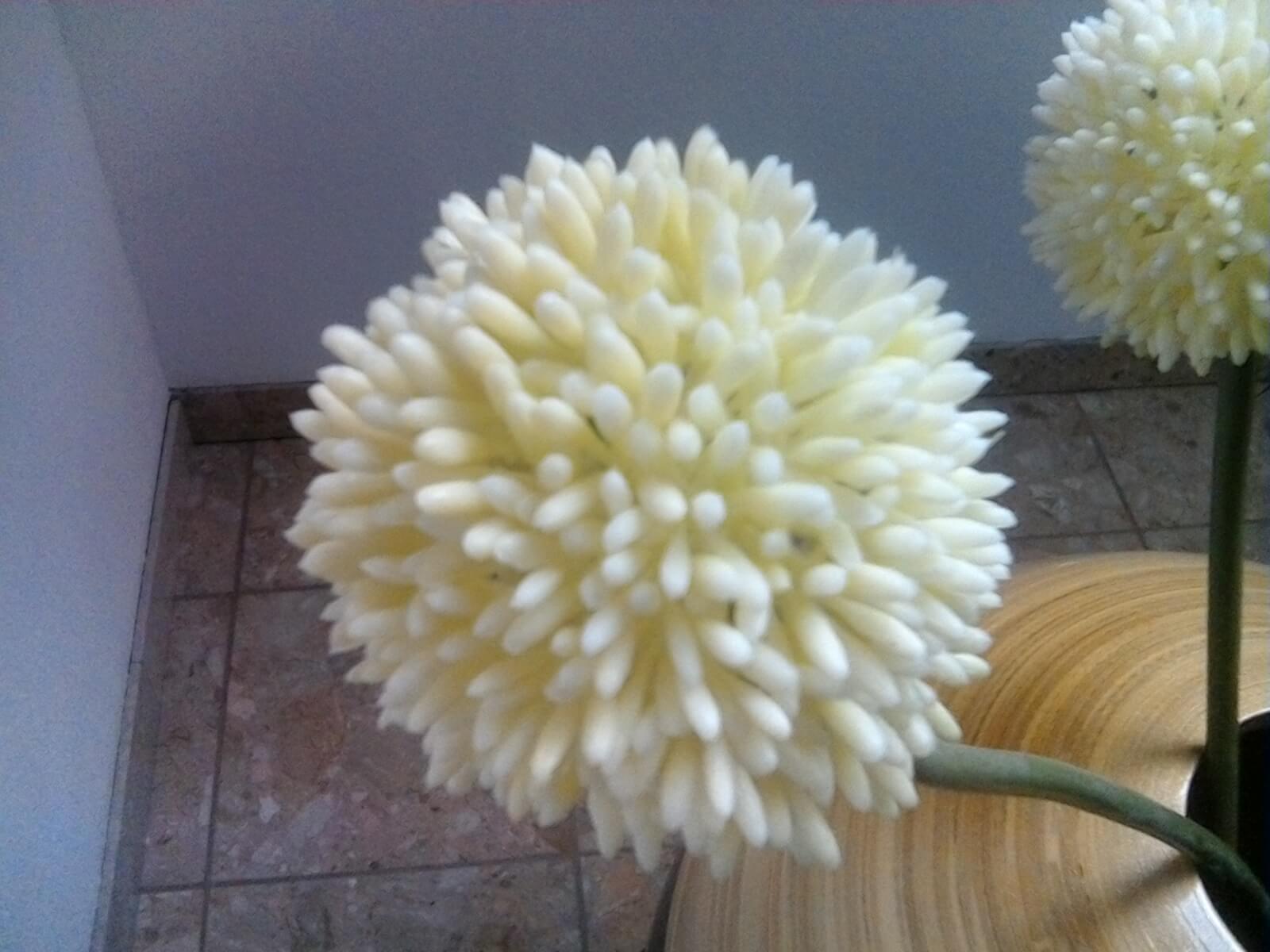
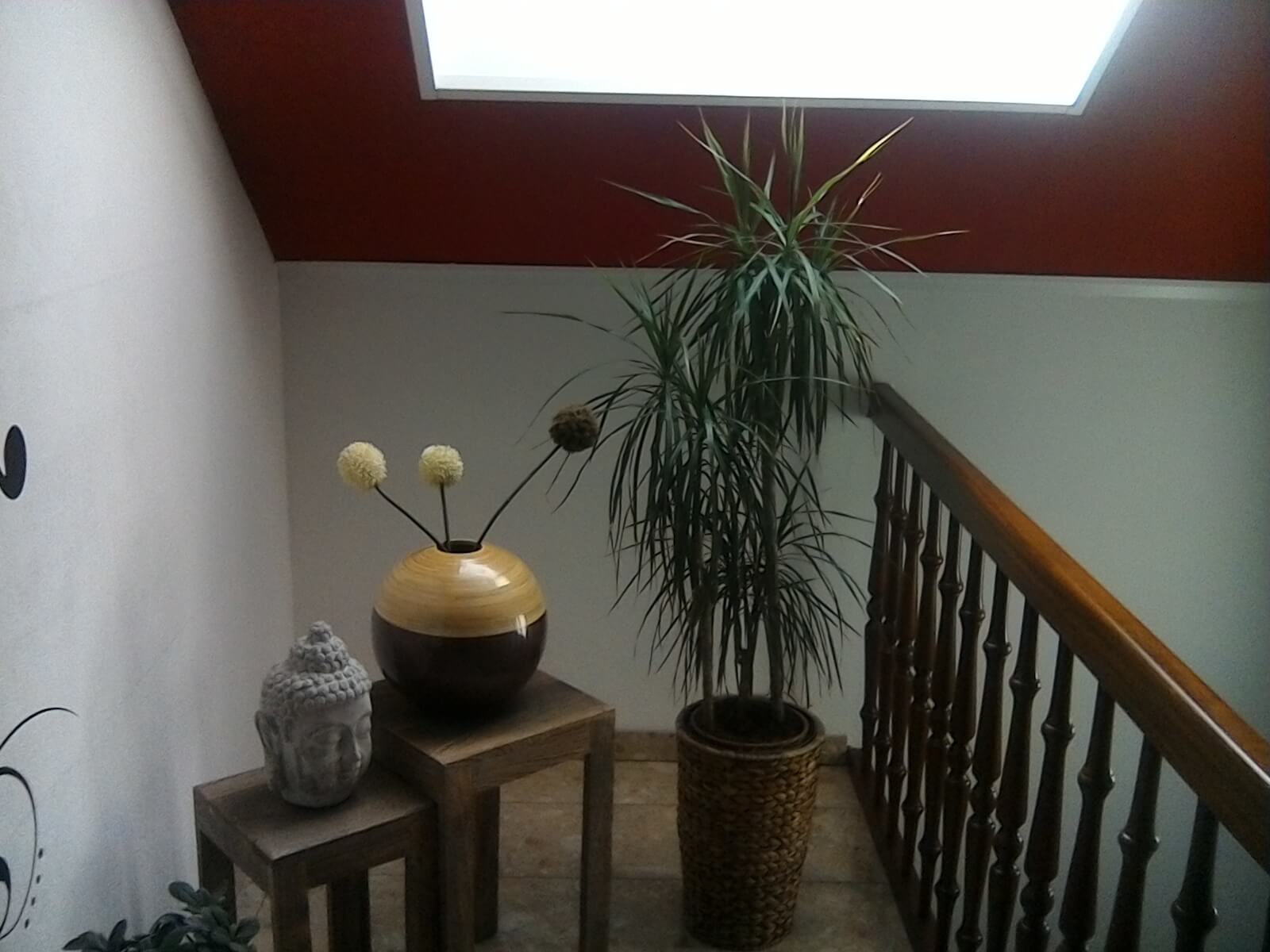
The two cameras have a resolution of 2 megapixels (rear camera) and 0.3 megapixels (front camera). The cameras of the iRULU W2Mini do not have autofocus or an LED flash. A camera app is also integrated into Windows 10. However, this offers a much more limited range of features than conventional smartphone camera apps.
I would describe both the rear camera and the front camera as largely unusable. Photos are heavily noisy, blurry and do not appear colour-accurate. The front camera in particular produces an image that almost turns greyish in poor light conditions. The rear camera is only just usable for video calls or emergency photo shots under good light conditions.
Sound
The integrated speaker of the W2Mini doesn't offer the best sound and the maximum volume could also be a bit higher, but it is perfectly sufficient for watching a spontaneous YouTube video. What bothers me, however, is the slight background noise when using headphones. Especially with quiet music, you can hear a slight hum in the background, which can become unpleasant over time.
Battery
The iRULU WalknBook 2Mini battery is specified with a capacity of 3400mAh. The tablet takes approximately 3 hours to charge. In daily use at 25% brightness and normal usage (surfing, listening to music, office work), it easily lasts through the day on a single charge. The active runtime is approximately 5 hours. With active power-saving mode enabled, the runtime can be extended by a further hour.
Our verdict
6,7 out of 10 pointsThe iRULU W2Mini is an interesting combination of PC and tablet. Most of the capabilities of a Windows 10 PC have been transferred to the small tablet. I no longer want to miss the small 7-incher for mobile office work. While the small size is not ideal for prolonged work, the W2Mini is excellent for jotting down a few notes on the go. The performance of the iRULU tablet is sufficient for office tasks, but also for more extensive activities such as watching films, listening to music, or even playing games.
Specifications
General
- Display
- 7-inch IPS HD 1280 x 800 pixels
- Processor
- Intel BayTrail-CR Z3735G
- Storage
- 1GB RAM + 32GB internal (expandable)
- OS
- Windows 10
- Camera
- 2 and 0.3 megapixels
- Battery
- 3400mAh
What’s included
1x iRULU W2Mini Tablet 1x 5V charger 1x Micro USB cable 1x warranty card 1x user manual
Comments