Contents
Design and build quality
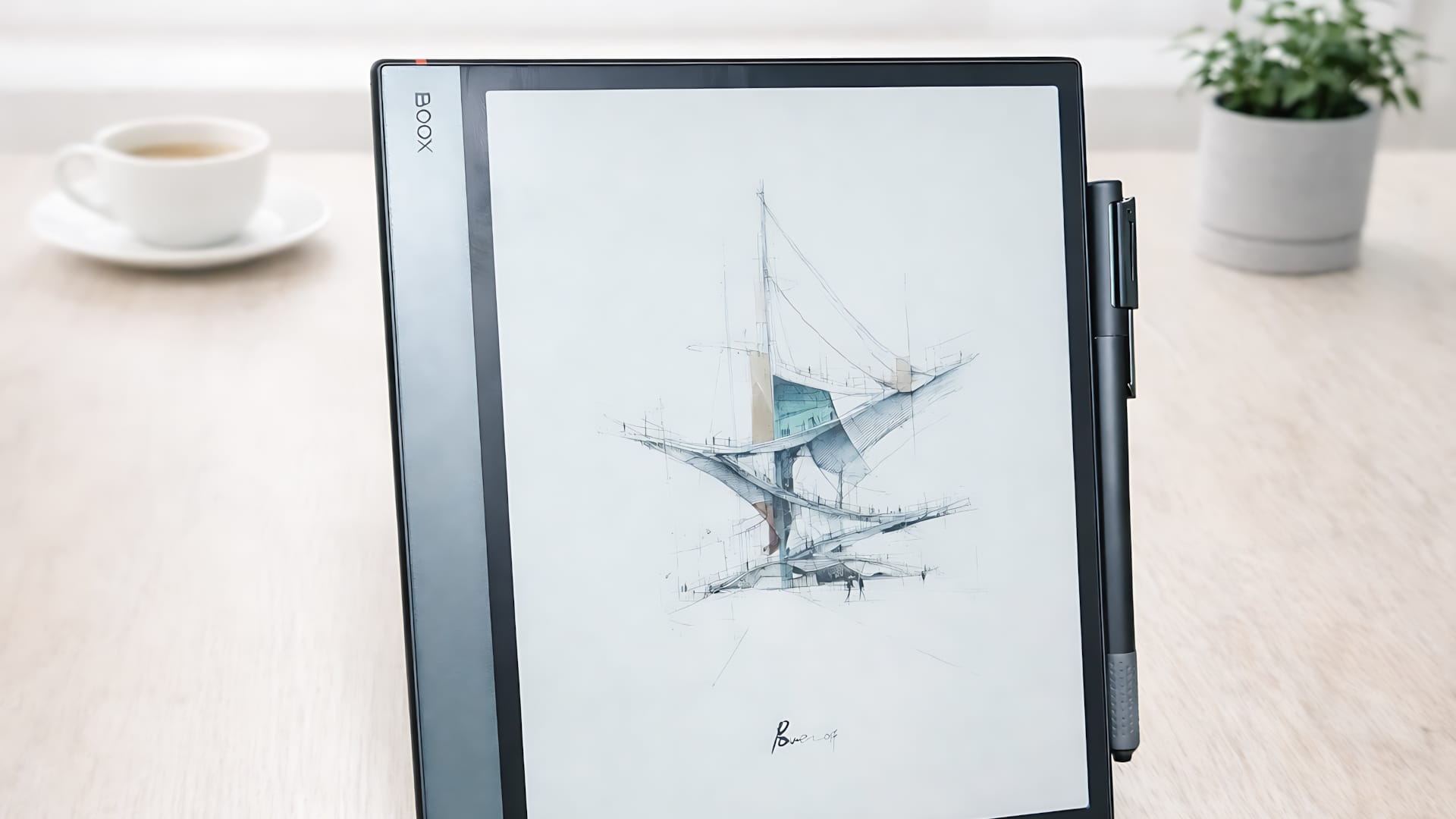
At first glance, the BOOX Note Air 5C looks almost unremarkable. Slim and understated, with no visible frills. At just 5.8 millimeters thick and weighing around 440 grams, the tablet feels light in your hand and slips easily into any bag. Its matte surface absorbs reflections, reinforcing the impression that you’re working on paper rather than a traditional glass display.
The aluminium casing is well finished and feels sturdy. The gaps are even, and nothing creaks or gives way. The power button on top incorporates a fingerprint sensor that unlocks the device quickly, without having to use a PIN or swipe pattern.
Two additional buttons are located on the right side of the casing and can be used to turn pages in documents or adjust the volume. This is a little more convenient when reading, rather than having to swipe across the display all the time.
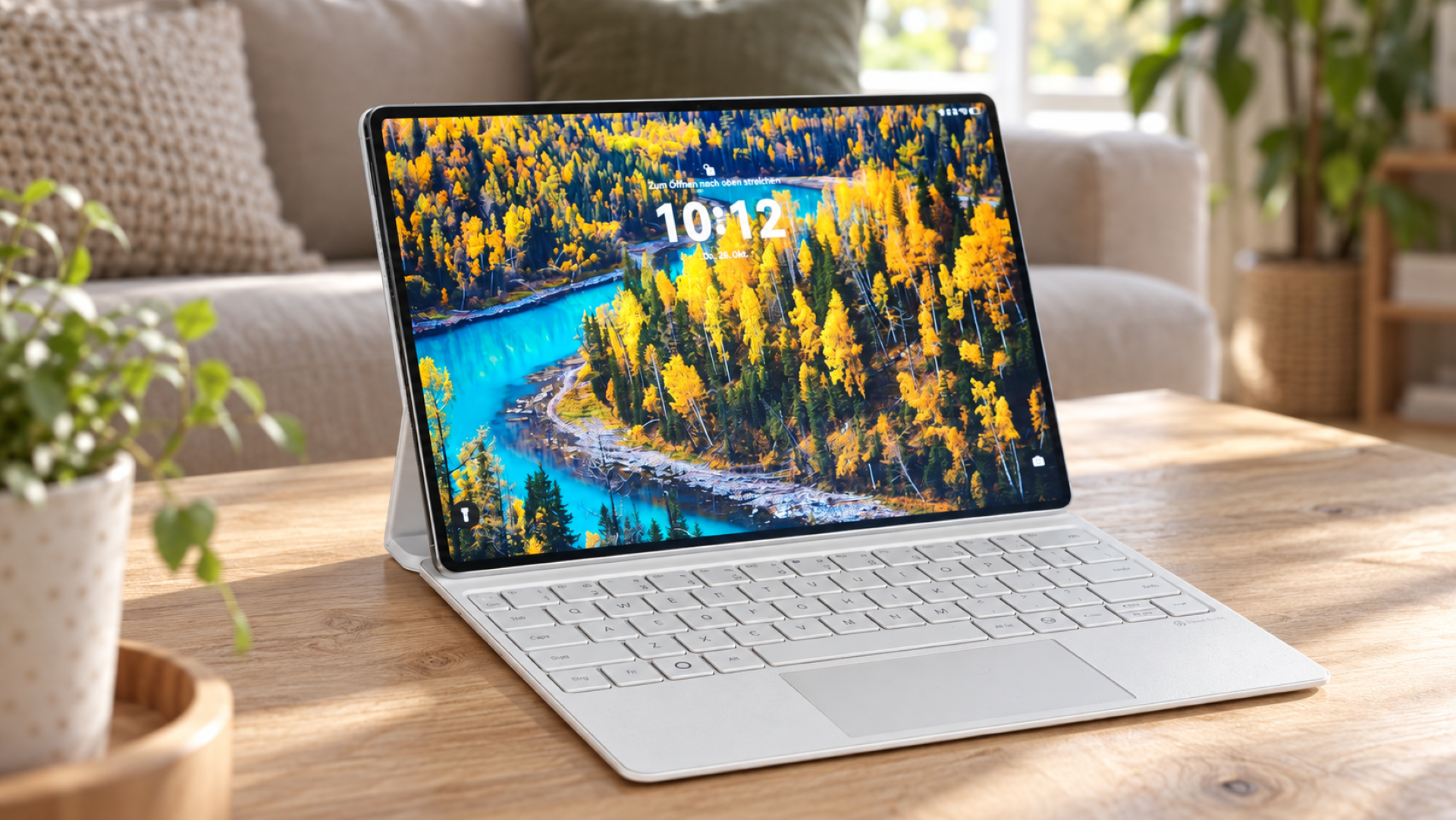
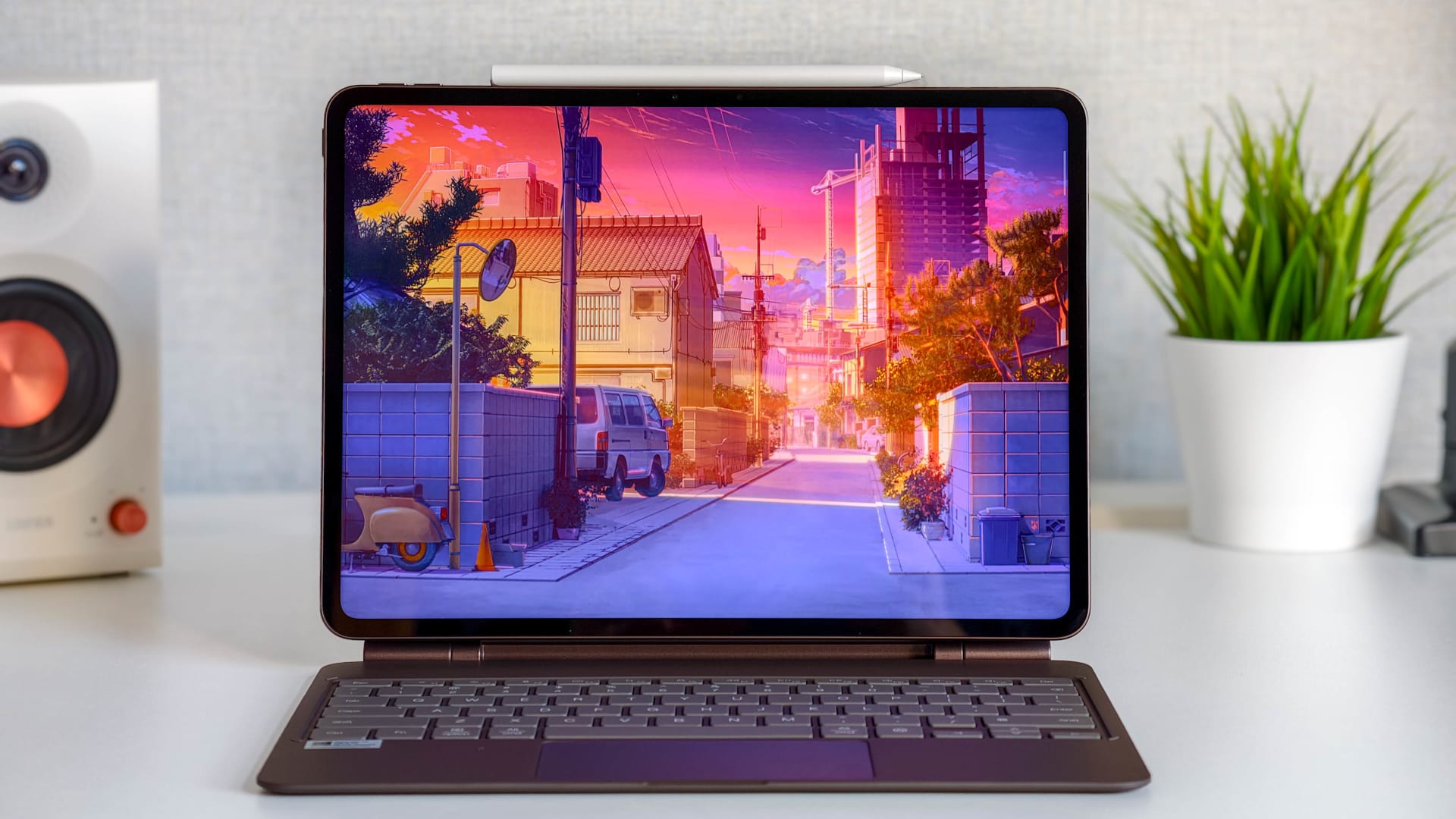
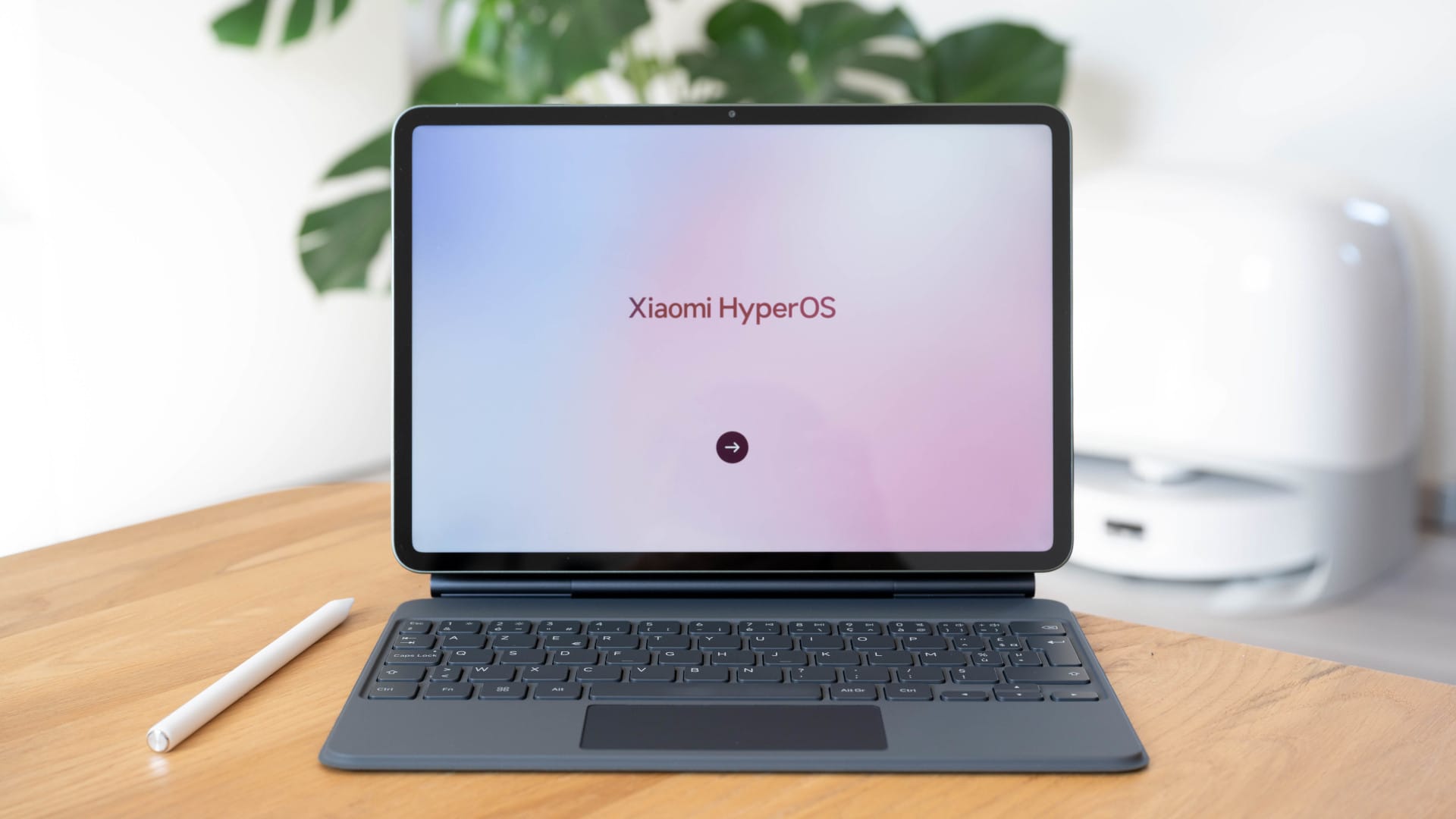
The Keyboard Cover turns the slim E Ink tablet into a compact writing device. The setup is clearly designed for use at a desk. It works on your lap, too, but feels less at home there. The magnetic connection is secure, and the typing feel is solid. However, it can’t compete with a full-size laptop keyboard, if only because of its compact form factor.

Kaleido 3 display
The Note Air 5C uses a 10.3-inch Kaleido 3 display. In black and white, the resolution is 2480 × 1860 pixels at 300 ppi; in colour, it is 1240 × 930 pixels at 150 ppi, with up to 4,096 colours. Text appears sharp and high-contrast, and the display remains comfortable on the eyes, especially during longer reading sessions.
For technical reasons, colours are much more muted than on LCD or OLED displays. They look more pastel than vivid, but are perfectly adequate for highlights, diagrams, PDFs and colour-coded notes. The panel is not intended for creative work or colour-accurate rendering.
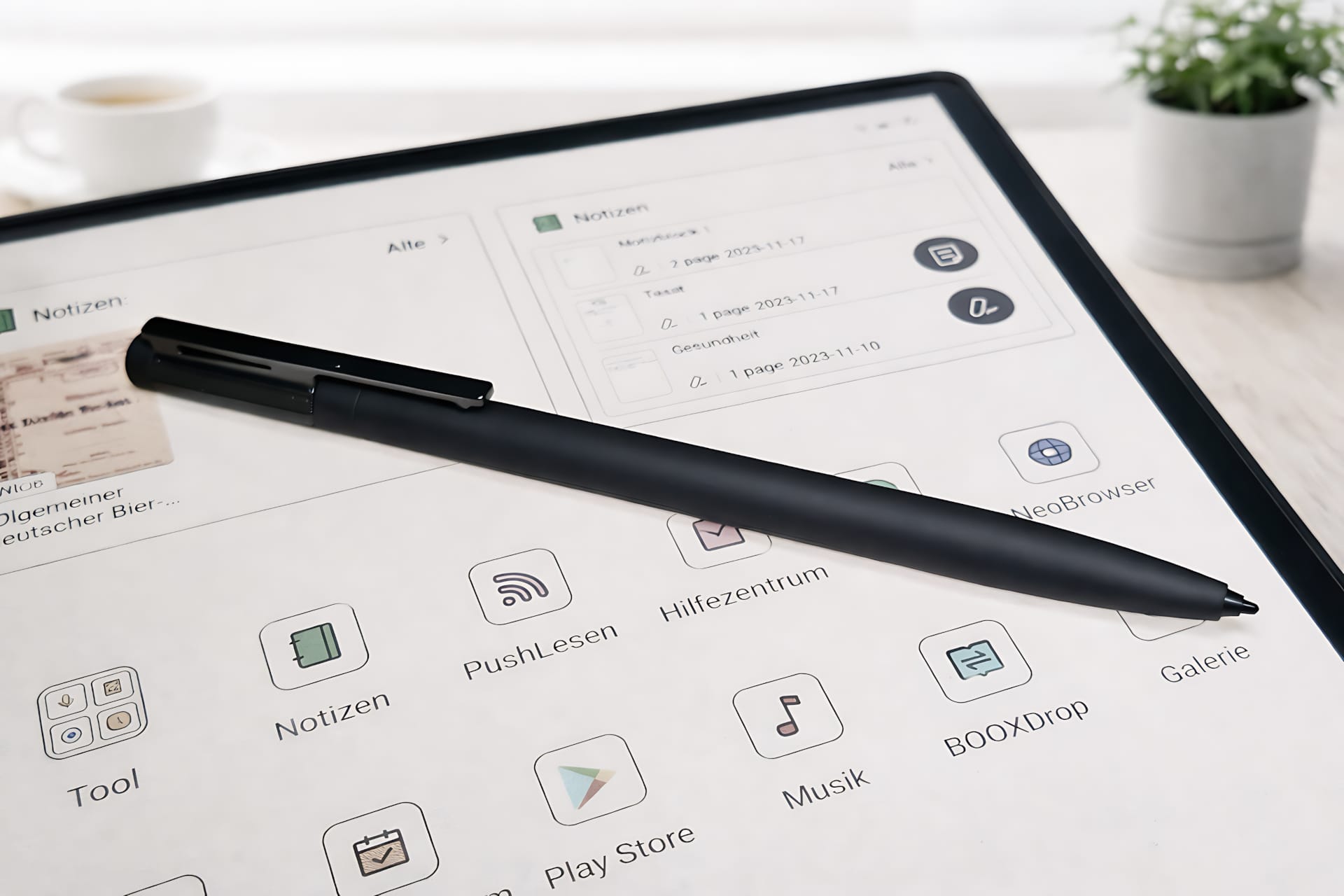
Kaleido 3 displays are typically darker overall than monochrome E Ink panels. As a result, the integrated front light is used more frequently. It is uniform, can be finely adjusted for brightness and color temperature, and ensures good readability even in low ambient light.
Thanks to Smooth Refresh mode, page turns, scrolling, and app navigation feel much smoother than on older color E Ink devices. Ghosting is still present, but is less distracting in everyday use.
Writing and taking notes
The BOOX Pen supports 4,096 pressure levels and is based on Wacom EMR technology, so it needs neither a battery nor charging. The writing feel is precise, latency is low, and the matte surface provides enough resistance to avoid feeling like writing on glass.
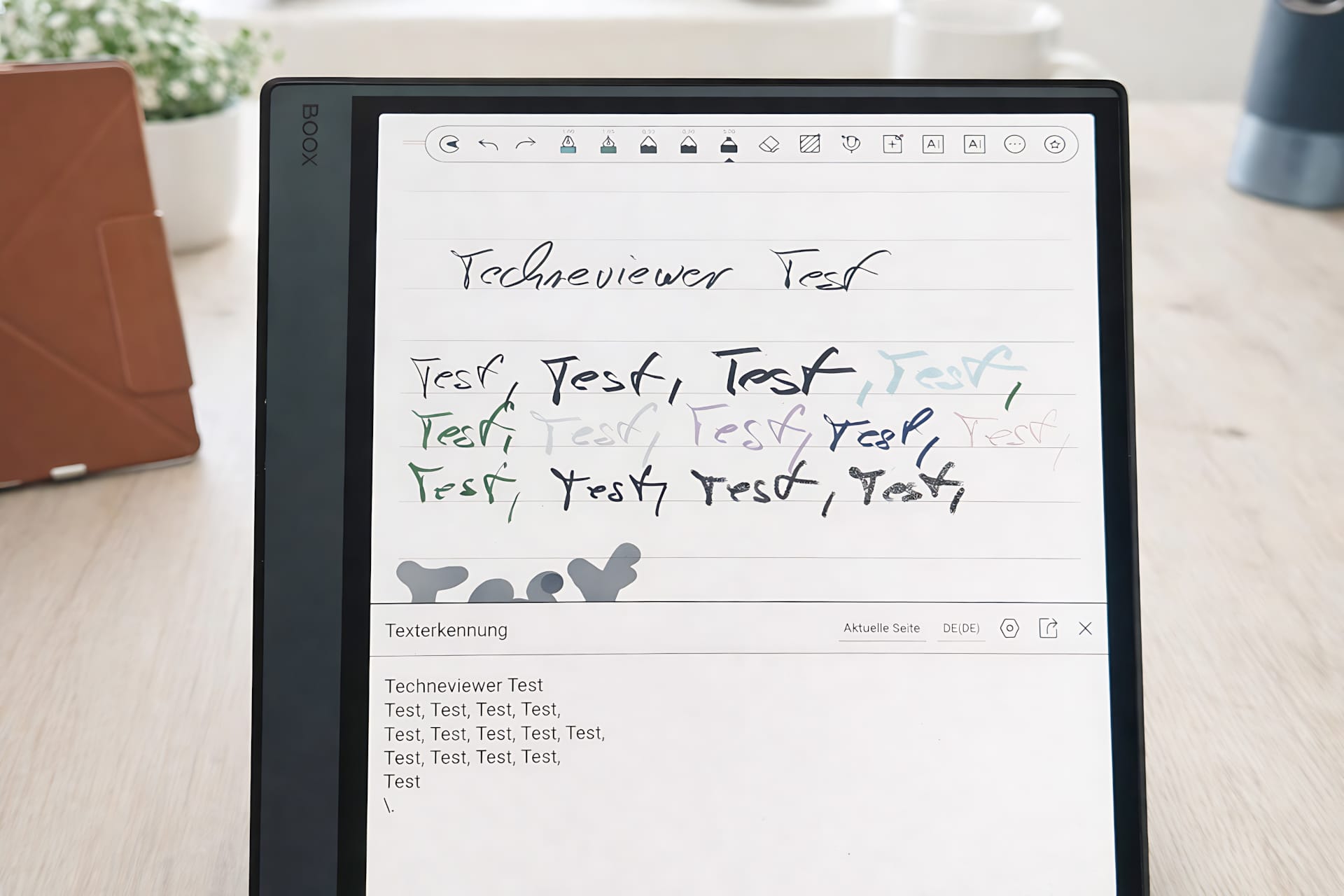
The integrated note-taking app is one of its strongest features. It offers various pen and marker tools, layers for structured notes, a lasso tool for moving content, and handwriting recognition to convert writing into text. Pages can be used as an "infinite canvas" and extended downwards as needed.
The Note Air 5C also shows its strengths when annotating PDFs. Highlights, comments and sketches are added directly to the documents and are retained when exported. This is one of the device's greatest strengths, especially for students, teachers and anyone who regularly works with specialist texts or documents.
Keyboard cover and productivity
The optional keyboard cover was used in the test, adding a physical keyboard to the Note Air 5C. This lets you use the tablet not only for handwritten notes, but also for writing longer texts, emails or simple documents.
The key travel is shallow but well defined, and typing feels precise. The keyboard is perfectly adequate for occasional writing, although there are some limitations in terms of functionality. There is no trackpad or function keys, and the layout is correspondingly compact due to the 10.3-inch size.

The Keyboard Cover is therefore best suited as a mobile writing tool for research, emails, and occasional text work. It doesn’t replace a laptop, but it usefully expands the Note Air 5C with a second, much more productive input method alongside the stylus.
Performance and connectivity
Inside is an eight-core Qualcomm Snapdragon 750G processor with 6 GB of RAM and 64 GB of internal storage, expandable via a microSD card. That’s above-average hardware for an E Ink tablet, providing solid overall responsiveness in everyday use. Apps launch quickly, and multitasking with several applications is no problem.
Performance is supported by BOOX Super Refresh (BSR), a proprietary GPU-based technology that allows higher refresh rates than conventional E Ink. As a result, scrolling, typing, and page turns feel much more responsive than on older models, although the device can’t match the performance of conventional LCD tablets due to the technology’s limitations.
Connectivity includes Wi-Fi, Bluetooth 5.1 and USB-C with OTG support. External devices such as USB drives, keyboards or hubs can also be connected via USB-C. Dual speakers and a microphone are also built in, for uses such as text-to-speech, audiobooks or voice recordings. The audio quality is functional, but clearly utilitarian, and not intended for music or media consumption.
Software and app ecosystem
The Note Air 5C runs Android 15 and is set to receive 5 years of software updates and 7 years of security updates. It also offers full access to the Google Play Store, so you can install popular apps such as Kindle, Notion, OneNote, Google Drive, and Dropbox alongside the preinstalled BOOX apps. In principle, the device behaves like a full-fledged Android tablet, just with an E Ink display.

BOOX adds a few E Ink optimizations to Android. Contrast, refresh mode, ghosting filter, and display settings can be configured separately for each app. These profiles are important in everyday use, since many apps weren’t originally developed for E Ink and can otherwise feel sluggish or be difficult to read. Some fine-tuning is particularly necessary for web browsing and third-party note-taking apps to achieve a smooth user experience.
The downside of this flexibility is a certain degree of complexity. The interface is functional but not always straightforward, and the system takes some getting used to. Menus occasionally respond slowly, animations remain noticeably sluggish, and not every app feels immediately ‘right’. Anyone coming from an iPad or a conventional tablet will have to adapt to the slower, technically driven workflow.
Video streaming, games, and heavily animated apps are possible, but they don’t suit the device’s character. Motion looks choppy, colors are muted, and there’s little benefit. The Note Air 5C clearly excels at reading, writing, organizing, and working with documents—not multimedia.
Battery and battery life
The Note Air 5C’s battery has a capacity of 3,700 mAh and generally benefits from the power-efficient E Ink display. In practice, however, battery life is shorter than you might expect from traditional e-readers. That’s due to the color Kaleido 3 panel, the frequently used front light, and the high refresh rate enabled by BOOX Super Refresh.
With intensive use involving writing, web browsing and the display light switched on, around three to five days is realistic. Reading without the light lasts considerably longer, but still falls short of the weeks-long battery life of basic e-readers. In continuous use, you can expect roughly six hours of active writing or around 25 to 30 hours of reading.
Our verdict
The BOOX Note Air 5C is a powerful but clearly specialized E Ink tablet. Its greatest strengths are reading, writing, and working with PDFs. The writing feel is excellent, its note-taking and PDF features are among the best in the E Ink category, and the color display adds real value for highlights and visual organization, even if colors remain muted due to the technology’s limitations.
At the same time, the device requires a willingness to compromise. Battery life is shorter than on traditional e-readers, Android on E Ink takes some getting used to, and multimedia applications are practically irrelevant. The Keyboard Cover also expands its capabilities, but doesn’t replace a laptop.
Anyone who works with texts, documents and handwritten notes every day and values an eye-friendly display will find the Note Air 5C a well-thought-out work tool. However, it is too expensive and too specialised for occasional reading or use as an all-round tablet.
Specifications
Display
- Size
- 10.3 inches
- Resolution
- 2480 × 1860 pixels (300 ppi black and white), 1240 × 930 pixels (150 ppi colour)
- Technology
- Kaleido 3 color E Ink
- Colour reproduction
- 4,096 colors
- Front light
- Warm and cool light (CTM)
- Touch
- Multitouch
Performance
- Processor
- Octa-core processor
- Graphics
- integrated
- Operating system
- Android 15
- Special features
- BOOX Super Refresh (BSR), Smooth-Refresh mode
Storage
- RAM
- 6 GB
- Internal storage
- 64 GB
- Storage expansion
- microSD card
Stylus & input
- Stylus
- BOOX Pen3
- Pressure levels
- 4.096
- Latency
- low, optimised for handwritten notes
- Keyboard
- optional keyboard cover (magnetic connection)
Audio
- Speakers
- Dual speakers
- Microphone
- integrated
Connectivity
- Wi-Fi
- available
- Bluetooth
- Version 5.1
- USB
- USB-C (OTG, audio via adapter)
- Sensors
- G-sensor (automatic rotation)
Battery & runtime
- Capacity
- 3,700 mAh
- Runtime
- Several days to weeks (depending on usage)
- Charging
- Wired via USB-C
Other
- Fingerprint sensor
- integrated into the power button
- Enclosure material
- Metal casing with a matte finish
- Weight
- approx. 440 g
- Height
- 5.8 mm
- Colors
- Grey
What’s included
1x BOOX Note Air5 C 1x BOOX Pen including tips 1x Magnetic Case 1x Keyboard Cover 1x USB-C cable 1x SIM tray ejector tool 1x Quick Start Guide 1x Warranty Card
Price comparison
| Store | Price | Link |
|---|---|---|
| Amazon | 499,99 € | Go to store |
Comments (2)
One of the few German-language reviews that genuinely addresses the conditions under which an E Ink device is used, rather than comparing apples with oranges. I am inclined to believe that the author actually used the device and is sharing their experience here, rather than cobbling together a few facts with AI. These devices are always designed for very specific requirements, and this review takes that into account appropriately.
Well done and informative.
Hi, Olaf.
As you say, it always comes down to what you need it for. If you want to use YouTube and the like, I wouldn’t recommend it. For reading, research, university or school, or personal notes, drawings, and so on, it’s great. But for apps and YouTube, there are tablets and the like. That’s just my personal opinion.