Contents
First Impression of the Mi Box International
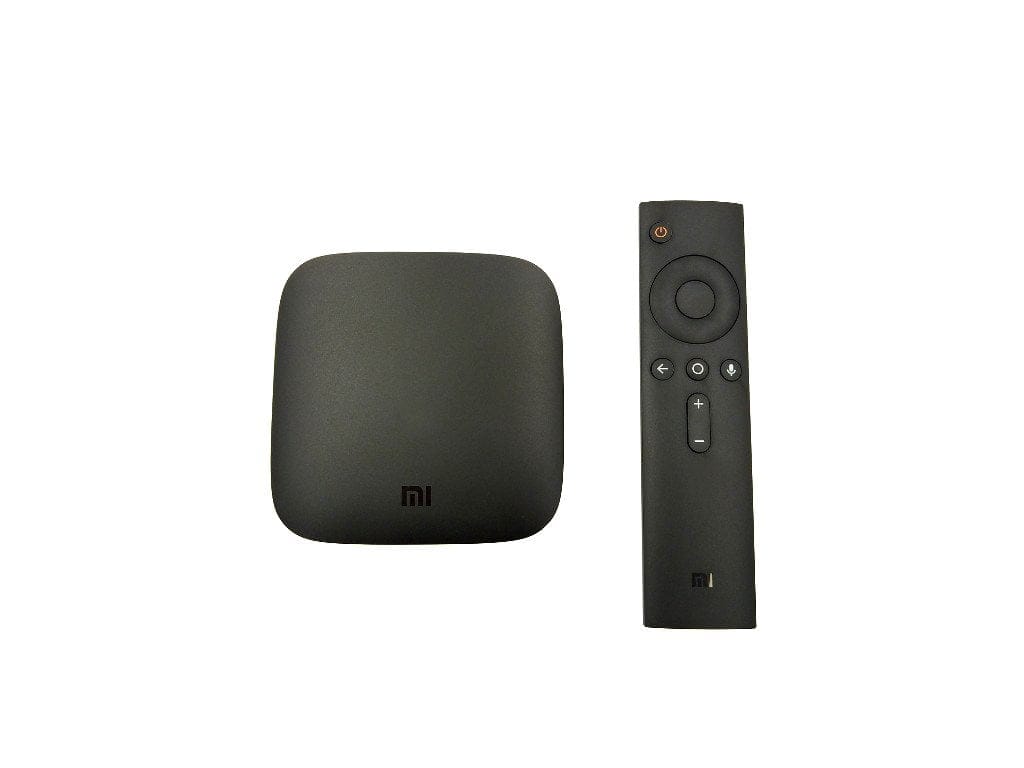
As early as May 2016, Xiaomi announced an international launch of the Mi Box 3 at Google I/O. In recent months, however, it became increasingly apparent that the new Xiaomi TV Box would initially only appear on the US market. There, the Mi Box is even available at well-known retail chains such as Walmart or Best Buy. Since December, Xiaomi's TV box can also be ordered from relevant online shops, so nothing stands in the way of importing it!
 Play video on YouTube
What’s included
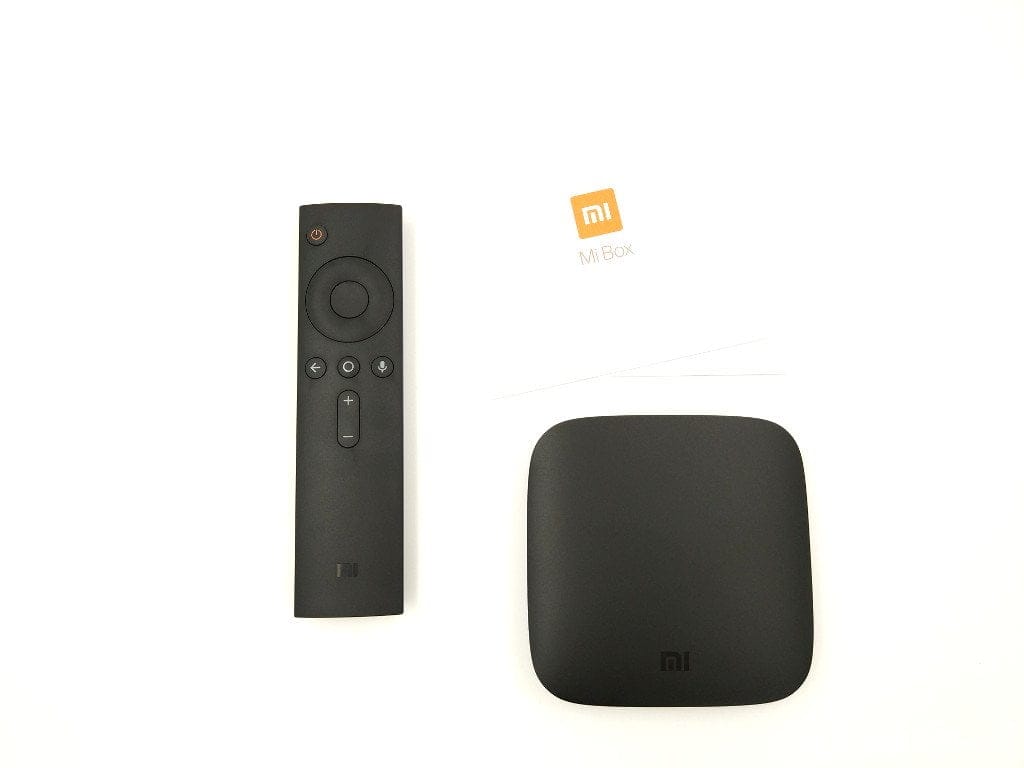
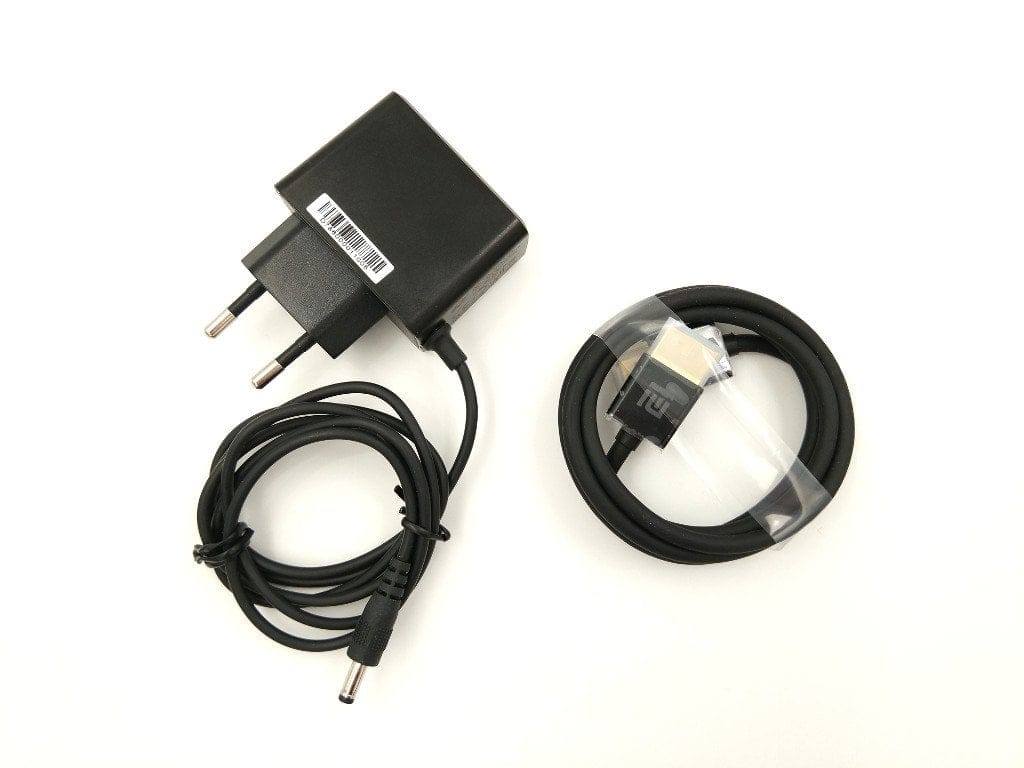
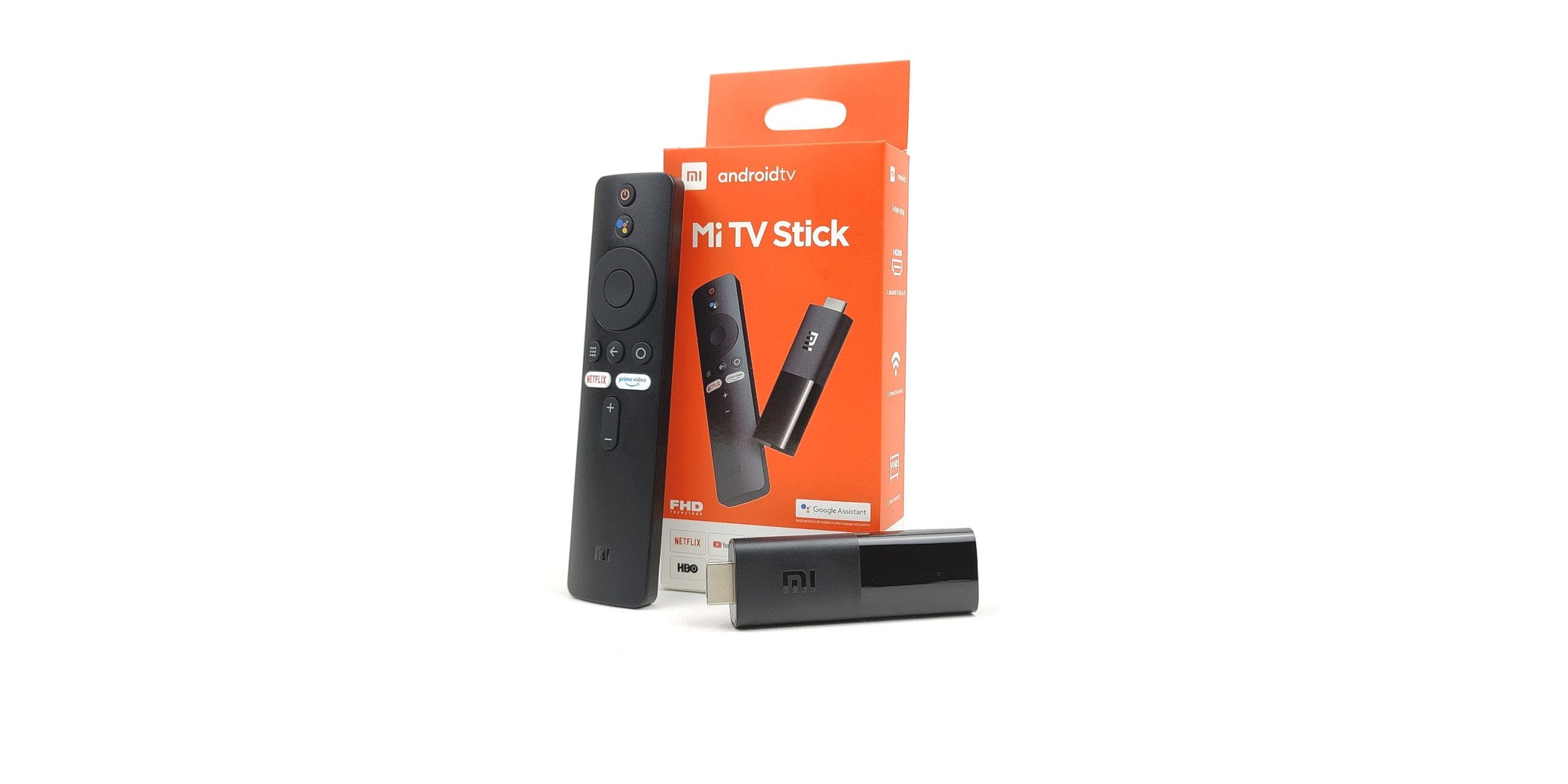
The box contains (almost) everything you need to use the set-top box. In addition to the Mi Box, the package includes a GSP AC/DC power supply with EU plug (5.2 V 2.1 A), an HDMI cable, a remote control, and an instruction manual as well as details on the warranty. The remote control also requires two AAA batteries, which are not included.
Design and build quality
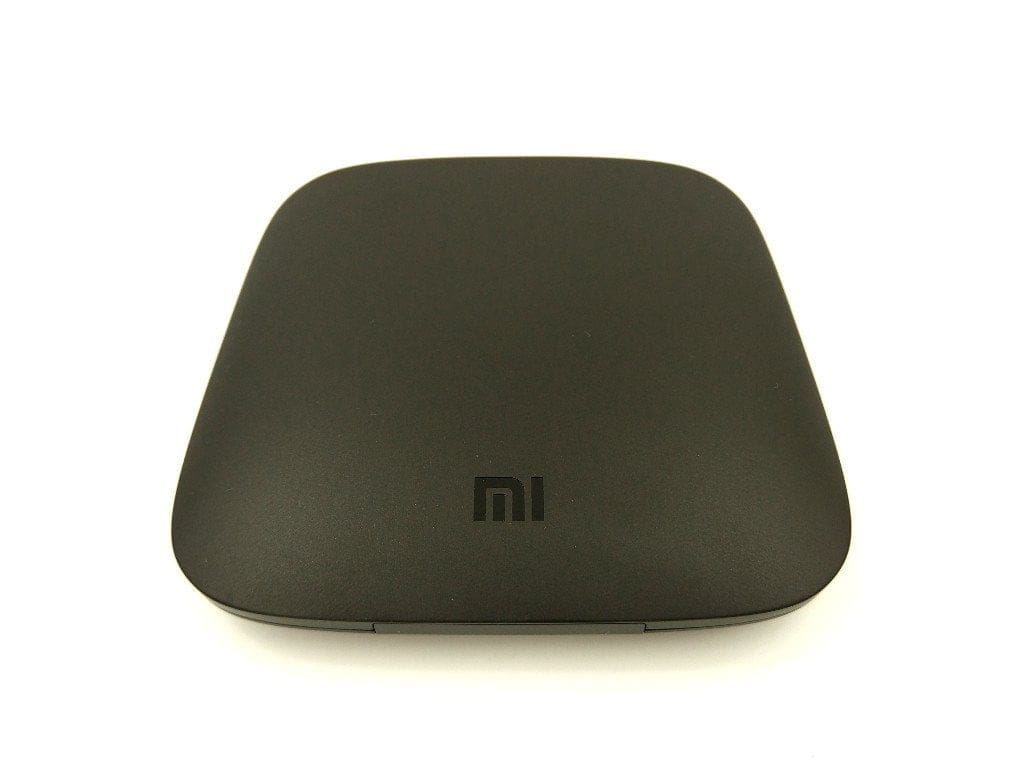
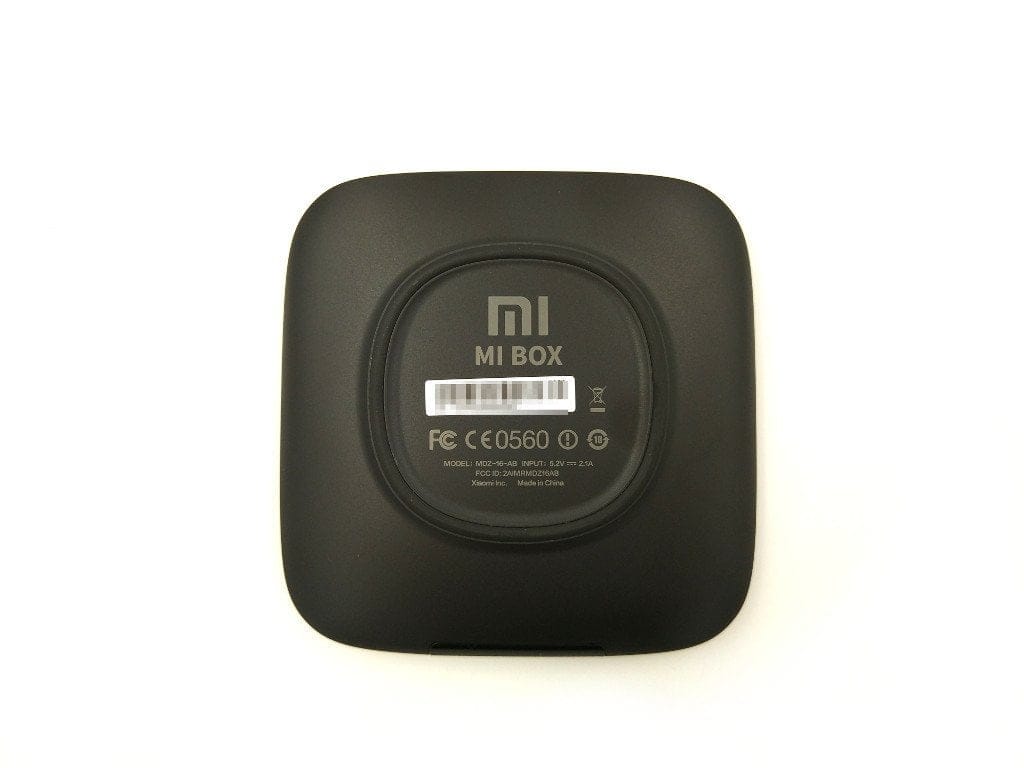
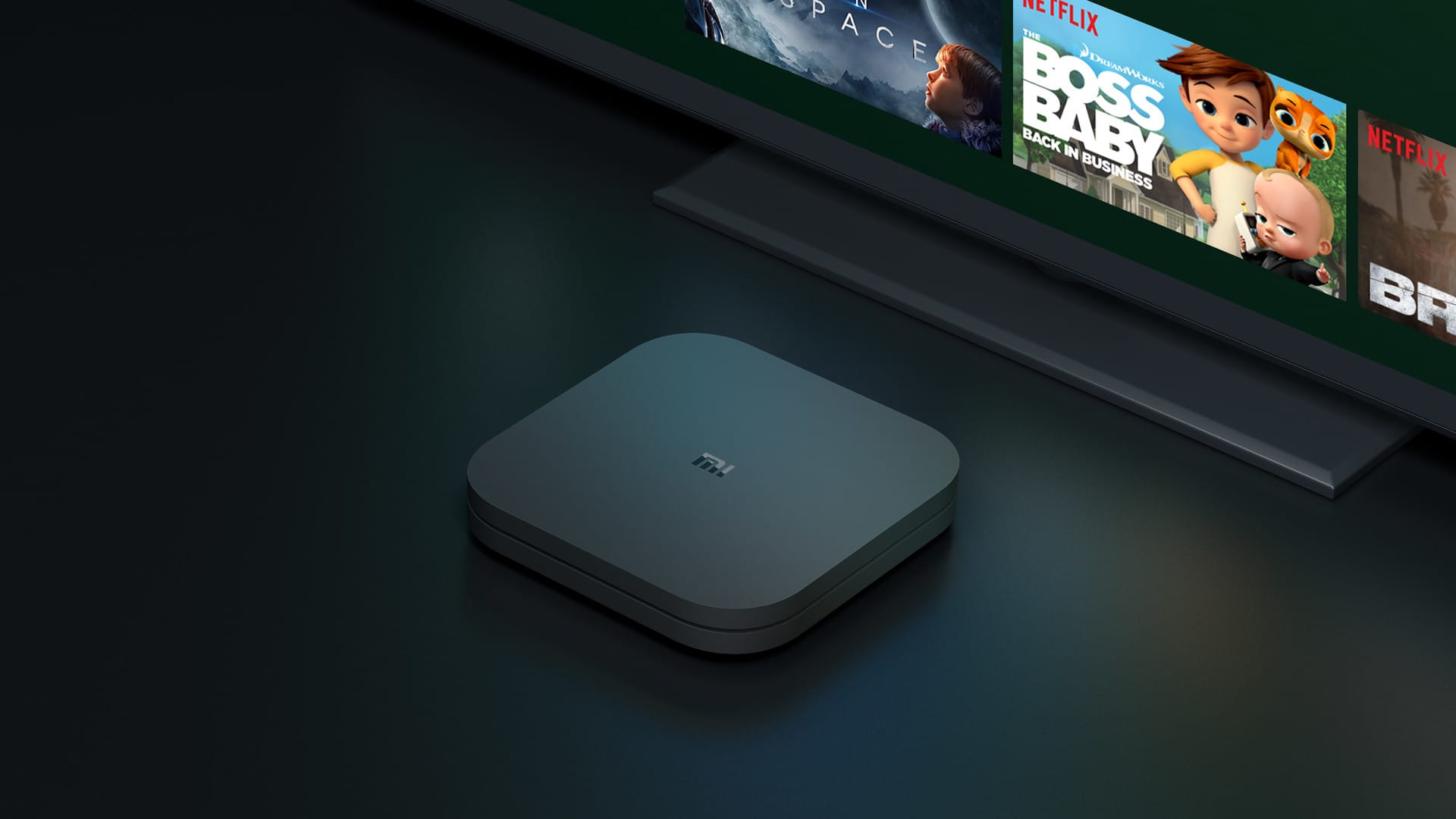
With dimensions of just 10.1 x 10.1 x 1.95 cm and a weight of 176g, the Mi Box International is one of the most compact set-top boxes, even outperforming the slightly larger Fire TV. The completely matte black and plain plastic housing allows the Mi Box to be placed discreetly. A rubber ring on the underside of the housing ensures stability. The build quality of the box and accessories is impeccable.
Hardware
Inside, a powerful Amlogic S905X processor with a total of 4 processor cores, clocked at up to 2.0 GHz, does the work. So that the user interface based on Android 6.0.1 can be operated smoothly, the device features 2GB of RAM. The internal storage is rather tight at just 8GB. There is no option to expand storage via an SD memory card. However, an external hard drive can be connected via the existing USB 2.0 socket. The processor graphics are handled by a Mali-450 GPU. Casual games are playable with this equipment. Wireless transmission takes place via dual-band WiFi and Bluetooth 4.0.
Connection options
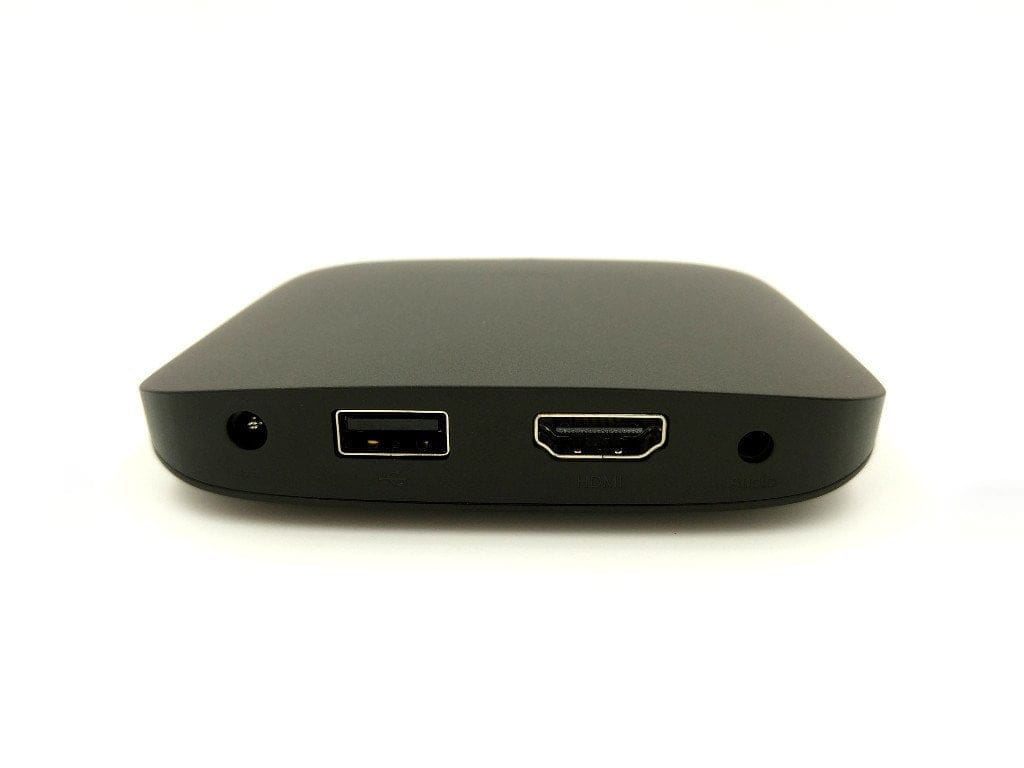
All connection options are located together. In addition to a power input, there is a USB 2.0 port, a HDMI 2.0a port and an audio output (S/PDIF / 3.5mm). An Ethernet port would have been desirable.
Setup
The Mi Box International runs on Android TV, which significantly simplifies setup compared to the Chinese version of the Mi Box 3, which runs firmware adapted for China. Shortly after the first start, the language can be changed to English. All subsequent configuration steps are comprehensible and explained in English. There is a simplified configuration where all Wi-Fi and Google login details are synchronised from an existing Android device, and there is a manual configuration where you enter the data manually.
Our test unit could not be configured via the simplified setup, which is why we had to enter all data manually using the remote control. Once a connection to the Wi-Fi network has been established, you are immediately on the Android TV user interface.
Android TV
 Play video on YouTube
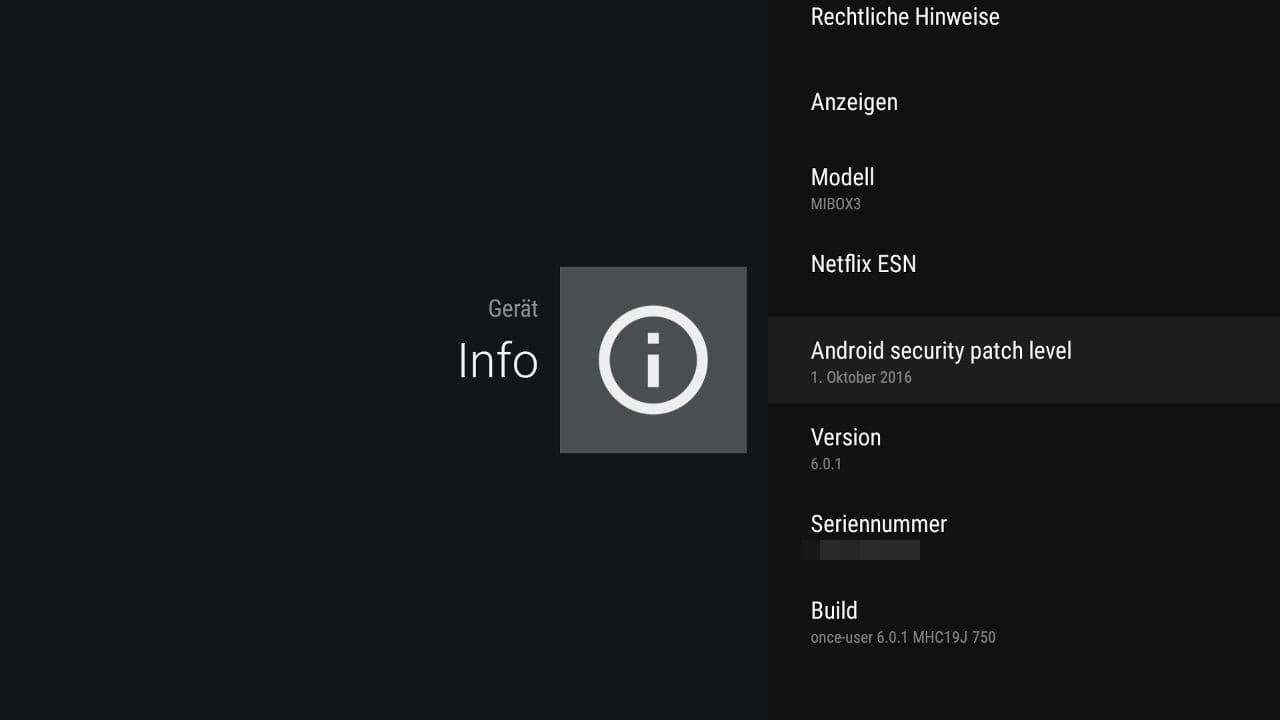
Thanks to the collaboration between Google and Xiaomi, the Mi Box International runs clean Android TV 6.0.1 without bloatware. An update to Android TV 7.0 Nougat is already planned and is due to be released later this year.
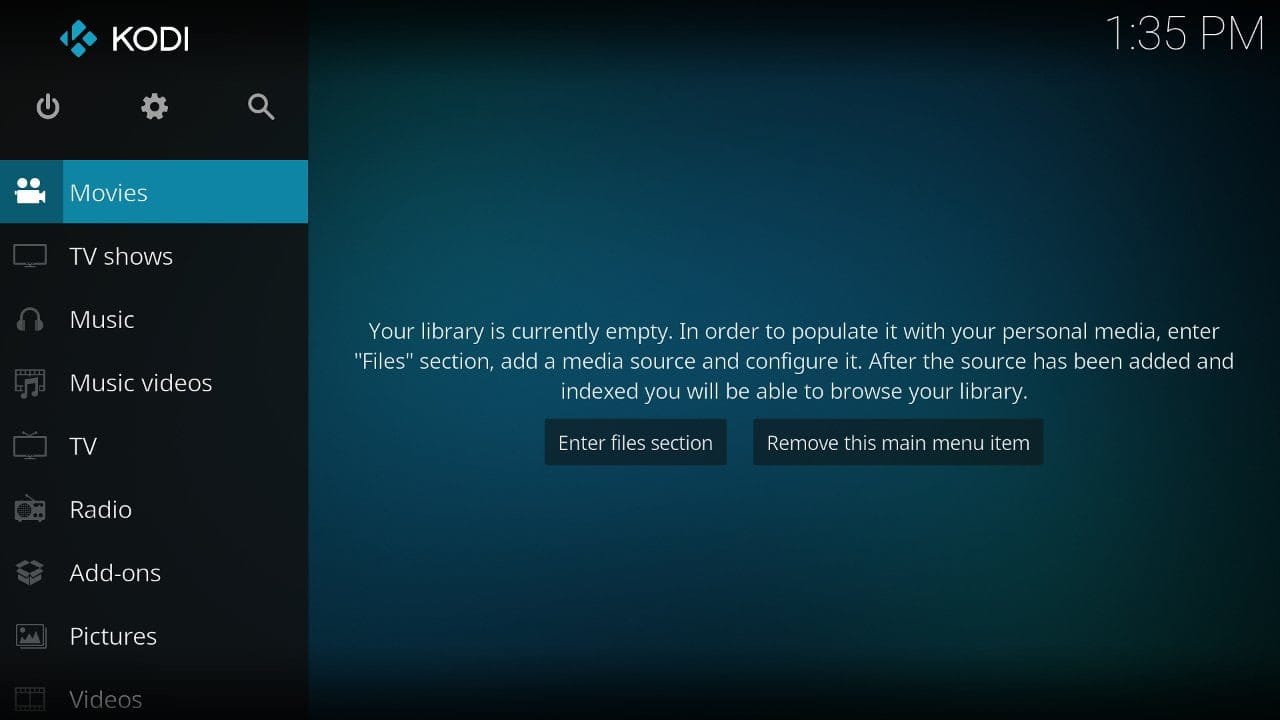
Android TV is similar to the Android of a smartphone or tablet, but is not comparable to the "Android" of the numerous no-name TV boxes. Among other things, it supports, for example, Widevine Security Level 1 and Play Ready 3.0, which makes the Mi Box compatible with DRM material and apps like Netflix (4K). As an alternative user interface, Kodi 17 and 18 can also be installed.
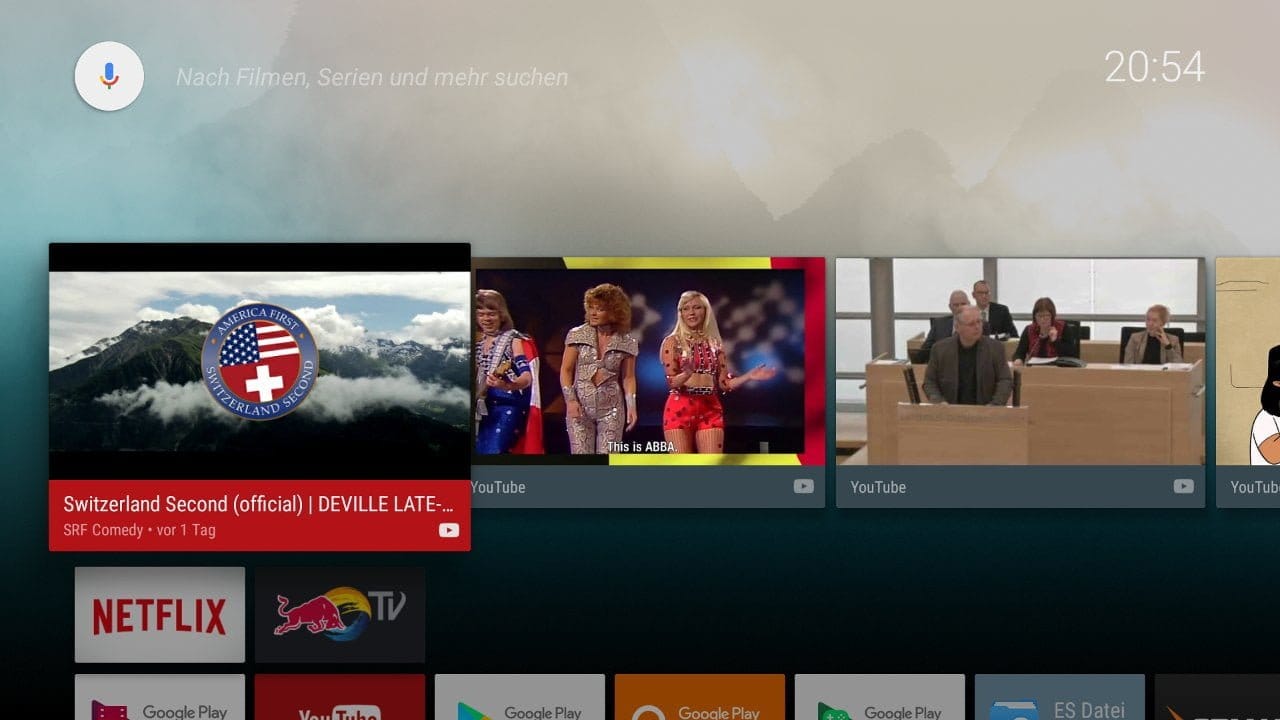
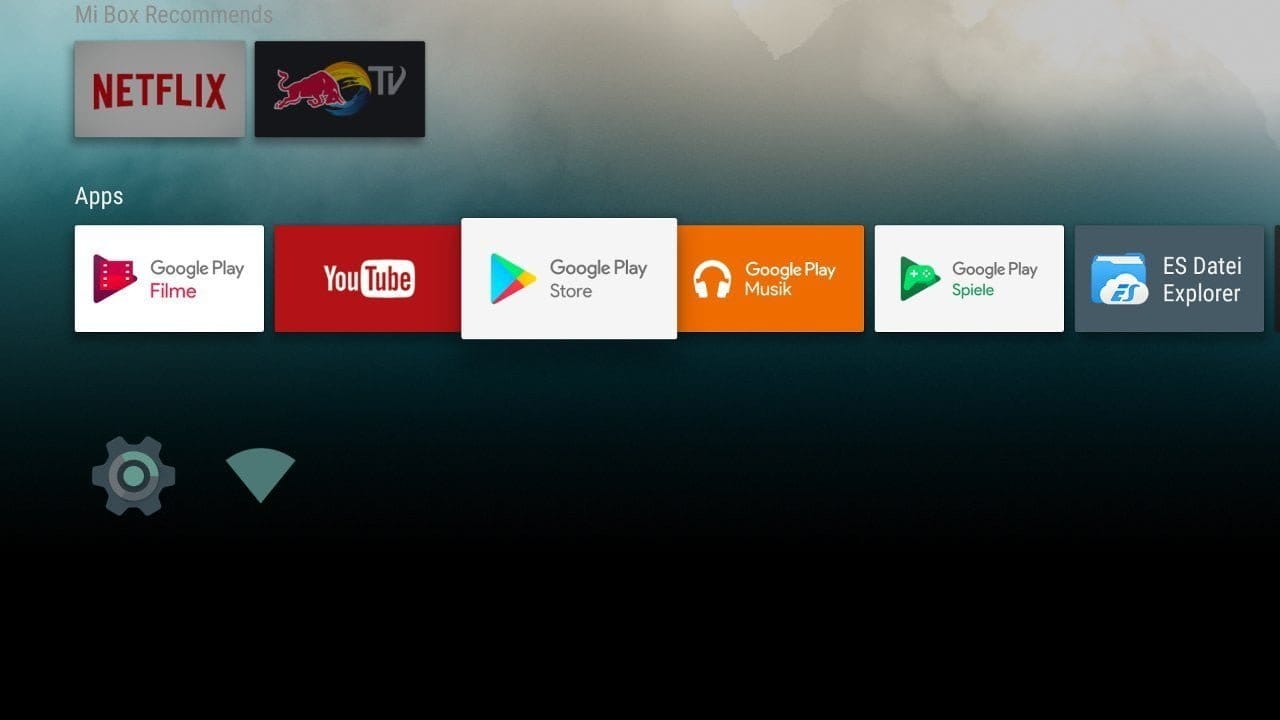
Apps can be downloaded and installed directly via the preinstalled Google Play Store. All apps offered in the customized Play Store are tailored for Android TV. This allows you to download apps from various streaming providers, media libraries and even games. If you no longer like an app, it can be easily uninstalled via the app manager. With Google Cast, you can also easily connect your smartphone or tablet to the Mi Box. Films, music or other apps can be transferred to the TV effortlessly.
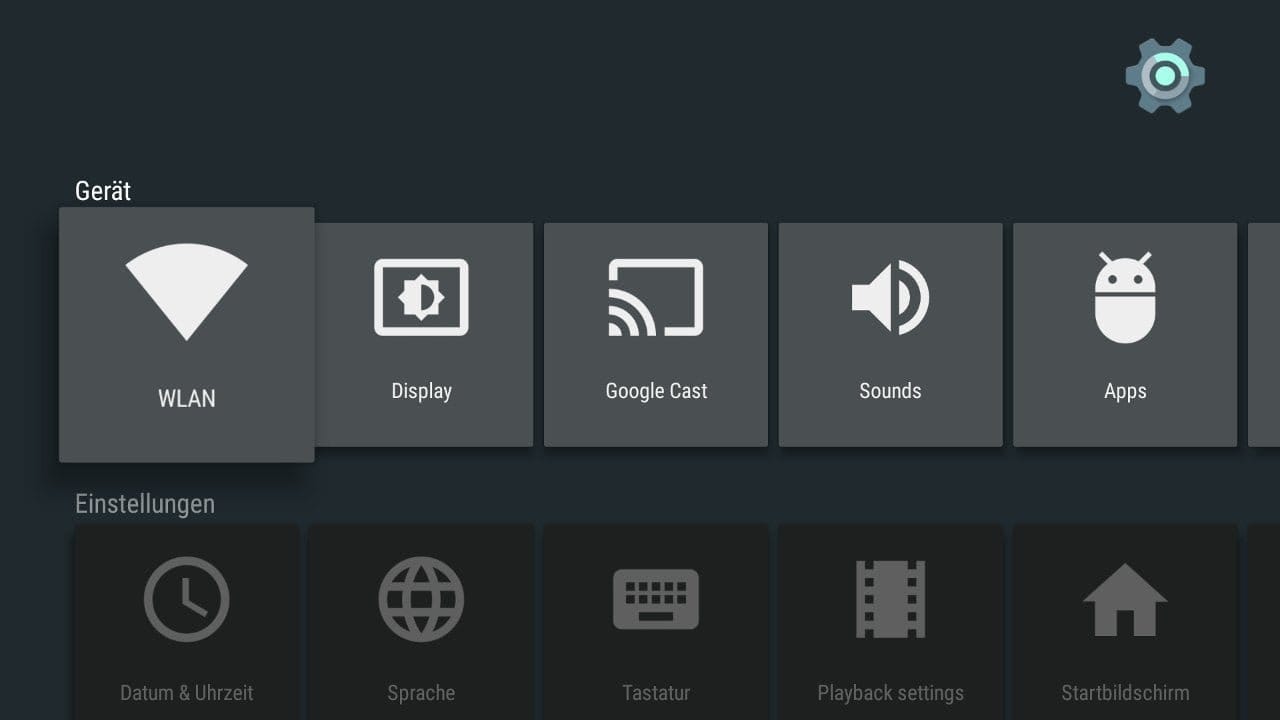
The configuration options are extensive. Various resolutions and frame rates can be selected, HDR can be activated or deactivated, there are advanced display settings and, of course, settings for language, search and the Google account can also be made. The Mi Box International receives OTA updates via Wi-Fi.
Operation
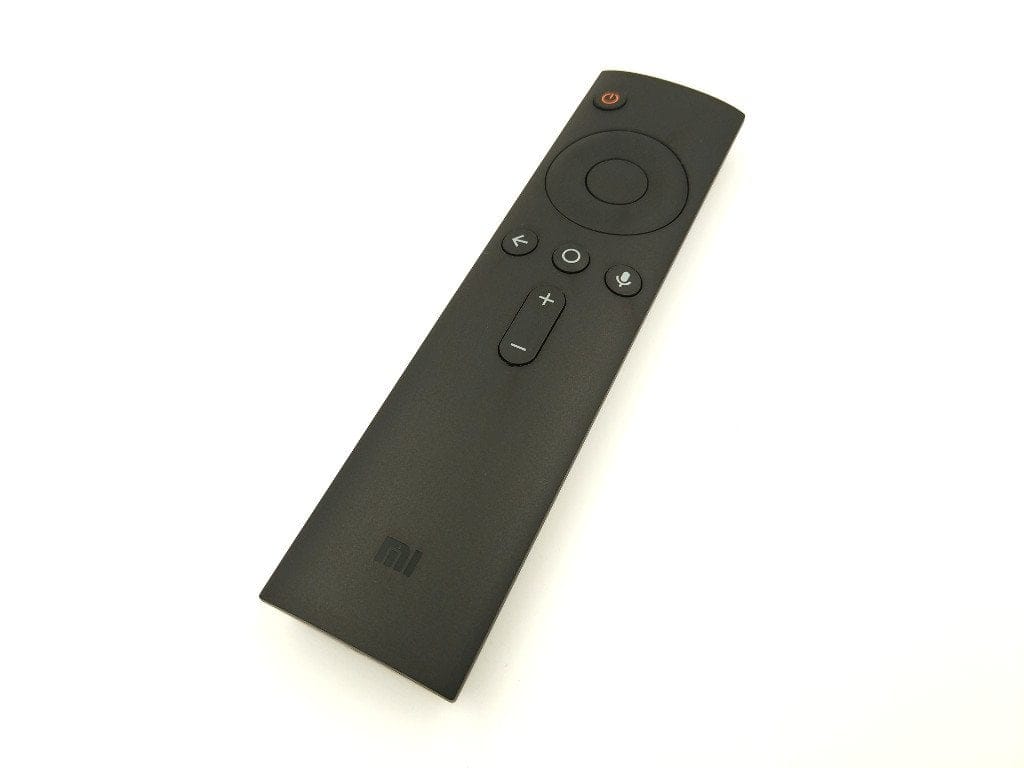
The Mi Box is operated via the included Bluetooth remote control. The controls are clear and operate via just a few buttons.
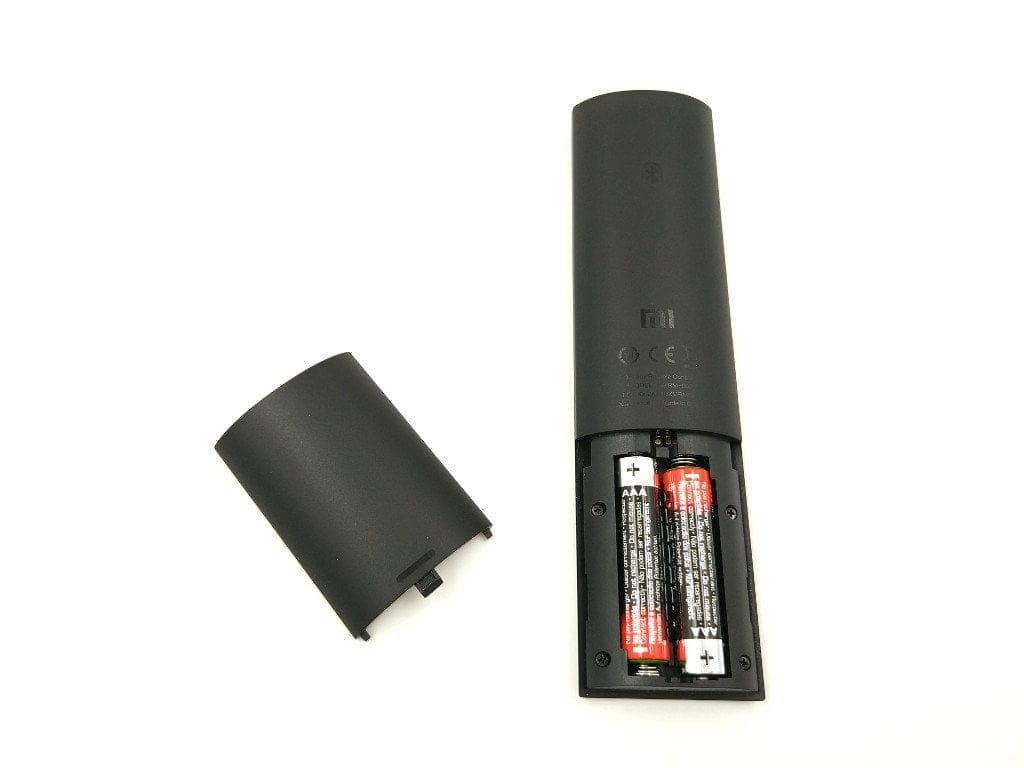
Voice control
One of the most interesting control options is voice control, for which the remote control is equipped with a microphone. A short click on the talk button activates voice recognition, allowing you to launch various apps (“start YouTube”), check the weather (“what's the weather in …”), and even search for and directly play films or music (“search YouTube for …”). The accuracy of the voice recognition is spot-on. You don't even need to speak directly into the remote; holding it loosely in your hand is sufficient. Complicated words or unusual names were recognised just as well as complex sentences.
Keyboard and mouse
Another method of operation is connecting a mouse or keyboard via the USB 2.0 port or via Bluetooth. For some Android games, a gamepad can even be connected.
Video playback and streaming
High-resolution 4K video recording is handled by the Amlogic S905X processor at up to 60 frames per second. Hardware support includes H.265 and even VP9 video decoding. For optimal multi-channel audio performance, the Xiaomi TV Box supports Dolby Digital and DTS. Compatibility with HDR video material is also interesting, provided you have an HDR-compatible screen and corresponding HDR video files. A major criticism, however, is that while HDR is supported, this feature is only implemented with Android 7! Initial beta tests for an Android Nougat upgrade are already underway.
Another criticism is the missing or non-functioning Auto Framerate Switching. The refresh rate and also the resolutions are not automatically adjusted to the video material being played. The appropriate resolution and refresh rate must be changed manually in the settings.
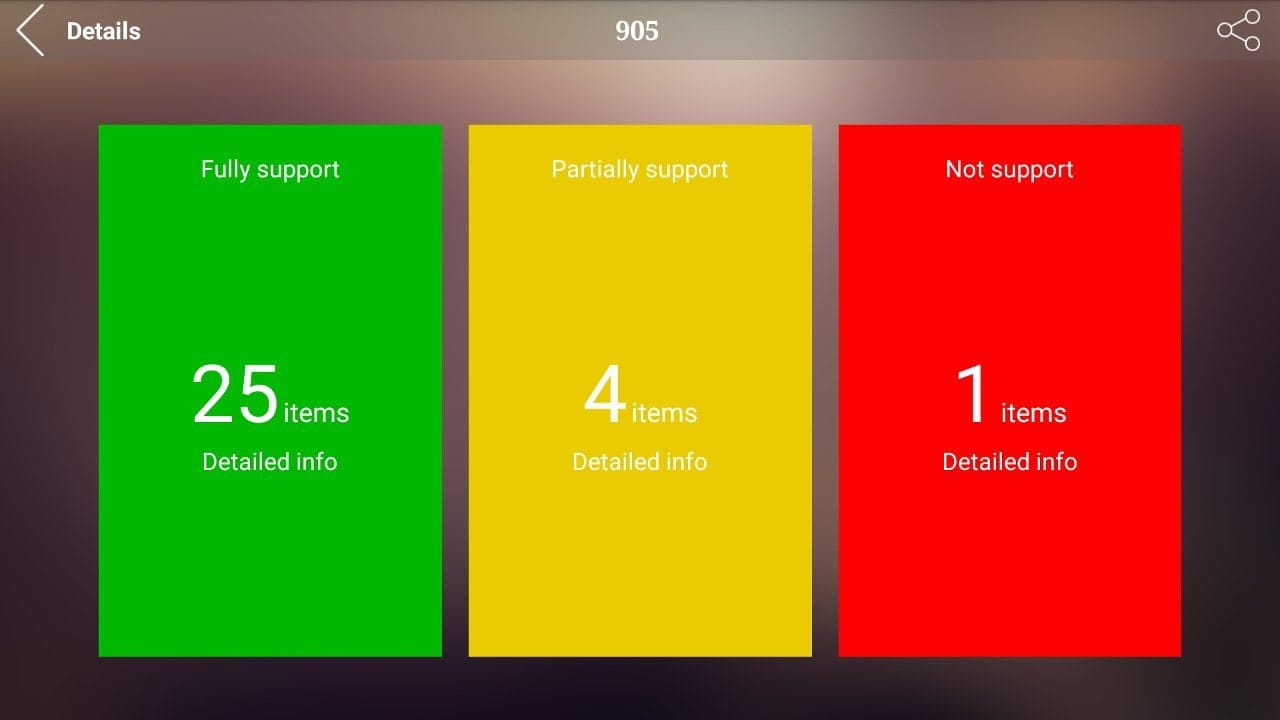
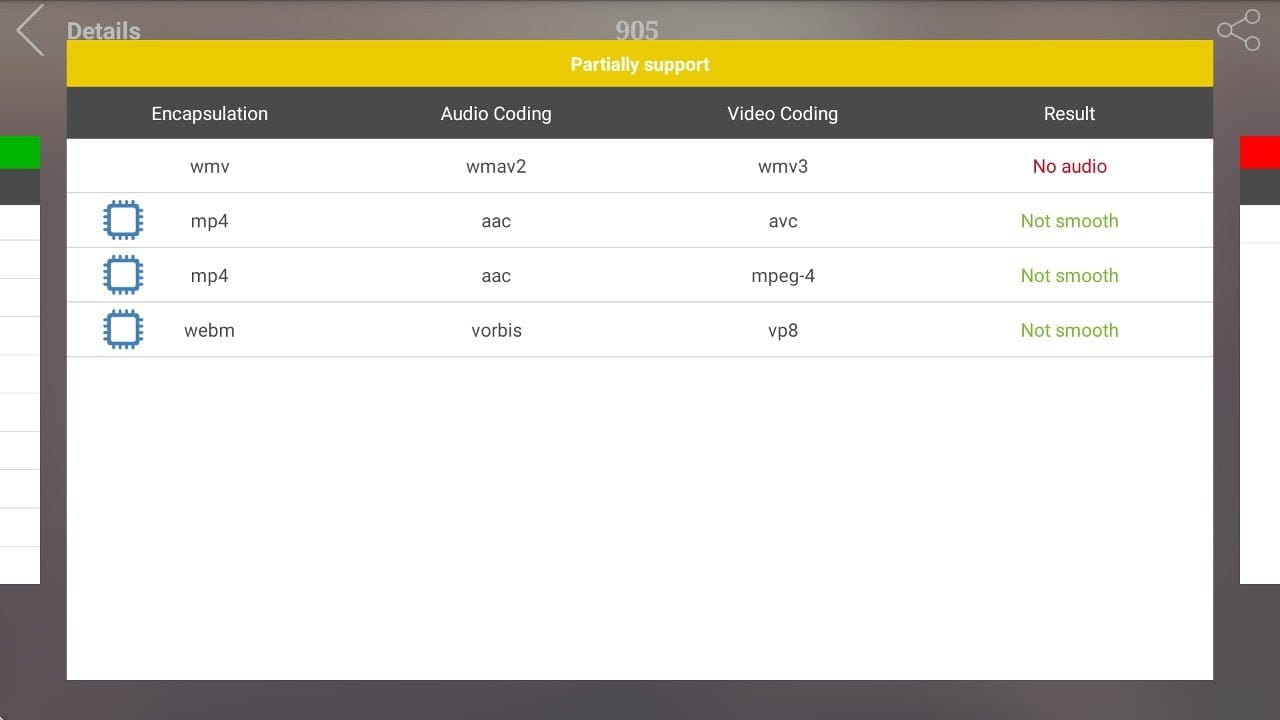
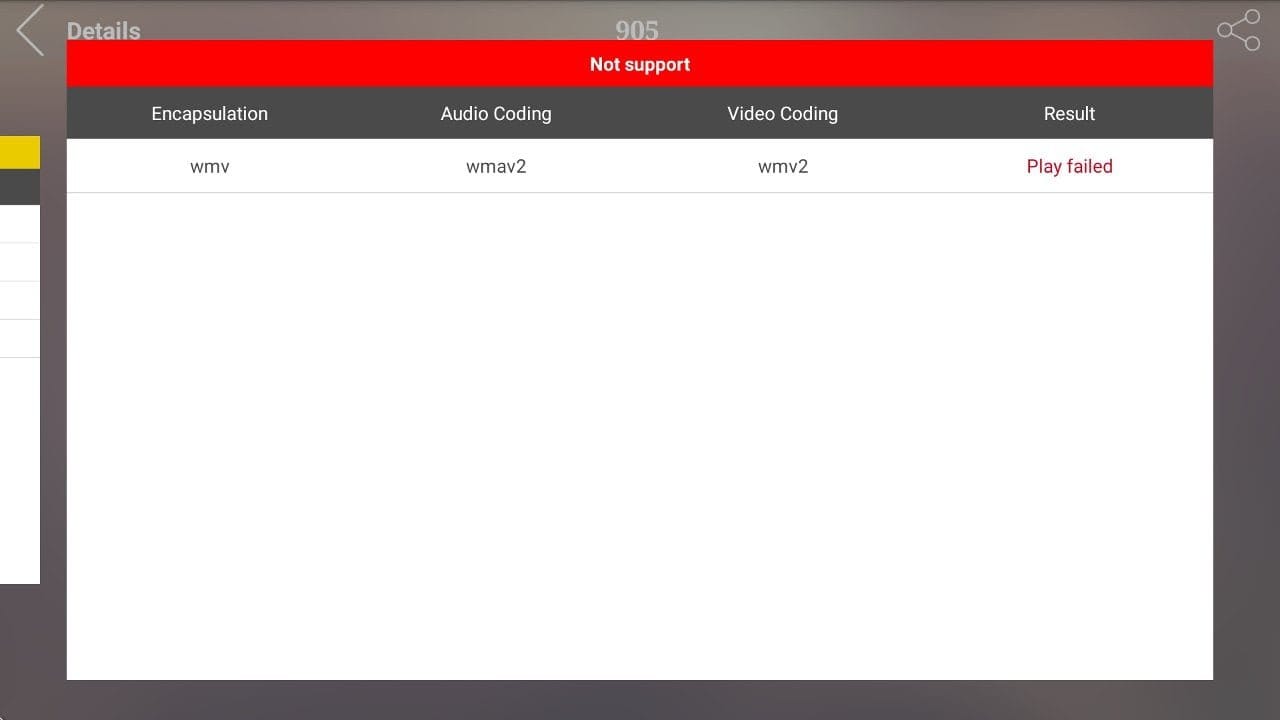
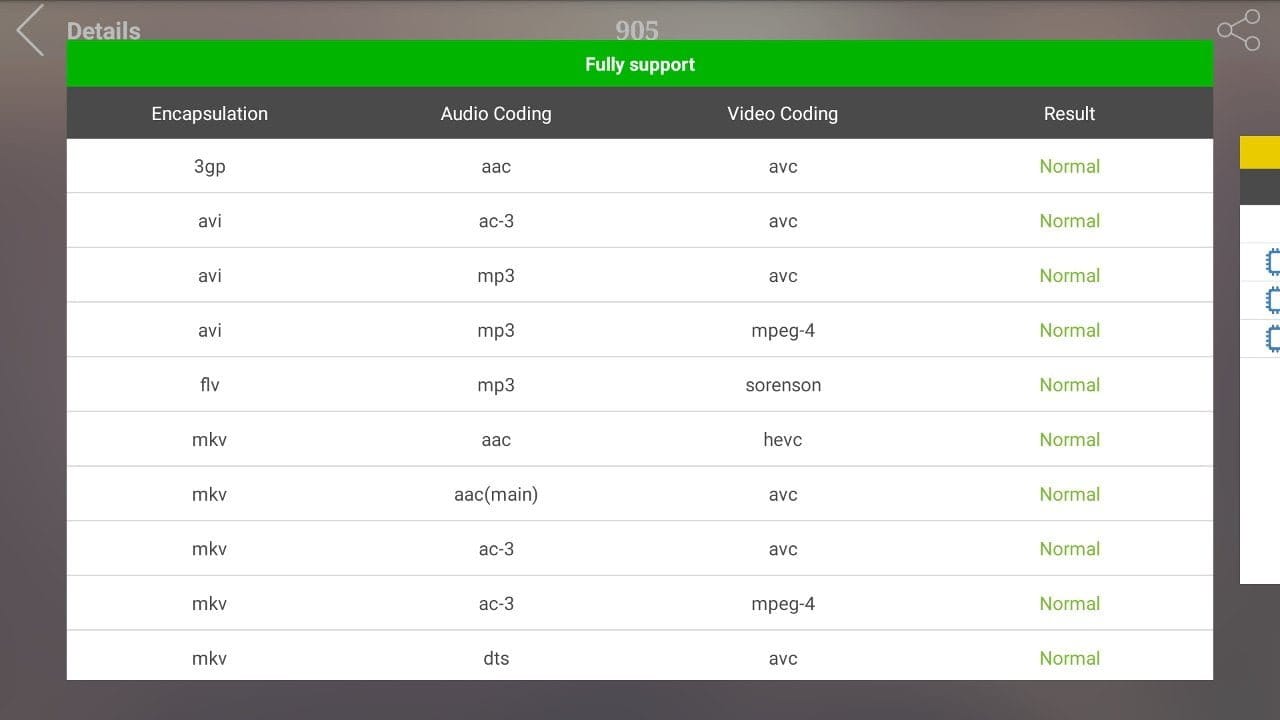
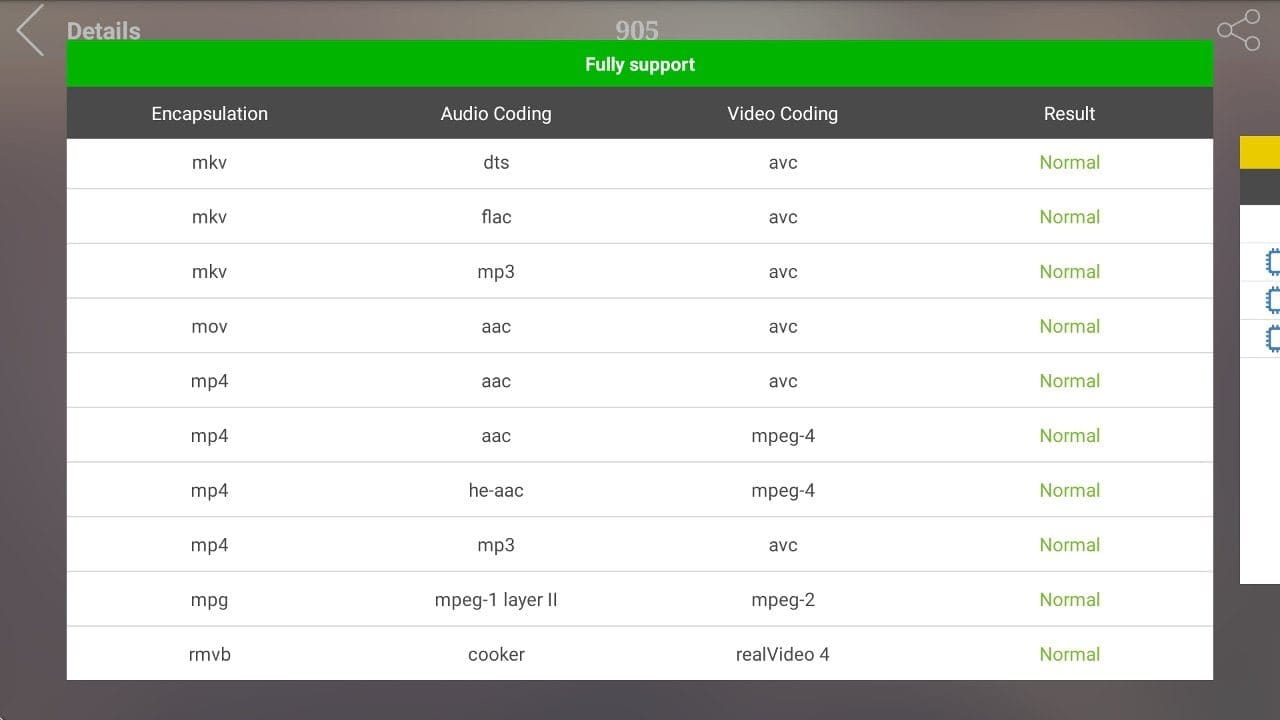
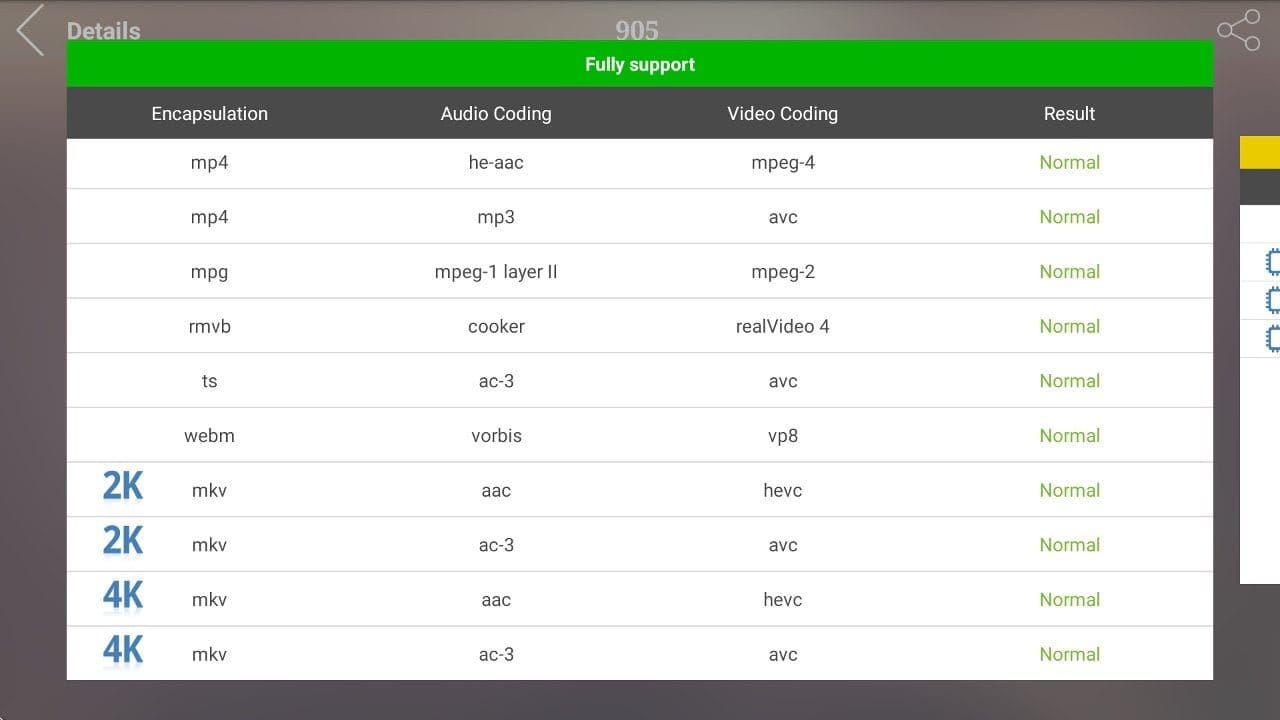
In our test, we ran differently compressed (MPEG2, MPEG4, H.264, H.265 and VP9) video footage through the Xiaomi Mi Box International. The video played losslessly, both in local streaming and when transferred directly from an external hard drive. Various audio codecs such as AC3 or DTS HD also posed no problems. During 4K video streaming via Netflix, the Mi Box shone with a strong WiFi signal and high throughput rate.
Gaming with the Mi Box
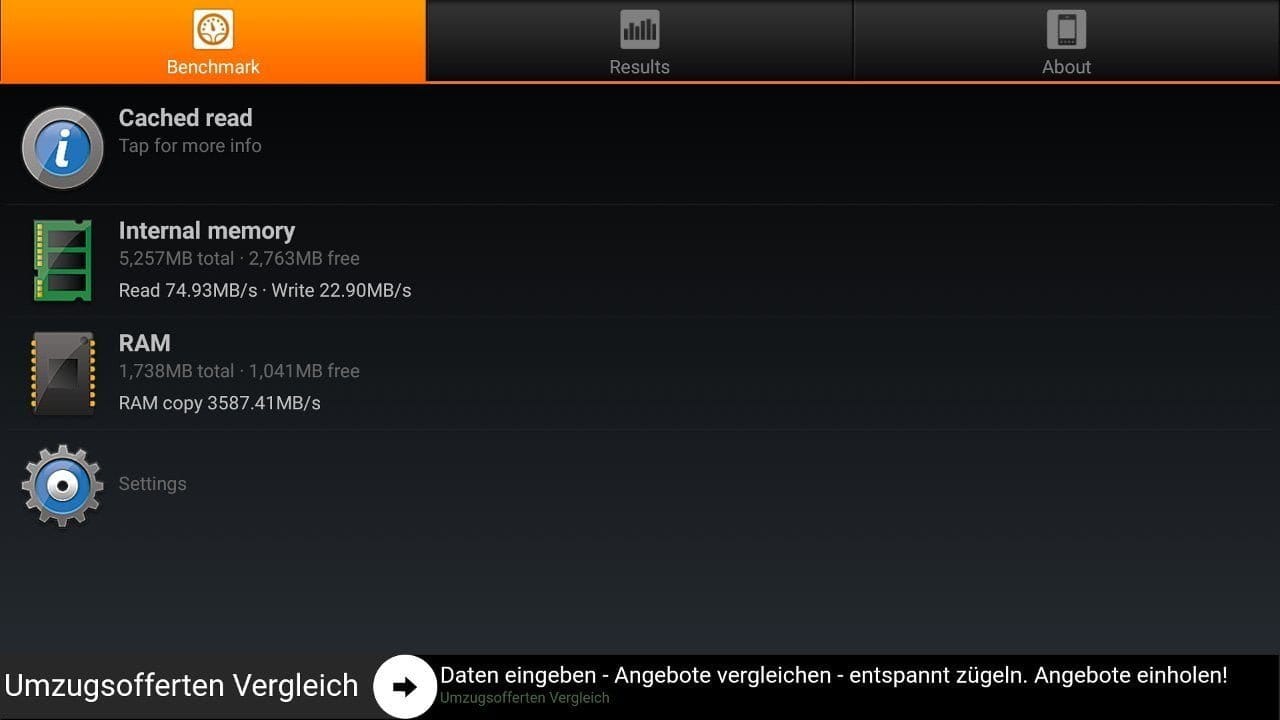
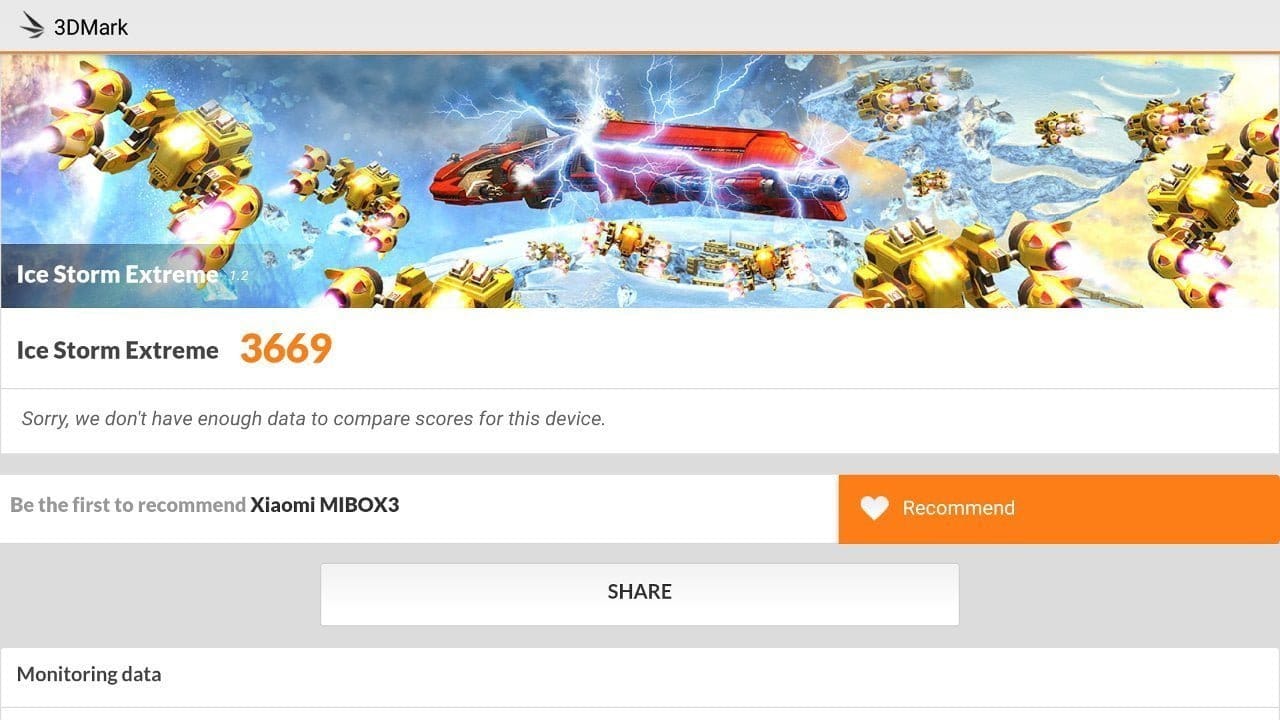
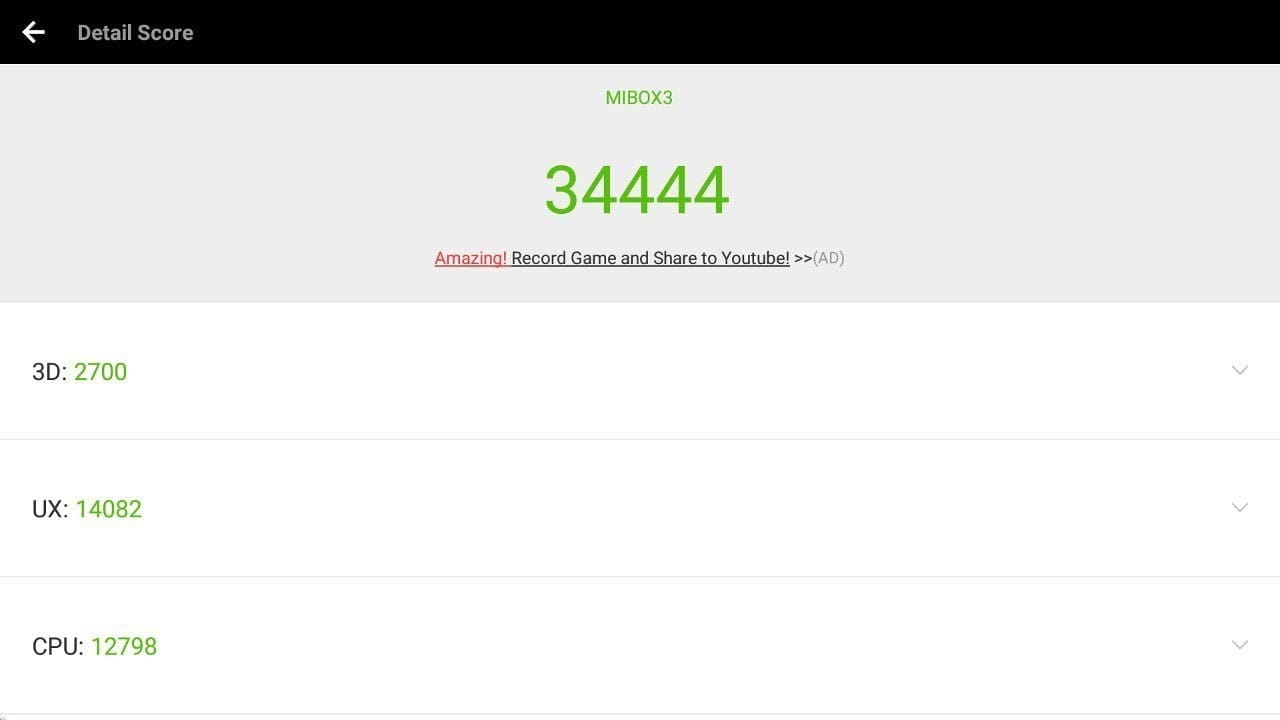
The 3D performance of the Mi Box is sufficient to smoothly display games such as Riptide 2 GP2 in Full HD at 60 frames per second. Operation via the connected iPega PG-9025 GamePad was also consistently smooth and without delay. It is interesting to note the possibility of running various emulators on the TV box. All Nintendo emulators from NES to N64 run smoothly.
Chinese Mi Box vs international Mi Box
The 3rd generation of the Mi TV Box is divided into an international model with a multilingual user interface, as well as a total of 4 Chinese models (Mi Box 3, Mi Box 3S, Mi Box 3C, Mi Box 3 Enhanced), which differ mainly in terms of their hardware specifications. All Chinese models have in common that the language can also be switched to English, but the user interface is intended for the Chinese market and no Google Play Services are pre-installed.
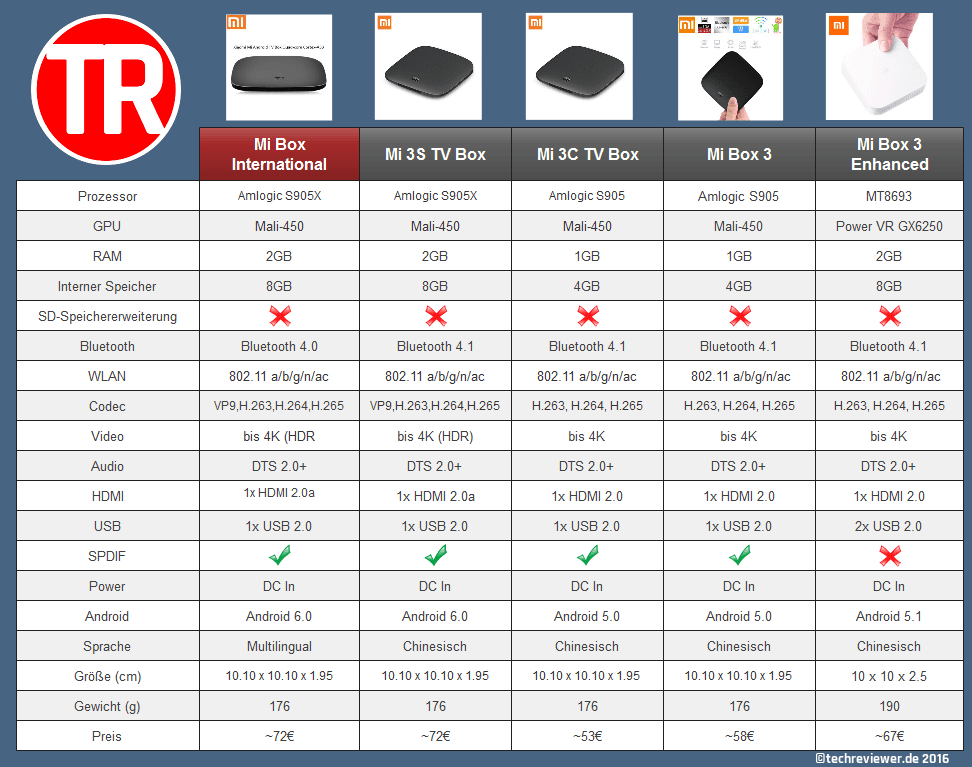
If you still want to get hold of a Chinese model, you can of course manually install the Google Play Store on the TV Box. Why you should instead prefer the international Mi Box is shown in this overview. The international model offers the same hardware configuration as the top Chinese model, the “Mi Box 3S”!
Our verdict
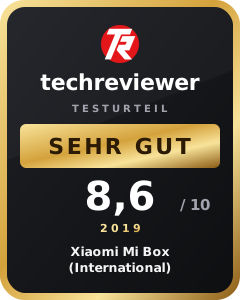
Android-based set-top boxes are abundant. The market is fiercely competitive, and in Germany, it is difficult for a lesser-known manufacturer like Xiaomi to compete against Google’s Chromecast or Amazon’s Fire TV among the average consumer. Comparing the products of market leaders, Xiaomi’s Mi Box with Android TV and 4K video streaming is an excellent choice, as Amazon’s Fire TV supports 4K but lacks HDR support. Google’s Chromecast Ultra, on the other hand, offers 4K and HDR but falls short in app support.
Specifications
Processor and memory
- CPU
- Amlogic S905X
- RAM
- 2GB DDR3
- Internal storage
- 8GB
- Storage expansion
- Yes, USB 2.0
Ports
- HDMI
- 1x HDMI 2.0a
- USB
- 1x USB 2.0
- Audio
- 1x S/PDIF - 3.5mm
Connectivity
- Wi-Fi
- Dual Band AC (802.11a/b/g/n/ac)
- Bluetooth
- Standard 4.0
Video - Audio
- Video resolution
- up to 4K 60fps
- Codec
- H.264, H.265 HEVC, VP9
Other
- OS
- Android TV 6.0.1
- Kodi
- Yes
- Size
- 10.1 x 10.1 x 1.95 cm
- Weight
- 176g
What’s included
1x Mi Box International 1x HDMI cable 1x power supply 1x user manual 1x warranty card
Comments (15)
Hey, great review. It gets straight to the point. I have had the Mi Box for 3 weeks and can only say good things about it. It has even replaced my Fire TV. I often watch 4K streams and it plays them smoothly. However, I still have a question for you. Have you tried rooting the Mi Box? Cheers
Hi, I haven't rooted the Mi Box myself. But I know it is possible. I just can't see any real point in doing so right now. Check the XDA Forum, there is a rooting guide there.
Hello, are Dolby Atmos and True HD supported?
Hi, unfortunately only Dolby Digital Plus and DTS are supported.
Hello,
can the box output Dolby Digital Plus 5.1 audio, for example from Google Movies, as Dolby Digital AC 5.1 via the S/PDIF output?
Hi, as far as I know, the Mi Box cannot convert DD+ to DD because it lacks the Dolby licences.
Hi
I bought the mi box international a few days ago.
Unfortunately, the Play Store is very limited and I can't find a browser (Firefox) or the app for my VPN.
Every time I search for something in the main menu at the top left, I only get YouTube videos.
I would like to know what I am doing wrong with this device.
Saludos, Bam
Hi Bambam, it is completely normal for Android TV's Play Store not to include all the apps available for smartphones/tablets. However, it is possible to download individual apps as APKs, transfer them to a USB stick and install the apps on the box from there. All you need to do is install a file manager on the box so that you can manage external devices. There is no web browser preinstalled on the Mi Box. You can only install this via the APK trick as well. That is why, for example, only YouTube suggestions are displayed.
Hello,
Thanks for the review. I have ordered a box and am now waiting for its arrival.
Quick question: I still have an old Denon 1603 AV receiver. Is the DTS audio signal transmitted via the 3.5 mm audio output, or is this only possible via the HDMI cable (I don't have an HDMI audio connection on the receiver)?
Thanks for a reply.
Best regards
Marco
Hello, I bought the Mi Box with Android TV in the summer and yesterday flashed the new Android Nougat Build 1560 out of curiosity. Kodi no longer works as it did with the original Android 6 version. How do I go back to that version?
Hi Patrick, downgrading the box from Android 7 to Android 6 is possible, but you will lose your SN and will very likely encounter DRM issues. What you could do instead is flash an earlier Android 7 Beta.
Isn’t an Android TV box with 2+8GB, an S905 SoC and Android 6 a little too antiquated to recommend in mid-2018?
There are plenty of alternatives with 3 to 6GB of RAM and 16 to 64 GB of storage, powered by an S912 or RK3399 SoC.
So why choose this hardware in particular?
Hi Momo03, the review was already published in 2016. I personally still have the Mi TV Box in use in 2018 because it is one of the few inexpensive streaming boxes that supports Widevine Level 1 and can play Netflix in 4K.
Things have also moved on regarding Android TV. Android 7 is already available as an official release for the box, and Android 8 was distributed to Mi testers as a beta version in recent months. (I will have to update this post again soon!)
does the box also work with a 4k monitor?
Hi, can anyone tell me how many watts the speaker needs?